
Benefits of Using QR Codes for Instagram
Direct profile access
A QR code for Instagram removes friction. Instead of asking people to search for your handle, you can send them straight to your profile with one scan.
Promote specific content
You are not limited to your main profile. Create an Instagram QR code for a post, Reel, Story, or campaign landing point to drive attention to timely content.
Better offline-to-online marketing
Add your code to packaging, receipts, posters, table tents, menus, brochures, storefronts, or event signage to turn physical traffic into social engagement.
Dynamic editing and analytics
With a dynamic QR code, you can update the destination without reprinting and track scans over time. That gives marketers a better way to test placements, compare campaigns, and measure performance.
How to Create a QR Code for Instagram?
Step 1
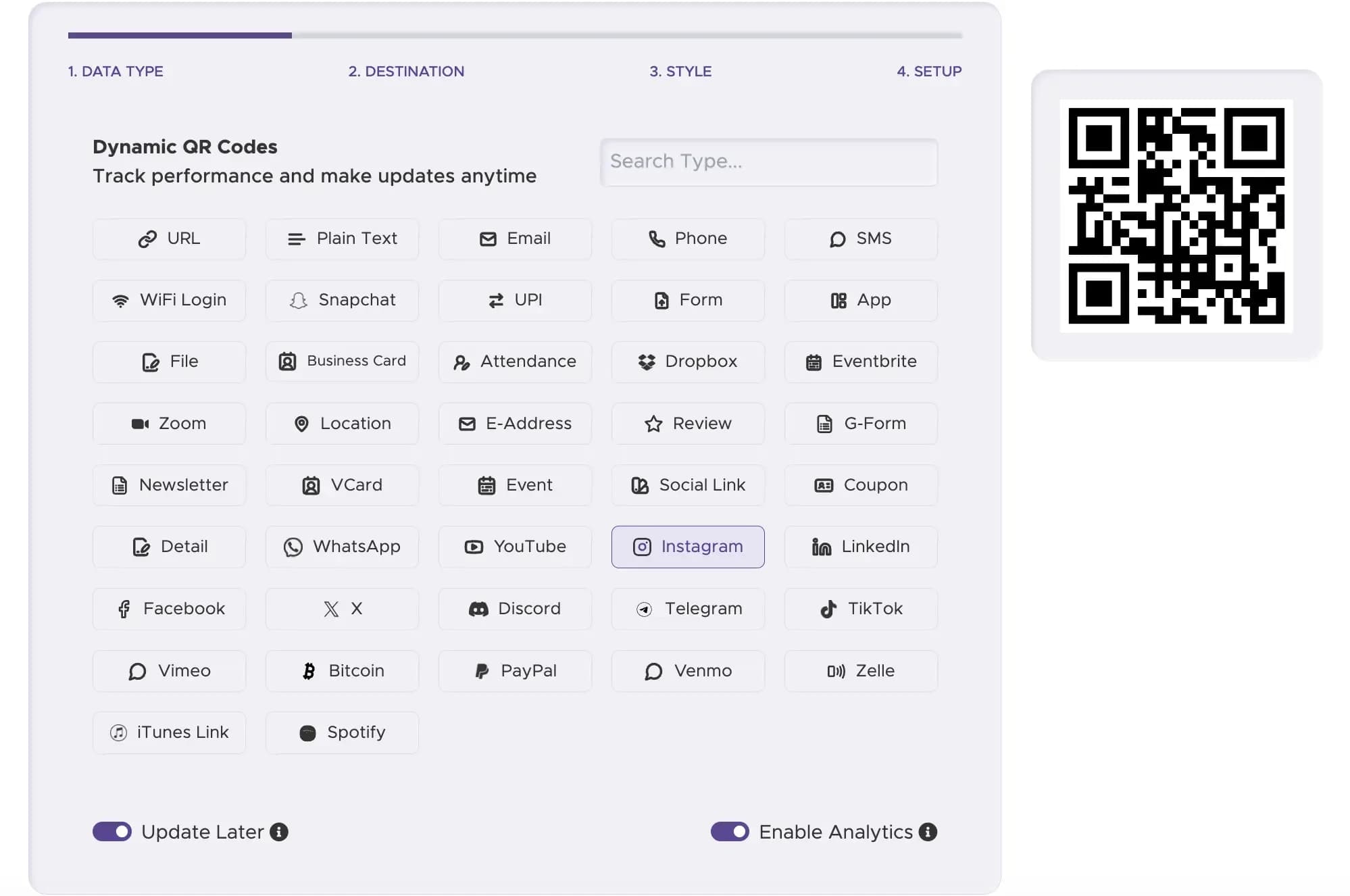
Choose the Instagram QR code type
Select the Instagram QR code generator so the code is set up for the right destination and use case.
Step 2
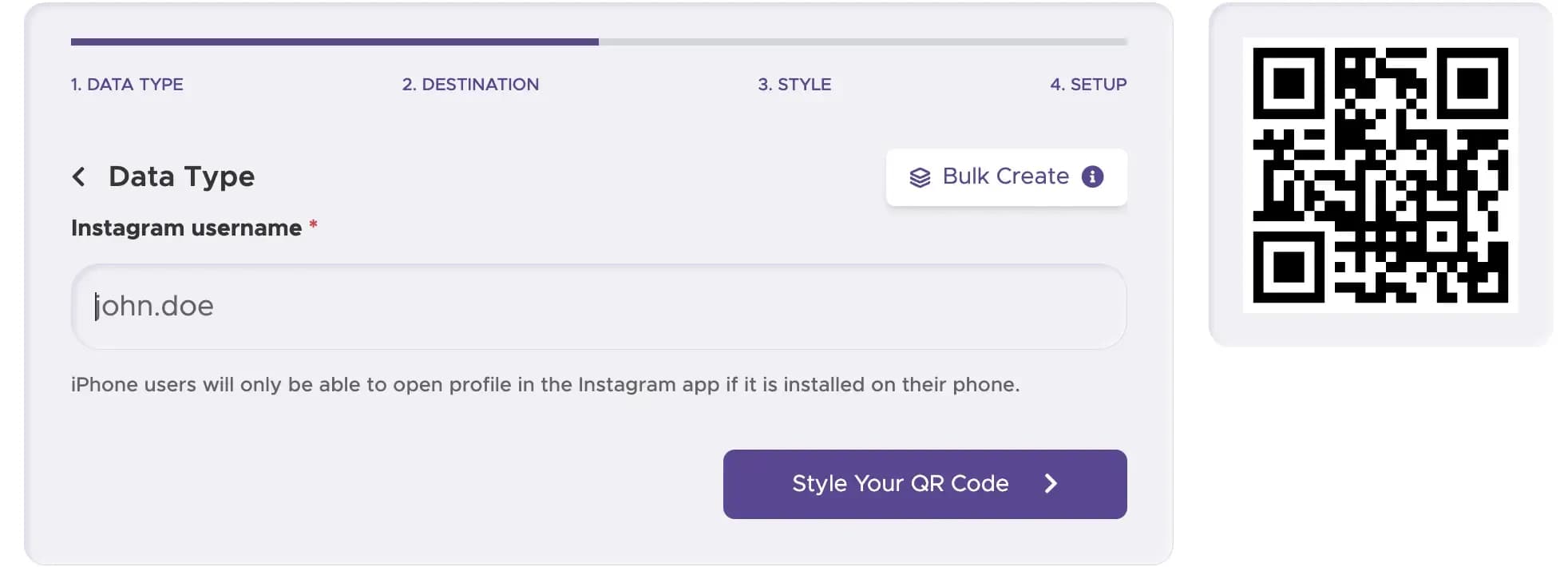
Enter your Instagram destination
Paste your Instagram profile URL or add the link to the specific post, Reel, or Story you want people to open.
Step 3
Customize the design
Adjust colors, add a logo, and choose a style that matches your brand while keeping the code easy to scan.

Step 4
Download your Instagram QR code
Export your code in the format that fits your use case, especially high-resolution formats for print.

Step 5
Use a dynamic code to track results
For marketing campaigns, choose an Instagram dynamic QR code so you can edit the destination later and monitor scan activity.

How Businesses can Use an Instagram QR Code
Retail stores and product packaging
Place a QR code on packaging, shelf talkers, receipts, or in-store displays to encourage customers to follow your brand, tag purchases, or discover new arrivals.
Restaurants, cafes, and hospitality
Use an Instagram QR code on menus, table cards, takeout packaging, or front-desk signage so guests can view food photos, events, specials, and brand content.
Events and trade shows
Print the code on booth graphics, badges, flyers, or handouts to help attendees connect with your brand instantly and keep the conversation going after the event.
Business cards and portfolios
A QR code generator for Instagram is useful for creators, photographers, designers, real estate agents, and consultants who use Instagram as a visual portfolio.
Best Practices for Instagram QR Codes
Texts such as "Follow us on Instagram," "Scan to see our latest collection," or "Watch the Reel" engage customers and generate more scans.
Find a spot where people have time and space to scan. Best places are usually counters, packaging, posters, menus, signs, and printed leave-behinds.
Keep strong contrast and a proper quiet zone so the QR code remains easy to scan after customization.
Check on multiple devices before printing at scale.
Because they can be edited after launch. This keeps the printed code consistent while you update destinations and track performance over time.
Ready to Grow Your Instagram Audience?
Turn offline attention into Instagram follows, Reel views, and profile visits today.