Retail and Pop-Up Shops
Small businesses can use in-store QR codes to make payments easy. Customers simply scan the code at checkout to pay, removing the need for a cash register or card terminal.


Link any printed material directly to your Venmo profile or payment flow. Scan, pay, done.
A Venmo QR code is a powerful tool that simplifies how you accept payments. Whether you have a business profile or a personal account, a QR code to Venmo eliminates the need for cash or cards. As a service of PayPal, Venmo offers secure and instant transactions, making it one of the most popular payment methods for individuals and businesses alike.
You have several ways to get and share your QR code. For a more customized look for your business profile, use a reliable QR code generator like QRStuff. You can create a code that links to your Venmo profile URL.

Select the "Venmo" option from the types of QR code available. This will allow you to links directly to your venmo account.

Enter your username or email or phone number to which venmo belongs and any amount you want to collect with this QR code

Add customization to your QR code. You can add the Venmo logo, your company's logo, or use brand colors to make it visually appealing and recognizable.

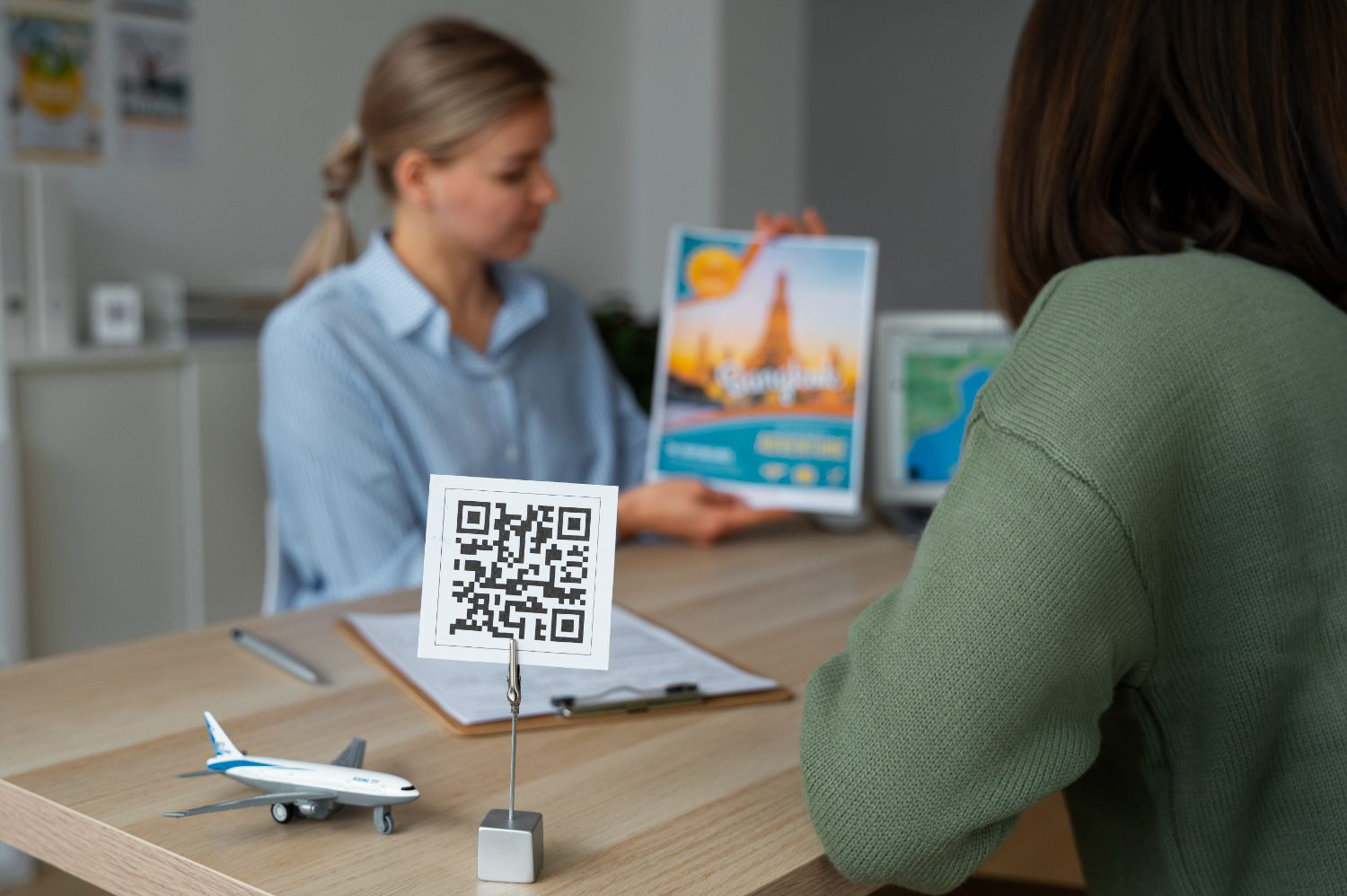
Print your QR code on various materials, such as signs, posters, or flyers, to make it easy for customers to pay in stores.

For business use, a dynamic QR code can show scan activity and engagement patterns, helping you understand where and when customers use your Venmo QR code.
Small businesses can use in-store QR codes to make payments easy. Customers simply scan the code at checkout to pay, removing the need for a cash register or card terminal.

Event organizers can use QR codes to collect ticket fees or donations for a business or charity. Placing a personal QR code at a booth lets attendees pay quickly, reducing cash handling.

Freelancers and other service providers can add a QR code to invoices or simply show to pay on their phone, allowing clients to pay instantly after services are rendered.
Ready to discover how QR codes can transform your business?
Start by creating your custom QR Code today
From Wi-Fi access to PDF downloads, QRStuff supports dozens of code types so you can connect anything to anyone.



Based on your location, we think you may prefer the English (US).




 English (UK)
 Spanish (ES)
 French (FR)