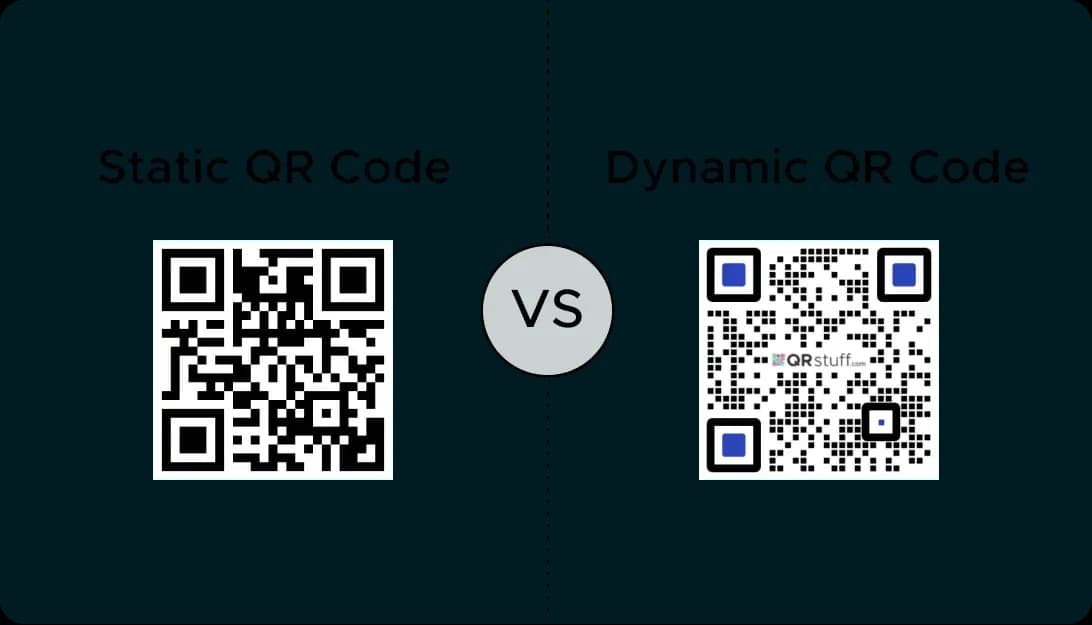
Benefits of Using a QR Code Display
Enhanced Engagement
To use qr codes makes things interactive. A customer can touch the mobile image to reach a good landing page.
Instant Information
A qr code display shares data online without cluttering your design. Link to related things like menus or app details.
Easy Content Updates
Use dynamic qr codes to update your landing page. This is good for digital signage where data changes online.
Trackable Results
A qr code provides data. Track online results to see how many people touch your display image.
Examples of QR Code Displays
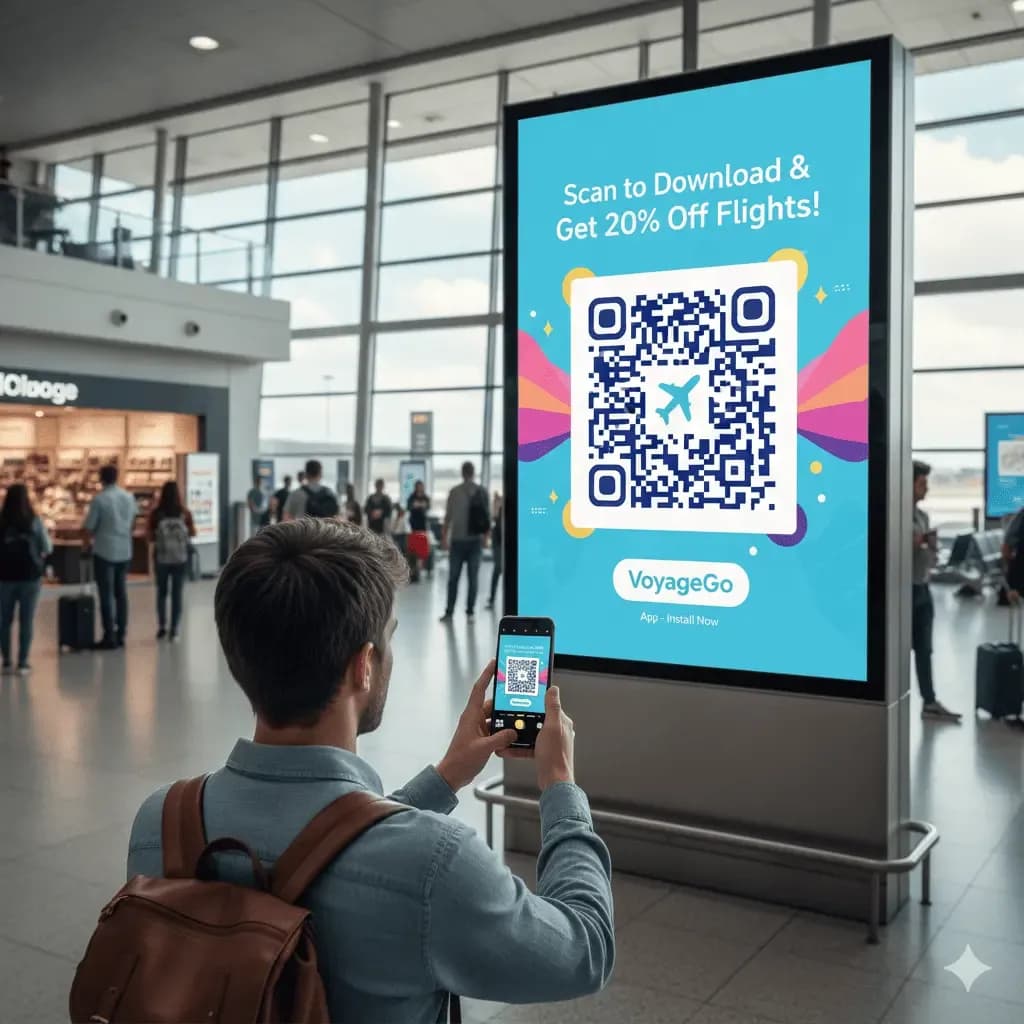
Digital Signage in Public Spaces
A qr code display in an airport or mall gives access to related things like maps or free offers via a mobile app.
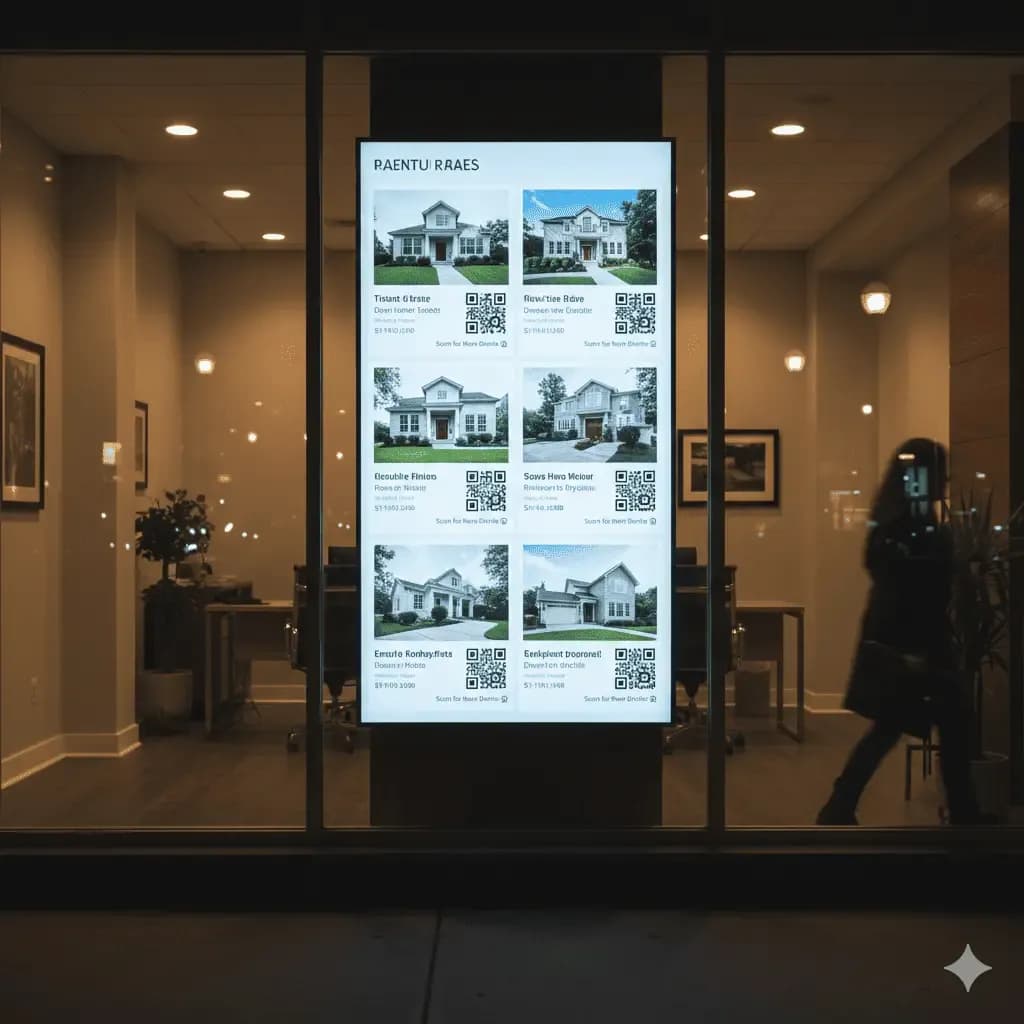
Real Estate Window Displays
Use qr codes on a window display. Passersby touch their mobile to see a property image on a landing page.
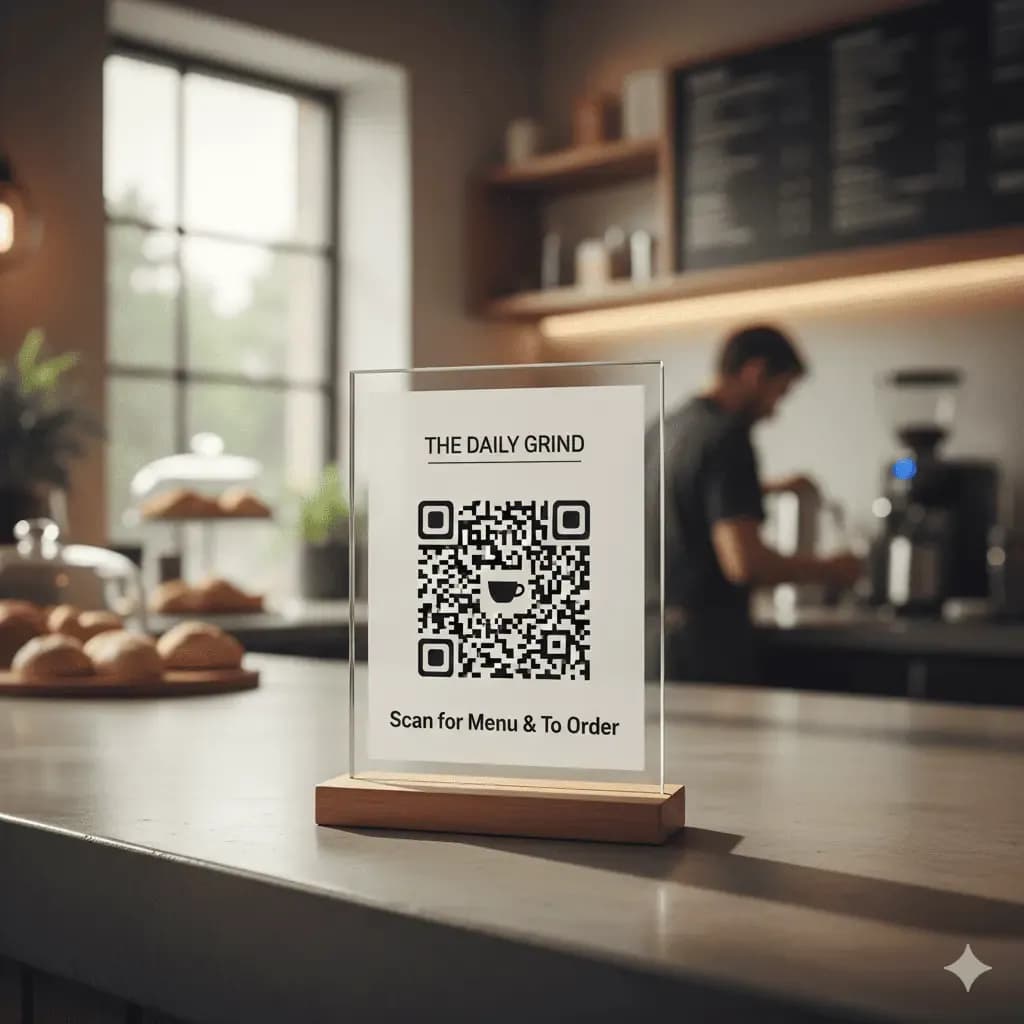
Countertop Signs and Menu Boards
An acrylic sign is a good design for a qr code. Customers touch the image to see an online menu app.
How to Create a QR Code for Your Display
It's easy to create a custom QR code for your display.
Step 1
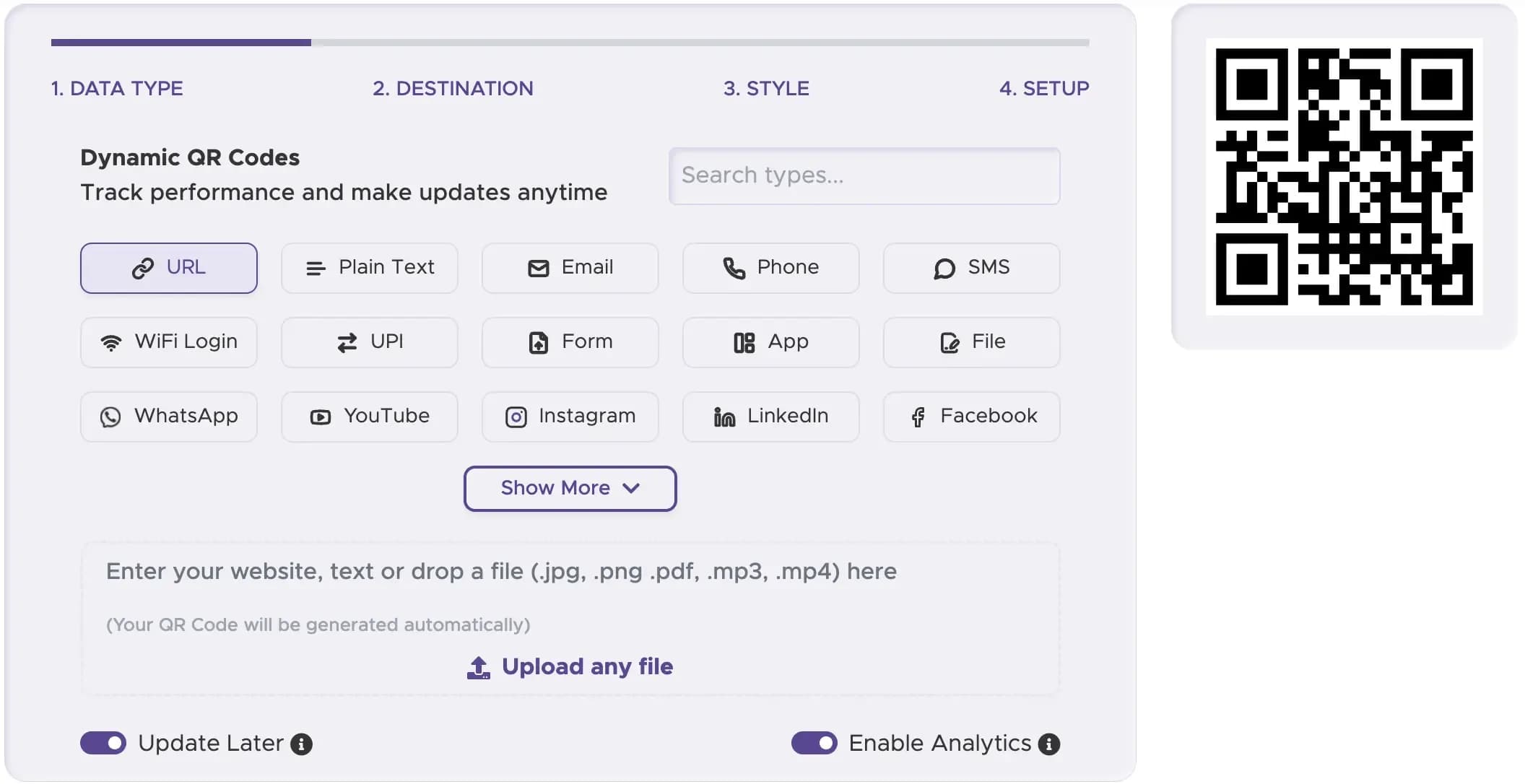
Choose a Trustworthy QR Code Generator
Select a reliable QR code generator like QRStuff. Our platform has all the features you need to create high-quality QR codes for any type of display.
Step 2
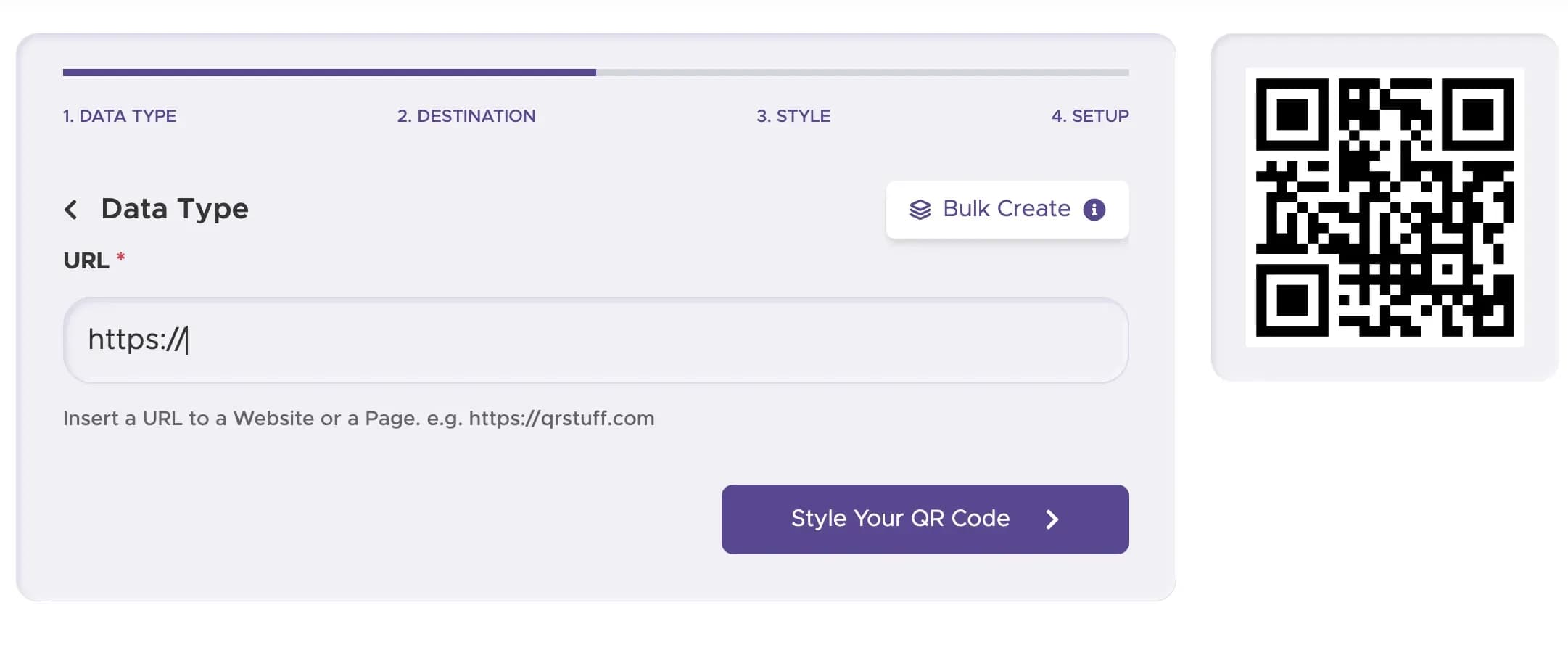
Enter Your Content or URL
Paste the link to your website, menu, or the content you want to share. This is what people will see when they scan your QR code.
Step 3
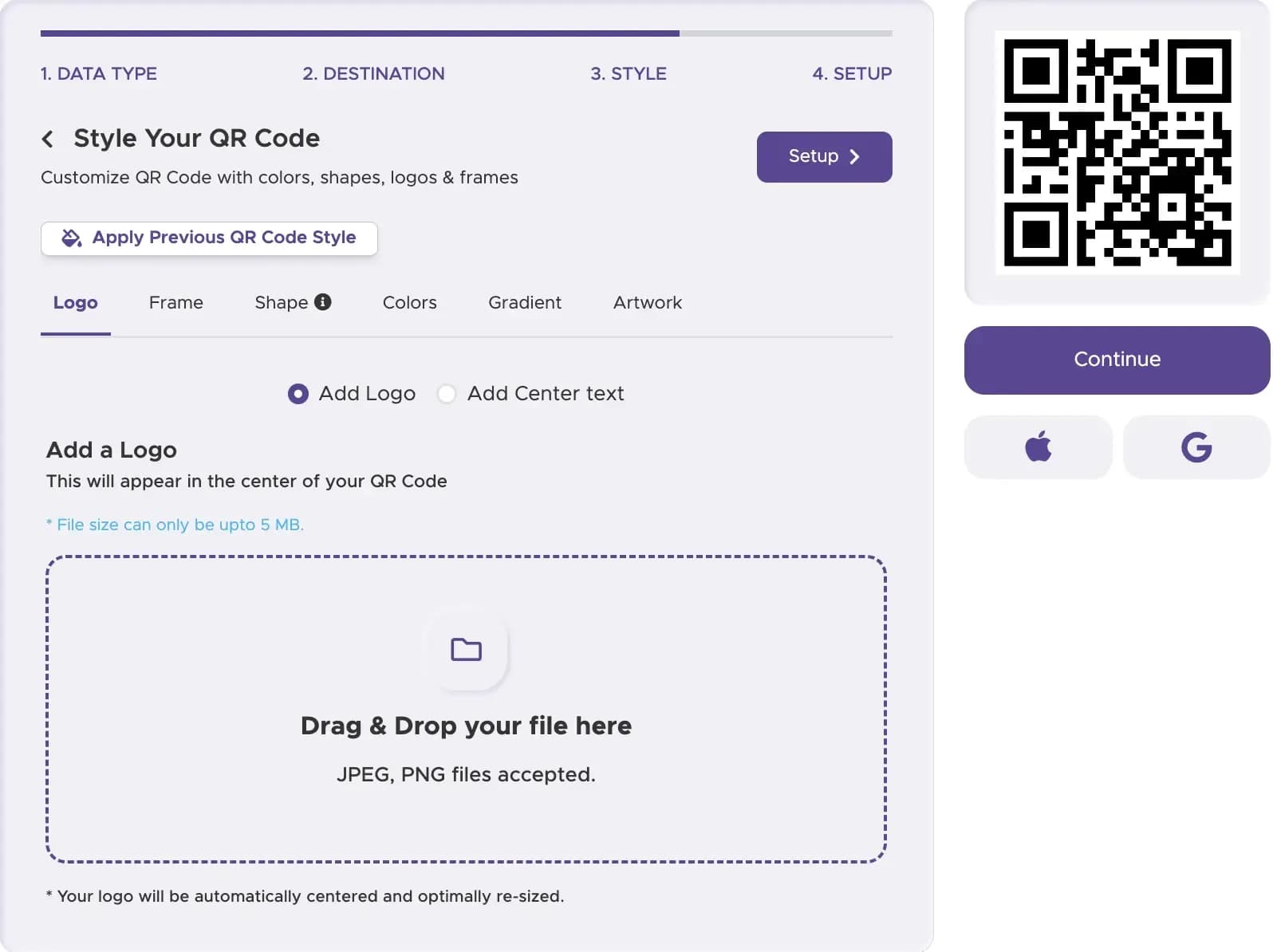
Customize Your QR Code’s Design
Design your QR code to match your brand. Add QR codes with your logo and brand colors to make your display look professional and trustworthy.
Step 4
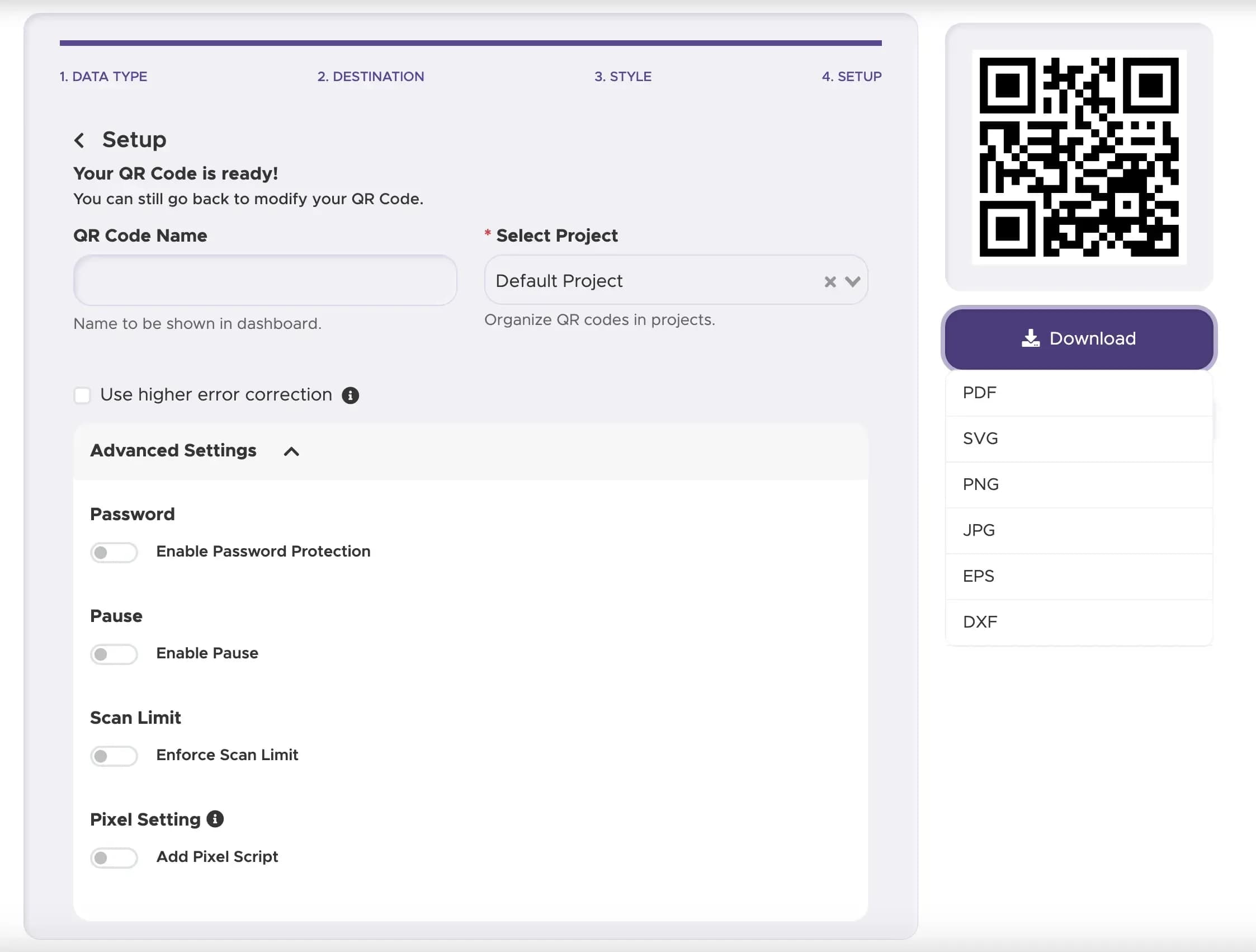
Download and Implement Your QR Code
Download your QR code in a high-resolution format. This is crucial to ensure it is clear and scannable, whether on a printed board or a high-definition digital screen.
Step 5
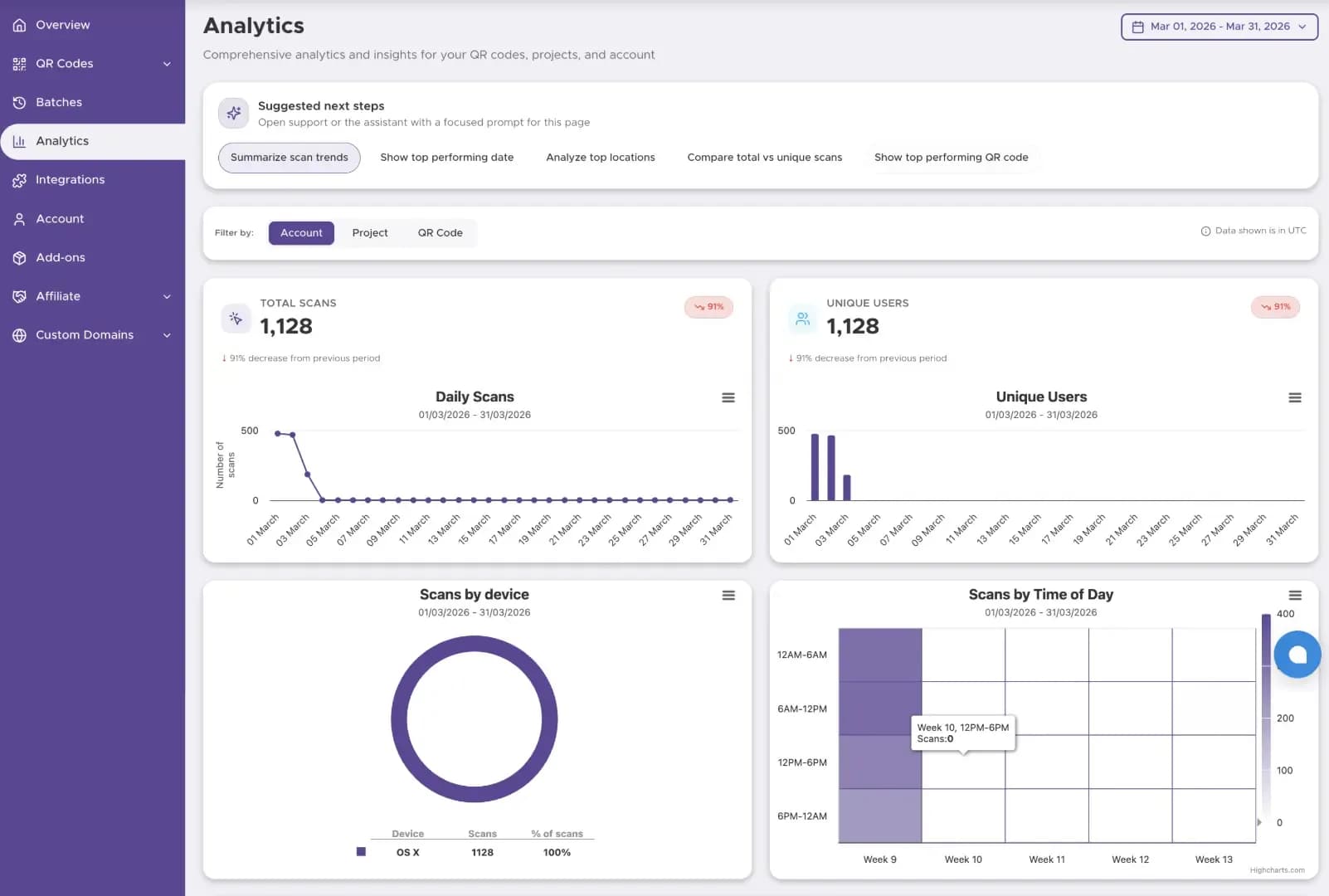
Track The Performance
Start tracking your QR code performance with our Dashboard solution
Best Practices for QR Code Displays
The qr code image must be clear so the mobile app can read things from a distance on the display.
Add a good frame with text. Tell people why to touch the qr code for access to the landing page.
Ensure the design has good contrast for the mobile image sensor to capture data from the display online.
Ready to Create Your Display QR Code?
Build interactive signage that links customers to menus, offers, or landing pages.