Holiday 2024 Holiday 2024

QR Code Generator for Feedback Forms

Loading QR code generator…

Link any printed material directly to your Feedback Form. Scan, connect, done.

4.8 rated 250k+ happy customers 100% free with sign up

A feedback QR code is a powerful tool that makes collecting feedback from your customers quick and easy. By using a QR code, you can link directly to online forms, such as Google Forms, allowing your audience to provide their thoughts in seconds. This is a great way to gather valuable insights, improve your customer service, and show your customers that you value their opinions.

Benefits of Using a Feedback Form QR Code

Instant Feedback Collection: With a QR code feedback system, customers can instantly provide their thoughts while the experience is still fresh, ensuring more accurate and relevant feedback for your business.
Increased Response Rates: Placing a QR code survey on receipts or product packaging makes it convenient for customers to respond. This strategic placement leads to higher response rates compared to traditional methods.
Customizable Forms and Data: QR code surveys can direct customers to customized questionnaires tailored to specific products or services, providing deeper insights.
Cost-Effective and Efficient: A feedback QR code is a cost-effective solution that reduces the need for paper forms and manual data entry, saving time and resources.

How to Create a Feedback Form QR Code

It's easy to create qr codes for your feedback forms.

Step 1: Choose a Trustworthy QR Code Generator

Select a reliable QR code generator like QRStuff. Select the dedicated "Form" option for Feedback QR Code.

Step 2: Connect Your Form

Link your form and provide additional details

Step 3: Customize Your QR Code’s Design

Add customization to your QR code, such as your server's logo, colors, or other branding elements, to make it visually appealing and recognizable.

Step 4: Download and Implement Your QR Code

Before distributing your QR code, test it with multiple devices to ensure it directs to the intended place.

Step 5: Track Performance (with Dynamic Codes)

For business use, a dynamic QR code can show scan activity and engagement patterns, helping you understand where and when people use your QR code.

Examples of Feedback Form QR Codes

Retail Stores and Customer Satisfaction

Retail Stores and Customer Satisfaction

In retail, QR codes placed at checkout counters enable customers to conveniently provide feedback on their shopping experience, helping you improve your service.

Restaurants and Cafés

Restaurants and Cafés

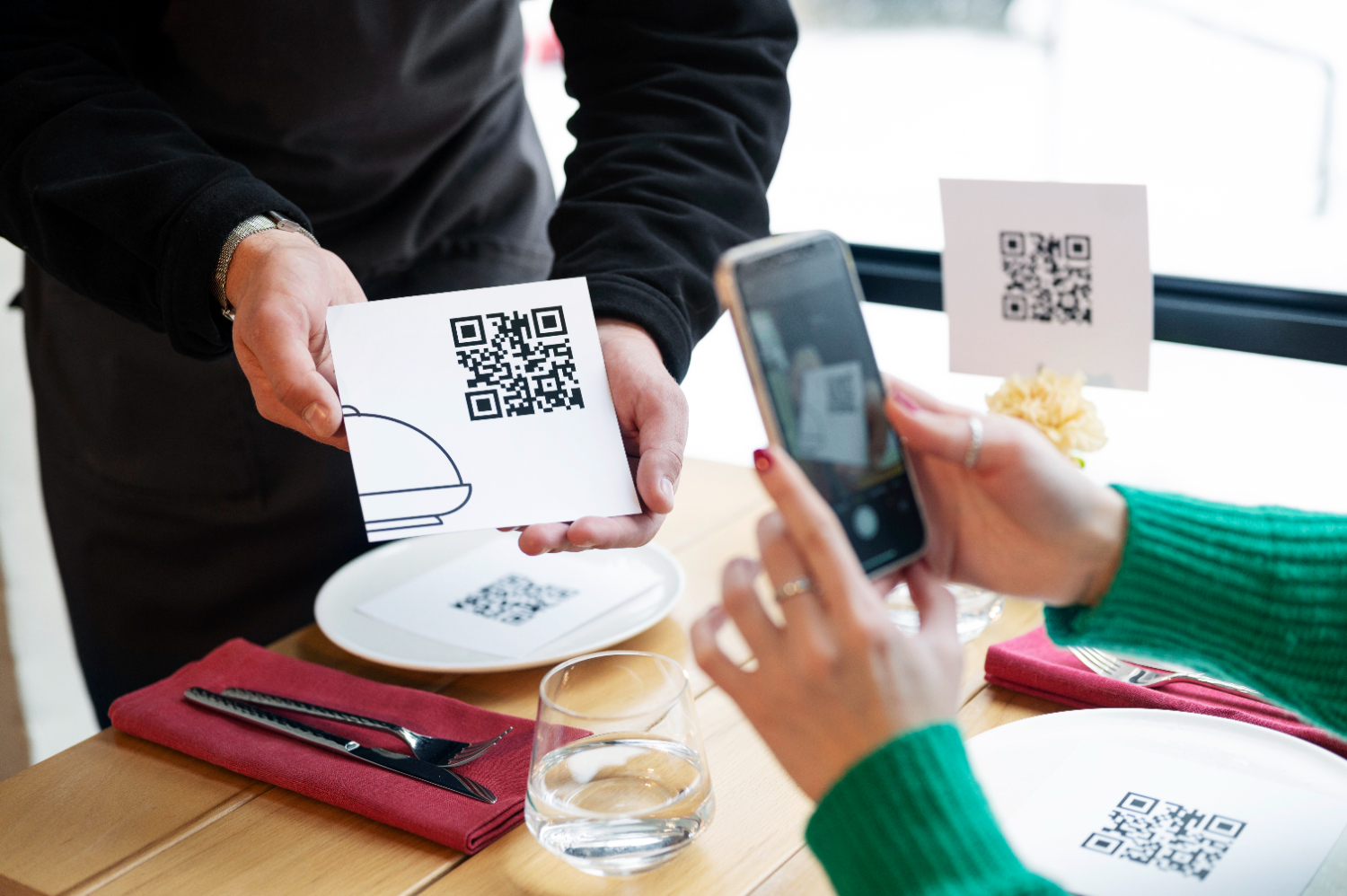
A code survey on menus or table tents empowers diners to share immediate feedback about their meals and service quality, allowing managers to quickly respond.

Events and Conferences

Events and Conferences

Attendees can scan QR codes on their badges to provide feedback on sessions and speakers. This is invaluable for event organizers to evaluate attendee satisfaction and improve future events.

Best Practices for Feedback QR Codes

Provide a Clear Call-to-Action: Add a simple instruction like "Scan to Share Your Feedback" or "Rate Our Service" so people know what to expect.
Strategic Placement: Place feedback QR codes in high-traffic areas where customers are likely to notice them, such as near checkout counters or on product packaging.
Incentivize Feedback: Whether you're a small business or a large corporation, offering a small incentive, like a discount on a future purchase, can motivate customers to complete the feedback form.
Keep the Survey Short and Mobile-Friendly: The form your QR code links to should be quick and easy to complete on a mobile device to maximize completion rates.

Create Your Feedback QR Code Today

Ready to discover how QR codes can transform your business?
Start by creating your custom QR Code today

Frequently Asked Questions

Choose this use case when the destination and workflow match the scenario explained on this page.

Yes for dynamic QR codes; static QR codes cannot be edited after creation.

Use dynamic analytics and tagged URLs to measure scans and conversion outcomes.

Use high-resolution/vector formats for print and test scanning at intended display size.

Maintain sufficient contrast, preserve quiet zone, and avoid over-stylizing finder patterns.