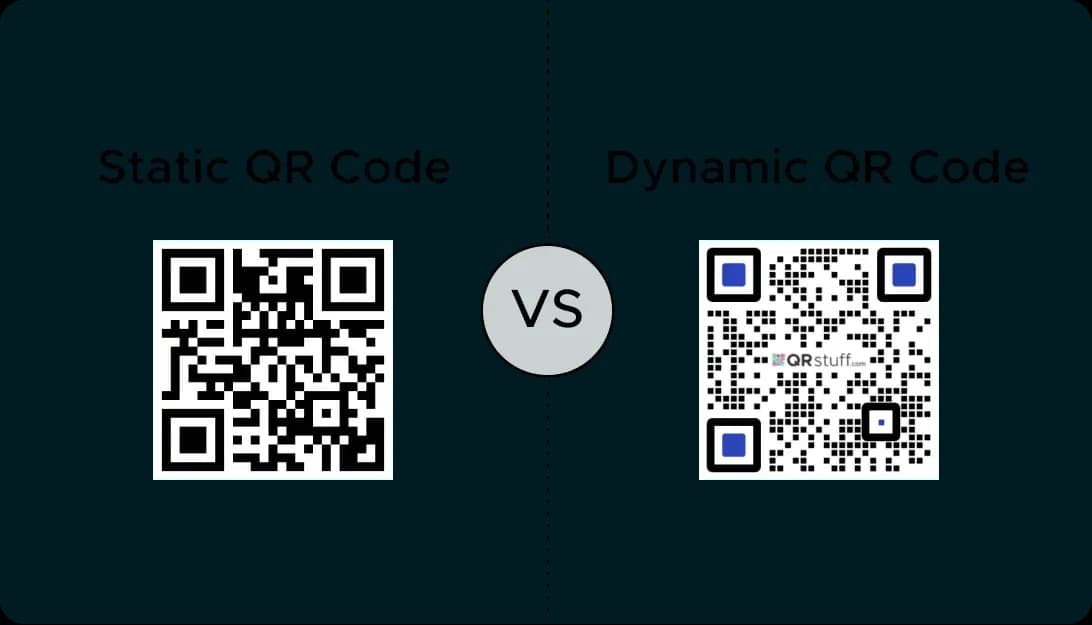
Benefits of Using a QR Code Window Display
Turn Your Window into a 24/7 Store
Your shop window works for you even when you're not there. A QR code can link to your online store, allowing customers to browse and purchase your products and services at any time.
Promote Special Offers and Sales
Use a coupon QR code to offer exclusive discounts to passersby. This is a great way to entice new customers and encourage immediate engagement with your brand.
Grow Your Online Community
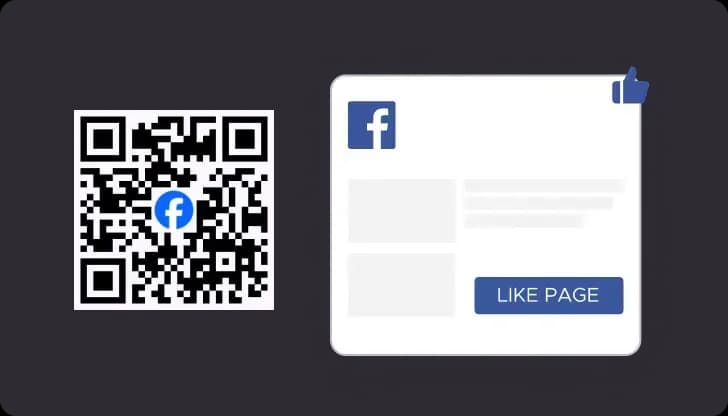
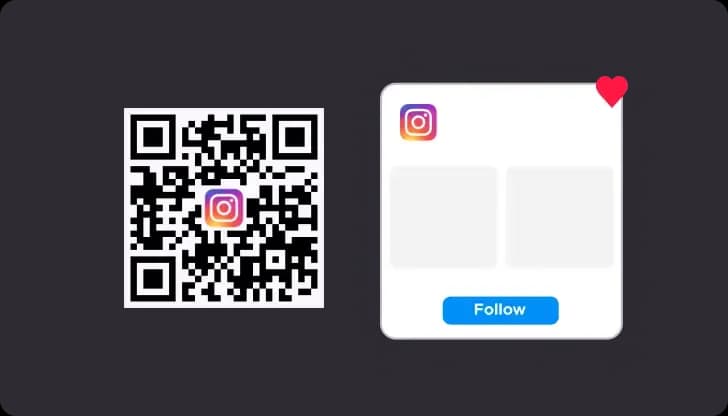
A social media QR code is one of the most popular ways to use a window QR code. A single scan can link customers to your Instagram, Facebook, or TikTok profiles.
Provide Instant Information
A QR code can link to a digital menu, service price lists, or a video about your business. This allows you to share more information than you could fit on a simple sign.
Use Cases for QR Codes on Store Windows
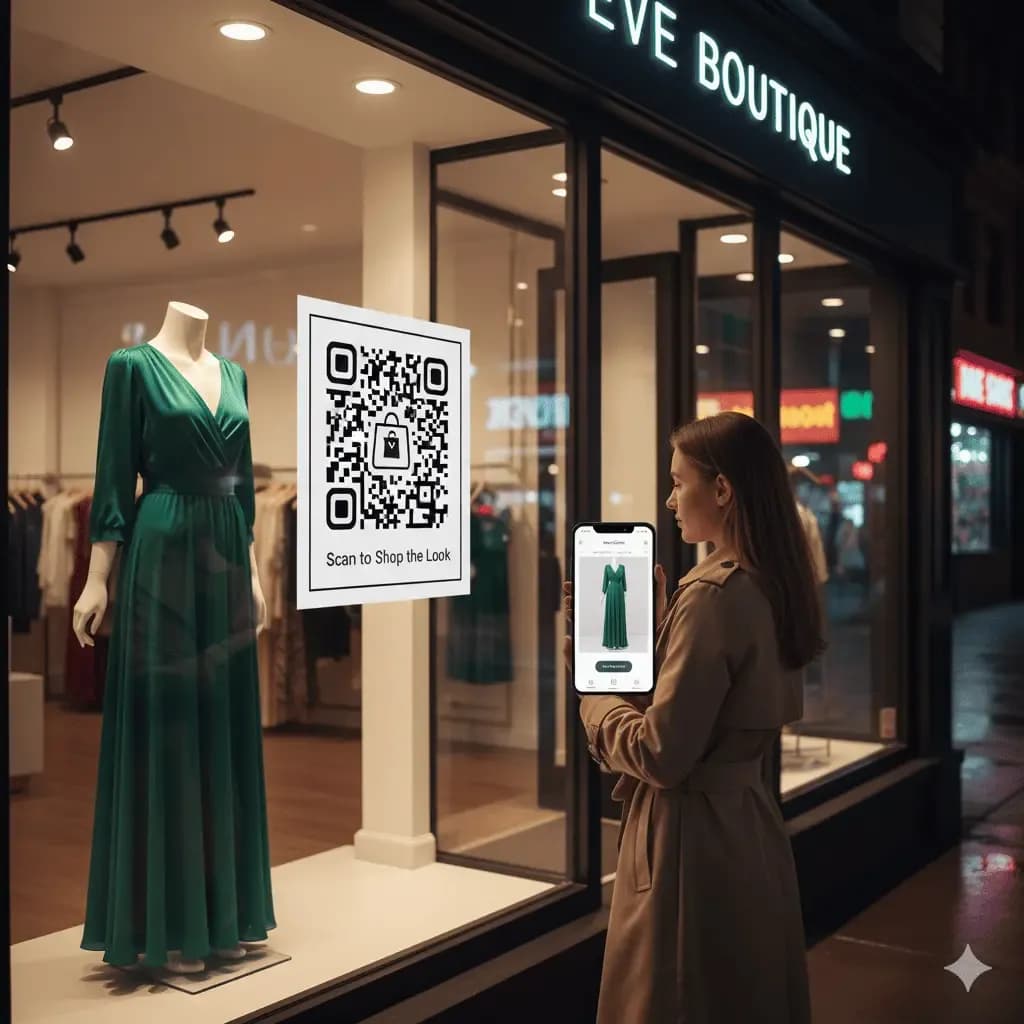
After-Hours Window Shopping
Place a QR code next to items in your store window display. This code that links to a specific product landing page allows customers to make a purchase or save the item for later, capturing sales opportunities 24/7.
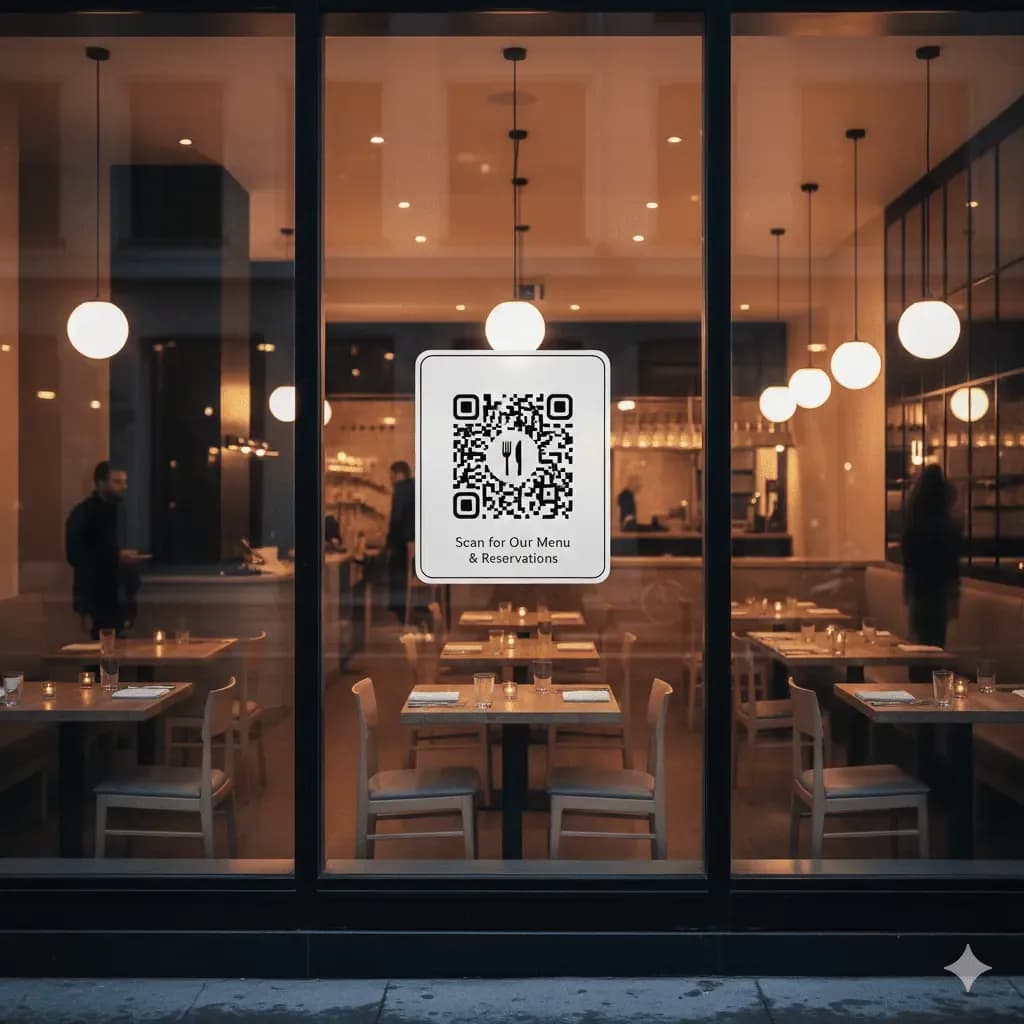
Restaurant Menus and Bookings
A QR code on your restaurant's shop window can link to your full menu, allowing potential diners to see what you offer. You can also link it to your reservation system to make booking a table easy.
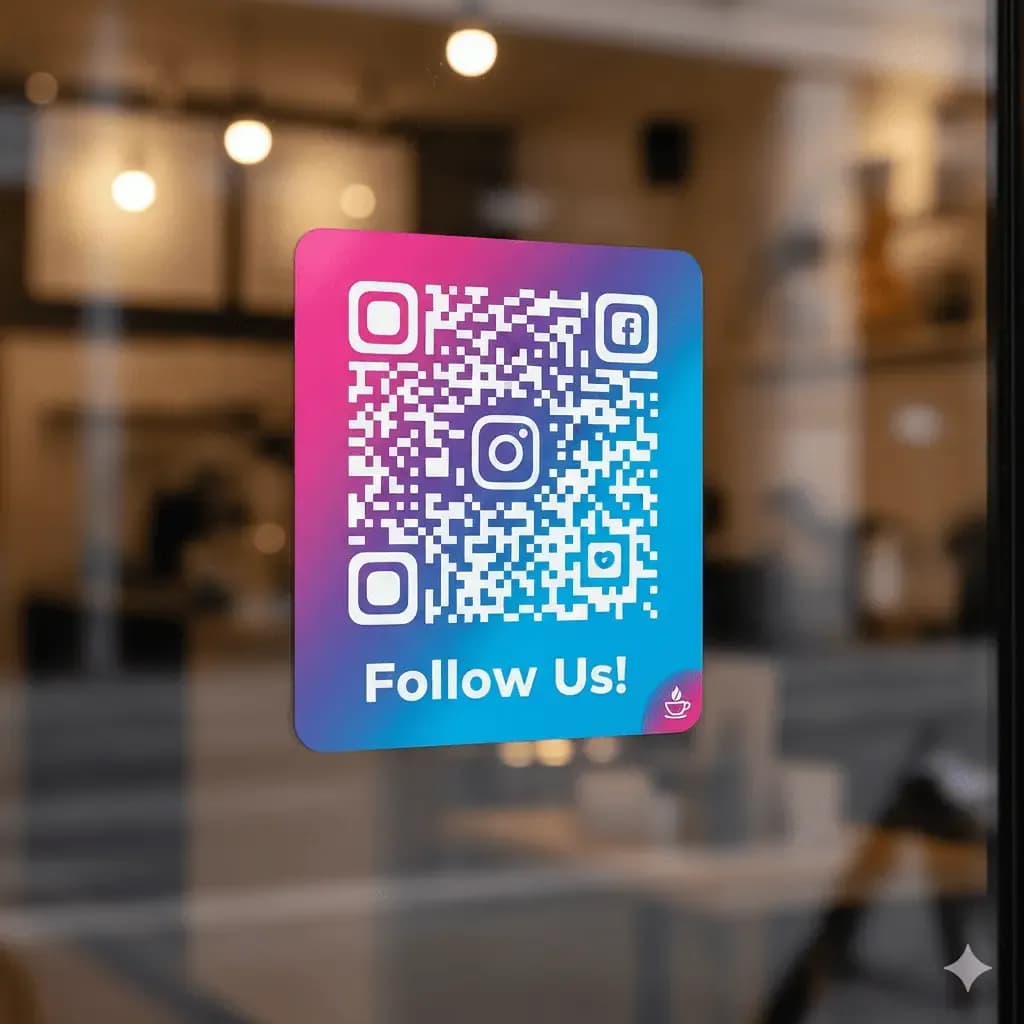
Social Media Engagement
A social media QR code is a must-have for any small business. It's a simple and effective way to increase your followers and build a community around your brand.
How to Create a QR Code for Your Shop Window
Creating QR codes for your store windows is a simple process with trustworthy QR code generator like QRStuff.
Step 1
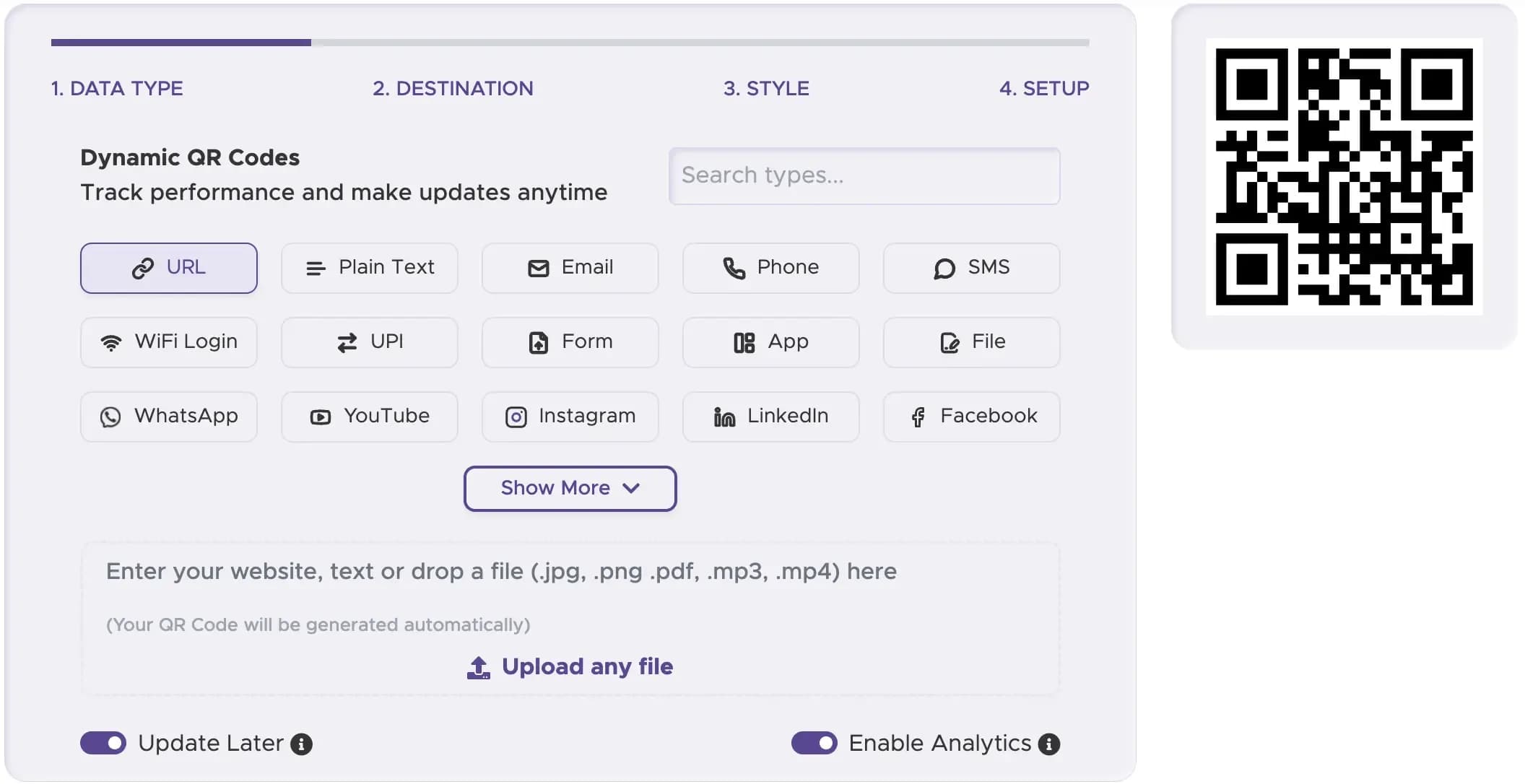
Choose the Right Type of QR Code
Select the best type of QR code for your goal. A "URL QR Code" is the most versatile, but a "Coupon QR Code" or "Video QR Code" can also be highly effective.
Step 2
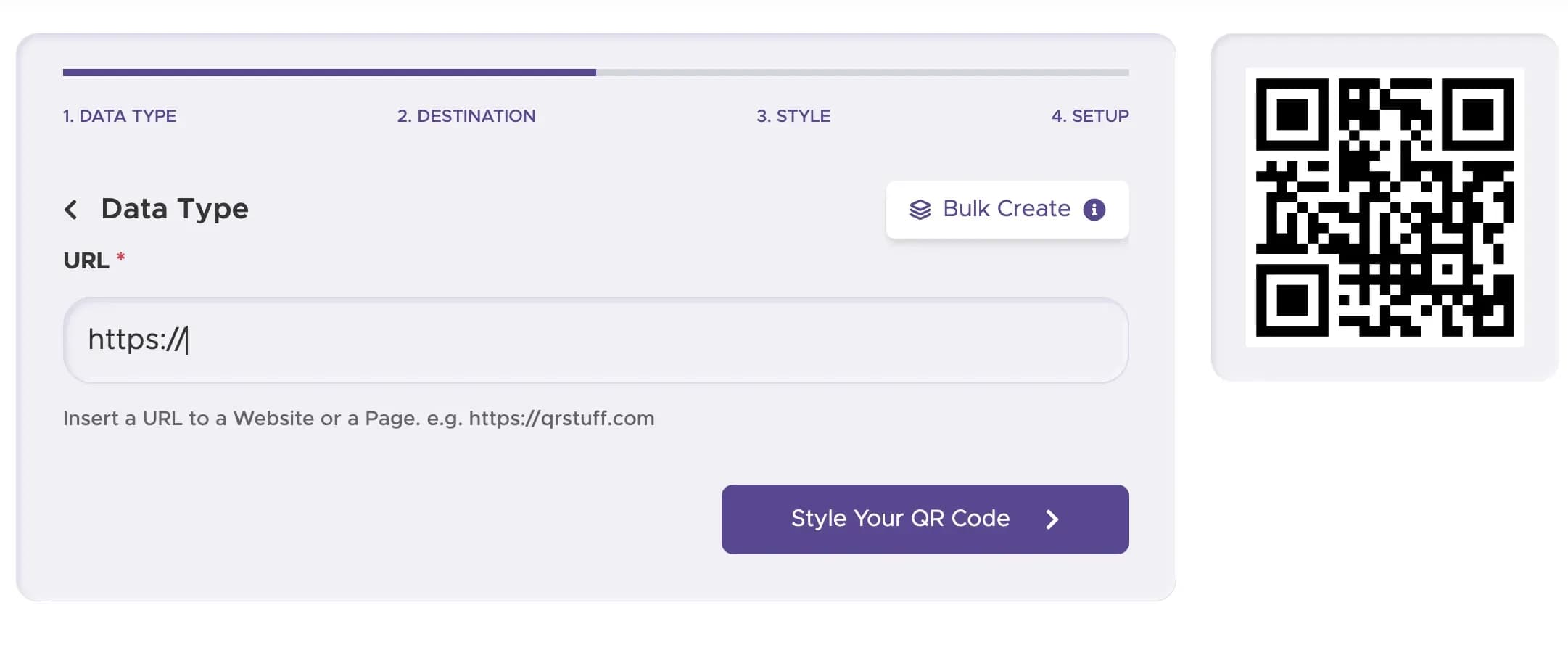
Enter the Content
Provide the information as per selected datatype.
Step 3
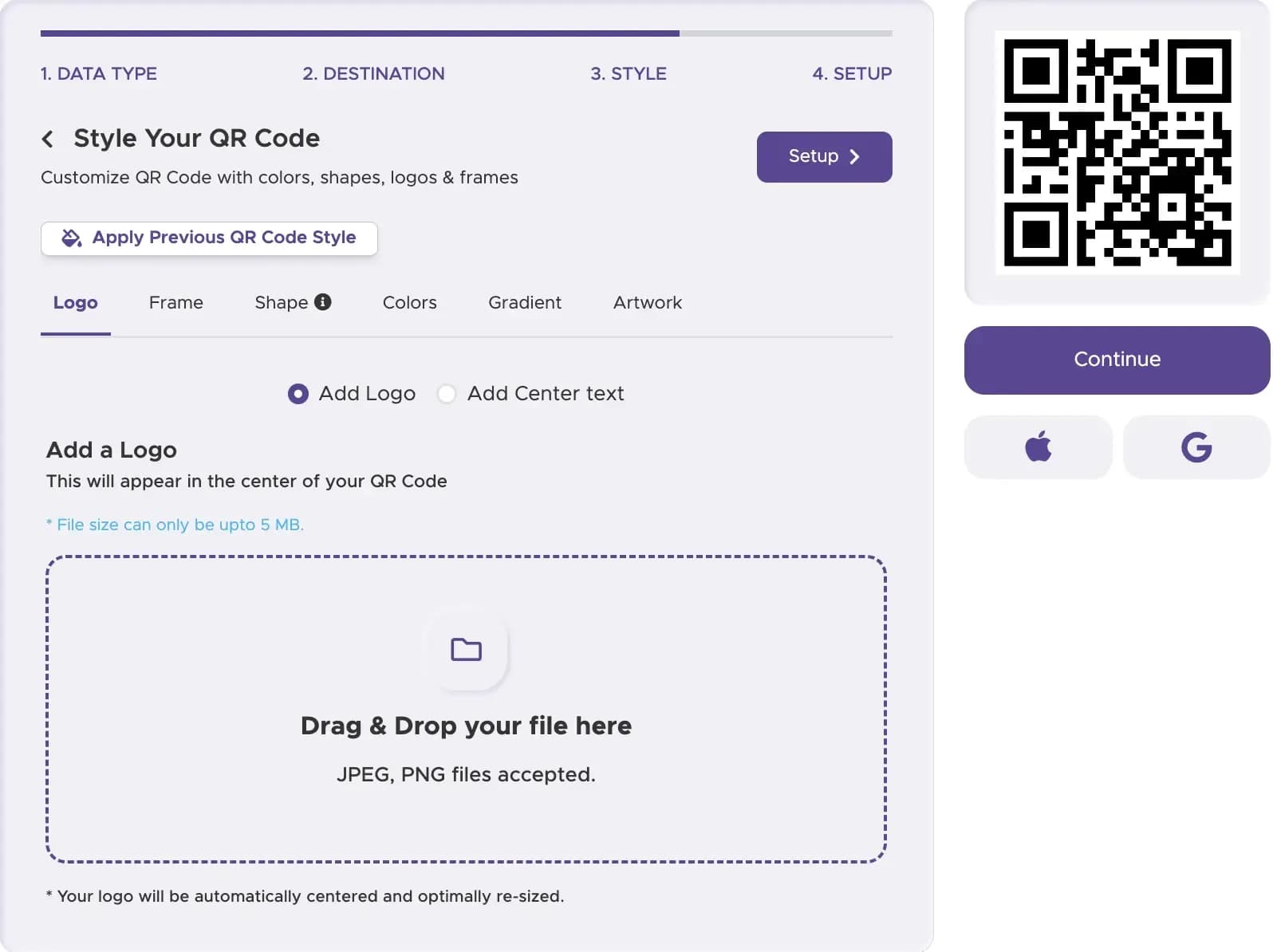
Customize Your QR Code
Our code generator lets you create a custom QR code that matches your brand. Add your logo and use high-contrast colors to make your new QR code easy to see and scan through the glass.
Step 4
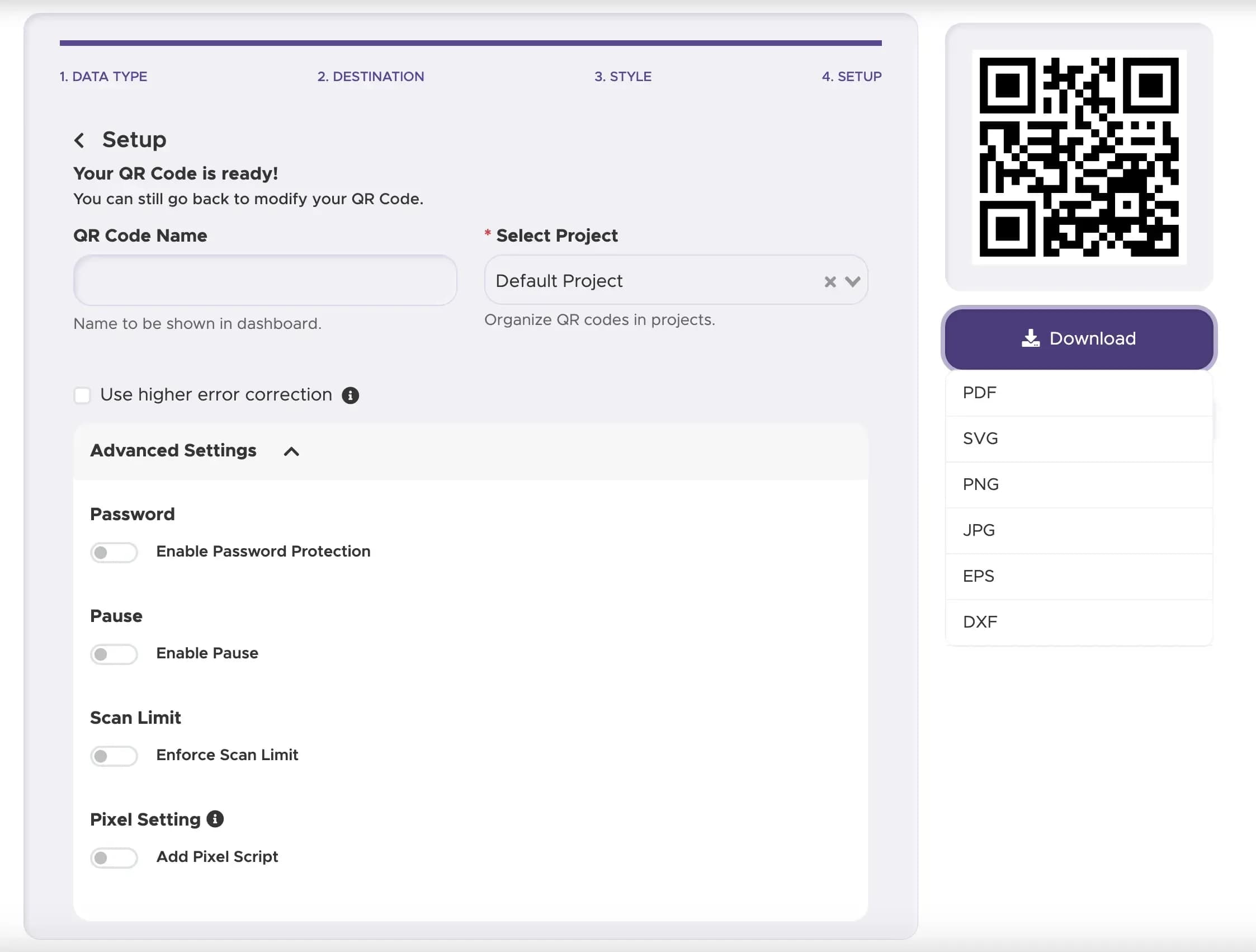
Download and Print Your QR Code
Download your free QR code in a high-resolution format. You can now print it on a window decal or a sign to place in your shop window.
Step 5
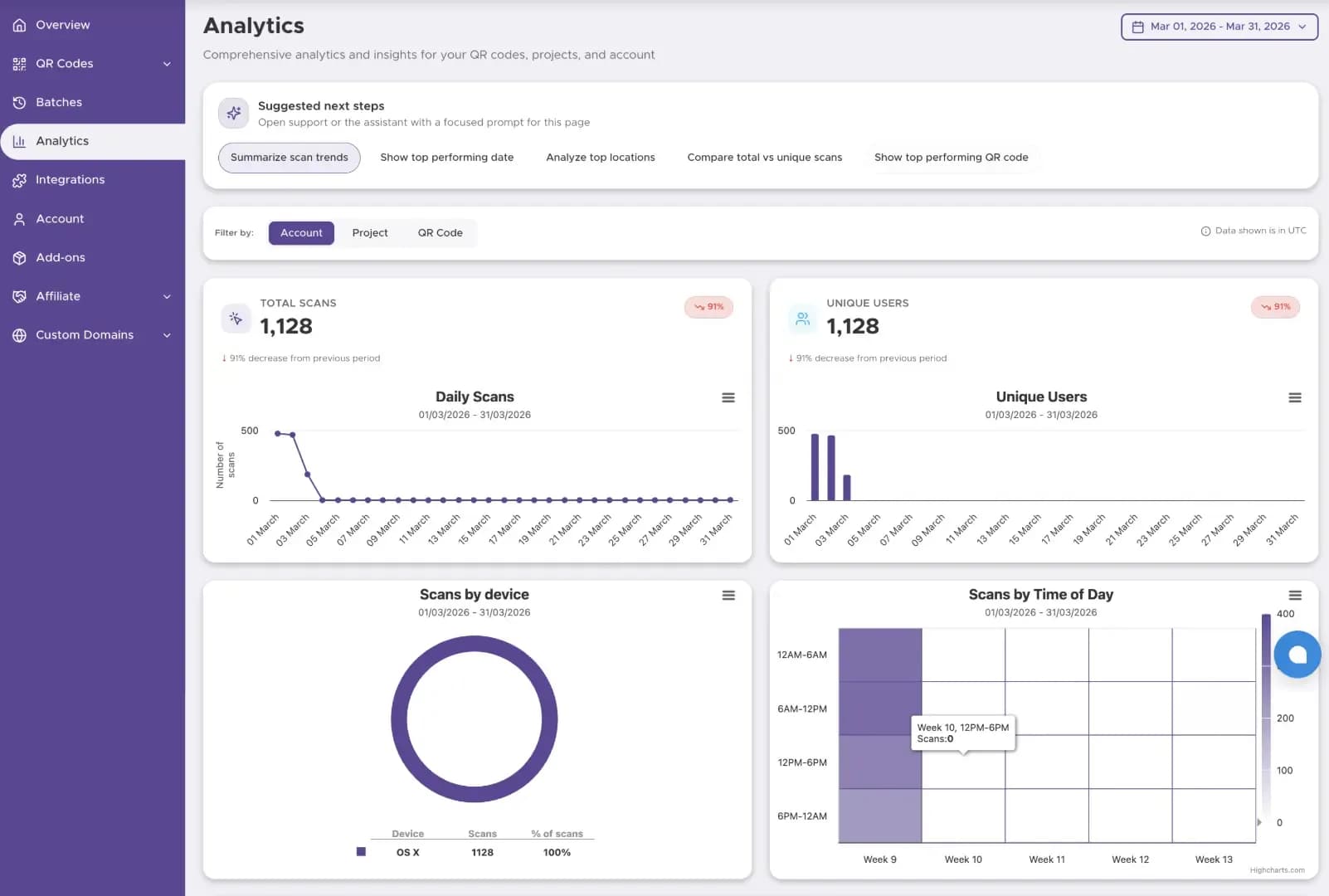
Track The Performance
Start tracking your QR code performance with our Dashboard solution
Best Practices for Shop Window QR Codes
Place the QR code at eye level and make it large enough to be scanned easily from a few feet away. Avoid placing it in a corner where it might be missed.
Add a simple instruction like "Scan for 20% Off," "View Our Menu," or "Follow Us Online" so people know what to expect when they scan the code.
A QR code on a window needs to be easily readable in various lighting conditions, including bright sunlight and evening reflections. A high-contrast design is essential.
Ready to Create Your Shop Window QR Code?
Link storefront displays to menus, collections, or limited-time offers.