Benefits of Using QR Codes in Books
Enhance Reading
Implement QR codes to let readers access a video or image gallery. It makes different books in a series more immersive through online services.
Direct Connection
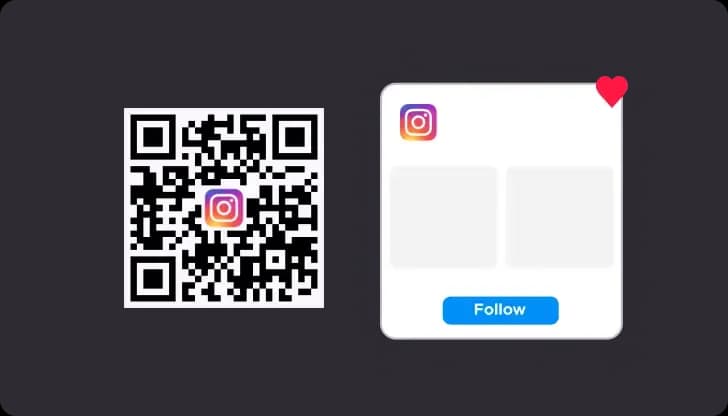
Use QR codes to let readers follow your writing. Link to your URL so fans can buy upcoming work directly and support the author.
Boost Book Sales
Place a QR code on the print cover to make search easier. Dynamic QR codes help improve marketing campaigns by tracking where readers buy.
Educational Tools
Add QR codes to text books to provide free digital guides. This technology helps improve learning in the physical world.
Use Cases for QR Codes on Books

On the Book Cover
Place QR codes on the print jacket to let readers read reviews or follow upcoming work. It helps improve book sales at the point of purchase.
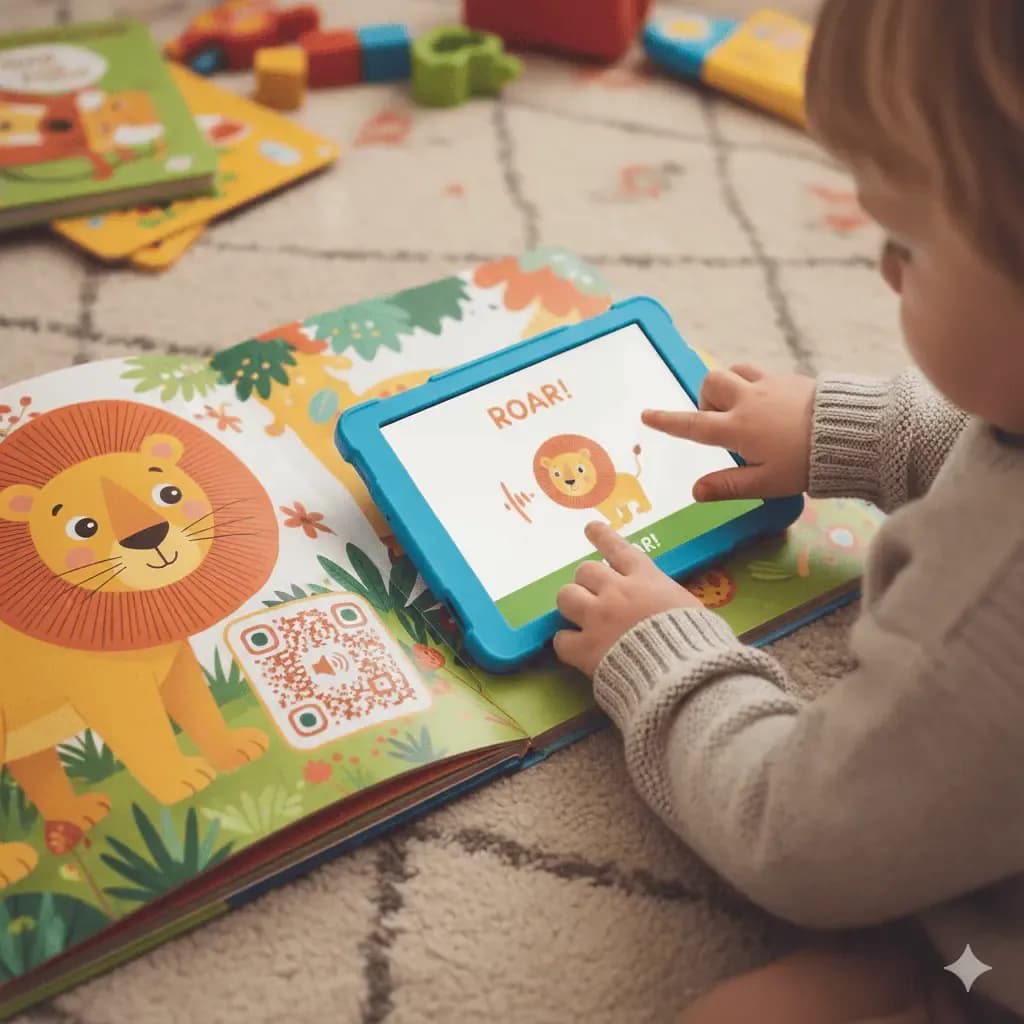
Inside Children's Books
Implement QR codes to add a video or audio narration. Make different stories come alive with digital tools related to the writing.

Promotional Materials
Use QR codes on business cards to link to your URL portfolio. Recommend your work to publishers and let readers buy your series online.
How to Create a QR Code for Your Book
It's easy to create a QR code for your next publishing project using our QR code generator like QRStuff. Our platform has a wide range of features perfect for authors and publishers looking to create QR codes.
Step 1
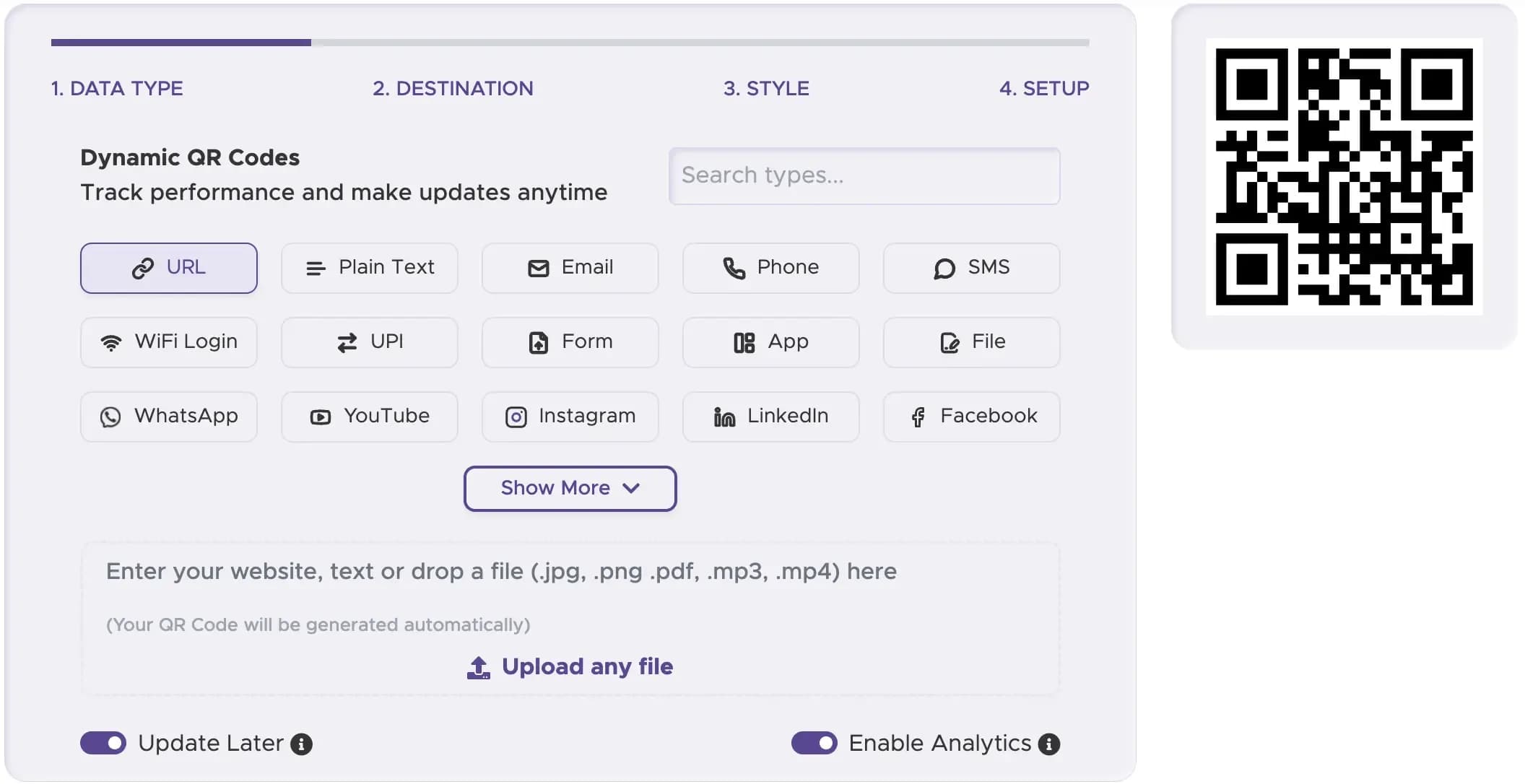
Select the Right QR Code Type
Choose like "Website URL," "Video," or "Social Media".
Step 2
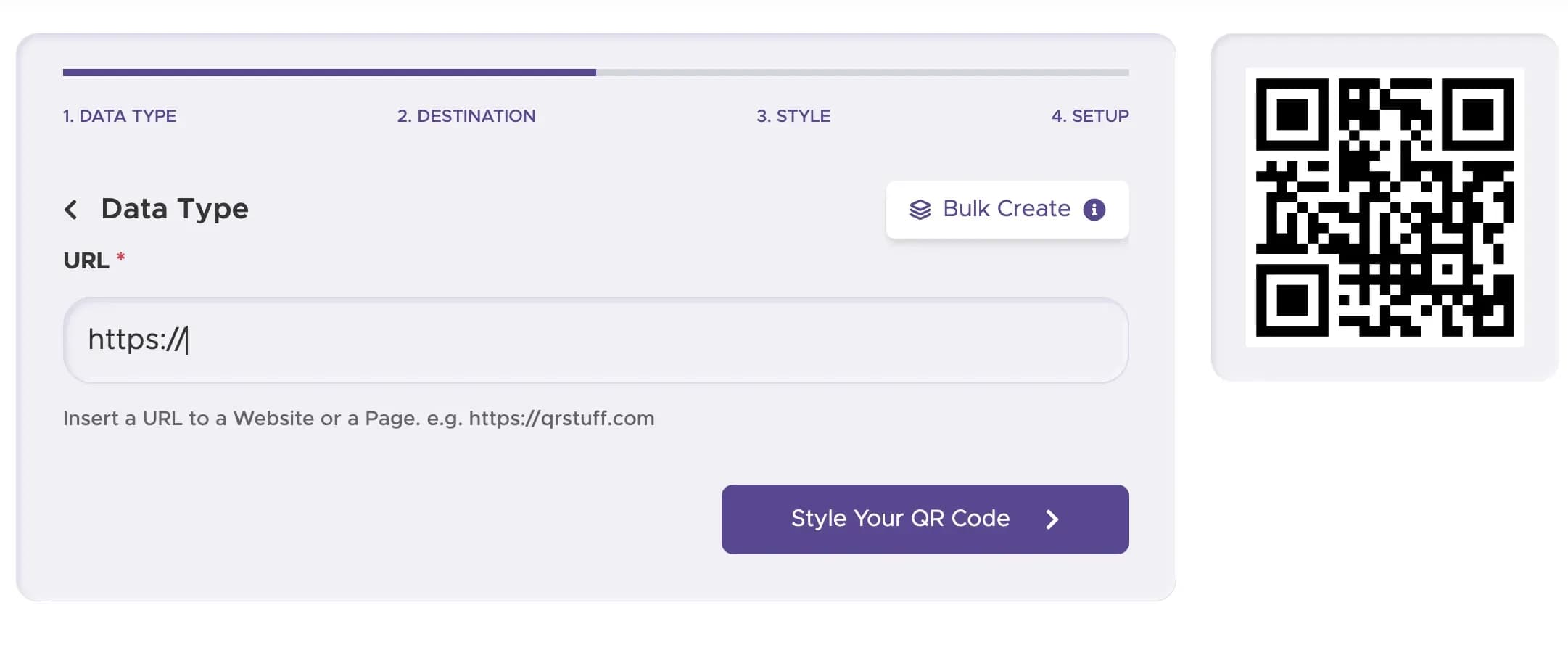
Enter Your Content or URL
Paste the link to your website, a specific video, or your social media profile. This is the digital content your readers will see when they scan the code.
Step 3
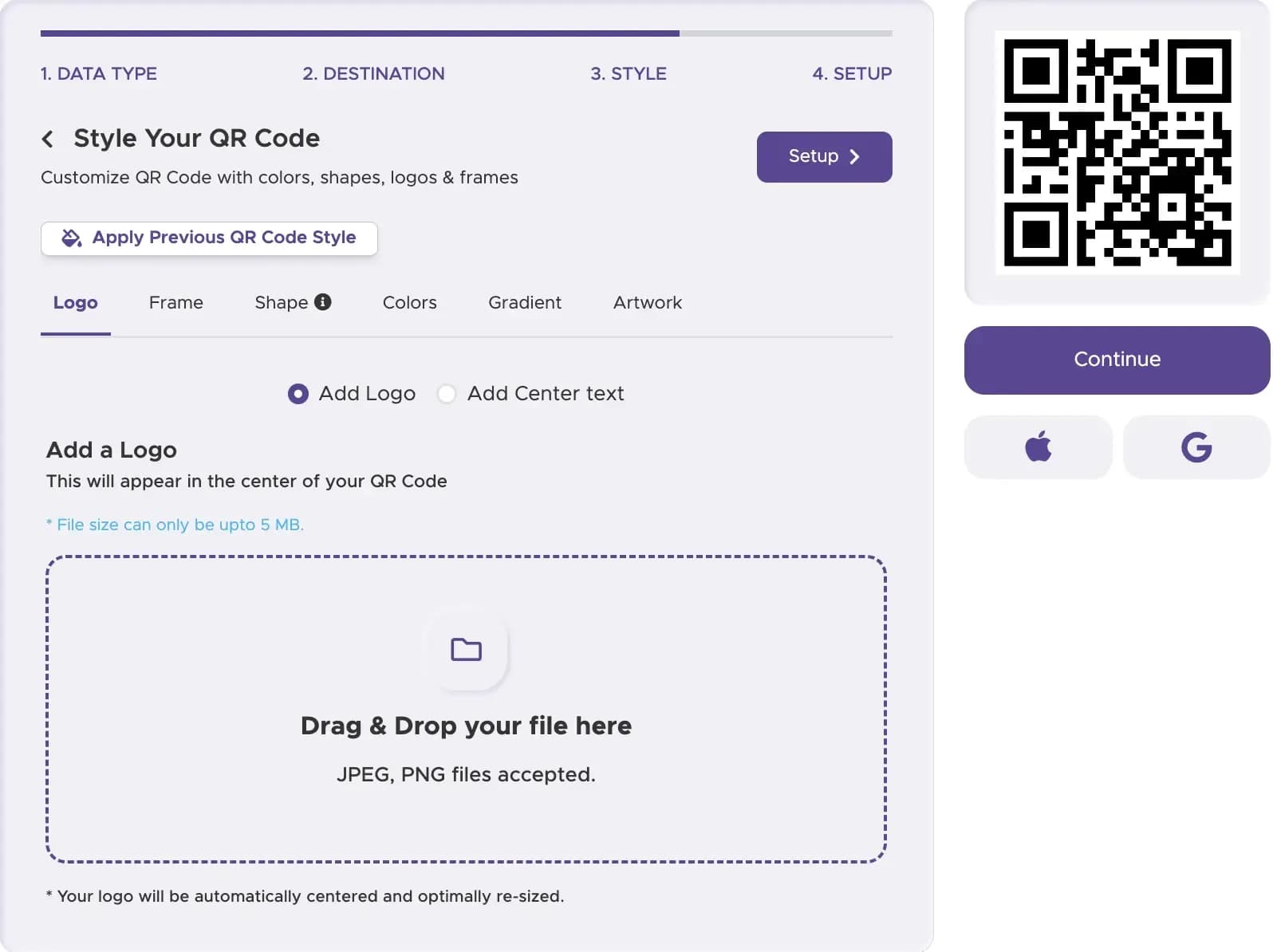
Customize Your QR Code’s Design
Create a QR code that matches the aesthetic of your book. Add a QR code with your author's name or logo, and use colors that complement your book cover design.
Step 4
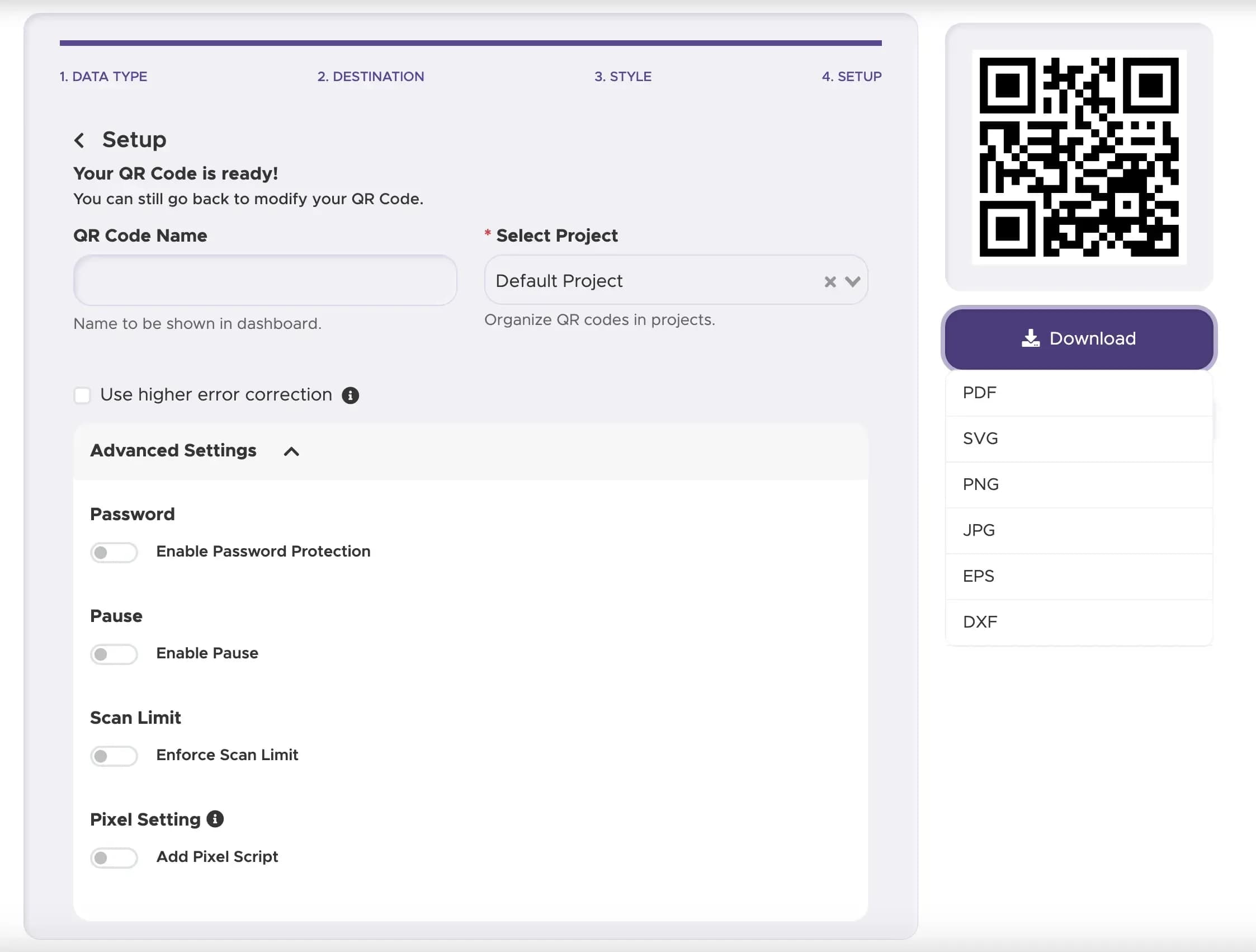
Download and Implement Your QR Code
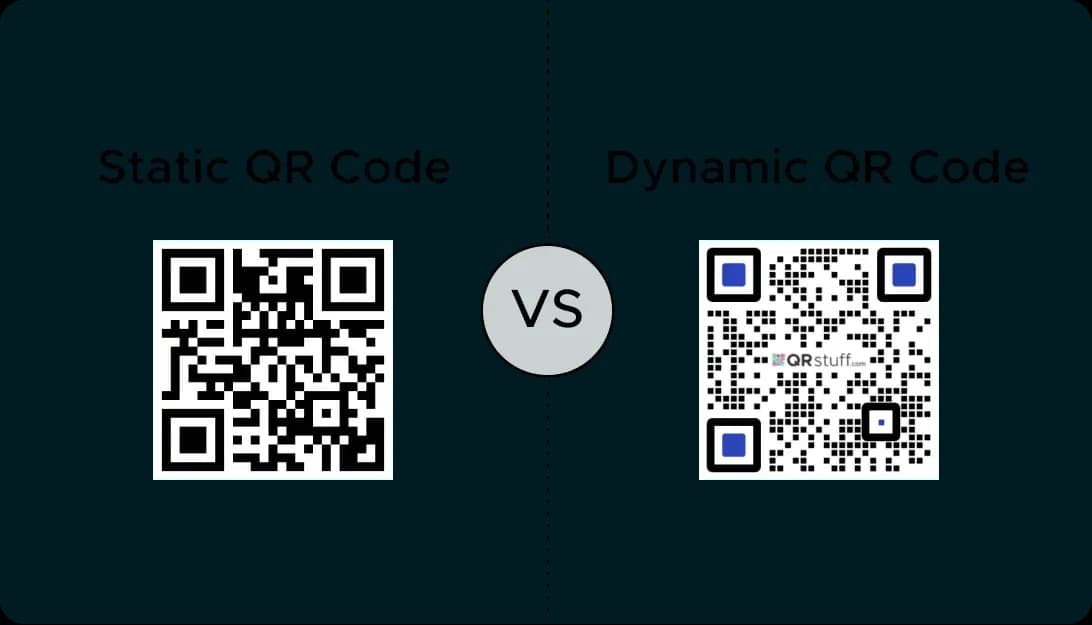
Download your free QR code in a high-resolution format. You can now provide this file to your designer to include in the book's artwork. Keep in mind, a dynamic QR code is the best choice as it allows you to update the linked content at any time.
Step 5
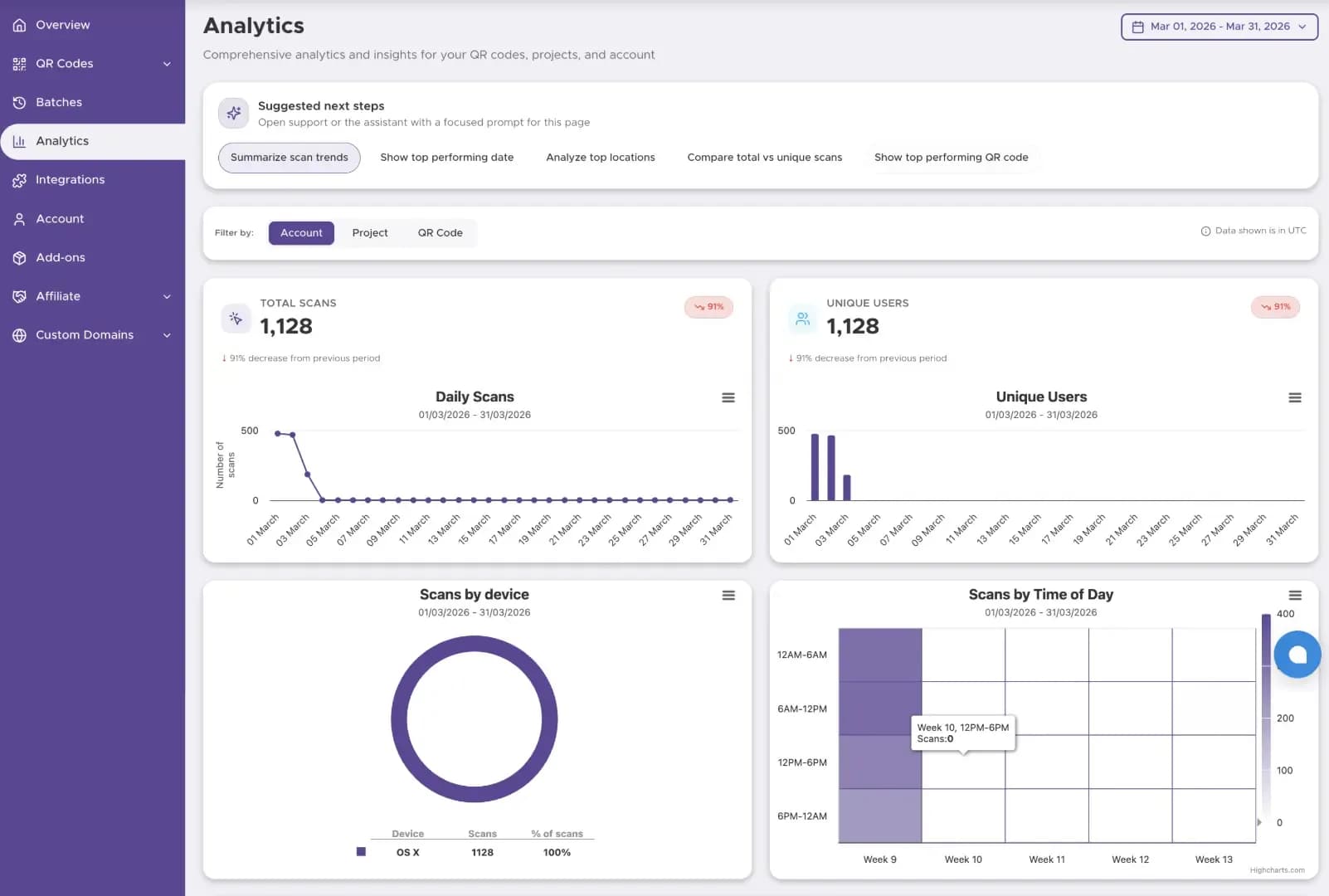
Track The Performance
Start tracking your QR code performance with our Dashboard solution
Best Practices for Book QR Codes
Add exclusive digital work. Let readers access related writing or free video content to support their purchase.
Place text like 'Scan to read' or 'Link to buy'. This helps let readers know how the technology services them.
Ensure the URL landing page is good for mobile search. Readers use QR codes with smartphones, so the results must be digital friendly.
Ready to Create Your Book QR Code?
Add scannable links to jackets, chapters, and marketing materials in seconds.