Holiday 2024 Holiday 2024

QR Code Generator for Your Business

In today's market, QR codes have become an essential tool to grow your business. Our QR code solutions help you introduce your business and product offerings to prospective clients with a simple scan. This quick response code technology allows you to easily direct people to your business websites, landing page, and socials, helping you generate qualified leads and stay connected with your customers.

Find the right plan
QR Code Generator for Your Business
Loading QR code generator…

Benefits of Using QR Codes for Business

The benefits of using QR codes for businesses are clear, offering an affordable and effective way to engage with your audience.

  • Easy and Affordable to Create: Creating a QR code is much easier than creating a new image file or embedding a link. You can generate a qr code for free in seconds. Our static codes for free don't expire, making them a lasting marketing asset.
  • Versatile for Promotional Items: You can use QR codes on promotional items such as t-shirts and mugs, but the possibilities are endless! They are perfect for event tickets, coupons, and other giveaways.
  • More Eye-Catching Than Text Links: QR codes offer a more visual approach than simple text links. This makes them more likely to catch the attention of potential customers and keep them engaged with your brand.
  • Unlimited Information Sharing: A QR code can be used to display a vast amount of information about a product or service. This is especially useful if you don't have enough space on your website or business card.
qrcode.svg

Get Your QR Code for Your Business Now

Ready to create and manage your brand? Use our qr code generator to generate trackable qr codes and drive engagement with mobile customers.

Types of QR Codes for Your Business

Our QR code generator lets you create many different types of qr codes to suit your marketing campaigns.

business qr code solution

Social Media QR Codes: Use these on your marketing materials to post links to your social media accounts and grow your following.

Website URLs: If you want people to visit your website or landing page, you can use a qr code to link directly to it.

Email Links: You can also use QR codes as email links to send out information about events or promotions.

App Download QR Codes: If you're looking to get customers excited about your new app, an app QR code will allow users to quickly download it without having to search.

How to Get a QR Code for My Business

Our QR code maker lets you create your qr code in seconds. Here’s how:

Step 1: Select Your QR Code Type

Select the type of qr code you need from the data types available, such as "Website URL." or "vCard."

Step 1: Select Your QR Code Type

Step 2: Input Your Information

Input the URL or other information in the designated field.

Step 2: Input Your Information

Step 3: Design Your QR Code

If you're a paid user, you can create custom qr codes. Design your qr code like a pro by changing the dot colors and adding a logo to match your brand.

Step 3: Design Your QR Code

Step 4: Download Your QR Code

Lastly, test your QR code and then download it. Your qr code is ready to use.

Step 4: Download Your QR Code

Best Practices for Business QR Codes

  • Customize Your QR Codes: A custom qr code with your brand colors and logo looks more professional and is more likely to be trusted by customers.
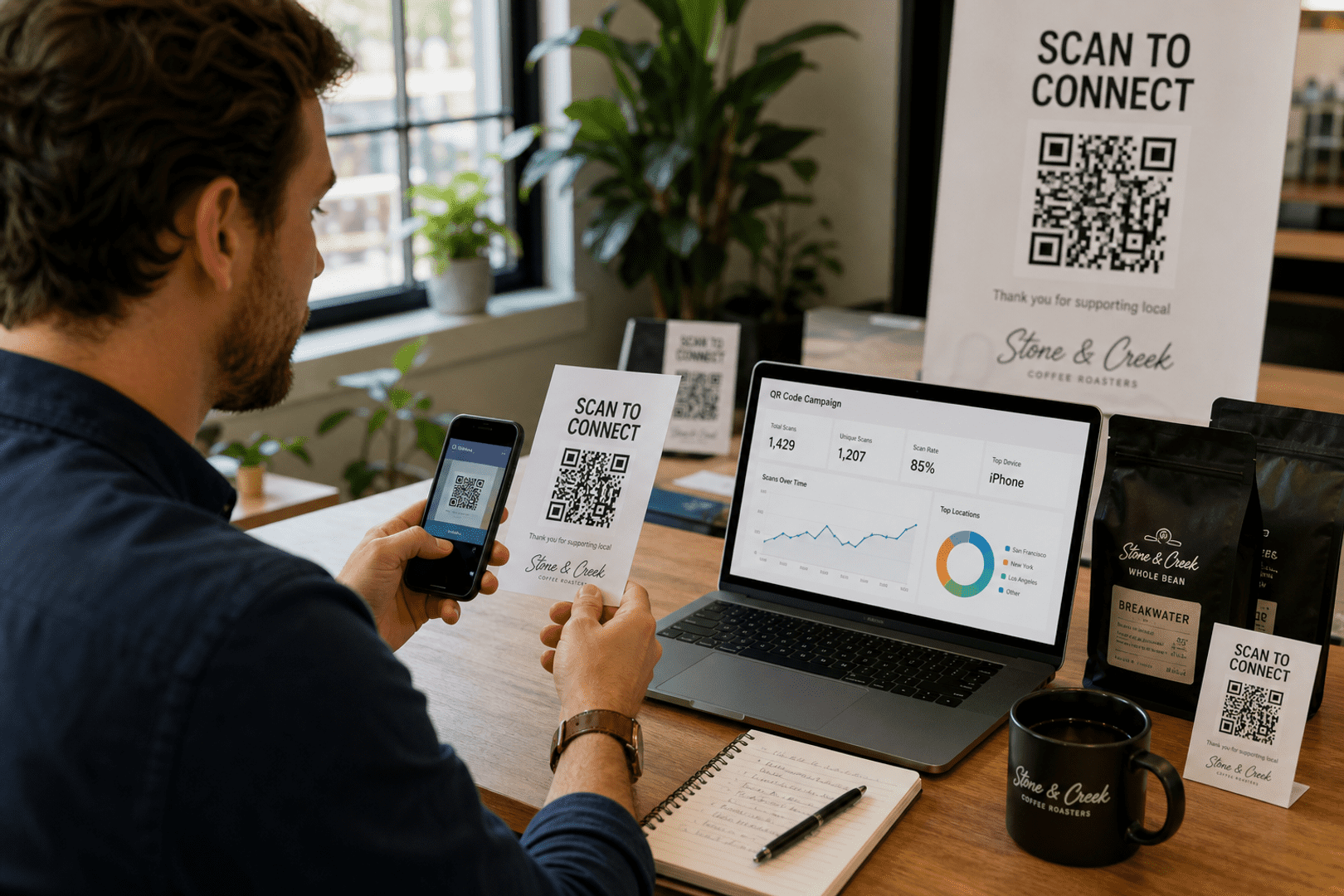
  • Use a Dynamic QR Code: For any serious marketing campaigns, use a dynamic QR code. This allows you to change the destination URL at any time and gives you access to QR code analytics to track QR code scans.
  • Provide a Clear Call-to-Action: Add a simple instruction like "Scan for 15% Off" or "Visit Our Website" so people know what to expect when they scan the code.
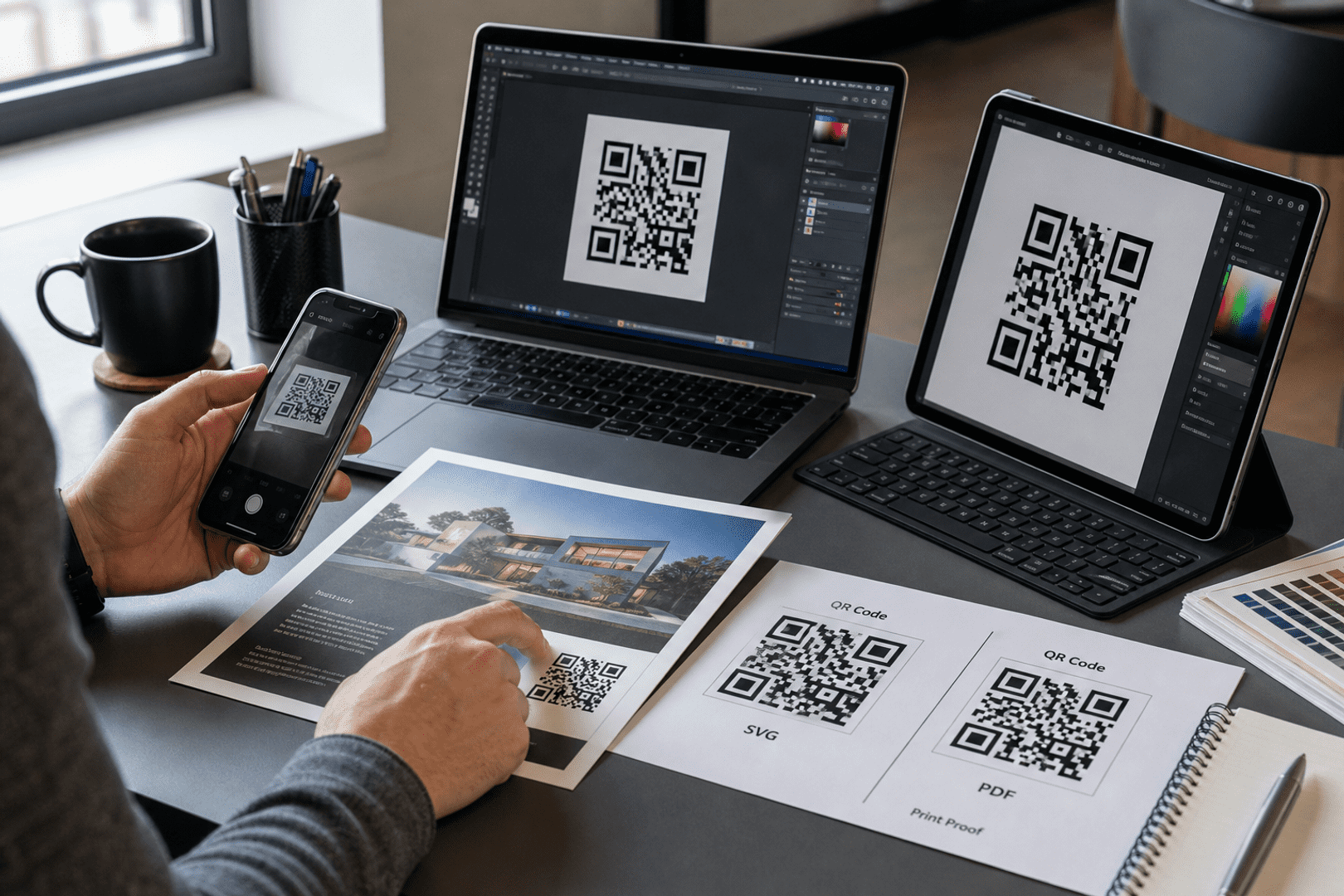
  • High-Quality Printing: Ensure your printed QR code is sharp and clear. A blurry code will be unscannable and reflect poorly on your business.

Frequently Asked Questions

For some basic QR code needs, you can use our free generator. However, certain advanced features, like creating Business QR codes or embedding dynamic content, require a subscription.

A subscription unlocks advanced features tailored to Business, including dynamic QR codes that allow real-time updates, detailed scan analytics to track customer engagement, and customization tools to align QR codes with your branding. These features help improve efficiency, enhance customer experiences, and strengthen your business's overall impact. See the full list of features associated with each subscription here.

You can reach out to us at support@qrstuff.com for assistance. Free users receive email support with responses typically provided within 12–24 hours. Subscribers enjoy priority support via email, phone, or live chat for faster resolutions. To help us assist you efficiently, please include your account details, QR code ID, and a brief description of the issue when contacting support.