
Drive traffic to a landing page
Place a Website URL QR code on flyers and posters so prospects reach your campaign page in one tap.


Bridge print and digital campaigns with trackable QR codes.
In today’s digital marketing landscape, QR codes have become essential for bridging offline materials with online engagement. By using QR codes, you can direct customers to landing pages, videos, and offers in a single scan, improving marketing effectiveness and enabling robust tracking.
A QR code creates a direct, branded touchpoint. When people scan a QR code, they can jump to your site, social profiles, or a product video. Customize codes with logos, brand colors, and backgrounds, and use dynamic QR codes to keep content fresh and trackable.
Simplify lead generation with an easy-to-scan QR code that links directly to sign-up forms or downloads. Combine this with marketing automation to trigger instant follow-ups and convert scans into qualified leads. For sales teams, a digital business card QR code makes saving contact details on mobile devices seamless.
Use coupon QR codes to provide special promotions or loyalty program access. It’s an easy way to engage repeat customers and encourage word-of-mouth sharing.

Visit the QRStuff QR Code Generator — the trusted tool for businesses to create, customize, and track QR codes easily.

Choose the format that fits your goal:
Dynamic QR Codes – editable and trackable, Static QR Codes – fixed and simple, ideal for basic use.

Personalize colors, add your company logo, and ensure clear space for scanning.

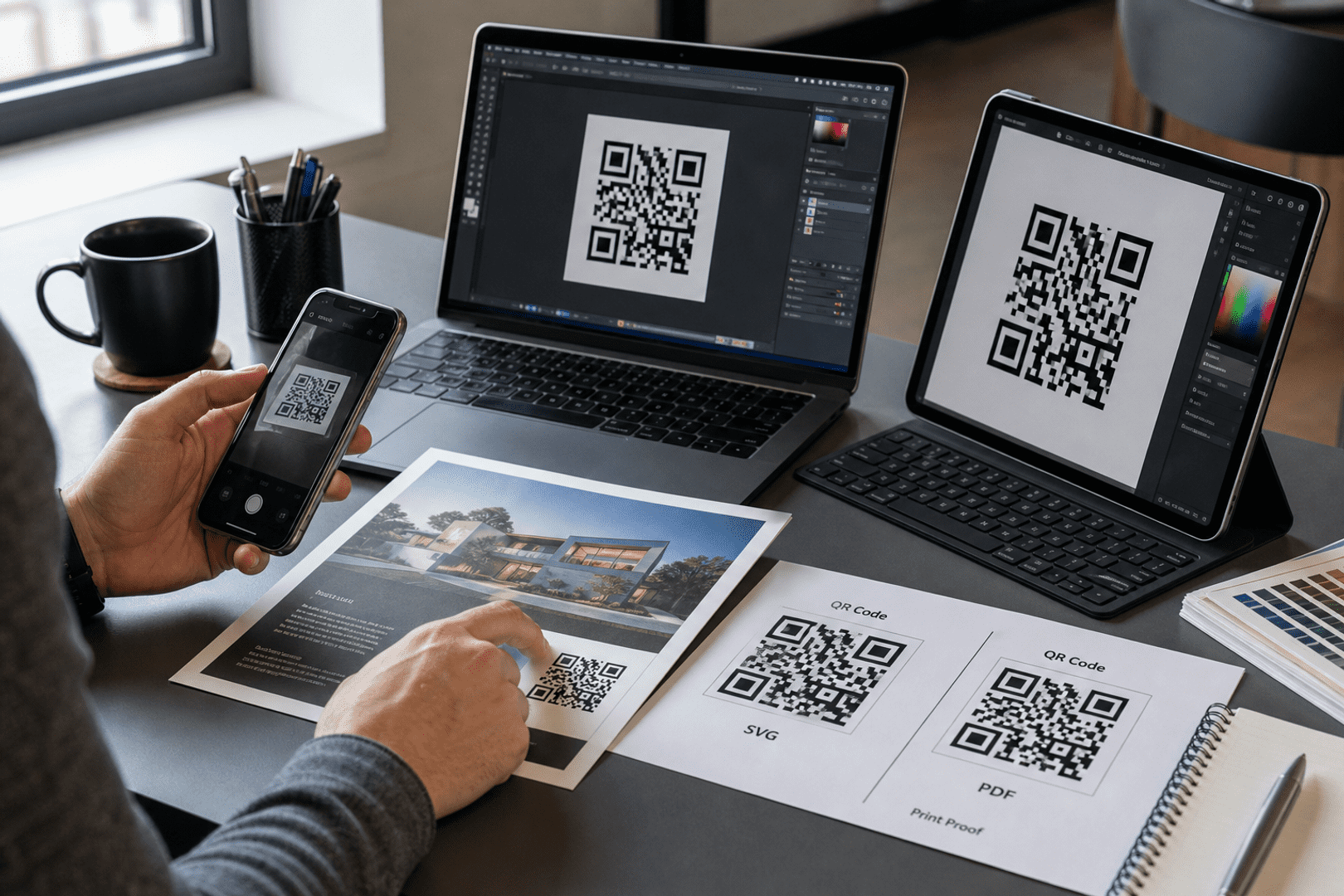
Scan with multiple mobile devices to verify readability and link accuracy.

Export in high-resolution PNG or SVG formats and integrate across print and digital campaigns.

Dynamic QR codes keep campaign destinations editable after print goes live. Use QRStuff analytics to measure scans, devices, and locations so you can refine creative, placements, and offers over time.
Place a Website URL QR code on flyers and posters so prospects reach your campaign page in one tap.

Use a Social Links QR code on packaging or ads so followers can connect instantly.

Link to your Google review flow so happy customers can leave feedback right after purchase.
Define your goal before you create a QR code — whether to drive sales, collect data, or grow your online presence. Use dynamic QR codes for flexible updates and real-time tracking.
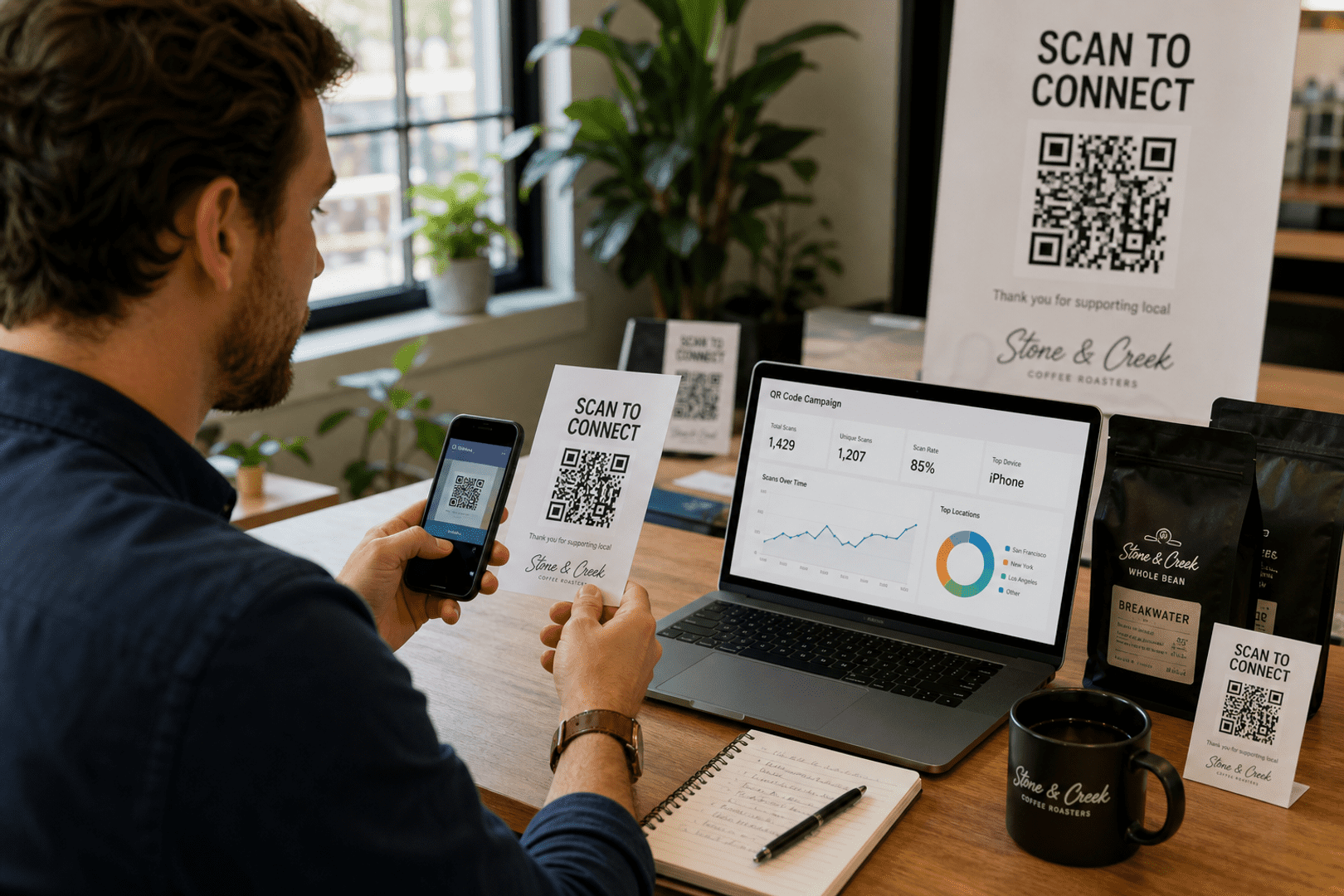
Monitor scans, devices, and location data with QR Code Analytics. This allows you to improve campaign effectiveness and prove ROI.
Add simple, visible CTAs such as “Scan for 15% Off” or “Scan to Watch Demo.” Clear prompts increase scan rates significantly.
Always ensure the destination page loads fast and fits smaller screens, as most users scan from phones.
Ready to transform your marketing?
Start by creating your custom QR code today.
From Wi-Fi access to PDF downloads, QRStuff supports dozens of code types so you can connect anything to anyone.



Based on your location, we think you may prefer the English (US).




 English (UK)
 Spanish (ES)
 French (FR)