Holiday 2024 Holiday 2024

URL QR Code Generator

Loading QR code generator…

Link any printed material directly to your URL. Scan, connect, done.

4.8 rated 250k+ happy customers 100% free with sign up

Struggling to get customers to type long URLs from your marketing materials? This common issue can lead to lost traffic and reduced engagement. In today’s fast-paced world, ease of access is crucial.
That’s where URL QR codes come in. They seamlessly connect offline and online experiences, guiding users to your website, event registration, or product pages with a quick scan.

Benefits of using URL QR codes

1. Instant Access to Online Content

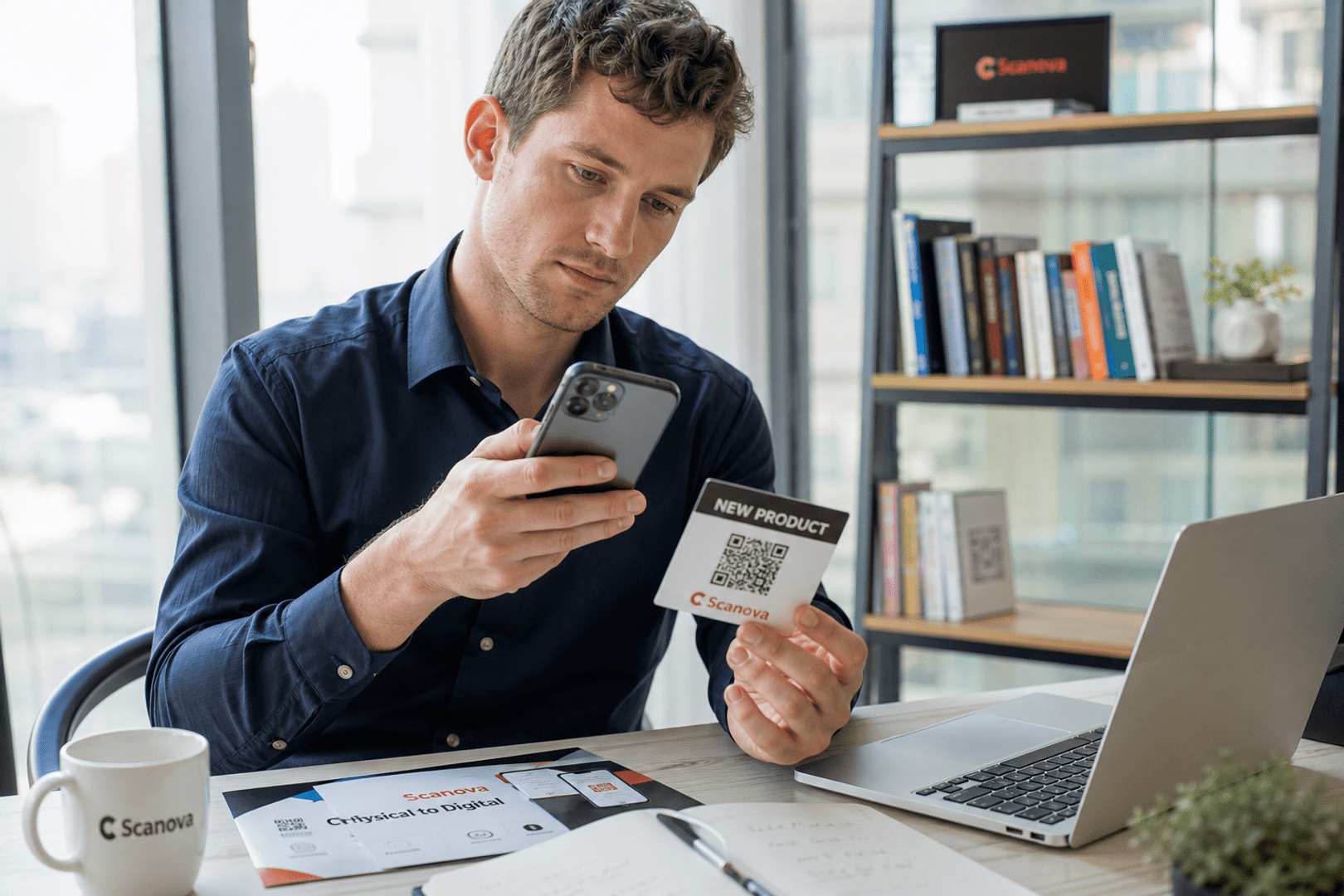
URL QR codes provide users with an immediate gateway to online content, eliminating the need to manually type lengthy web addresses. This seamless access not only saves time but also significantly reduces the likelihood of errors that can occur when entering URLs. For example, a customer scanning a QR code on a product package can be instantly directed to a detailed instructional video or a user manual, enhancing their overall experience.

2. Seamless Sharing and Distribution

Sharing information accurately and efficiently is a crucial aspect of any communication strategy. URL QR codes simplify this process by encoding web addresses into a scannable format, ensuring that users reach the exact destination intended by the sender. This eliminates the risks associated with miskeyed URLs or misdirected links. Whether it's a business card directing a potential client to a professional portfolio or a flyer leading attendees to an event registration page, URL QR codes ensure that the information is distributed correctly and effortlessly.

3. Enhanced Marketing Campaigns

URL QR codes can significantly boost the effectiveness of marketing campaigns. By embedding QR codes into promotional materials such as flyers, posters, and business cards, businesses can drive traffic to their websites or specific landing pages. This direct call-to-action not only increases the likelihood of conversions but also enhances the overall reach of the campaign. For instance, a QR code on a restaurant menu could lead to an online ordering system, making it easy for customers to place orders directly from their smartphones.

4. Measurable Engagement

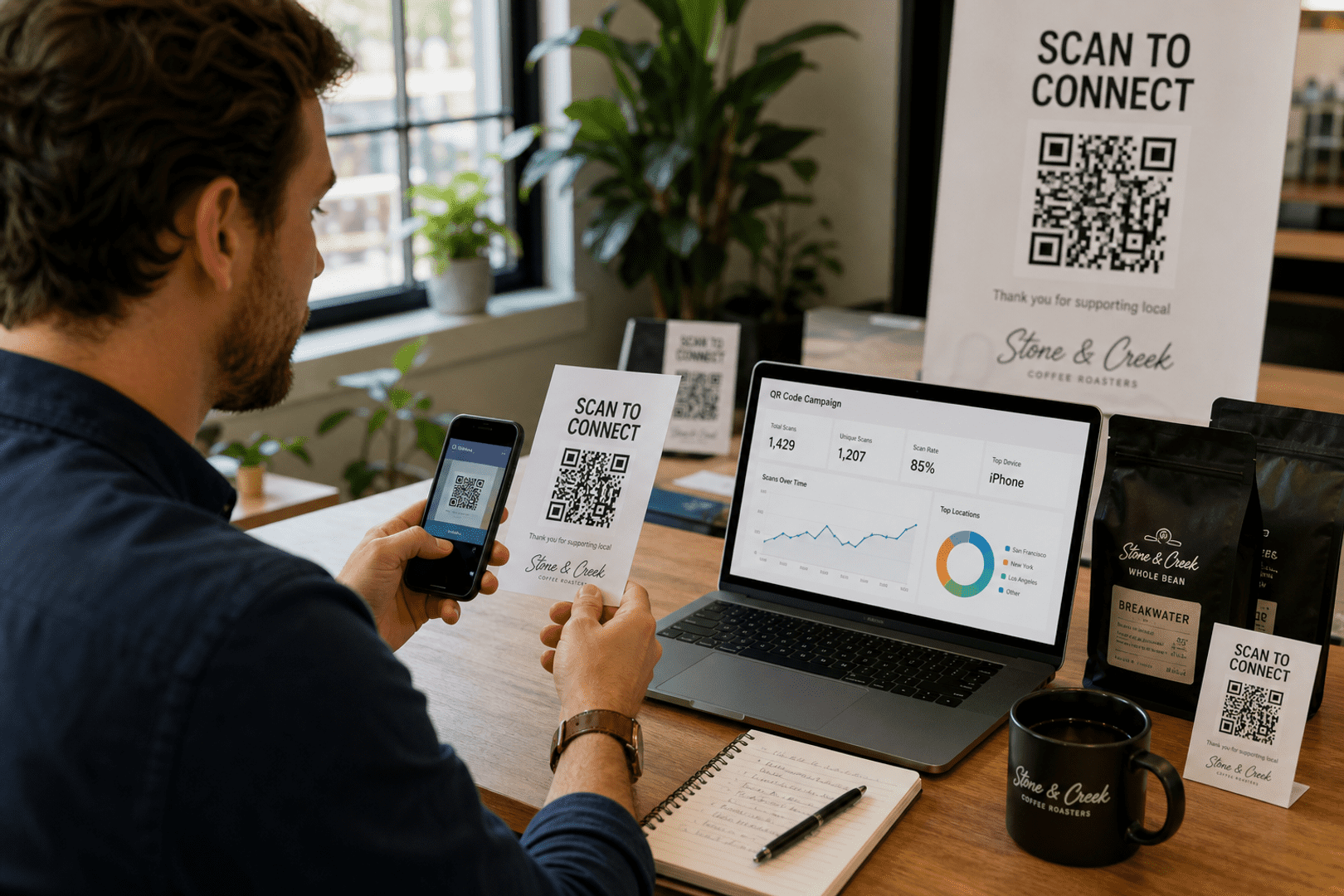
URL QR codes come equipped with tracking capabilities that provide valuable insights into user interactions. By monitoring the number of scans, geographic locations, and the devices used, businesses can gather data to analyze the performance of their campaigns. This information helps in understanding user behavior and refining marketing strategies for better results. For instance, a retailer can track which promotional materials are generating the most traffic and adjust their marketing efforts accordingly.

5. Cross-Platform Compatibility

URL QR codes are universally compatible with all smartphone devices, making them accessible to a wide audience. This cross-platform functionality ensures that users, regardless of the operating system or device they use, can easily scan the code and access the linked content. This inclusivity broadens the reach of your information, ensuring that no user is left out due to technological limitations. For example, a QR code on a museum exhibit can be scanned by visitors with any smartphone, providing them with additional information and enriching their experience.

How to Create a URL QR Code

Step 1: Choose a Trustworthy QR Code Generator

Select a reliable QR code generator like QRStuff, which offers a range of features to create dynamic and customizable QR codes suited for your business needs.

Step 2: Select the Right Type of QR Code

Select the appropriate type of QR code for your needs. Such as a the URL type to direct users to the desired URL.

Step 3: Customize Your QR Code’s Design

Add customization to your QR code, such as your server's logo, colors, or other branding elements, to make it visually appealing and recognizable.

Step 4: Test the QR Code

Before distributing your QR code, test it with multiple devices to ensure it directs to the intended place.

Step 5: Download and Implement

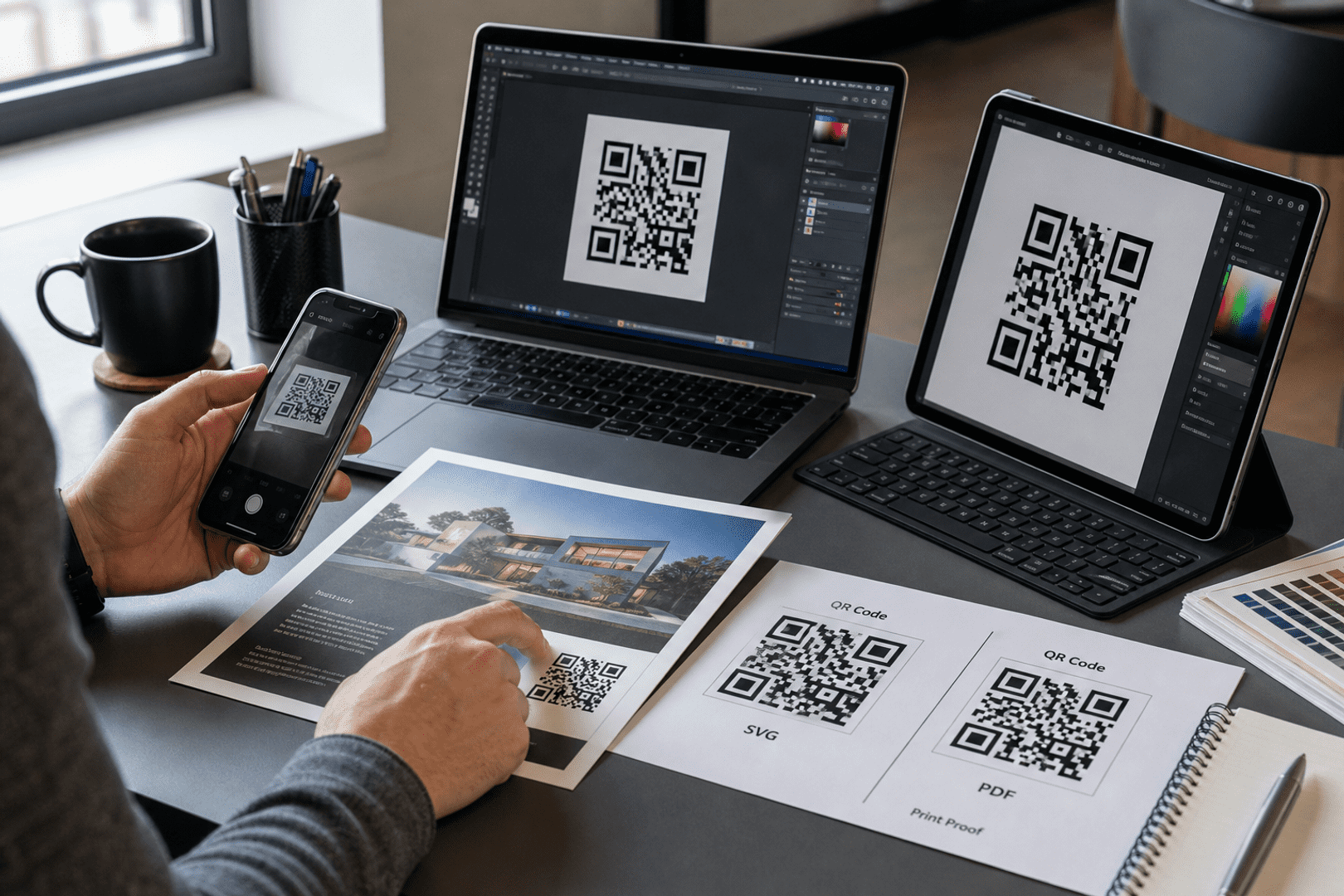
Download your QR code in the right format, test it, and place it on printed or digital materials where people can easily scan it.

Step 6: Track Performance (with Dynamic Codes)

For business use, a dynamic QR code can show scan activity and engagement patterns, helping you understand where and when people use your QR code.

Examples of URL QR Codes

1. Event Promotions

1. Event Promotions

In the realm of event promotions, URL QR codes can be a game-changer. Event organizers can place these codes on posters, flyers, and banners to direct potential attendees to online registration pages, event agendas, or ticket purchasing websites. This simplifies the process for users, allowing them to quickly access all the necessary information and take immediate action. For instance, a concert flyer with a QR code can lead fans directly to a ticketing page, reducing the hassle of navigating through multiple websites.

2. Product Packaging

2. Product Packaging

URL QR codes on product packaging offer customers a seamless way to access additional product information and enhance their overall experience. By scanning the QR code, customers can be directed to instructional videos, detailed product manuals, or exclusive promotional offers. For example, a QR code on a new gadget's packaging can lead users to a setup tutorial, making it easier for them to get started. This not only improves customer satisfaction but also reduces the need for extensive printed instructions.

3. Restaurant Menus

3. Restaurant Menus

In the hospitality industry, URL QR codes can revolutionize the dining experience. Restaurants can place QR codes on table , menus, or placemats to link customers to digital menus, online ordering systems, or feedback forms. This not only enhances convenience for customers but also streamlines operations for the restaurant. For instance, diners can scan a QR code to view an updated menu, place their orders directly from their smartphones, or leave feedback after their meal. This digital approach reduces physical contact, which is especially important in maintaining hygiene standards, and provides a modern, efficient dining experience.

4. Real Estate Listings

4. Real Estate Listings

For real estate professionals, URL QR codes can be a powerful tool to engage potential buyers and renters. Including QR codes on property signage, brochures, or advertisements can direct interested parties to detailed online listings, virtual tours, or contact pages for agents. This provides an easy and interactive way for prospects to gather more information about a property. For example, a QR code on a "For Sale" sign can lead to a virtual home tour, allowing potential buyers to explore the property remotely. This saves time and attracts more qualified leads by providing immediate access to comprehensive property details.

Best Practices for URL QR Codes

✓ Ensure Clear Visibility

Placing the QR code in a prominent and easily accessible location is essential for maximizing its usage. Avoid areas with excessive text or clutter, as these can make the QR code less noticeable and harder to scan. Instead, position the QR code where it can catch the viewer’s eye immediately, such as at the top of a flyer, the center of a poster, or on a product label where it stands out. Clear visibility ensures that users can quickly identify and scan the QR code without any confusion or effort. This practice enhances the likelihood of engagement and makes it easier for your audience to access the linked content.

✓ Provide Scanning Instructions

To ensure users understand how to use the QR code, include a brief explanation or an icon that indicates the QR code can be scanned with a smartphone. Simple instructions like “Scan with your smartphone camera” or an image of a phone scanning a QR code can be very effective. This is especially important for audiences who may not be familiar with QR codes. Clear instructions help demystify the process and encourage users to engage with the QR code, thereby increasing the overall effectiveness of your QR code implementation. Providing guidance eliminates uncertainty and makes the scanning process more intuitive.

✓ Optimize Destination Pages for Mobile

Given that most QR code scans are performed using smartphones, it’s crucial that the URL linked to the QR code leads to a mobile-friendly webpage. Ensure that the destination page is responsive, loads quickly, and offers an excellent user experience on mobile devices. Pages that are not optimized for mobile can frustrate users, leading to high bounce rates and reduced engagement. By providing a seamless mobile experience, you make it easier for users to interact with your content, whether it’s reading information, making a purchase, or signing up for an event. Mobile optimization is key to maintaining user interest and maximizing the effectiveness of your QR code.

Create a URL QR Code

Ready to discover how QR codes can transform your business?
Start by creating your custom QR Code today

Frequently Asked Questions

Choose this use case when the destination and workflow match the scenario explained on this page.

Yes for dynamic QR codes; static QR codes cannot be edited after creation.

Use dynamic analytics and tagged URLs to measure scans and conversion outcomes.

Use high-resolution/vector formats for print and test scanning at intended display size.

Maintain sufficient contrast, preserve quiet zone, and avoid over-stylizing finder patterns.