Holiday 2024 Holiday 2024

How to Use QR Codes in Retail?

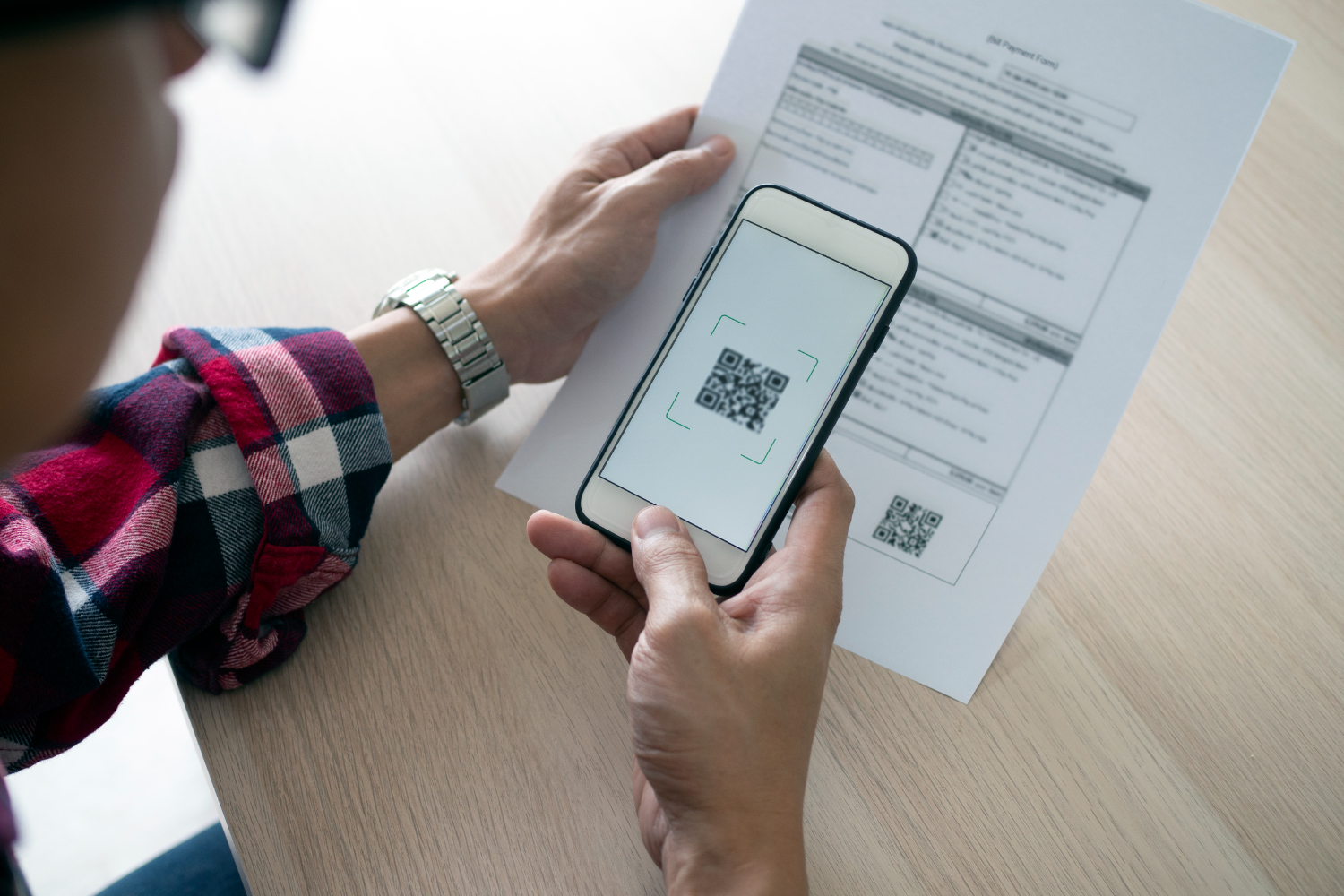
In today’s fast-paced retail industry, connecting with modern consumers means blending physical experiences with digital engagement. When shoppers scan the QR code displayed in-store or on packaging, they’re expressing genuine interest — giving your business a direct opportunity to deliver meaningful, mobile-first interactions.
With QR codes, retailers can bridge the gap between online and offline, enhancing every step of the consumer journey — from browsing aisles to making a purchase.

Find the right plan
How to Use QR Codes in Retail?
Loading QR code generator…

Benefits of Using QR Codes in Retail

Integrating QR codes into your retail business strategy transforms how consumers interact with your brand. Here’s how:

1. Direct Customers to Your Website

Guide shoppers to detailed product pages, lookbooks, or online checkout options. A quick mobile scan gives them access to specifications, tutorials, and related products — improving engagement and driving conversions.
👉 Learn more about Dynamic QR Codes.

1. Direct Customers to Your Website

2. Reduce Friction in the Shopping Journey

QR codes simplify common retail pain points. Customers can:

  • Access instant payment links for fast checkout.
  • View “how-to” guides or installation instructions.
  • Contact support instantly through a mobile-optimized page.

If an item is out of stock, shoppers can scan the QR code to find it online or at another store — keeping the sale within your business ecosystem.

2. Reduce Friction in the Shopping Journey

3. Promote Deals and Offer Discounts

Reward loyal consumers and attract new customers by offering exclusive deals via coupon QR codes. This not only increases sales but helps build long-term relationships through personalized promotions.
👉 Create your own Coupon QR Code.

3. Promote Deals and Offer Discounts

4. Encourage More Product Reviews

Shoppers trust reviews before buying. By adding QR codes to receipts or packaging, you make it easy for customers to scan and leave feedback — boosting your social proof and influencing future buyers.
👉 Create your own Feedback Form QR Code.

4. Encourage More Product Reviews

5. Gather Valuable Consumer Data

Every QR code scan provides insight into customer behavior. You can track location, time, and device type to understand what drives engagement. Combine this data with feedback forms to optimize product placement and business decisions.
👉 Explore QR Code Analytics to learn more.

5. Gather Valuable Consumer Data

6. Boost your social media presence

Use QR codes to connect mobile-first consumers directly to your social profiles. With one scan, they can follow your brand, share experiences, and join your community — turning occasional shoppers into loyal followers.
👉 Learn how to create Social Media QR Codes.

6. Boost your social media presence

Case Studies: QR Codes in Action

Case Study: Warby Parker’s Augmented Reality Experience

Warby Parker integrates QR codes in its marketing to create interactive mobile experiences. Customers can scan the QR code on promotional materials to try on glasses virtually using AR — enhancing the shopping experience and boosting purchase confidence.

Case Study: Warby Parker’s Augmented Reality Experience

Case Study: Ikea’s Guided Store Tours

IKEA uses QR codes to offer guided tours and provide more information about their products and services. Shoppers can scan codes around the store to view room setups, learn about materials, and get inspiration.

Case Study: Sephora’s In-Store Promotions

Based in San Francisco, Sephora uses QR codes to activate special promotions. Scanning a code on a product display could unlock a discount, offer access to exclusive makeup tutorials, or enter a customer into a contest.

Case Study: Sephora’s In-Store Promotions

How to Create a QR Code for Your Retail Business

Creating a custom QR code for your retail business takes just a few minutes with the QRStuff QR Code Generator. Here’s how:

Step 1: Choose the Right Type of QR Code

Select a code type that fits your goal — such as a Website URL QR Code for online stores or a Coupon QR Code for promotions.

Step 1: Choose the Right Type of QR Code

Step 2: Enter the Required Details

Input your link, contact information, or promotional content. For example, link to a new product page or seasonal sale to attract new consumers.

Step 2: Enter the Required Details

Step 3: Customize Your QR Code’s Design

Match your branding by adjusting colors and adding your logo. A professional-looking QR code builds trust and stands out across print and digital materials.

Step 3: Customize Your QR Code’s Design

Step 4: Download and Implement Your QR Code

Download in high-resolution PNG or SVG formats, then display your QR code across:

Step 4: Download and Implement Your QR Code
Live Analytics

See your QR code performance in real-time

Stop guessing. Start measuring. Transform your campaign into a data-driven powerhouse with our professional subscriber dashboard.

Scan Velocity

Track total and unique scans hourly.

Global Insights

See exactly where users are scanning.

Stats
Last 24h
Total Scans 1,248
Mobile Users 92%
Unique
842
Top City
NYC
Device
iOS

Best Practices for Using QR Codes in Retail

Follow these best practices to ensure your QR codes perform effectively across all mobile touchpoints:

  • Clear Labeling: Tell customers what happens when they scan (e.g., “Scan for 20% off”).
  • Strategic Placement: Add codes on product tags, shelves, or near POS systems for easy access.
  • Mobile-Optimized Pages: Ensure landing pages are responsive for smooth mobile consumer experiences.
  • Use Dynamic QR Codes: Keep your links flexible with editable content — ideal for seasonal campaigns or new business promotions.
    👉 Learn about Dynamic QR Codes for Retailers.
qrcode.svg

Create Your Retail QR Code Now

Start creating your free QR code today and connect your retail business with mobile-first consumers.

Getting the Most from Your QR Codes: Printing & Best Practices

Once you have generated your custom QR code, the final step is ensuring it works perfectly in the physical world. To download your code, simply navigate to your dashboard and select your preferred file type. We recommend SVG or EPS formats for professional printing, as these vector files can be scaled to any size without losing clarity. For digital use or small-scale office printing, a high-quality PNG is usually sufficient.

Resolution & Format

Always use high-resolution files (300 DPI minimum for raster images like PNG). Vector formats (SVG/EPS) are best for large-scale items like banners or signage to prevent pixelation.

Contrast & Color

Maintain high contrast between the QR code and the background. A dark code on a light background is the gold standard. Avoid inverted colors (light code on dark background), as many older scanners struggle to read them.

Size & Placement

Ensure the code is at least 2cm x 2cm (0.8" x 0.8") for simple URLs. Place your codes on flat, non-reflective surfaces at eye level, avoiding folds, seams, or corners that could distort the pattern.

The Quiet Zone

Never crop the white border (the "Quiet Zone") surrounding your QR code. This border is essential for the scanner to distinguish the code from its surroundings.

Partner Program

Partner With Us: Share the Quality, Earn the Rewards

Do you work with clients who need reliable, professional QR code solutions? By sharing these best practices and recommending QRStuff, you can turn your expertise into a recurring revenue stream.

  • 25% Recurring Commission
  • Lifetime Referral Earnings
  • 90-Day Cookie Duration
Join the Affiliate Program today!

Ready to see how QR codes can transform your business?

Start creating free QR codes today, or subscribe to unlock full design capabilities and advanced analytics

Frequently Asked Questions

Yes, you can generate QR codes for essential Retail operations, such as linking to digital menus, feedback forms, or basic inventory tags, using our free tool. Advanced branding and analytics require a subscription.

Simply select your data type (URL, PDF, or vCard), enter the relevant Retail details—such as a product landing page or service menu—and customize the design to match your business aesthetic before downloading.

Download your QR code in high-resolution SVG or EPS format to ensure clarity. You can then apply it to Retail-specific materials like storefront signage, product packaging, table tents, or professional business cards for high-quality scanning.