
Key Terms to Know
Apple Music QR Code
A scannable visual code that links directly to audio content inside the Apple Music application.
Static QR Code
A fixed code storing a permanent URL that cannot be edited after printing.
Dynamic QR Code
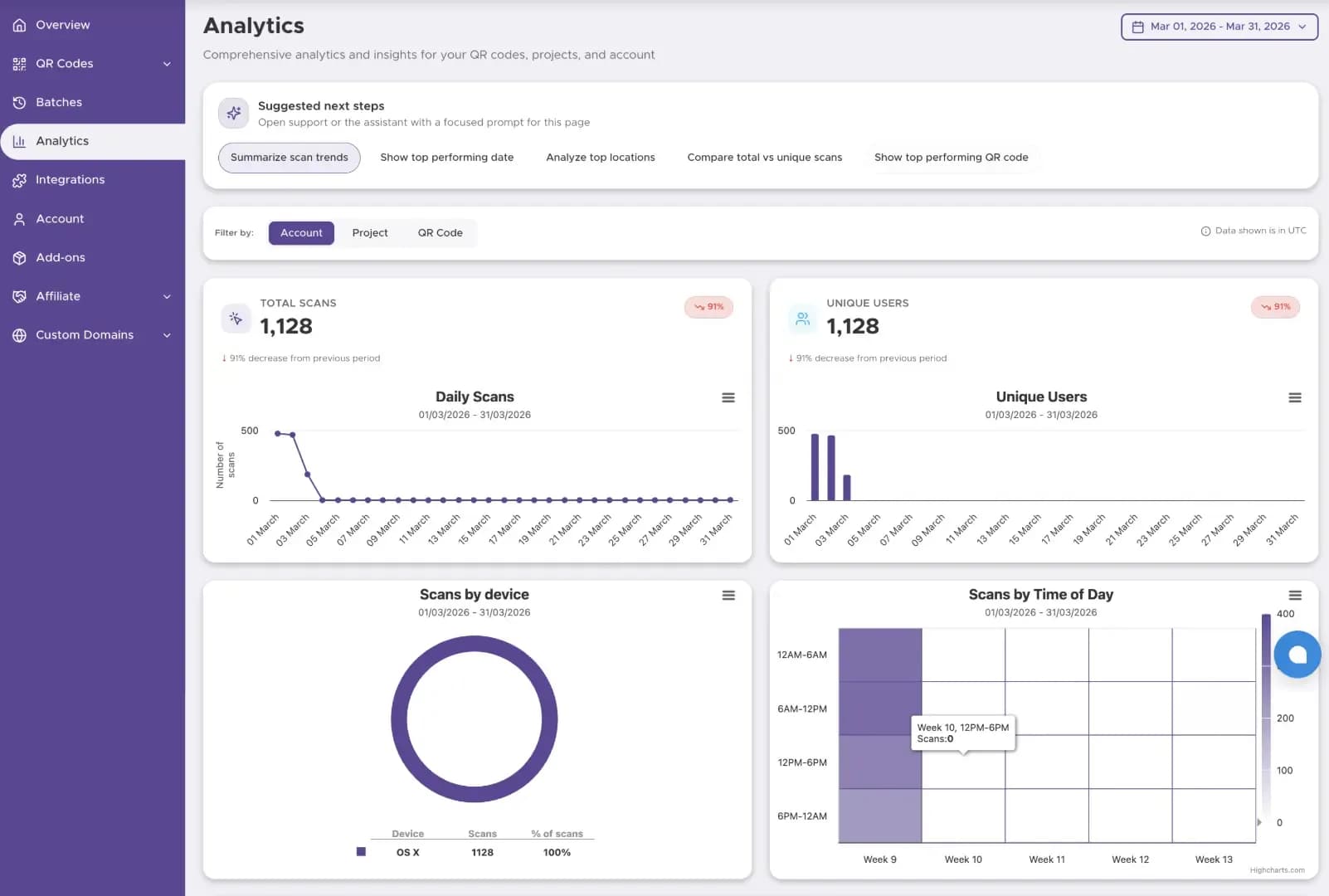
A flexible code using a short redirect URL. It lets you change the destination link anytime and tracks scan analytics.
Quiet Zone
The blank margin space surrounding a QR code. It allows camera scanners to distinguish the code from adjacent images.
Spotify Code
A proprietary barcode format readable only within the Spotify app interface.
Static vs. Dynamic QR Codes for Apple Music: Which to Choose in 2026?
Choosing the right code type is critical for music marketing and print campaigns.
| Capability | Static Apple Music QR Code | Dynamic Apple Music QR CodeRecommended |
|---|---|---|
| Cost | 100% Free | Premium Features |
| Editability (Can you change the link?) | No. The link is permanent. | Yes. Update your track or album link anytime. |
| Scan Analytics | None | Full Data (Scans, locations, dates, device type) |
| Ideal Use Case | Personal sharing, permanent vinyl inserts | Album launches, merch, tour posters, ad campaigns |
Pro Tip: Dynamic QR codes protect your merchandise investment. You can redirect a tour poster's code from a pre-save link to a live album upon release without reprinting.
How to Get an Apple Music Link for Your QR Code
Before generating your code, copy your target destination URL using these steps.
From Mobile App iPhone or Android
- Open the Apple Music app.
- Navigate to the song, album, playlist, or artist page.
- Tap the Three Dots (…) icon near the title.
- Select Share Song or Share Album / Playlist.
- Tap Copy Link.
From Desktop App Mac or Windows
- Open Apple Music or iTunes.
- Right-click on any track, playlist, or album.
- Hover over Share.
- Click Copy Link.
How to Create Your Code with Our Generator
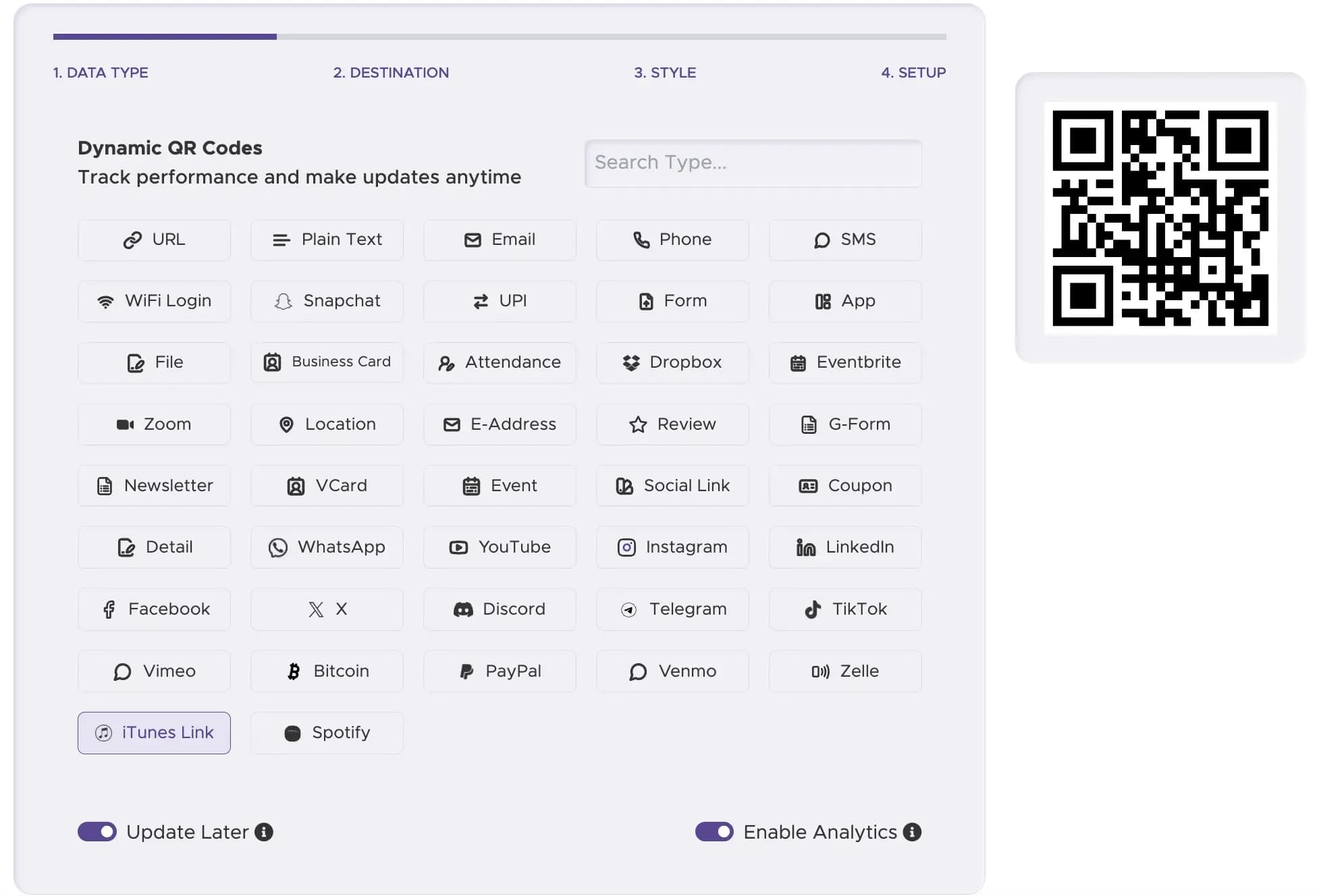
Step 1
Select Data Type
Choose the "Apple Music / iTunes Link" option in our tool.
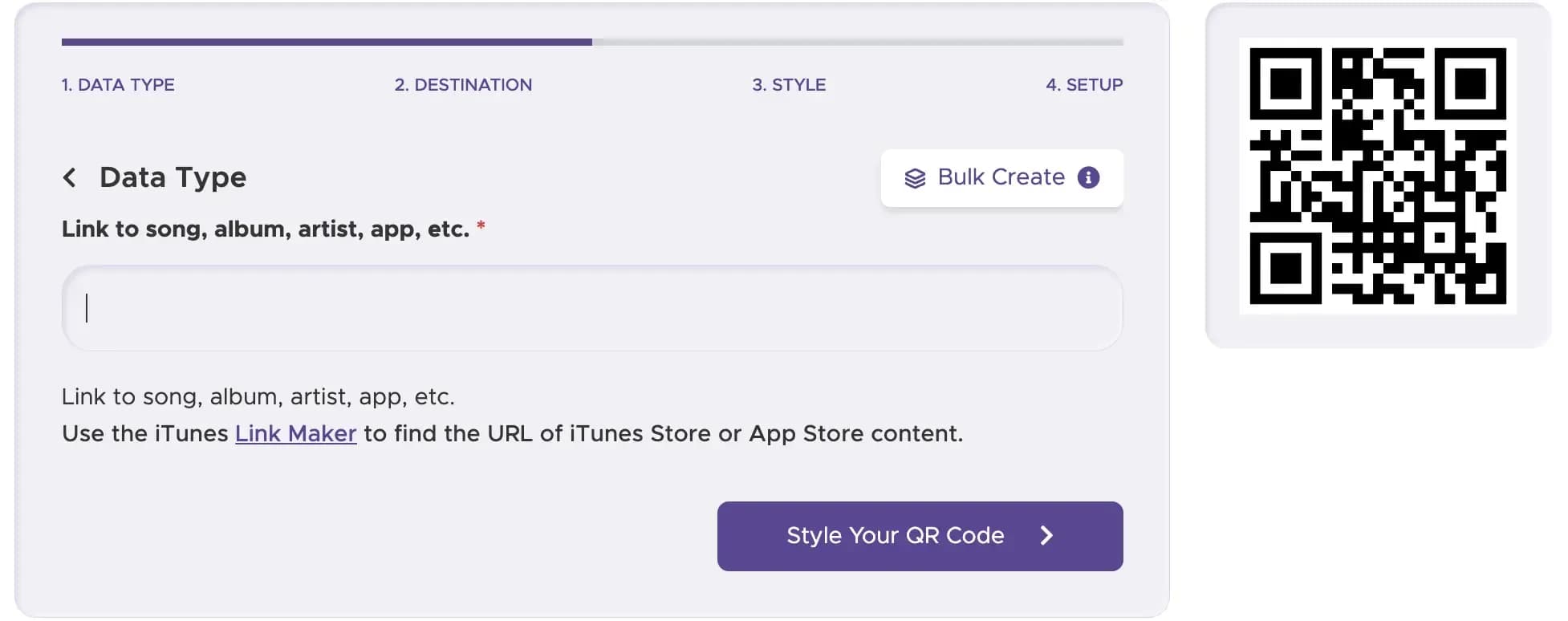
Step 2
Paste Your URL
Paste your copied Apple Music song, album, or playlist link.
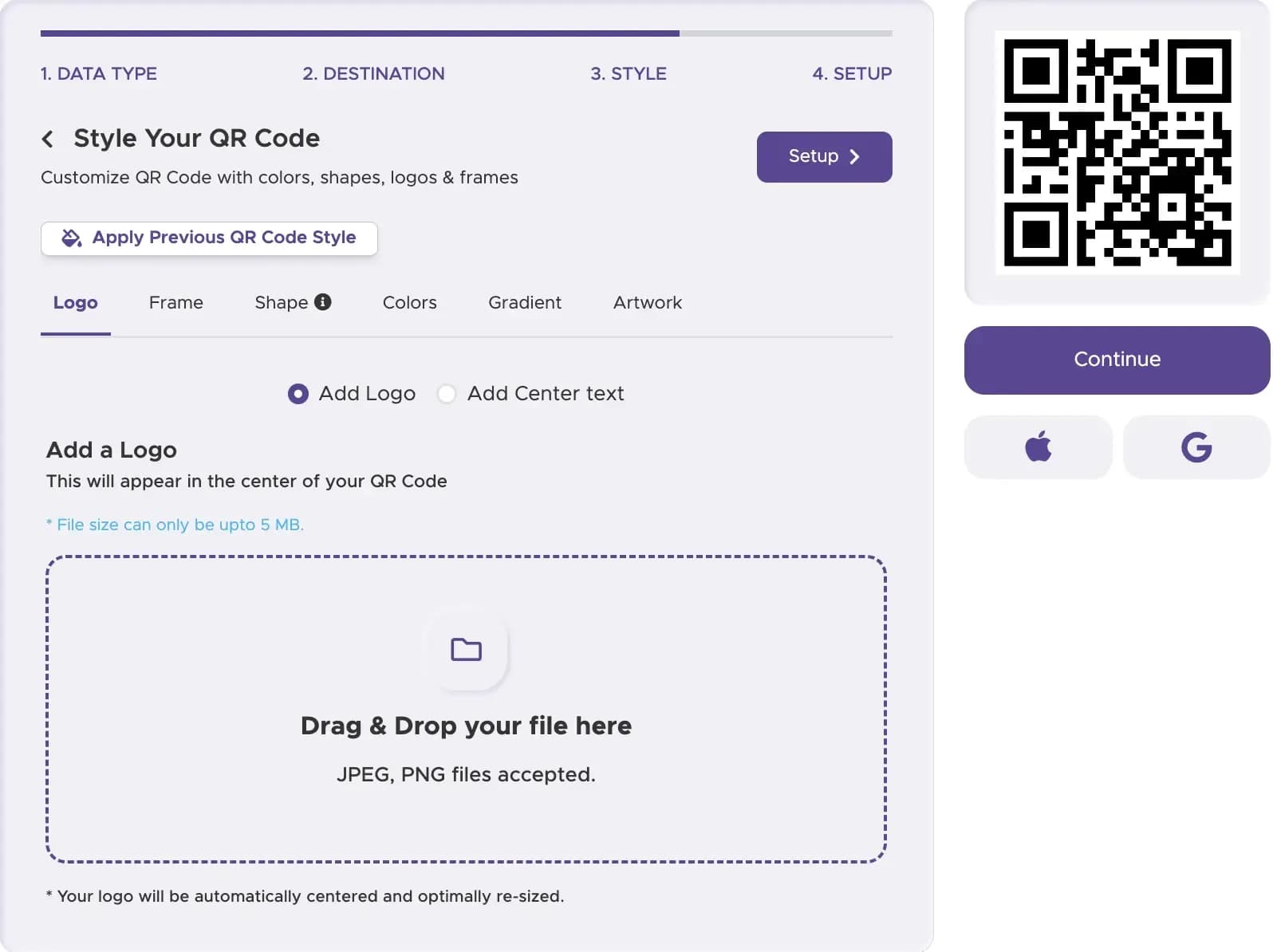
Step 3
Customize Design
Apply brand colors, custom frames, and the official Apple Music icon.
Step 4
Select Static or Dynamic
Pick Dynamic to access live scan analytics and link editing.
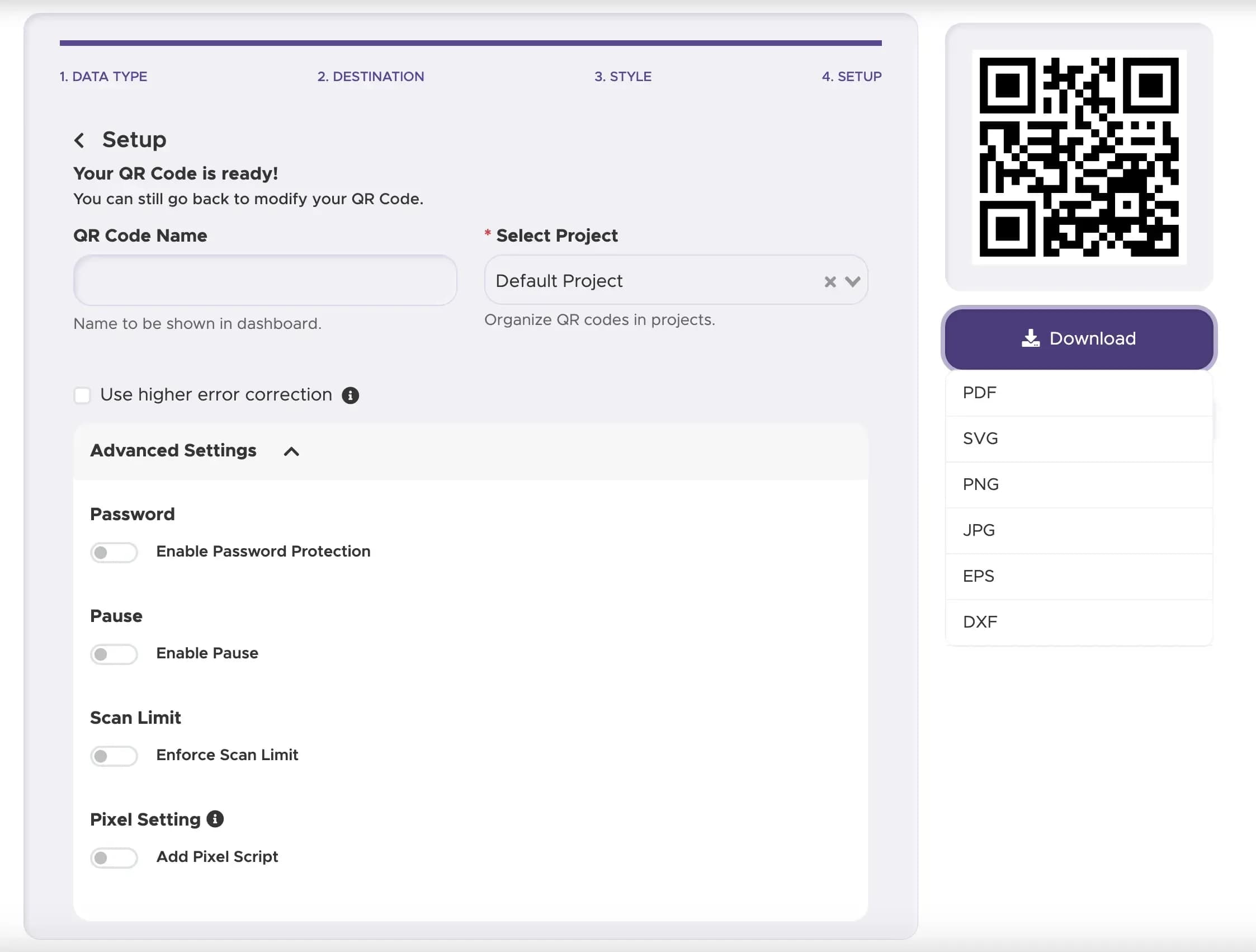
Step 5
Download High-Res Vector
Export in PNG, SVG, or EPS formats for crisp print quality.
Apple Music QR Codes vs. Spotify Codes: A Data-Driven Comparison
Musicians often ask whether to use universal QR codes or proprietary app codes. Here is how they stack up for real-world audience reach:
- Camera Compatibility: Over 90% of US smartphones can natively scan standard QR codes through their default camera app. Spotify Codes require users to open the Spotify app, tap search, and activate the internal camera.
- Cross-Platform Reach: A standard QR code can direct users to a smart landing page (e.g.Linkfire) containing Apple Music, Spotify, and YouTube links simultaneously. Spotify Codes lock users into a single ecosystem.
- Conversion Rates: Native camera scanning reduces user friction. In retail environments, standard QR codes generate up to 35% higher scan completion rates compared to proprietary app-only barcodes.
Expert Tips for Your 2026 Apple Music QR Code
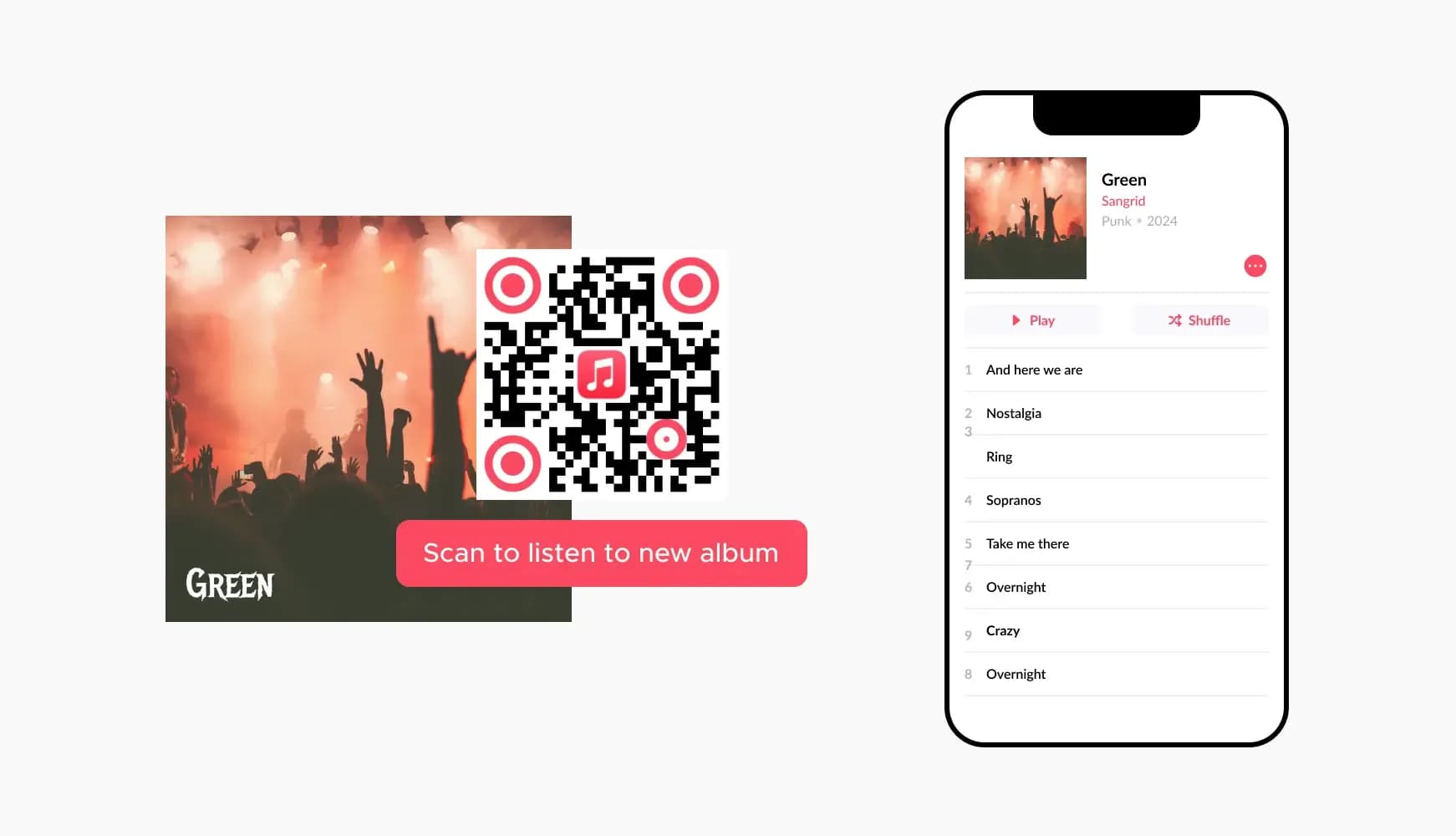
In our tests, QR codes featuring a central Apple Music logo achieved a 15% higher scan rate than plain black-and-white codes. Recognition drives user trust.
Always use a dark foreground pattern on a light background. Inverted colors often fail to scan under venue lighting.
Leave a clear border of at least 4mm around your code. Placing text or graphics too close prevents camera focus.
Print codes on the sleeves of t-shirts, back covers of tour programs, or physical CD packaging.
Always frame your code with clear text. Use commands like "Scan to Stream New Single on Apple Music" instead of a plain code.
Real-World Examples & Use Cases
Concert Tour Posters
Place codes on venue posters. Fans scan the flyer to listen to the concert setlist instantly.

Physical Record Releases
Include a dynamic QR code on vinyl sleeves. Give buyers instant access to digital bonus tracks and liner notes.
Artist Social Media
Share high-resolution QR graphics on Instagram Stories or TikTok. Allow desktop users to jump to your music via phone scan.
Start Promoting Your Music Today
Connect physical listeners directly to your digital streaming profile in under a minute.