
Key Terms Defined
Email QR Code Generator
An online software tool that encodes mailto: schema protocol data into a scannable 2D matrix code.
Mailto Schema
A standardized URI syntax used to launch email applications with pre-populated recipient, subject, and body fields.
Static Email QR Code
A fixed code hardcoding the raw email parameters directly into the graphic pattern.
Dynamic Email QR Code
A code linking to a short URL redirect that displays the email composer while offering editability and scan metrics.
Default Mail Client
The primary application (e.g.Apple Mail, Gmail, Outlook) configured on a smartphone to handle email tasks.
Static vs. Dynamic Email QR Codes: Which Should You Use in 2026?
Selecting the correct code architecture affects long-term campaign adaptability and marketing analytics.
| Capability | Static Email QR Code | Dynamic Email QR CodeRecommended |
|---|---|---|
| Data Storage | Encoded inside the physical pixel grid | Stored securely on cloud servers via short URL |
| Recipient & Body Editability | Permanent (cannot change after printing) | 100% editable anytime in your dashboard |
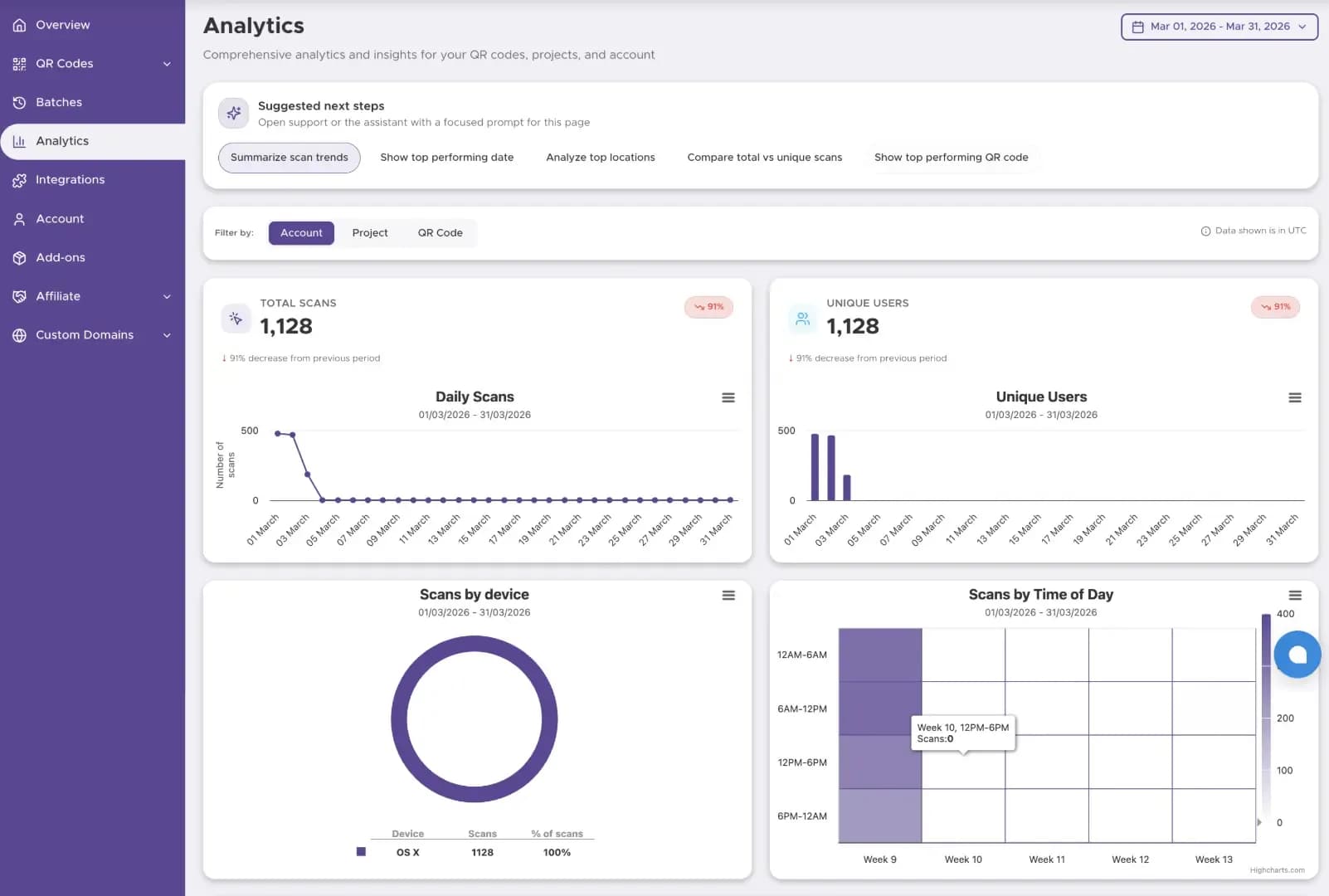
| Scan Analytics & ROI | Not available | Real-time (scan counts, locations, OS, time) |
| Offline Functionality | Yes (launches mail app without cellular data) | Requires cellular/Wi-Fi connection to resolve |
| Ideal Use Case | Business cards, permanent equipment labels | Ad campaigns, retail packaging, support desks |
| Cost | 100% Free | Included with Premium Accounts |
Pro Tip: In our enterprise tests, campaigns utilizing Dynamic Email QR codes yielded a 25% higher interaction rate because teams optimized pre-filled text lines mid-campaign based on real-time analytics.
How to Pre-fill Email Subject and Body Content with Your QR Code
Don't just link to a raw email address. Pre-populating the subject line and body text reduces user friction and structures incoming inbox messages automatically. Our email QR code generator automates mailto syntax, but understanding the structure helps you craft better marketing templates.
Step 1
Standardized Inquiries
Sort incoming customer service messages instantly using automated inbox rules.
Step 2
Higher Send Rates
Users only need to hit "Send," eliminating composer writer's block.
Step 3
Accurate Campaign Attribution
Track which printed marketing material generated the email based on unique subject lines.
Email QR Code Security: Best Practices for 2026
Publishing a primary corporate email address on public print materials can attract unwanted spam harvester bots. Follow these security guidelines:
- Use Dedicated Email Aliases: Never use your personal direct inbox address. Use alias handles like
qr-feedback@yourcompany.comorevents2026@yourcompany.com. - Leverage Dynamic Redirection: If an alias receives excessive spam, dynamic codes allow you to change the underlying recipient address immediately without reprinting physical posters.
- Incorporate Anti-Spam Headers: Pre-fill unique subject identifiers (e.g.
subject=[QR-Verified] Product Feedback) so your mail server filters legit scans from web bots.
Pro Tip: Using a dedicated alias for your public QR code reduces corporate inbox spam by up to 80% while keeping user engagement completely frictionless.
Device & Email Client Compatibility
How do email QR codes perform across different mobile ecosystems?
iOS Integration
Scanning with the native iPhone camera automatically triggers Apple Mail or Google Gmail if set as the system default.
Android Integration
Android camera apps resolve mailto: prompts instantly via Gmail, Outlook, or native manufacturer mail applications.
Unconfigured Devices
If a user lacks a configured mobile mail client, the OS prompts them to select an installed browser or app store client.
For Enterprise: Bulk Generation of Email QR Codes
Managing digital business cards for a global sales team or individual asset labels across thousands of machines? Our platform supports Bulk Email QR Code Generation.
Batch Uploads
Upload a single CSV file containing hundreds of unique employee email addresses, personalized subject lines, and staff IDs.
Consistent Branding
Apply company logos, frame templates, and corporate brand colors across all generated codes in one click.
Vector Export Formats
Download entire batches as print-ready EPS, SVG, or high-resolution PNG zip archives.
How Our Email QR Code Generator Works
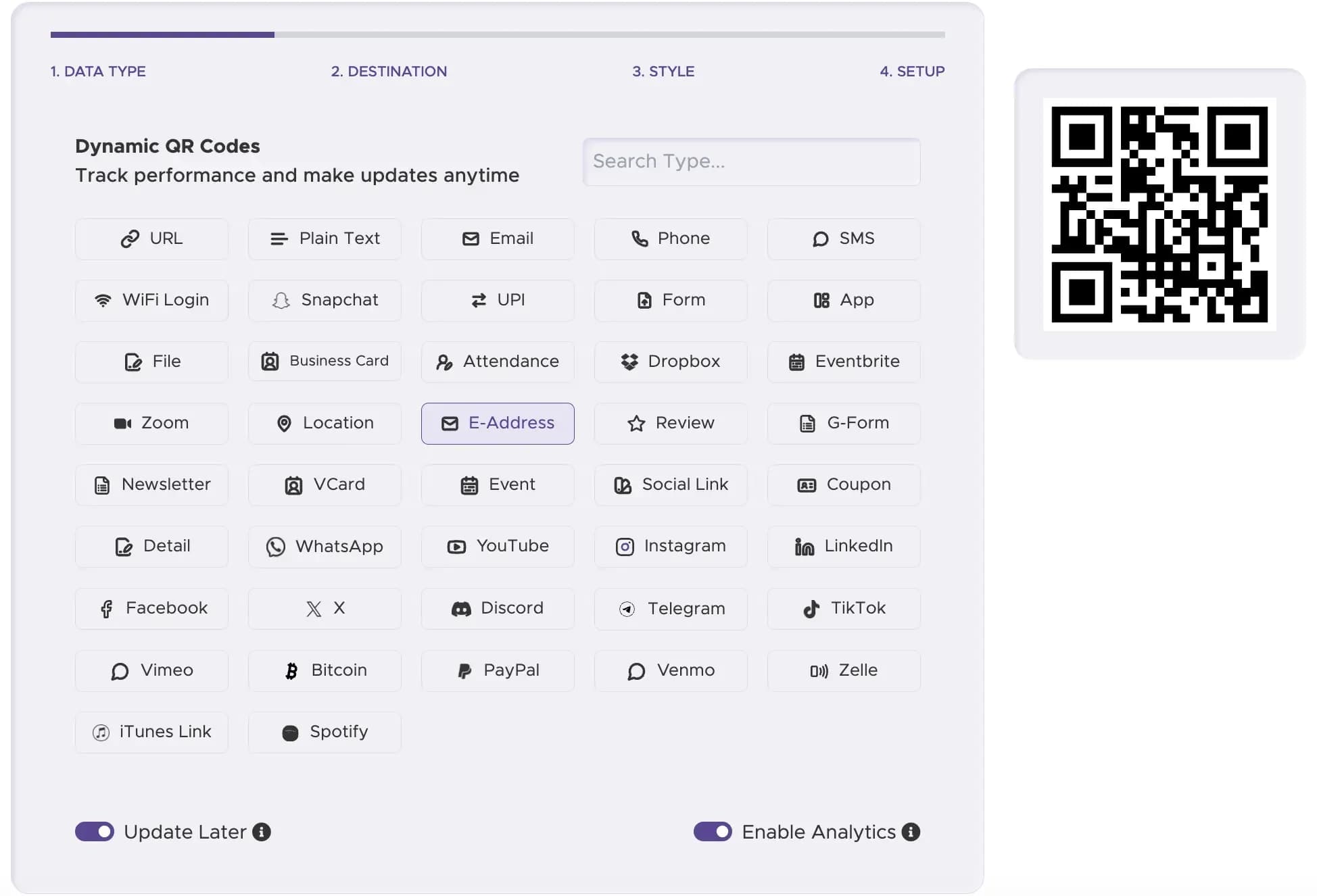
Step 1
Select Email Data Type
Choose the "Email" option inside our generator interface.
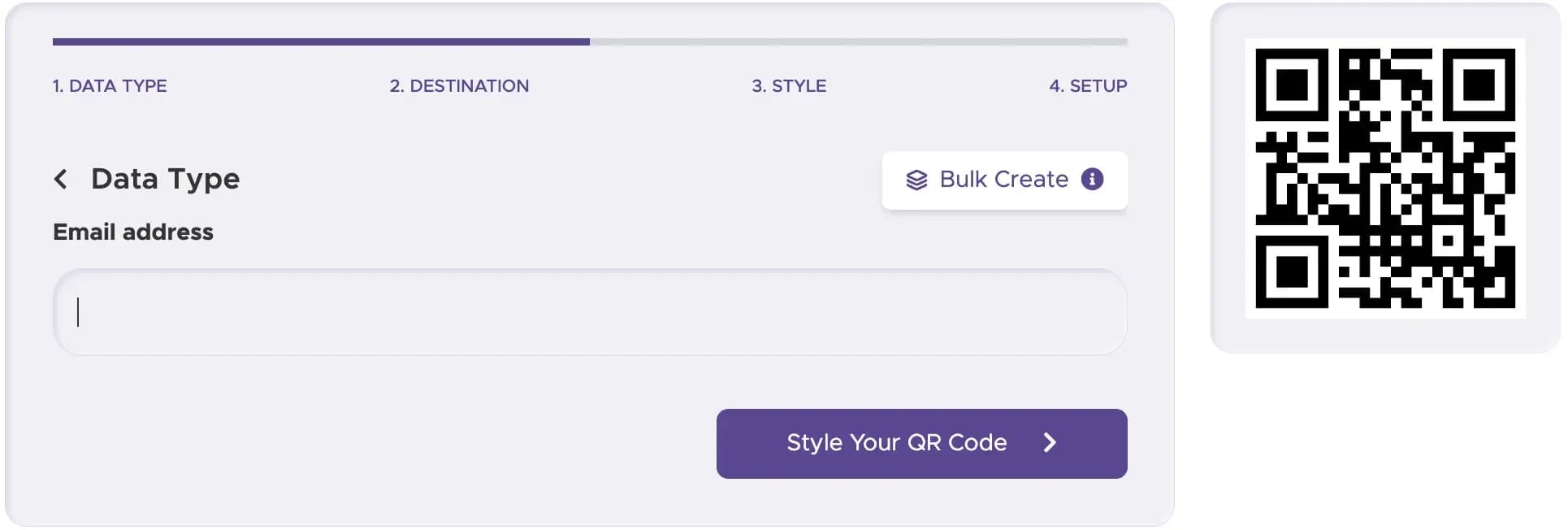
Step 2
Input Mail Parameters
Enter the recipient email address, pre-filled subject line, and desired body message.
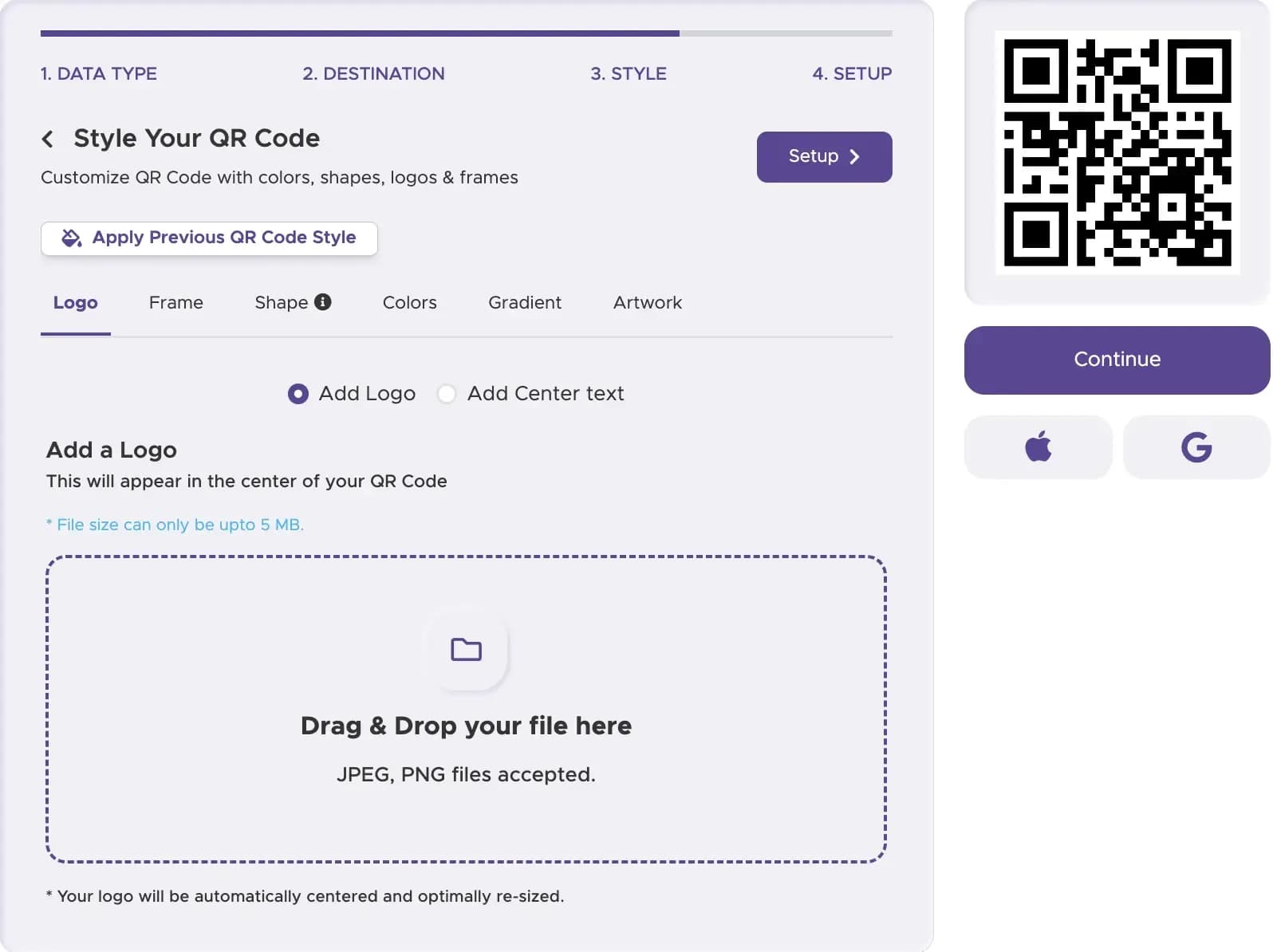
Step 3
Customize Your Branding
Apply brand colors, adjust eye pattern shapes, and add a central "Email Us" icon logo.
Step 4
Pick Static or Dynamic
Select Dynamic if you require scan tracking analytics and future editability.
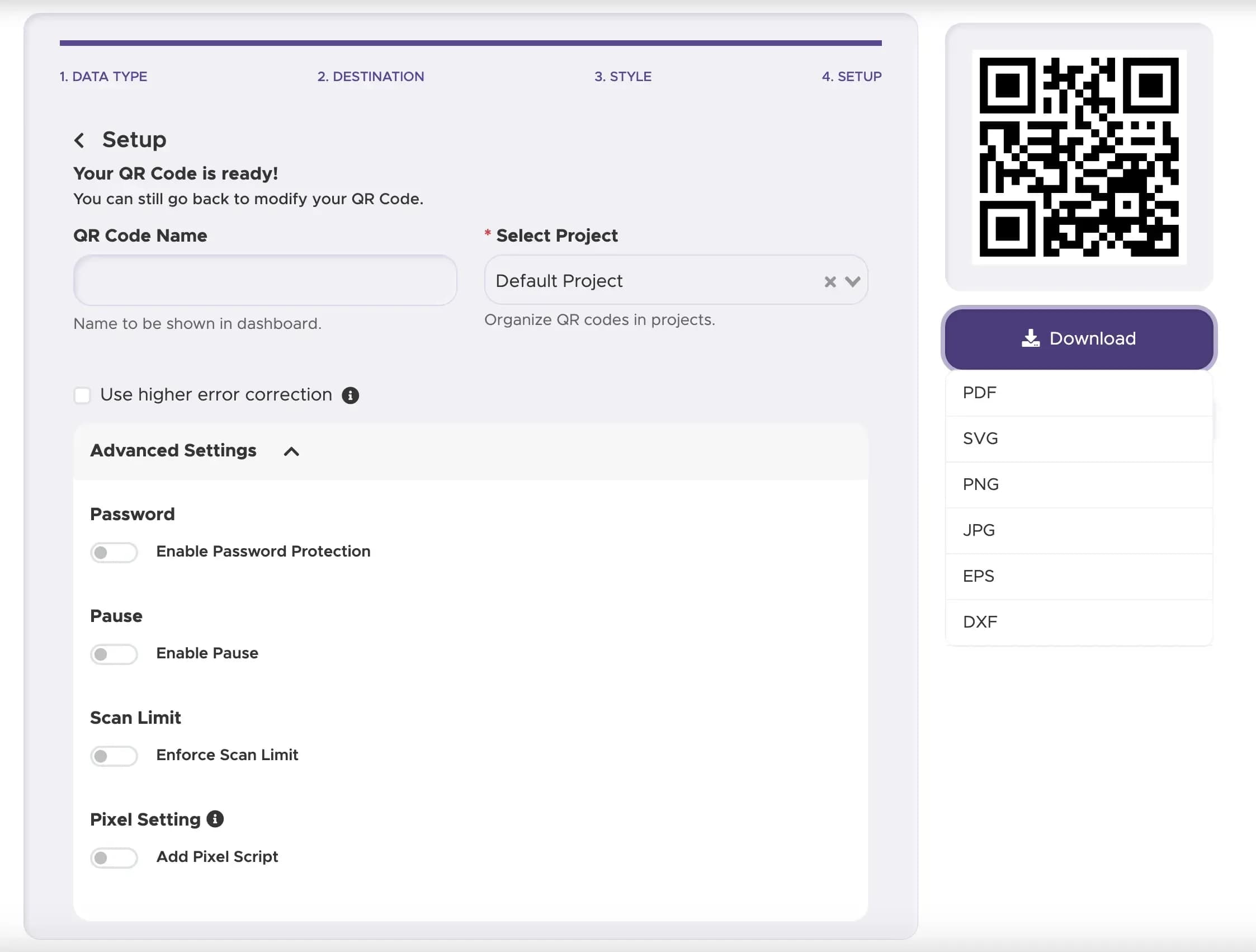
Step 5
Download & Deploy
Save vector SVG/EPS files for professional print packaging or PNG graphics for web use.
Best Practices for Maximum Conversions
Always pair your code with explicit text like "Scan to Email Our Support Team" or "Scan to Request a Free Quote".
Maintain a dark foreground code pattern over a bright, solid background to ensure sub-second camera focus.
Never print email QR codes smaller than 1x1 inch (2.5x2.5 cm) on brochures or business cards.
Ready to Streamline Your Customer Communications?
Convert offline interest into direct inbox conversations in under a minute.