
Why Use a Telegram QR Code Generator for Your Business?
Telegram is one of the fastest-growing messaging apps in North America and worldwide, making it an essential channel for direct customer communication.
Seamless Contact Addition
Users add your contact details without typing complex usernames manually. This prevents typos and speeds up networking.
Instant Customer Support
A single scan launches a direct, secure conversation with your support team. This increases response speed and improves satisfaction.
Rapid Community Growth
Prospects join your Telegram groups or channels in seconds. This creates higher real-time engagement for your brand.
Efficient Content Sharing
Share videos, PDFs, and exclusive promos directly in chat. This boosts campaign conversion rates.
Static vs. Dynamic Telegram QR Codes
Choosing the right code type is critical for long-term business success. Here is a clear comparison:
| Capability | Static QR Code | Dynamic QR CodeRecommended |
|---|---|---|
| Link Editing | Permanent (Cannot change destination) | Flexible (Update destination anytime) |
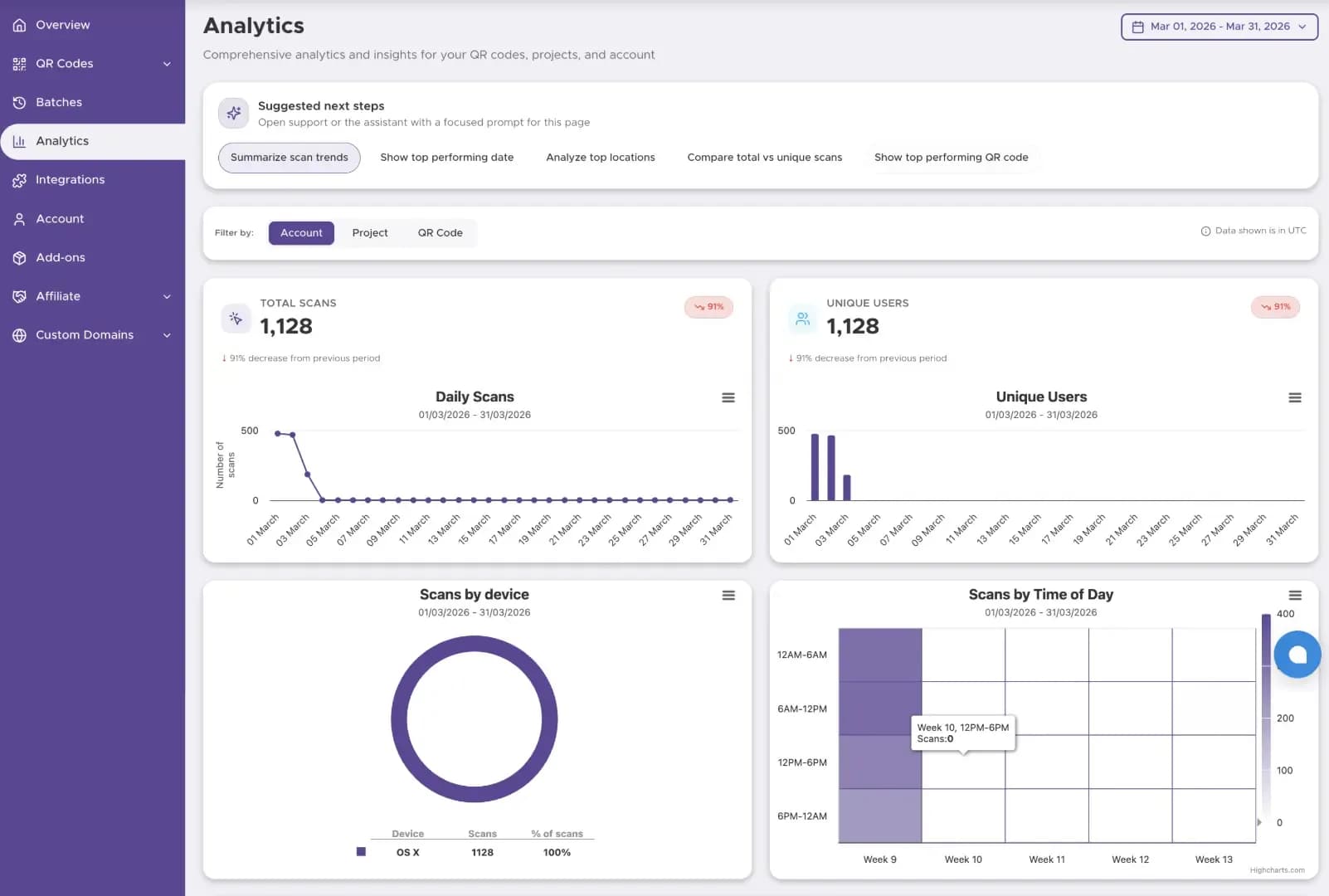
| Scan Tracking & Analytics | Not Available | Real-Time Metrics (Scans, Location, Time) |
| Lifespan | Unlimited | Unlimited (With active account) |
| Cost | 100% Free | Premium Features |
| Best For | Personal profiles, single-use prints | Marketing campaigns, packaging, retail |
Pro Tip: Dynamic QR codes protect your print budget. If your Telegram group link changes, update the destination in your dashboard without reprinting your packaging or flyers.
How to Find Your Telegram Link (Profile, Group, or Channel)
Before using our Telegram QR code generator, you need your exact target URL. Follow these steps:
User profile
Your personal username link.
- Open the Telegram app on your device.
- Go to Settings → Edit Profile → Username.
- Copy the link shown under your username.
Examplehttps://t.me/yourusername
Group or channel
Public invite address anyone can open.
- Open your group or channel info page.
- Tap Invite Link or the Info section.
- Copy the public
t.meaddress.
Examplehttps://t.me/yourchannelname
Private group
Unique invite link for closed groups.
- Open your private group settings.
- Select Group Type → Invite Links.
- Copy the unique private invitation link.
Examplehttps://t.me/+InviteCode
How to Create Your Code with Our Telegram QR Code Generator
Step 1
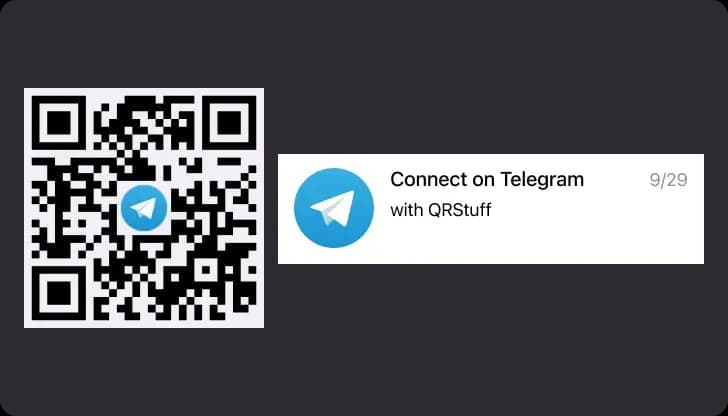
Copy Your Telegram URL
Get your personal, group, or channel link directly from the Telegram app settings or invite links.
Step 2
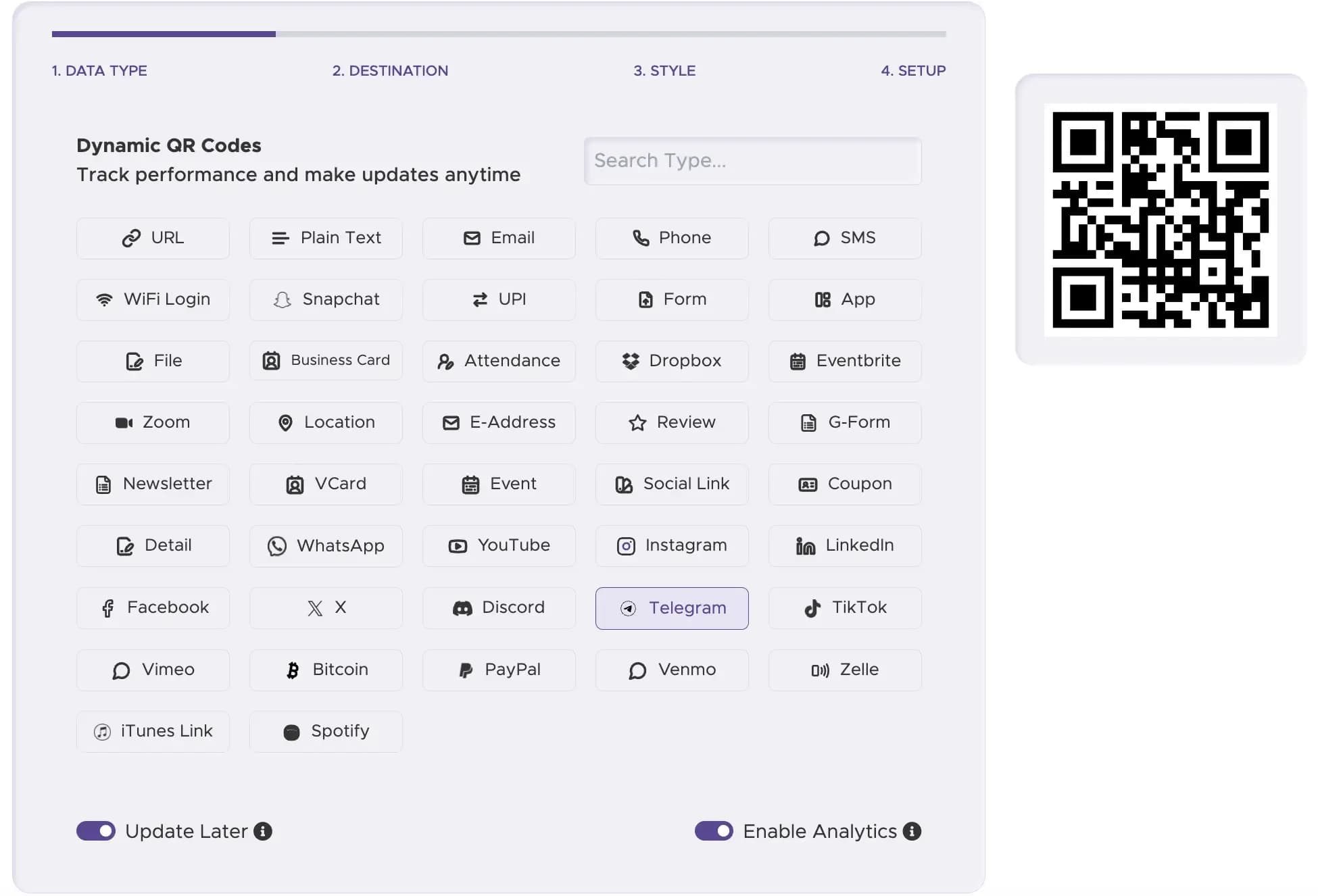
Enter Your URL into the Generator
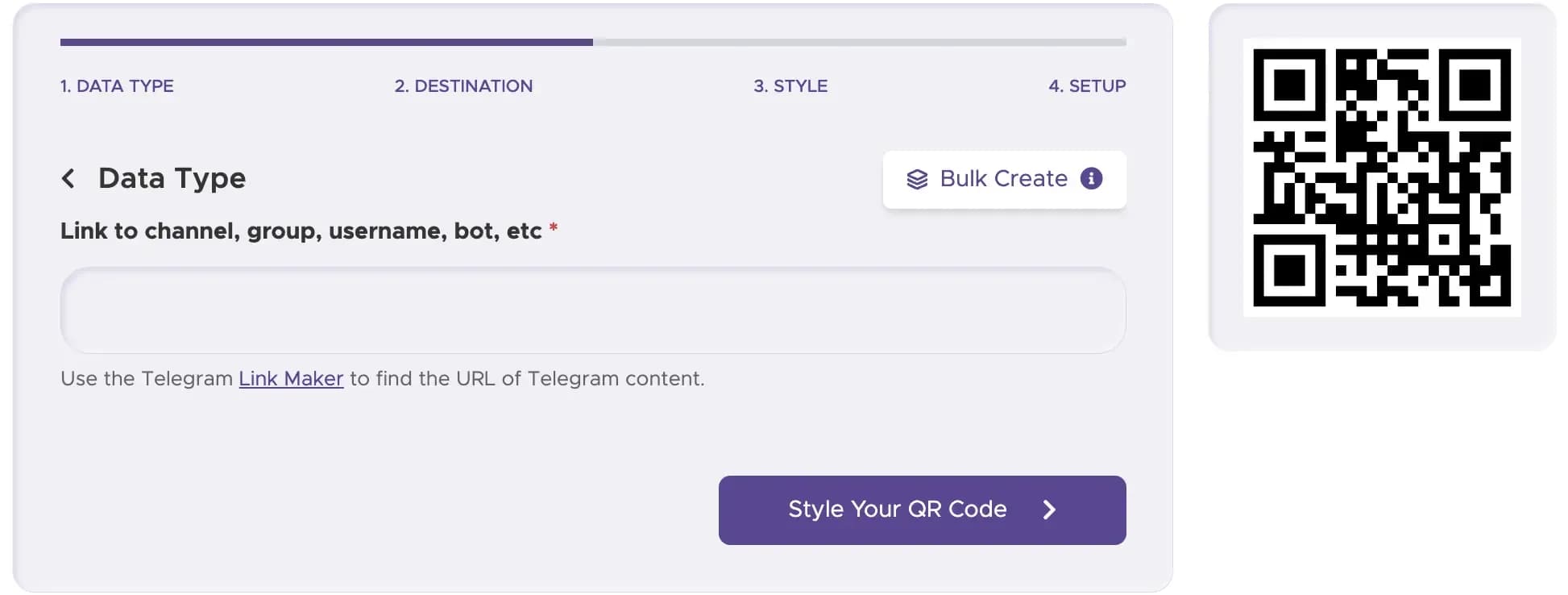
Paste your Telegram URL into the input field of our Telegram QR Code Generator.
Step 3
Customize Your QR Code Design
Add brand colors, custom frame styles, and the official Telegram logo to increase visual recognition.
Step 4
Select Static or Dynamic Type
Choose a dynamic code if you need real-time scan analytics or the ability to update your link later.
Step 5
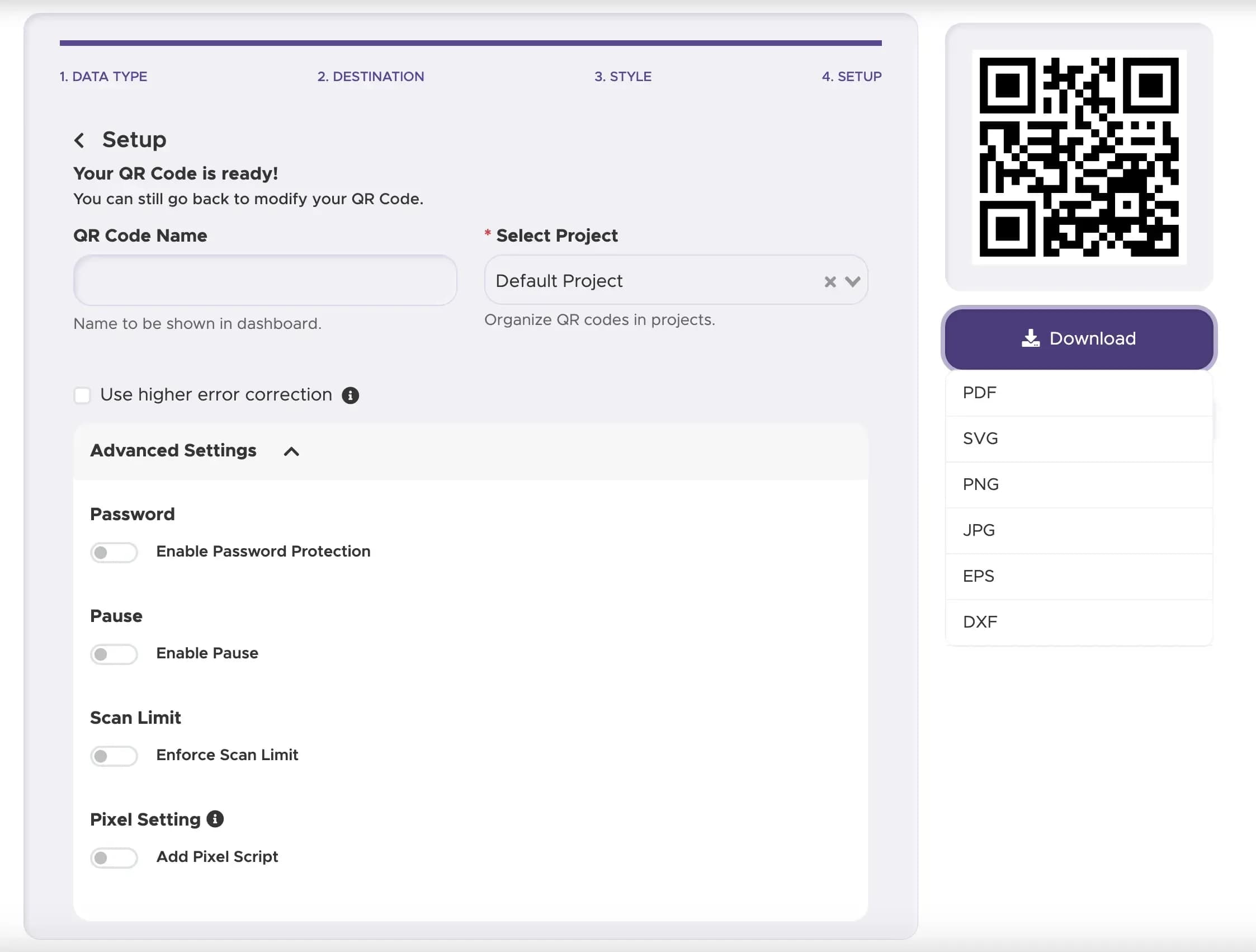
Download High-Resolution File
Export your finalized QR code in vector formats such as PNG, SVG, or EPS for printing.
Design & Placement Best Practices
Frame your code with clear text like "Scan to Join our Telegram Channel" or "Scan for Customer Support".
Ensure a high contrast between the QR code pattern and the background color for smooth camera reading.
Print your QR code at a minimum size of 1x1 inch (2.5x2.5 cm) on all physical touchpoints.
Safety, Privacy & Compliance
Avoid Phishing Risks (QRishing)
Always link to official, verified Telegram domains (t.me).
Protect Group Members
Configure your Telegram group privacy settings to keep member phone numbers hidden from public view.
Data Protection
Our Telegram QR code generator fully complies with US data privacy standards and international guidelines. We do not collect or harvest your end-users' personal contact details.
Ready to Grow Your Telegram Community?
Start connecting offline traffic to your online chats in under a minute.