
Key Terms Defined
To optimize your campaigns, here are five key definitions you need to know:
Dynamic QR Code
A highly flexible, trackable QR code that routes users through an editable redirect link. It allows you to change the destination URL at any time without altering the printed code.
Scan Rate
The percentage of physical marketing materials distributed that actually receive a scan, measuring overall engagement.
tel: protocol
A specialized code protocol (e.g.tel:+12345678) that tells a smartphone to open its dialing app instantly upon scanning.
vCard
A standardized virtual contact file format that lets users save names, phone numbers, and emails directly to their address book in one tap.
URL Shortener
A service that condenses long links into short web addresses. It keeps dynamic QR code patterns clean, spacious, and extremely easy to scan.
Strategic Benefits of YouTube QR Codes
Boost Watch Time
Direct links drop viewers straight onto your videos without manual search friction, significantly accelerating viewer session duration.
Accelerate Subscriber Growth
By appending an automatic subscription prompt (using the parameter?sub_confirmation=1) to your channel URL, you easily convert offline viewers into digital subscribers.
Measure Offline ROI
No more guessing. Accurately track how many physical flyers, banners, or product boxes convert into video views using our built-in analytics.
How to Create a YouTube QR Code Step-by-Step
Step 1
Copy Your YouTube Link
Open YouTube, navigate to your target video or channel, and copy the clean destination URL from your browser address bar or the share button.
Step 2
Open Our Professional Generator
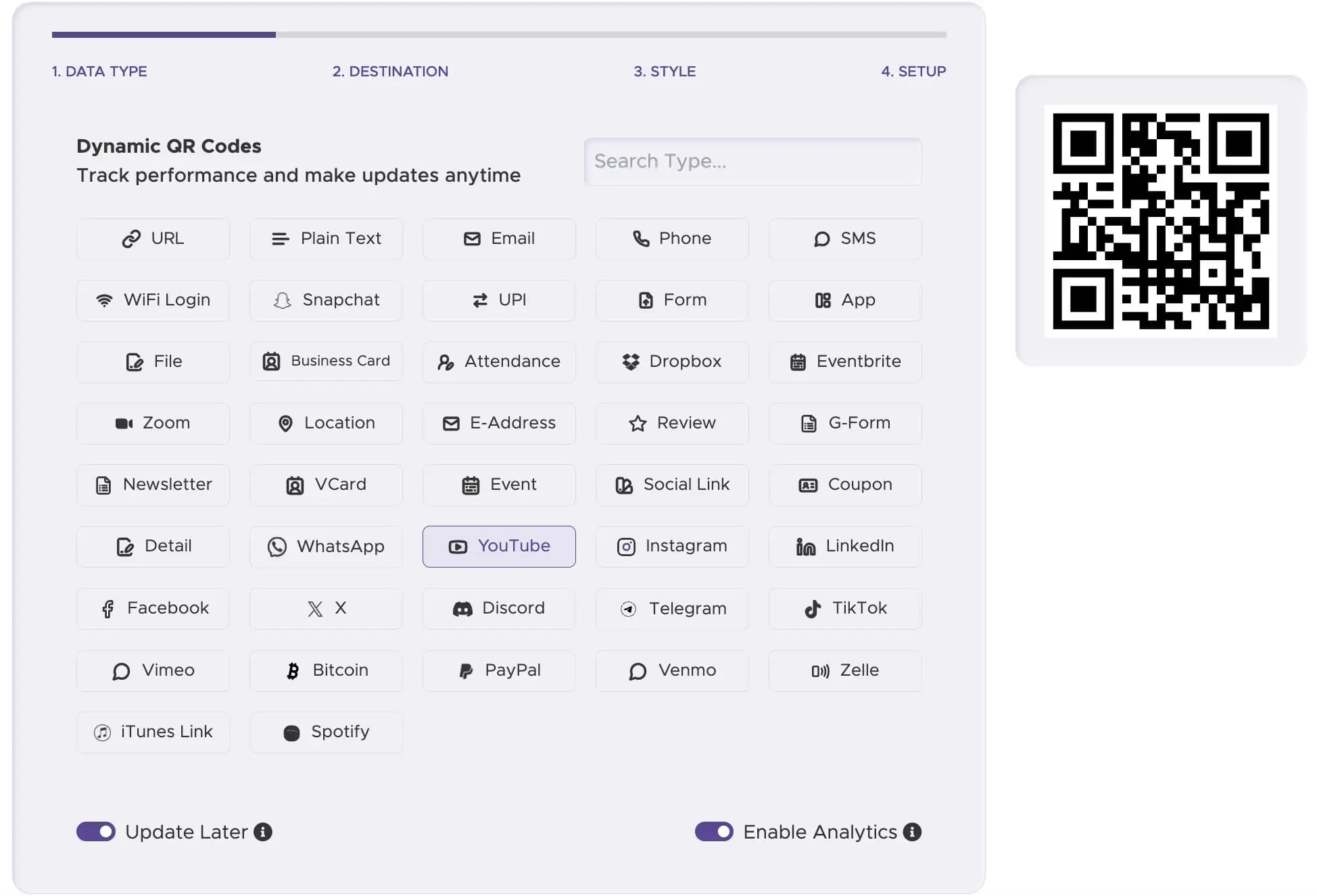
Go to our advanced youtube QR code generator platform. Select the "YouTube" link type and paste your URL into the dynamic input field.
Step 3
Customize Your Branded Design
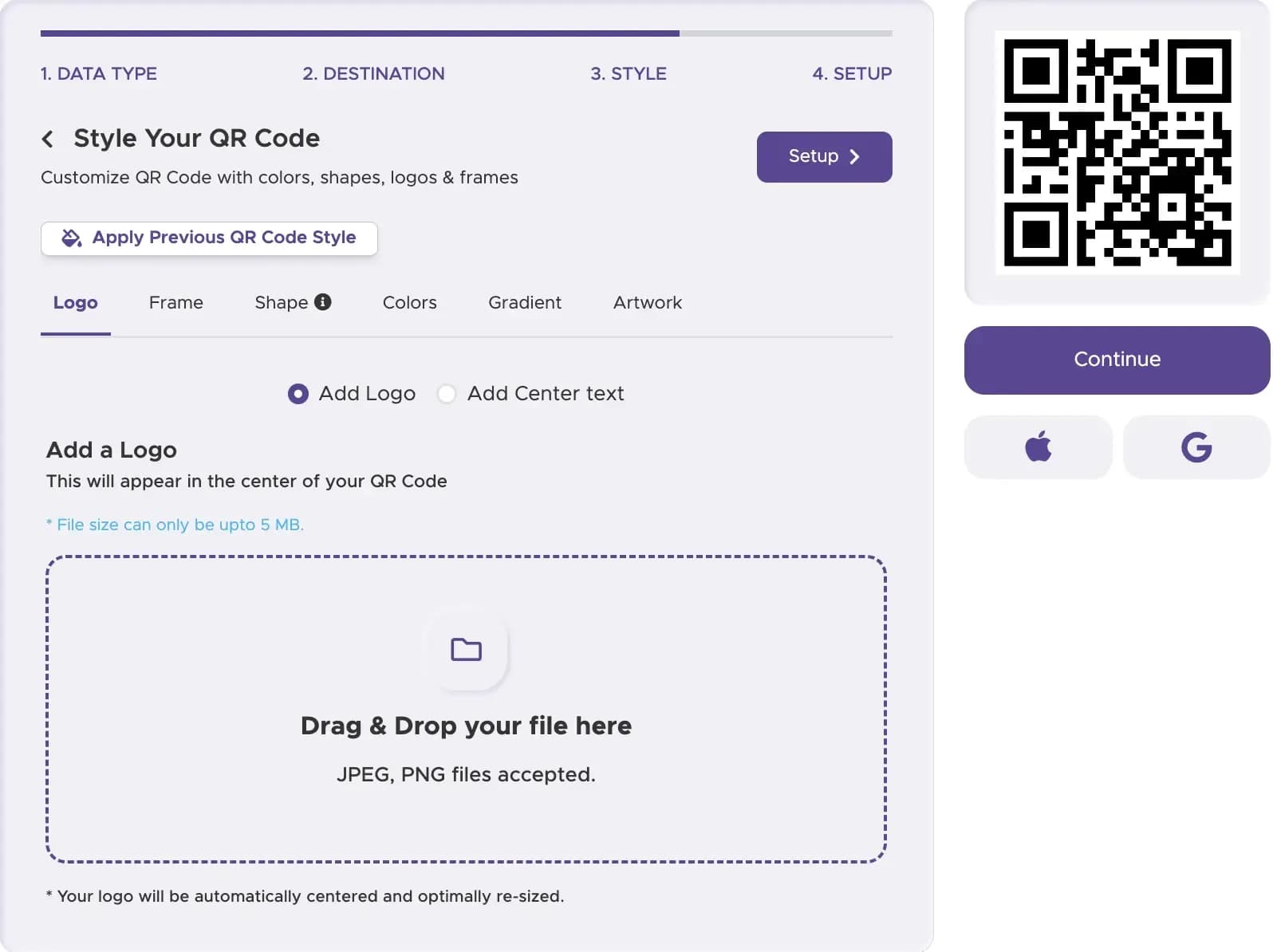
Adjust the colors to match your brand identity. Add a customized frame with an active Call-to-Action (CTA), and upload either the recognizable YouTube play icon or your own company logo to the center of the code.
Step 4
Perform Multi-Device Testing
Before downloading, run test scans with various iOS and Android smartphone cameras. Make sure the code is highly visible under different lighting conditions.
Step 5
Download in High Resolution
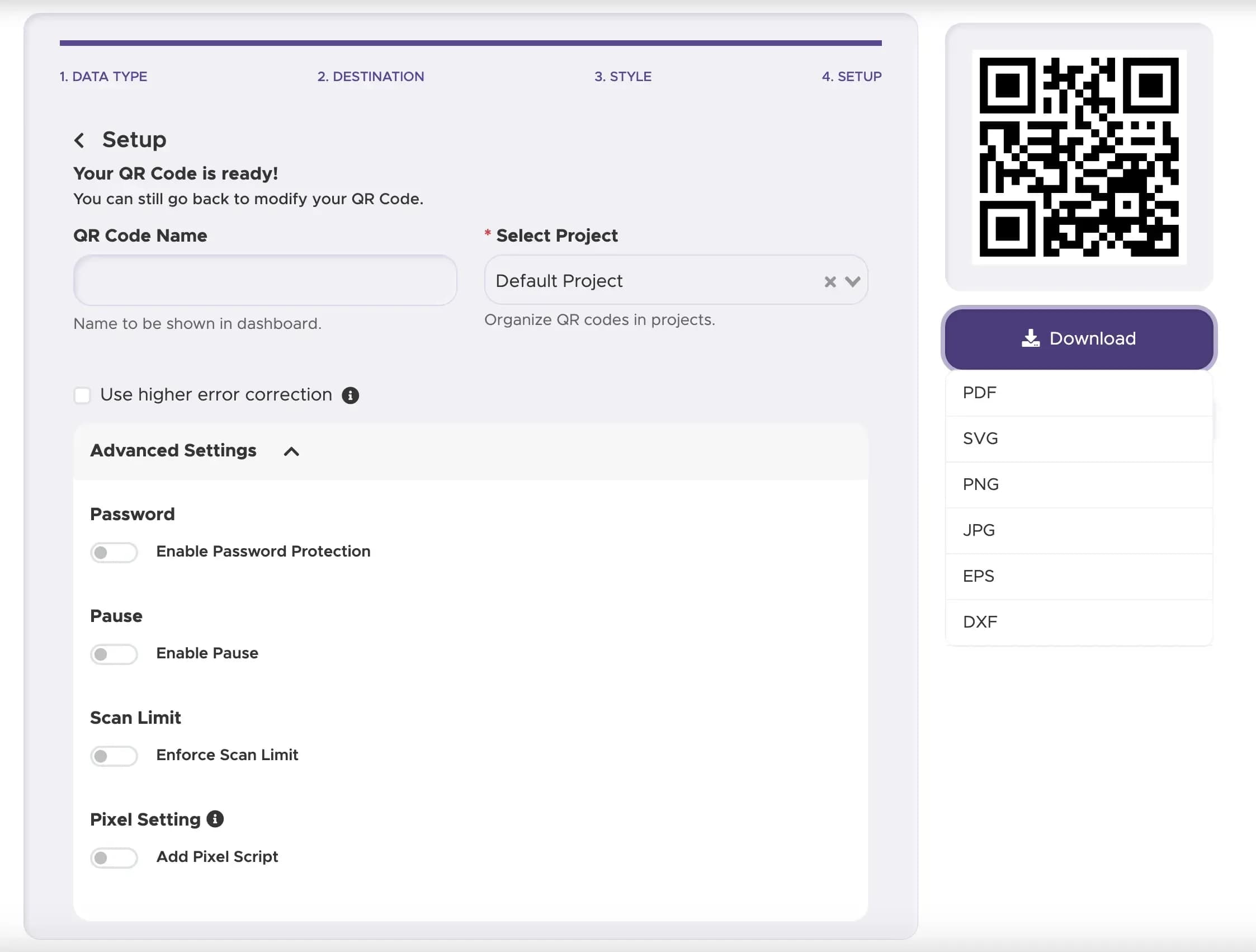
Export your finalized youtube QR code in vector formats like SVG or EPS. This ensures the graphic remains perfectly crisp and scannable when printed on physical materials of any size.
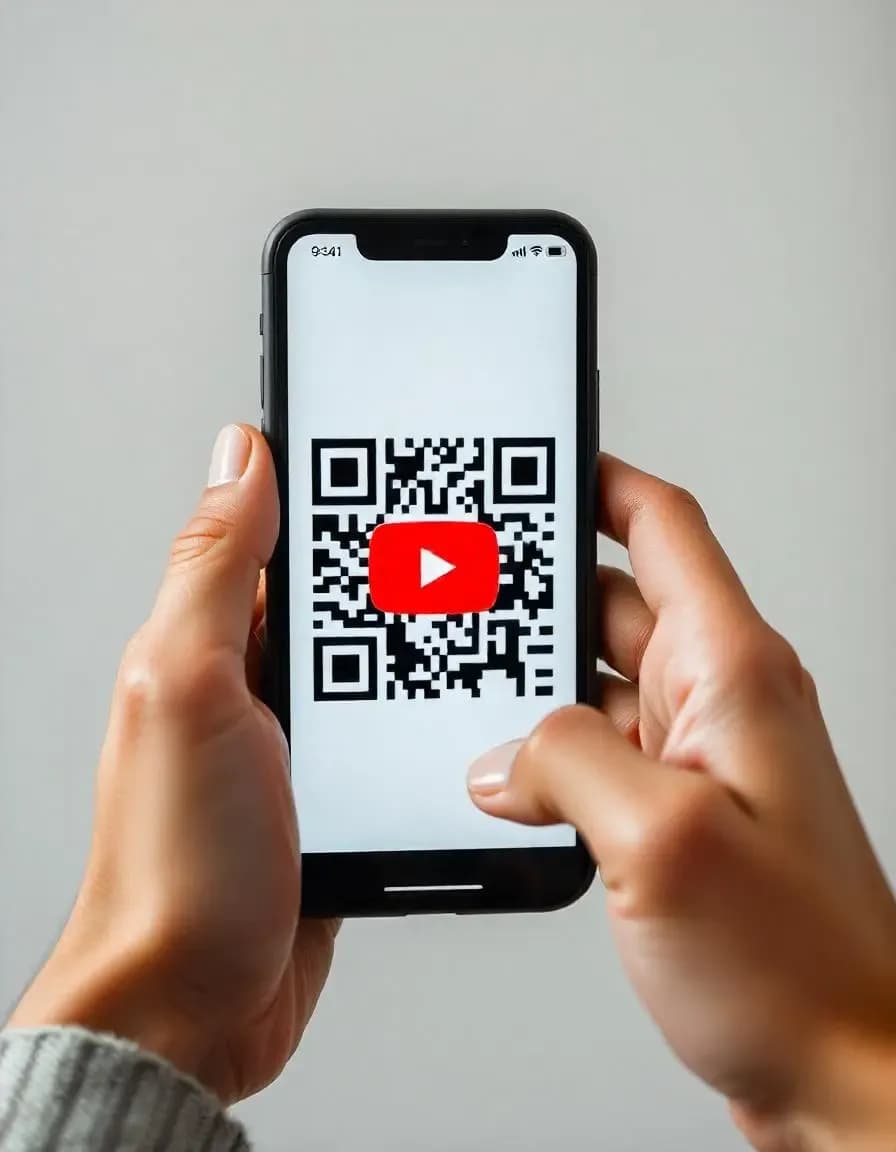
Creative Real-World Use Cases: How Brands Use Our Solution
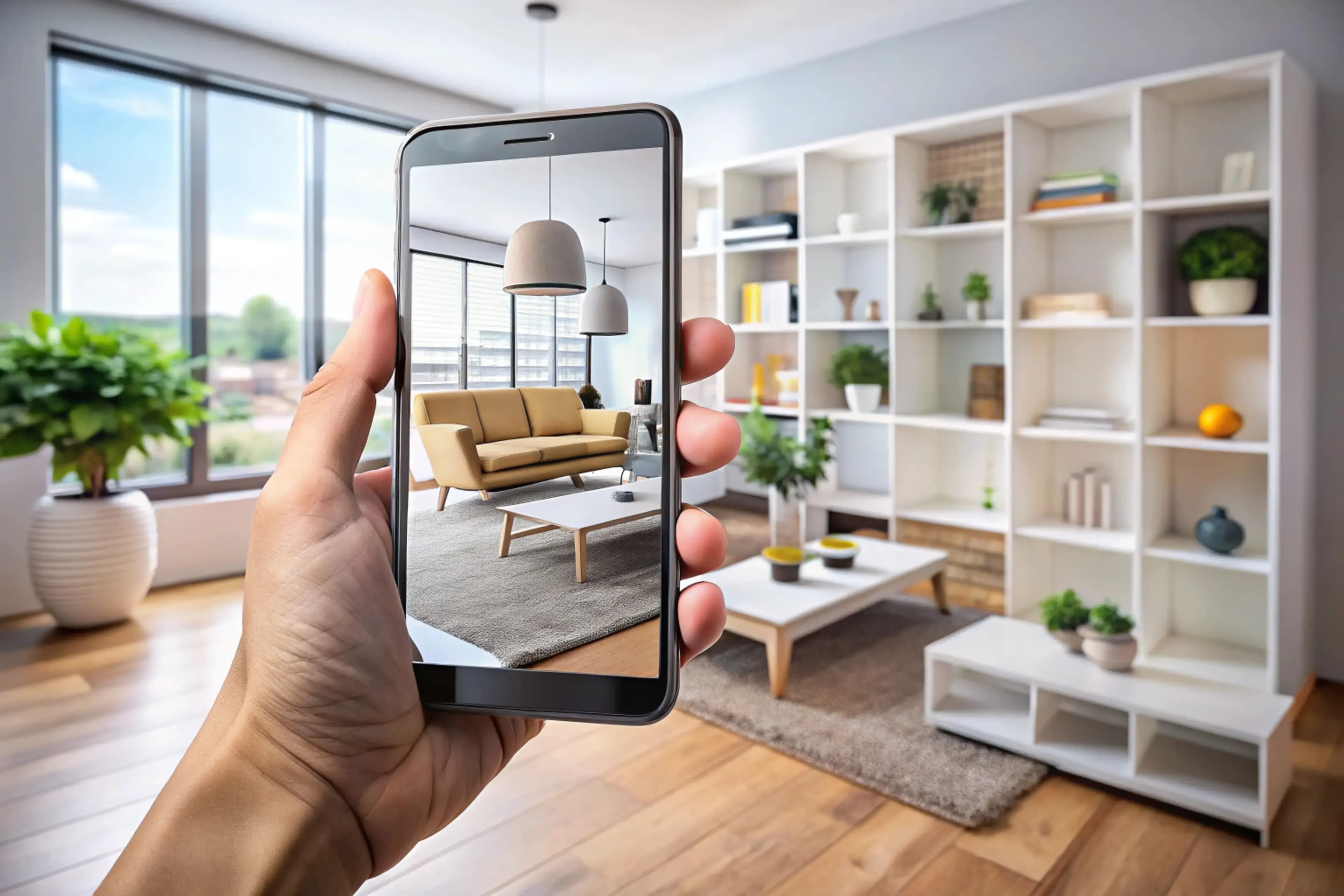
Smart Packaging and Interactive Product Demos
In retail spaces, our solution transforms standard product boxes into interactive virtual showrooms. Customers scan QR code to call up video tutorials, installation guides, and visual demonstrations, lowering product return rates.
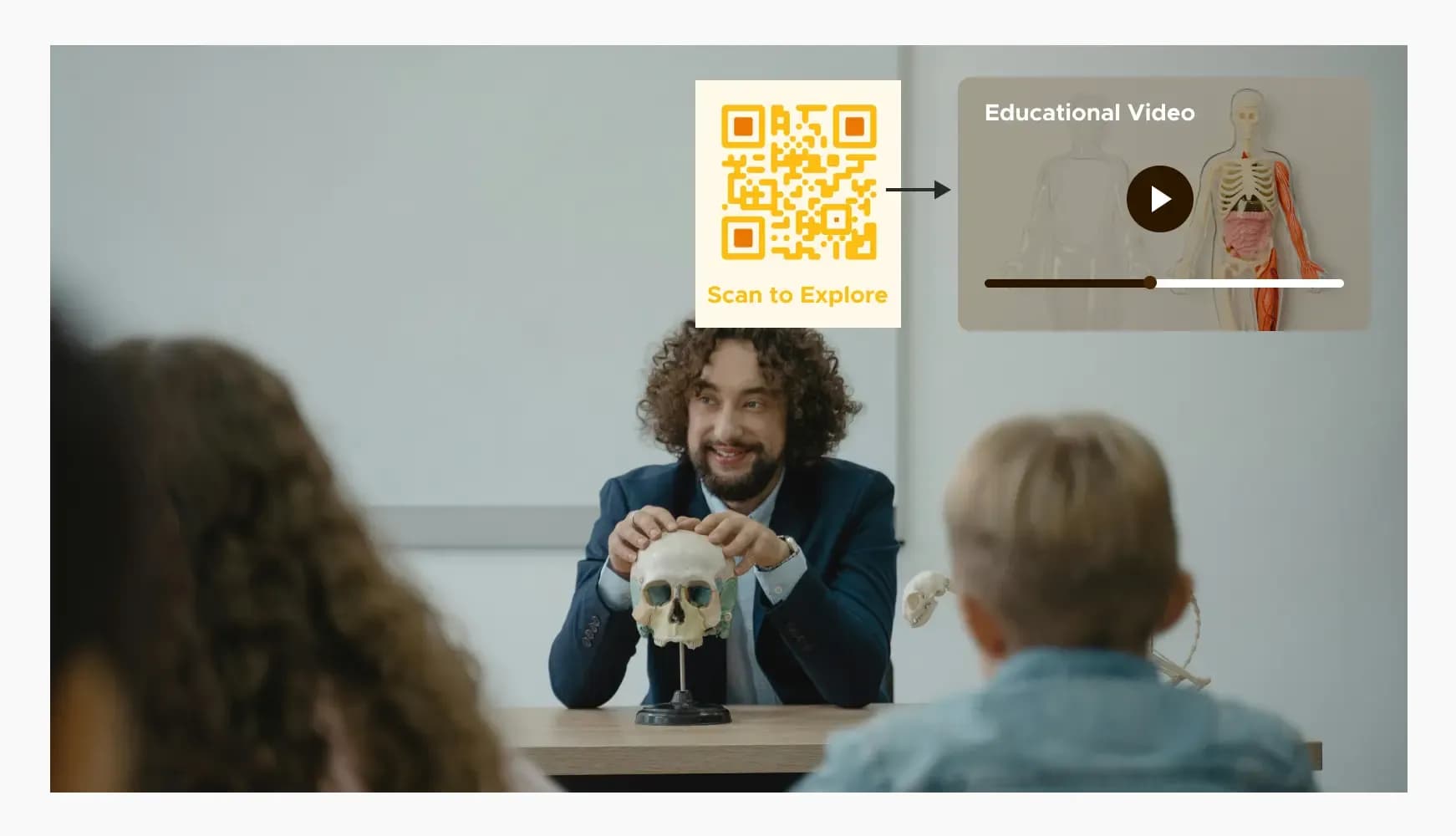
Textbooks and Interactive Learning Materials
Publishers and educators enrich offline textbooks with scannable codes. Students scan the pages to instantly open educational video lessons, accommodating diverse learning styles.
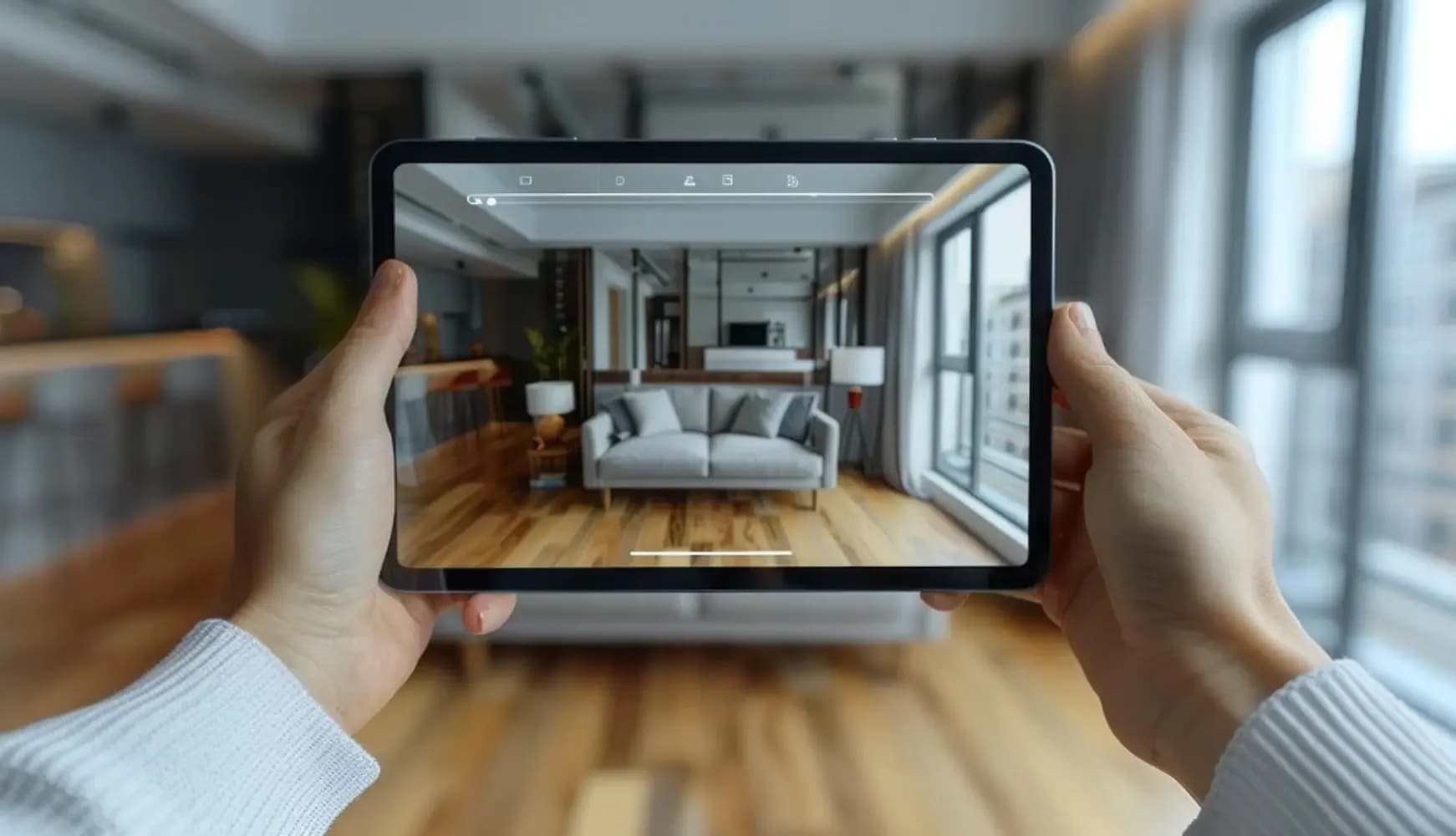
Real Estate Signage and Immersive Virtual Tours
Agencies place our codes on lawn signs and window displays. Prospective buyers can immediately watch a high-definition virtual tour of the property from the curb.
Actionable Best Practices for YouTube QR Codes in 2026
Ensure your printed QR code is at least 1x1 inch (2.5x2.5 cm) on hand-held materials. Scale the dimensions up proportionally for distant surfaces like billboards or vehicle wraps.
Always use a dark foreground on a light background. Avoid inverted colors (light code on a dark background), as older smartphone cameras often fail to read them.
Plain QR codes are ignored. Frame your code with direct instructions such as "Scan to Watch Video" or "Scan for Free Demo" to increase scan rates.
Keep in mind that when users continue to YouTube, Google and YouTube may use navigation data to personalize their ad experiences based on watch history.
Measuring Success: Analytics for Your YouTube QR Code Campaigns
To maximize your marketing spend, our platform provides a robust, real-time analytics dashboard to track offline conversions. Monitor these essential performance indicators (KPIs) directly:
Total Scans vs. Unique Scans
Track total engagement alongside the actual number of individual, unique users scanning your materials.
Geographic Performance
Identify which specific physical locations, retail shops, or distribution cities drive the most scans.
Time-of-Day Data
Pinpoint exactly when your target audience scans your materials, allowing you to sync your social media releases and ad schedules accordingly.
5 Common YouTube QR Code Mistakes to Avoid
Using compressed, pixelated images (like small JPEGs) prevents camera lenses from detecting the visual data matrix.
Always double-check your YouTube Studio visibility settings. Linking to private or deleted videos causes immediate bounce rates.
Loading long URLs into static codes creates incredibly dense, complex patterns. Keep your pattern clean and easy to scan by choosing a dynamic short URL.
Ensure the video or channel landing page is completely responsive, fast-loading, and tailored for mobile viewers.
Avoid putting QR codes on billboards in subway tunnels or remote areas lacking reliable mobile internet.
Ready to Turn Offline Scans into Video Views?
Create a YouTube QR code for videos, playlists, or your channel - viewers land on your content with one scan.