QR Code Generator for Healthcare: A Guide to Modern Patient Care
In today’s rapidly evolving healthcare environment, QR codes for healthcare are transforming how hospitals, clinics, and medical professionals manage information and engage patients. By using QR codes, healthcare providers can bridge the gap between physical and digital records, making it easier to scan, access, and share vital information in real time.
A single QR code can link to secure portals, educational materials, or appointment systems — streamlining processes for both patients and staff. These solutions improve efficiency, increase patient engagement, and help medical teams deliver faster, more informed care.
Benefits of Using QR Codes in Healthcare
QR codes are finding a new purpose in healthcare. They offer a quick and easy way to bridge the gap between physical and digital information, streamlining processes and empowering patients and healthcare providers.
1. Empowering Patients with Information
QR codes give patients control and clarity. A quick scan can link to treatment details, educational resources, or post-visit instructions. By making care guides and tutorials accessible through QR codes for healthcare, providers empower patients to better understand their diagnoses and treatment plans — increasing satisfaction and engagement.
2. Optimizing Healthcare Delivery
Efficiency is critical in healthcare. Nurses and clinicians can scan QR codes on wristbands or medical devices to instantly retrieve medical history or usage guides. This reduces human error, improves accuracy, and ensures teams have the data they need when they need it.
3. Boosting Efficiency and Cost-Effectiveness
Using QR codes minimizes paperwork, saves time, and enhances productivity. From linking to equipment manuals to digitizing internal forms, QR-based solutions make administrative tasks easier and allow staff to focus on patient care.
4. Promoting Public Health Awareness
Modern QR code generators allow hospitals to create dynamic QR codes that connect to encrypted online portals. Instead of storing data within the code, these tools ensure compliance and security while maintaining quick, reliable contact between providers and patients.
Examples of QR Codes in Healthcare
The versatility of QR codes allows for various applications within the healthcare landscape, such as the following:
1. Patient ID and Access to Medical History
QR codes for healthcare improve safety by giving doctors and nurses instant access to medical data. A simple scan on a patient’s wristband can reveal vital signs, allergies, and history — ensuring quick, informed decisions and seamless team coordination.
2. Medication Safety and Tracking
Add QR codes to prescriptions or packaging to help patients verify authenticity, dosage, and expiration. Scanning the code can open video instructions or digital leaflets, supporting proper use and boosting patient engagement.
3. Appointment Scheduling and Online Portals
Simplify scheduling with QR codes on appointment cards or discharge papers. When patients scan, they can book follow-ups, check results, or contact their doctor via secure email or online chat — improving engagement and accessibility for everyone.
How to Create a QR Code for Healthcare
Creating secure and efficient QR codes for healthcare is easy with the QRStuff QR Code Generator. Follow these simple steps:
Step 1: Choose a Reliable QR Code Generator
Select a trusted tool like QRStuff to create QR codes that meet healthcare data privacy requirements. Our free QR code generator supports dynamic QR codes, encryption, and design customization for hospitals and clinics.
Step 2: Select the Right Type of QR Code
Pick a format based on your need:
- URL QR Code – for linking to patient portals or feedback forms.
- PDF QR Code – for discharge instructions or printable educational guides.
- vCard QR Code – to share contact details for medical teams or departments.
Step 3: Customize Your QR Code’s Design
Customize your QR code with your clinic’s logo, colours, or brand identity. Clear design builds trust and makes the scan process simple and recognizable for patients.
Step 4: Download and Implement Your QR Code
Once designed, generate QR codes in high-resolution for printed materials like wristbands, appointment cards, or posters. Always use dynamic QR codes so you can update links later — a crucial feature for evolving medical information.
See your QR code performance in real-time
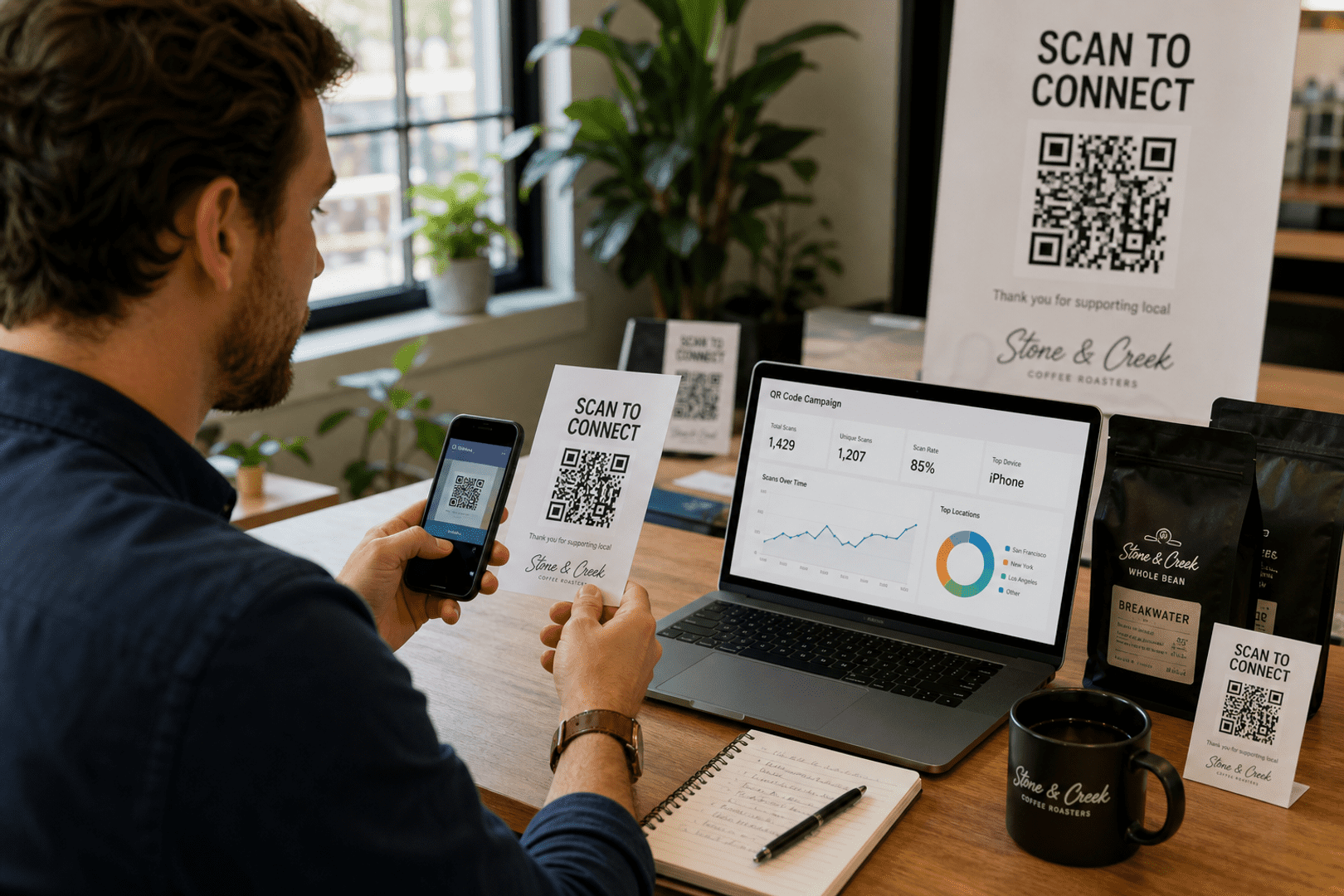
Stop guessing. Start measuring. Transform your campaign into a data-driven powerhouse with our professional subscriber dashboard.
Track total and unique scans hourly.
See exactly where users are scanning.
Stats
Last 24hBest Practices for Healthcare QR Codes
- Prioritize Data Security
Always link to secure, encrypted sites — never store confidential data directly in the QR code. Use HIPAA-compliant or GDPR-approved solutions to maintain patient privacy.
- Limited Data Sharing
Use QR codes to connect patients with multilingual materials, how-to videos, or follow-up support content. These tools help improve understanding and encourage self-managed care.
- Provide Clear Instructions
Add simple prompts like “Scan for Aftercare Details” or “Scan to Book a Follow-Up” so patients understand what each code does.
- Focus on Accessibility and Design
Ensure your QR codes are large, clear, and high-contrast for easy scanning. This guarantees reliability across devices and medical environments.
- Boost Engagement Across Teams
Encourage healthcare teams to integrate QR codes into everyday workflows — from patient charts to feedback forms — to improve collaboration and patient engagement.
Create Your Healthcare QR Code Today
Improve patient engagement and streamline care with QR codes for healthcare.
Empower your medical team, simplify contact with patients, and modernize your processes with a secure, easy-to-use free QR code generator.
Getting the Most from Your QR Codes: Printing & Best Practices
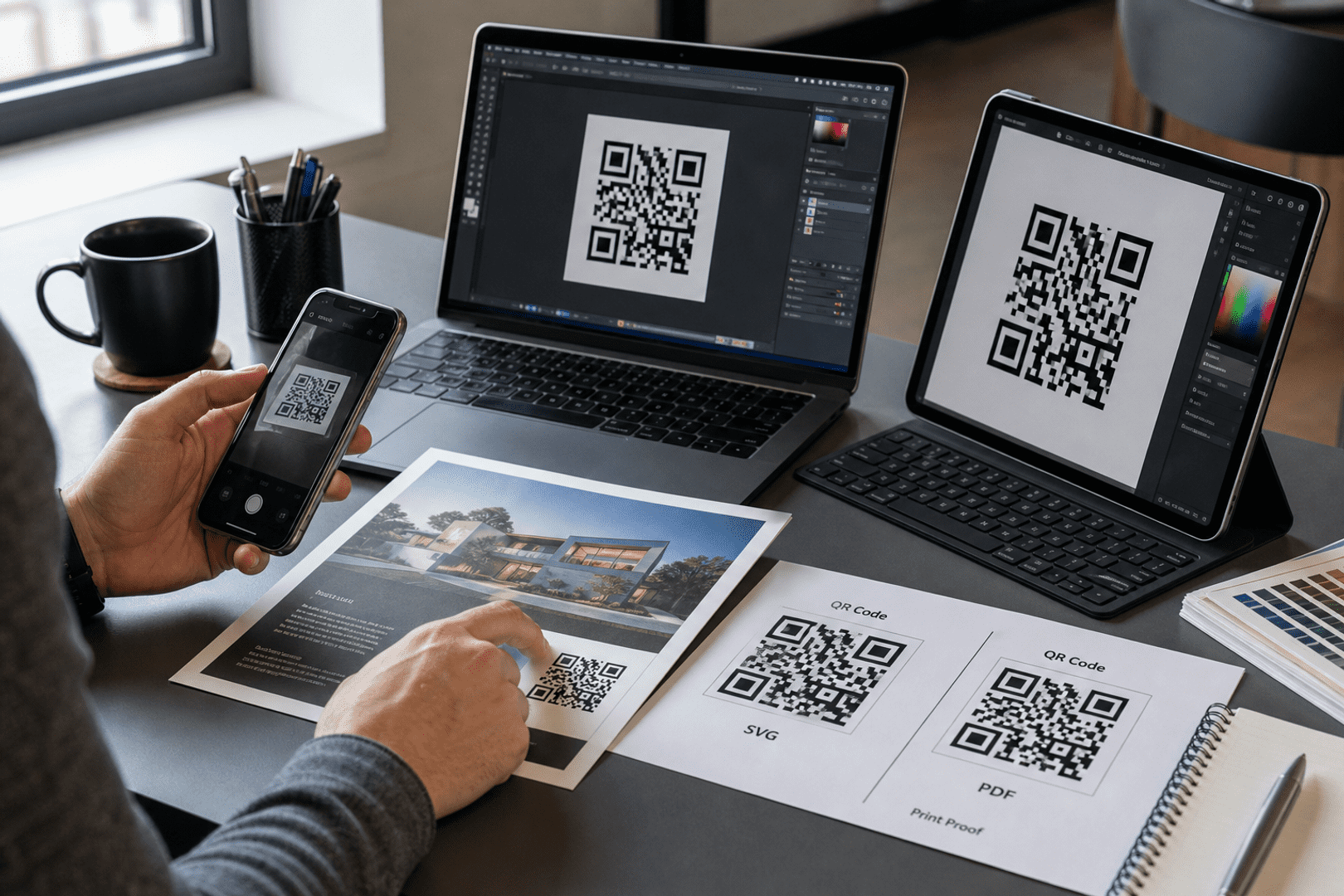
Once you have generated your custom QR code, the final step is ensuring it works perfectly in the physical world. To download your code, simply navigate to your dashboard and select your preferred file type. We recommend SVG or EPS formats for professional printing, as these vector files can be scaled to any size without losing clarity. For digital use or small-scale office printing, a high-quality PNG is usually sufficient.
Resolution & Format
Always use high-resolution files (300 DPI minimum for raster images like PNG). Vector formats (SVG/EPS) are best for large-scale items like banners or signage to prevent pixelation.
Contrast & Color
Maintain high contrast between the QR code and the background. A dark code on a light background is the gold standard. Avoid inverted colors (light code on dark background), as many older scanners struggle to read them.
Size & Placement
Ensure the code is at least 2cm x 2cm (0.8" x 0.8") for simple URLs. Place your codes on flat, non-reflective surfaces at eye level, avoiding folds, seams, or corners that could distort the pattern.
The Quiet Zone
Never crop the white border (the "Quiet Zone") surrounding your QR code. This border is essential for the scanner to distinguish the code from its surroundings.
Partner With Us: Share the Quality, Earn the Rewards
Do you work with clients who need reliable, professional QR code solutions? By sharing these best practices and recommending QRStuff, you can turn your expertise into a recurring revenue stream.
- 25% Recurring Commission
- Lifetime Referral Earnings
- 90-Day Cookie Duration
Ready to see how QR codes can transform your business?
Start creating free QR codes today, or subscribe to unlock full design capabilities and advanced analytics