Benefits of Using QR Codes on Billboards
Measurable ROI
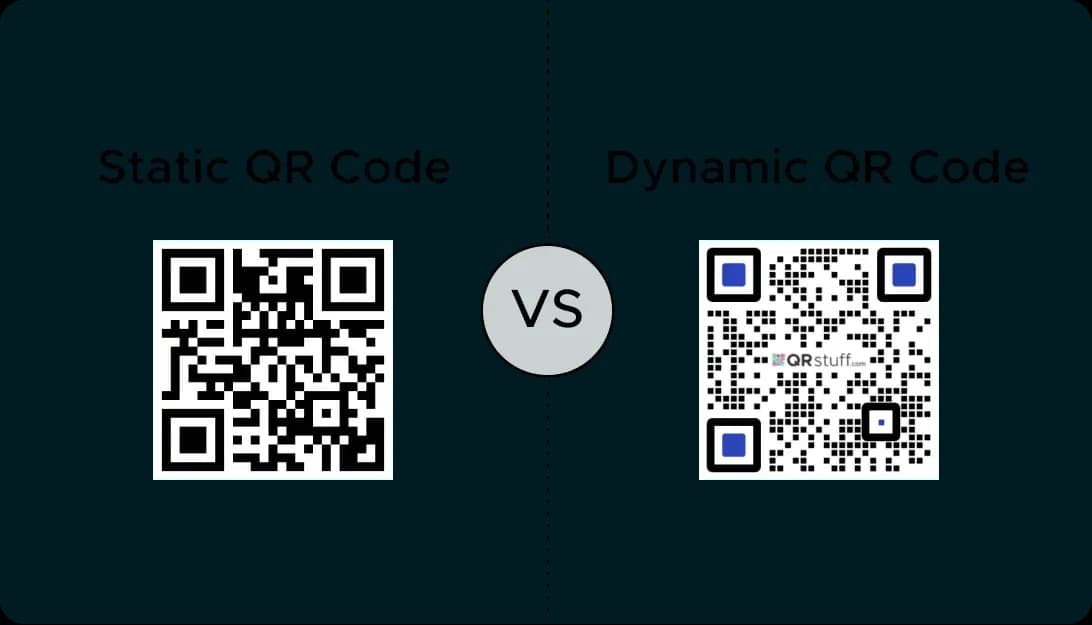
Unlike traditional billboards, dynamic qr codes provide trackable data. Measure how many people link back to your services across the advertising campaign.
Instant Engagement
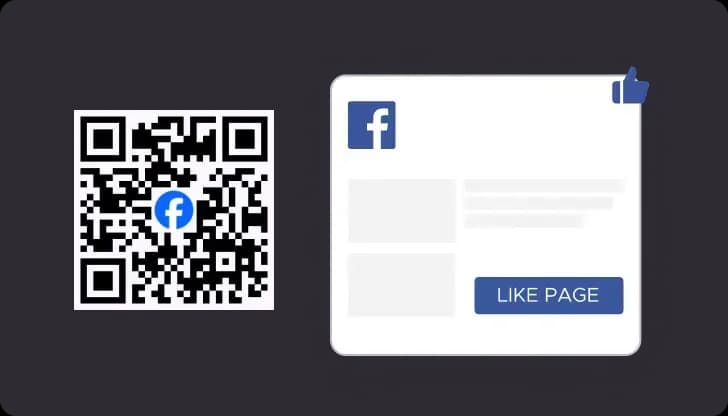
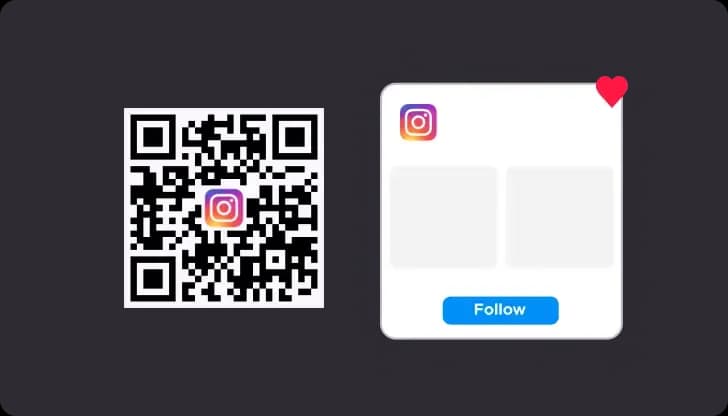
Use a social media qr code to provide an immediate call to action. Viewers scan qr codes to follow your social media profiles without typing a URL.
Enhanced Delivery
A billboard has limited space. A qr code allows you to provide digital services information, email signups, or social media work from one scan.
Cost-Effective Updates
Change your advertising landing page across different services at any time without reprinting the physical billboards vinyl.
Use Cases for QR Code Advertising on Billboards
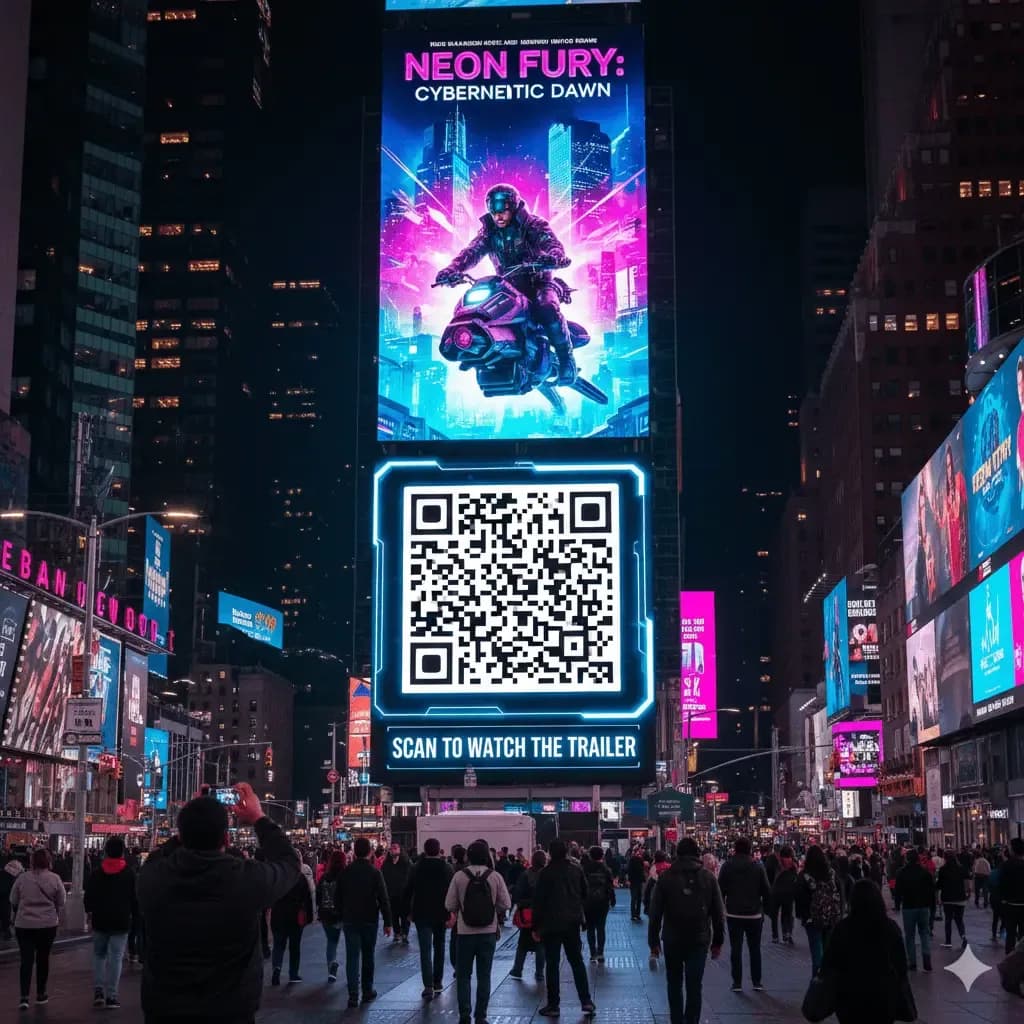
Movie Trailers and Event Promotions
Generate buzz for new work. Scanning qr codes on billboards leads viewers back to high-impact trailers or digital ticket services.
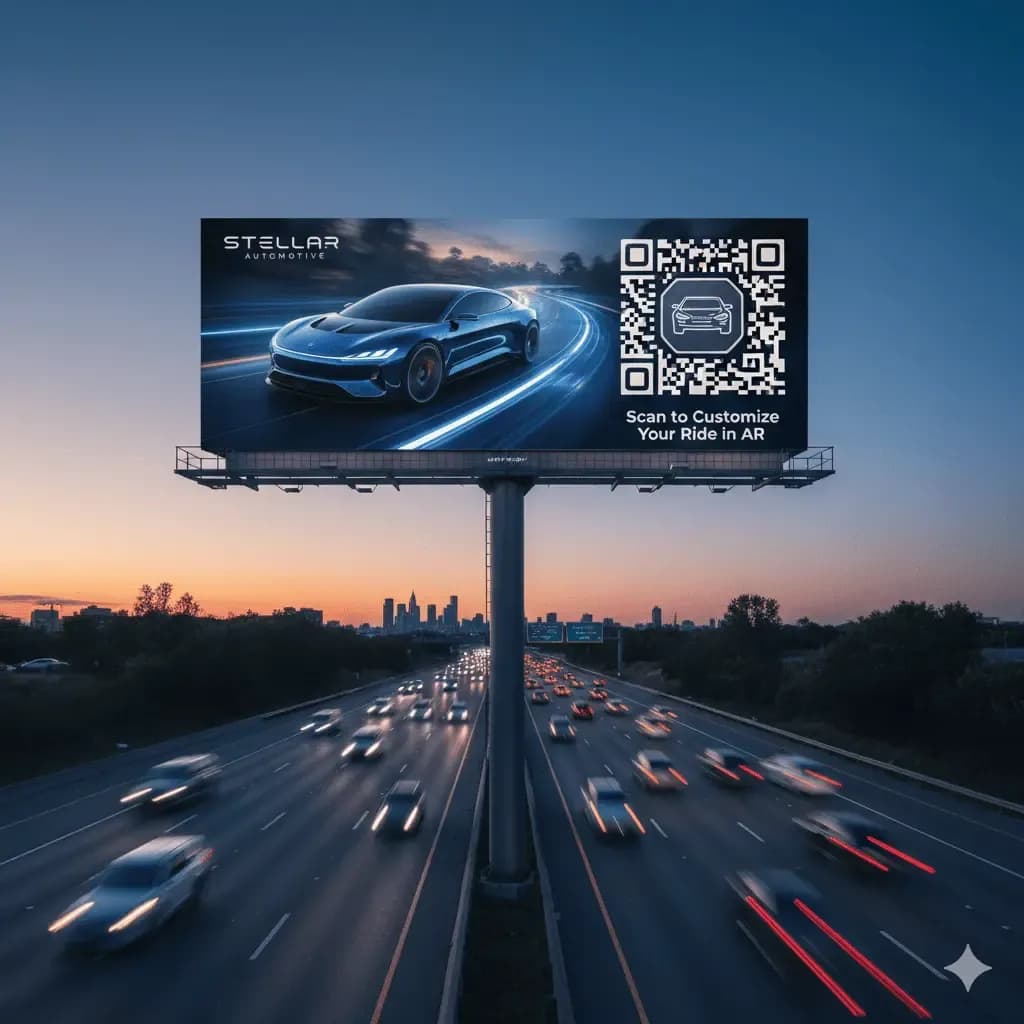
Augmented Reality Experiences
Forward-thinking advertising brands use qr codes to launch AR. Connect across social media platforms to share virtual work results.
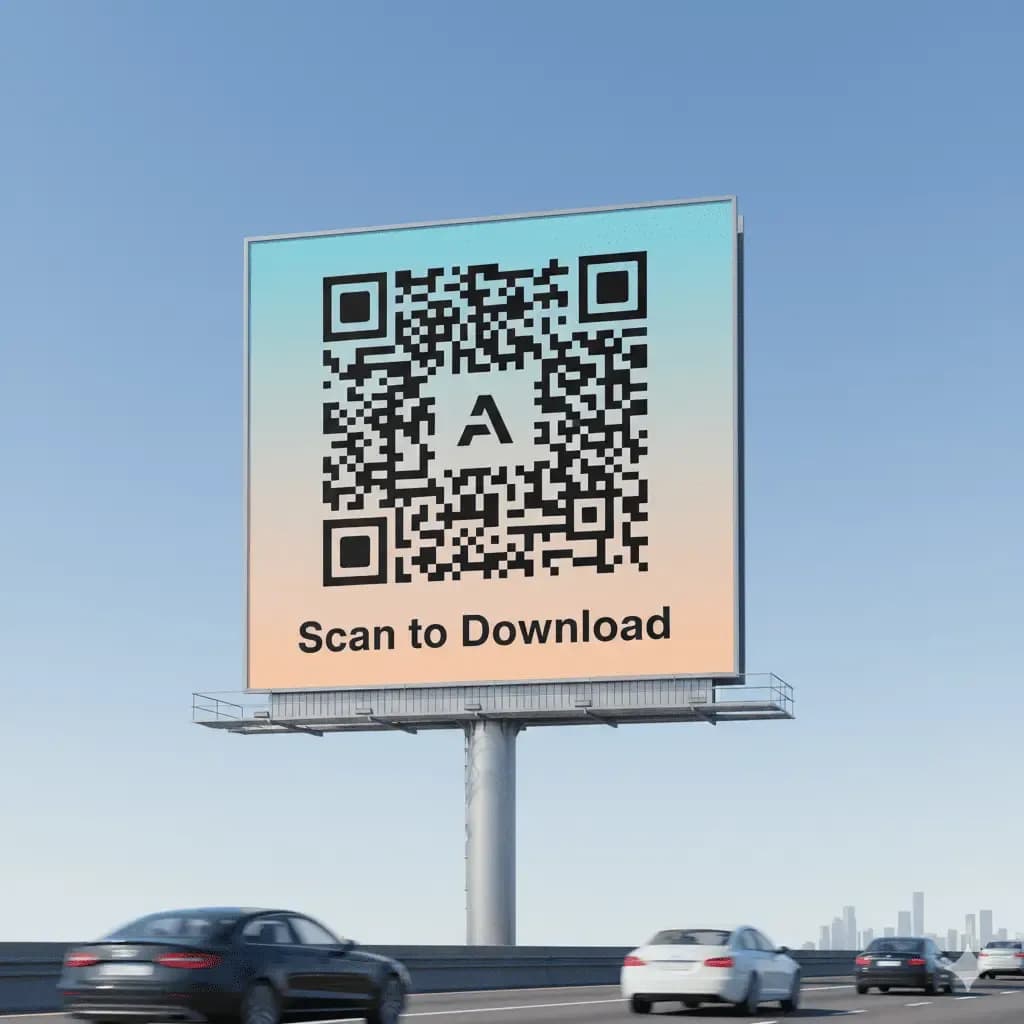
Driving App Downloads
Minimalist billboards focused on qr codes drive digital app access. Link back to official store services for advertising results.
How to Create a QR Code for a Billboard
It's easy to create a QR code for your large-format code advertising using a reliable QR code generator like QRStuff. You need a platform that offers high-resolution downloads and robust dynamic QR code features for a major marketing campaign.
Step 1
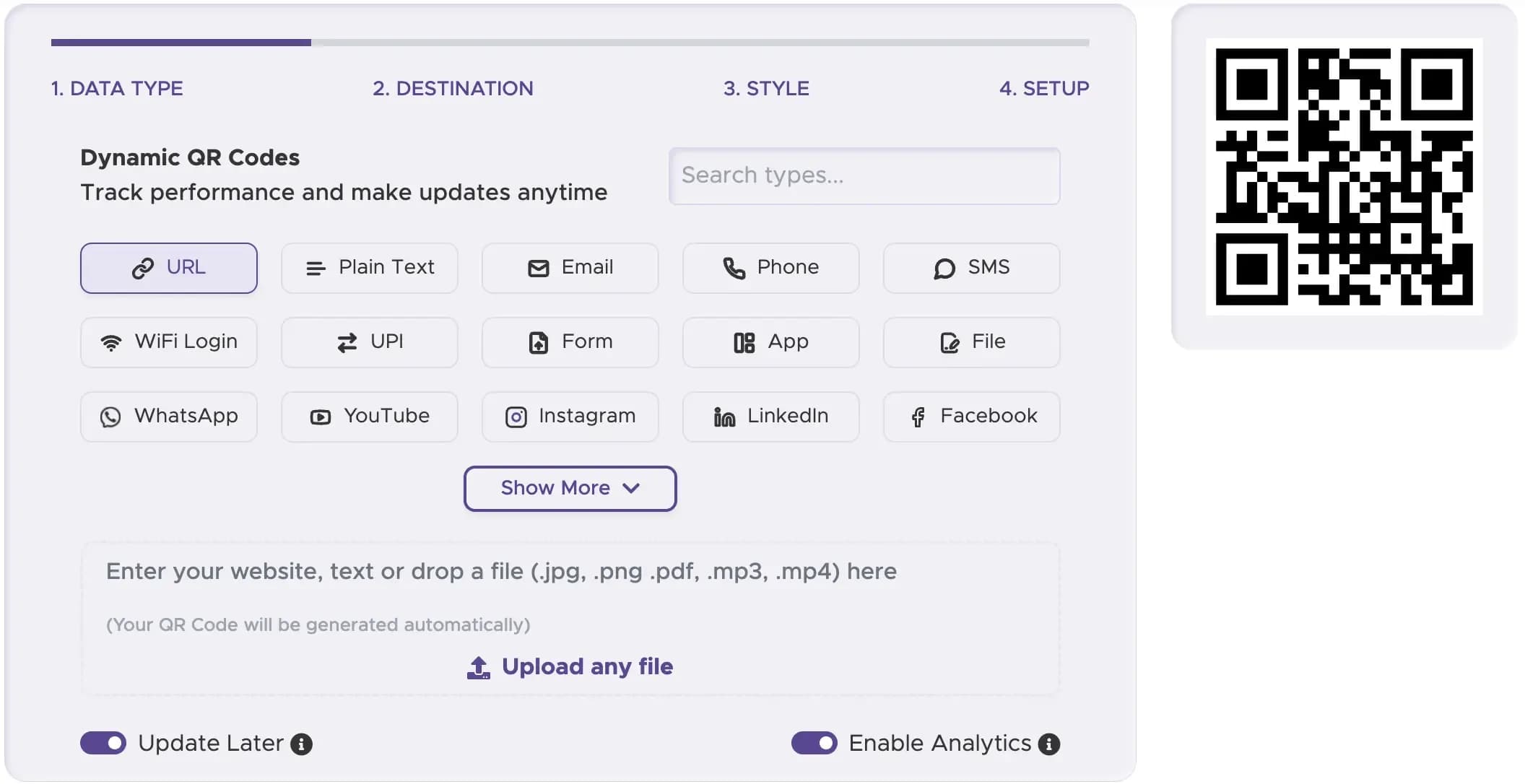
Select the Right QR Code Type
For billboards, a 'URL QR Code' is the most versatile type of QR code. It can link to any mobile-friendly landing page.
Step 2
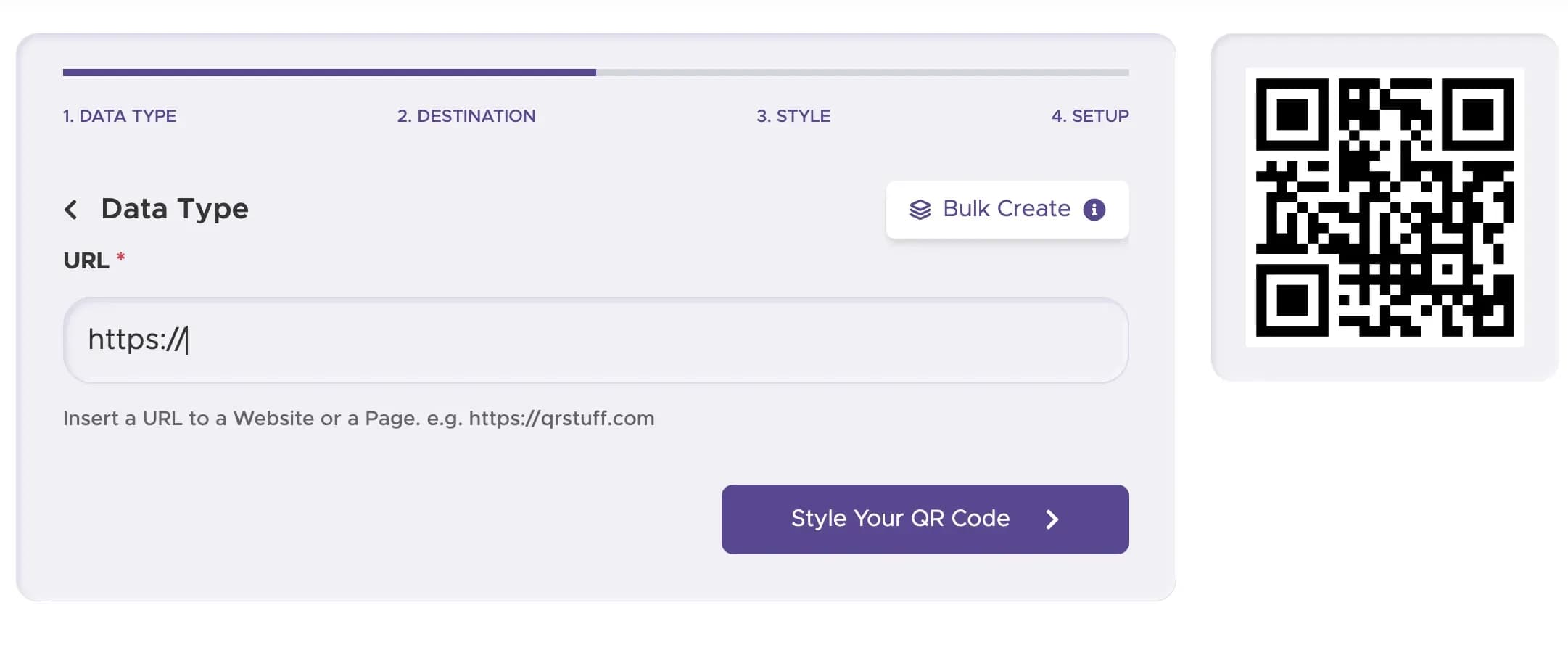
Enter Your Content or URL
Paste your campaign's landing page link into the URL content field
Step 3
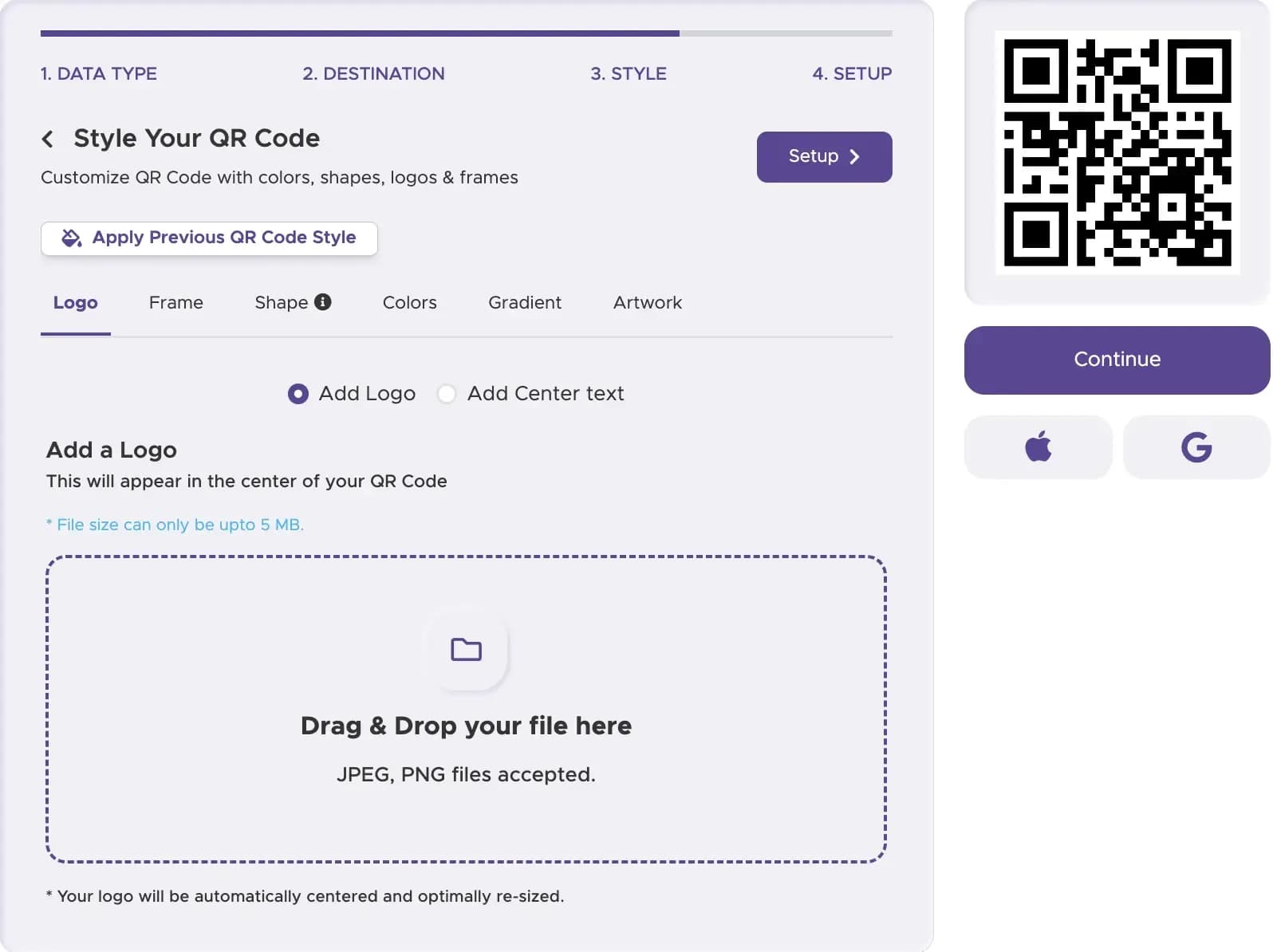
Customize Your QR Code’s Design
When you put a QR code on a billboard, simplicity is key. Use a high-contrast design (black and white is best) and avoid complex logos in the center. The goal is to make it as easy to scan as possible.
Step 4
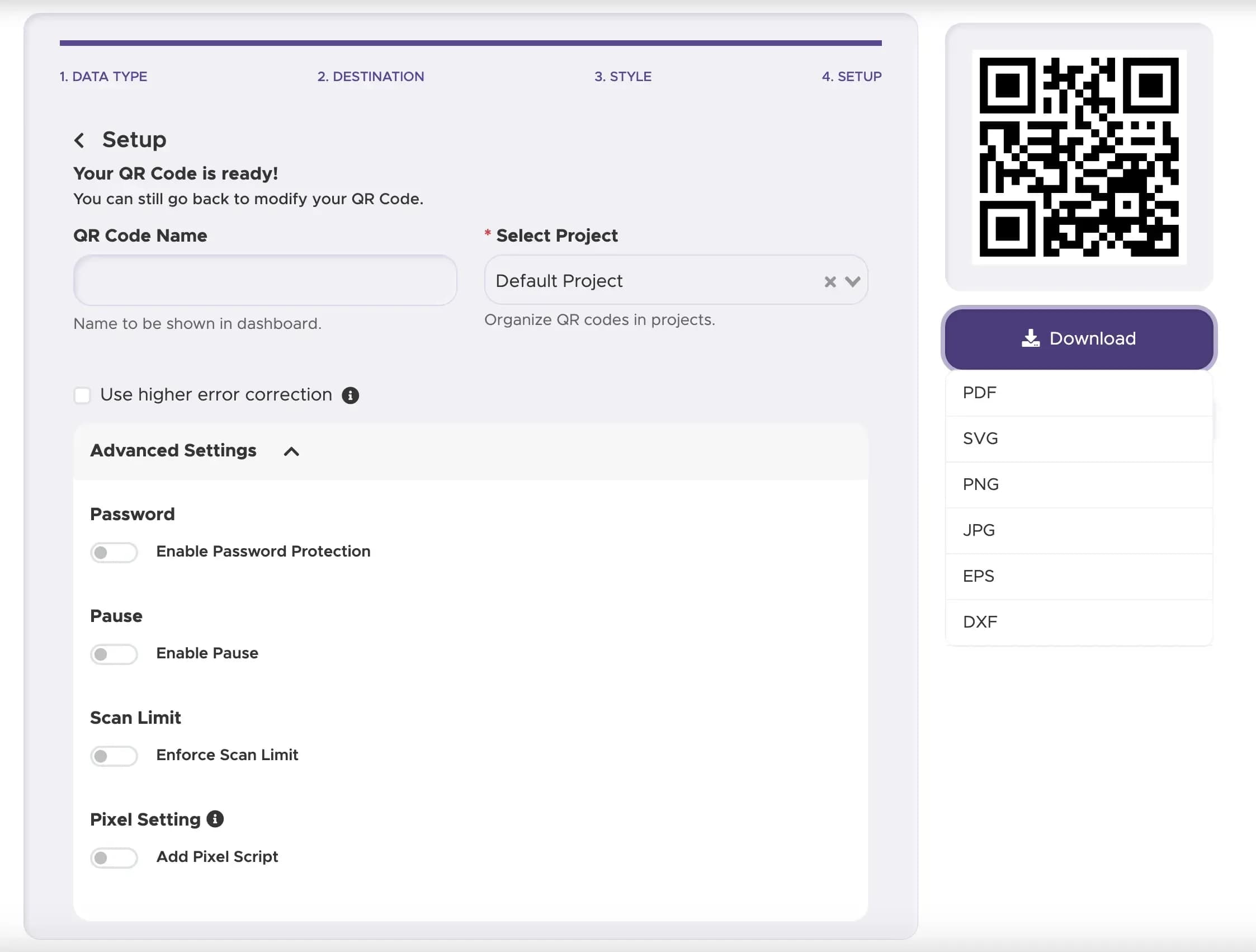
Download and Implement Your QR Code
Download your code in a high-resolution vector format (like SVG). This is crucial because it can be scaled to a massive size for a billboard without losing any quality or scannability.
Step 5
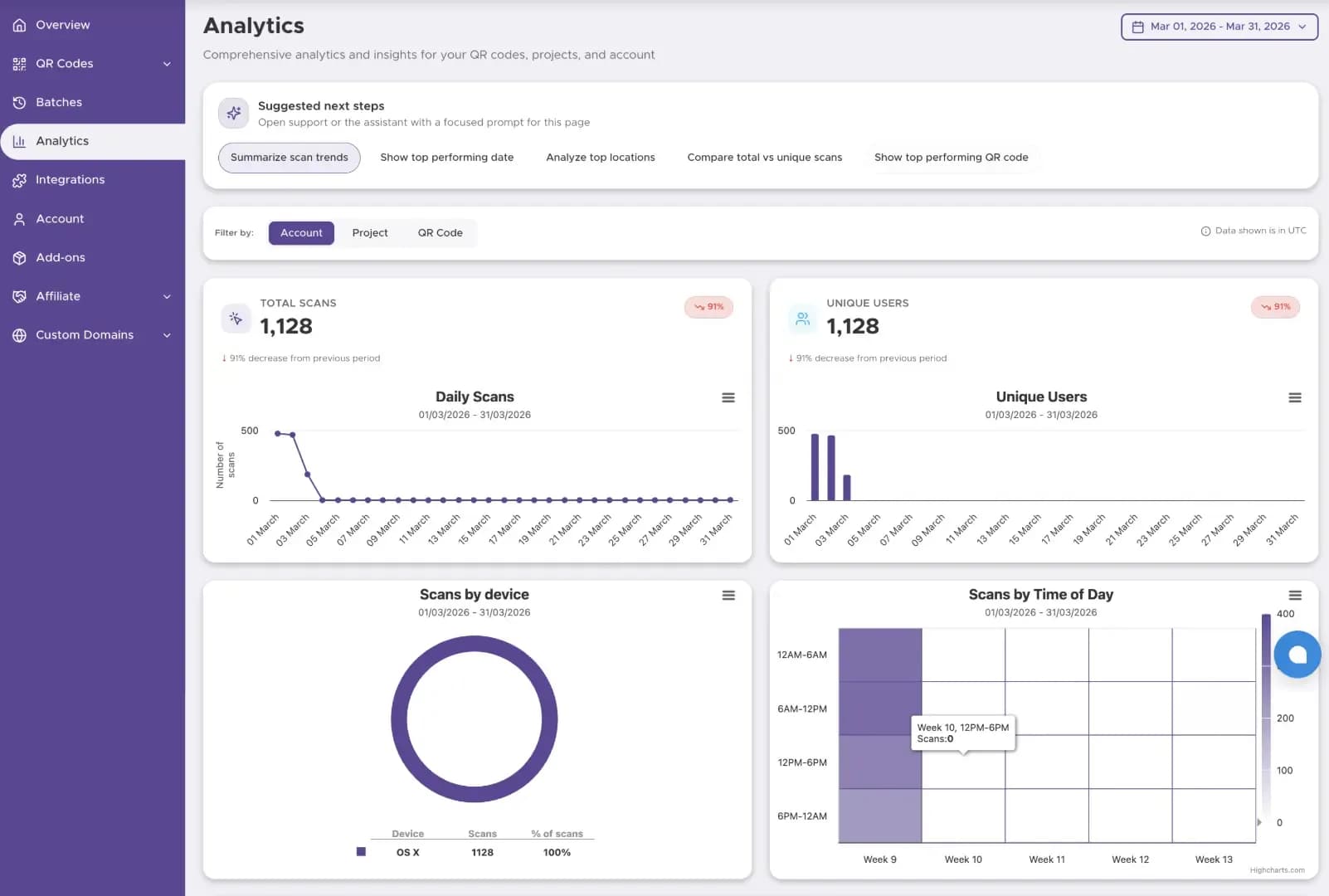
Track The Performance
Start tracking your QR code performance with our Dashboard solution
Best Practices for Billboard QR Codes
Place qr codes on billboards where traffic stops. Link back to email or social media where people can browse safely.
Ensure qr codes are massive. The advertising work fails if the scan doesn't link to your digital services instantly.
Use short advertising phrases like 'Scan to follow our social media ' to drive users back to your work.
Ready to Create Your Billboard QR Code?
Create large-format codes that drive traffic from outdoor ads to your digital funnel.