
Benefits of Using a QR Code for Google Reviews
Instant Feedback Collection
A Google review QR code allows customers to leave reviews immediately while their experience is still fresh. This instant feedback helps businesses address issues quickly.
Enhanced Customer Engagement
Simplifying the review process encourages more customers to share their experiences. This leads to more frequent and positive feedback on your Google Business Profile.
Increased Review Volume
The convenience of QR codes boosts the number of reviews on Google. More reviews improve your business's credibility and visibility on Google Maps.
Improved Local SEO
More positive Google reviews improve your business's online presence and search engine ranking. Higher visibility drives more traffic to your website and physical location.
How to Create a Google Review QR Code
Creating a Google review QR code is a simple process. Select a reliable QR code generator like QRStuff, which offers a range of features to create dynamic and customizable QR codes suited for your business needs.
Step 1
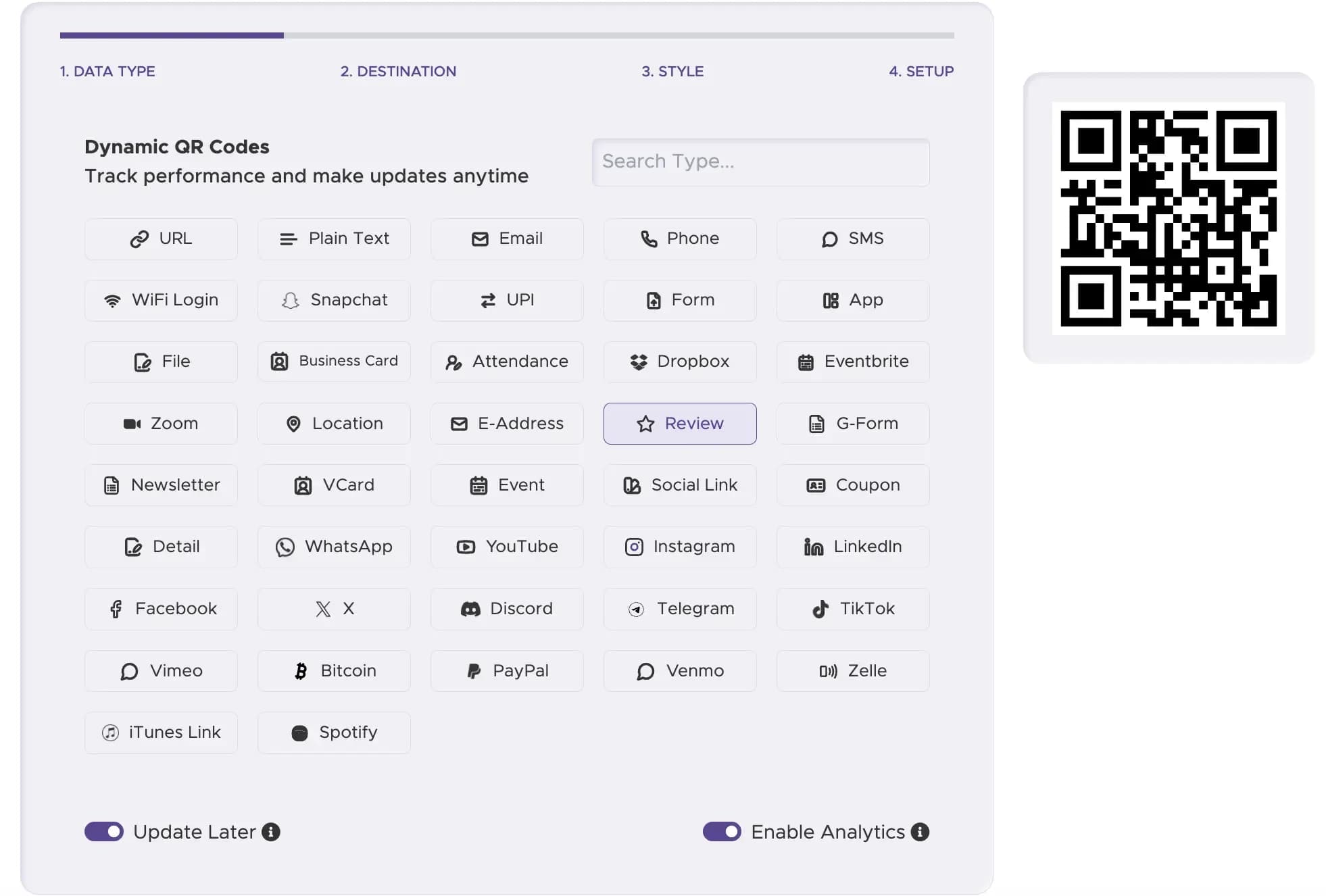
Select the Right Type of QR Code
Select the "Review" option from the types of QR code available. This will allow you to links directly to your business’s Google review page.
Step 2
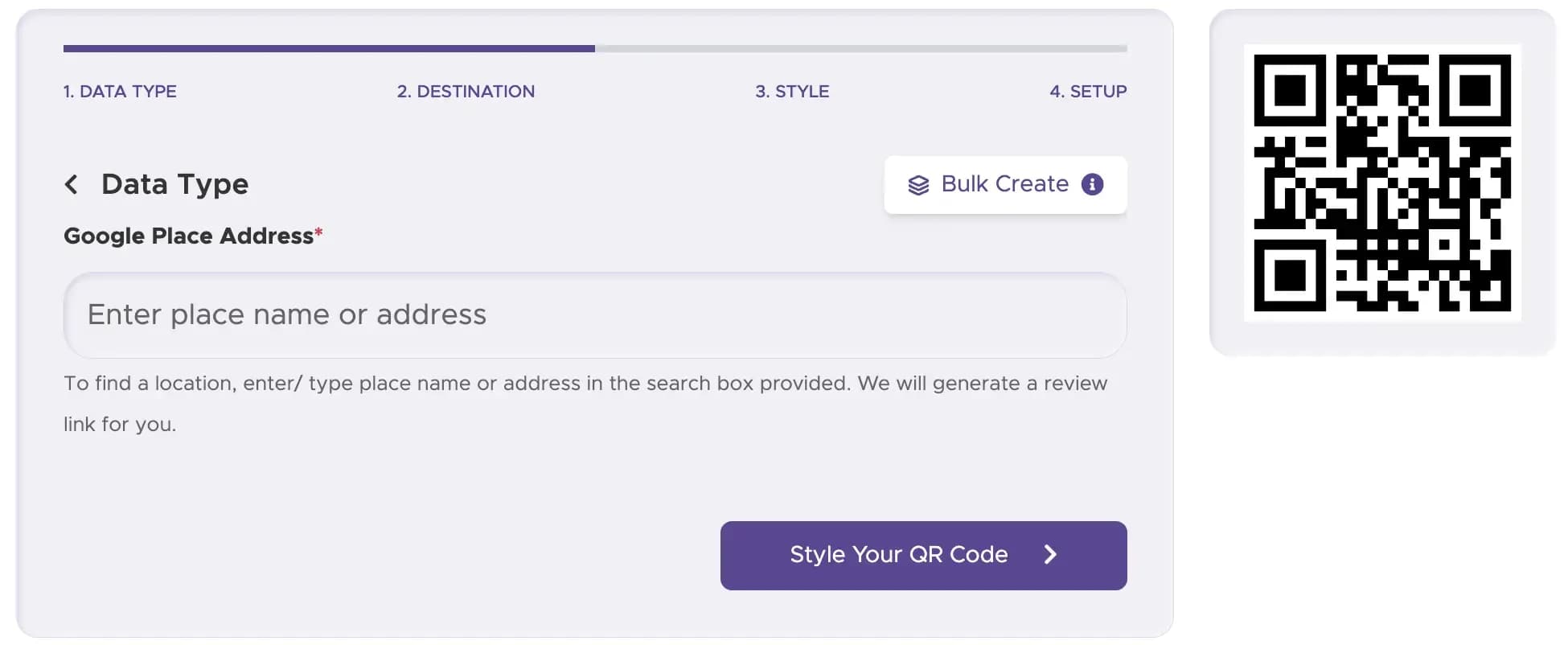
Enter The Place or Address
Enter your business name or address so customers can be directed instantly to your Google review page via QR code.
Step 3
Customize Your QR Code’s Design
Ensure your QR code is visually appealing and recognizable. You can add your logo and use brand colors to match your marketing campaigns.

Step 4
Download and Implement Your QR Code
Download your free QR code and print it on various materials. For the best QR code flexibility, we recommend using a dynamic QR code to track QR code scans and gather performance data.

Step 5
Track Performance (with Dynamic Codes)
For business use, a dynamic QR code can show scan activity and engagement patterns, helping you understand where and when people use your QR code.

Examples of Google Review QR Codes

Restaurants and Cafes
Place QR codes on tables, menus, or receipts to gather immediate feedback from diners. A quick scan takes them directly to your Google review link.
Service Providers
Whether you're a plumber, electrician, or consultant, add QR codes to business cards or invoices to make it easy for clients to leave reviews and maintain your high service standards.

Hotels and Event Venues
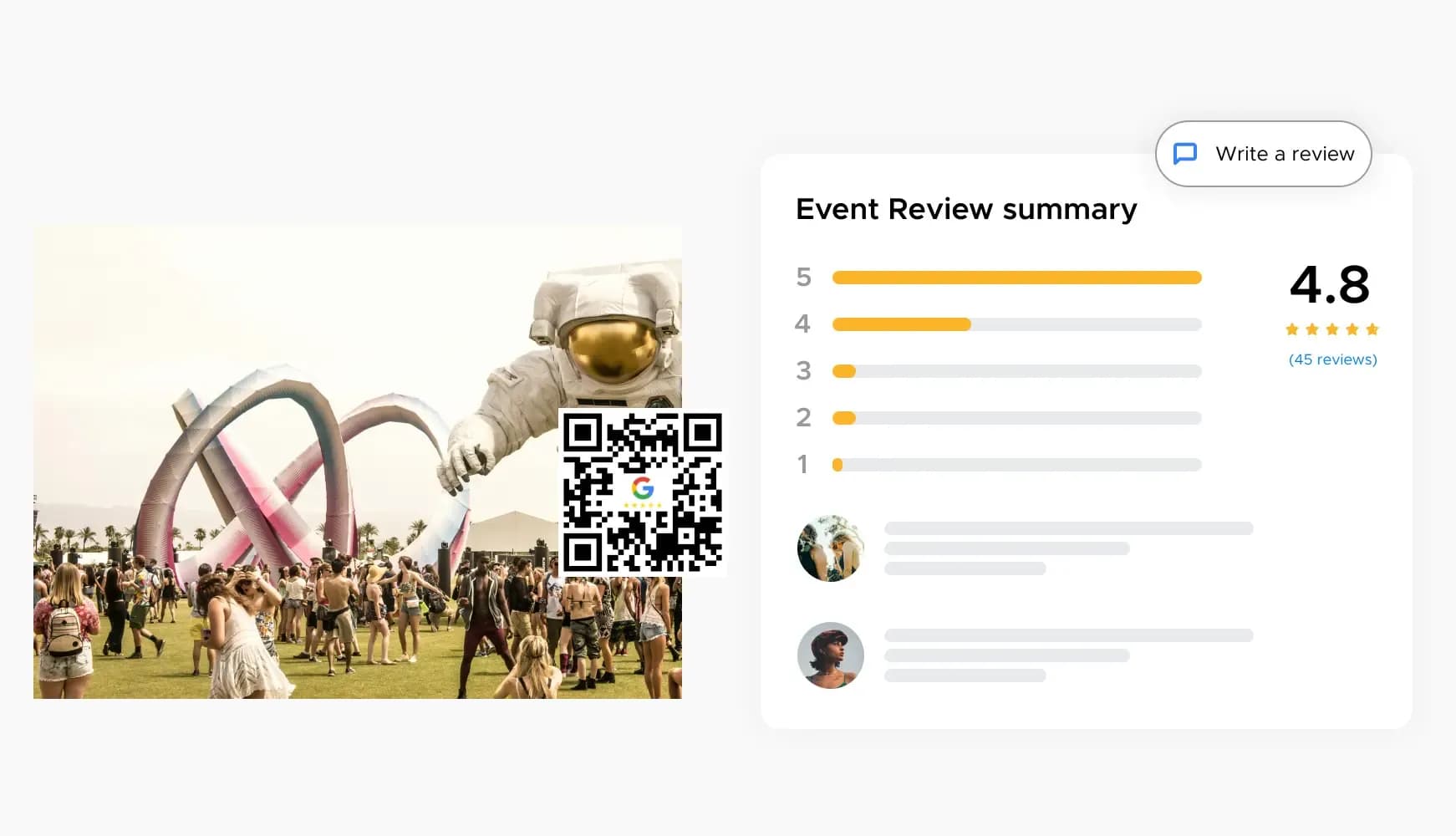
Post QR codes at check-out desks or in guest rooms to capture attendees' impressions, helping you get more Google reviews and improve future guest experiences.
Best Practices for Google Review QR Codes
Place QR codes in high-traffic areas where customers can easily see them, such as at checkout counters, on receipts, or on tables.
Include a simple, clear message like, "Scan this QR code to leave a review," or "Sand leave a review" to guide customers.
Offer a small discount or a free item to encourage customers to leave a review. Clearly communicate the incentive near the QR code.
Create Your Google Review QR Code for Free
Ready to discover how QR codes can transform your business? Start by creating your custom QR Code today


Ready to Collect More Google Reviews?
Create your custom Google Review QR code in seconds and start gathering 5-star customer feedback today.