
Benefits of Using QR Codes for Events
1. Streamlined Event Management
Using a unique QR code for your events makes guest management simple. When attendees scan the code, they’re directed to an RSVP or registration form created using the Website URL QR Code Generator. All responses are centralized, making it easy to track attendance, manage data, and follow up quickly.
2. Real-Time Updates & Data
Each time a guest RSVPs, you can receive instant updates - helping you stay organized, make quick decisions, and coordinate vendors effectively. For dynamic campaigns that may require updates, choose a Dynamic QR Code to edit the destination anytime, even after printing.
3. Paperless and Eco-Friendly
Go paperless and save costs by incorporating QR codes into digital invitations, posters, and signage. This sustainable approach reduces waste while maintaining a professional, modern look for your event materials.
4. Enhanced Guest Experience
QR codes allow you to collect additional details - like meal preferences or seating choices - directly from attendees. With a mobile-friendly and responsive design, guests can easily read and submit their info from any device.
How to Create a QR Code for Your Event
QR code creation for events has never been easier. Follow these quick steps to get started.
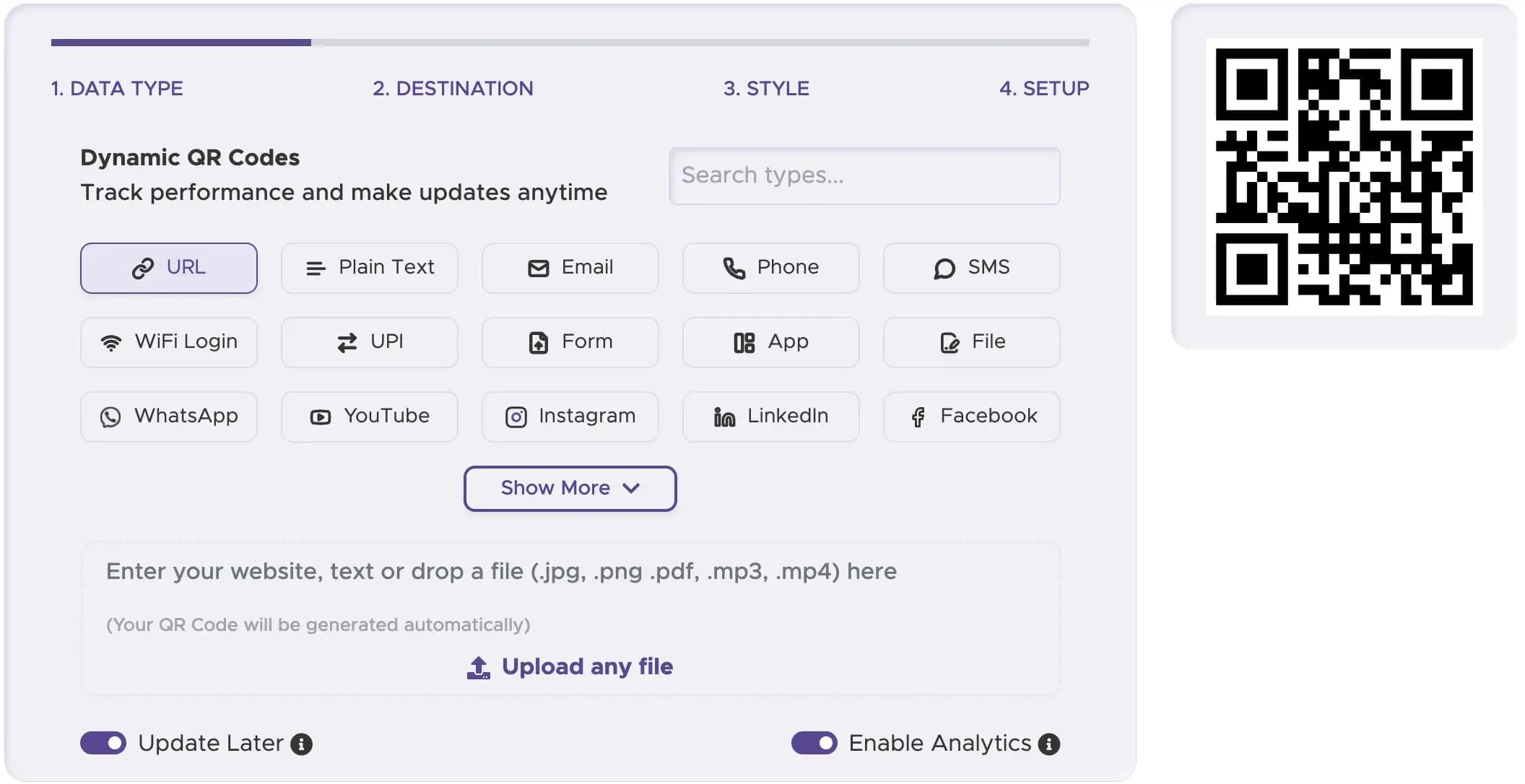
Step 1
Select the Right Type of QR Code
Visit the QRStuff QR Code Generator and choose “Event” or “Website URL” as your data type. The Event QR Code option is ideal for linking to RSVPs, schedules, or registration pages.
Step 2
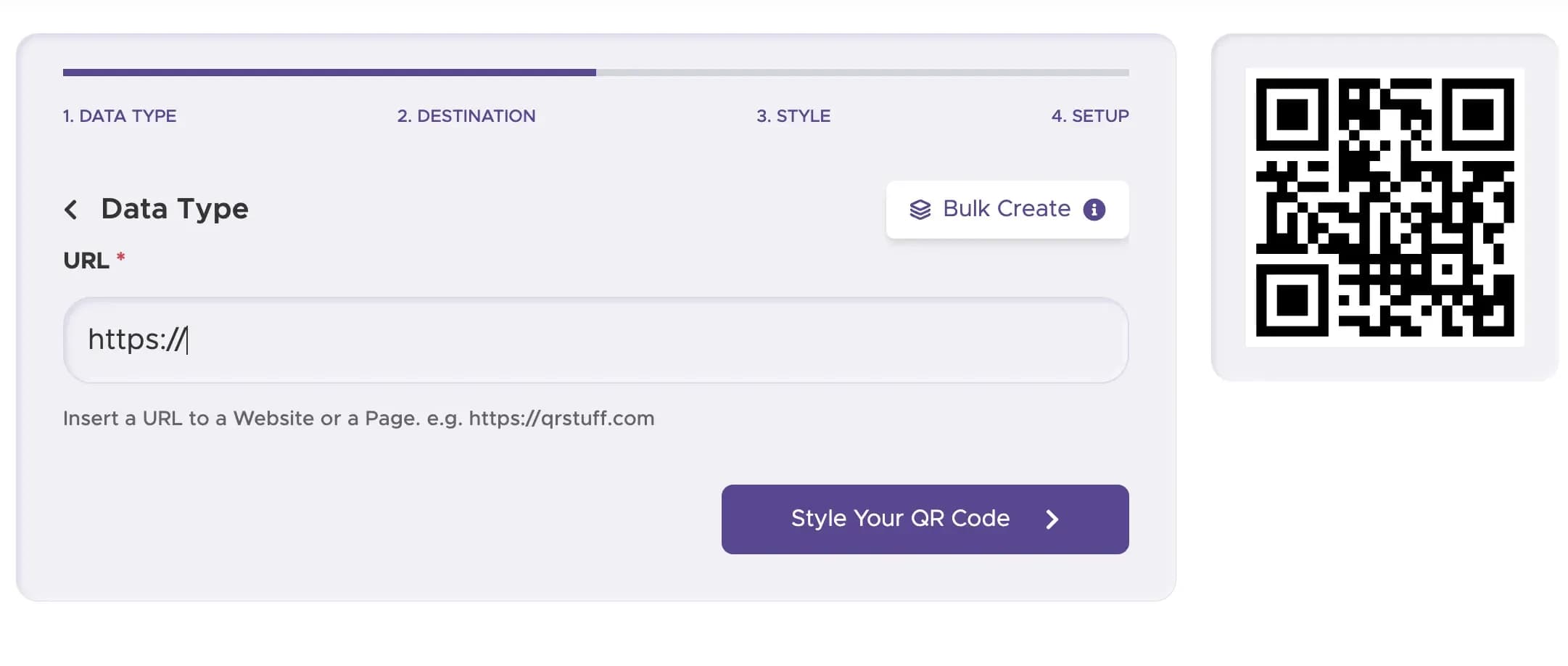
Add Your Event Details
Enter the link to your digital event page, RSVP form, or ticketing site. This is where guests will land once they scan your QR code.
Step 3
Customize Your QR Code’s Design
Make your code match your theme. Add your brand logo, adjust colors, and select a decorative frame that complements your event’s visual identity. QRStuff’s customization features let you create designs that look professional and stand out.

Step 4
Download and Implement Your Code
When your design is ready, download your high-resolution QR code as a PNG or SVG file. Add it to your invitations, banners, digital ads, or social posts. You can also upload it to your website or event app for a completely integrated experience.

Step 5
Track Performance (with Dynamic Codes)
For business use, a dynamic QR code can show scan activity and engagement patterns, helping you understand where and when people use your QR code.

Examples of QR Codes for Events
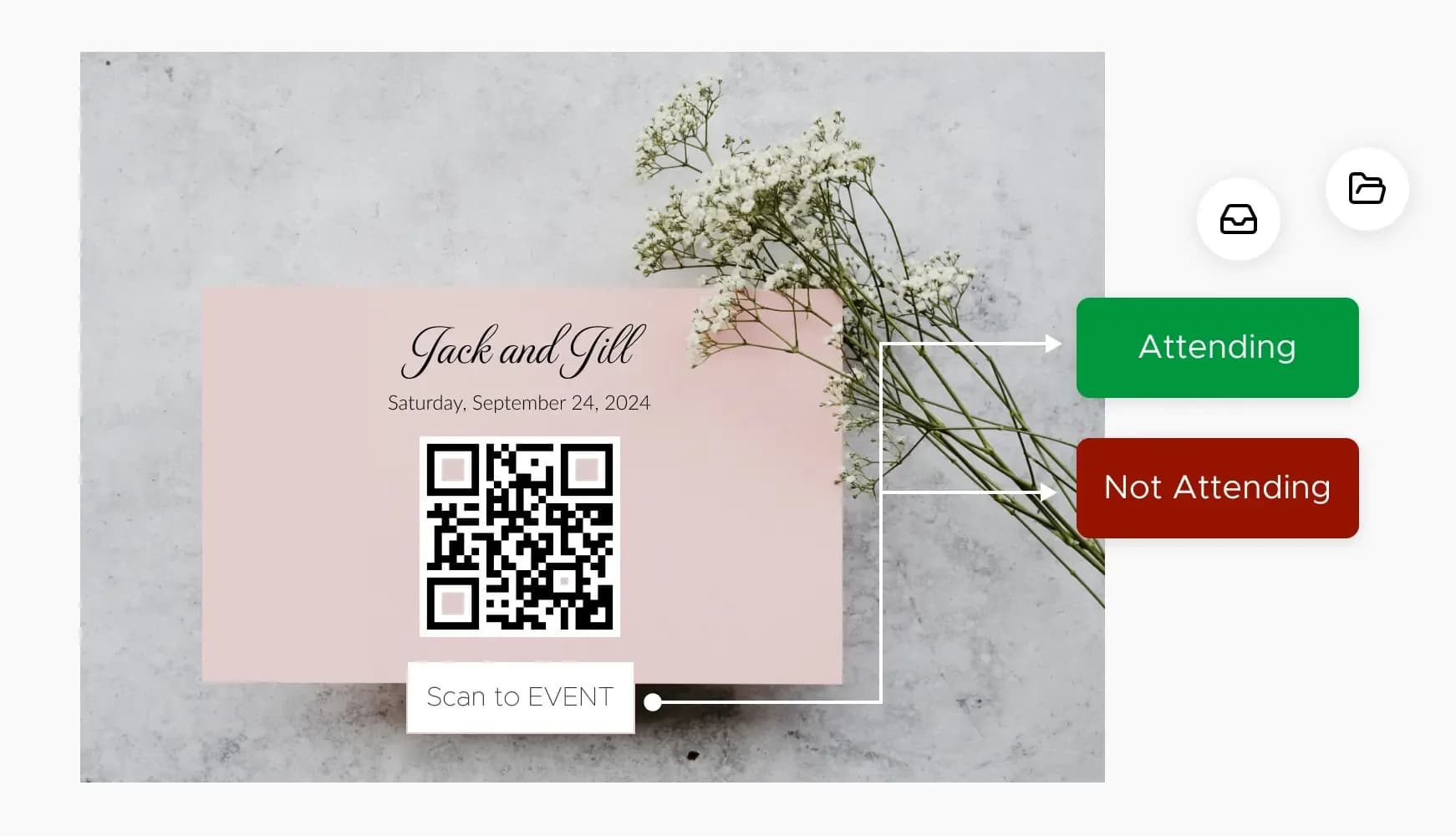
1. Invitation Cards & RSVP Tracking
Embed a QR code on invitations for quick and organized RSVP management. Guests can scan and respond instantly, and your digital dashboard keeps everything in one place. Customize your design using the Event QR Code Generator or Wedding RSVP QR Code Generator for a more personalized touch.
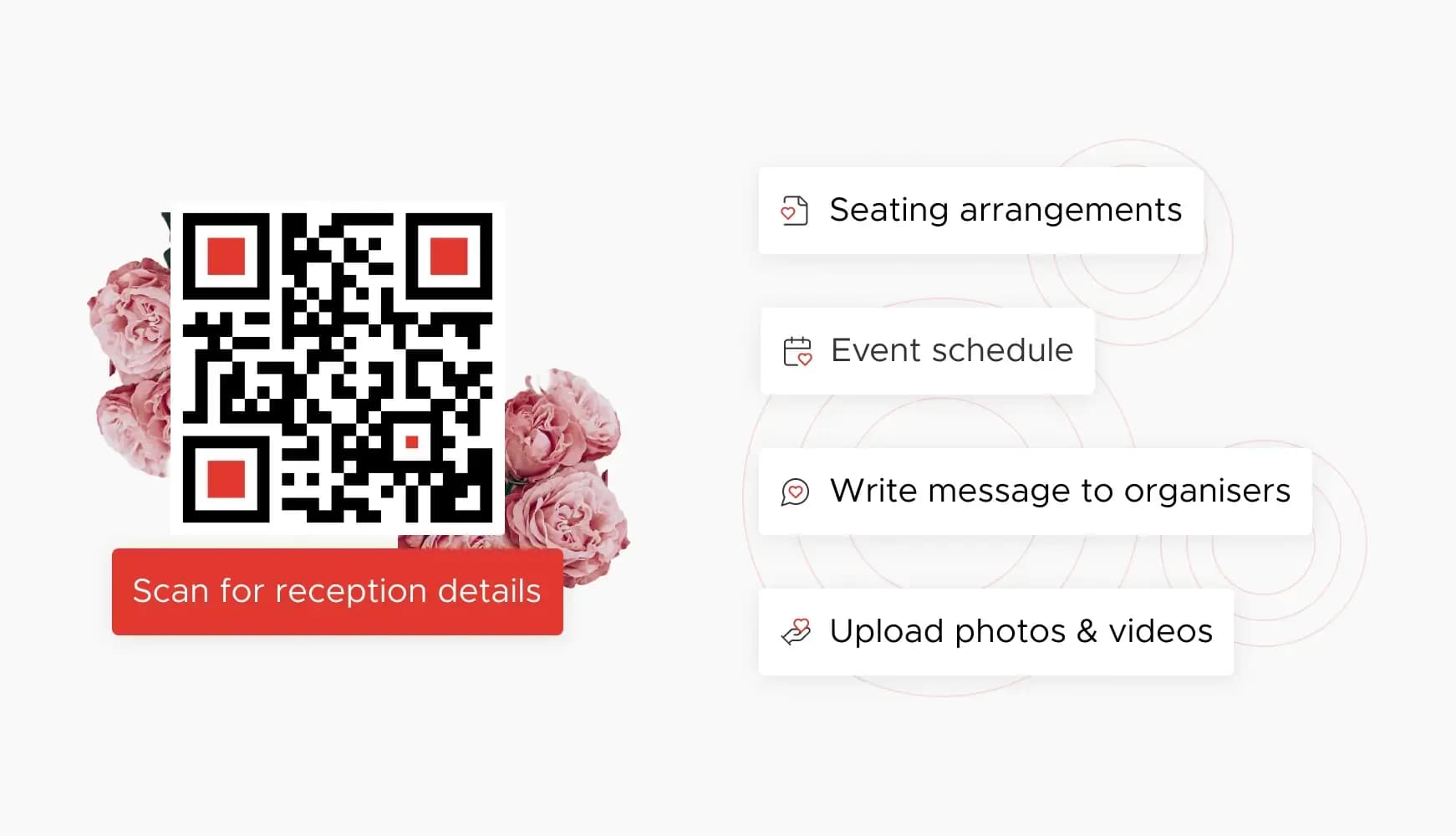
2. Event Tickets & Seamless Check-In
Attach unique QR codes to tickets for secure, rapid, and paperless entry. Scanning at the door speeds up check-in and improves security. You can also use QR codes to sell tickets online via campaigns built with Dynamic QR Codes or Business QR Codes.

3. Sharing Information and Schedules
Simplify access to event information by linking one QR code to a page with everything - maps, videos, schedules, and speaker bios. You can easily update details without replacing the code using a dynamic option.
Best Practices for Using Event QR Codes
Position the QR code in a visible, easy-to-scan area - on invitations, posters, and digital screens at your venue.
Always include simple directions such as “Scan to RSVP” or “Get Event Details” to help all attendees, including less tech-savvy guests.
Use a high-resolution image file for printing to ensure your code scans easily. Avoid stretching or blurring that could prevent devices from reading it correctly.
Create Your Event QR Code for Free
Ready to discover how QR codes can transform your event? Start by creating your custom QR Code today


