How does a Bitcoin QR code work?
The code holds your address. The payer checks it and pays from their own wallet.
The Bitcoin option writes your receiving address into the squares as labelled text, not as a payment link. A scan shows that text and does not necessarily open a wallet app.
If you need card or bank payments rather than Bitcoin, see the payment QR code generator. For Venmo or Zelle, see Venmo QR codes and Zelle QR codes.
Why use a Bitcoin QR code?
Fewer typing mistakes
Scanning the code means nobody has to retype a long string of characters.
Scans from another screen
Someone can scan a code shown in an email or on a donation page by pointing a phone at the screen.
Free to make
Making a static Bitcoin code takes no account and costs nothing, so you can try one before anything goes on a sign.
One code, many payers
A code on the counter sign serves every customer who pays, with no address to read out each time.
Nothing extra to install
A phone camera reads the code, so a payer needs nothing beyond the wallet app they already use.
How do I create a Bitcoin QR code?
Step 1
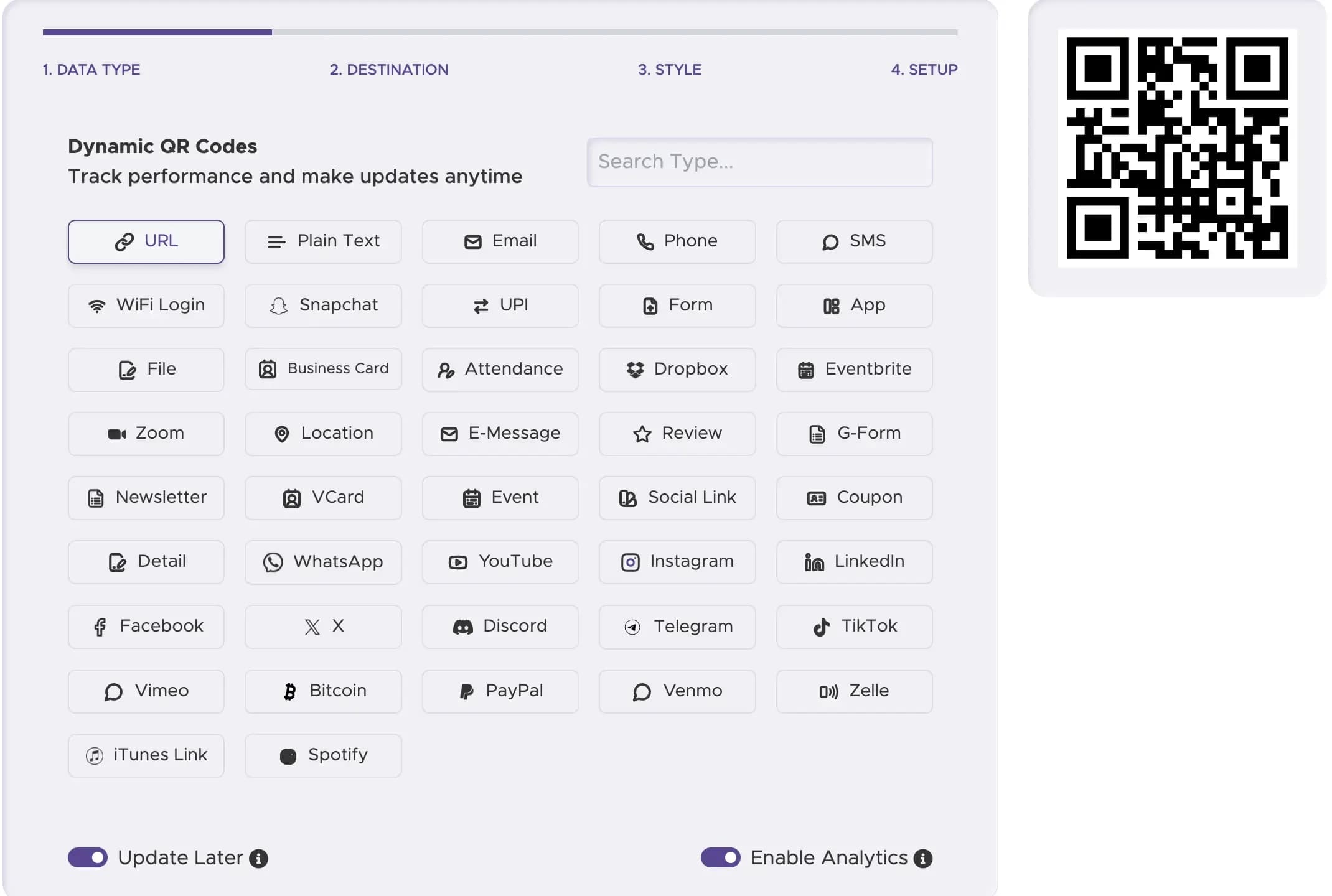
Open the generator and paste your address
In the generator, choose Bitcoin from the type list and paste your receiving address.
Step 2
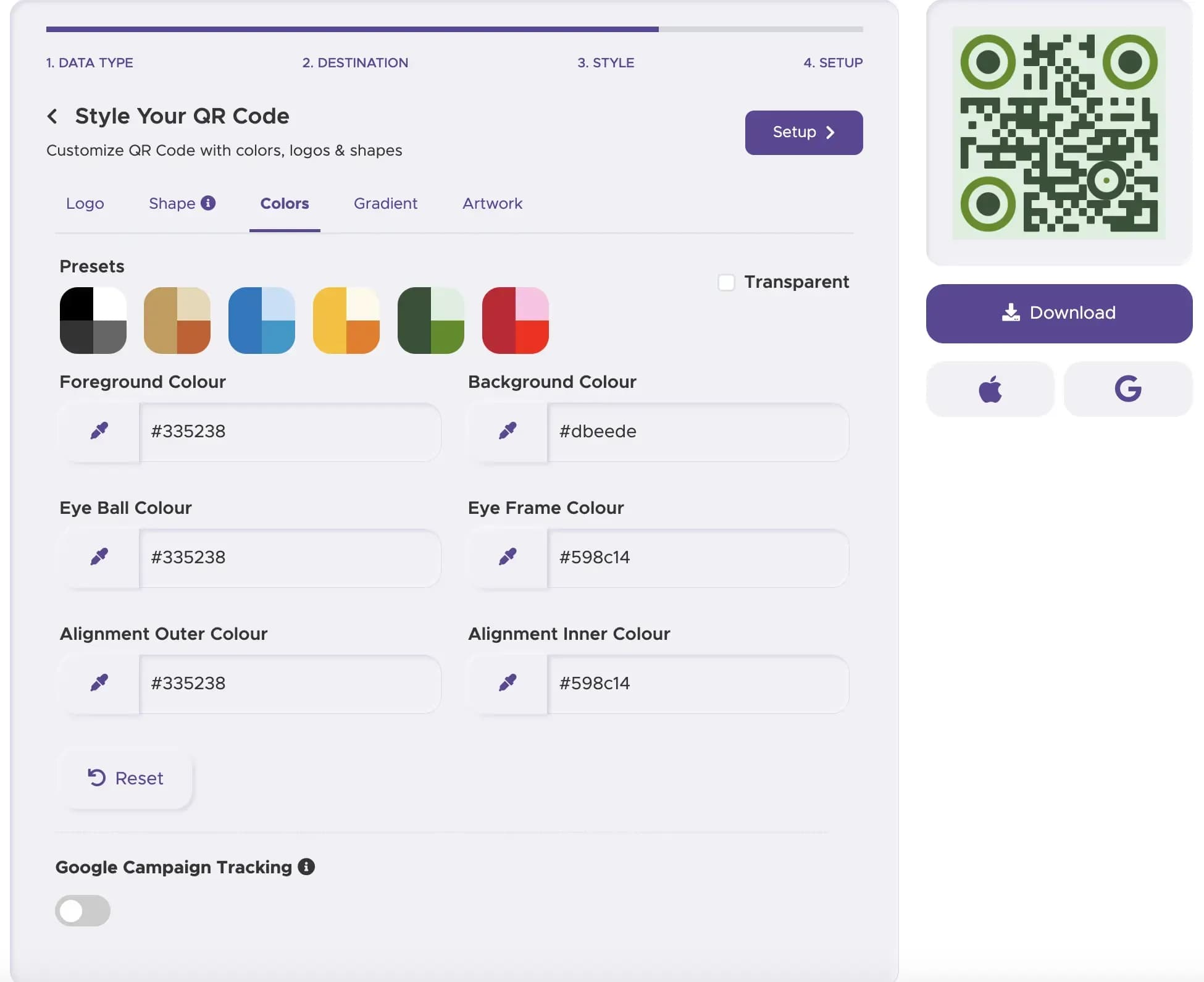
Keep it plain
Dark squares on a light background read reliably on phone cameras. Colours, a logo and frames come with Full Suite and Enterprise, and a payment code does better without them.
Step 3
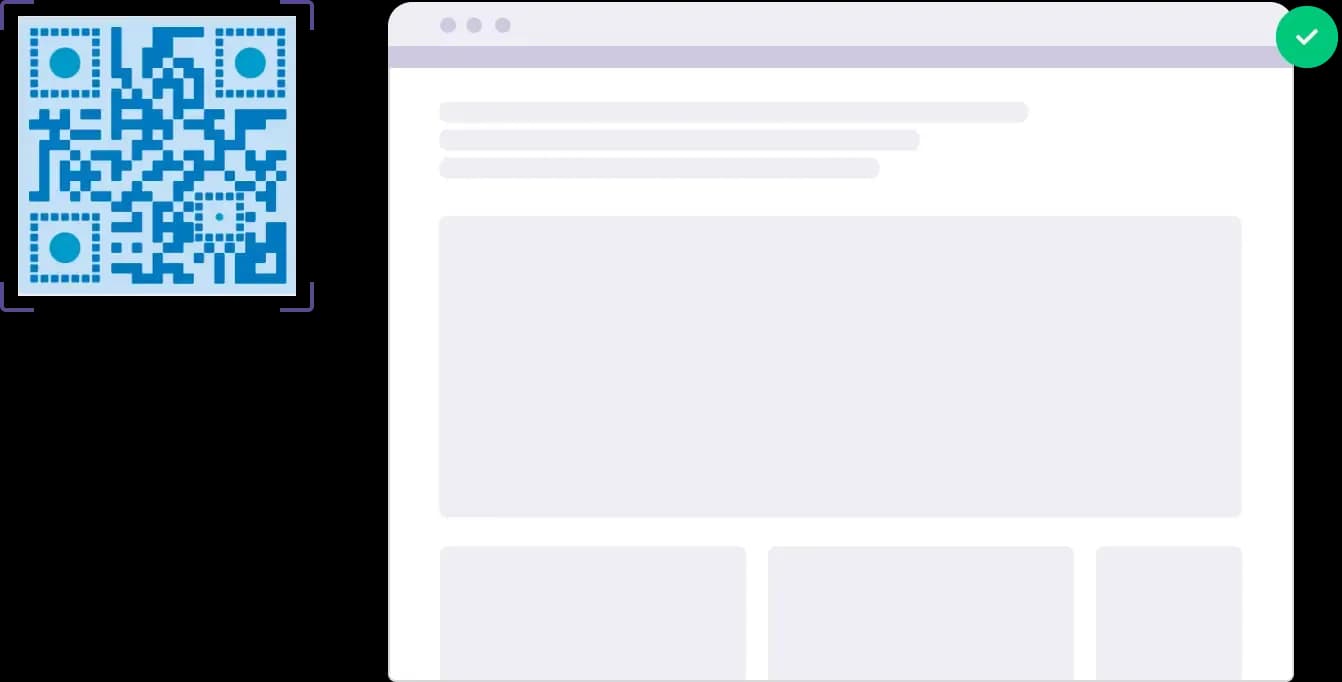
Scan it with two phones
Check it with your own phone and with another one before the code goes anywhere. The address shown must match the one in your wallet, along with anything you typed in the optional boxes.
Step 4
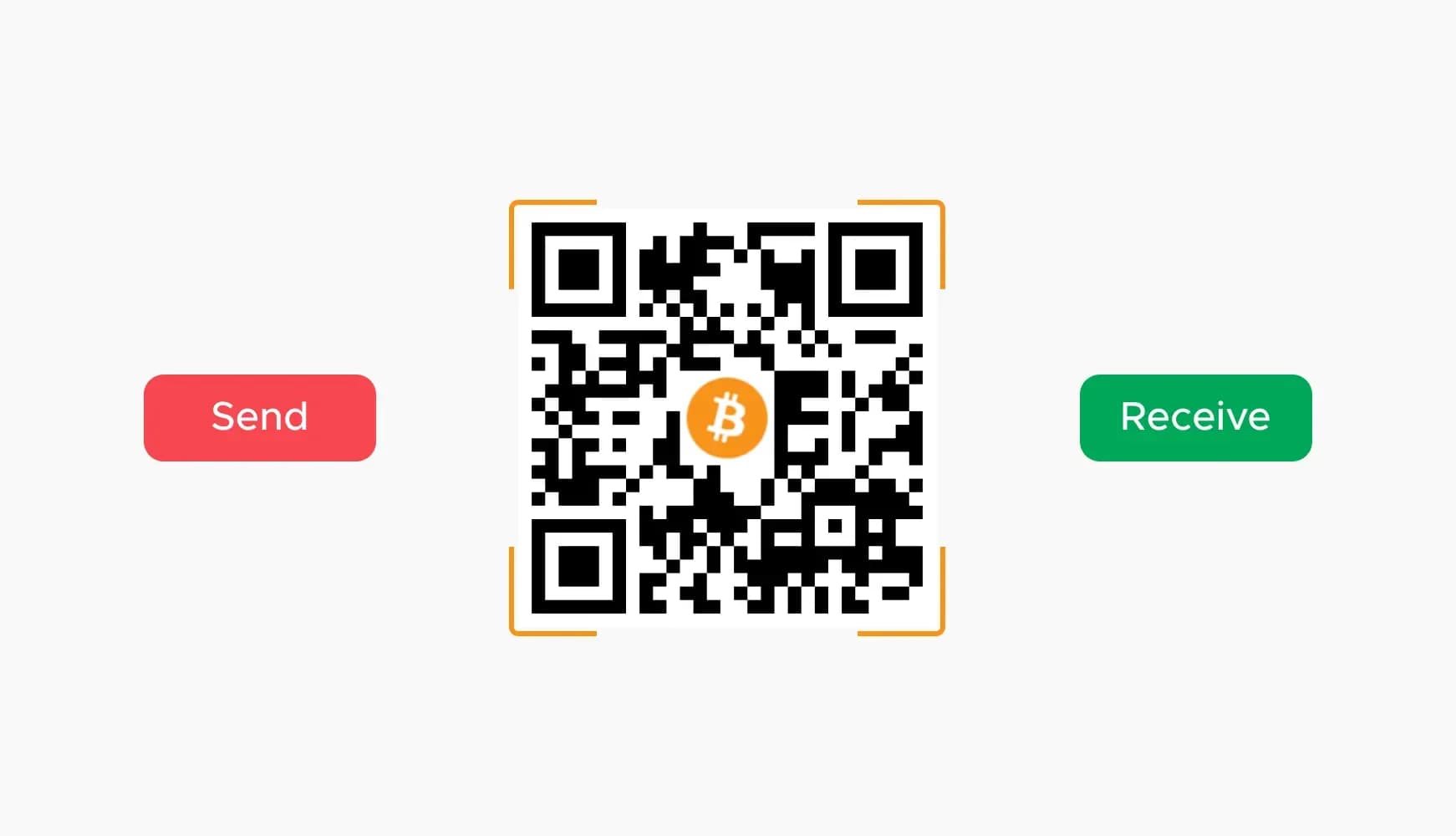
Send a small test payment
A scan shows that the code holds the address you meant. Only a payment shows that you can spend from it. Send a small amount to the address from another wallet and check that it arrives in yours before you print a run of signs.
Step 5
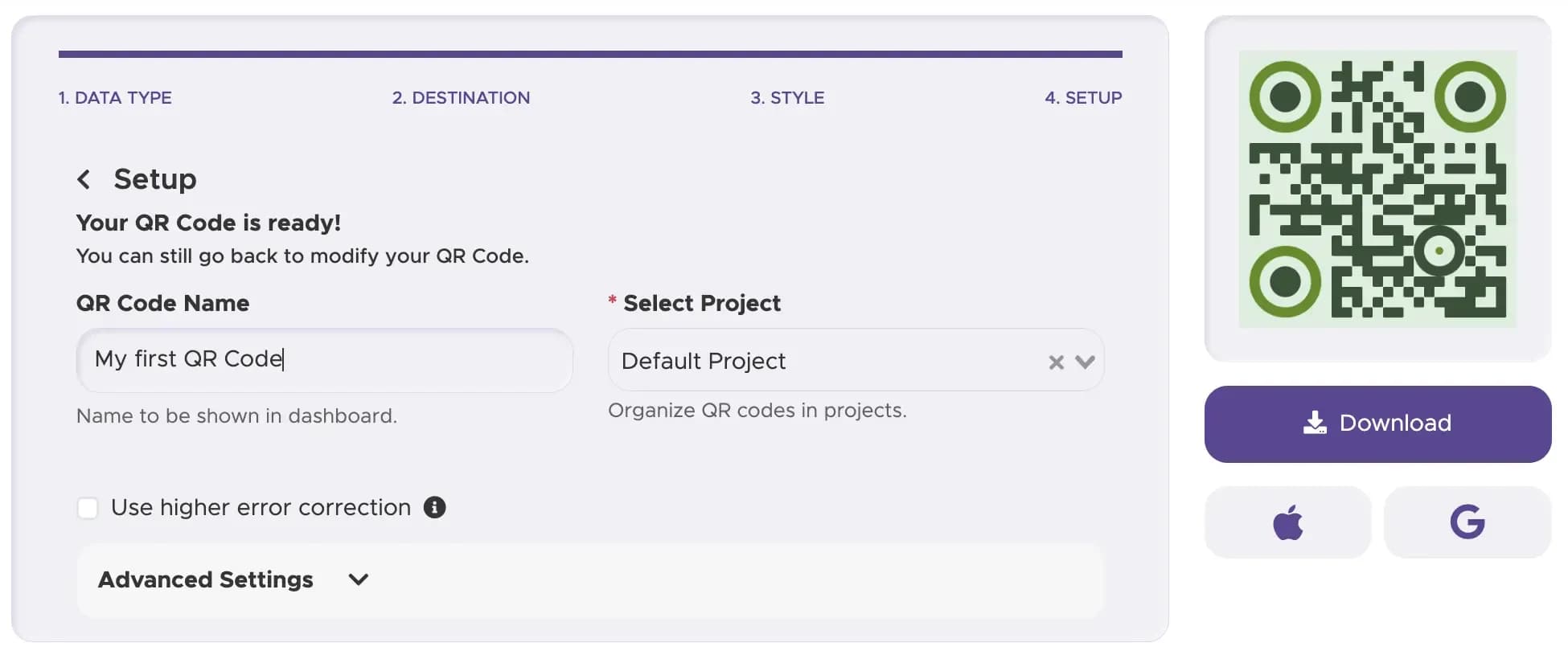
Download and place it
Download the file and place it where people can scan it from a normal reading distance.
Step 6
Count scans on a dynamic code
Scans of a dynamic Bitcoin code are counted in your dashboard from Lite Suite. A static code is fixed and cannot be counted.

Where Bitcoin QR codes are used
Stores and market booths
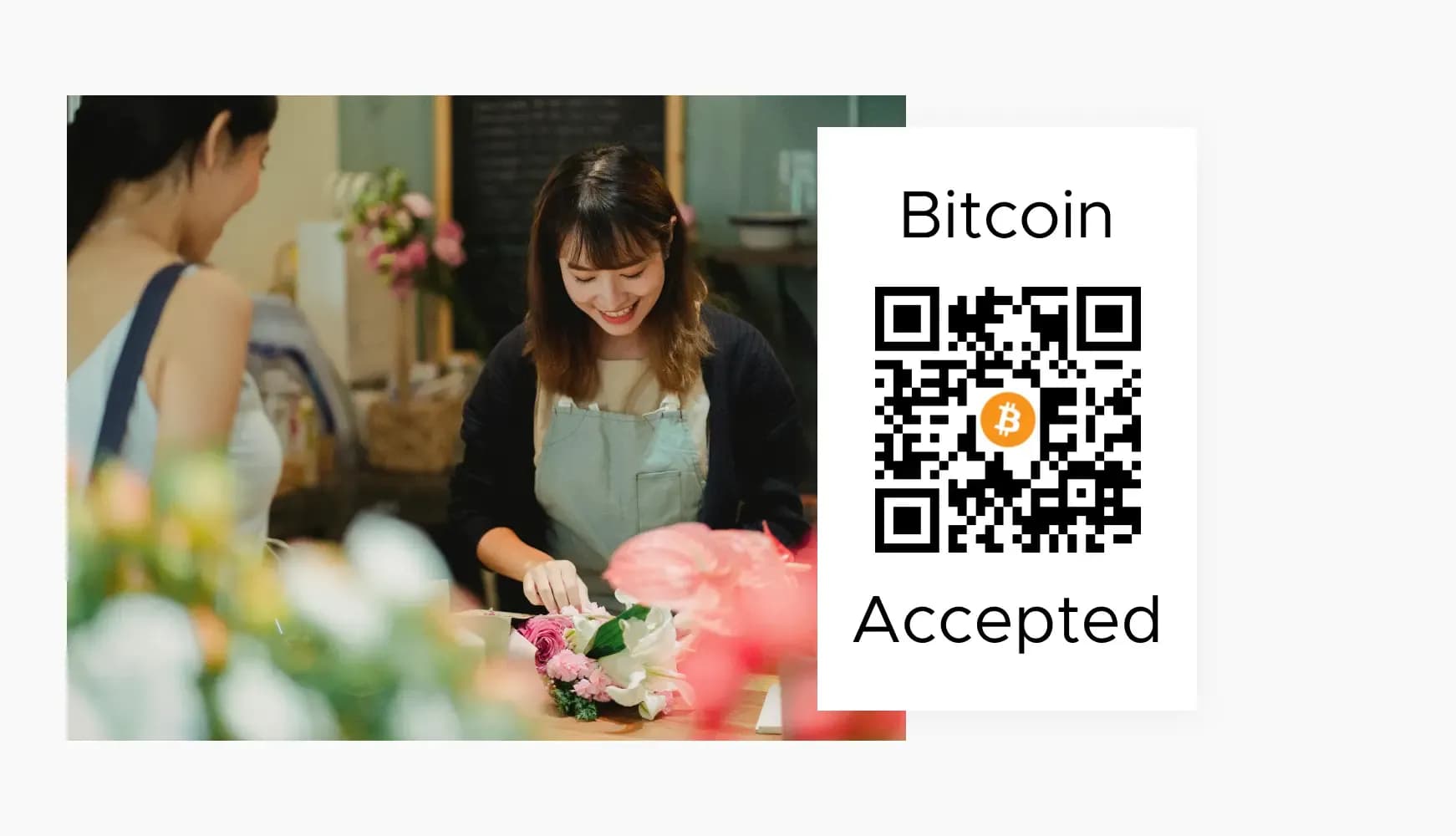
A store that accepts Bitcoin can display a code at the counter. A customer scans it and sends the payment from their own wallet.
Charities and donations
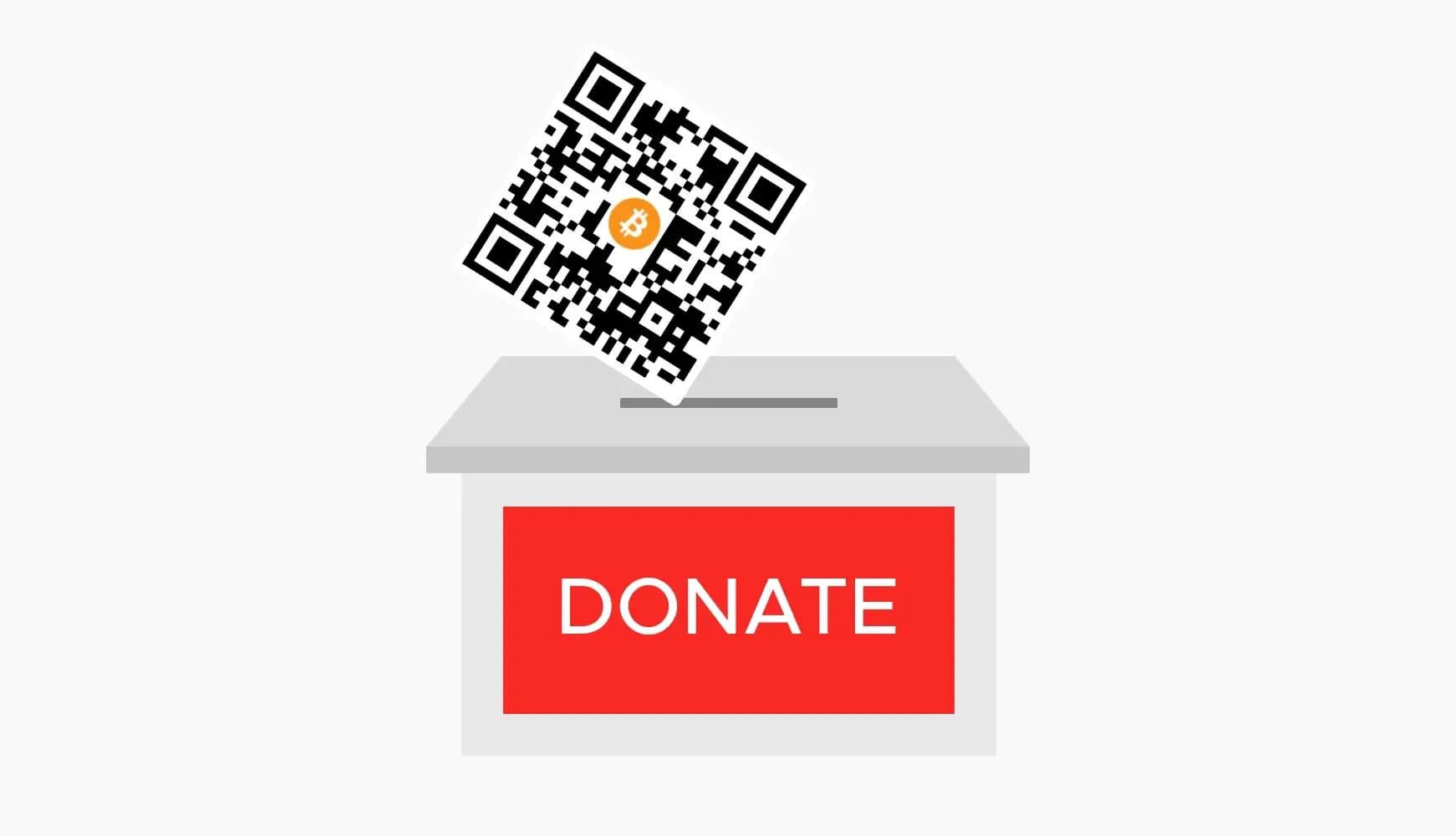
A charity can print a code on a donation page, a poster or an event program so supporters who hold Bitcoin can give from their wallet.
Online stores and invoices
An invoice or a checkout page can show a code beside the amount due, so the buyer has the address and the amount side by side.

Friends and in-person transfers
Two people splitting a bill can show a code on a phone screen, and the other scans it from across the table.
Is it safe to share a Bitcoin wallet address as a QR code?
Before you send, compare the address your wallet shows with the one you expect, for instance the first and last few characters. A confirmed Bitcoin payment cannot be reversed, so a wrong address means lost funds.
Pick a wallet from a known provider and keep it updated. Anyone who scans a code holding your private key or recovery words can take every coin in the wallet, so those belong inside the wallet and nowhere else, never in a code, an email or a screenshot.
A scammer can stick a different code over a sign. Place printed codes where you can see them and check them every day. If you change address, reprint every sign.
Before you print
Yes: a receiving address is meant to be shared, because it lets people send you Bitcoin but gives them no way to spend yours. These three habits cut the risks around a printed code.
Static or dynamic: which Bitcoin QR code should I use?
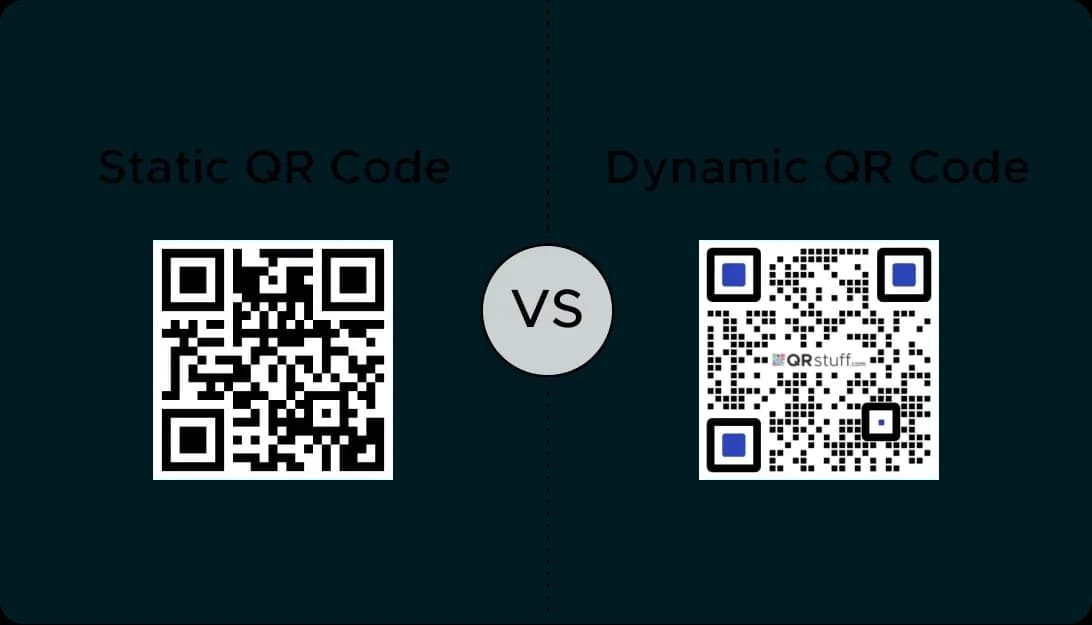
A static Bitcoin code writes the address into the pattern. A dynamic Bitcoin code points to a QRStuff page that shows the address, so the address can change later without a new print.
| Compared side by side | Static Bitcoin QR code | Dynamic Bitcoin QR code |
|---|---|---|
| What is printed | Your receiving address, as labelled text. | A short QRStuff link to a page that shows your address. |
| Changing it | No. A new address means a new code. | Yes, from your dashboard. Replace the address and the printed code stays the same. Check the new address before you save it. |
| Counting scans | Not recorded. | Scan reports start on Lite Suite. |
| Scan limit | None. | Free accounts allow 50 scans a month on each code. |
| Cost | Free. | Free account: 10 dynamic codes, each live for 30 days. Paid plans keep a code live for longer, see pricing. |
How big should a printed Bitcoin QR code be?
On an invoice or a business card, make the code at least 2 cm (0.8 in) square. A counter sign or a donation poster follows the reading-distance rule, roughly a tenth of how far away people stand, and a booth banner or shop window can call for anything between 20 and 60 cm (8 and 24 in), or more.
- Keep a blank border about four small squares wide around the code, with dark squares on a light, matte background. A sign in a shop window picks up reflections, so a matte holder helps.
- Send the printer a high-resolution PNG or JPG, or a vector file (SVG, EPS or PDF) for a large banner if you have Full Suite or Enterprise.