
Benefits of Using QR Codes for Your Wedding
Effortless RSVP Management
A wedding RSVP QR code streamlines collecting responses by linking guests directly to an online form. This ensures all responses are centralized, saving you time and reducing the risk of lost RSVP cards.
Real-Time Updates
As soon as a guest submits their RSVP, you get an instant notification. This is useful for finalizing catering, seating plans, and accommodations for your big day.
Paperless and Eco-Friendly
Incorporating QR codes for your wedding RSVPs reduces the need for physical cards and postage, making your wedding planning more eco-friendly and cost-effective.
Customizable Guest Information
Your online RSVP form can collect more than just a "yes" or "no." Gather details like meal preferences, song requests, or dietary restrictions to enhance your guests' experience.
How to Create a Wedding QR Code
Here are some qr code tips for creating your perfect code. Select a reliable QR code generator like QRStuff, which offers a range of features to create dynamic and customizable QR codes suited for your business needs.
Step 1
Select the Right Type of QR Code
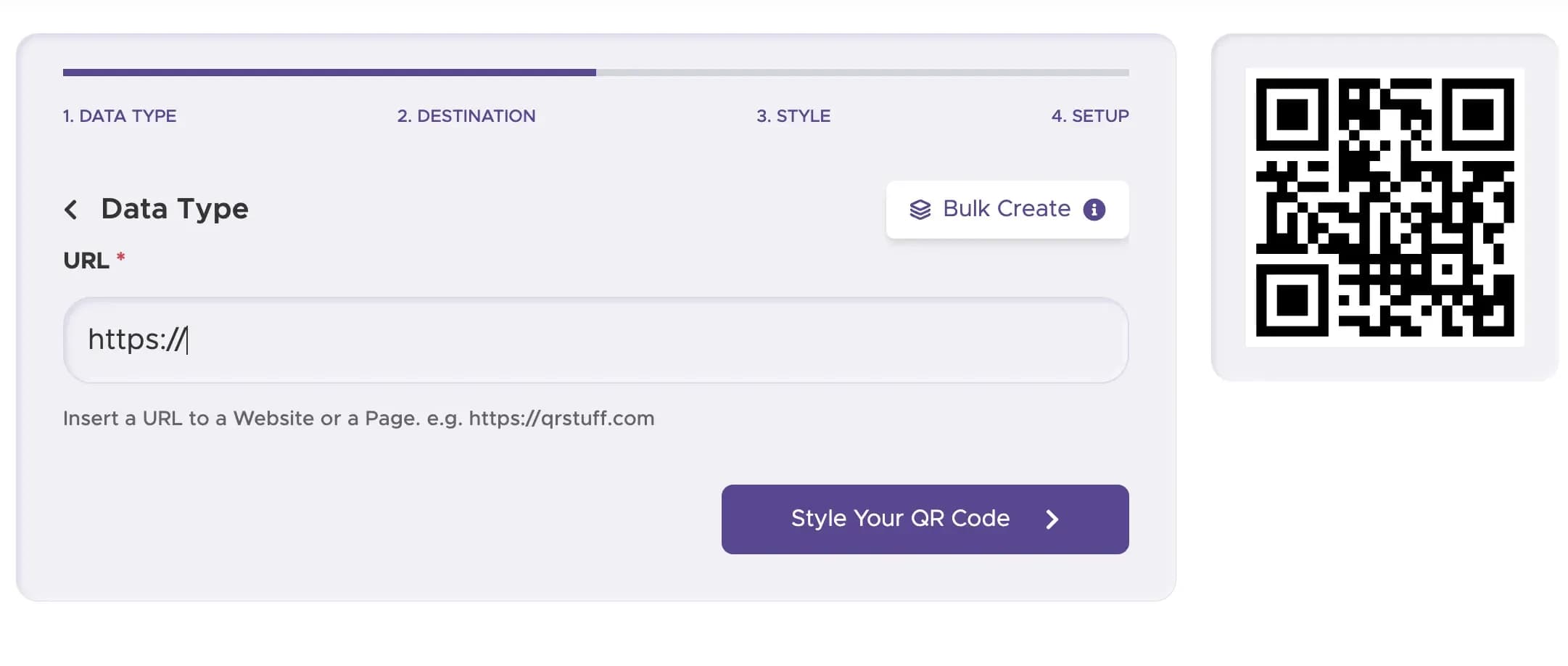
Choose the QR code type that best suits your needs. For weddings or similar occasions, select the "URL" QR code option to paste your Wedding Website or RSVP Link.
Step 2
Enter the Event Details
Add the relevant wedding event link that you want the QR code to direct guests to.
Step 3
Customize Your QR Code’s Design
Add a qr code that matches your wedding's aesthetic. You can add your initials, use your wedding colors, and create a design that blends seamlessly with your stationery.

Step 4
Download and Implement Your QR Code
Download your QR code in a high-resolution format. You're now ready to get it printed on your wedding invitations. For the most flexibility, use a dynamic QR code so you can update the link if needed.

Step 5
Track Performance (with Dynamic Codes)
For business use, a dynamic QR code can show scan activity and engagement patterns, helping you understand where and when people use your QR code.

Examples of Wedding QR Codes
On Wedding Invitations and RSVP Cards
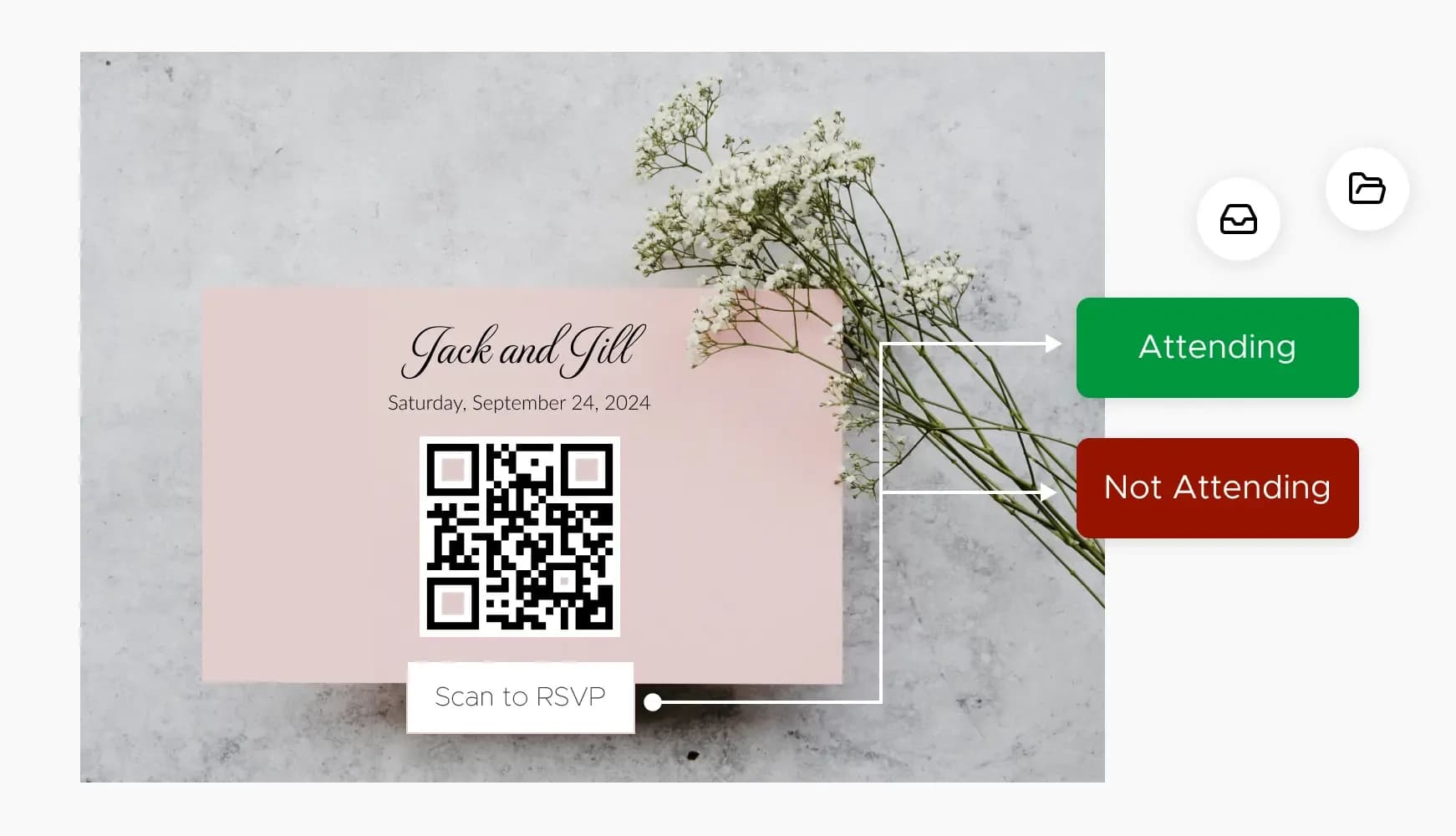
Embedding a QR code on your wedding invitation is a modern way to direct guests to an online RSVP form. This centralizes responses and makes managing your guest list more efficient than a traditional rsvp card.
For Save the Dates
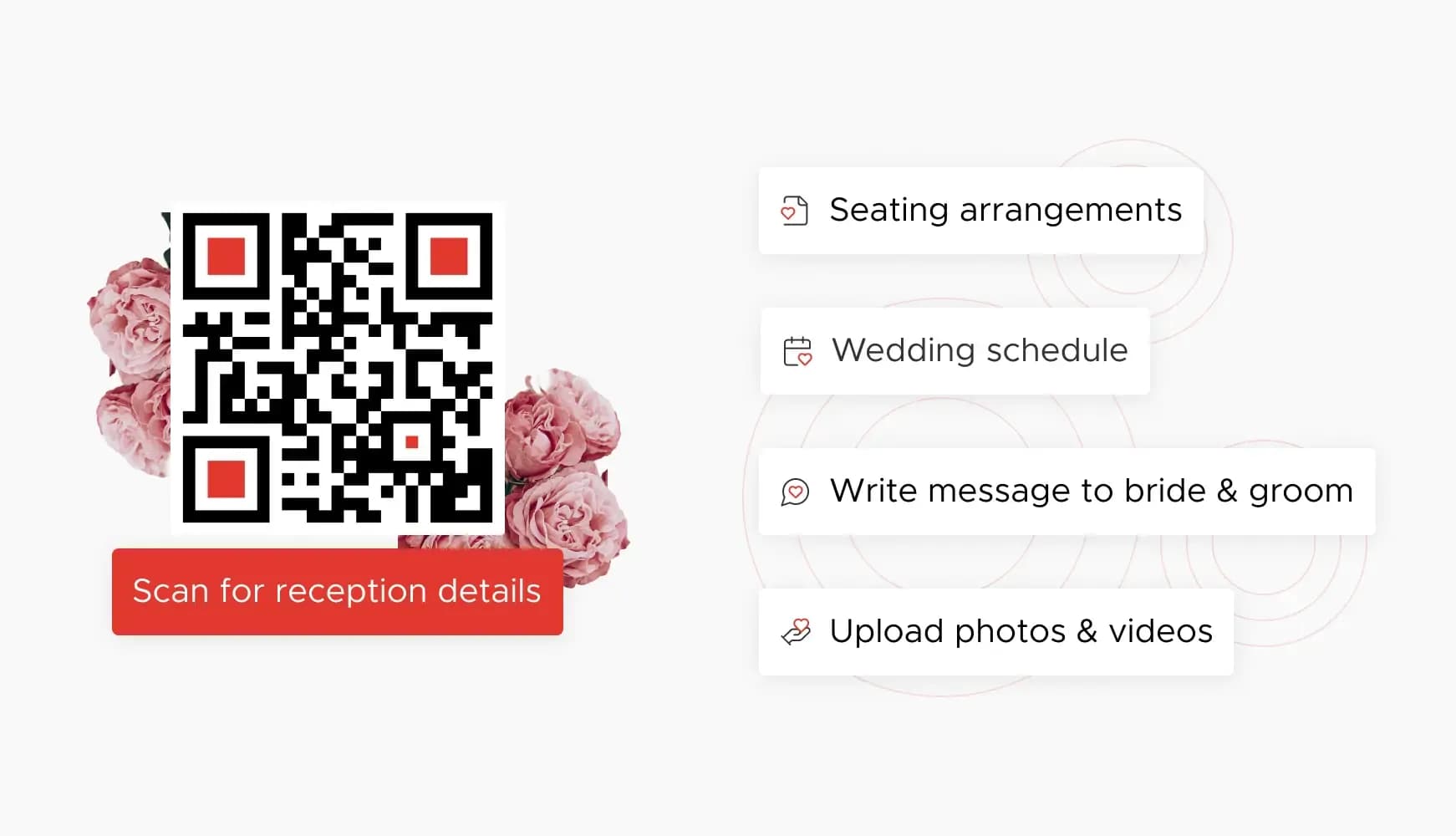
Put a qr code on your save the date cards to give guests an early look at your wedding website. They can learn more about your story, see accommodation options, and get excited for the event.
At the Reception
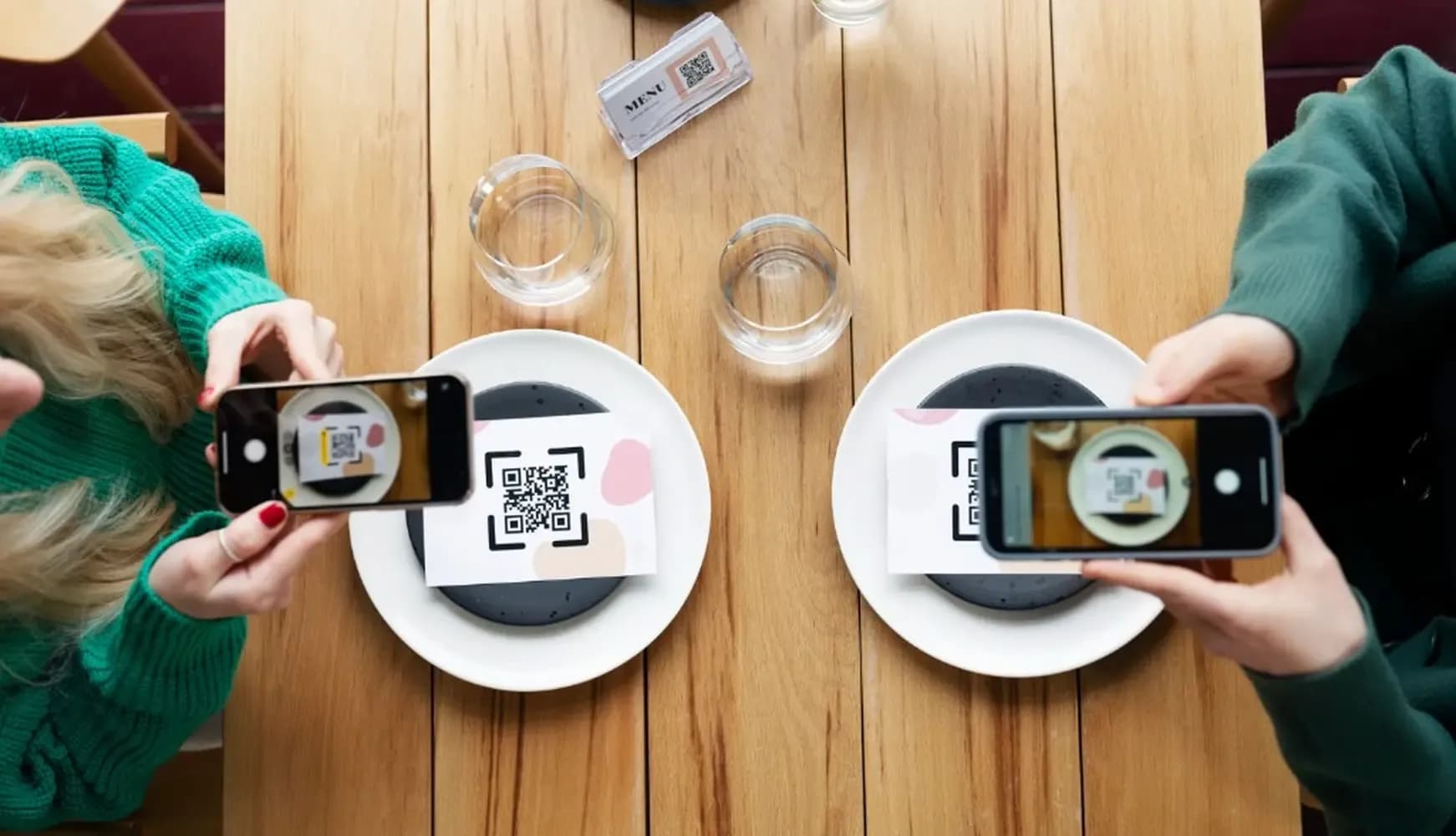
Enhance the guest experience by placing QR codes on place cards or programs. A wedding qr code can link to a digital guestbook, a photo-sharing app for your wedding, or the schedule for the rest of the evening, including the rehearsal dinner.
Best Practices for using QR Codes for Wedding RSVPs
Place the QR code in a visible, accessible spot on your wedding invitation or save the date card.
Include a brief explanation like "Scan to RSVP Online" to help less tech-savvy guests. This is the best way to share the information.
Make sure you use high-resolution images for the QR code to ensure it scans easily. Poor print quality can cause scanning issues.
Create Your Wedding QR Code Today
Ready to discover how QR codes can transform your event? Start by creating your custom QR Code today


