
How can food brands use QR codes?
A jar label has room for the legal text and little else, so a shopper who wants to know more has nowhere to look. A small code on the package gives that shopper somewhere to go, and the page behind it can hold as much detail as the label cannot.
A QR code on food packaging is a small square on a carton, jar or label that opens nutrition details, sourcing, a recipe or an offer when scanned. Make it in QRStuff, download the file and send it to the printer. A dynamic code can be corrected after printing.
Start from the shopper standing in the aisle with a jar in one hand. They want to know whether the farm is local, how it was made and what to cook with it. A code can open all of that on the phone in their other hand.
For one package, the free QR code generator is enough. Other goods are covered in product packaging QR codes and QR codes on products, and the GS1 Digital Link generator covers structured product data.
What can a shopper do after scanning a food package?
A neck label that tells the tasting story
A small code on the neck or back label of a bottle of wine, oil or spirit can open tasting notes, pairing ideas or the producer's page for a shopper who is still deciding whether to buy.
A contact page for questions
A code can open a contact page that you host, for the shopper with a question about an ingredient or a best-before date. The question goes to you rather than to a store assistant who cannot answer it.
A page in the shopper's language
Cooking and usage notes in other languages can sit on the page, so a package sold in several markets does not need a longer label.
A route to offers and reordering
A code on the package can open an offer page, a giveaway page or a reorder page that you host, so a purchase in the store leads to the next one.
Point shoppers to where to buy
A code on a package sold in several shops can open a stockist list or a store locator that you maintain, so the shopper who liked the product knows where to find more.
How do you make a QR code for food packaging?
Step 1
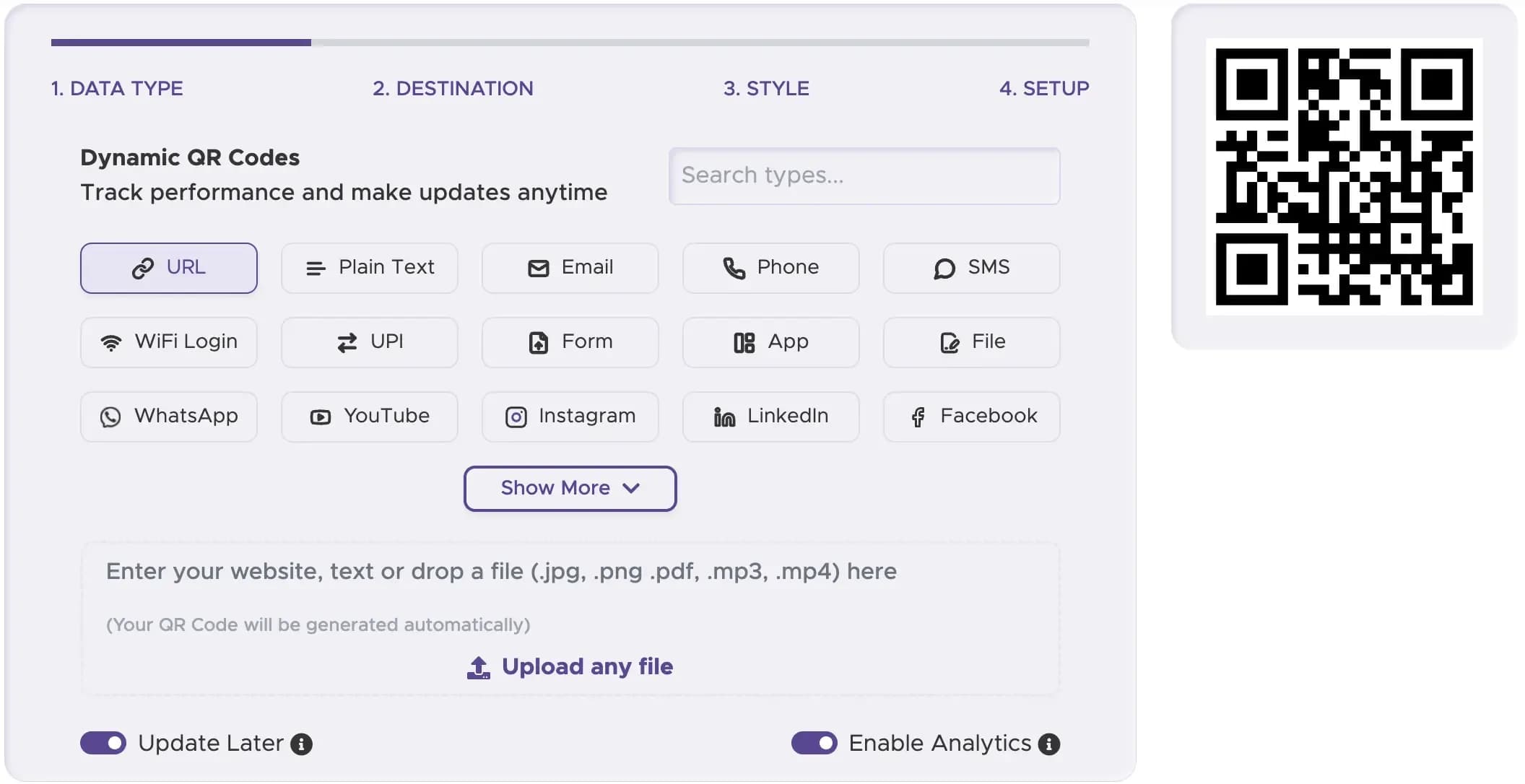
Choose what the code opens
Pick the tile by the page you want shoppers to reach. URL suits a recipe, sourcing or nutrition page, and the code types near the end of this page cover files and video.
Step 2
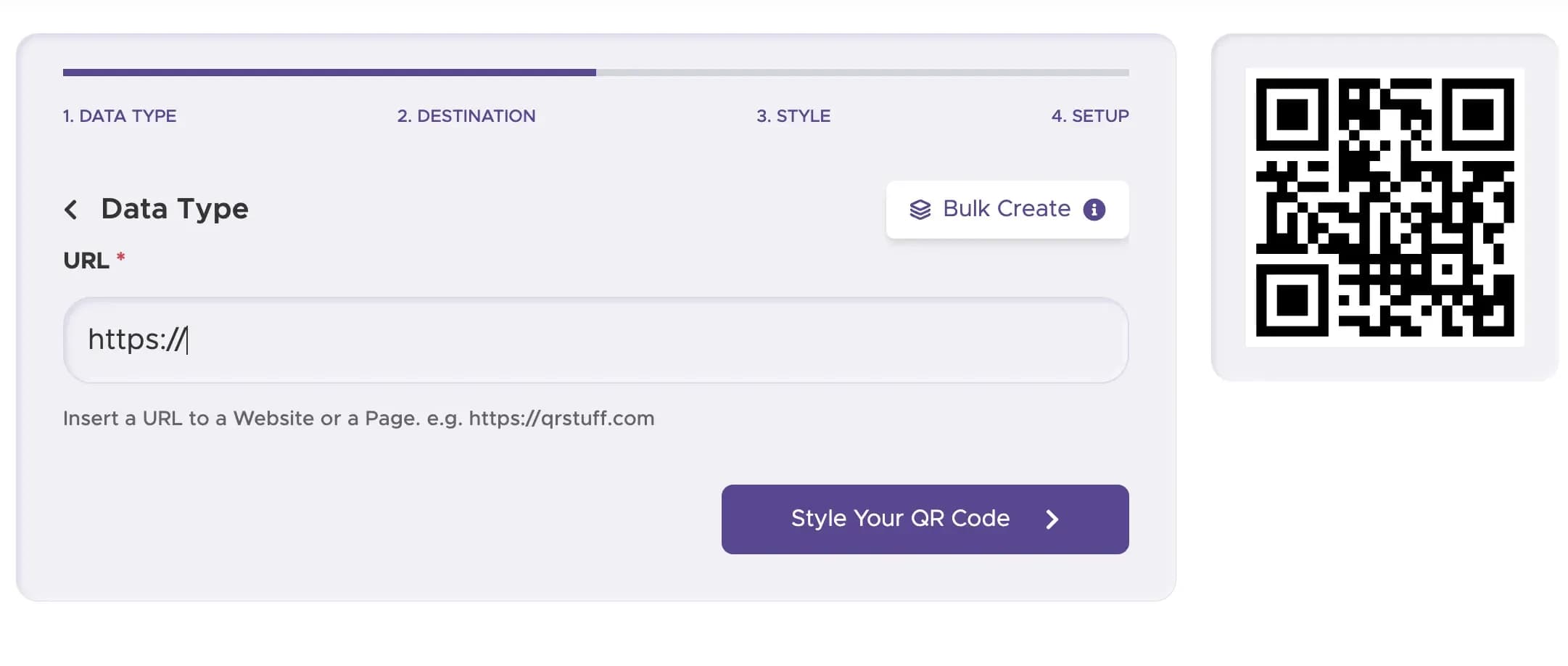
Add the destination
Paste in the link to the landing page with the product details, brand story or sourcing video. Test that the page works well on mobile, because that is where it will be opened.
Step 3
Style the code to the package
Take colors from the package artwork and keep dark modules on a light area. A logo and brand colors come with Full Suite or Enterprise; the other plans keep the code black and white.

Step 4
Download the artwork for the printer
Export the file in a format your packaging printer accepts. For a whole product range, bulk upload from an Excel (.xlsx) sheet makes up to 500 codes on Full Suite, and Enterprise has no row limit.

Step 5
Compare the recipe page with the sourcing page
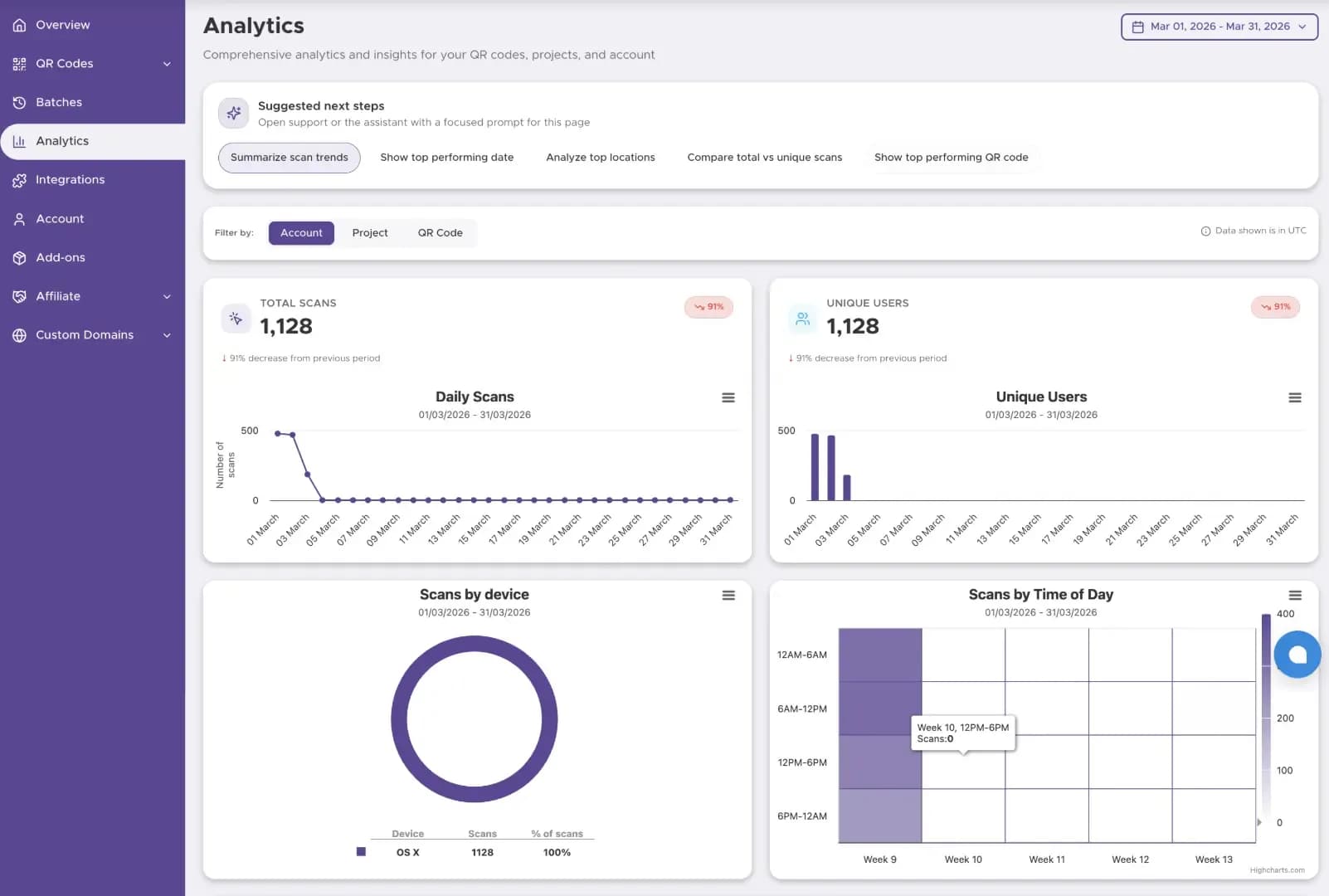
Compare the recipe code with the sourcing code in the dashboard (Lite Suite or above), by device, country and time of day. If the recipe page draws far more visits than the sourcing page, shoppers are telling you what they want.
Ideas for a QR code on food packaging
Traceability and sourcing
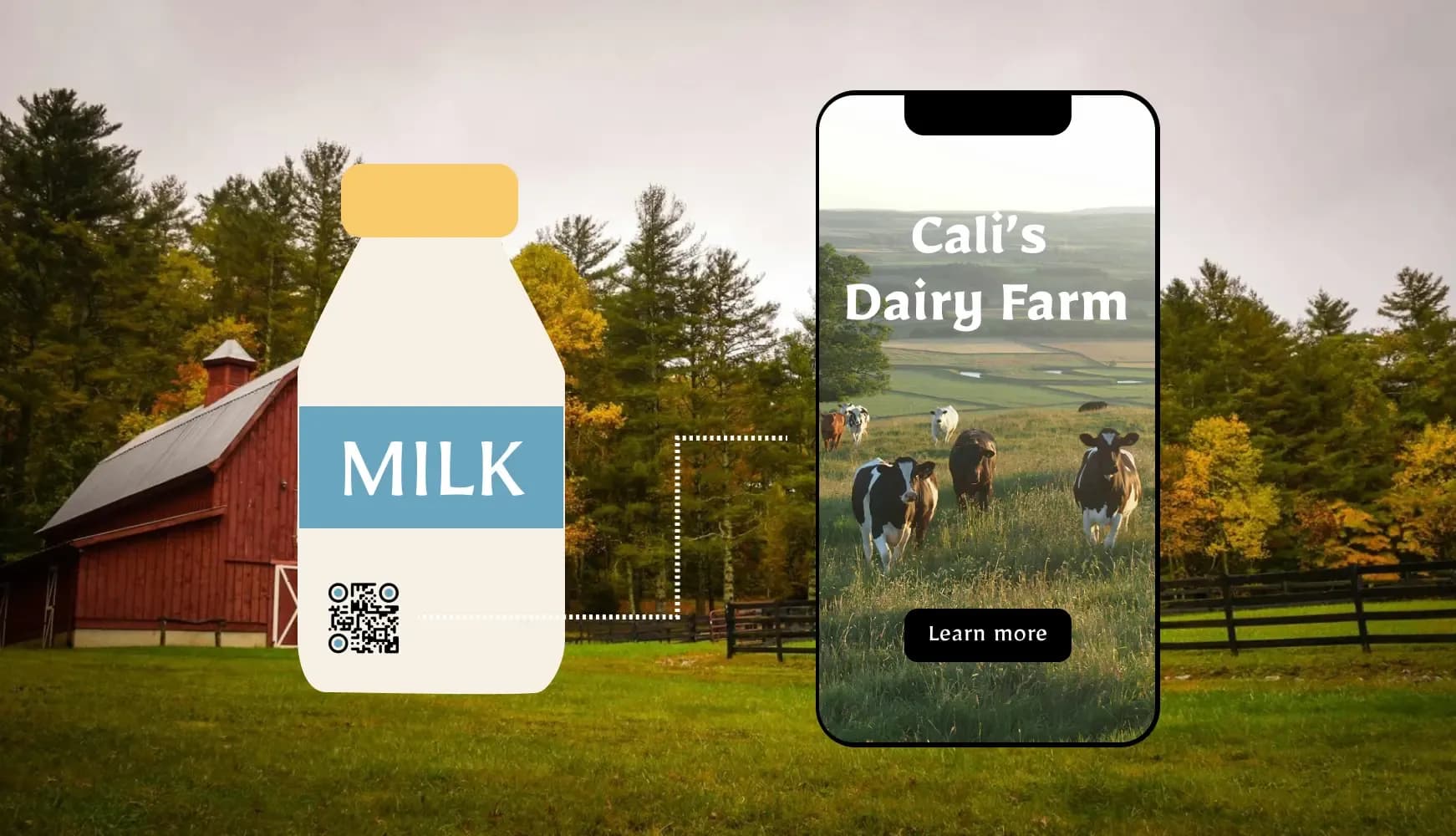
Behind the code on a milk bottle sits a page about the dairy farm, with the sustainability certificates your own business holds.
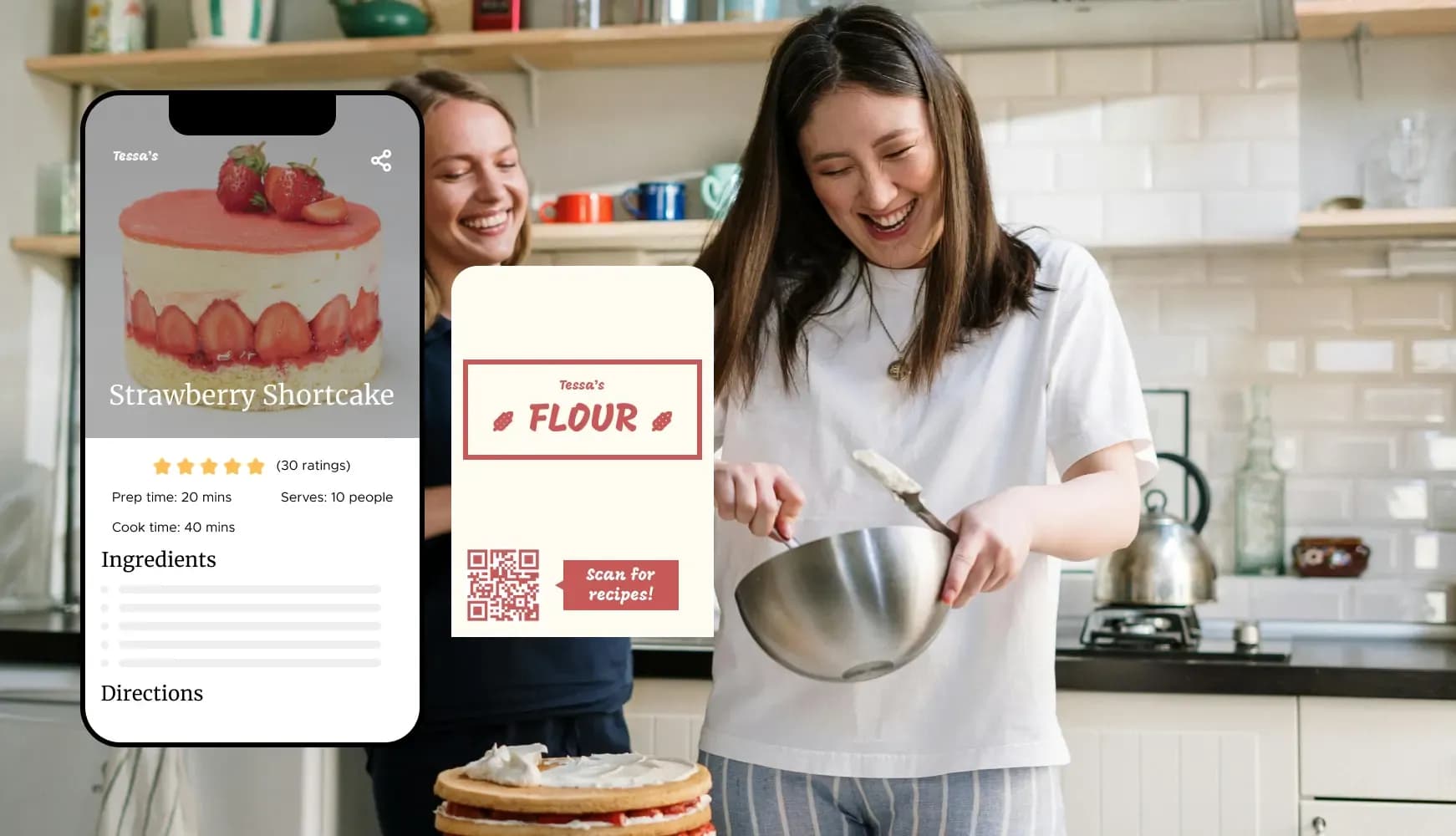
Recipes and cooking videos
The back of a flour bag can carry a code that leads to a baking recipe and a how-to video. A page with share buttons lets bakers send the recipe to a friend.
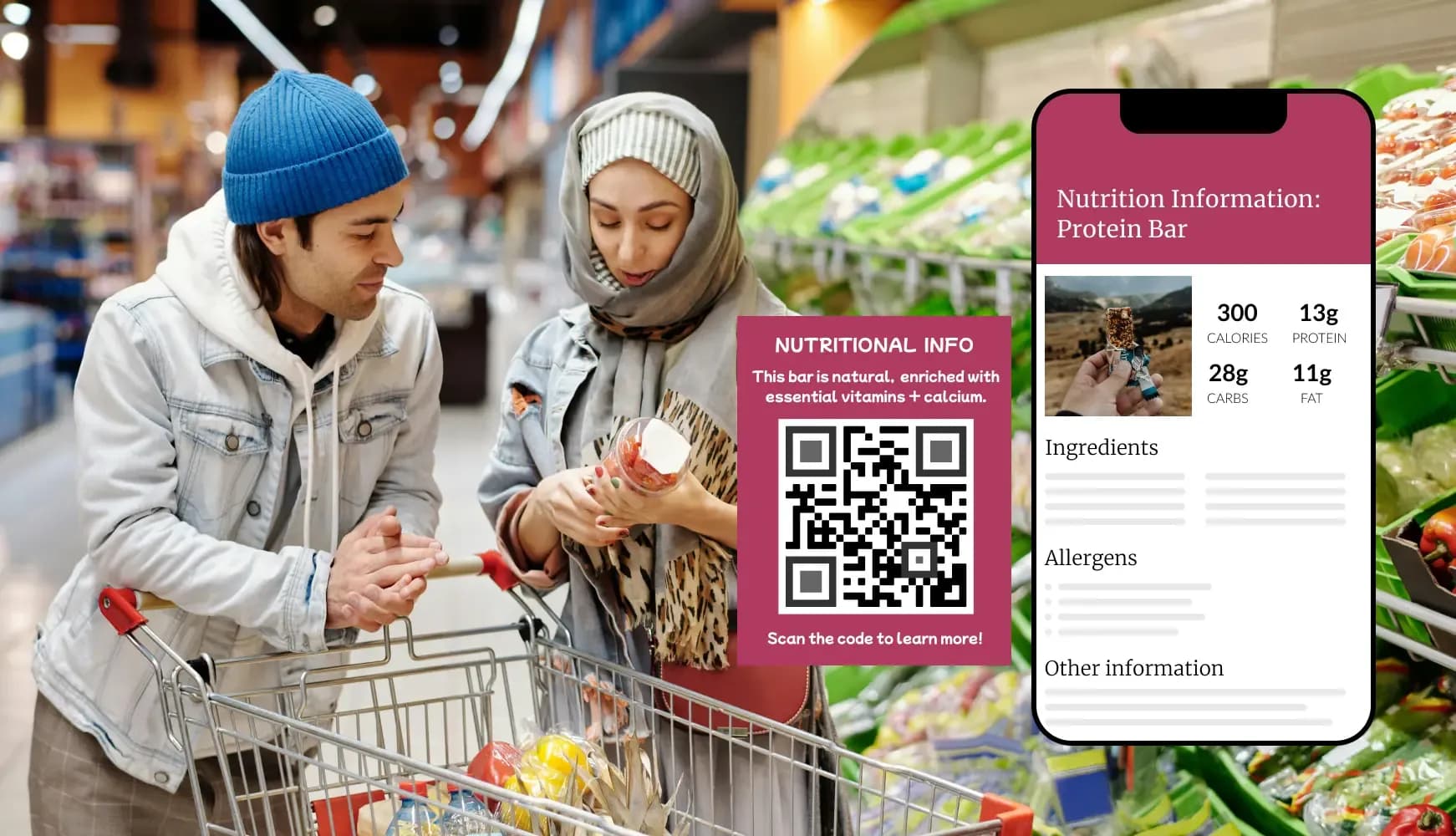
Larger-print nutrition notes
A code at the shelf can link to a page that sets out the nutrition table in type large enough to read, beside the panel printed on the package.
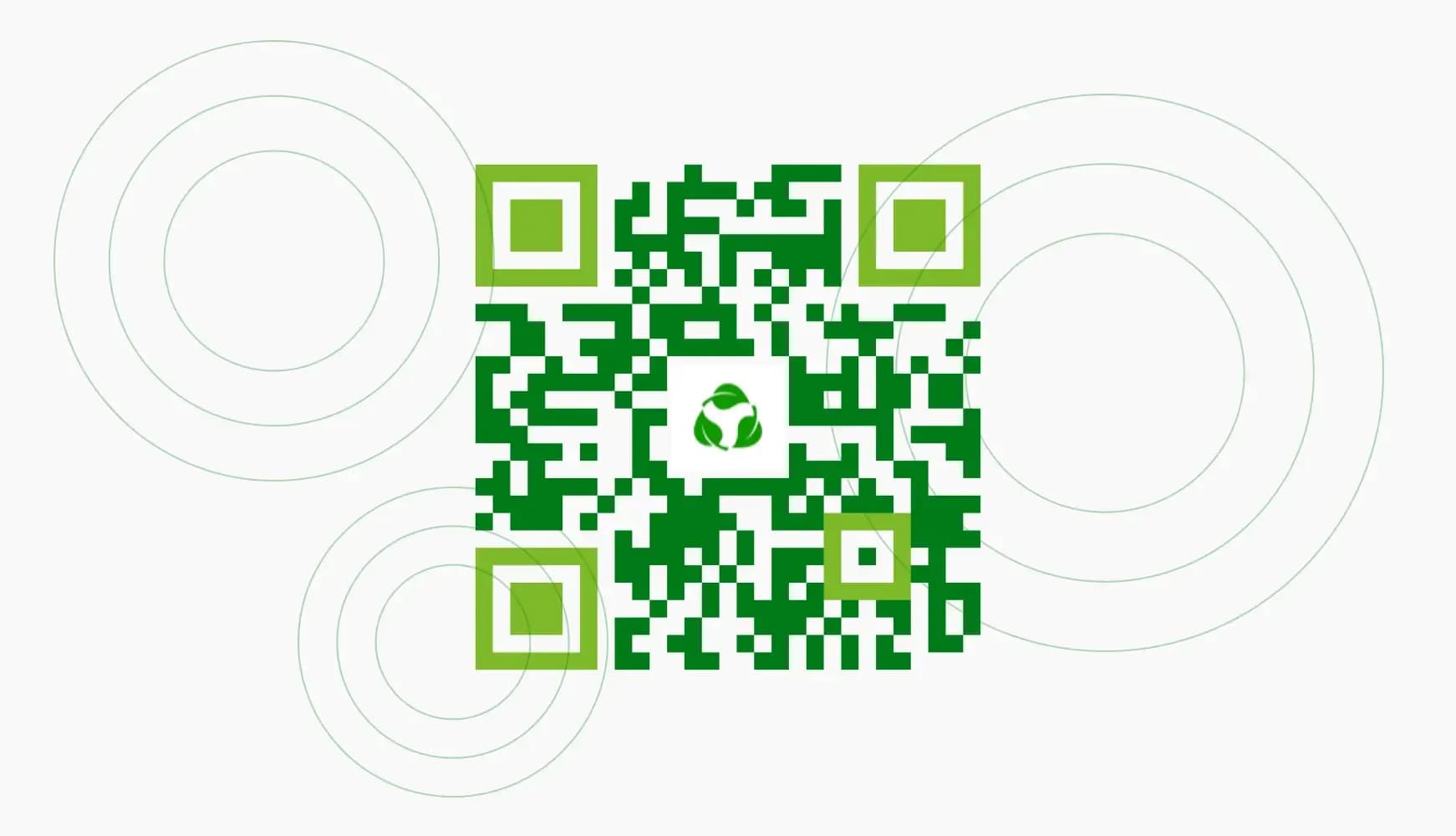
Opening, storing and recycling notes
A code on the back of a package can open a short page on how to reseal and store it and what to do with the packaging afterward. Local recycling rules change, so keep that page where you can edit it.
Can a QR code show allergen and sourcing information?
Yes. A code can open a page with allergen notes and ingredient sourcing in readable type, and link the certificate document itself for any organic or fair-trade claim. Required declarations stay on the package; the page carries the extra detail.
Print a line such as "Scan for recipes" or "Read our sourcing story" next to the code.
Show when the allergen and sourcing notes were last checked, so shoppers and your own team can tell the page is current.
Keep one approved text for allergens and ingredients and use it on both the package and the page, so the two agree.
Where a batch number matters, print a different dynamic code on each run. One batch can then show its own notice while the rest stay untouched.
Start with one product
Pick one product and give it a code. The first one can be a free static link, with no account needed.
Do food brands need dynamic QR codes?
Recipes, batch pages and offers can change after printing, so those suit a code you can edit. A permanent link, like the company site, can stay static.
Best QR code types for food and drink packages
A package can carry a GS1 barcode for the checkout and a QR code for the shopper. A PDF code holds a nutrition or allergen sheet that you replace when a recipe changes, and a video code plays a short recipe film while people cook. Both are dynamic codes, so the file can be swapped after printing, and uploads reach 11 MB on Full Suite and Enterprise.
Bottles have their own page, QR codes for bottles, with advice for neck and back labels.
Static or dynamic on a printed package
| On a food package | Static code | Dynamic code (QRStuff) |
|---|---|---|
| A recipe or batch page | Once a package is printed the link is final. | Edit the URL or swap the PDF or video, and packages already on shelves open the new content. |
| Reading the scans | Nothing comes back from the code itself. | Lite Suite starts the count: country, device and time of day for each scan. City and unique scans need Full Suite or Enterprise, and Free Suite dynamic codes report nothing. |
| Space on a small label | A long web address crowds the pattern. | The code stores a short QRStuff link, so tight labels stay uncluttered. |
Can food brands track QR code scans, and what size should the code be?
Yes: from Lite Suite up, each dynamic package code has its own scan count. The code itself needs room and a finish that holds up on the package, so plan the size and the finish before the print run.
Reading the scan counts for each package
Unique scans and city detail come with Full Suite and Enterprise. Scan records can include the shopper's IP address and a device cookie, so mention both in your privacy notice.
Size, contrast and finish on food packages
Start from a tenth of the distance a shopper reads from. On a carton, jar lid or bottle label, 0.8 in (2 cm) is the working floor. A shelf strip suits codes between 1.6 and 3.2 in (4 to 8 cm), and store signs or booth banners, read from several steps back, call for 6 to 12 in (15 to 30 cm) or more.
Give the code a four-module border and a plain light patch, away from shiny film and deep embossing, because glare and ridges defeat a phone camera. A brand mark inside switches higher error correction on by itself. Scan a finished package under store-like light, curved jars and shrink-wrapped bottles included, since a code that reads flat can fail on a curve.
Files, sheets and campaign tags
- Packaging printers rescale artwork and can blur a raster code, so ask for vector files. SVG and EPS are the vector formats, and they come with Full Suite and Enterprise, while a free account still gets PNG and JPG (see pricing).
- On Full Suite and Enterprise, the dashboard can place saved codes on Avery label sheets, and several codes can also be laid out in a single PDF.
- Use separate codes for the package, the shelf strip and the social campaign so the reports show which one worked. UTM is a plan feature; where yours has it, give each website code its own campaign name and compare products in GA4.