Holiday 2024 Holiday 2024

QR Code for Government & Public Services

Across the public sector, QR code technology is transforming how governments communicate, engage, and deliver essential services. With QR codes, agencies can provide citizens with instant access to vital information, official documents, and online resources — all by scanning a QR code with a smartphone.
Whether used on a public sign, policy flyer, or digital business card, a quick response code helps improve transparency, reduce costs, and streamline administrative work. From local offices to national programs, QR code solutions are connecting communities to public resources faster and more efficiently than ever.

Find the right plan
QR Code for Government & Public Services
Loading QR code generator…

QR Codes for Governments

1. Instant Access to Information and Services

With QR code technology, anyone can access vital information at the moment they need it. By scanning a QR code, users are directed to a secure landing page where they can view application forms, new policy details, or service updates — all optimized for mobile access.
👉 Try the Dynamic QR Code Generator to keep all resources current.

templates.government.benefits.1.learn_more

2. Enhanced Communication

Place QR codes on public notices, billboards, and social media graphics to provide more context. A quick scan can lead to a multilingual document, video explainer, or online contact form — offering a clearer, more inclusive way for citizens to stay informed.

3. Reduced Paper and Printing Costs

Moving processes to digital platforms through QR codes helps agencies operate more sustainably by eliminating the need for printed materials. This not only lowers administrative costs but ensures public information remains accurate and up to date.

4. Improved Data and Analytics

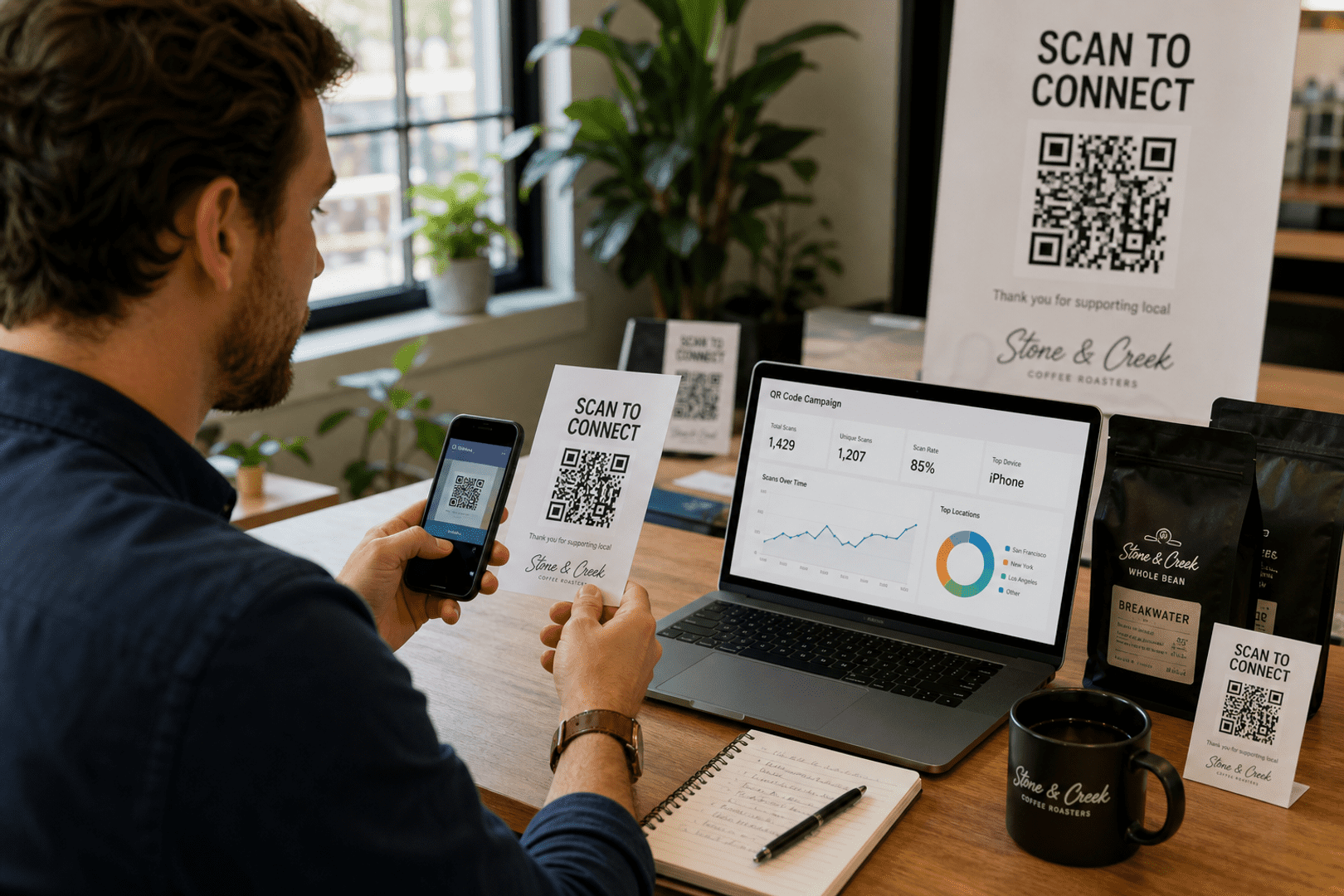
By implementing dynamic QR codes, agencies can track engagement and measure which resources or pages receive the most traffic. These insights inform better resource allocation and policy improvements.
👉 Learn more about QR Code Tracking and Analytics for public-sector use.

templates.government.benefits.4.learn_more

qrcode.svg

Create Your Government QR Code Now

Make government communication faster, smarter, and paper-free with secure QR code technology. Enhance accessibility and transparency today.

Use Cases for Government QR Codes

Public Information Campaigns

Government departments can use QR codes on posters, signs, and brochures to share important updates. A citizen scanning a QR code might access details about new recycling initiatives, public safety guidelines, or emergency alerts directly on their smartphone.
👉 Create QR Codes for Marketing Campaigns that keep communities informed.

Public Information Campaigns

Digital Business Cards for Officials

Government employees can use QR codes on business cards to make contact better and more efficient. A single scan links to their digital business card, where citizens can view verified credentials, email addresses, and phone numbers.
👉 Learn how to Create a Digital Business Card QR Code for your office.

Digital Business Cards for Officials

Streamlining In-Person Services

At physical locations, QR codes on entrances or information desks guide visitors to the details they need. Scanning a QR code can display wait times, service requirements, or links to virtual forms — helping people complete tasks faster and without confusion.

Streamlining In-Person Services

How to Create a QR Code for a Government Agency

Creating QR codes for official services is simple with the QRStuff QR Code Generator. Here’s a quick step-by-step guide:

Step 1: Select the Right QR Code Type

Choose a format that fits your goal:

  • Website URL QR Code – link to a department webpage
  • PDF QR Code – share downloadable documents
  • vCard QR Code – create a digital business card
Step 1: Select the Right QR Code Type

Step 2: Enter Your Information

Add the URL for your policy, form, or contact details. Ensure all content is hosted on a secure, official online domain.

Step 2: Enter Your Information

Step 3: Customize Your QR Code

Add your government logo and select accessible, high-contrast colors for clarity. Customization builds trust and reinforces the official look of your materials.

Step 3: Customize Your QR Code

Step 4: Download and Implement Your QR Code

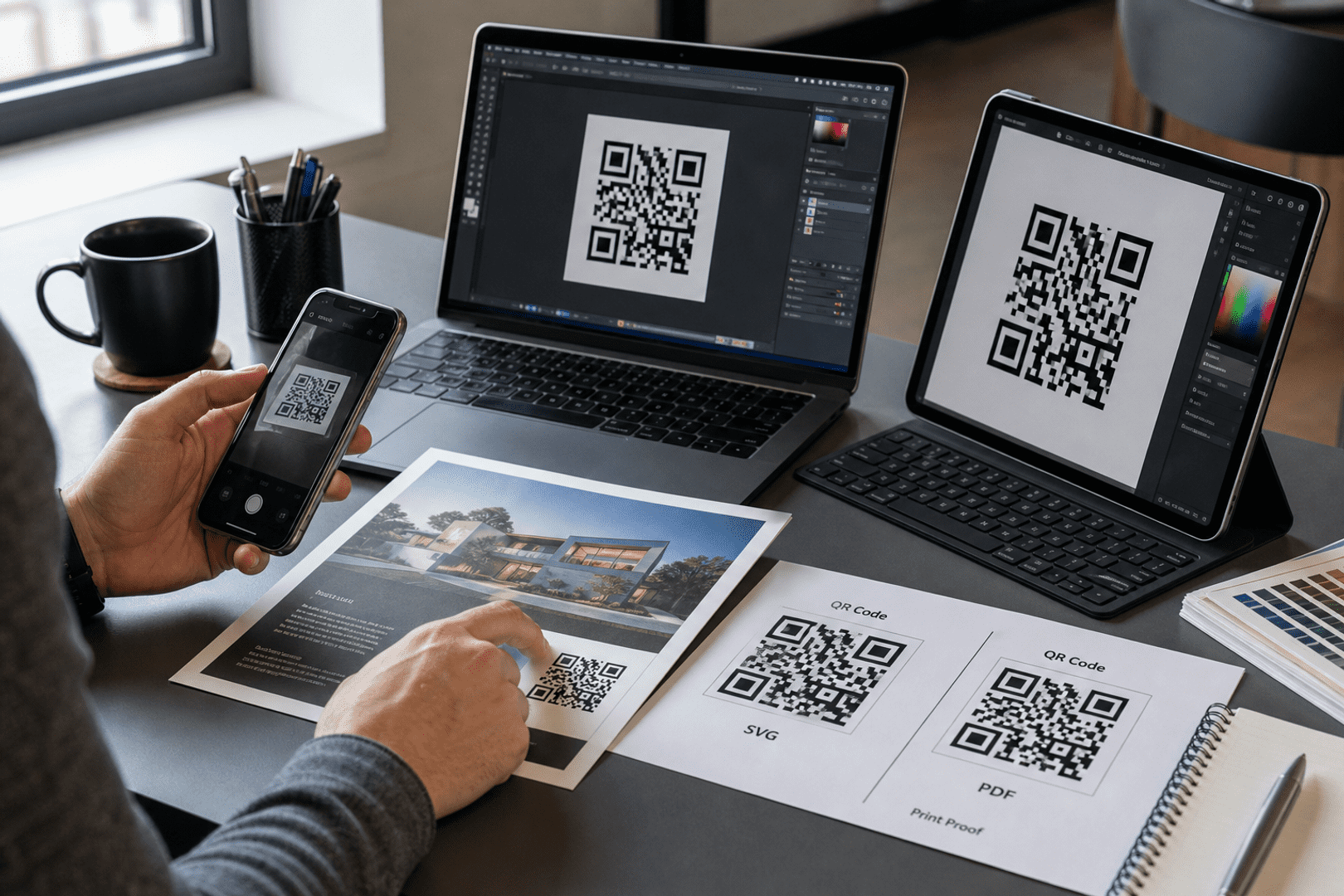
Download your high-resolution code and integrate it across your marketing, documents, and signage. For pages that change often, use a dynamic QR code so you can update content anytime without reprinting.

Step 4: Download and Implement Your QR Code

Best Practices for Government QR Codes

Follow these best practices to ensure your QR code technology works effectively for both agencies and citizens:

  • Ensure Accessibility: The landing page must be mobile-friendly and WCAG-compliant so every user can access the information easily.
  • Provide Clear Instructions: Always include text like “Scan for More Information” or “Scan to Apply Online” next to the code.
  • Use Dynamic QR Codes: Keep your quick response codes editable to handle updates without reprinting.
  • Build Trust Through Design: Include the agency logo and official color scheme so the public can instantly recognize the code as legitimate.
  • Track and Improve: With QR Code Tracking Tools, you can track how many people engage with your QR codes, improving future campaigns.
  • Encourage Social Engagement: Add social media QR codes on public boards and newsletters to boost outreach and improve digital communication with citizens.

Frequently Asked Questions

For some basic QR code needs, you can use our free generator. However, certain advanced features, like creating Government Agencies QR codes or embedding dynamic content, require a subscription.

A subscription unlocks advanced features tailored to Government Agencies, including dynamic QR codes that allow real-time updates, detailed scan analytics to track customer engagement, and customization tools to align QR codes with your branding. These features help improve efficiency, enhance customer experiences, and strengthen your business's overall impact. See the full list of features associated with each subscription here.

You can reach out to us at support@qrstuff.com for assistance. Free users receive email support with responses typically provided within 12–24 hours. Subscribers enjoy priority support via email, phone, or live chat for faster resolutions. To help us assist you efficiently, please include your account details, QR code ID, and a brief description of the issue when contacting support.