
Print on a Curve
Crucial packaging rules to ensure instant scanning across glass bottles, aluminum cans, and curved containers.
Vector Output (SVG / EPS)
Always download SVG or EPS files so your label printer maintains crisp lines and avoids ink spread on rotary presses.
Preserve the Quiet Zone
Maintain an uninterrupted clear border around all four edges of the code to prevent label artwork or dark liquids from interfering.
Control Cylindrical Curvature
Do not wrap the code around the bottle so far that a camera sees a warped square. Sizing must account for container diameter.
Proof on Real Substrates
Test on the actual substrate under real conditions: wet glass, condensation, shrink sleeves, and metallic foil.
Bottle QR vs. GS1 Digital Link
Understand whether you need a marketing packaging code or a regulatory supply-chain barcode.
| Capability | Bottle Marketing QRPackaging | GS1 Digital Link | Generic URL Code |
|---|---|---|---|
| Primary Job | Marketing, recipes, winery stories, brand loyalty | Point-of-sale checkout barcode (GTIN) & compliance | General web links without packaging focus |
| Regulatory Standard | Standard ISO QR code (any camera reads) | GS1 Global standard for retail POS & DPP | Standard ISO QR code |
| Curvature & Substrate Guidance | Optimized for cans, bottles, condensation & shrink sleeves | Packaging identification standard | Flat print assumptions |
| Export Format | Vector SVG & EPS for rotogravure & flexo label presses | GS1 compliance-ready vector formats | PNG or SVG |
| Free Creation | Yes, free static codes with no sign-up | Requires GS1 company prefix & plan | Yes, free static codes |
Marketing, Recipes & Brand Stories
Use this page (URL QR code) to direct consumers to a cocktail recipe, tasting notes, winery video, recycling guide, or promotional campaign.
Product Identifiers & Digital Product Passports
Use the GS1 Digital Link QR code generator if you are printing a 2D barcode to replace a point-of-sale UPC/EAN barcode or support Sunrise / DPP standards.
Notice: This page is a packaging placement tool, not a GTIN or Digital Link generator. Standard bottle QR codes are not GS1 barcodes.
How to Create a QR Code for a Bottle
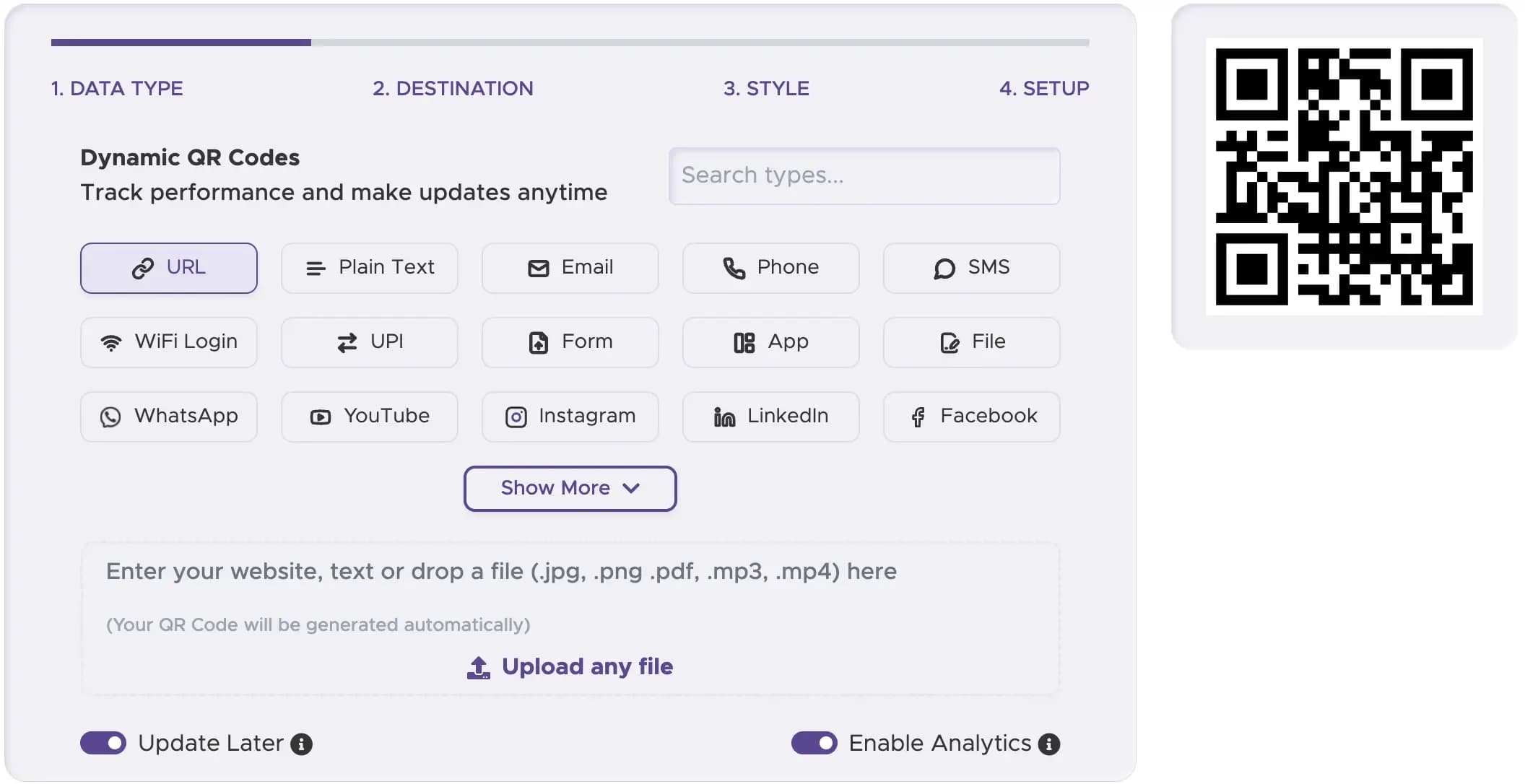
Step 1
1. Choose the Destination Page
Confirm the mobile landing page, recipe, or campaign opens cleanly on a smartphone.
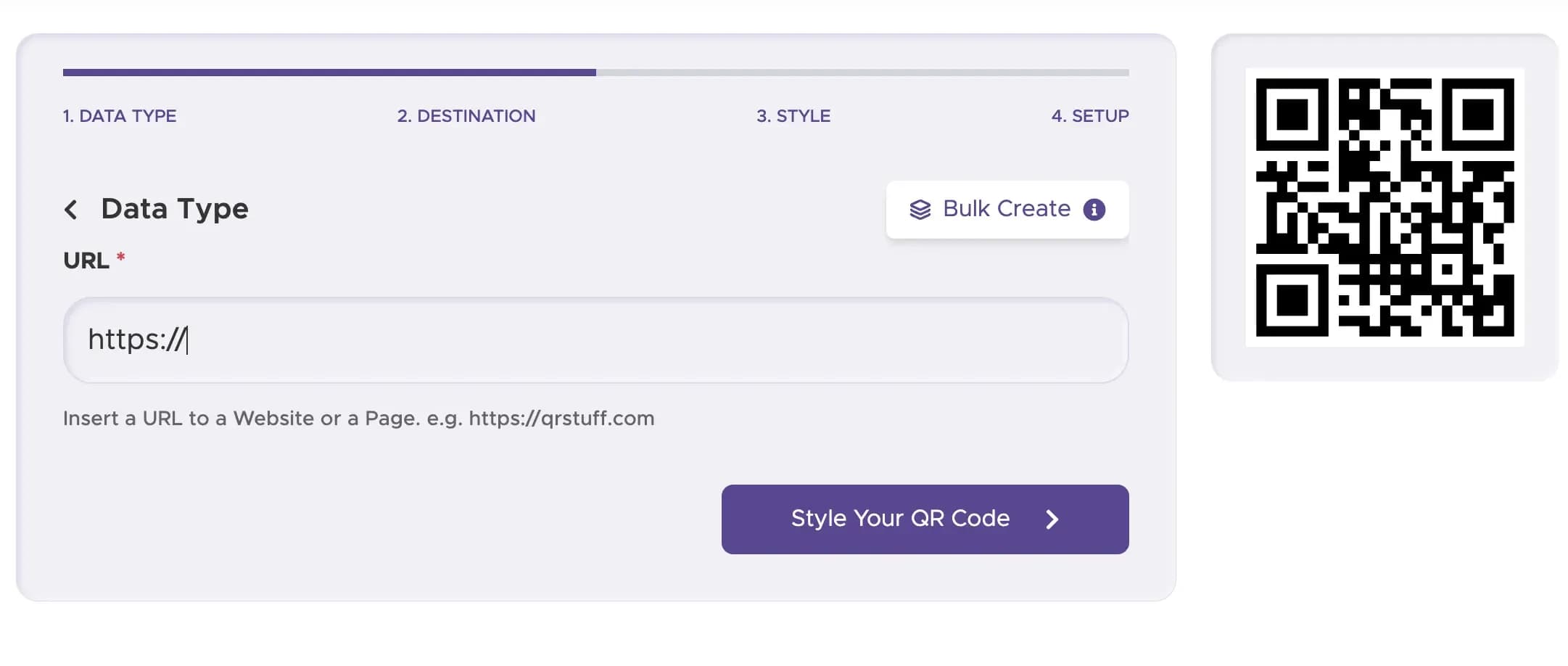
Step 2
2. Generate the Code
Create a URL QR code on this page, or use the GS1 generator if your job requires a GTIN standard.
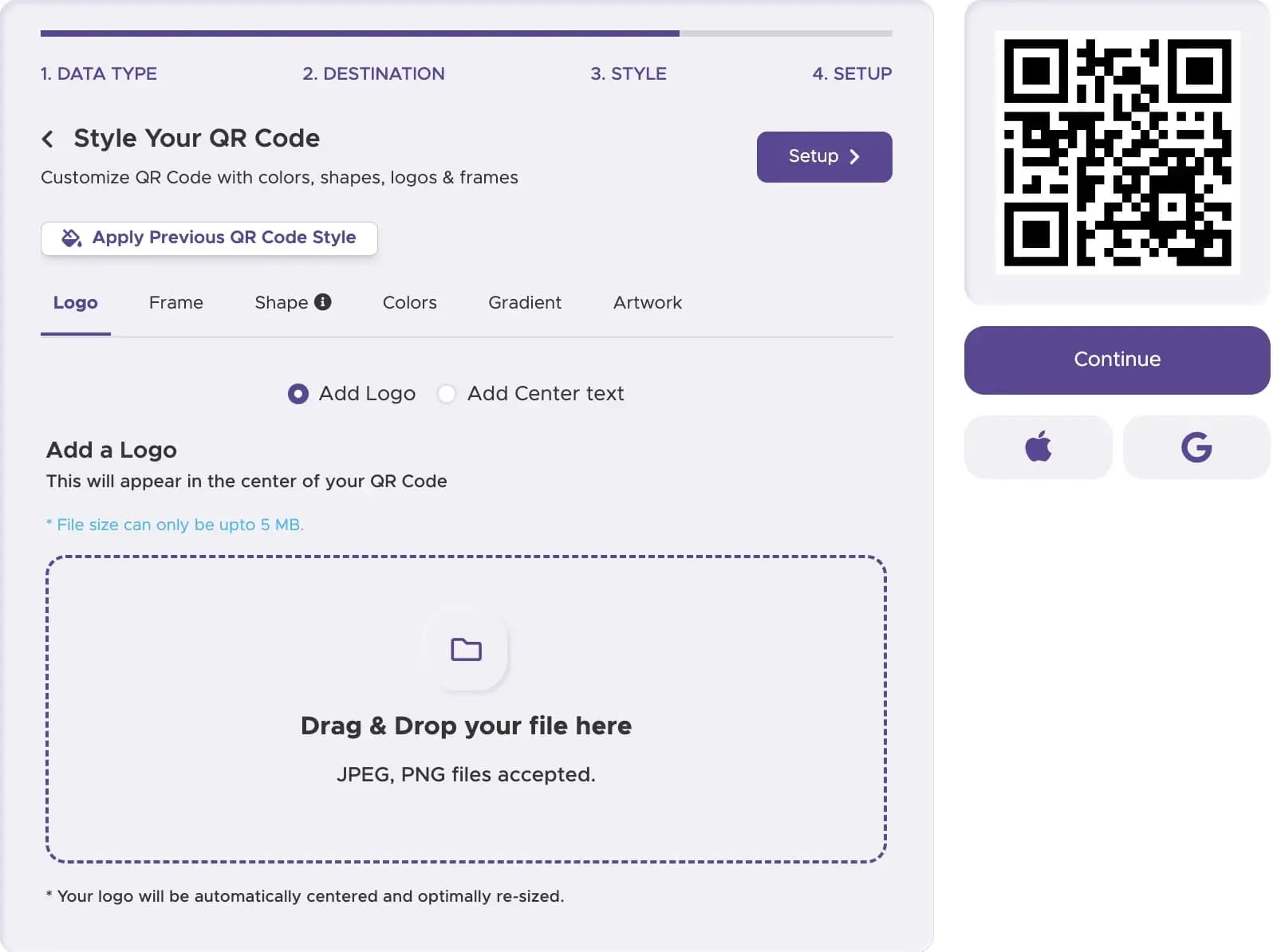
Step 3
3. Download a Vector File
Export clean SVG or EPS files for professional label printing and packaging pre-press.
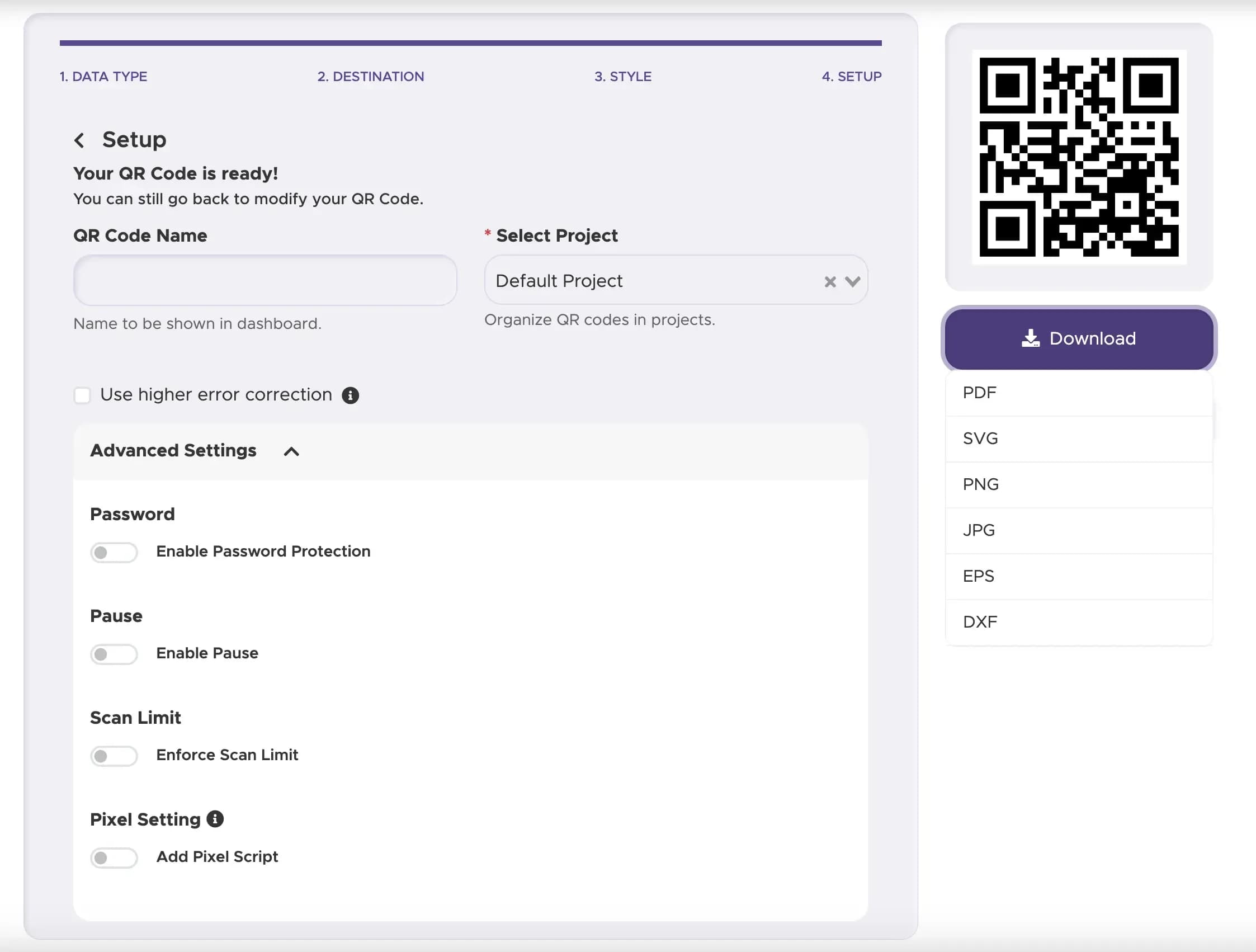
Step 4
4. Place and Proof on the Bottle
Position the code on your label design and print a physical proof on the real bottle to test scanning.
Packaging Placements & Examples
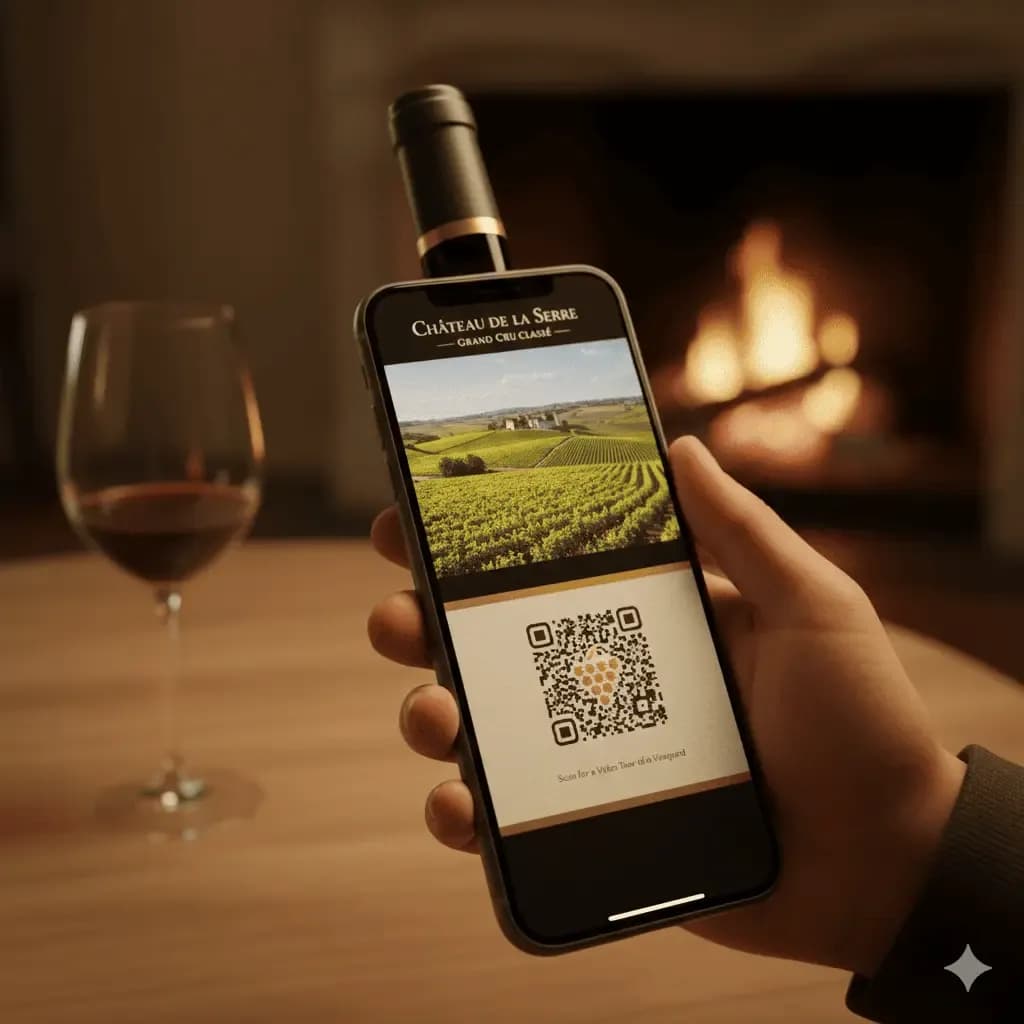
Wineries & Distilleries
Back-label codes linking to vintage tasting notes, vineyard heritage videos, and cellaring guides.
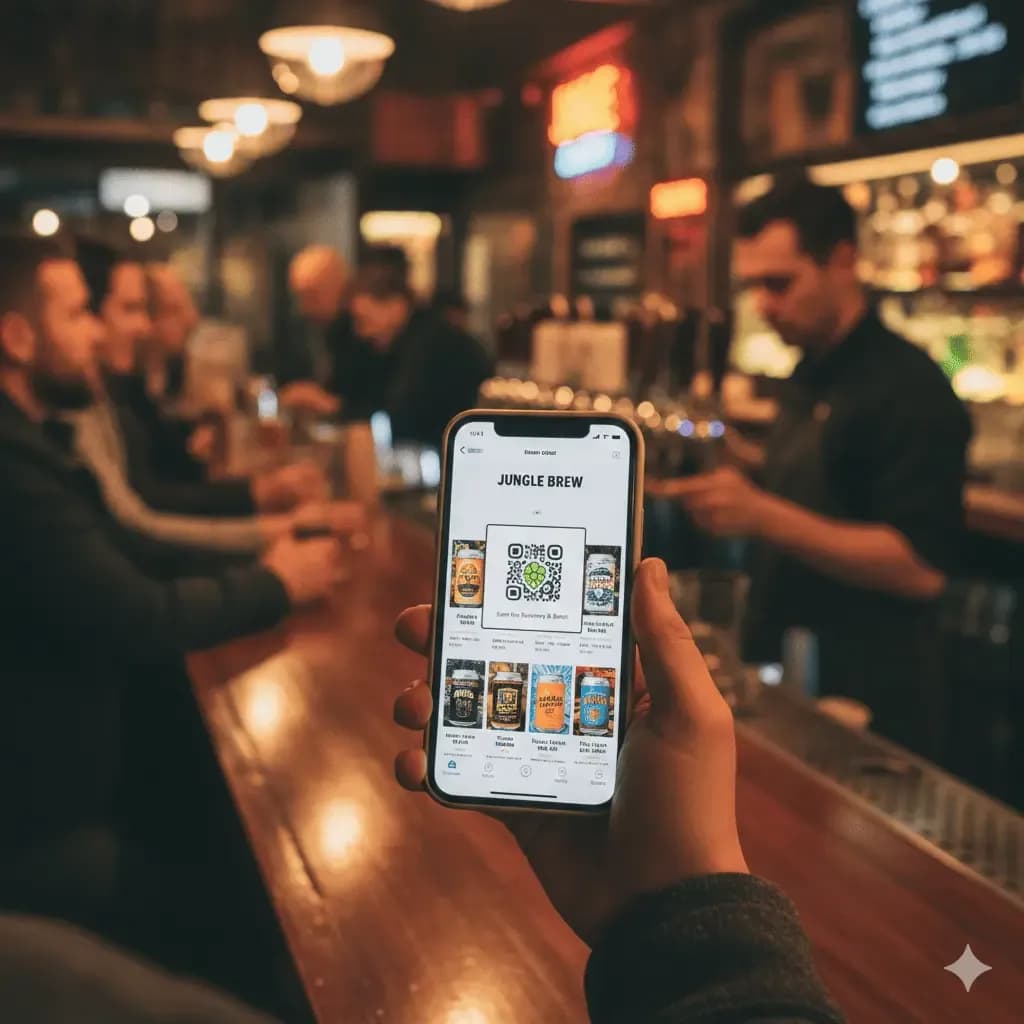
Craft Breweries & Cans
Beverage cans linking to festival events, music playlists, and ingredient disclosures.
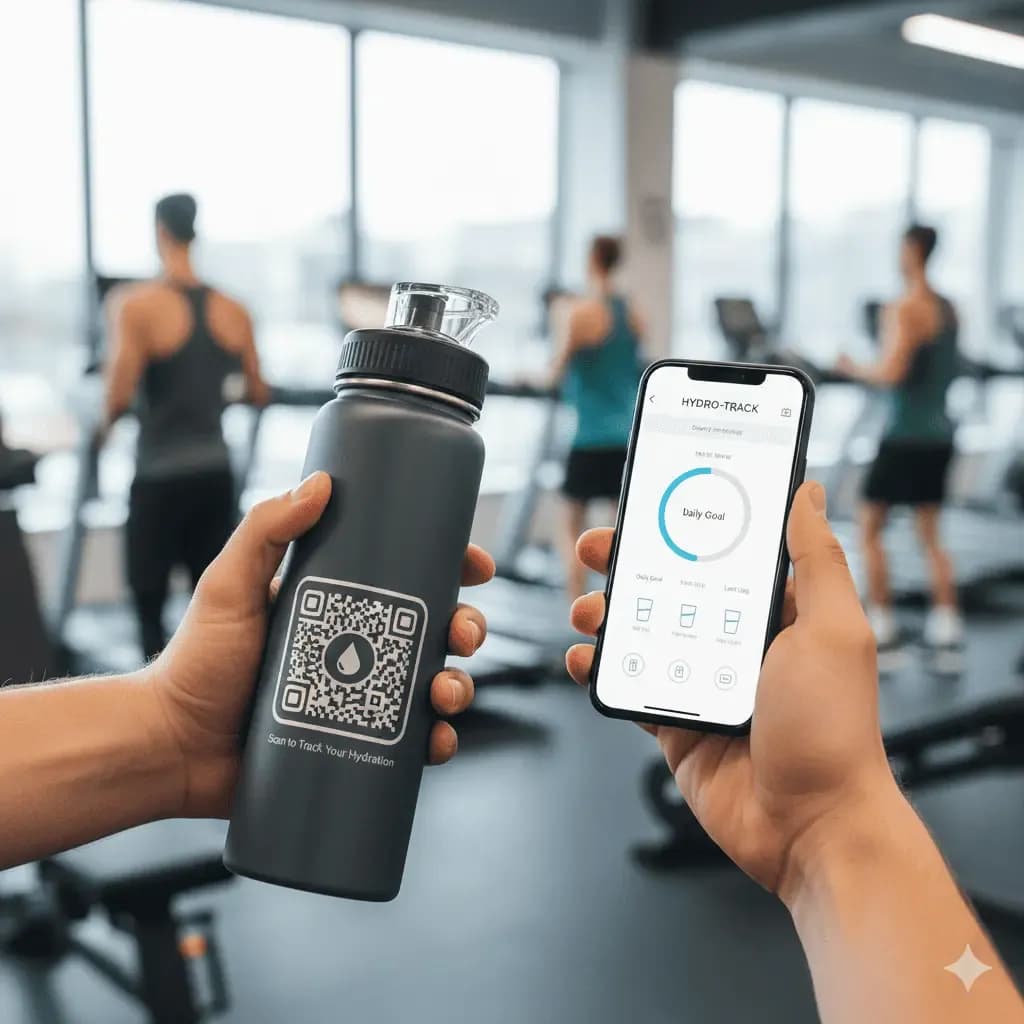
Reusable Bottles & Merch
Durable flasks and water bottles linking to refill station finders and warranty registration.
Dynamic Flexibility for Bottled Goods
Rotate promotional offers, contest entry pages, or cocktail recipes long after bottling and distribution.
Track scan frequency and regional engagement to measure where your beverages are enjoyed.
If your landing page URL changes or migrates to a new domain, update the destination in seconds without re-labeling inventory.
Connect Your Beverage Packaging to Digital Content
Create vector QR codes engineered for bottle labels, cans, and curved packaging.
For a GTIN / Digital Link, use the GS1 Digital Link QR code generator. For a plain website, use the URL QR code generator.