QR Code Generator for Fashion: Weaving Digital into Every Garment
In today’s tech-driven fashion industry, innovation and interactivity are defining the future of retail. Forward-thinking brands and designers are now using QR codes to merge the physical and digital worlds — giving customers instant access to product information, styling videos, and brand stories.
A simple scan of the QR code on a clothing tag or packaging can reveal everything from the raw materials used to the designer’s creative process, transforming each product into an experience.
Benefits of Using QR Codes in the Fashion Industry
- Supply Chain Transparency: In the age of conscious consumerism, QR codes help brands tell the story behind each garment. When customers scan the QR code, they can see the journey of raw materials from source to store, including ethical sourcing and sustainable production.
- Enhanced Shopping Experience: Bring your collections to life. A QR code on a clothing tag can unlock styling tips, AR try-ons, or behind-the-scenes videos, creating a seamless and informative customer experience. This use of QR codes turns simple products into engaging storytelling tools.
- Authenticity and Product Info: Counterfeit prevention meets convenience. A custom QR code acts as a digital certificate of authenticity, allowing customers to verify their products instantly. They can also access detailed information such as fabric care, composition, or available colors and sizes.
- Customer Loyalty: Using QR codes is a great way to connect with customers. A social media QR code on packaging or a business card can link to your social media platforms, encouraging followers to share content, participate in loyalty programs, and join future events.
Elevate your fashion brand with smart QR code technology.
Drive sales, boost customer engagement, and merge digital innovation with timeless style — all through one simple scan.
Examples of QR Codes on Clothes
Sustainability and Transparency Storytelling
Pioneering fashion brands use QR codes to demonstrate transparency. By scanning a code on a label, customers can trace raw materials, read about the artisans who made the garment, and explore sustainability data — strengthening brand integrity and customer trust.
Interactive Styling and Virtual Try-Ons
With the integration of QR codes, fashion companies can offer interactive experiences. Scan the QR code to view styling videos, explore outfit combinations, or even try virtual garments using AR technology.
Exclusive Content and Loyalty Programs
Add a QR code to a printed card or hang-tag to reward customer loyalty. Customers can scan to watch behind-the-scenes videos, join a VIP collection preview, or sign up for exclusive marketing offers — turning casual buyers into lifelong fans.
How to Create a QR Code for Your Fashion Brand
Creating a stylish and functional QR code for your fashion business is simple with the QRStuff QR Code Generator — a free tool designed for creative industries.
Step 1: Choose a Trustworthy QR Code Generator
Select a reputable QR code generator that supports dynamic QR codes, allowing you to update URLs, data, or product information without reprinting.
Step 2: Select the Right Type of QR Code
Choose a QR code type based on your goal:
- URL QR Code – Link to your product page or e-commerce platform.
- Social Media QR Code – Connect to your social media platforms and grow engagement.
- Video QR Code – Share fashion show videos, styling tutorials, or events content.
Step 3: Customise Your QR Code’s Design
Add a logo, choose your brand colours, and ensure your QR code fits your style. A cohesive look makes your printed tags and packaging elegant while maintaining full scanning accuracy.
Step 4: Download and Implement Your QR Code
Once ready, create and download your high-resolution QR code for printing on clothing tags, packaging, or business cards. Use dynamic QR codes so your marketing links remain flexible and trackable across different campaigns.
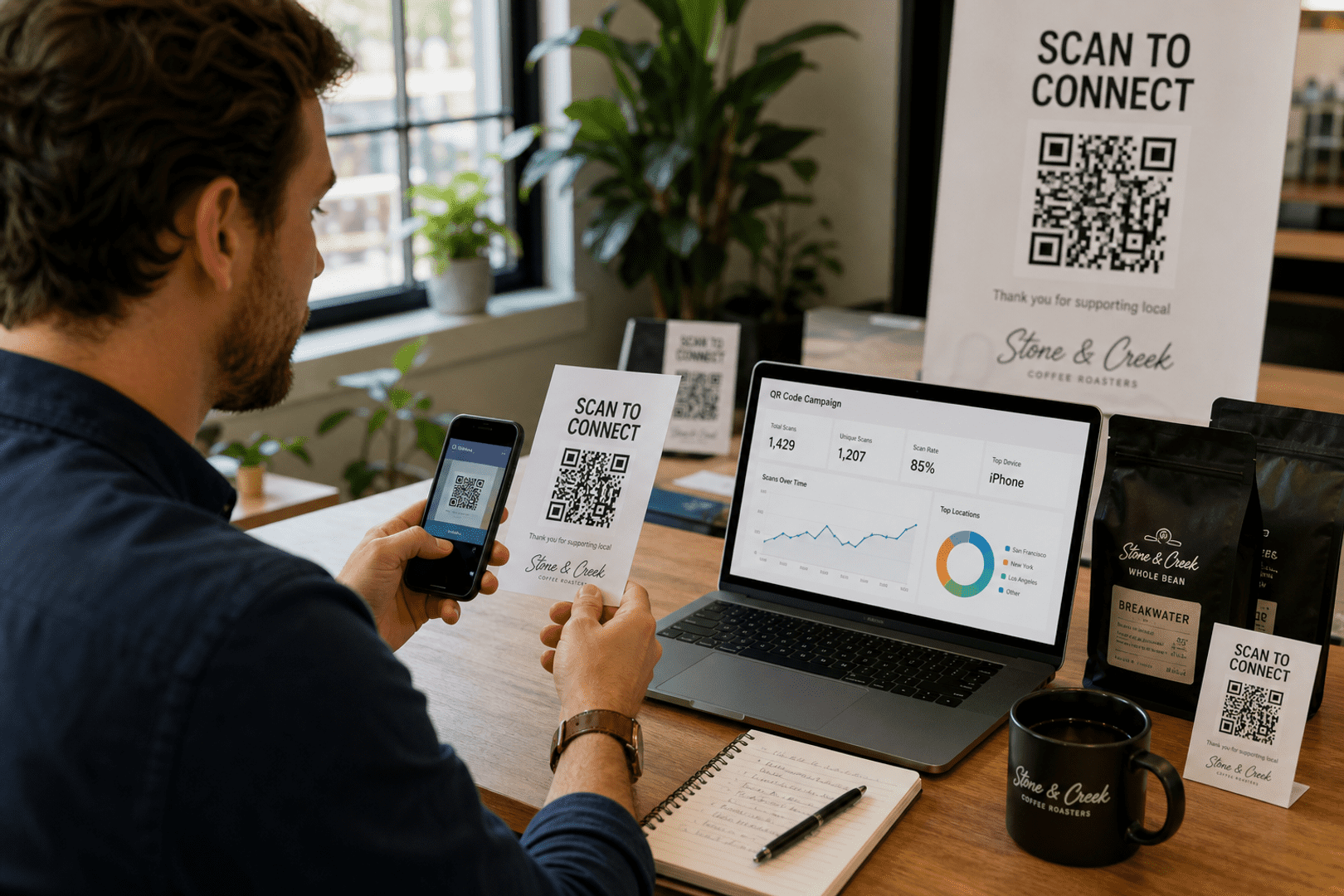
See your QR code performance in real-time
Stop guessing. Start measuring. Transform your campaign into a data-driven powerhouse with our professional subscriber dashboard.
Track total and unique scans hourly.
See exactly where users are scanning.
Stats
Last 24hBest Practices for Fashion QR Codes
- Prioritise Design and Durability: A fashion-forward company should never overlook aesthetics. Design your QR code to complement your label style, and ensure it remains scannable even after washing or wear.
- Add a Clear Call-to-Action: Always include a short instruction like “Scan to View Collection” or “Scan for Product Information” so customers understand what they’ll get by scanning.
- Optimise for Mobile Devices: Since customers use smartphones for scanning, ensure your landing page or URL is mobile-friendly and loads quickly on mobile devices.
- Provide Real Value: Each QR code should lead to meaningful content — sustainability data, product care details, or a digital loyalty service. Valuable content strengthens customer loyalty and engagement.
- Track and Analyse: Use dynamic QR codes to track scans and user behaviour. Analysing data from these interactions helps improve future marketing campaigns and tailor services to customer needs.
Getting the Most from Your QR Codes: Printing & Best Practices
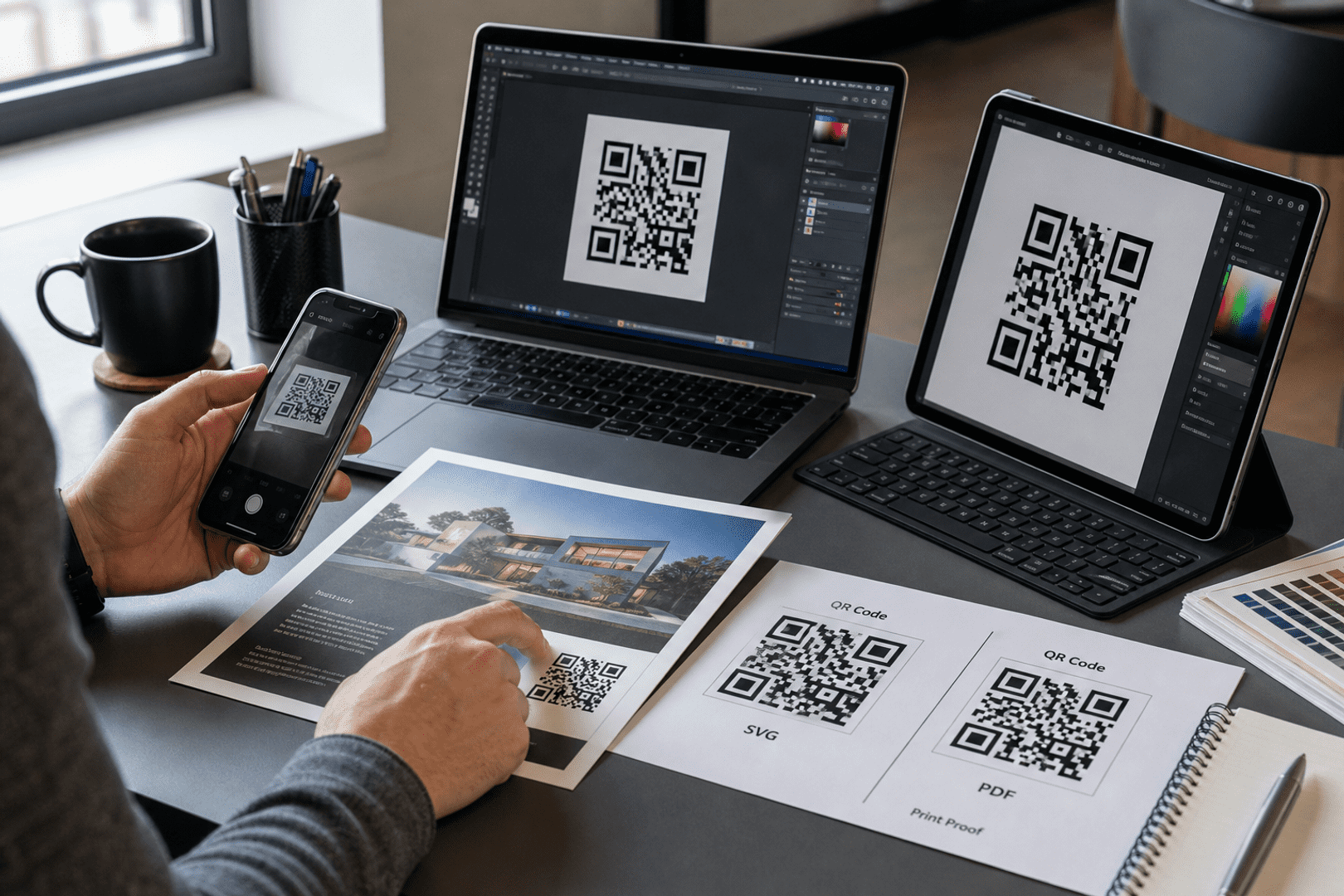
Once you have generated your custom QR code, the final step is ensuring it works perfectly in the physical world. To download your code, simply navigate to your dashboard and select your preferred file type. We recommend SVG or EPS formats for professional printing, as these vector files can be scaled to any size without losing clarity. For digital use or small-scale office printing, a high-quality PNG is usually sufficient.
Resolution & Format
Always use high-resolution files (300 DPI minimum for raster images like PNG). Vector formats (SVG/EPS) are best for large-scale items like banners or signage to prevent pixelation.
Contrast & Color
Maintain high contrast between the QR code and the background. A dark code on a light background is the gold standard. Avoid inverted colors (light code on dark background), as many older scanners struggle to read them.
Size & Placement
Ensure the code is at least 2cm x 2cm (0.8" x 0.8") for simple URLs. Place your codes on flat, non-reflective surfaces at eye level, avoiding folds, seams, or corners that could distort the pattern.
The Quiet Zone
Never crop the white border (the "Quiet Zone") surrounding your QR code. This border is essential for the scanner to distinguish the code from its surroundings.
Partner With Us: Share the Quality, Earn the Rewards
Do you work with clients who need reliable, professional QR code solutions? By sharing these best practices and recommending QRStuff, you can turn your expertise into a recurring revenue stream.
- 25% Recurring Commission
- Lifetime Referral Earnings
- 90-Day Cookie Duration
Ready to see how QR codes can transform your business?
Start creating free QR codes today, or subscribe to unlock full design capabilities and advanced analytics