
On the Book Cover
Add a QR code to the back cover or inside flap to connect readers to book trailers, author bios, or bonus chapters. This digital media addition can turn curiosity into immediate sales.


Bonus content, sign-ups, and multimedia for readers.
In today’s digital-first world, publishers and authors are using QR codes to connect with readers like never before. By using QR codes on books, flyers, and printed materials, you can seamlessly bridge the gap between physical and digital storytelling — creating interactive, engaging experiences that enhance your marketing campaigns and boost book sales.
A simple scan of a QR code can lead readers to behind-the-scenes interviews, author Q&As, bonus chapters, or even virtual events — turning your publication into a living, evolving platform for engagement.
QR codes for publishers transform static pages into multimedia experiences. Readers can scan a QR code to view author interviews, playlists, or visual story expansions. This digital layer builds engagement and keeps audiences coming back for more.
Adding QR codes to book covers, posters, or bookmarks links readers directly to your online shop or author email list. With a reliable QR code generator, you can create interactive campaigns that drive conversions and track engagement over time.
👉 Learn how to optimise your QR Code Marketing Campaigns.
For educational or non-fiction titles, dynamic QR codes are game-changers. Publishers can update the URL behind the code — providing new information, updated research, or fresh content without printing a new QR code or edition.
QR codes allow authors to connect directly with readers through newsletters, video messages, or interactive discussions. A custom QR code can link to social media, author email sign-ups, or a Q&A page, creating a more personal digital connection.

Choose a URL QR code to link to your author site, store page, or multimedia content. You can also create different QR codes for products, events, or educational materials.

Enter any URL for author sites or store pages.

Design your custom QR code to match your brand or book design. You can add a logo, choose colours that complement the book cover image, and maintain clear contrast for easy scanning across all mobile devices.

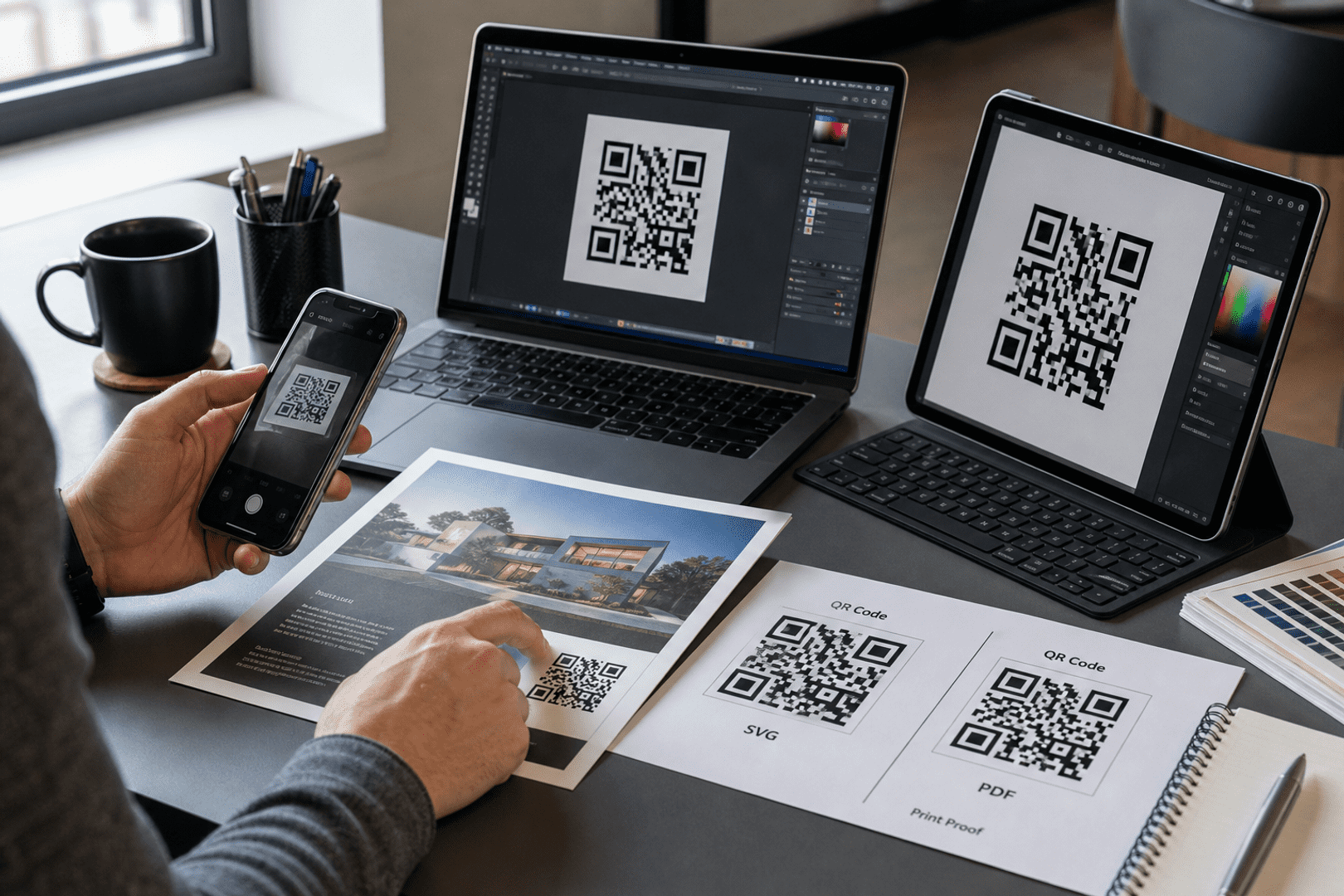
Once you’ve created your new QR code, download it in high-resolution for use on printed materials. Always use dynamic QR codes so you can update links and monitor track analytics without reprinting — a must-have for adaptable marketing solutions.

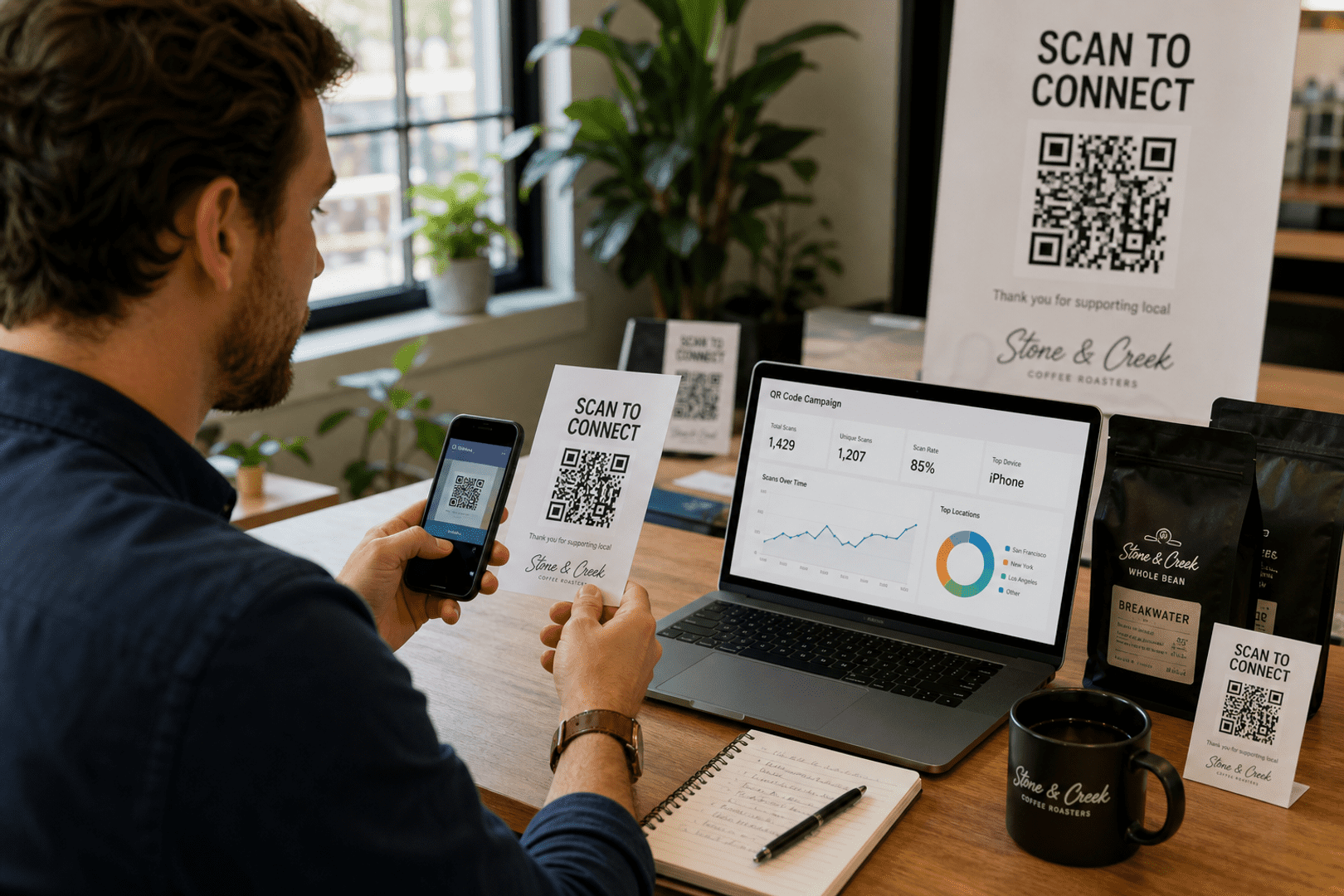
Use dynamic QR codes so you can change linked content without replacing the printed image. Review scans, devices, and locations in QRStuff analytics to improve what you share and where you place codes.
Add a QR code to the back cover or inside flap to connect readers to book trailers, author bios, or bonus chapters. This digital media addition can turn curiosity into immediate sales.

In textbooks or educational products, publishers can use QR codes to link to tutorials, 3D models, or online exercises. This boosts learning engagement and adds value to printed editions.

For authors and publishing teams, a custom QR code can share contact details, direct to book purchase links, or promote upcoming events. Including QR codes on business cards or bookmarks ensures every scan leads to deeper reader engagement.
Connect your readers to the stories they love — instantly.
Enhance book sales, boost reader engagement, and modernise your publishing marketing with smart, dynamic QR code solutions.
From Wi-Fi access to PDF downloads, QRStuff supports dozens of code types so you can connect anything to anyone.



Based on your location, we think you may prefer the English (US).




 English (UK)
 Spanish (ES)
 French (FR)