Holiday 2024 Holiday 2024

Branded QR Codes: The New Symbol of Luxury

In the luxury fashion world, heritage and authenticity meet digital convenience. Smart QR codes give every luxury fashion brand a direct line to consumers, turning product touchpoints into premium digital experiences.
When customers scan QR code tags in a store or on packaging, they can view rich information, verify authenticity, and engage with services in your app. Used as part of a clear omnichannel strategy, a branded QR code helps brands promote exclusivity, protect products, and deliver white-glove service at scale.

Find the right plan
Branded QR Codes: The New Symbol of Luxury
Loading QR code generator…

Benefits of Using QR Codes for Luxury Brands

The luxury industry can use QR codes to deepen loyalty, reduce friction, and protect brand equity.

  • Product authentication and transparency: Place a unique code on each item. A scan opens a digital passport or certificate so consumers can confirm authenticity and view provenance details. Pair with Dynamic QR Codes to update ownership records and care guides without reprinting.
  • Exclusive content and storytelling: Luxury is built on narrative. Use codes to unlock atelier films, designer interviews, or collection histories. This turns static labels into living brand experiences that customers want to share.
  • Seamless online to offline: From boutique to mobile, a scan can route to a tailored product page to check sizes, styling options, and availability, or to complete the purchase online. Link codes inside lookbooks, windows, and pop-ups to connect every use case.
  • Personalised offers and VIP access: Deliver priority appointments, private previews, or invitation-only events after a scan. With QR code tracking and analytics you capture consented data to refine targeting while elevating service.
qrcode.svg

Create Your Branded QR Code Today

Ready to elevate every luxury touchpoint with branded qr codes that authenticate, inform, and convert?

Examples of QR Codes in Luxury Retail

Authenticity and Product Details

Leading brands add discreet codes to tags or NFC cards. Customers scan QR code labels to view materials, sustainability facts, care information, and authenticity in seconds. Trust rises, counterfeits fall.

Authenticity and Product Details

Interactive and Artistic Experiences

For capsule drops and artist collabs, qr codes can launch AR filters, 3D looks, or behind-the-scenes content. The product becomes the portal, enriching the offering without adding hardware.

Interactive and Artistic Experiences

Elevated Networking

Executives use premium cards with branded codes to share contact details and clienteling services. Try Business Card QR Codes for a refined first impression.

Elevated Networking

How to Create a Branded QR Code

Craft a code that reflects the elegance of your logo and visual language.

Step 1: Choose a Trustworthy QR Code Generator

Pick the best format for your goal:

  • Website URL QR Code for collection or product pages
  • Video QR Code to spotlight craftsmanship
  • Social profile or app deep link to drive your clienteling app adoption
Step 1: Choose a Trustworthy QR Code Generator

Step 2: Enter Your Digital Content

Add the URL to your authentication portal, private lookbook, appointment service, or boutique locator. This is where customers will land after they scan.

Step 2: Enter Your Digital Content

Step 3: Customize Your QR Code’s Design

Use your logo, colour palette, and quiet zone adjustments to keep it elegant and on-brand. Rounded modules and frame text help the code feel native to your products and packaging.

Step 3: Customize Your QR Code’s Design

Step 4: Download and Implement Your QR Code

Export high-resolution files for print and digital. For scale or limited editions, create batches with our generator and manage destinations with Dynamic QR Codes. You can update links, run A/B use cases, and measure engagement without reprinting.

Step 4: Download and Implement Your QR Code
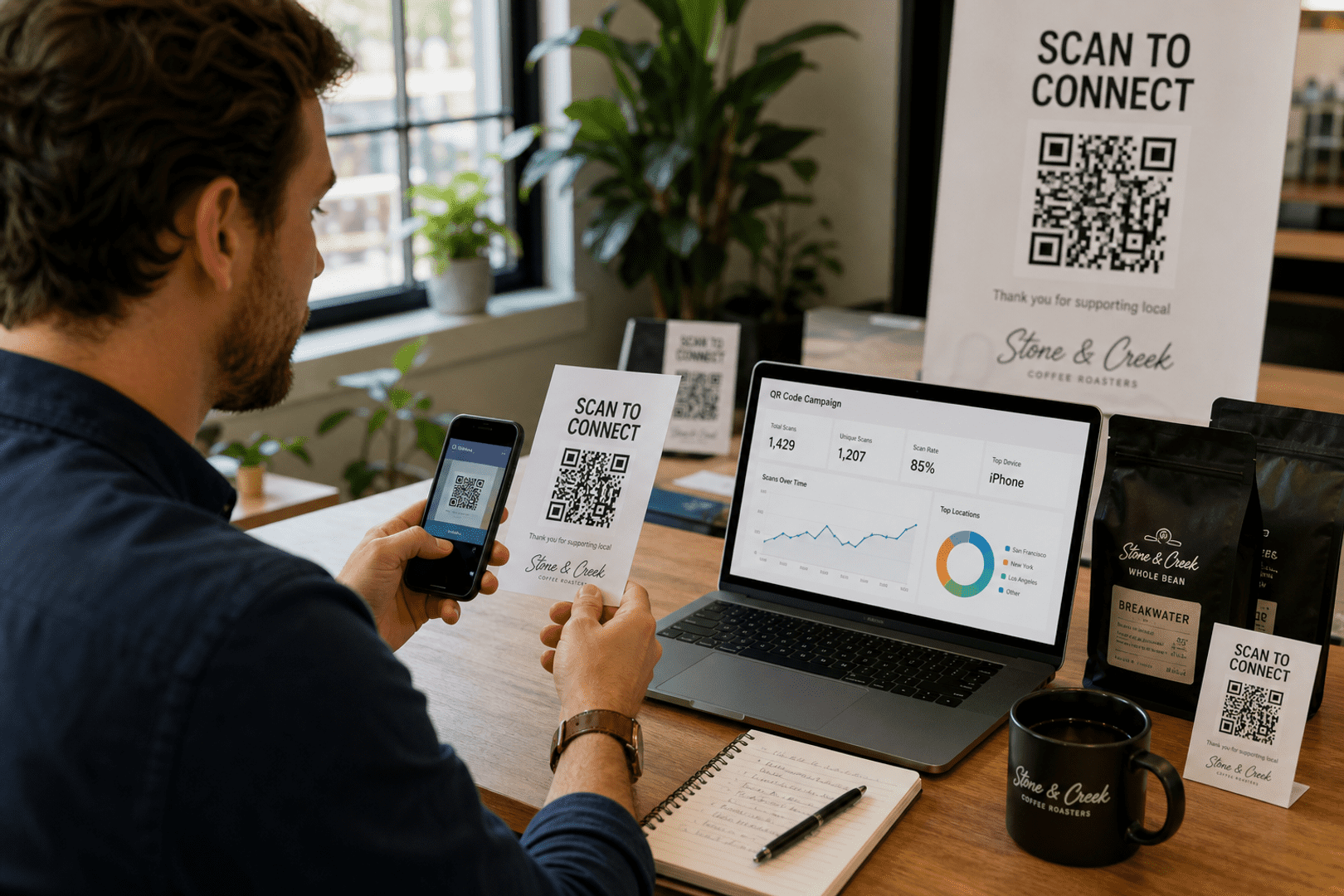
Live Analytics

See your QR code performance in real-time

Stop guessing. Start measuring. Transform your campaign into a data-driven powerhouse with our professional subscriber dashboard.

Scan Velocity

Track total and unique scans hourly.

Global Insights

See exactly where users are scanning.

Stats
Last 24h
Total Scans 1,248
Mobile Users 92%
Unique
842
Top City
NYC
Device
iOS

Best Practices for Luxury Brand QR Codes

  • Design for Luxury: Avoid plain black-and-white blocks. Integrate the code with your logo and materials so it looks intentional on tags, trays, and shippers.
  • Offer Exclusive Value: Do not drop users on a generic homepage. Deliver curated information such as digital passports, atelier videos, or concierge services.
  • Place with Care: Use discreet but scannable placement on swing tags, authenticity cards, and in-boutique signage. Test lighting and distance.
  • Track and Refine: Use QR code tracking to monitor scans by boutique, market, and campaign. Feed consented data into your CRM to improve strategy and clienteling
  • Protect the Experience: Ensure mobile pages are fast, private, and on-brand. If you use an app, deep link so customers land in the right view instantly.

Getting the Most from Your QR Codes: Printing & Best Practices

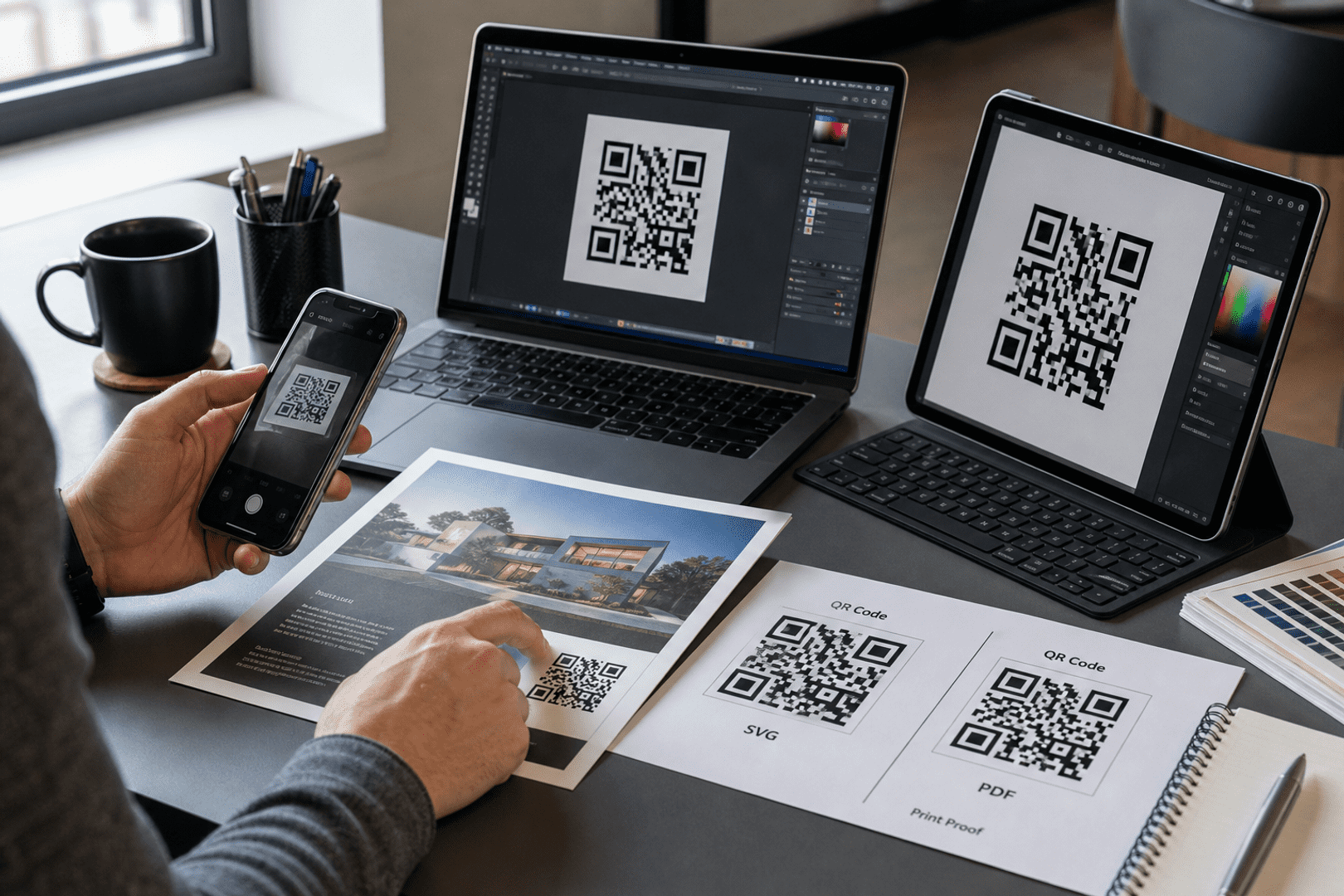
Once you have generated your custom QR code, the final step is ensuring it works perfectly in the physical world. To download your code, simply navigate to your dashboard and select your preferred file type. We recommend SVG or EPS formats for professional printing, as these vector files can be scaled to any size without losing clarity. For digital use or small-scale office printing, a high-quality PNG is usually sufficient.

Resolution & Format

Always use high-resolution files (300 DPI minimum for raster images like PNG). Vector formats (SVG/EPS) are best for large-scale items like banners or signage to prevent pixelation.

Contrast & Color

Maintain high contrast between the QR code and the background. A dark code on a light background is the gold standard. Avoid inverted colors (light code on dark background), as many older scanners struggle to read them.

Size & Placement

Ensure the code is at least 2cm x 2cm (0.8" x 0.8") for simple URLs. Place your codes on flat, non-reflective surfaces at eye level, avoiding folds, seams, or corners that could distort the pattern.

The Quiet Zone

Never crop the white border (the "Quiet Zone") surrounding your QR code. This border is essential for the scanner to distinguish the code from its surroundings.

Partner Program

Partner With Us: Share the Quality, Earn the Rewards

Do you work with clients who need reliable, professional QR code solutions? By sharing these best practices and recommending QRStuff, you can turn your expertise into a recurring revenue stream.

  • 25% Recurring Commission
  • Lifetime Referral Earnings
  • 90-Day Cookie Duration
Join the Affiliate Program today!

Ready to see how QR codes can transform your business?

Start creating free QR codes today, or subscribe to unlock full design capabilities and advanced analytics

Frequently Asked Questions

Yes, you can generate QR codes for essential Luxury Brand operations, such as linking to digital menus, feedback forms, or basic inventory tags, using our free tool. Advanced branding and analytics require a subscription.

Simply select your data type (URL, PDF, or vCard), enter the relevant Luxury Brand details—such as a product landing page or service menu—and customize the design to match your business aesthetic before downloading.

Download your QR code in high-resolution SVG or EPS format to ensure clarity. You can then apply it to Luxury Brand-specific materials like storefront signage, product packaging, table tents, or professional business cards for high-quality scanning.