
Why QR codes power modern restaurants
Streamline service
Let guests scan for menus, order, and pay from their table so staff can focus on hospitality.
Cut print costs
Update specials and pricing digitally without reprinting paper menus.
Grow direct relationships
Link to loyalty, reviews, and social from table tents and receipts.
Measure what works
Use dynamic codes to see which campaigns and placements drive scans.
How to Create a QR Code for Your Restaurant Menu
Step 1
Choose a Trustworthy QR Code Generator
Select a platform like QRStuff that offers dynamic and customizable QR codes perfect for your business.
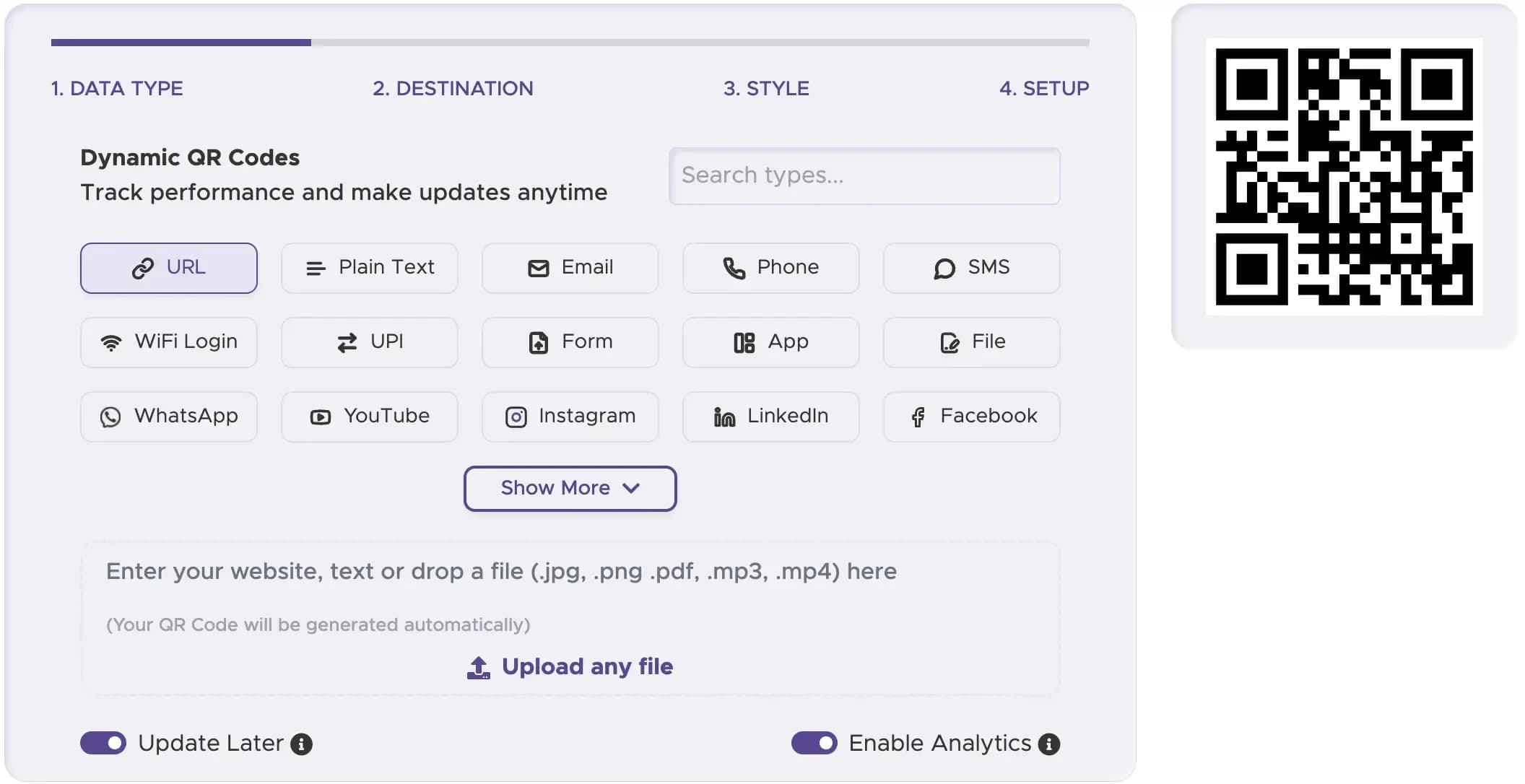
Step 2
Select the Right QR Code Type
For a QR code menu restaurant, a Website URL QR Code is usually the best choice to link to your online ordering or digital menu page.
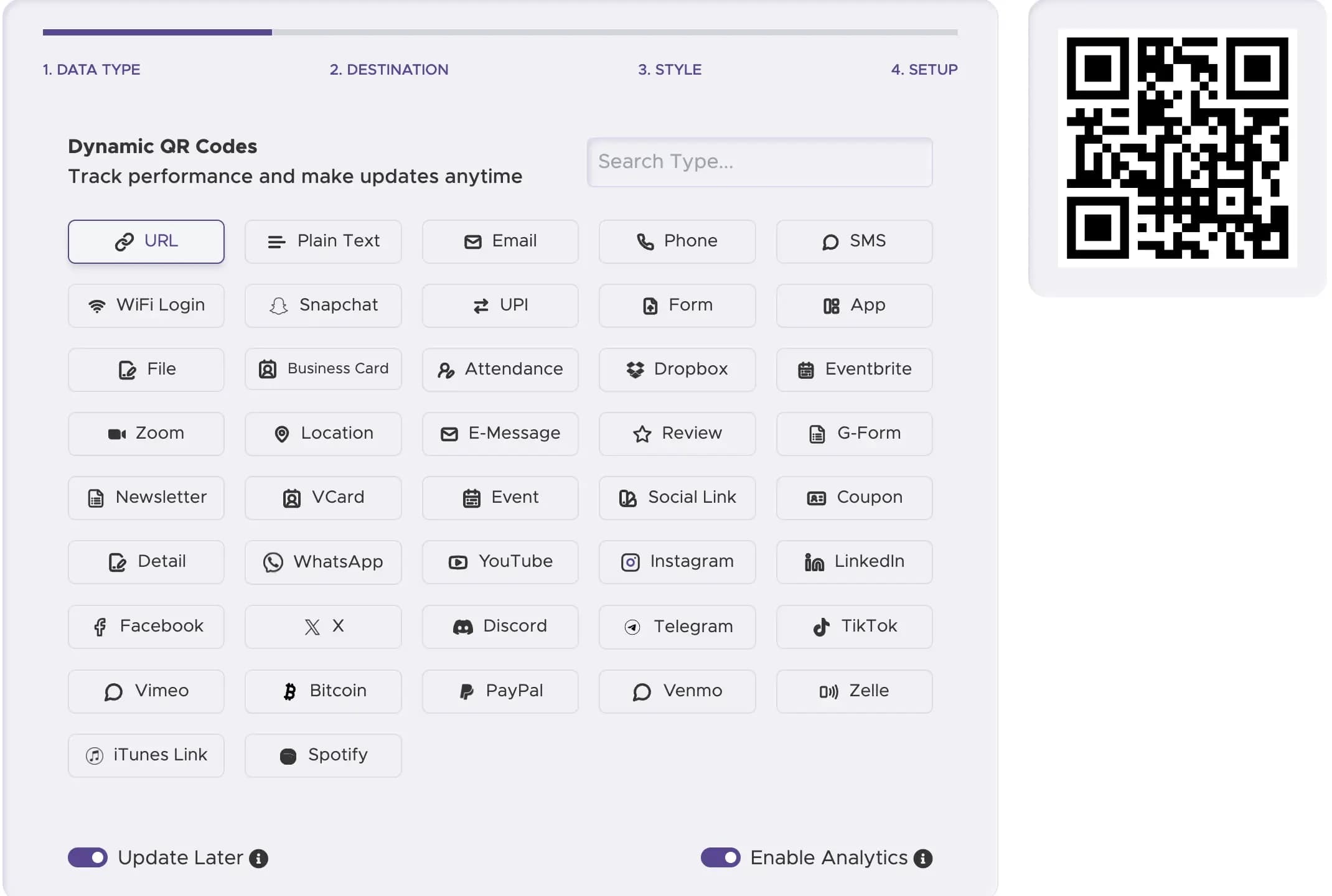
Step 3
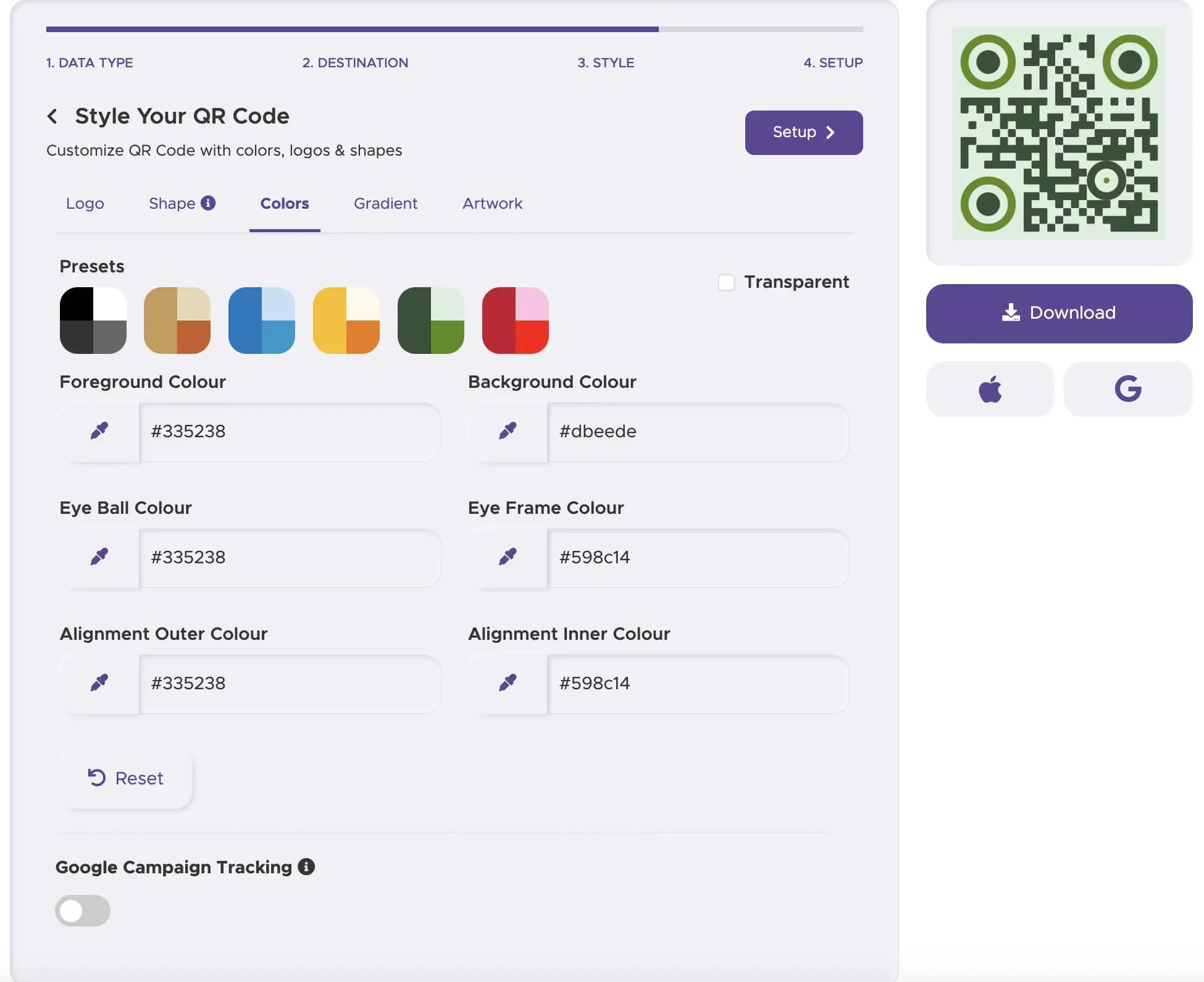
Customize Your QR Code's Design
Align your QR code with your brand. Adjust colors, add your logo, and create a visually appealing QR code menu design.
Step 4
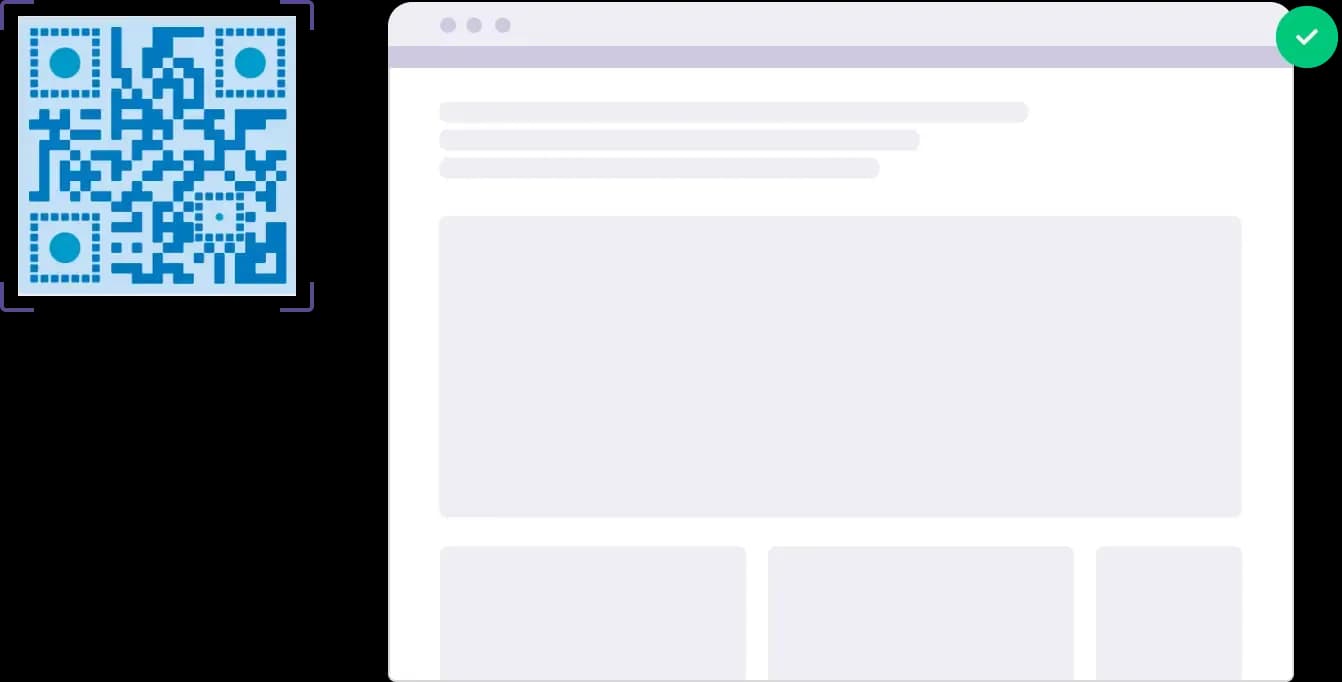
Test the QR Code
Before printing, test the code thoroughly to ensure it scans correctly and directs users to the right content.
Step 5
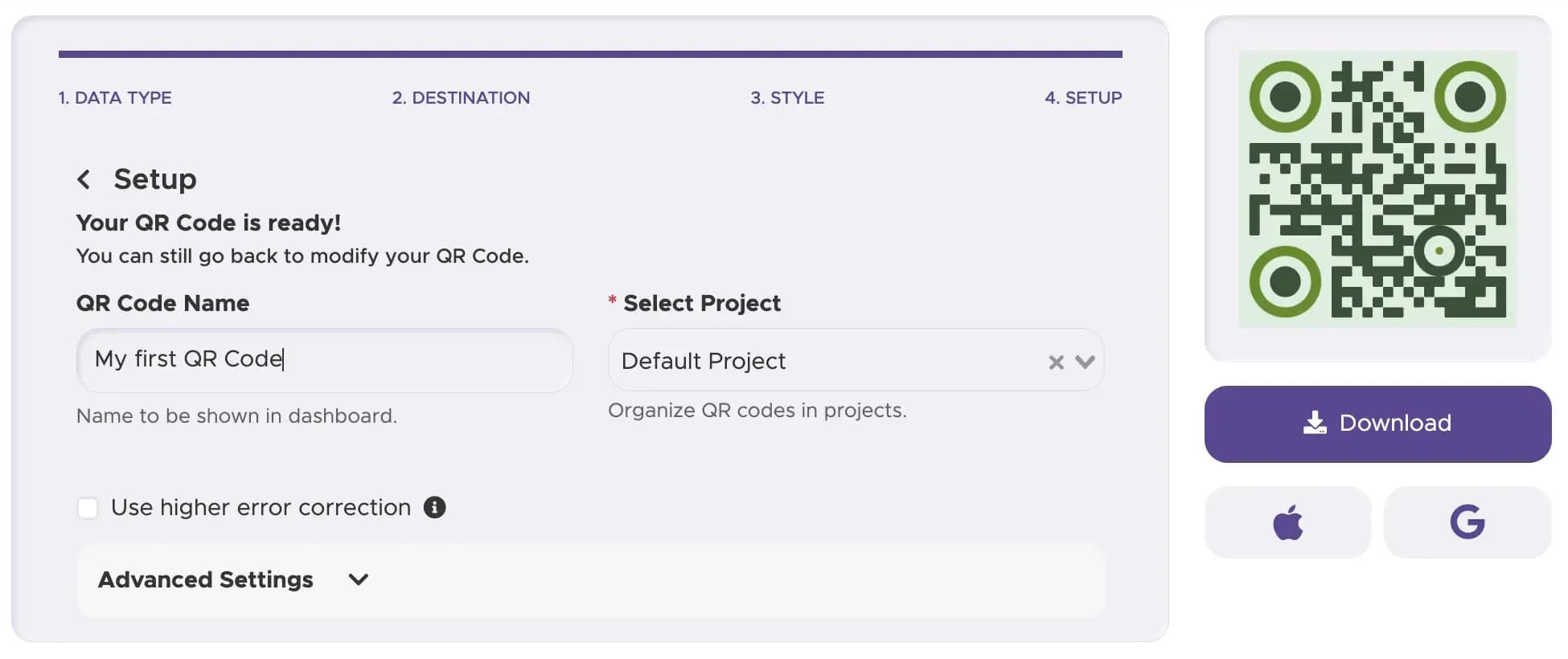
Download and Implement Your QR Code
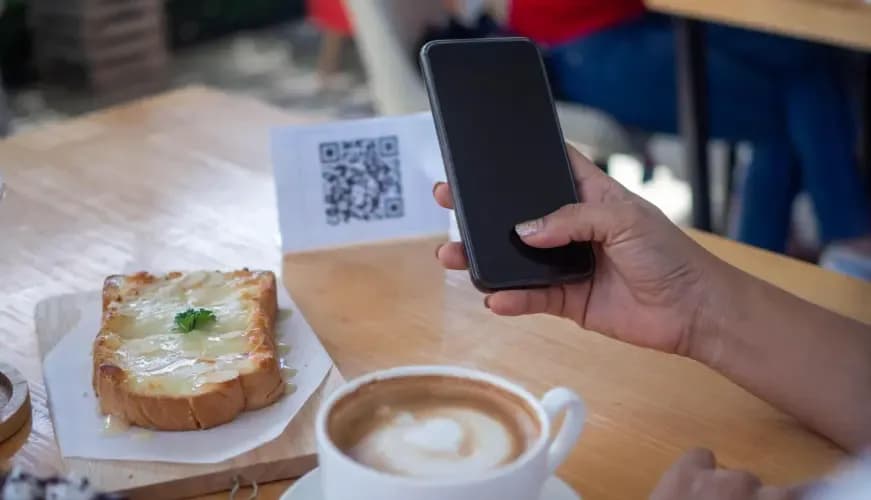
Place the QR code in strategic locations - on tables, windows, and marketing materials - making it easy for customers to find and scan.
Step 6
Track Performance (with Dynamic Codes)
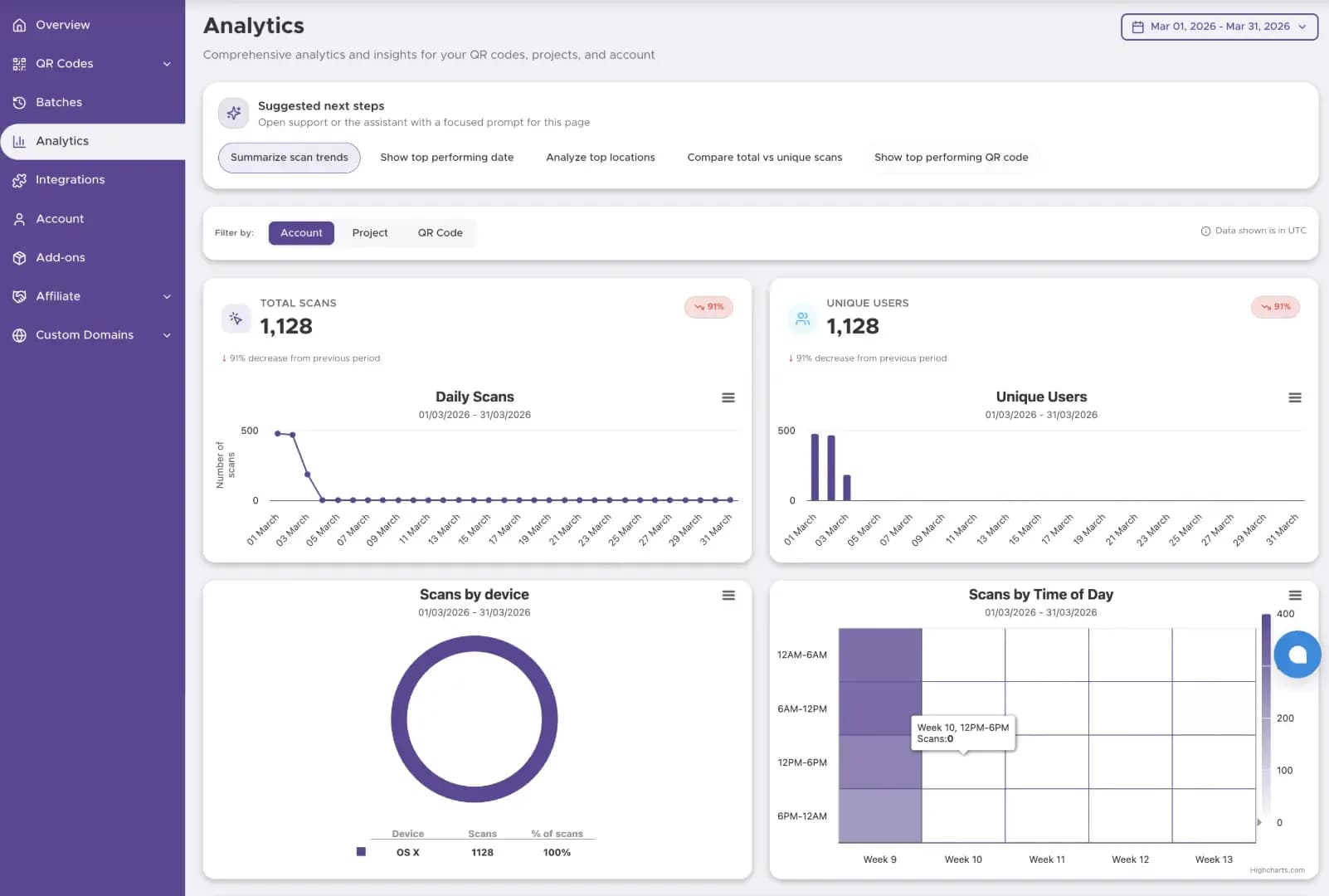
Dynamic QR codes let you change linked menus, ordering pages, or promotions without reprinting table tents or posters. Use QRStuff analytics to review scans, devices, and engagement so you can tune your restaurant experience over time.
Restaurant QR code examples
Digital menus
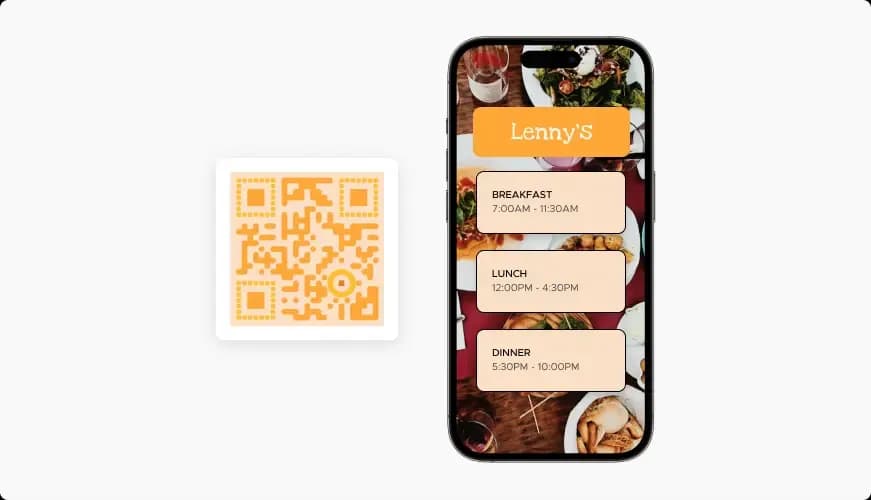
Digital menus Guests scan to browse today’s items, allergens, and languages on their phone.

Table ordering
Table ordering Send orders straight to the kitchen and reduce wait times during peak hours.
Feedback & loyalty
Feedback & loyalty Link receipts to reviews, tips, and return offers in one scan.
Create a QR Code for your restaurant!
Ready to create a QR Code for your restaurant? Start free today