
How does a Snapchat QR code work on QRStuff?
QRStuff keeps your username behind a short link that you can edit later.
Each scan opens a QRStuff page that shows your username. Its Open in Snapchat App button takes the visitor to your profile in Snapchat, and a Preview on Snapchat Web button shows it in the browser.
A code like this can go on a conference badge, a laptop sticker or a market-booth sign.
Looking for a different code type? Start with the free QR code generator. Followers on other apps can use the Instagram QR codes or the TikTok QR code generator. For printing ideas, see how QR code stickers hold up on badges.
What goes into a Snapchat QR code?
The code is built from your public Snapchat username and nothing else from the profile.
The username, not the display name
The username is the name your profile link ends with. A display name can be anything and can change, so it is never used.
One code, one username
If you run a personal and a business account, make a separate code for each, because a code holds a single username.
Check the spelling
A mistyped username still makes a working code that opens the wrong profile, so scan the finished code once and check that the name on the page is yours.
Is a Snapcode the same as a Snapchat QR code?
The two can look alike on a badge, but they come from different places.
No. A Snapcode is Snapchat's own yellow code with the ghost logo in the middle, and Snapchat creates it inside its app.
QRStuff makes standard QR codes. Anyone can scan one with the camera app already on their phone. Your audience does not need Snapchat open to scan it.
How do I create a Snapchat QR code?
Choose the Snapchat type, enter your username, style the code if you like and download the file.
Step 1
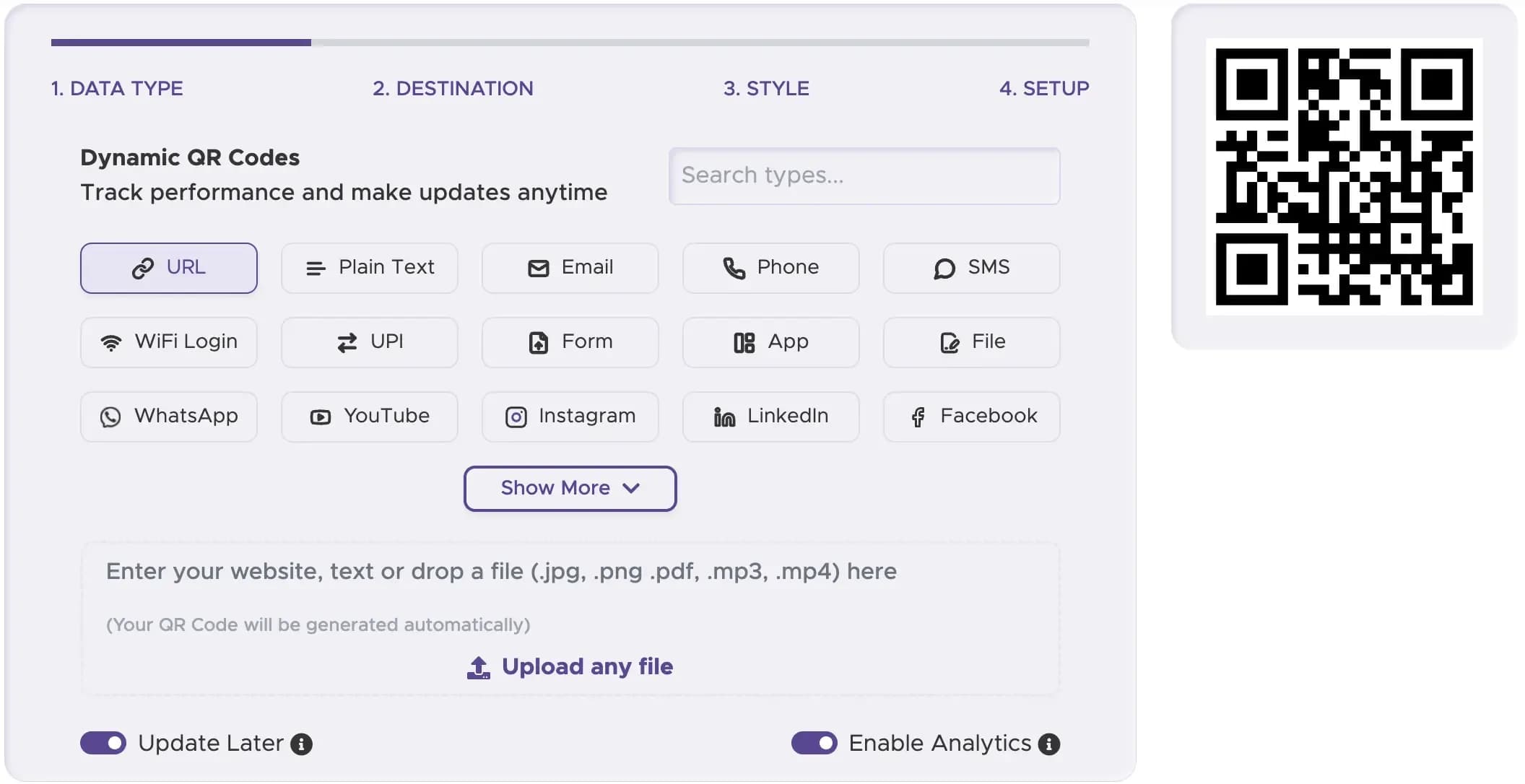
Pick the Snapchat type
Open the QRStuff generator and choose Snapchat from the list of data types.
Step 2
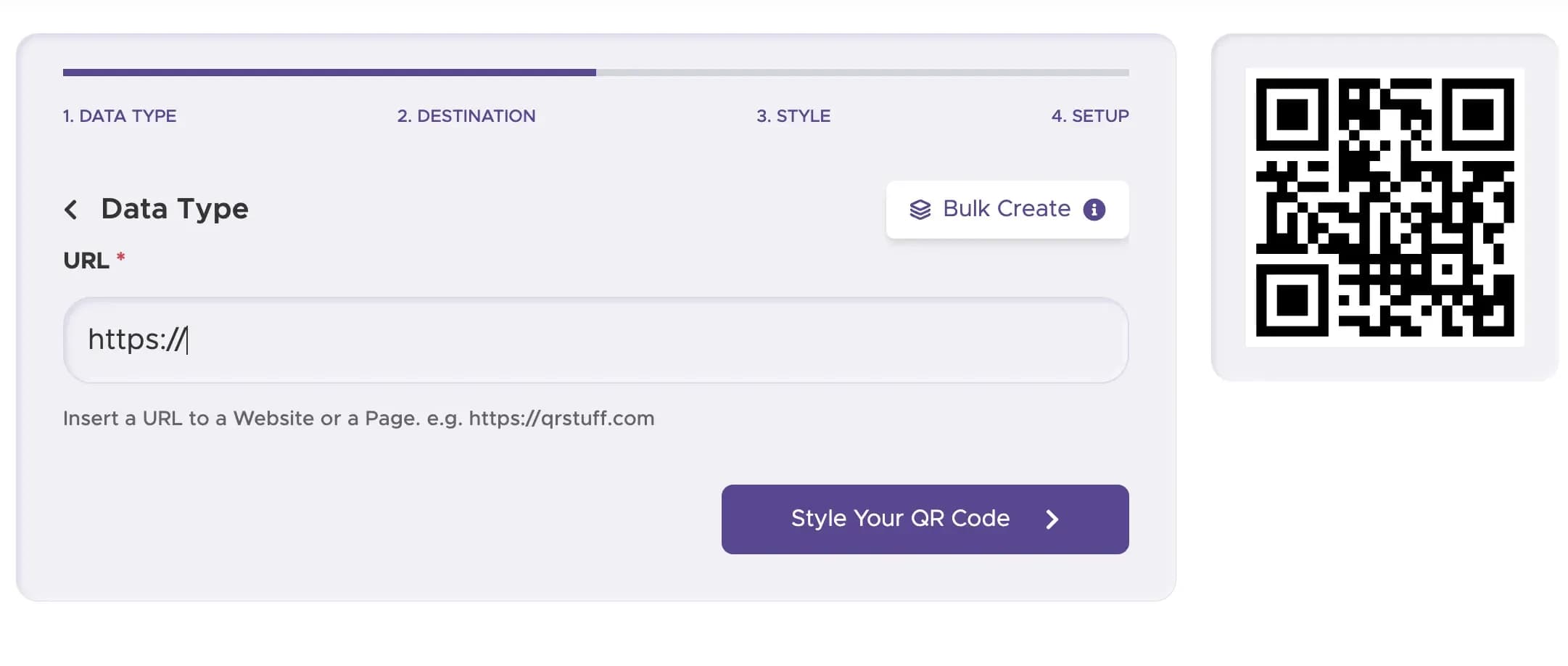
Enter your Snapchat username
Type your username into the Username field, or paste your profile link and the generator picks the username out of it.
Step 3
Colours and frame (optional)
Full Suite and Enterprise add colours, shapes, a centre logo and a frame with a label of up to 16 characters, for example "Scan to add me".

Step 4
Download the file
Save the code as a PNG or JPG, which every plan can do. Full Suite and Enterprise also give vector files (SVG, EPS and PDF) for a large print.

How big should a printed Snapchat QR code be?
Print the code at about a tenth of the viewing distance. A badge or sticker read at 8 in (20 cm) needs a code at least 0.8 in (2 cm) wide, a pinboard flyer read at 4 ft (1.2 m) takes about 4.8 in (12 cm), and a poster seen from 8 ft (2.4 m) takes about 10 in (24 cm).
Give the code an empty margin about as wide as four of its little squares, and keep the dark squares on a light ground so cameras can find the code.
Put a caption such as "Add me on Snapchat" next to the code. Run one proof on the sticker stock first and scan it, because glossy vinyl can bounce light back at the camera.
Add your Snapchat code to a sticker
Have your Snapchat username ready, or paste your profile link, then open the generator and pick the Snapchat type.
A badge or sticker has room for one code, so choose the profile your audience really uses. A Snapchat code suits people who already swap Snapchat names. If your contacts live on X or Facebook, use the Twitter (X) QR code generator or the Facebook QR codes page, and if you want every profile behind one scan, a Linktree QR code gathers them.
Static or dynamic: which Snapchat QR code should I use?
Dynamic is the only kind QRStuff offers for Snapchat, so the table lists what that gives you.
| What to compare | Dynamic Snapchat QR code on QRStuff |
|---|---|
| Where the address is kept | A short link is printed in the pattern, and the username it leads to lives in your dashboard |
| A new username later | Change the username in the dashboard; stickers, badges and posters stay valid |
| Seeing scans | Scan reports from Lite Suite: total scans, date, time of day, device and country |
| Small stickers | A short link keeps the pattern simple even at sticker size |
| Limits | The pricing page lists how many codes and scans each plan allows |
Why might a Snapchat QR code not scan?
Pale or inverted colours can stop a scan, and so can a shiny laminate that reflects indoor lights.
Frames, text boxes or artwork pressed against the corner squares stop a scanner from finding the code.
Stretching the code to fit a space distorts its squares, so scale it evenly and keep it square.
Is the redirect reliable?
A Snapchat code is a dynamic code. On any paid plan it is backed by 99.9%+ redirect uptime and zero third-party ads, so the link keeps working after you print.