
How do QR codes work on bottles and cans?
A shopper's phone camera reads the code and opens the page behind it, the same as on any other print.
Decide what the label should lead to, such as a cocktail recipe or tasting notes, and create the code from that page address. Only the surface differs from a paper label, and the surface is where bottles go wrong.
What keeps a QR code readable on a curved bottle?
Four rules that keep a code scanning on glass bottles, aluminum cans and other round containers.
Each container bends or reflects the pattern in its own way:
- Glass: the bottle is glossy and can be wet, so a paper label with a matte finish reads better than a shiny film that throws glare across the squares.
- Aluminum cans: the printed surface is shiny and the body narrow, so keep the code on the front face and ask the printer for a matte patch behind it.
- Shrink sleeves: the sleeve is printed flat and then shrinks onto the bottle, which can stretch or squeeze the pattern, so ask the sleeve printer to allow for the shrink.
Send the printer a vector file
Ask your printer which file it wants. A vector file (SVG, EPS or PDF) keeps crisp edges at any size and is included with Full Suite and Enterprise; other plans can still send a large PNG or JPG.
Keep the border clear
Leave a blank band about four small squares wide on all four sides of the code, so a border line, a foil edge or a seam in the artwork never touches it.
Watch the curve
Put the code on the flattest part of the label, and size it with the bottle diameter in mind: a wide code on a narrow bottle bends at its edges and a camera sees a squashed square.
Keep it out from under a hand
People hold a bottle by the body and the neck. Place the code on the label where fingers will not cover it, such as the middle of the back label.
Bottle QR code or GS1 Digital Link?
One is for marketing and information. The other is a product identifier for the supply chain.
| Capability | Bottle Marketing QRPackaging | GS1 Digital Link | Generic URL Code |
|---|---|---|---|
| Primary Job | Marketing, recipes, winery stories, brand loyalty | Point-of-sale checkout barcode (GTIN) & compliance | General web links without packaging focus |
| Regulatory Standard | Standard ISO QR code (any camera reads) | GS1 Global standard for retail POS & DPP | Standard ISO QR code |
| Curvature & Substrate Guidance | Optimized for cans, bottles, condensation & shrink sleeves | Packaging identification standard | Flat print assumptions |
| Export Format | Vector SVG & EPS for rotogravure & flexo label presses | GS1 compliance-ready vector formats | PNG or SVG |
| Free Creation | Yes, free static codes with no sign-up | Requires GS1 company prefix & plan | Yes, free static codes |
Recipes, stories and campaigns
Use a URL QR code to send people to a cocktail recipe or a promotion.
Product identifiers and passports
Use the GS1 Digital Link QR code generator if you have a GTIN and need a product identifier or a Digital Product Passport link.
QRStuff does not make a GTIN. An ordinary bottle QR code is not a GS1 barcode; the GS1 Digital Link generator is the tool for that.
How do I create a bottle QR code?
Step 1
Pick the destination page
Check that the landing page, recipe or campaign opens cleanly on a smartphone.
Step 2
Generate the code
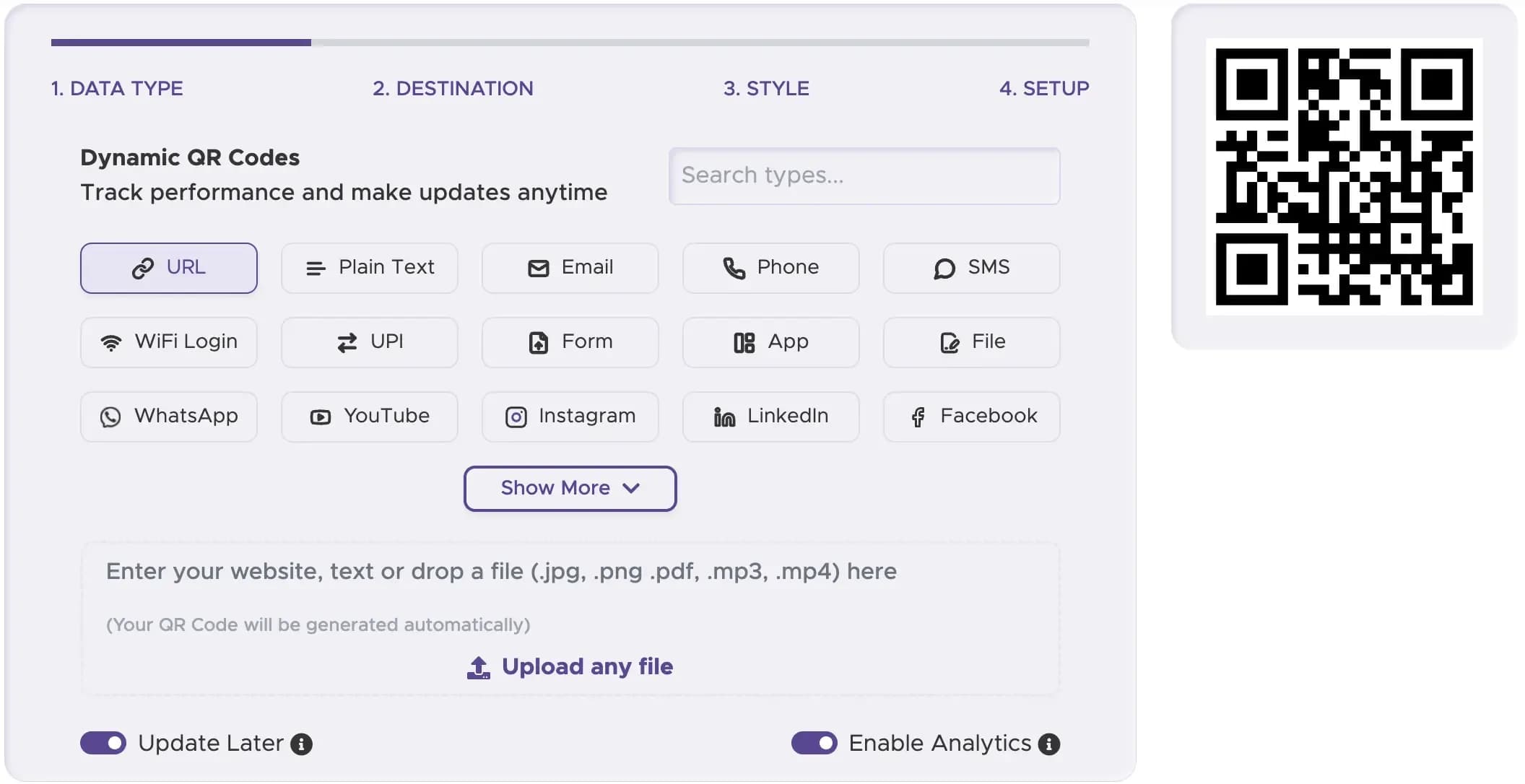
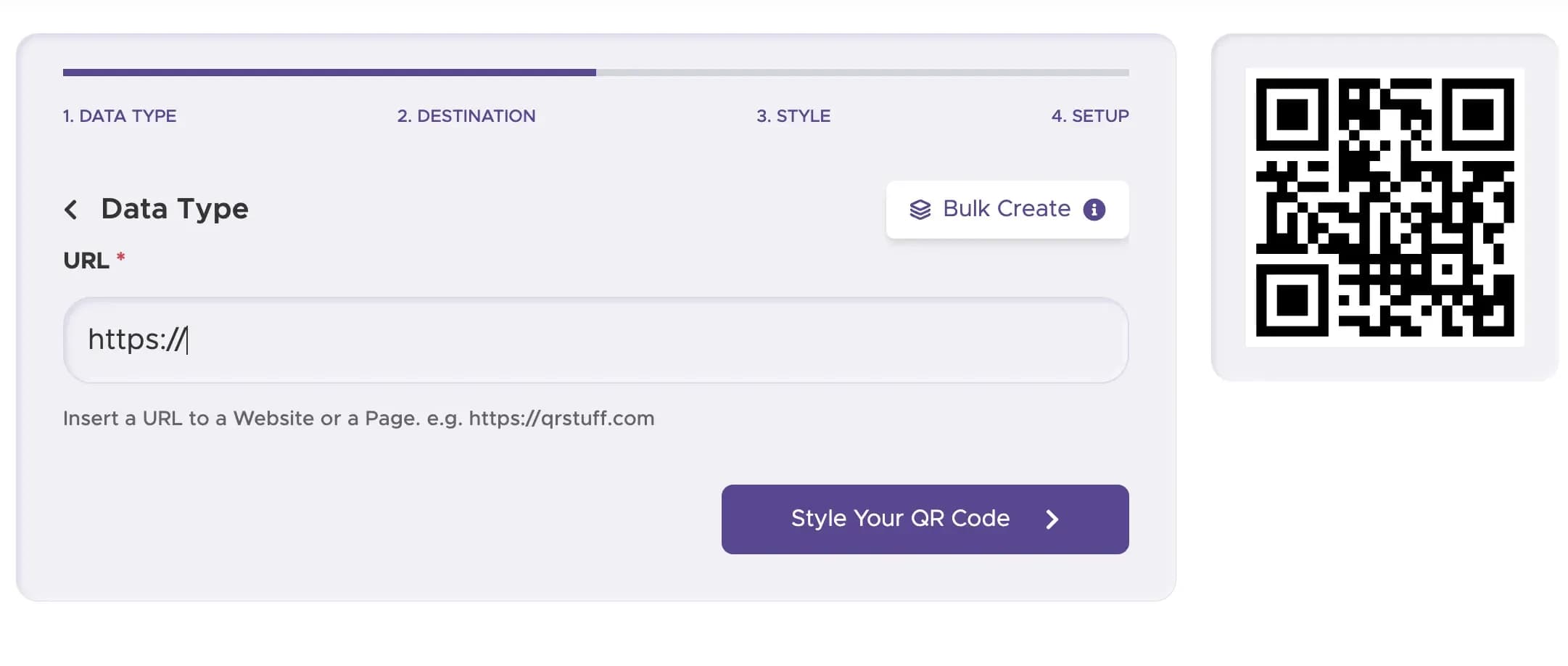
Choose the URL tile in the QRStuff generator and paste the page address you picked.
Step 3
Keep the style plain
Dark on light is a dependable start for a label. Full Suite and Enterprise add colors, frames and a center logo, and a logo covers part of the pattern, so keep it small.

Step 4
Download the file, then print a sample
Drop the code into your label design at the size you chose. Then print one sample label on a real bottle and scan it before committing to the run.

Where can I use a bottle QR code?
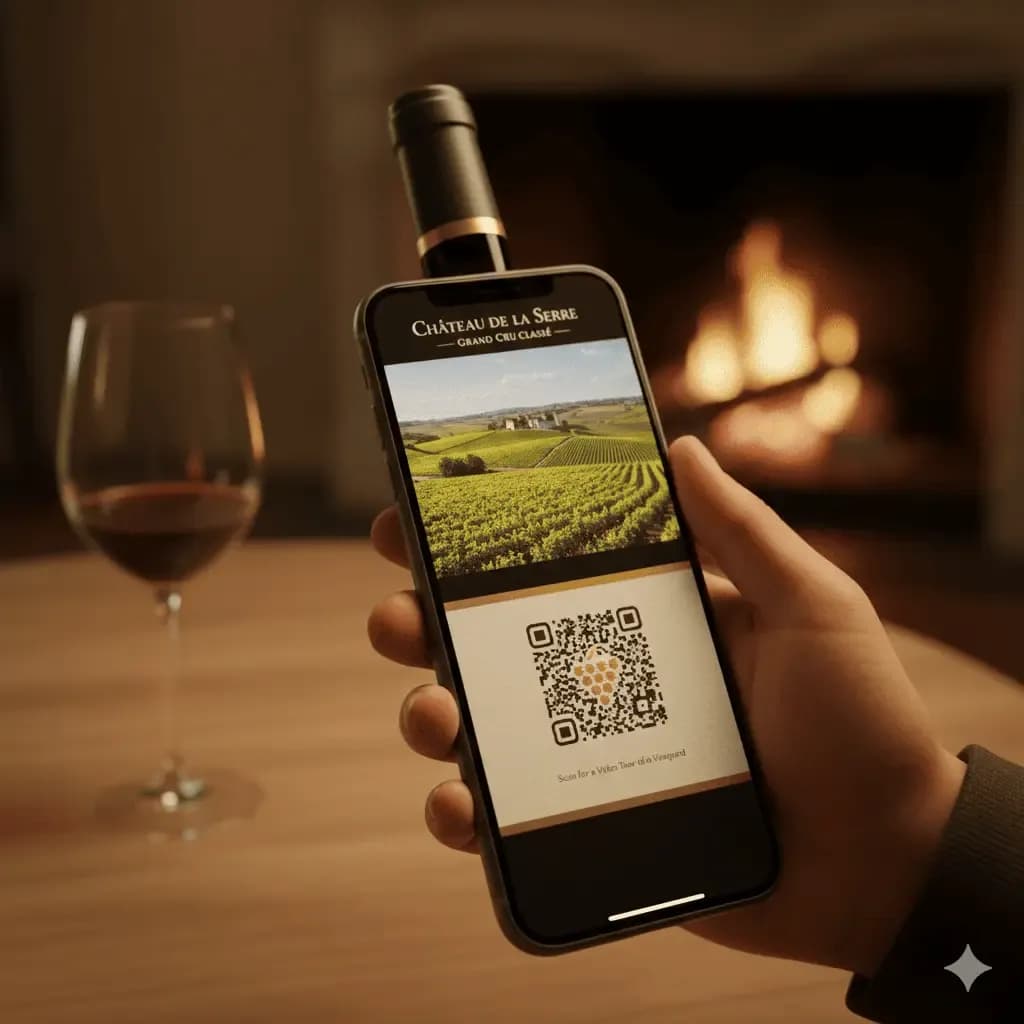
Wineries and distilleries
A code on the back label can open tasting notes for the vintage or a short video about the vineyard.
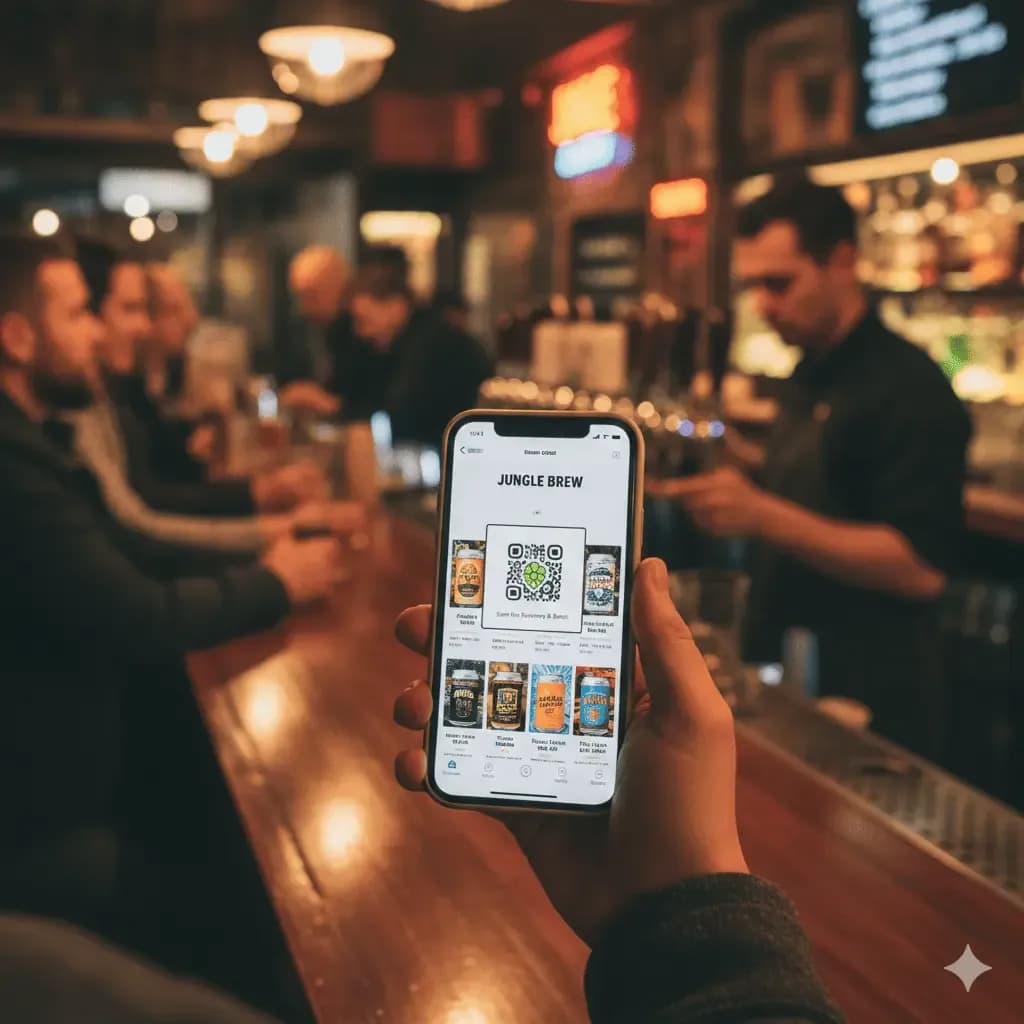
Breweries and canned drinks
Cans can lead to a festival page or a brand story. Ingredient and allergen details still belong on the package itself.
Reusable bottles and merch
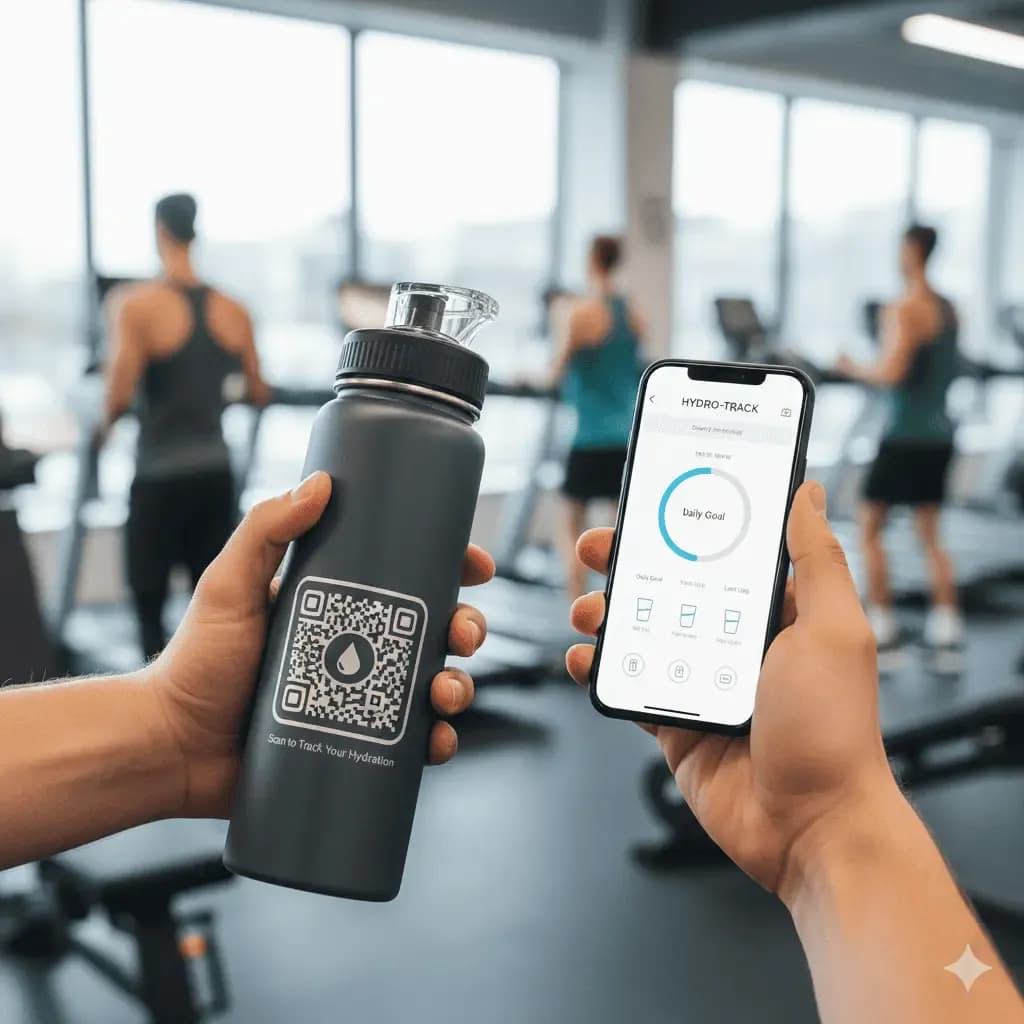
A water bottle or flask can link to a map of refill stations or a warranty registration page. The same code can sit on the cap, the sleeve or a hang tag, wherever there is a flat spot.
How does a dynamic code help once bottles are on shelves?
A promotion ends, a contest closes, a recipe moves. A dynamic code follows whatever page you point it at, so a bottle on the shelf need not advertise a dead offer once you update the page, and a beer label can stay the same while the page behind it moves from the summer special to the winter one.
Scan reports, from Lite Suite, show country, device and time of day, so you can tell whether the festival batch or the supermarket batch is drawing the interest.
Give each batch its own dynamic code, so each harvest or festival edition opens a page written for it. Only the code in the label file changes between runs, not the rest of the artwork.
Create your bottle code now
Make the code from the page address you picked.
A six-pack carton, a gift box or a shipping case has a flat face and far more room than a neck label, so a larger code can scan from across a shop aisle or a stockroom. The same code can sit on the bottle and the box, or each can carry its own dynamic code, so the report shows whether people scan the bottle or the box. Scan reports start on Lite Suite.
Sizing and placement on boxes and cases are covered in QR codes for product packaging.
Static or dynamic: which bottle QR code should I use?
Bottles are printed in big runs, so decide before the labels go to press whether the code may ever need to point somewhere else.
| What you care about | Static QR code | Dynamic QR code |
|---|---|---|
| What the code holds | Everything is printed in the squares. | A short QRStuff redirect link. |
| Fixing a printed code | No, it stays as printed. | Yes. Change the destination in your account and every label follows. |
| Reporting | Nothing is logged. | From Lite Suite: country, device and time of day for every scan. |
| Scan limit | None, and no counting. | Each code is capped at 50 scans a month on a free account, and paid plans raise that. |
| Cost | Free, no sign-up, no expiry. | A free account has 10 codes, each working 30 days; see pricing for paid plans. |
How big should a printed bottle QR code be?
Start from a tenth of the scanning distance. Wine back labels and shelf cards take 5 to 8 cm (2 to 3.2 in), while cases, crates and register signs run from 20 to 60 cm (8 to 24 in) and up. A neck label or small can can carry a code about 2 cm (0.8 in) square at the very least; below that a phone camera struggles to separate the squares.
Scuffs and wear eat into the pattern, so the Use higher error correction checkbox in Setup helps, and every code you make has it.