
What does a UPI QR code do?
You enter your UPI ID and payee name once, and every printed code carries them, so customers never type your UPI ID.
UPI, the Unified Payments Interface, lets people in India send money from their bank account through an app on their phone.
Scanning the code opens a QRStuff page with your payee details and a Pay with UPI button. QRStuff only makes the code: the payment happens in that app and your bank.
A market booth can print one card and tape it beside the register. The customer pays from their own phone, so you need no card machine, only a clear print and a phone of your own to confirm the money arrived.
For a different kind of code, open the free QR code generator. Other payment codes are on the payment QR code page.
Can I add a fixed amount to a UPI QR code?
Yes: enter it in the Preset amount field and every scan will ask for that sum.
The Preset amount field
The Preset amount field sits beside UPI ID or VPA, Payee name and Notes in the generator.
The amount shows before payment
A preset amount appears on the page the scan opens, so customers see the sum before they open their UPI app.
Amounts are in rupees
Whenever you set an amount, the code asks for it in Indian rupees, so a preset amount of 250 means Rs 250.
One code per price
A different price means a different code. If you sell at several fixed prices, make one code per price and label each one clearly.
Notes are optional
Add a note if you want a reference such as "Table 4" shown with the payment details; a note can be up to 126 characters.
How do I create a UPI QR code?
Choose UPI, enter your UPI ID and payee name, style the code and download it. Keep a note of which UPI ID went into each code, so you can tell later which printout belongs to which account. Shops can also read about retail QR codes.
Step 1
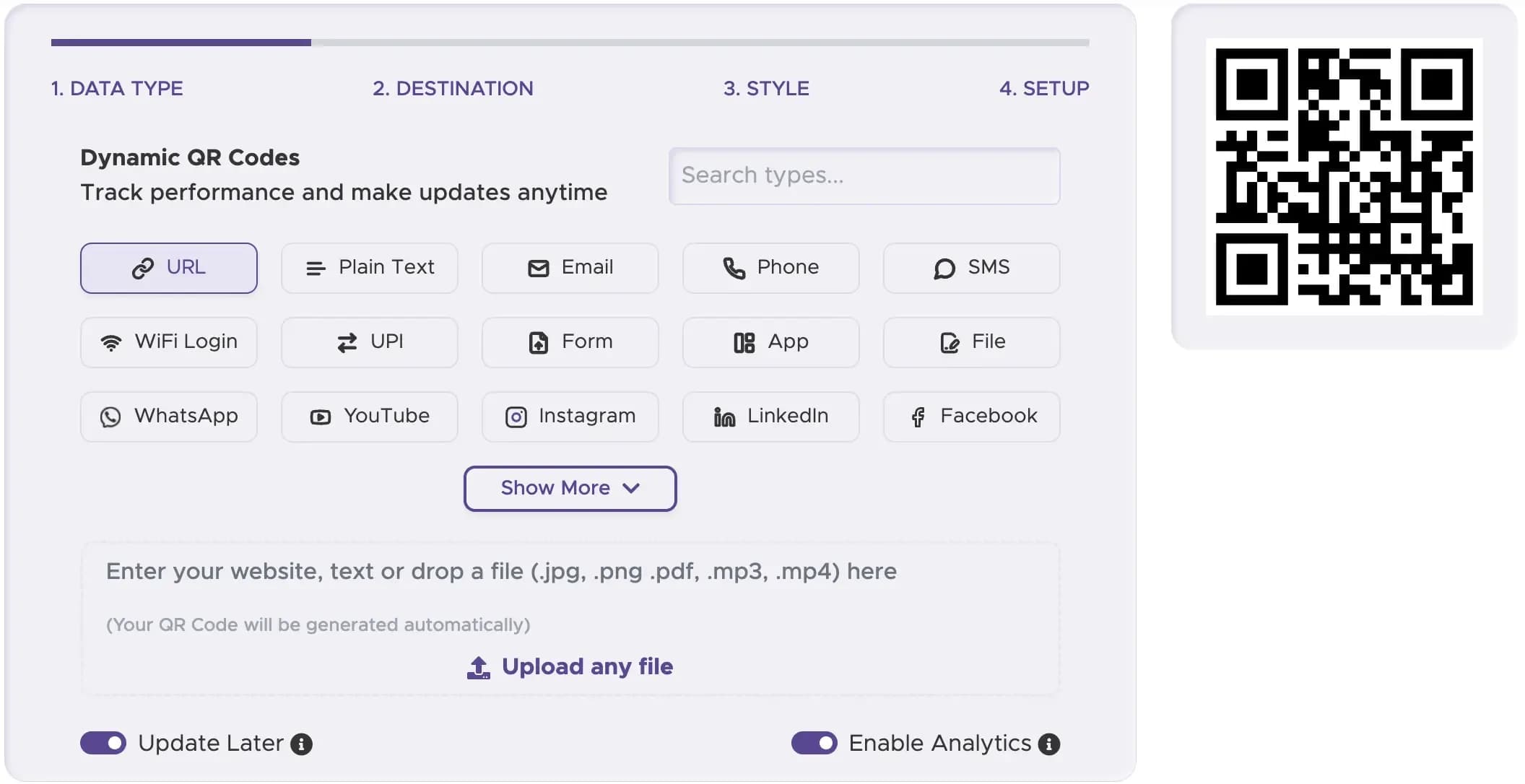
Open the generator and choose UPI
Open QRStuff and pick the "UPI" type.
Step 2
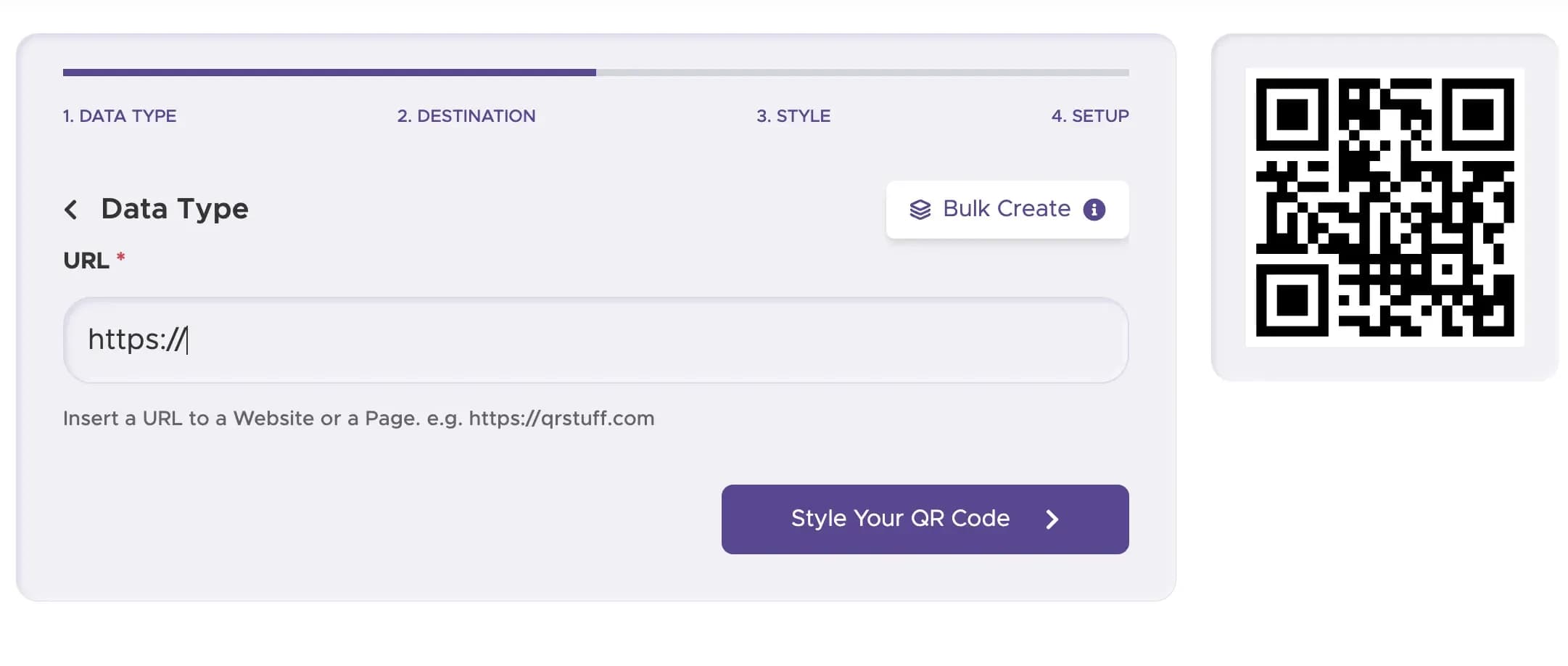
Enter your payment details
Enter your UPI ID or VPA and the payee name, plus a preset amount and notes if you want them.
Step 3
Colors and logo (optional)
Colors, frames and a center logo are included with the UPI type, so you can match the code to your business.

Step 4
Scan it before you print
Scan the finished code with your own phone, check the payee name and UPI ID on the page, and fix any typo before you print.
Step 5
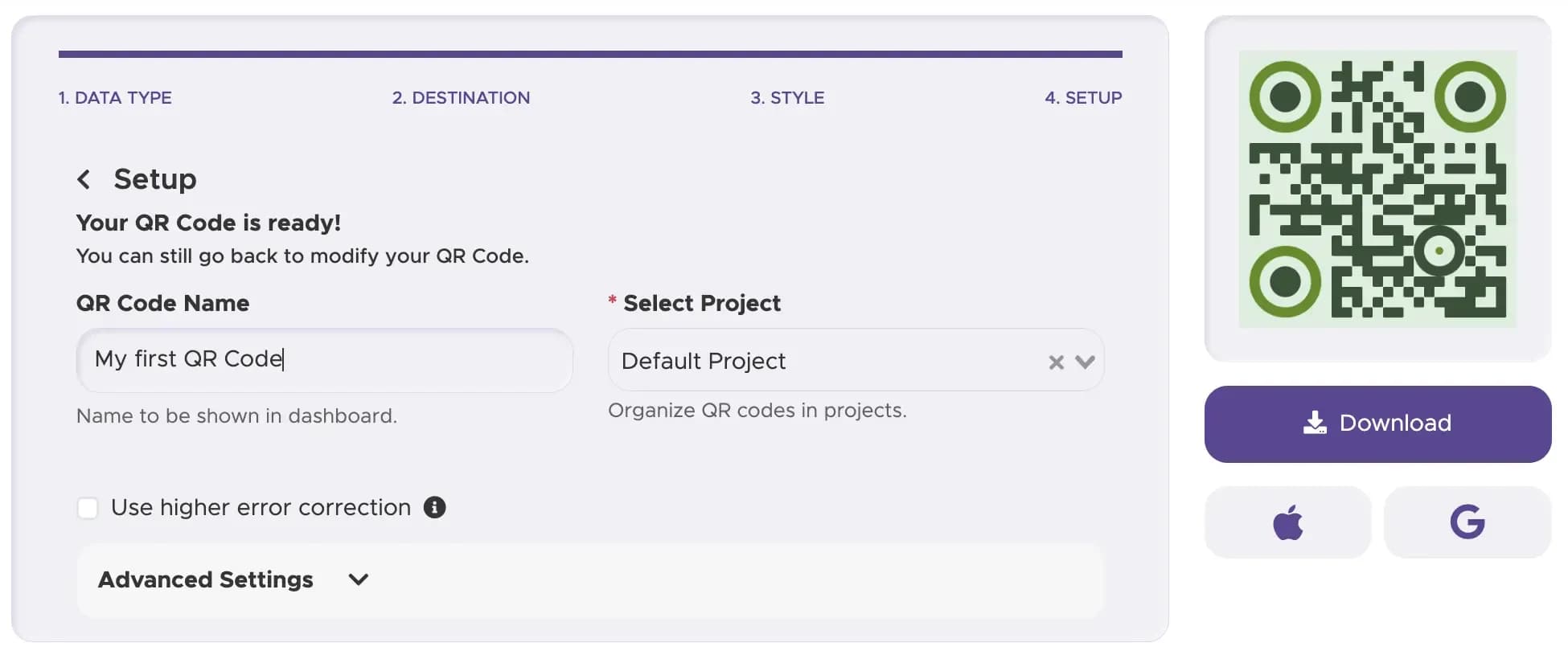
Download and put it up
Download the code and put it up where customers pay. PNG or JPG covers screens and home printers; send a print shop an SVG, EPS or PDF.

Step 6
Watch the scans
The dashboard counts scans by date, time of day, device and country, which shows which counter or sign gets used.

Why UPI codes are dynamic, and how big to print them
UPI codes are dynamic only: QRStuff offers no static version of this type, so the table lists what that gives you.
| What to compare | Dynamic UPI QR code on QRStuff |
|---|---|
| Where the payment details sit | Behind a short redirect link, managed from your dashboard |
| A new UPI ID | Change the destination without reprinting counter cards, receipts or signs |
| Counting scans | Scan counts by date, time of day, device and country |
| Small cards | A shorter link makes a less dense pattern that is easier to read on a small card |
| Plan needed | Full Suite or Enterprise (see pricing) |
How big should a printed UPI QR code be?
Take a tenth of the scanning distance. A receipt held 12 in (30 cm) from the eye needs about 1.2 in (3 cm); a stand at the checkout, read from 4 ft (1.2 m), needs about 4.8 in (12 cm); and a wall poster 9 ft (2.7 m) away needs about 11 in (27 cm).
Keep four squares of blank space around the code, and print it on a flat surface.