
How do you choose a reliable QR code generator?
A reliable QR code generator should create codes that scan consistently, stay secure, and give you the flexibility to update content when needed. For most people and businesses, QRStuff is a practical choice because it supports static and dynamic QR codes, analytics, customization, and high-resolution downloads without making the process complicated. If you want to generate dynamic qr content for campaigns or create a static code for permanent use, the platform makes both options easy to manage. It is also a strong option for anyone comparing free dynamic qr tools with more advanced platforms.
When people compare platforms, they often want to know the difference between dynamic and static codes before they commit. That is why it helps to choose a generator that explains the difference between dynamic clearly and lets you create a static code or generate dynamic qr codes without confusion.
Some users look for free dynamic qr features first, while others need unlimited static qr options for long-term use. A trustworthy platform should support both, and it should also offer codes with advanced controls for branding, tracking, and file quality.
What should you look for before you create a QR code?
A reliable QR code generator should make it easy to create a QR code that works the first time and keeps working after you print it. The best QR code generator also gives you control over design, file quality, security, and whether your QR code is static or dynamic.
That matters whether you are making business QR codes for a storefront, a flyer, a product label, or a contact card. It also matters for customers who just want a free QR code generator that does not disappear later or lock basic features behind surprise fees.
When people search for an online QR code generator, they usually want speed and simplicity. But a secure QR code generator should also protect data, provide dependable uptime, and let you create QR codes that are easy to scan on real phones in real-world conditions.
If you want to create a QR code with confidence, start by checking whether the platform offers static QR codes that never expire, dynamic QR codes that can be edited, and QR code analytics that tell you what is actually happening after the scan.
It is also worth checking whether you can generate dynamic qr codes without being forced into a trial that ends too quickly. A good platform should let you create a static code when permanence matters and provide free dynamic qr tools when flexibility matters more.
Look for codes with advanced export and editing options so you are not limited later. A reliable platform should make it simple to create a static code for a menu, then generate dynamic qr content for a campaign when your needs change.
Why does reliability matter so much in a QR code generator?
Reliability matters because a QR code is often printed on something permanent: packaging, menus, posters, business cards, or signs. If the code stops working, the mistake is visible to every customer who scans it.
A reliable QR code generator reduces that risk by producing clean files, supporting high-resolution exports, and keeping your QR code destinations stable. It should also make it easy to test, edit, and re-use codes without forcing you to start over.
QRStuff has been doing this for 17+ years, which is a strong signal that the platform is built for long-term use rather than short-lived campaigns. With 495,000+ customers and 10.8M+ scans tracked, it has the kind of history people usually want from a secure QR code generator.
That kind of track record matters when you are deciding between a free dynamic qr tool and a platform built for business use. It also matters if you need unlimited static qr codes that never expire and codes with advanced features for ongoing campaigns.
What makes a QR code platform trustworthy?
A trustworthy QR code platform is transparent about what is free, what is editable, and what happens after you download. It should not hide dynamic QR codes behind unexpected fees or quietly limit scans after a trial ends.
It should also offer practical customization. A QR code generator with logo support, color controls, and clear design options helps people create QR codes that look intentional instead of generic. That matters for business QR codes, but it also matters for personal projects where you want the code to feel polished.
QRStuff supports more than 50 QR code types, which gives users room to create QR codes for contact sharing, website links, PDFs, Wi-Fi access, events, and more. That flexibility is useful for both customers and businesses because not every QR code has the same job.
For readers who want to compare tracking options, it can help to create a QR code with analytics when campaign measurement matters. QR code analytics are especially useful when you want to see which print materials are getting scanned and which ones are being ignored.
A trustworthy platform should also make it easy to generate dynamic qr codes without hidden restrictions. If you are comparing free dynamic qr services, pay attention to whether the platform still gives you codes with advanced analytics and editing after launch.
Should you choose static or dynamic QR codes?
The right choice depends on whether your content will change. Static QR codes are fixed once created, while dynamic QR codes let you update the destination later without reprinting the code.
Static QR codes are ideal for information that will stay the same, such as a permanent website, a Wi-Fi password, or a contact card. QRStuff’s static QR codes never expire, which makes them a dependable option when you want something simple and long-lasting.
Dynamic QR codes are better when you expect updates, seasonal changes, or campaign adjustments. Editable QR codes save time because you can change the destination, fix a typo, or replace a file after printing. That is one reason many people prefer dynamic QR codes for marketing and operational use.
If you need a QR code that can evolve over time, you may want to convert your URL into a static QR code when permanence matters, or choose a dynamic option when flexibility matters more. The best QR code generator should make both choices easy to understand.
The difference between dynamic and static becomes especially important when you print in bulk. If you create a static code for a permanent asset, you can leave it alone; if you generate dynamic qr content for a campaign, you can update it later without reprinting.
Some users want free dynamic qr tools for short-term promotions, while others need unlimited static qr codes for packaging and signage. A platform with codes with advanced editing and analytics can support both use cases without making the workflow complicated.
What file formats should a reliable QR code generator offer?
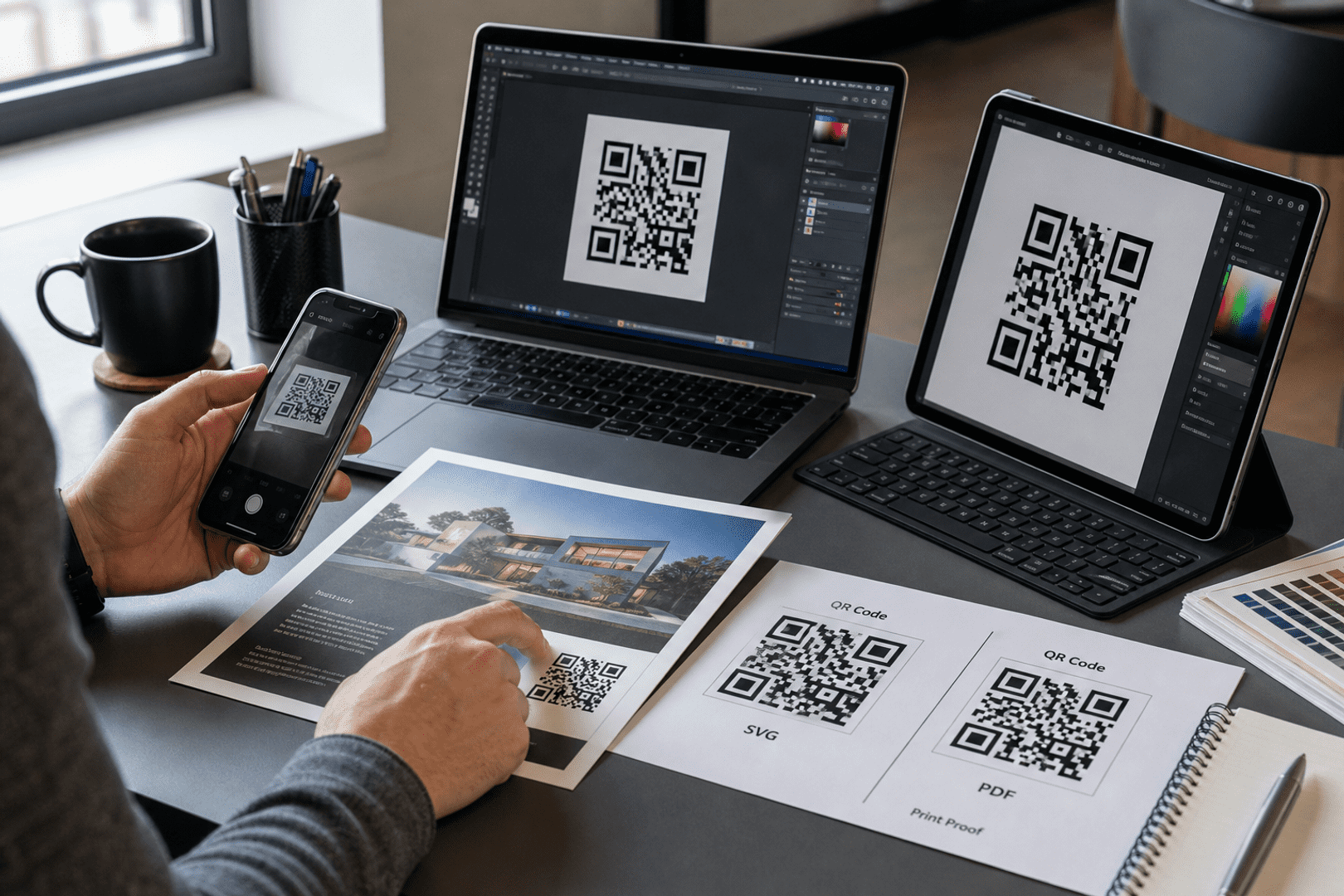
A reliable QR code generator should offer export formats that work for both screens and print. The most useful options are SVG, PDF, EPS, and PNG because they cover everything from vector-based design work to quick digital sharing.
Low-resolution downloads are one of the most common pitfalls with a free QR code generator. A code may look fine on your monitor and still become blurry when printed on a poster or product label. That is why high-resolution exports matter so much.
QRStuff provides high-resolution SVG, PDF, EPS, and PNG downloads, which makes it easier to create QR codes for print-ready materials. If you are making business QR codes, this is especially important because clarity affects scan success.
A PDF QR code is often a smart choice for print workflows because it preserves quality and is easy to hand off to designers or printers. When the file format is right, the QR code is much more likely to scan cleanly in the real world.
When you need to create a static file for print, high-resolution exports are essential. If you generate dynamic qr campaigns, the same quality standards still apply, especially when the code will be used on packaging or signage.
How important is logo and color customization?
Customization matters because people trust and scan QR codes that look deliberate. A QR code generator with logo support helps you create a code that feels branded, recognizable, and more likely to be scanned.
Logo placement, color choice, and layout all influence how the code is perceived. A strong design does not mean overcomplicating the code. It means keeping enough contrast and structure so the QR code still scans quickly while matching your brand.
QRStuff supports logo and color customization, which is useful for business QR codes, event materials, and customer-facing print pieces. It also helps people create QR codes that fit naturally into a flyer, menu, or package design instead of looking pasted on.
For social profiles, a branded code can be especially effective. If you want to share your profile with a Facebook QR code, the visual treatment can make the code feel more trustworthy and easier to recognize.
Design flexibility is one of the biggest reasons people choose to generate dynamic qr content through a professional platform. It is also a reason many users prefer codes with advanced branding controls over basic free dynamic qr tools.
How do QR code analytics help you make better decisions?
QR code analytics tell you whether people are scanning, when they are scanning, and how often the code is being used. That information helps you decide what is working and what needs to change.
Without QR code analytics, you are guessing. With them, you can compare different placements, test different messages, and see which business QR codes are actually driving engagement. That is especially helpful when you are using printed materials and cannot see the customer journey directly.
QRStuff includes QR code analytics for dynamic QR codes, which makes it easier to track performance over time. If you are managing campaigns, editable QR codes plus analytics are a powerful combination because you can update content and measure the result without reprinting.
Some campaigns benefit from location-aware tracking as well. If you need to understand where scans are happening in the field, a location QR code can add another layer of insight for events, attendance, and on-site engagement.
If you are comparing free dynamic qr options, make sure analytics are not watered down. A platform with codes with advanced reporting will help you understand performance instead of just counting clicks.
What are the most common pitfalls when choosing a free QR code generator?
The biggest mistake is assuming every free QR code generator is truly free forever. Some platforms let you create a code, then charge later for editing, analytics, or continued access to the destination.
Another common problem is scan limits. A QR code should not stop working just because it gets popular. A reliable QR code generator should not punish success with arbitrary restrictions or disappearing QR codes.
Low-quality downloads are another issue. If the platform only gives you a tiny image, your QR code may become unreadable in print. A secure QR code generator should also avoid redirect tricks that make people uneasy about where the scan is going.
QRStuff avoids many of these problems by offering static QR codes that never expire, dynamic QR codes with editing and analytics, and enterprise-grade security. It is also GDPR compliant and built with 99.9% uptime, which matters when your code needs to work every day.
It is especially important to watch for platforms that advertise free dynamic qr creation but later lock the code behind unexpected fees. If you need to create a static code for a long-term asset, make sure the platform truly supports unlimited static qr use without surprise restrictions.
How can businesses use QR codes more effectively?
Business QR codes work best when they solve a clear problem. That might mean helping customers contact you faster, opening a menu, sharing a PDF, or sending people to a booking page.
For a digital business, QR codes can reduce friction at the exact moment someone is ready to act. A scan can replace typing, searching, or waiting, which often improves the customer experience and makes the next step feel effortless.
QRStuff supports bulk QR code generation, team collaboration, and API options, which makes it practical for larger teams as well as individual users. That is useful when you need to create QR codes at scale without losing consistency.
- Retail: Use QR codes on packaging or shelf displays to send customers to product details, how-to content, or support pages.
- Services: Put QR codes on brochures or invoices so customers can contact you, book appointments, or review your services.
- Events: Use dynamic QR codes for check-in, schedules, maps, and attendance tracking so updates can be made quickly.
For businesses that need to generate dynamic qr assets across departments, codes with advanced collaboration tools can save time and reduce errors. If you only need to create a static code for a simple handout, a lighter workflow may be enough.
What should a reliable QR code generator checklist include?
Before you choose a platform, use a checklist. It helps you compare tools based on what actually matters instead of whatever looks flashy on the homepage. You can explore more about this with convert your company information into business QR codes.
- Security: Confirm the platform is a secure QR code generator with clear privacy practices and data protection standards.
- Uptime: Look for dependable service so your QR code stays available when customers scan it.
- Static and dynamic options: Make sure you can choose between static QR codes and dynamic QR codes based on the use case.
- Editing: Check whether editable QR codes are included, especially if you plan to update links later.
- Analytics: Verify that QR code analytics are available and easy to understand.
- Exports: Look for SVG, PDF, EPS, and PNG downloads for print and digital use.
- Customization: Confirm logo and color controls are available if you want a QR code generator with logo support.
- Support: Make sure customer support is responsive if you run into a scanning or setup issue.
QRStuff checks these boxes with enterprise-grade security, 99.9% uptime, high-resolution exports, and support for bulk generation and team collaboration. That combination makes it a strong candidate for anyone looking for the best QR code generator for practical everyday use.
It also gives you room to generate dynamic qr campaigns with confidence, or create a static code when you need something permanent. For many users, that balance is what separates a basic tool from codes with advanced functionality.
How do you know if a QR code generator is secure?
A secure QR code generator is transparent about how it handles data, protects accounts, and maintains service availability. It should not make you guess whether your codes or analytics are being handled responsibly.
Look for compliance signals, secure infrastructure, and a clear privacy posture. If the platform is GDPR compliant and built for enterprise-grade security, that is a good sign that it takes data protection seriously.
Security also includes trust in the code itself. People are more likely to scan QR codes when the design looks clean and the destination is expected. That is why a QR code generator with logo and branded styling can support trust as well as aesthetics.
For many users, the best QR code generator is the one that balances convenience with control. QRStuff does that by combining static QR codes, dynamic QR codes, editable QR codes, and analytics in one online QR code generator that is easy to use.
If you are comparing free dynamic qr tools, security should be part of the decision. A platform with codes with advanced protections and clear policies is a better long-term choice than one that simply looks free at first glance.
What is the easiest way to create a QR code with QRStuff?
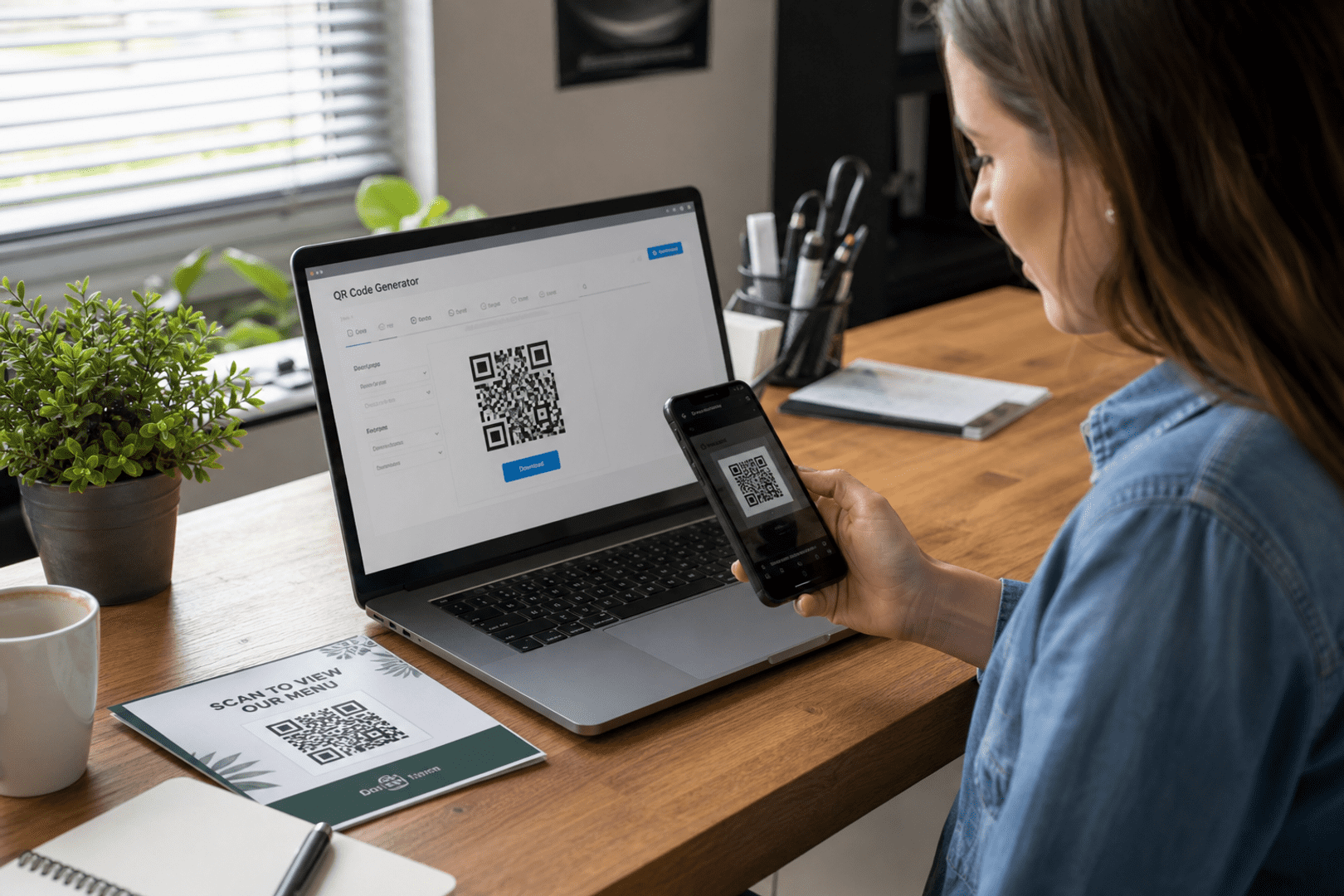
The easiest way is to choose the QR code type, enter your content, customize the design if needed, and download the file in the format you need. A reliable QR code generator should make that process feel simple rather than technical.
QRStuff is built for that kind of workflow. You can create QR codes for URLs, contact details, PDFs, Wi-Fi, and dozens of other uses without needing design software or technical setup. If you want to create a QR code quickly, the platform is straightforward enough for first-time users and flexible enough for teams.

Get started with QRStuff
Ready to discover how QR codes can transform your business?
Start by creating your custom QR Code today.
Whether you need to create a static code for a sign or generate dynamic qr content for a campaign, the process stays simple. That is one reason users who want free dynamic qr access often stay with a platform that also offers codes with advanced features.
What are the most common mistakes when creating QR codes?
The most common mistakes are choosing the wrong type, using a blurry file, and printing without testing. A QR code that looks fine on-screen can still fail if the contrast is weak or the size is too small.
Another mistake is using static QR codes for content that changes often. If the destination may change, dynamic QR codes or editable QR codes are usually the safer choice. That way, you can update the link without replacing every printed piece.
It is also easy to overlook scan behavior. A code that is too decorative, too small, or placed in a poor location may not scan reliably. That is why a reliable QR code generator should help you create QR codes that are both attractive and practical.
When in doubt, test the QR code on multiple devices before printing in bulk. That small step can prevent wasted materials and customer frustration later.
Another common issue is assuming a free dynamic qr service will stay free after launch. If you want to create a static code or generate dynamic qr content for the long term, check whether the platform offers unlimited static qr use and codes with advanced support before you print.
How do you troubleshoot QR code issues?
If a QR code is not scanning, the problem is usually simple: file quality, contrast, size, or the destination itself. A good QR code generator should make troubleshooting straightforward.
| Problem | Cause | Fix |
|---|---|---|
| QR code will not scan | The image is blurry, too small, or low contrast | Recreate it in a high-resolution format and increase the size |
| Destination does not open | The URL is broken or the content was removed | Check the link and update it if you are using dynamic QR codes |
| Code works on screen but not in print | The export quality is too low | Use SVG, PDF, EPS, or a high-resolution PNG |
| Analytics are missing | The code is static or tracking was not enabled | Use a dynamic QR code with QR code analytics enabled |
| Design looks good but scans poorly | Too much visual distortion or weak contrast | Simplify the design and keep the logo area balanced |
QRStuff helps reduce these issues by offering clear export options, editable QR codes, and dependable uptime. That makes it easier to create QR codes that keep working after they are printed and shared.
If you need to generate dynamic qr content and later update it, troubleshooting becomes much easier with a platform that offers codes with advanced editing and analytics. If your project is permanent, create a static code and use unlimited static qr support for peace of mind.
How should you choose between a free QR code generator and a paid one?
Choose based on what the QR code needs to do. If you only need a simple, permanent code, a free QR code generator with static QR codes may be enough. If you need editing, analytics, branding, or team workflows, a paid option may save time and reprinting costs.
The hidden cost of a cheap tool is often not the price tag but the limitations. A platform may offer free QR codes, then restrict dynamic QR codes, remove analytics, or limit downloads in ways that make it hard to use for real projects.
QRStuff gives you a practical middle ground: free QR code creation for many needs, plus advanced features when you need them. That makes it easier to start small and expand without switching platforms later.
Users who want free dynamic qr access should compare the long-term value carefully. If you need to create a static code for a permanent asset, or generate dynamic qr content for marketing, a platform with codes with advanced options can be more cost-effective than a tool that adds surprise fees later.
What should customers and businesses do before printing?
Before printing, test the QR code on multiple phones, check the destination, and confirm the design is readable at the final size. This is especially important for business QR codes that will be used in public spaces.
It is also smart to think about the scan context. A code on a poster needs different sizing and placement than a code on a business card or product label. The best QR code generator should help you create QR codes that fit the medium, not just the screen.
If you expect to update the destination later, choose dynamic QR codes or editable QR codes before printing. That way, your printed materials stay useful even when your content changes.
For contact sharing, a QR code can be a simple replacement for manual typing. For example, you can create a QR code for a phone number, a vCard, or a profile page and let people scan instead of searching.
Before a large print run, confirm whether you need unlimited static qr codes or a free dynamic qr setup. Choosing the right option early helps you avoid reprints and ensures you are using codes with advanced flexibility where it matters most.
How do QRStuff’s features compare with manual QR code creation?
Manual QR code creation can work for one-off experiments, but it is not ideal for ongoing use. A reliable QR code generator saves time, reduces mistakes, and gives you tools that are hard to recreate by hand.
| Feature | QRStuff | Doing it manually |
|---|---|---|
| Static QR codes | Easy to create and never expire | Possible, but harder to manage consistently |
| Dynamic QR codes | Editable with analytics | Requires separate systems and more maintenance |
| Logo and color customization | Built in | Needs design software and careful testing |
| High-resolution exports | SVG, PDF, EPS, PNG | Often inconsistent or time-consuming |
| Bulk creation and API | Supported | Usually impractical |
For most users, the manual route is only worth it if the QR code is temporary and very simple. For everything else, a secure QR code generator is the better long-term choice.
That is especially true if you want to generate dynamic qr campaigns, create a static code for a permanent label, or use codes with advanced workflows across a team. A platform with unlimited static qr support can also simplify long-term planning.
Which QRStuff features matter most for business QR codes?
For business QR codes, the most important features are reliability, editability, analytics, and print quality. Those are the features that keep campaigns useful after launch.
QRStuff supports bulk QR code generation, team collaboration, and API options, which is helpful when a company needs to create QR codes across departments or locations. That makes it easier to keep branding consistent and reduce manual work.
It also helps that QRStuff offers static QR codes that never expire and dynamic QR codes that can be updated later. That gives businesses a clear path for both permanent assets and changing campaigns.
If your use case is contact sharing, a digital business card can be a smart starting point. If your use case is marketing, QR code analytics and editable QR codes become much more valuable over time.
Businesses that need free dynamic qr flexibility should still look for enterprise reliability. QRStuff’s codes with advanced features, plus unlimited static qr options, make it easier to scale without changing platforms later.
What is the best QR code generator for different needs?
The best QR code generator depends on what you are trying to do. A customer making a one-time flyer may only need a free QR code generator, while a company managing campaigns may need analytics, editing, and bulk creation.
For people who want a reliable QR code generator that balances ease of use with advanced features, QRStuff is a strong fit. It supports static QR codes, dynamic QR codes, logo customization, high-resolution downloads, and secure handling without making the interface difficult to use.
If you need a free QR code generator for a simple project, QRStuff can still help you create QR codes quickly. If you need a secure QR code generator for business QR codes, it also has the infrastructure and feature set to support that use case.
When deciding, think about the difference between dynamic and static in practical terms. If you want to create a static code for a permanent asset, choose permanence; if you want to generate dynamic qr content for a campaign, choose flexibility. In either case, codes with advanced features can make the workflow smoother.
If you are comparing free dynamic qr tools, make sure the platform also offers unlimited static qr options and dependable support. That combination is often the best fit for businesses that need both short-term campaigns and long-term assets.
Frequently Asked Questions
What makes a QR code generator reliable?
A reliable QR code generator creates codes that scan consistently, offers clear export formats, and keeps your links accessible over time. It should also be secure, easy to use, and transparent about whether the code is static or dynamic.
A trustworthy platform should also let you generate dynamic qr codes without hidden restrictions. If it offers free dynamic qr access, it should still provide codes with advanced features and clear terms.
Are free QR code generators safe to use?
Some are safe, but not all are equally trustworthy. A free QR code generator should still protect your data, avoid hidden scan limits, and clearly explain whether the code will remain active after download.
Before you create a static code or generate dynamic qr content, check whether the platform is transparent about security and uptime. Free dynamic qr tools can be useful, but only if they are backed by a reliable provider.
Do QR codes expire?
Static QR codes generally do not expire. Dynamic QR codes can remain active too, but their long-term behavior depends on the platform and plan you choose. QRStuff’s static QR codes never expire.
If you need unlimited static qr support, that can be a major advantage for packaging, signage, and contact cards. If you need to generate dynamic qr campaigns, make sure the platform explains the difference between dynamic and static clearly.
Should I use static or dynamic QR codes?
Use static QR codes when the content will stay the same. Use dynamic QR codes when you want to edit the destination later or track performance with QR code analytics.
If you are unsure, remember the difference between dynamic and static is mostly about flexibility. You can create a static code for permanent information, or generate dynamic qr content if updates are likely.
Can I edit a QR code after printing it?
Yes, but only if you created editable QR codes through a dynamic setup. If you printed a static QR code, the content cannot be changed after printing.
That is why many businesses choose free dynamic qr options or paid dynamic plans when they expect changes. A platform with codes with advanced editing makes post-print updates much easier.
What file format is best for printing QR codes?
SVG and PDF are excellent for print because they preserve sharp edges, and EPS is also useful for professional workflows. PNG can work well too if it is exported at high resolution.
When you create a static code for print, choose a format that keeps the image crisp. If you generate dynamic qr materials for marketing, the same rule applies.
Can I add my company logo to a QR code?
Yes. A QR code generator with logo support lets you place branding in the design while keeping the code readable. Just make sure the contrast and quiet space remain strong enough for scanning.
Logo customization is one of the most useful codes with advanced branding features for businesses. It can also make free dynamic qr campaigns look more professional.
How do I know if a QR code generator is secure?
Look for GDPR compliance, enterprise-grade security, dependable uptime, and clear explanations of how data is handled. A secure QR code generator should also be transparent about tracking and editing features.
If the platform lets you generate dynamic qr content, check how it protects analytics and account access. A trustworthy provider should also support unlimited static qr use without compromising security.
Where can I find a reliable QR generator online?
QRStuff is a practical place to start if you want a reliable QR code generator online. It offers static and dynamic QR codes, customization, analytics, and high-resolution downloads in one place.
It is also a strong choice if you want to create a static code for long-term use or generate dynamic qr campaigns with editing and tracking. For many users, that balance of simplicity and codes with advanced features is exactly what they need.
Can businesses manage QR codes in bulk?
Yes. QRStuff supports bulk QR code generation, team collaboration, and API options, which makes it easier for businesses to create QR codes at scale without losing control of branding or content.
That is especially helpful when you need unlimited static qr assets for many locations or free dynamic qr campaigns that must be updated quickly. A platform with codes with advanced management tools can save a lot of time.
For businesses choosing between tools, the difference between dynamic and static should guide the workflow. Create a static code for permanent materials, and generate dynamic qr codes when updates and analytics matter.
What should I do if I want a free QR code today?
If you want to create a free QR code today, start with a platform that is transparent about what stays free and what can be edited later. That way, you avoid surprises if you need to generate dynamic qr content in the future.
QRStuff is a practical option because it supports free QR code creation, static QR codes that never expire, and dynamic QR codes with editing and analytics. It is a good fit whether you need a quick code or codes with advanced features for business use.
For the best results, choose the right type first, test it before printing, and make sure the file format is suitable for your final use. If you need free dynamic qr flexibility, confirm the platform’s terms before you publish.