What is a TikTok QR code and how does it work?
A TikTok QR code stores a link to a profile or a video, and a scan opens it in TikTok.
People scan at a market booth, on a package or at a gig, and TikTok opens on the profile or clip you chose.
Codes for things other than TikTok come from the free QR code generator. If you post on other platforms, try YouTube QR codes, or gather every profile on one page with the Linktree QR code generator.
Why put a TikTok QR code on print?
Your profile without a search
People who spot your name on a box or a poster rarely go and search for it. A scan puts your profile in front of them while they are still looking.
A how-to video in the package
A slip in the package can carry a code to a setup or care video, so a customer gets the answer without writing to you.
A code beside the screen
At a booth or a stage, a code next to the screen lets people follow your account while the clips are still playing.
Stickers keep travelling
A sticker on a laptop or a bottle goes places you will never be, so the code has to work when you are not there to explain it.
How do I create a TikTok QR code?
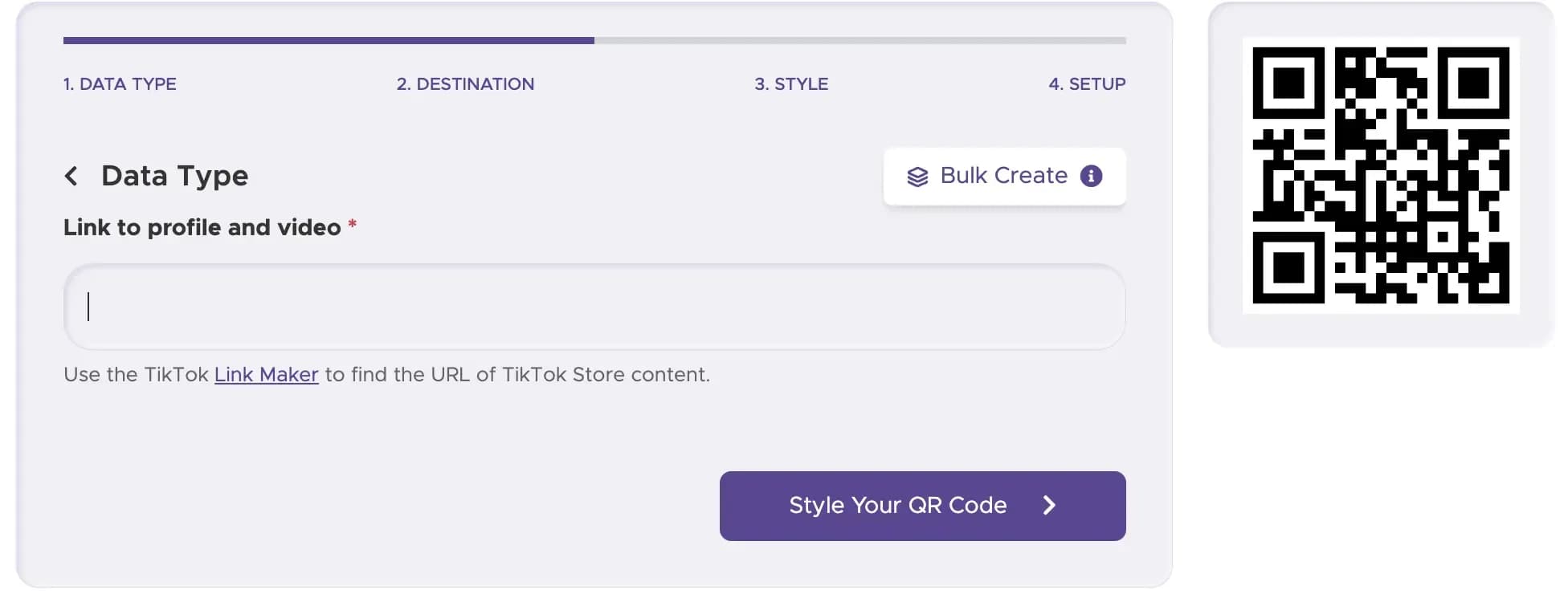
Pick the TikTok type, paste a profile or video link, style the code and download it.
Step 1
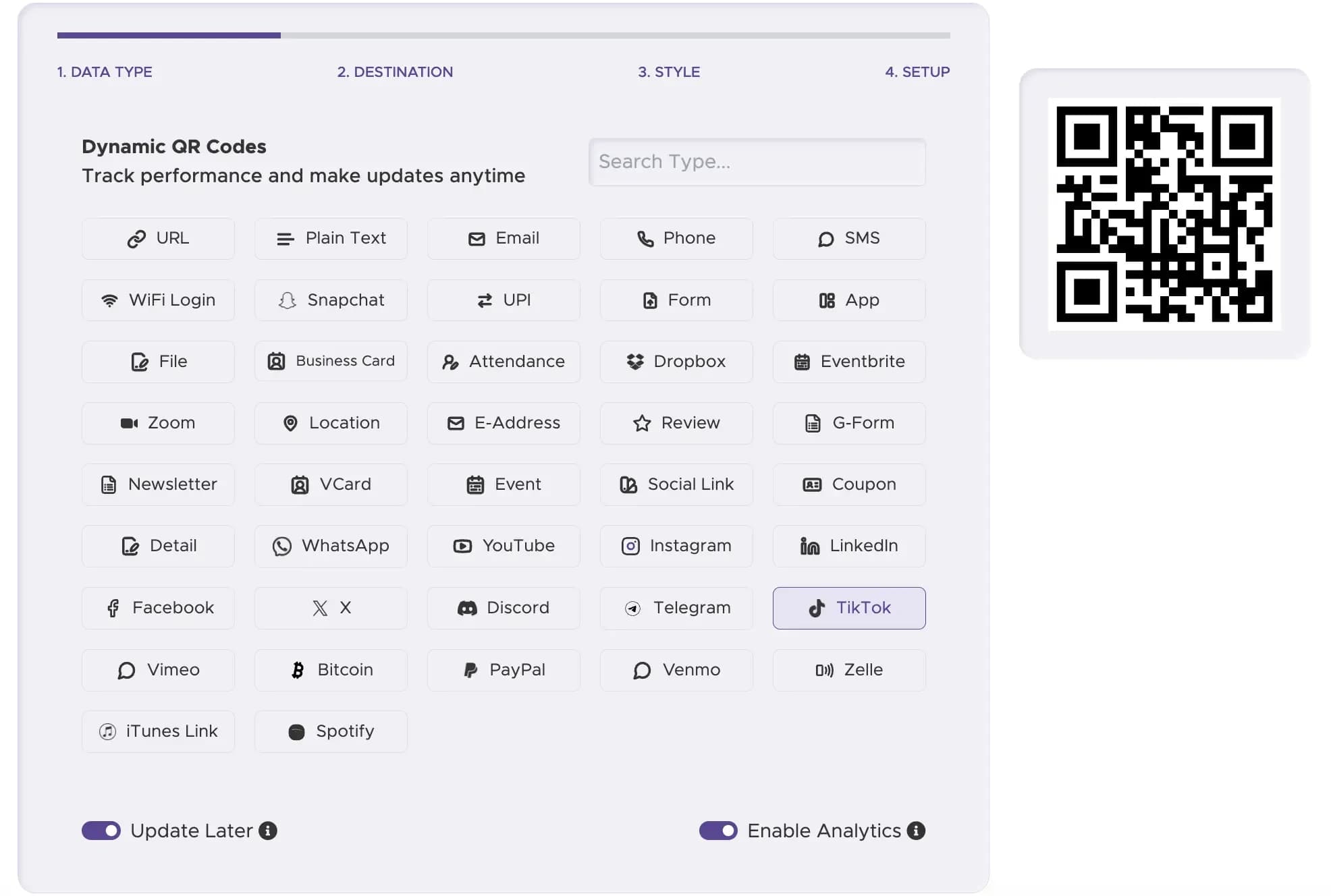
Pick TikTok in the generator
Open the QRStuff generator and pick the "TikTok" type, which makes a code that goes to your TikTok page.
Step 2
Paste your profile or video link
Copy the link from TikTok and paste it into the box.
Step 3
Colours and logo (optional)
Full Suite and Enterprise let you add colours, styles and a centre logo; the other plans keep the plain look.

Step 4
Download and print
Download the code as a PNG or JPG on any plan, and check it on your phone before it goes to the printer.

Step 5
Check the results with a dynamic code
From Lite Suite, a dynamic code gets a results page showing country, device and time of day, and Full Suite and Enterprise add unique users.

Can I link a single TikTok video instead of my whole profile?
Copy the video link
Open the video in TikTok, use its share option and copy the link.
A tutorial on the box
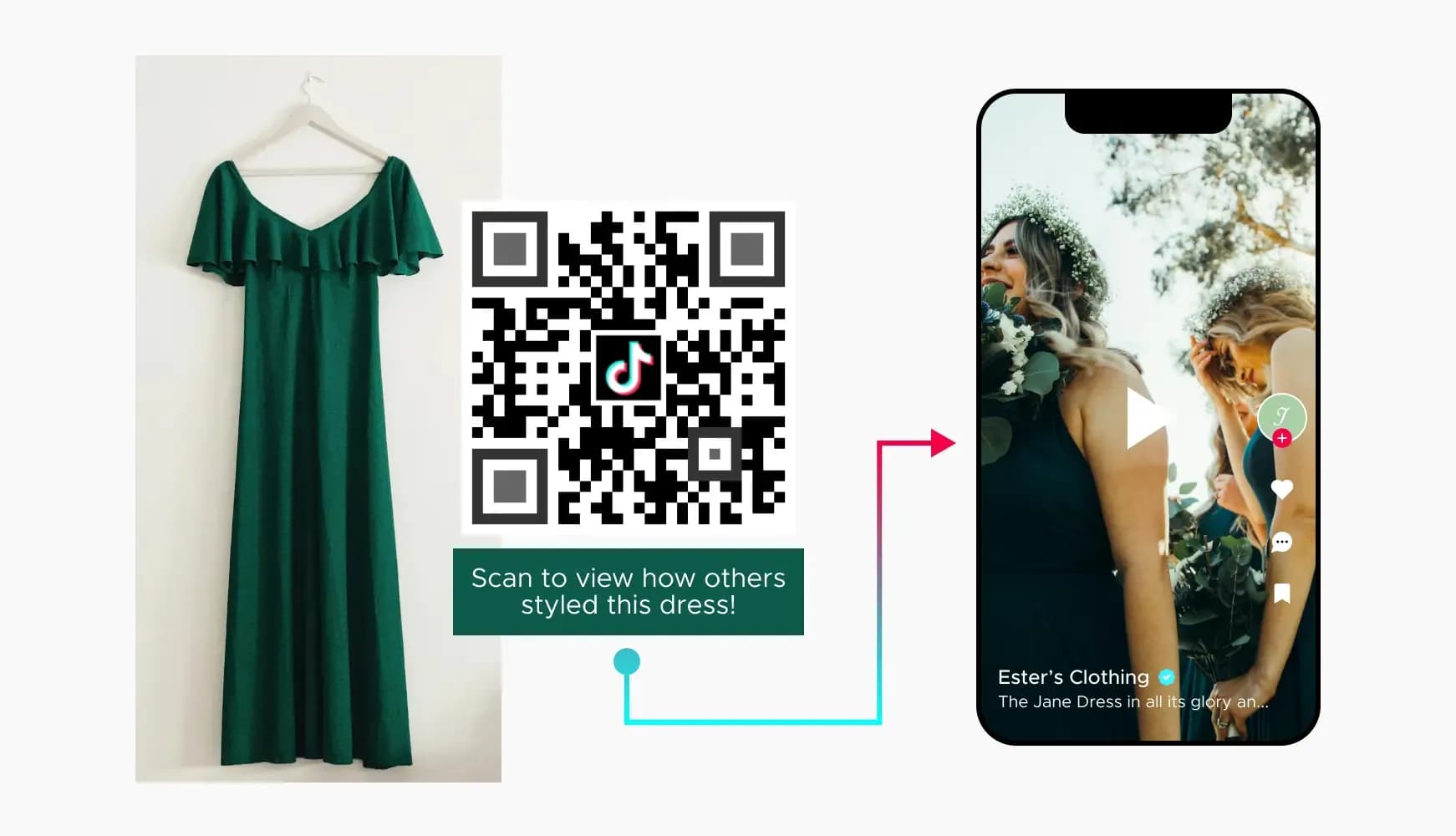
A code on the packaging can open a tutorial video, so buyers see how the product works before they open it.
A poster with behind-the-scenes clips
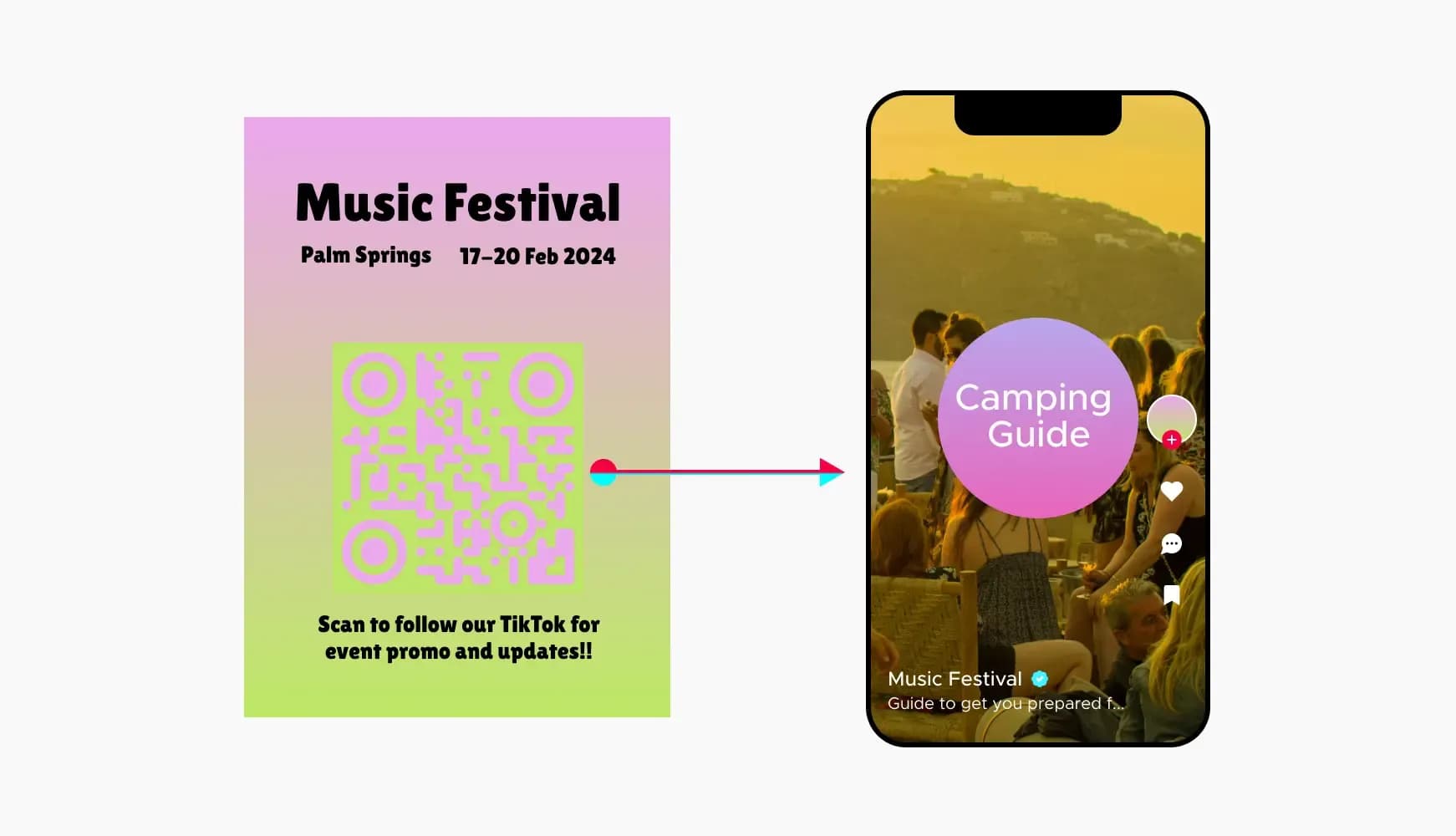
Put a code on posters and attendee materials that opens behind-the-scenes clips or speaker highlights from the event.
How big should a printed TikTok QR code be?
Allow about a tenth of the scanning distance: a sticker read from 8 in (20 cm) calls for 0.8 in (2 cm) as a minimum. A table sign read from 2 ft (60 cm) works at about 2.4 in (6 cm). For a banner at 10 ft (3 m), aim for roughly 12 in (30 cm).
Add a line such as "Follow us on TikTok" or "Scan to watch the video" so people know what will happen, and give the code a clear spot that nothing covers.
Place the code on a plain area of the packaging or banner, away from folds, seams and busy artwork.
Every plan has PNG and JPG; Full Suite and Enterprise also export SVG, EPS and PDF for a printer who asks for a vector file. Leave a clear blank margin around the code.
Before you print
Check the spot and the contrast before the print run.
Static or dynamic: which TikTok QR code should I use?
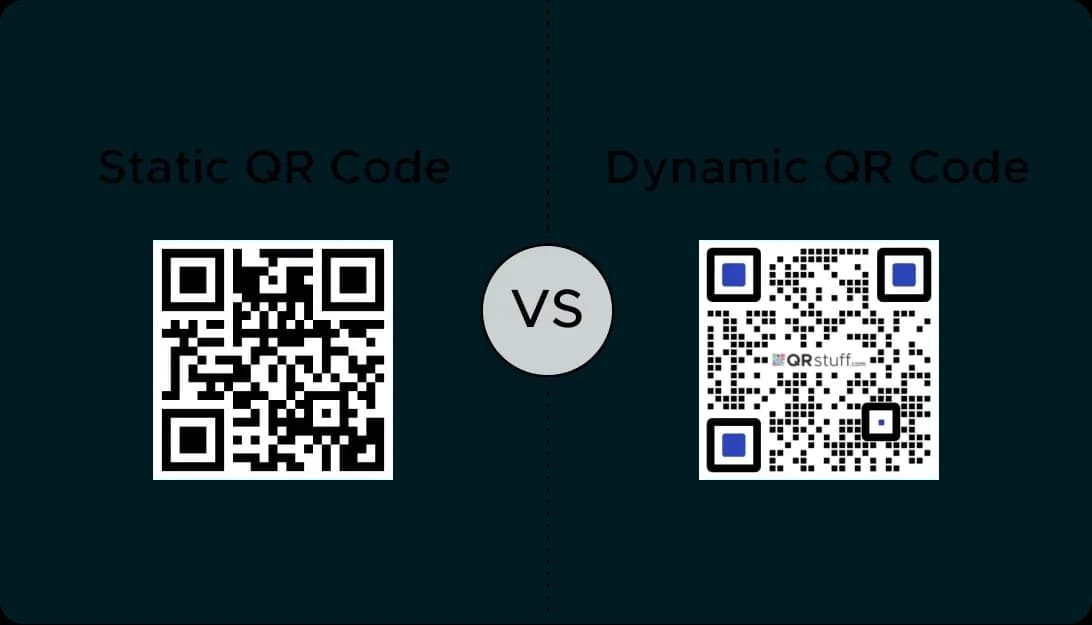
Use static for a link that will never change; use dynamic to swap in a new video or count scans.
| What to compare | Static TikTok QR code | Dynamic TikTok QR code on QRStuff |
|---|---|---|
| Where the TikTok link lives | Inside the pattern, so the code holds the profile or video address itself | On a short link that you control from your dashboard |
| Swapping in a newer video | Not possible once printed, so a new video means a new code | Any time. Point the same sticker or banner at a new link |
| Seeing what works | Nothing, because the phone opens TikTok directly | From Lite Suite up, the dashboard shows country, device and time of day for each scan, so print pieces can be compared |
| Small stickers | A long video link makes a busier pattern on a small sticker | A compact, low-density pattern that stays readable when small |
| Cost and sign-up | No charge, no sign-up and no expiry | An account is needed for dynamic codes. Free Suite includes 10, each working for 30 days after creation, and the paid plans run from 50 on Lite Suite to 2,500 on Enterprise (see pricing) |