
What is an email QR code and how does it work?
The code holds an address and, if you choose, a subject and message.
Scan the code and the phone opens a new message in its mail app, already addressed to you. The code can carry a subject and a message too.
A code carries the address exactly as you entered it, so check it once before you print.
If people may prefer a call or a text, offer a phone number QR code or an SMS QR code.
Where does an email QR code fit?
Support on a product
A sticker or label that opens a draft to your support address, so a customer with a question has nothing to type.
Quote requests
A "request a quote" line on a brochure or flyer that opens a draft to your sales inbox.
Business cards
The back of a card can open a draft to you, for the contact who would rather write than call.
Listings and signs
A yard sign or a property flyer can open a draft to the agent, so a buyer can ask about a listing.
Events and feedback
A table card in a cafe can open a draft to your feedback address, and an event poster can open one to the organizers.
Static or dynamic: which email QR code should I use?
The choice depends on whether the address, subject or body might need to change later.
| Capability | Static Email QR Code | Dynamic Email QR CodeRecommended |
|---|---|---|
| Data Storage | Encoded inside the physical pixel grid | Stored securely on cloud servers via short URL |
| Recipient & Body Editability | Permanent (cannot change after printing) | 100% editable anytime in your dashboard |
| Scan Analytics & ROI | Not available | Real-time (scan counts, locations, OS, time) |
| Offline Functionality | Yes (launches mail app without cellular data) | Requires cellular/Wi-Fi connection to resolve |
| Ideal Use Case | Business cards, permanent equipment labels | Ad campaigns, retail packaging, support desks |
| Cost | 100% Free | Included with Premium Accounts |
| Compared on | Static email code | Dynamic email code on QRStuff |
|---|---|---|
| Where the address lives | Inside the pattern | A short redirect link that points to the address you set in the dashboard |
| If the address changes | You print a new code | Change the recipient or the pre-filled text and keep the posters and packages you already printed |
| What you can measure | Nothing, the phone opens the draft directly | Scan reports (Lite Suite and above) with country, device OS and time of day; Full Suite and Enterprise add unique users and city |
| Scan limit | None | Free account limit: 50 scans a month for every code |
| Price and account | No cost | Needs an account; a free account holds 10 codes for 30 days each, see pricing |
Can I add a subject line and message to an email QR code?
Yes: choose the Email type, and the subject and message arrive filled in.
E-Address type: support@example.com
Email type: to support@example.com, subject "Order help", message "Hello, I need help with order #"
Messages that are easy to sort
A fixed subject lets inbox rules file incoming customer service messages automatically.
Less effort for the sender
The sender reads the draft instead of facing a blank page.
Details you need up front
Put a prompt in the message, such as "Order number:", so the first email arrives with what you need to answer it.
How to avoid spam when you print an email address
Anyone who scans the code can see the address, and a photo of the code can be shared. A few habits keep the risk down:
- Use a dedicated alias, not your personal inbox, such as
scan-feedback@yourcompany.comorevents@yourcompany.com. You can retire the alias if it gets noisy. - Use a different alias for each campaign, so you can see which printed piece draws the noise.
- Give the alias a clear owner, so a message sent to it does not sit unread.
Which phones and mail apps work?
Any current phone with a camera and a mail app works. What differs is how each mail app shows a pre-filled subject and message.
Subject and message
Mail apps show the pre-filled subject and message in their own way, so a long subject may be cut short or wrapped differently.
Phones without a mail app set up
If no mail app is configured, the phone may ask which app to use, so the person can pick one or install one.
Making many email QR codes at once
Bulk mode builds the whole set from one spreadsheet.
The bulk QR code generator suits a set of similar codes: one E-Address code for each branch office, or one Email code for each product with its own subject line. Choose the email type in the bulk tool.
Upload one file
Download the sample file, fill in one row per code, keep its column names as they are and upload the Excel (.xlsx) file.
A subject for each row
On the Email type, every row can carry its own address, subject and message, so each branch or product gets its own prompt.
Batch size and download
The finished batch comes back as a zip archive. Bulk upload takes up to 500 rows on Full Suite and is unlimited on Enterprise. The Free Suite and Lite Suite plans do not include it.
How do I create an email QR code?
Use the Email type for a pre-filled draft, fill in the fields and download the code.
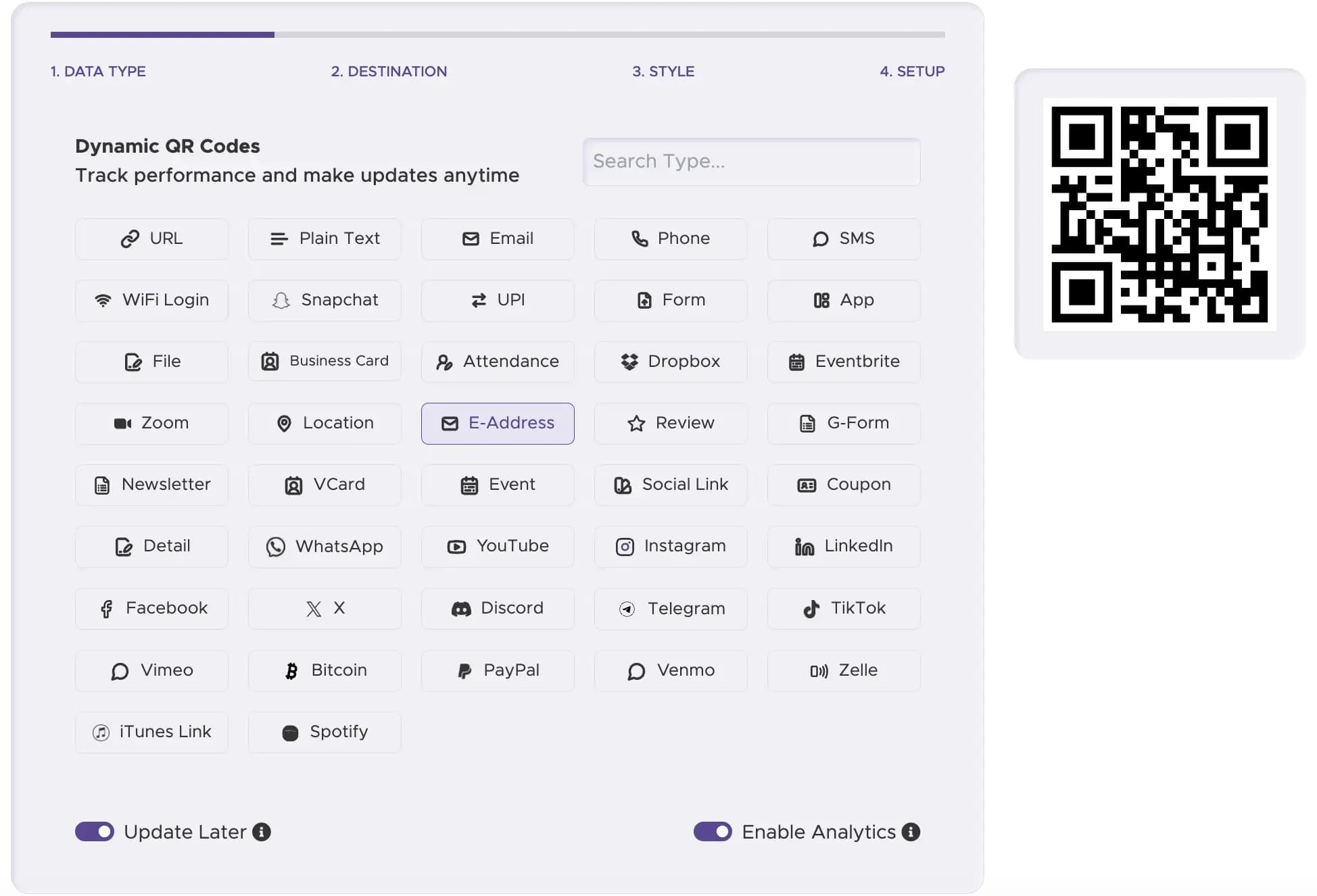
Step 1
Choose an email type
Choose E-Address or Email from the type list. The next screen shows the fields for the type you picked.
Step 2
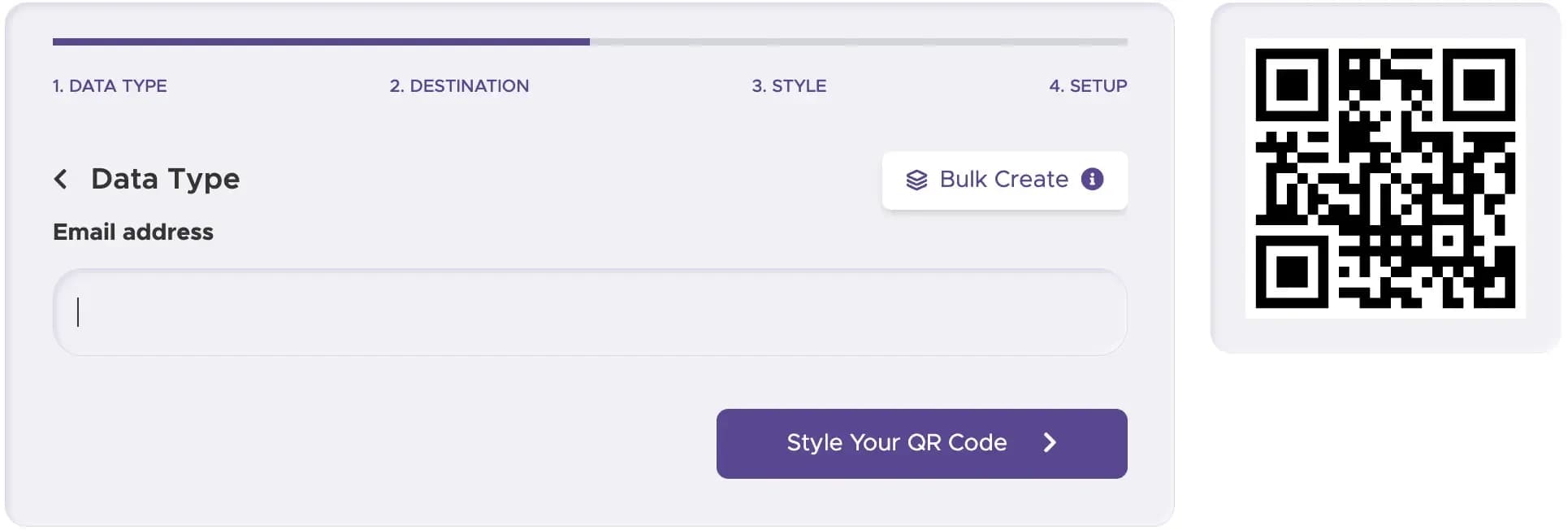
Fill in the details
For E-Address, type the address. For Email, enter the address, a subject and a message. If the details may need to change, switch on Update Later.
Step 3
Choose a look
Colors, dot and eye shapes and a logo come with Full Suite and Enterprise. Other plans give a plain black-and-white code.

Step 4
Download it
Download the file. PNG or JPG suits a screen; for print, see the file formats at the end of the page.

Step 5
Read the dashboard (dynamic codes)
From Lite Suite, the dashboard shows scans of a dynamic code by country, device and time of day.

Tips before you print
Print the address in plain text under the code, so the person can still email you if the scan fails.
Print a copy at full size and scan it before the whole run, then read the draft that opens. For the Email type, read the subject and message closely.
A long subject and body make the code denser and harder to scan, so keep the pre-filled text short.
Make your email QR code now
Pick a type, enter the address and download the code.
Print size and file formats
Size and file type depend on where the code is printed.
- Size depends on how far away people stand, roughly a tenth of that distance. A card, label or flyer can carry a code from 2 cm (0.8 in) across, a counter card works at about 5 cm (2 in), and a poster or window starts near 20 cm (8 in) and grows with the reading distance.
- Leave a blank margin of four small squares or more on all four sides, and print dark on a light, non-reflective background.
- Add a logo in the center and the generator turns on Use higher error correction itself.
- For print, ask your printer which file it wants. Full Suite and Enterprise add SVG, EPS and PDF, and a large PNG or JPG also works.