How can a small business use QR codes?
A QR code is a shortcut from something a business prints to something online.
That could be a menu, a booking page or a contact card. Put one on a table card, a loyalty flyer or a menu board, and give each code one clear job, so the customer knows what a scan will do.
Why should a business use a QR code?
Same code, many places
One printed code can sit on a shopping bag, a mug or a package insert, and every copy leads to the same page, including the copies that go home with customers.
See which sign works
A dynamic code gives each sign, flyer or card its own scan count, so you can see which one customers use. Scan reports start on Lite Suite.
Nothing for customers to install
A current phone camera reads the code on its own, so there is no app for a customer to download first.
Room for more than a sticker allows
A window sticker holds a name and one line of text. The page behind the code can carry business hours, a price list, photos and a booking form.
How do I create a business QR code?
Five steps take you from the tile to the results.
Step 1
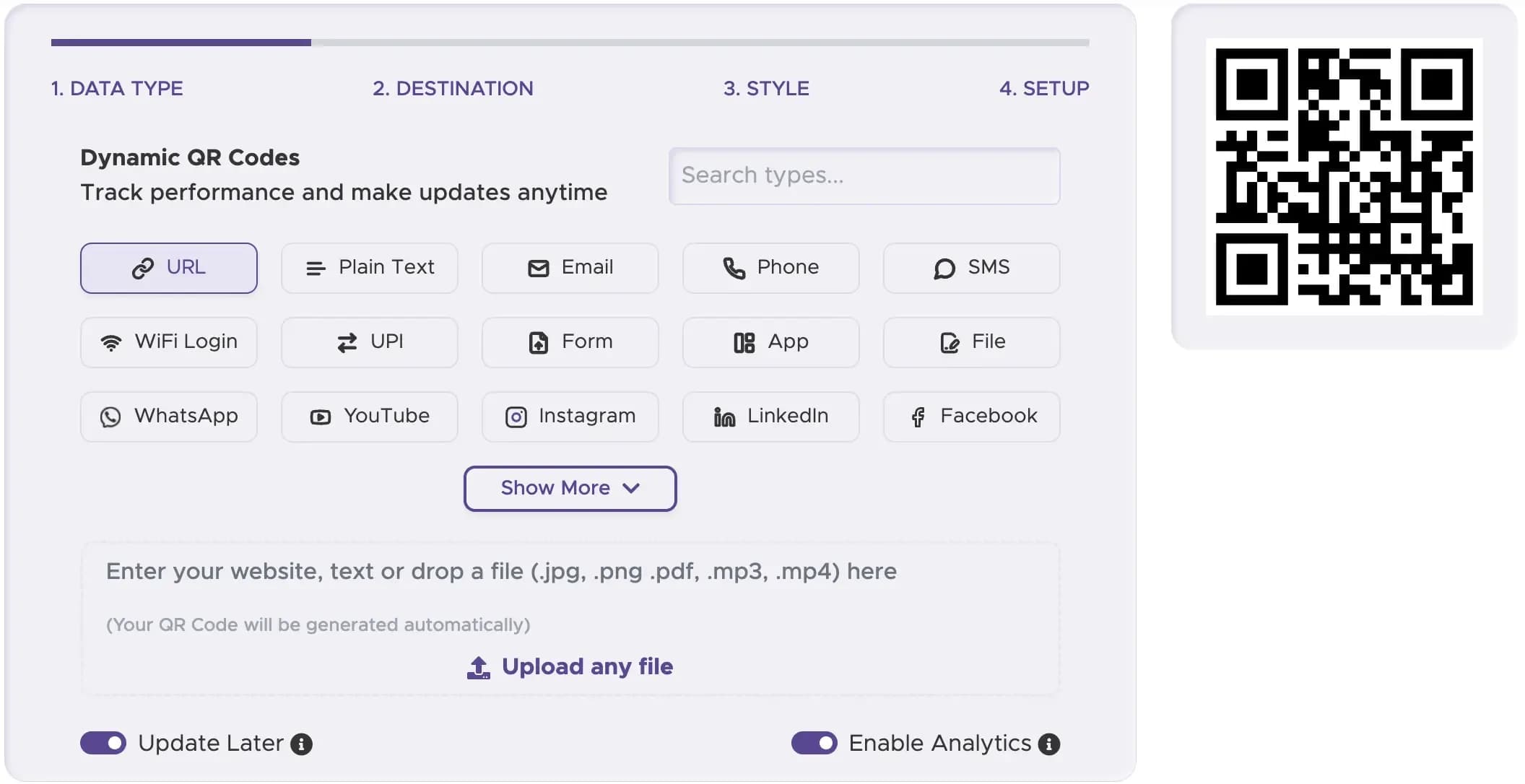
Pick the type of code
Choose what you want the code to do from the tiles in the generator, such as URL for your website or VCard for contact details.
Step 2
Enter your details
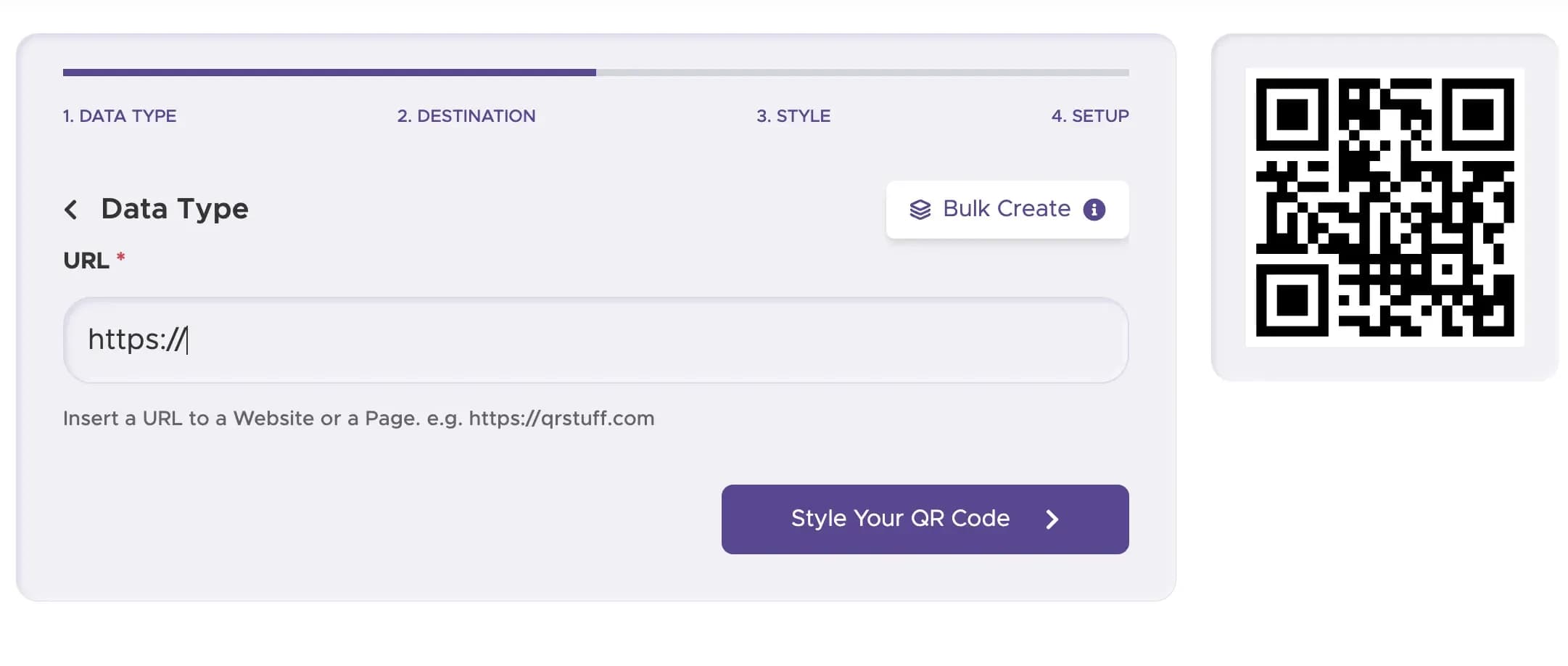
Paste the address of the page you want customers to open.
Step 3
Style it like your brand
Colors, dot and eye styles, gradients, frames with a call-to-action label and a logo in the center all come with Full Suite and Enterprise. Codes on Free Suite and Lite Suite use the standard black-and-white look.

Step 4
Test it, then download it
Scan the code on your own phone to check it opens the right page, then download it.

Step 5
Follow the results
Open the dashboard once the codes are out. Scan reports start on Lite Suite; see the table at the end of the page for what they cover.

Which QR code should a business start with?
Your website (start here)
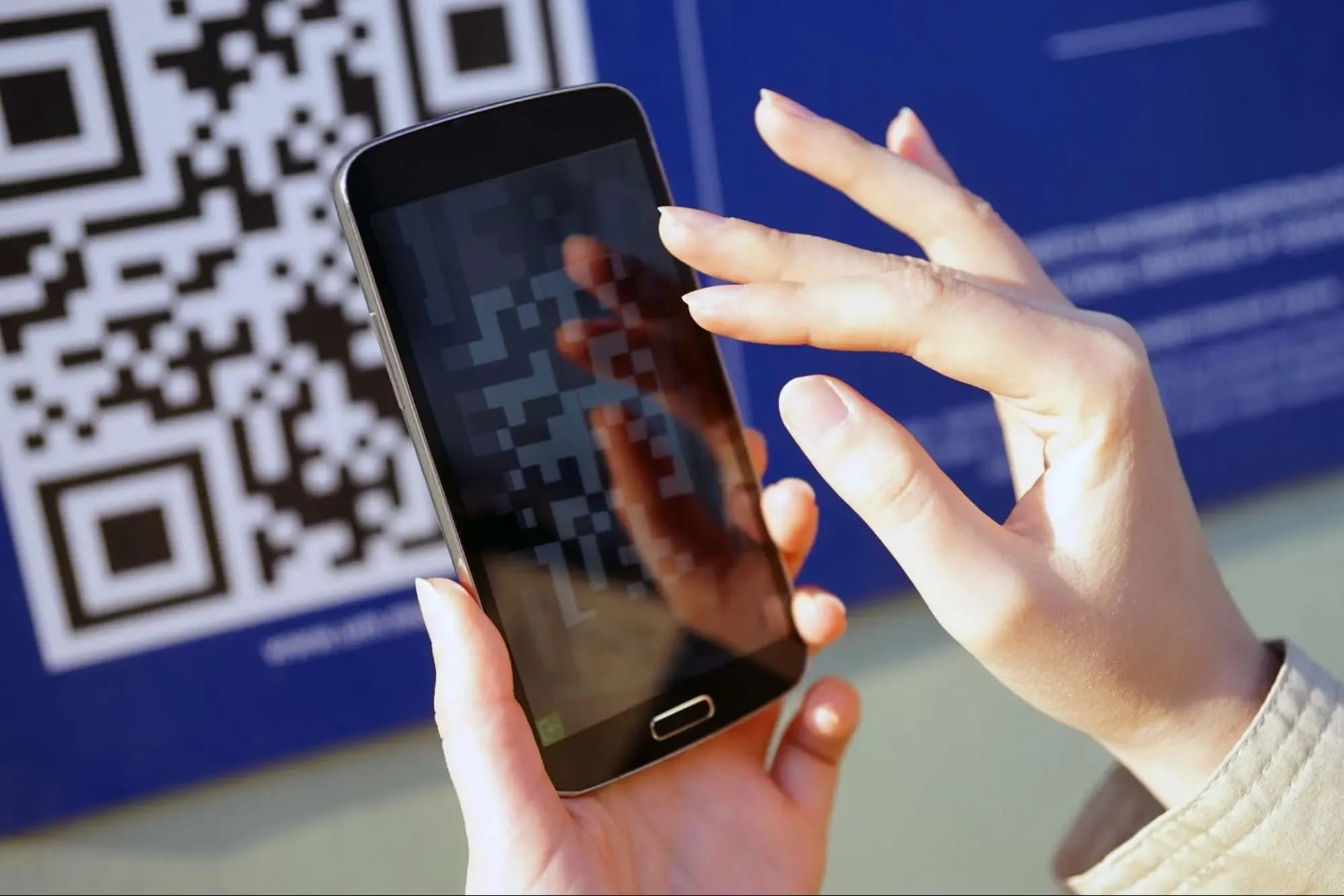
Start with a website code: link it straight to your site, or to one page with a specific offer, such as a booking form or a price list.
Your social profiles
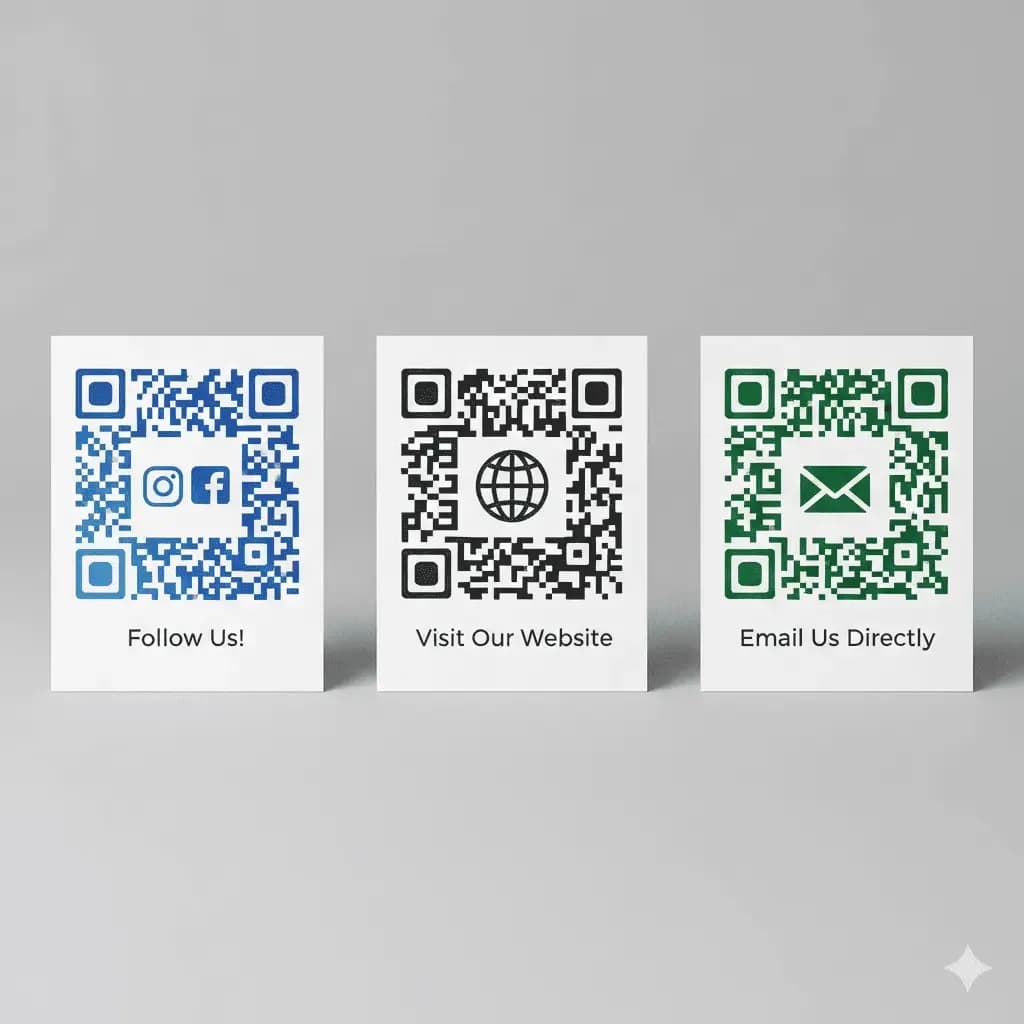
Put a code on printed material that sends people to your social accounts. Social Link opens a QRStuff page with buttons to your profiles, so people can follow you on the spot, and Facebook and Instagram have their own tiles.
An email address
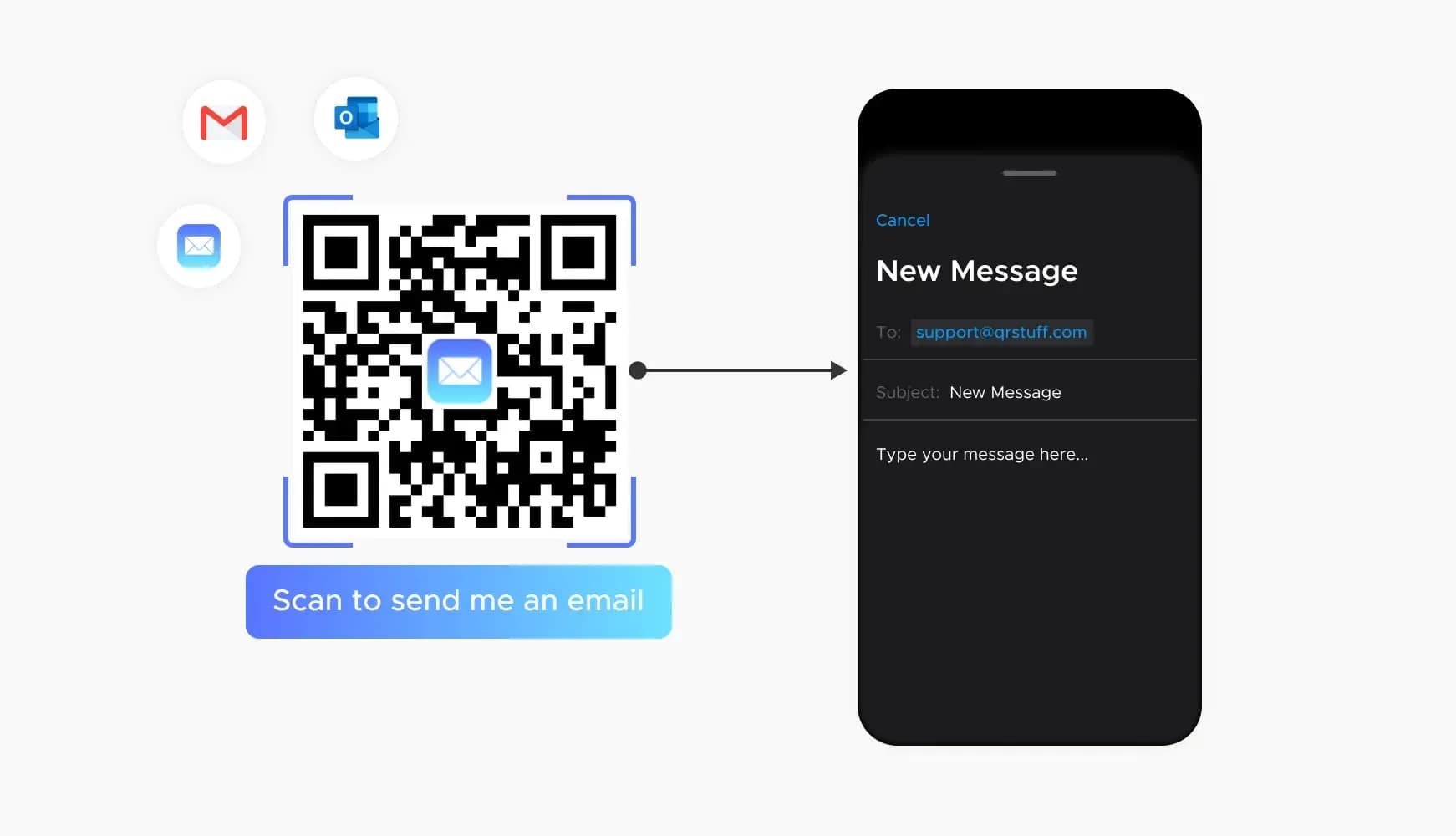
The Email tile makes a code that opens a new email, which is handy for event inquiries or for people who want to hear about a promotion. A VCard code is the one to add when you want to hand over your contact details.
How do I get more people to scan a business QR code?
Put the code on a plain, light, matte background, even if your sign is colored.
Put a few words next to the code, for example Scan for today's menu, so people know what they will get before they raise a phone.
Place the code where people have a moment to scan, such as a counter, a waiting area or a table, and not on something that moves past them or sits high on a wall.
Open the page on mobile data before you print, not on your shop's WiFi. Customers outside will not be on your network, and the page has to load for them.
Get more scans
Four details decide whether people scan: the background, the wording, the spot and a test before you print.
Static or dynamic: which business QR code should I use?
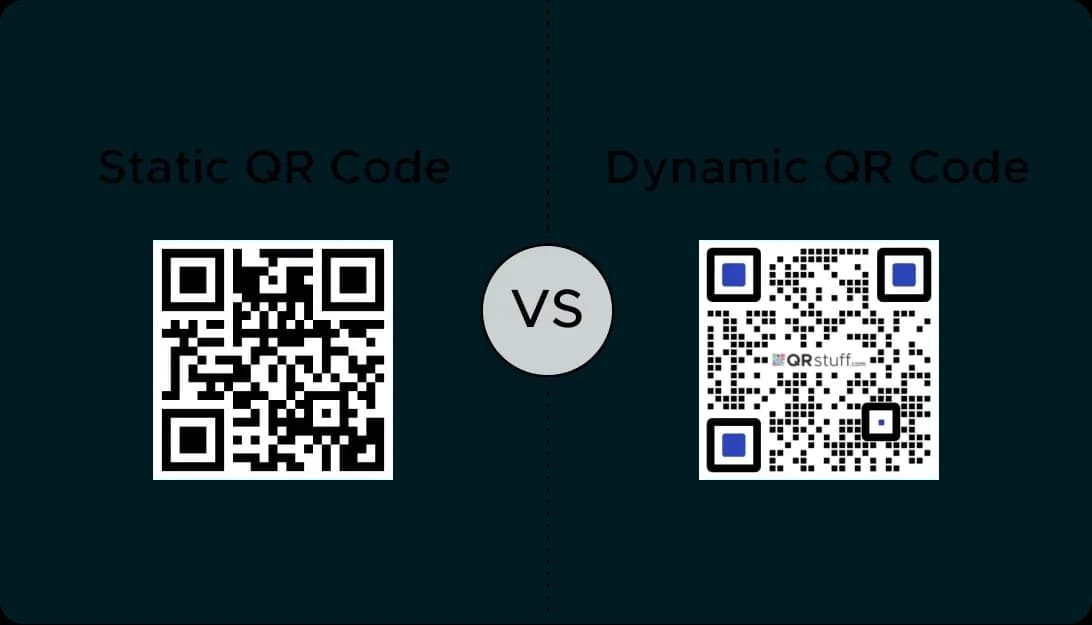
Use dynamic if your offer, website or business hours might change, and static if the code will never need to.
| What you care about | Static QR code | Dynamic QR code |
|---|---|---|
| What the code holds | The full link, written into the squares. | A short QRStuff address that redirects. |
| Fixing a printed code | No. The link you printed is the link people get. | Yes, whenever you like. Change the offer behind a window sticker and leave the sticker where it is. |
| Reporting | Not recorded. | Reports show country, device and time of day for each scan, from Lite Suite upward. |
| Scan limit | None, and no count. | Free accounts get 50 scans a month on each code. Lite Suite allows 200, and Full Suite and Enterprise have no cap. |
| Cost | Free, no sign-up, no expiry. | A free account includes 10 dynamic codes, each good for 30 days. Paid plans include more; the pricing page lists them. |
How big should a printed business QR code be?
- Work from the scanning distance and aim for a code about a tenth as wide. A business card or counter card works at 2 cm (0.8 in), the smallest worth trying, and a delivery box read at arm's length suits 6 to 8 cm (2.4 to 3.2 in).
- Bigger surfaces need bigger codes: a window sticker somewhere between 10 and 20 cm (4 and 8 in), and a storefront sign 20 cm up to 60 cm (8 to 24 in) or beyond.
- Leave a blank border of about four small squares on every side, with the code itself dark. A card with a tight trim can clip the border and stop the code scanning.
- Window stickers pick up scuffs. On a rough surface, check Use higher error correction in Setup; every code has that box, and adding a logo turns it on automatically.