Benefits of Using QR Code Signs for Business
Instant Access to Digital Information
A well-placed QR code sign lets customers scan the QR code to instantly access online details - whether it’s a product catalog, a digital menu, or your business hours. It eliminates the need to search, helping you provide a faster and more efficient experience.
Boost Engagement on Social Media Platforms
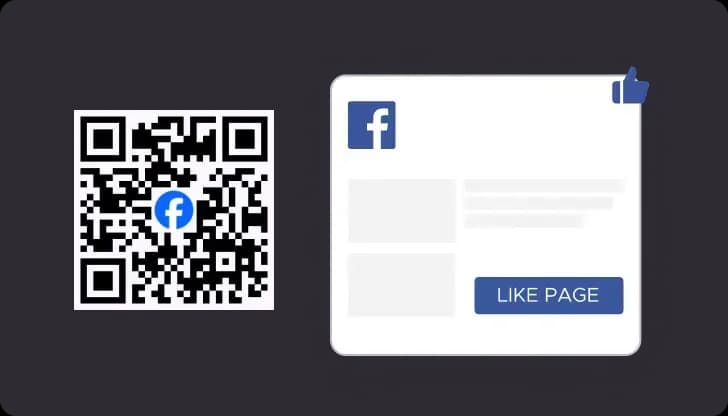
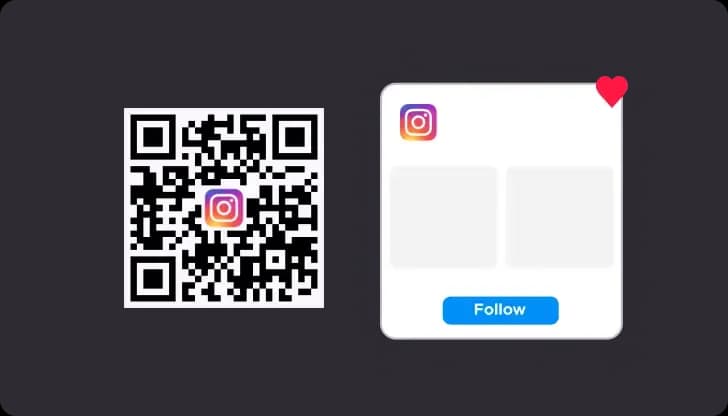
Display a custom QR code sign labeled “Follow Us” or “Share Your Experience.” When people click or scan, they’re taken directly to your Instagram, Facebook, or TikTok - increasing followers and strengthening your online community.
Streamline Ordering and Payments
Restaurants, cafés, and retail locations leverage QR codes to speed up service. A QR code display at each table allows customers to browse menus, order, and pay digitally. It’s a simple, contactless solution that improves the flow of service and saves time.
Durability and Versatility
Choose from high-quality materials - wood, acrylic, or metal QR code signs - to suit your business setting. Each sign can be customized with your logo, color palette, and finish to complement your brand. Our customizable QR code options are ideal for indoor and outdoor use.
Examples of Custom QR Code Displays
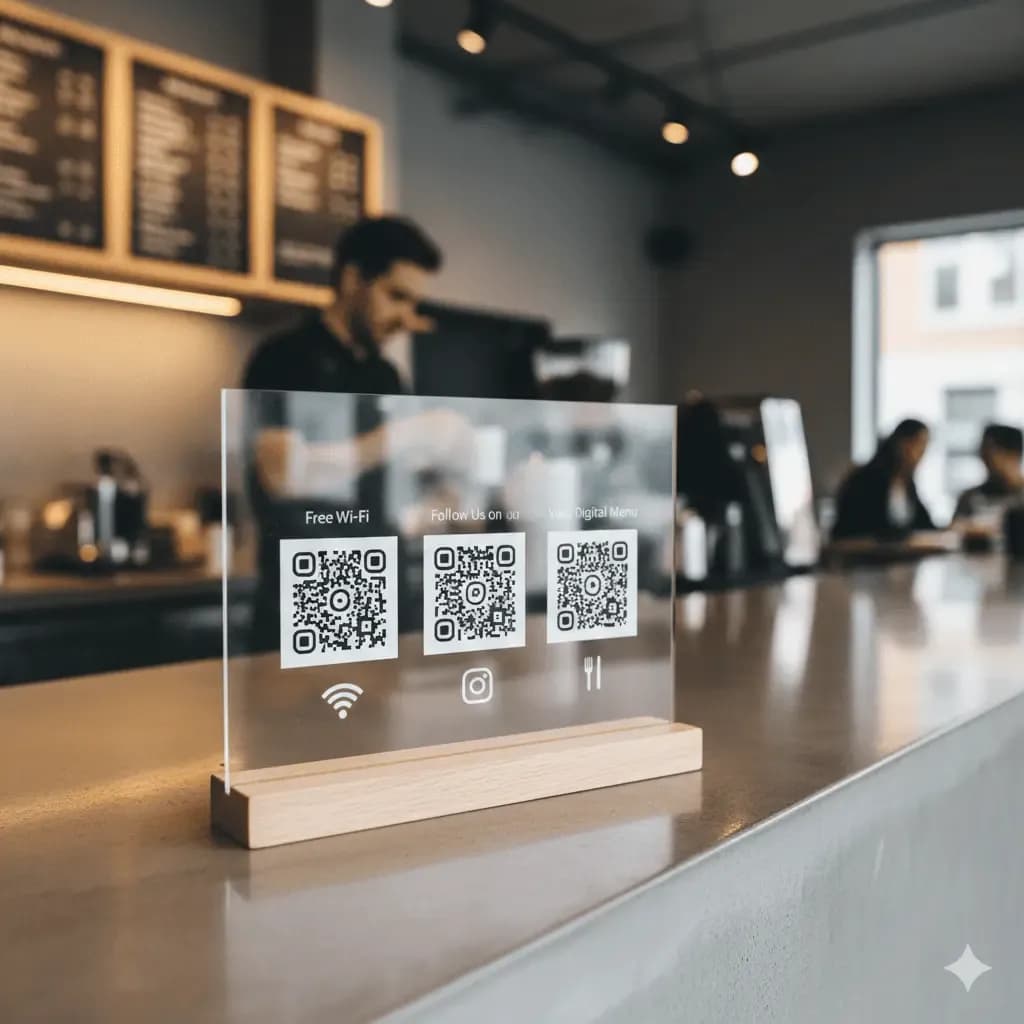
Multi QR Code Display
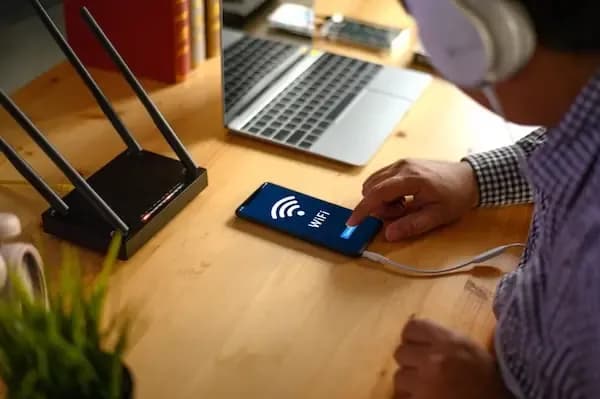
Create a custom QR code display that features multiple QR codes for your business. One sign can link to your Wi-Fi, social media, and online ordering - perfect for countertops or reception desks.
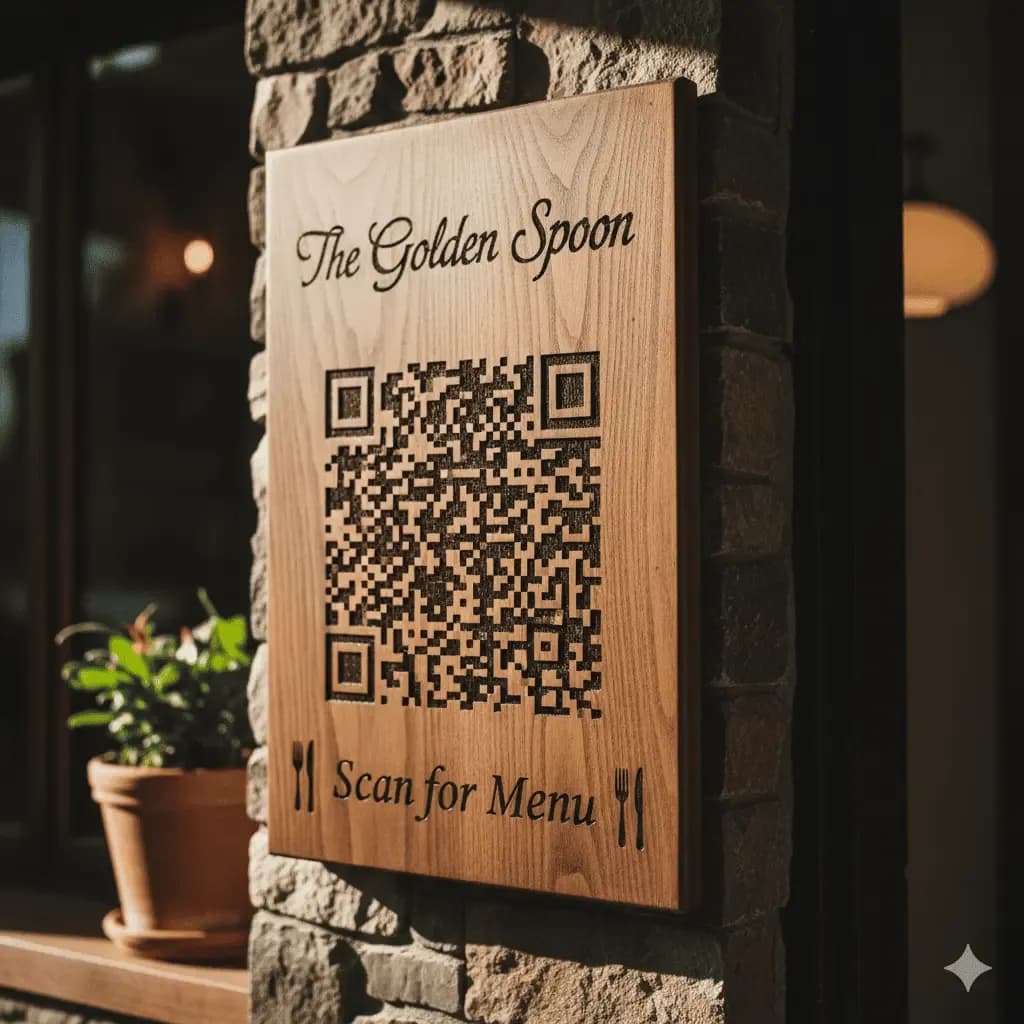
Wooden or Engraved QR Code Signs
Add a touch of elegance with a custom wooden QR code sign engraved with your logo. It’s both decorative and functional, offering a warm aesthetic that complements your brand while helping customers access menus or reviews instantly.
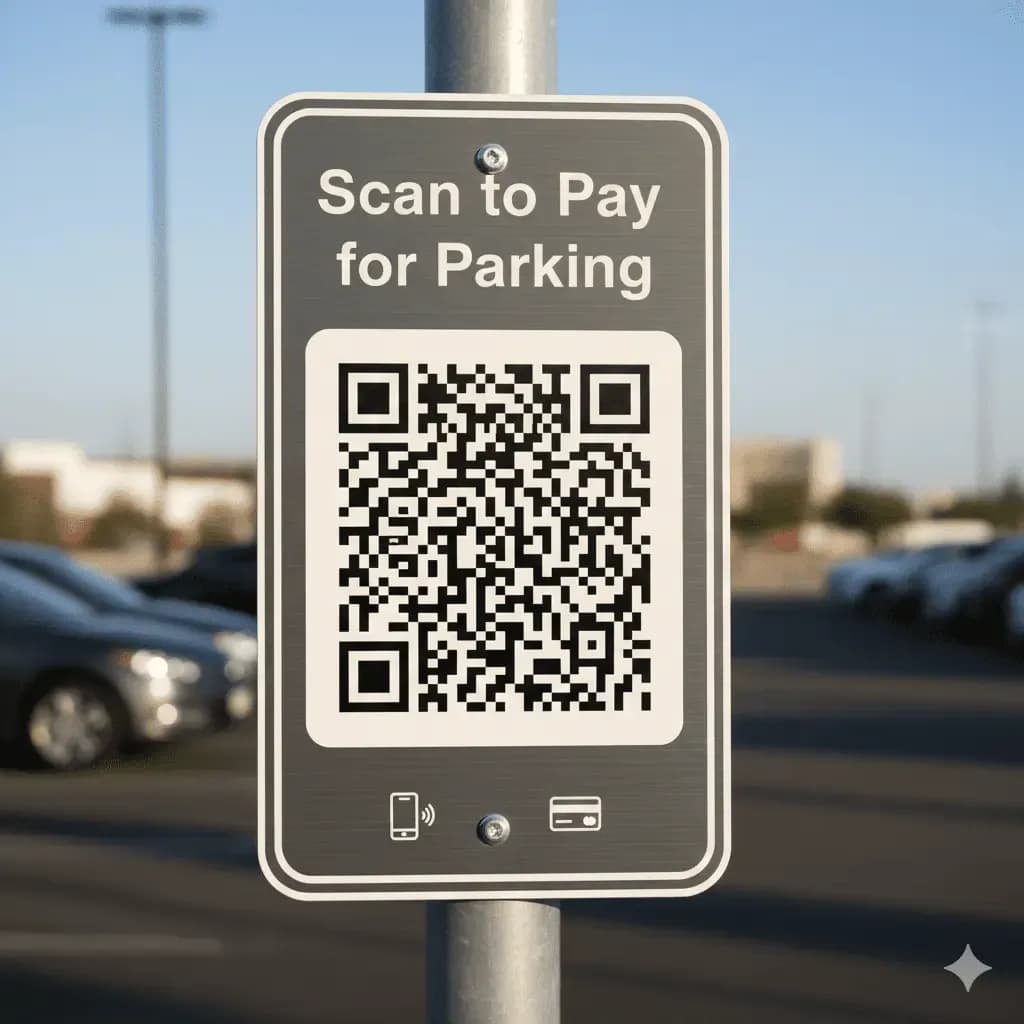
Durable Metal QR Code Signs
For outdoor or industrial applications, our metal QR code signs offer unmatched durability. These are perfect for businesses that need weather-resistant displays - from parking lots to event spaces. Each one can be customized with brand colors and laser-etched logos for a professional finish.
How to Create Your Custom QR Code Sign
It's easy to create high-resolution QR codes for your custom signs.
Step 1
Select the Right QR Code Type
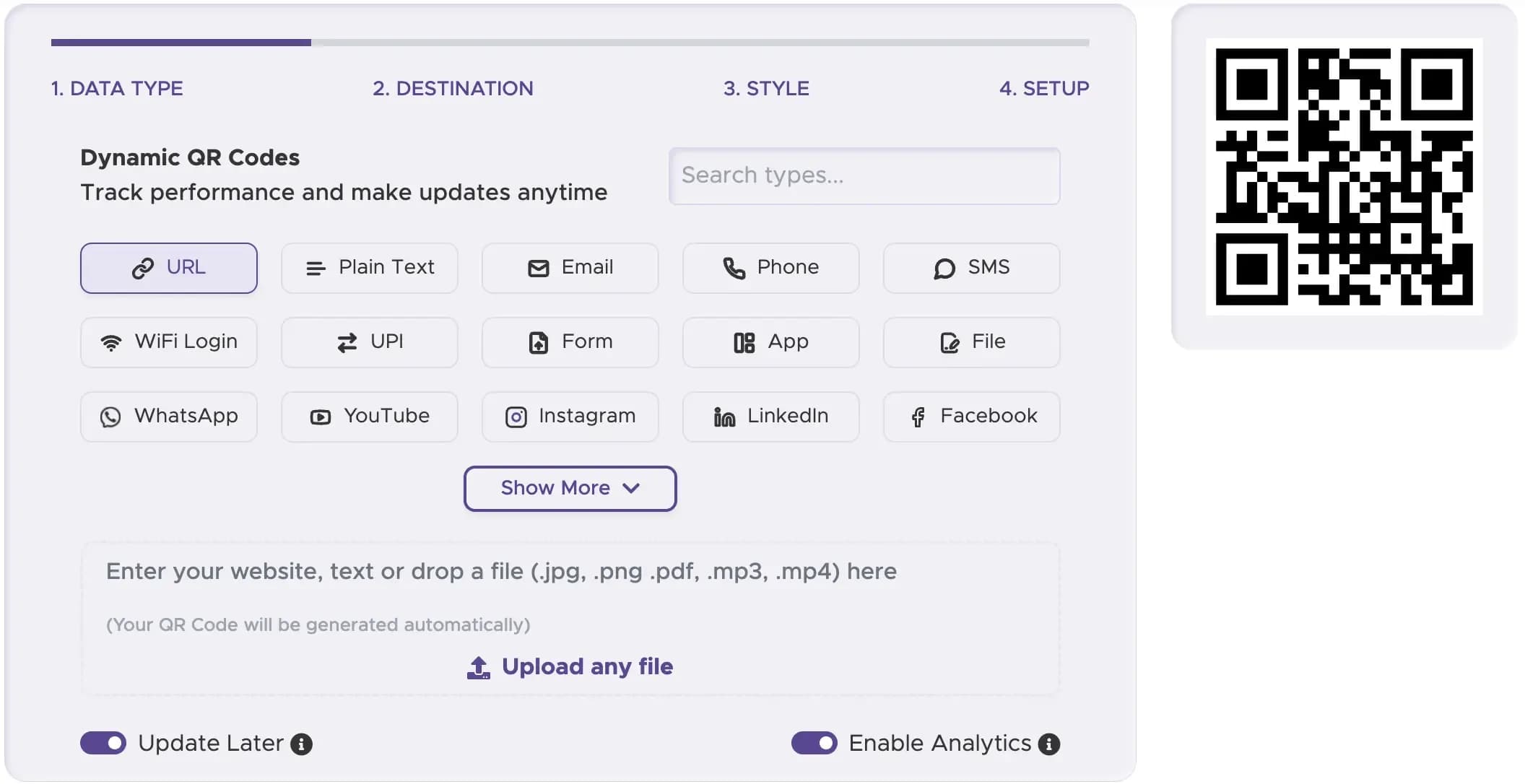
Start with a reliable QR Code Generator. Select a “URL QR Code” for your website or product page, or a “Social Media QR Code” for engagement-driven displays.
Step 2
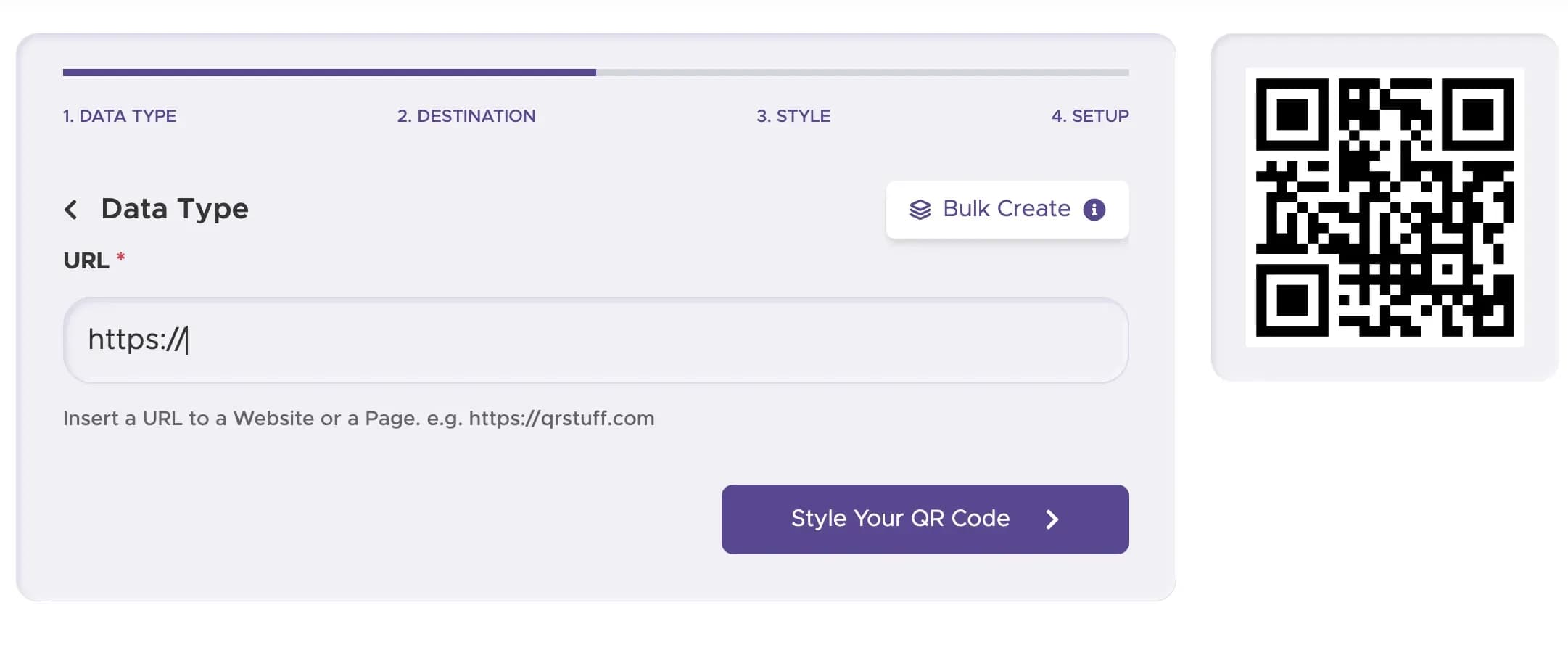
Enter Your Content or URL
Paste the URL to your menu, product listing, or contact form. The QR code sign will display this link for customers to scan.
Step 3
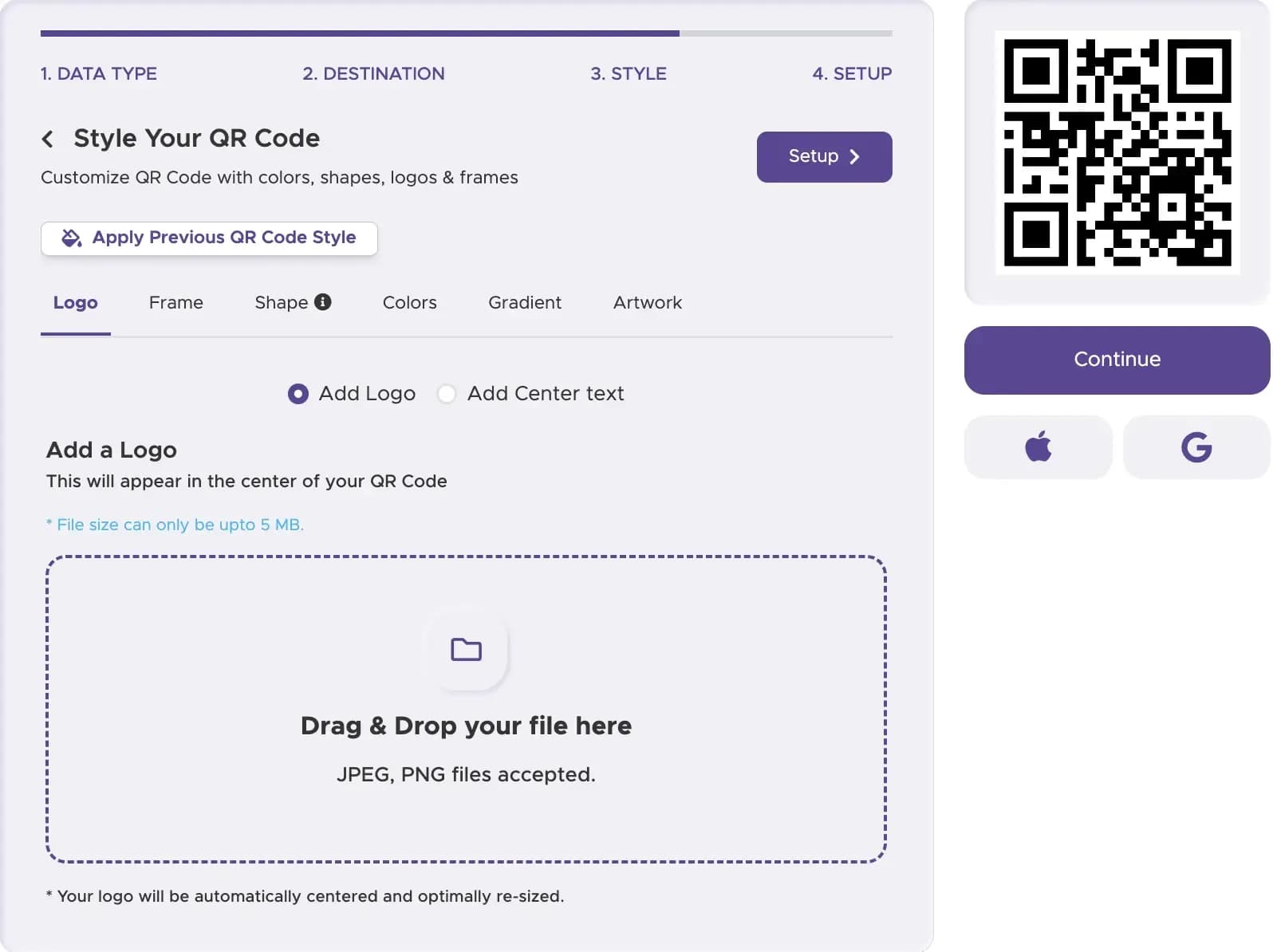
Customize Your QR Code’s Design
Add your company logo, choose colors that fit your brand, and experiment with different customizable QR code styles. You can also add a frame, border, or text instruction like “Scan for Menu” or “Click for More Details.”
Step 4
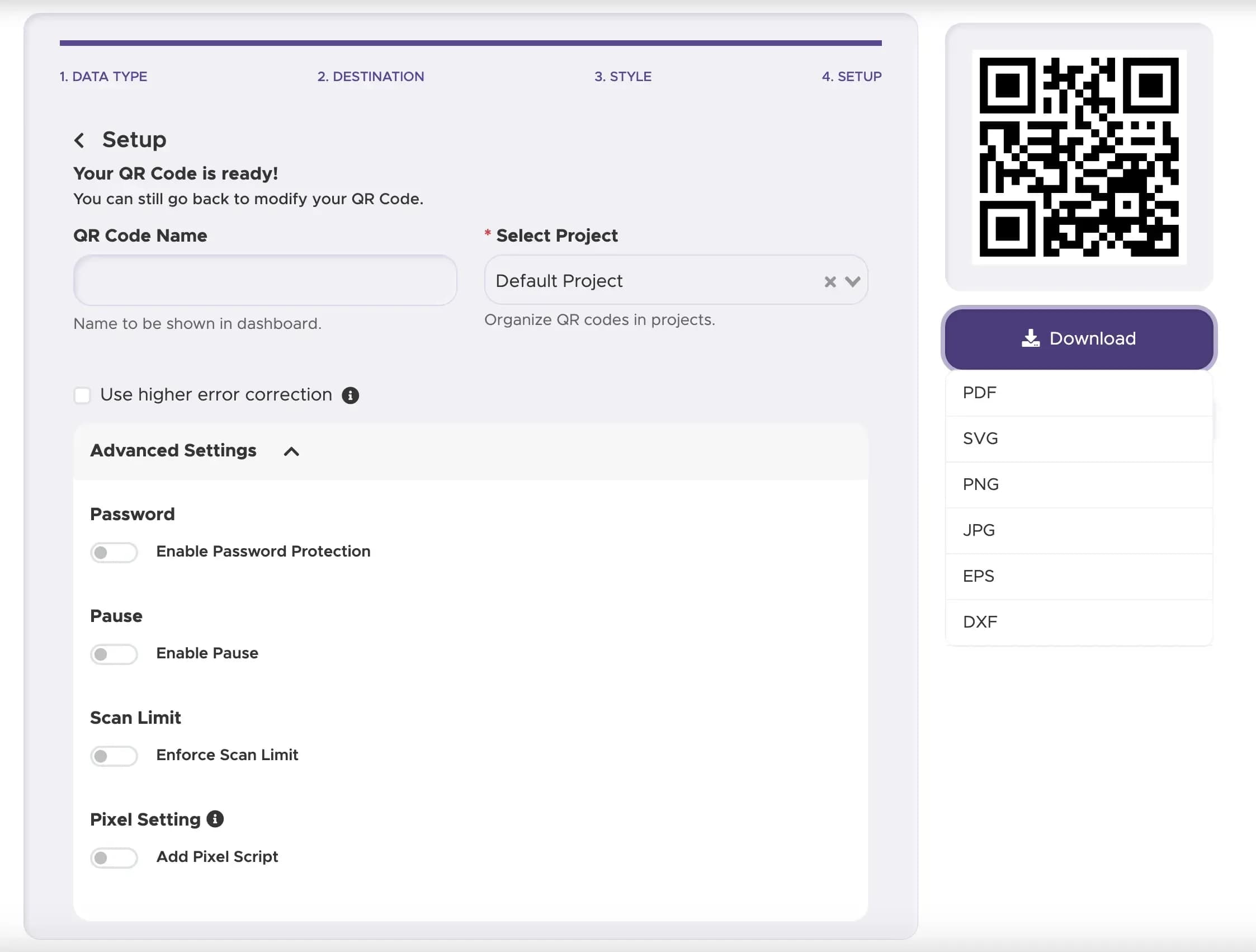
Download and Implement Your QR Code
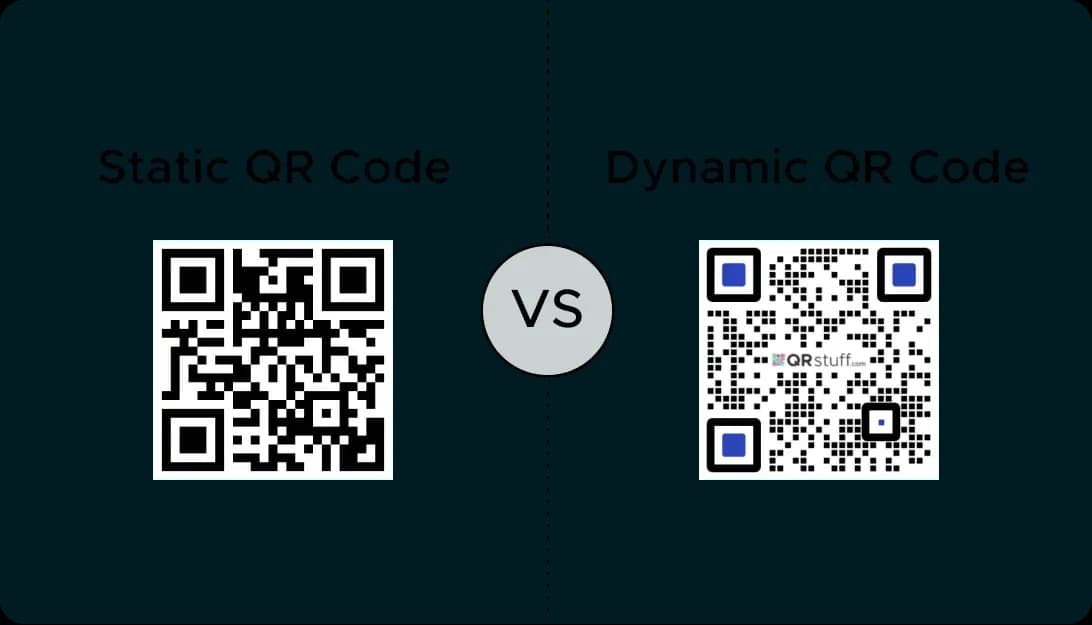
Once your custom QR code is designed, download a high-resolution image in PNG, JPG, or SVG format. Send it to your local sign printer to produce your preferred metal, wood, or acrylic display. We recommend a dynamic QR code for long-term flexibility - allowing you to update your link anytime without reprinting your sign.
Step 5
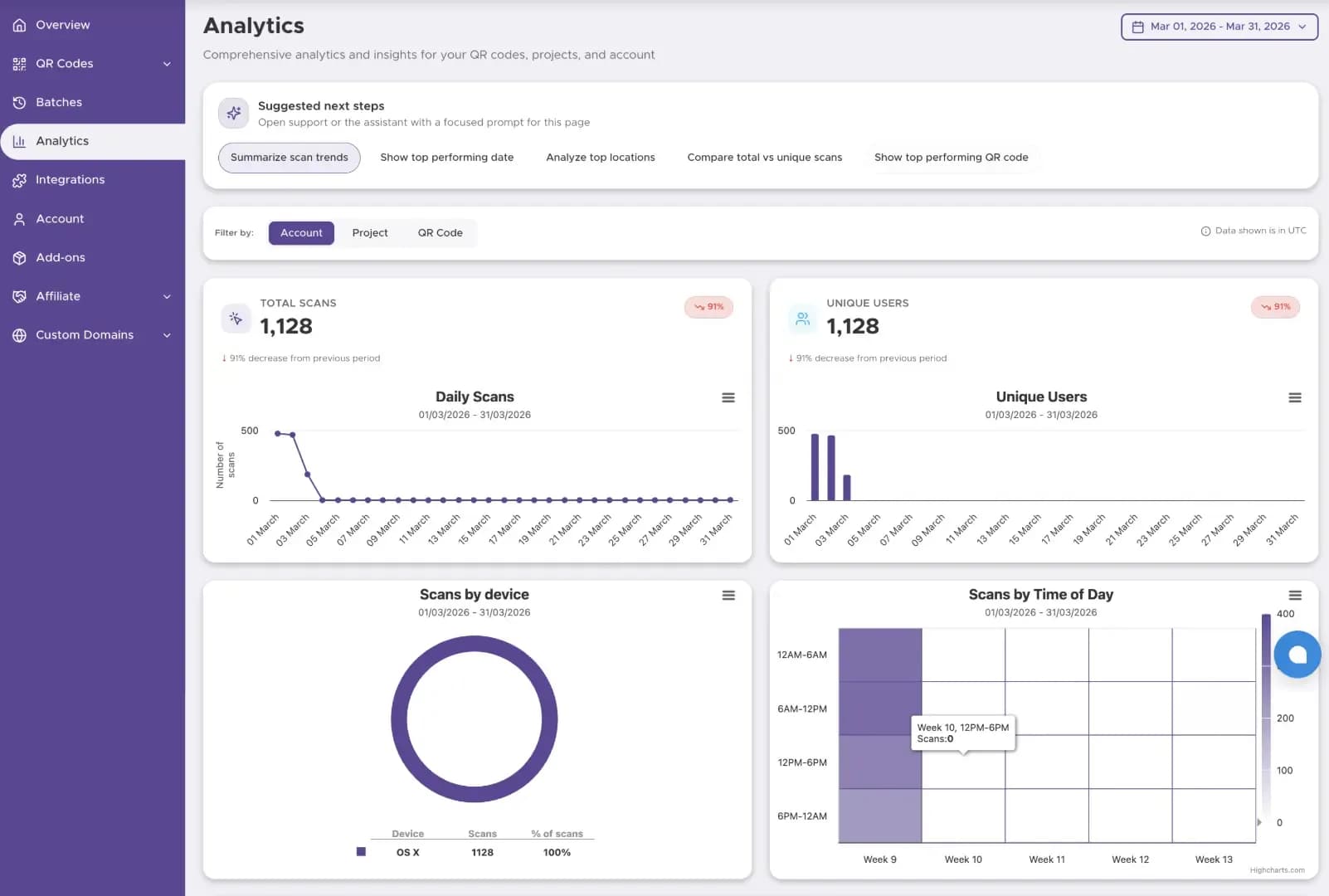
Track The Performance
Start tracking your QR code performance with our Dashboard solution
Best Practices for QR Code Sign Design
Your QR code display must be large and visible enough to be scanned easily. Ensure it has strong contrast, clear quiet zones, and is positioned where customers naturally look - near checkout, reception, or entry points.
Always give context: “Scan for Menu,” “Scan for Offers,” “Scan for Wi-Fi,” or “Follow Us Online.” This increases scan rates and guides user behavior.
Select quality materials like metal, acrylic, or bamboo for a premium look. The sign should be easy to clean and resistant to fading.
Ready to Create Your Sign QR Code?
Design durable codes for entrances, counters, and point-of-sale displays.