Benefits of Using QR Codes on Vehicles
Instant Lead Generation
People who scan qr codes on company cars find your information and media instantly.
Trackable Campaigns
Use qr codes to track which cars drive the most email or store traffic.
Enhanced Sharing
Share your company logo and information across various cars simply.
Dynamic Updates
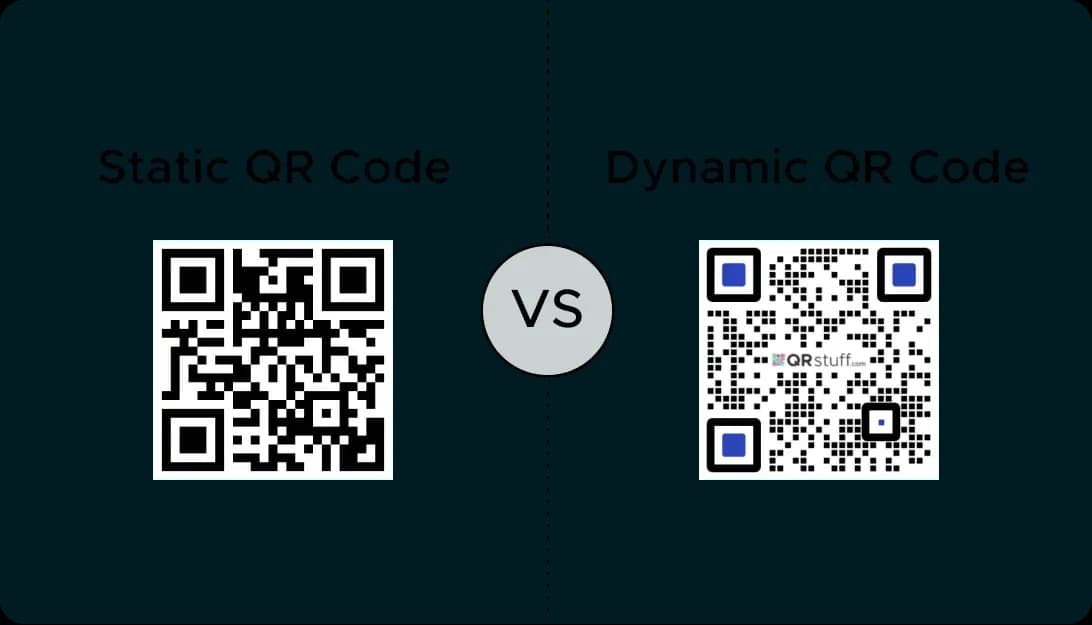
Dynamic qr codes let you update the advertising image link without re-wrapping your cars.
Use Cases for Vehicle QR Codes
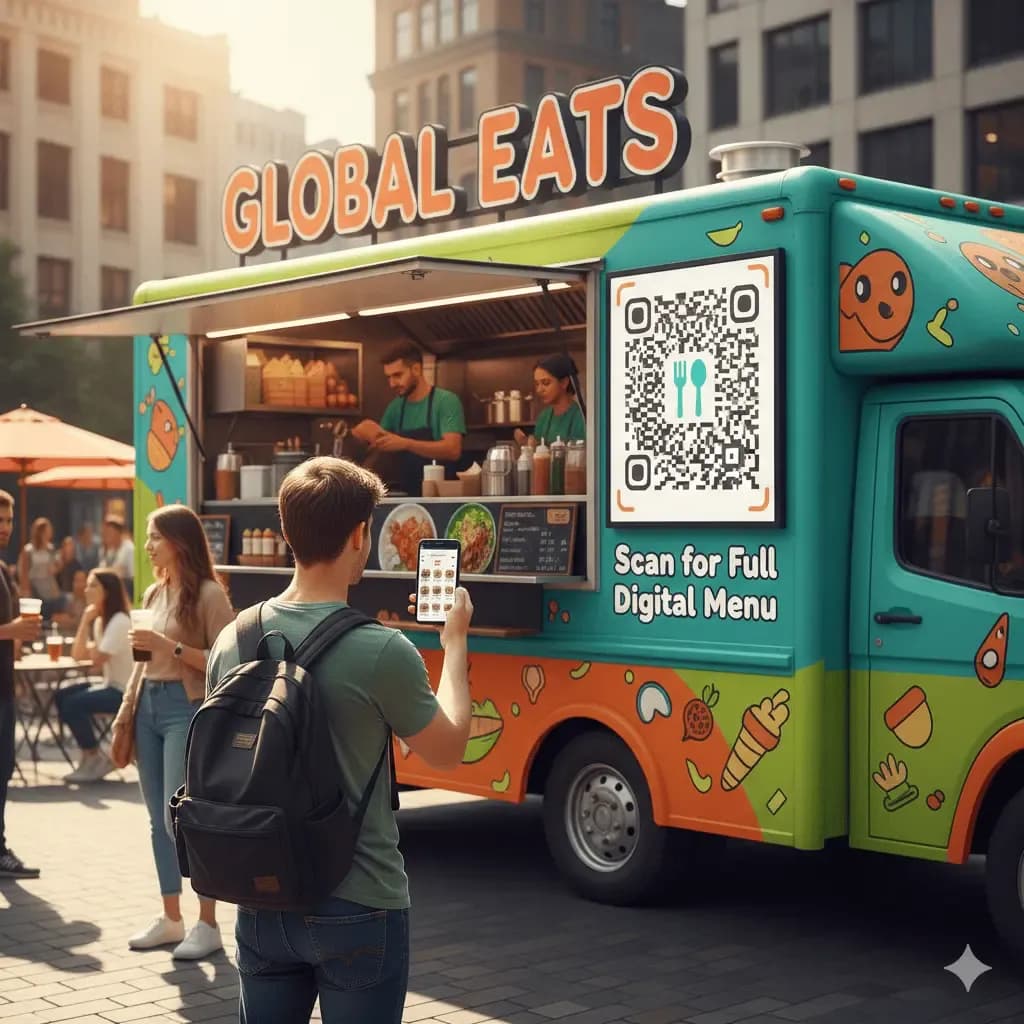
Food Trucks and Mobile Businesses
Use qr codes on food cars so people can scan qr codes to find the menu or media information.
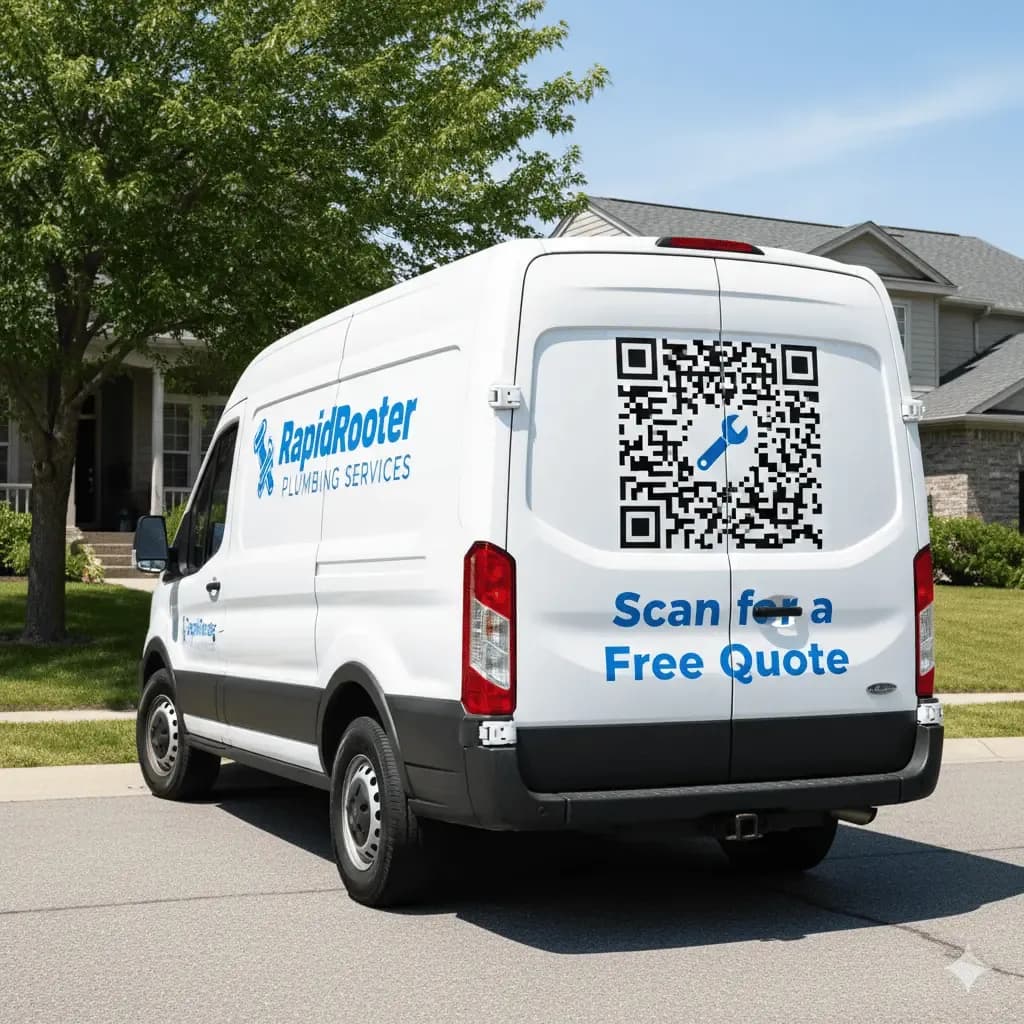
Service and Contractor Vehicles
Create qr codes for your company cars so people find your email and information in their neighborhood.
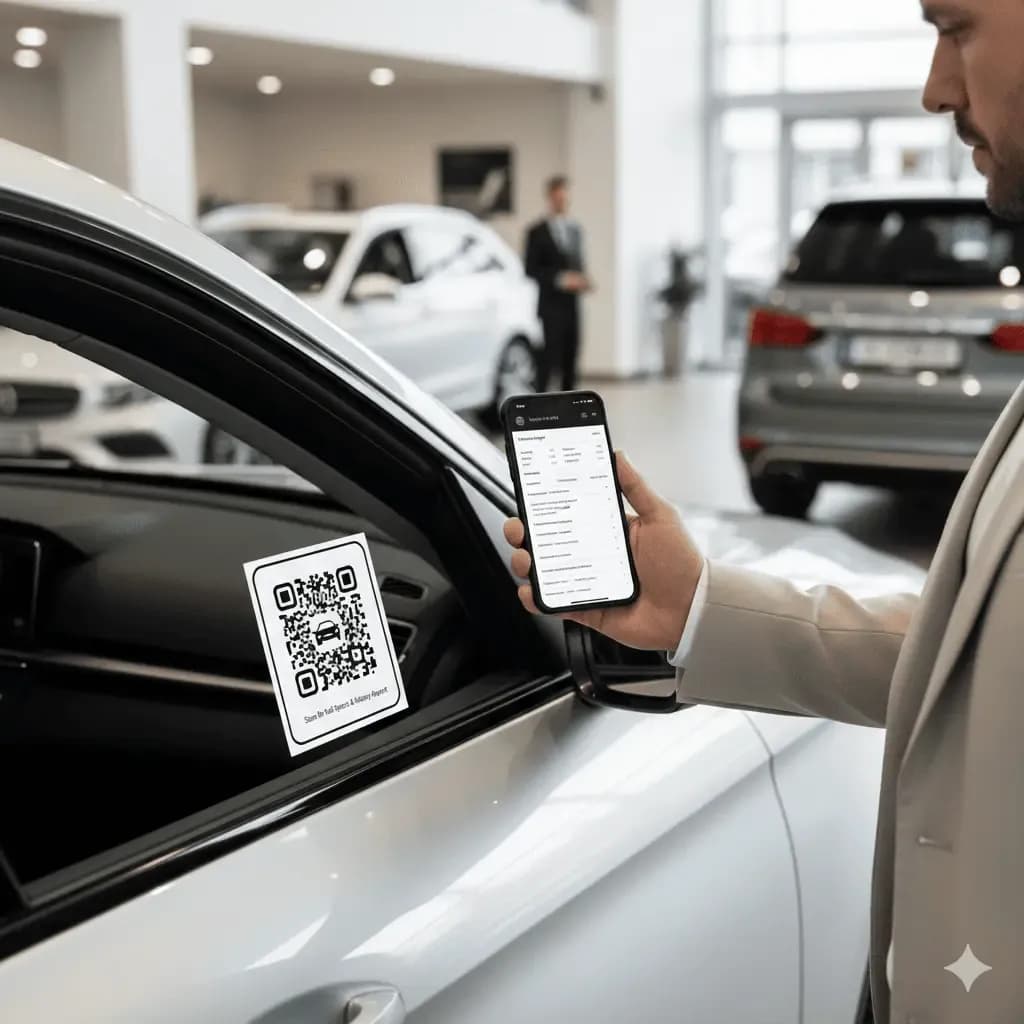
Car Sales and Dealerships
Codes on cars at a dealership can provide easy access to all the vehicle information a buyer needs: specs, pricing, accident history, and financing options. Each car can have a unique QR code that links to its specific landing page.
How to Create a QR Code for a Vehicle
It's easy to create a QR code for your vehicle wrap or sticker using a reliable QR code generator like QRStuff. You'll need high-resolution codes that are durable enough for outdoor use.
Step 1
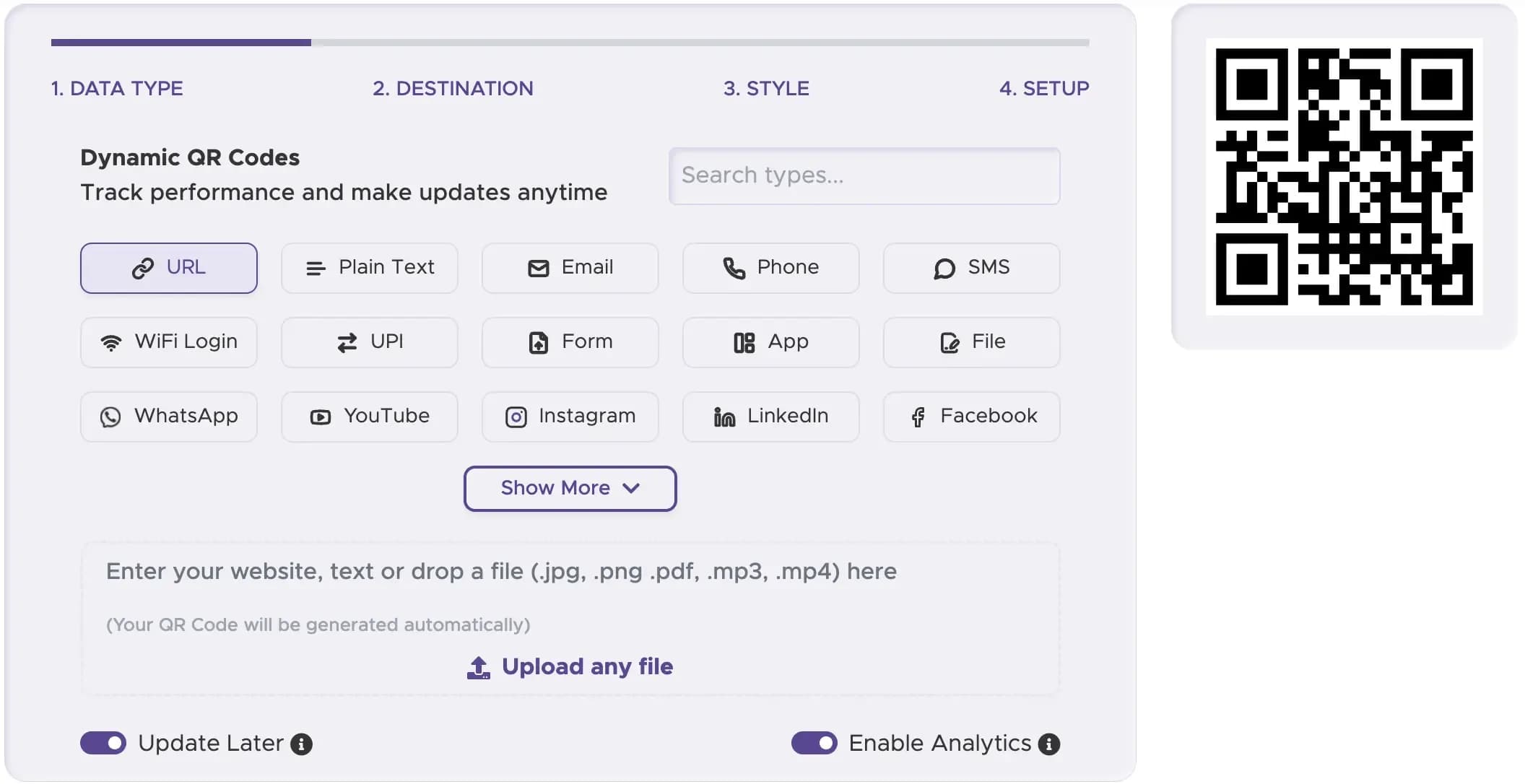
Select the Right QR Code Type
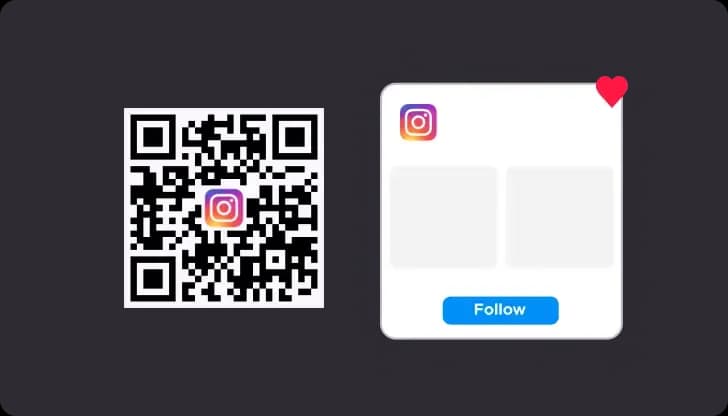
Select the best type of QR code for your goal. A "URL QR Code" is great for linking to your website, while a "Social Media QR" code can help grow your online following.
Step 2
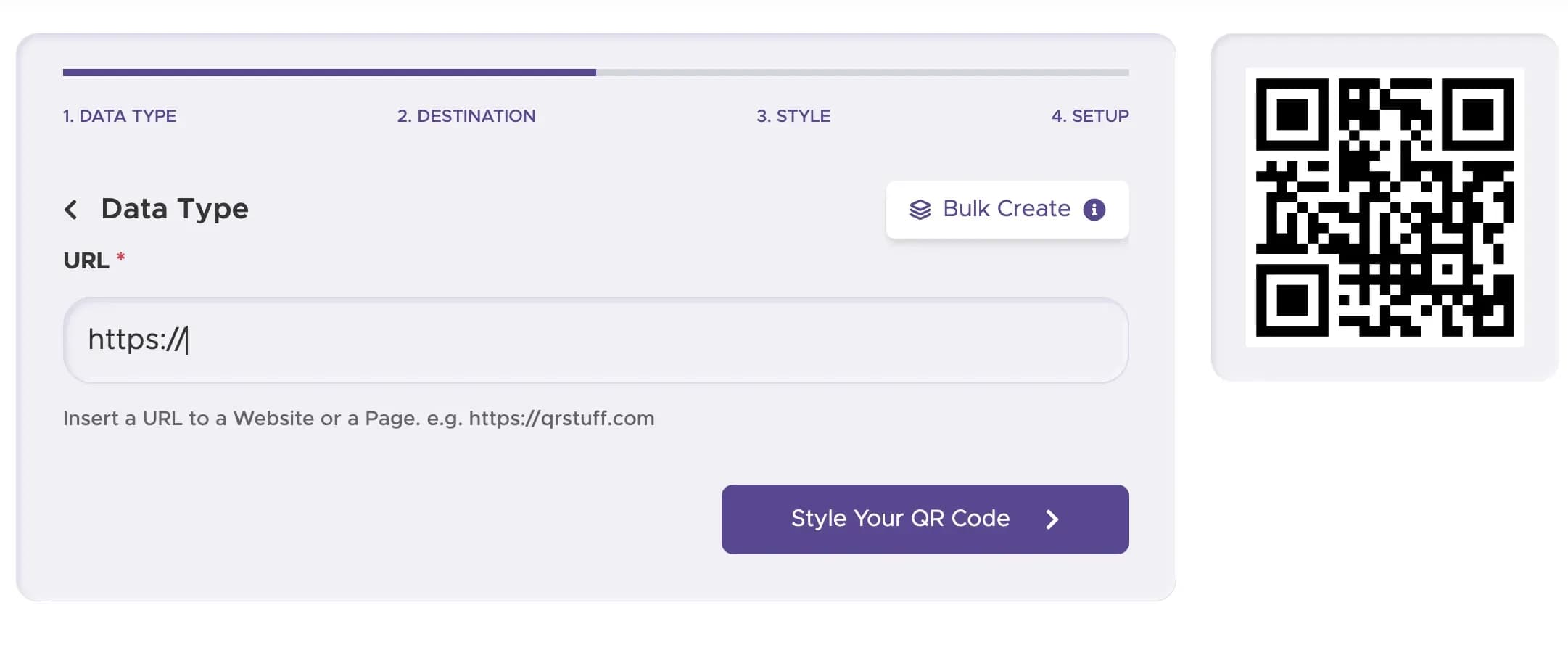
Enter Your Content or URL
Paste the URL to your business's main website into the content field.
Step 3
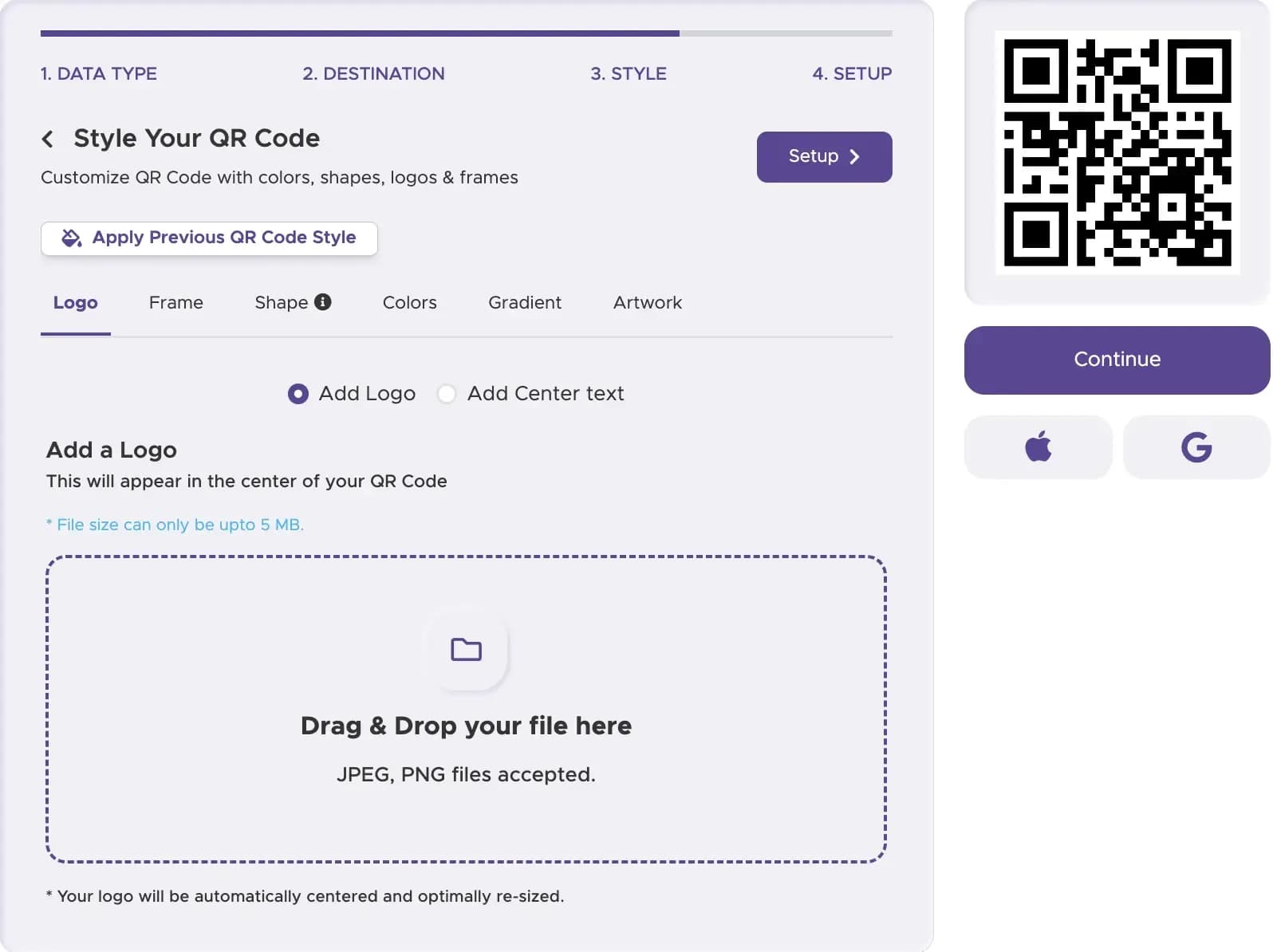
Customize Your QR Code’s Design
Make your QR code stand out. A custom QR code with your logo and brand colors looks more professional and is more likely to be trusted by potential customers.
Step 4
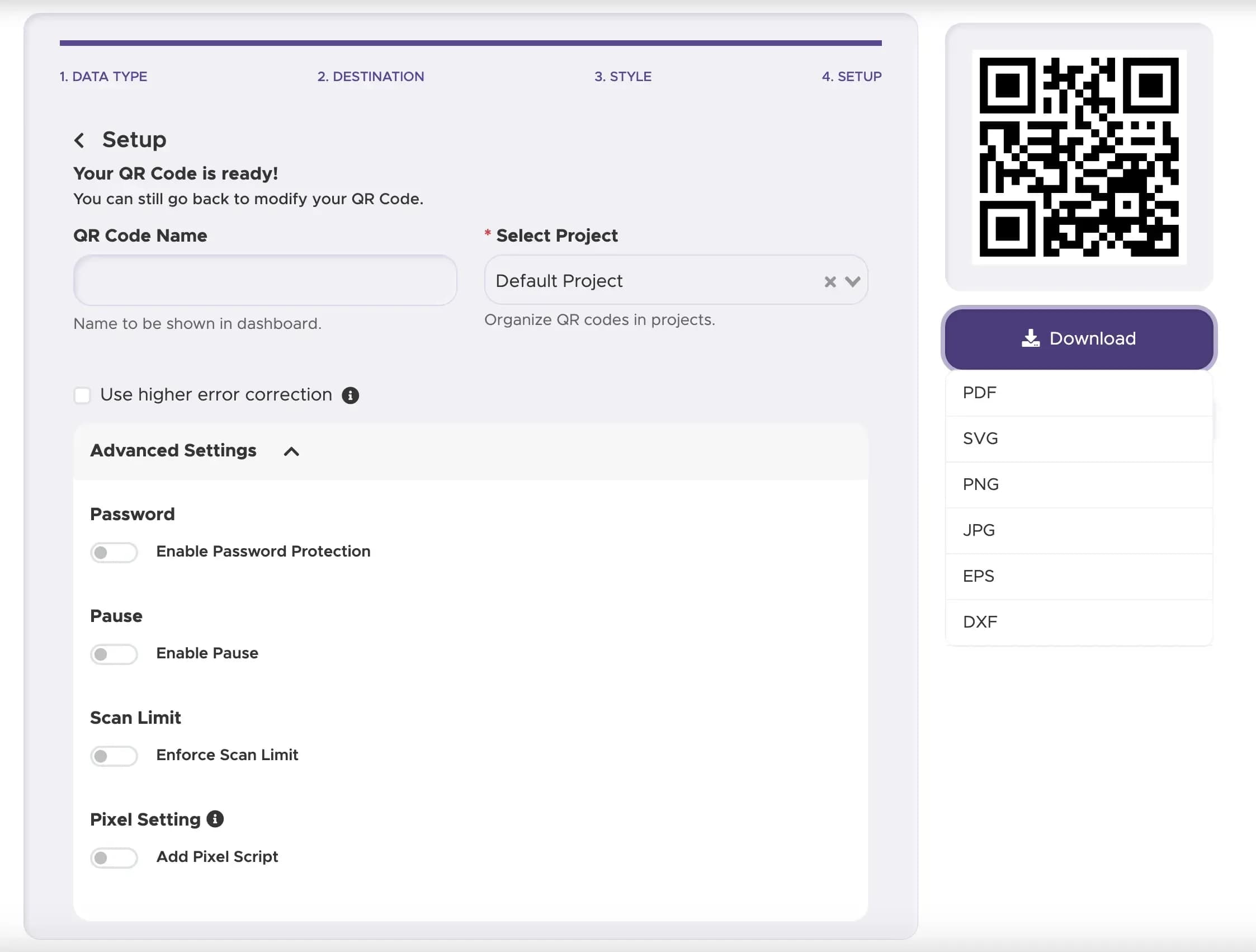
Download and Implement Your QR Code
Download your new QR code in a high-resolution vector format (like SVG). This is crucial so the QR code will remain sharp and scannable when scaled up for a vehicle wrap or code sticker.
Step 5
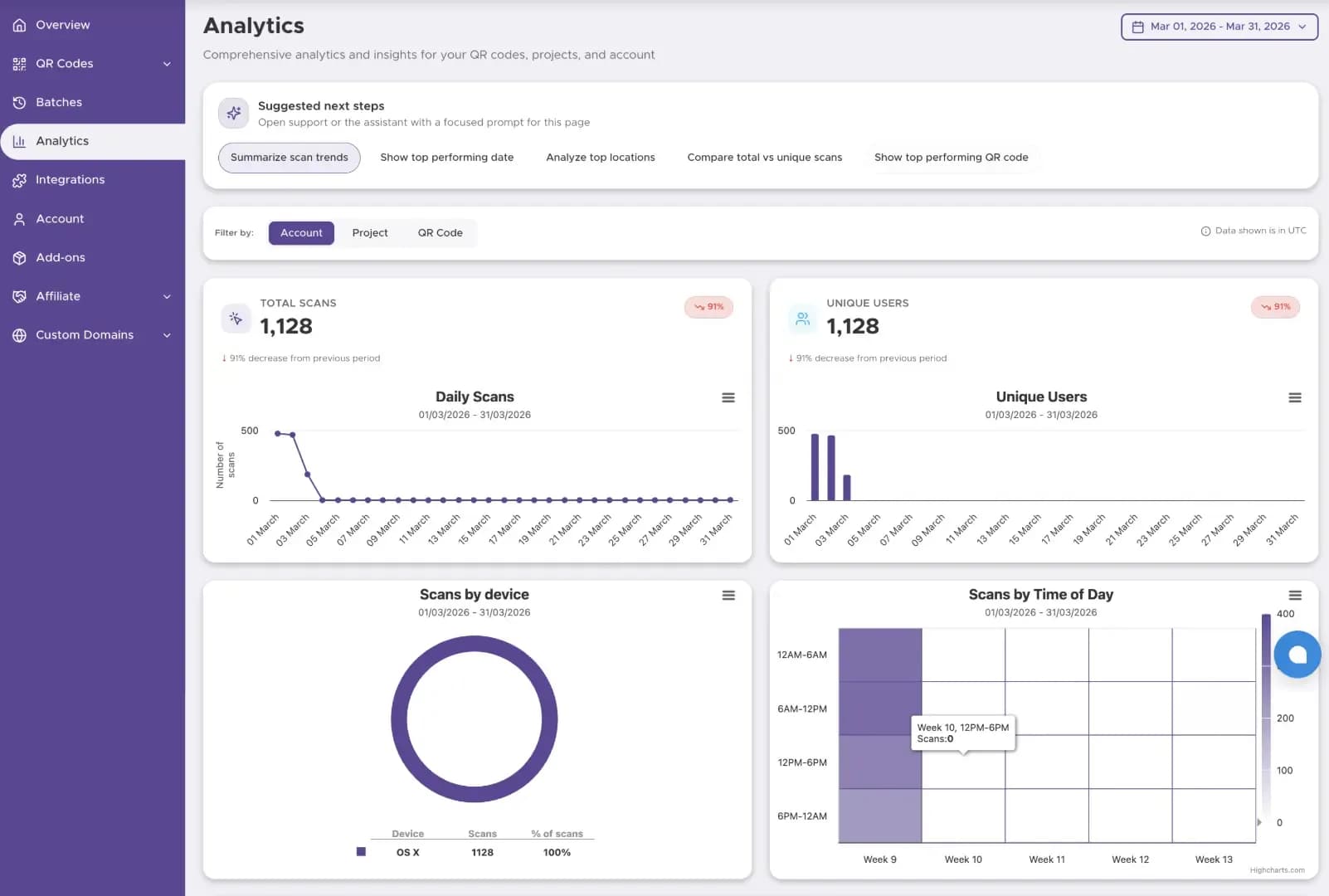
Track The Performance
Start tracking your QR code performance with our Dashboard solution
Best Practices for Vehicle QR Codes
Ensure people can scan qr codes safely when cars are parked.
Your company logo and qr codes must be clear on the image for a quick scan.
Add text so people know they will find a store or email contact.
Ready to Create Your Vehicle QR Code?
Create durable codes for wraps, doors, and fleet assets that track engagement.