
How to Use QR Code Design to Drive Engagement and Sales
A QR code might only take a second to scan, but good QR code design can make the difference between a successful campaign and one that gets ignored completely. Many businesses focus only on generating the QR code itself, but design choices like color contrast, placement, size, branding, and testing all affect whether people actually scan it successfully. A poorly designed QR code can become difficult to scan, frustrating for users, and ineffective as a marketing tool. On the other hand, a well-designed QR code can improve engagement, strengthen branding, and create a smoother customer experience across print and digital channels.
In this guide, we will explore the best practices for QR code design, offering actionable tips and insights to help you create effective QR codes that enhance user experience and drive engagement.
Why QR Code Design Matters
The design of a QR code plays a critical role in its effectiveness. A well-crafted QR code can significantly influence scan rates, user trust, and overall engagement. When users encounter a visually appealing and functional QR code, they are more likely to scan it, leading to higher conversion rates. Conversely, a poorly designed QR code can lead to frustration, resulting in a lost opportunity for engagement.
First impressions matter, and a thoughtfully designed QR code can enhance the overall customer experience. It creates a sense of professionalism and reliability, which is essential in today’s competitive market. Additionally, effective QR codes can streamline the user journey, making it easier for customers to access information or promotions quickly.
Connecting Physical and Digital Experiences
QR codes serve as a bridge between physical and digital interactions. By scanning a code, customers can instantly access online content, making it easier to engage with brands. This seamless connection enhances the customer experience, allowing businesses to provide valuable information without overwhelming users with too much data at once.
Key Benefits and Use Cases
Here are some ways QR codes are being used effectively across various industries:
- Drive exclusive sales and promotions through scannable coupons.
- Enhance in-store experiences with scannable product information. You can explore more about this with create a QR code for your Facebook page.
- Gather customer engagement insights via dynamic QR codes. You can explore more about this with discover how to use a location QR code for attendance tracking.
- Facilitate contactless payments in retail environments. You can explore more about this with QR code for marketing.
- Provide easy access to menus and ordering systems in restaurants.
- Streamline event check-ins and registrations through location QR codes.
- Share your profile with a Facebook QR code to increase social media engagement.
Understanding Customer Behavior
To design effective QR codes, it’s essential to understand how customers interact with them. Knowing what motivates users to scan a code can help you craft a more appealing design.
What Motivates Users to Scan
Users are typically motivated to scan QR codes when they perceive value, such as discounts, exclusive content, or easy access to information. Clear calls to action (CTAs) like “Scan to Save” can significantly increase engagement.
Common Expectations and Frustrations
Users expect QR codes to work seamlessly. If a code is difficult to scan or leads to a poorly designed landing page, it can lead to frustration and a negative perception of the brand. Ensuring that your QR code design aligns with user expectations is crucial for maintaining trust and engagement.
Proven Strategies for QR Code Design
Here are some actionable QR code design tips to enhance effectiveness:
1. Include a Clear Call to Action
A strong CTA encourages users to engage. Phrases like “Scan to Learn More” or “Get Your Discount” can increase scan rates.
2. Keep Designs Simple
Avoid overcrowding your QR code with excessive graphics or text. A clean design ensures better readability and scanability.
3. Maintain Strong Contrast
Use dark foreground colors on a light background to maximize visibility. High contrast makes it easier for cameras to read the code.
4. Use Branding Carefully
Incorporating your logo can enhance brand recognition, but ensure it doesn’t obstruct the QR code’s functionality. Use appropriate error correction levels to maintain scanability.
5. Test Inverted Colors
While dark-on-light combinations are preferred, testing inverted colors can sometimes yield favorable results. Always validate before finalizing your design.
6. Export in High Resolution
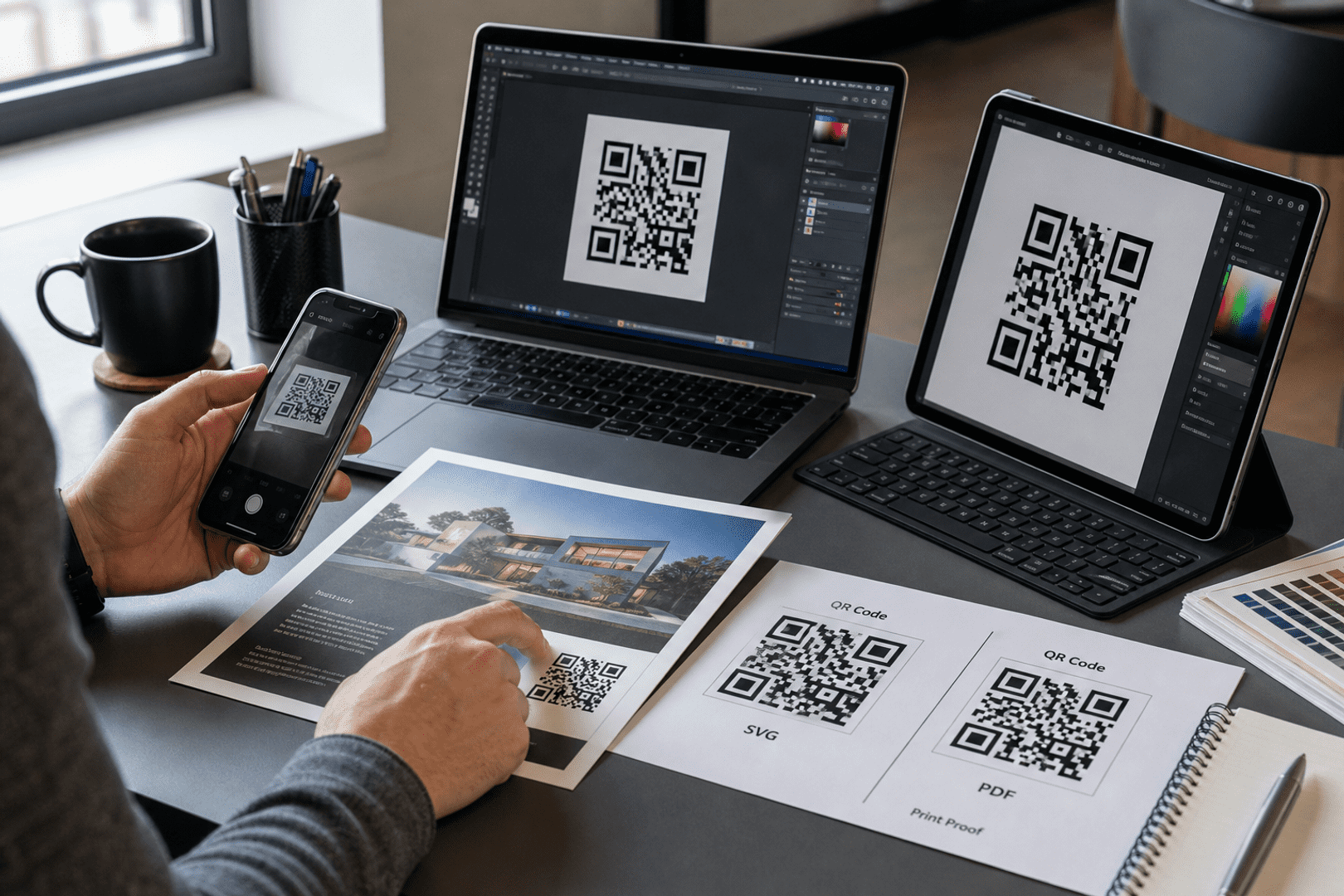
Use vector formats (SVG) for large prints and PNG for general use. High-resolution exports prevent blurriness and maintain quality during scaling.
7. Consider Scan Distance and Size
Follow the “10:1 distance rule” — the QR code should be ten times larger than the distance from which it will be scanned. This ensures that users can comfortably scan from a reasonable distance, especially in crowded environments.
How to Choose the Right QR Code Size
Selecting the appropriate size for your QR code is vital for its effectiveness. Here are practical guidelines for various applications:
– Flyers: 1 x 1 inch is typically sufficient.
– Posters: Aim for 3 x 3 inches to ensure visibility.
– Packaging: A minimum of 2 x 2 inches is recommended.
– Menus: 2 x 2 inches allows for easy scanning from tables.
– Billboards: Sizes of 10 x 10 inches or larger are ideal for visibility from a distance.
– Digital Screens: Ensure the QR code is large enough to be scanned from the expected viewing distance.
Best Colors for QR Codes
Color choices play a significant role in the effectiveness of QR codes. Here are some best practices:
– Dark Foreground + Light Background: This combination works best for scanability.
– Avoid Low Contrast Combinations: Colors that blend together can hinder scanning.
– Test Gradients Carefully: While they can add visual appeal, gradients should be tested to ensure they do not affect readability.
– Beware of Metallic or Shiny Surfaces: These can interfere with scanning, so opt for matte finishes when printing.
Should You Add a Logo to a QR Code?
Incorporating a logo can enhance branding, but there are important considerations:
– Branding Benefits: Logos can increase brand recognition and trust.
– Logo Sizing: Ensure the logo does not overpower the QR code. It should occupy no more than 30% of the QR code’s area.
– Error Correction Levels: Opt for higher error correction levels (like Level Q or H) to maintain functionality even with the logo present.
Static vs Dynamic QR Codes
Understanding the difference between static and dynamic QR codes is crucial for effective QR code design:
– Static QR Codes: These cannot be edited once created. They are suitable for permanent information but lack flexibility.
– Dynamic QR Codes: These can be edited after printing, allowing you to change the destination URL or content without reprinting. This flexibility is essential for campaigns that may evolve over time.
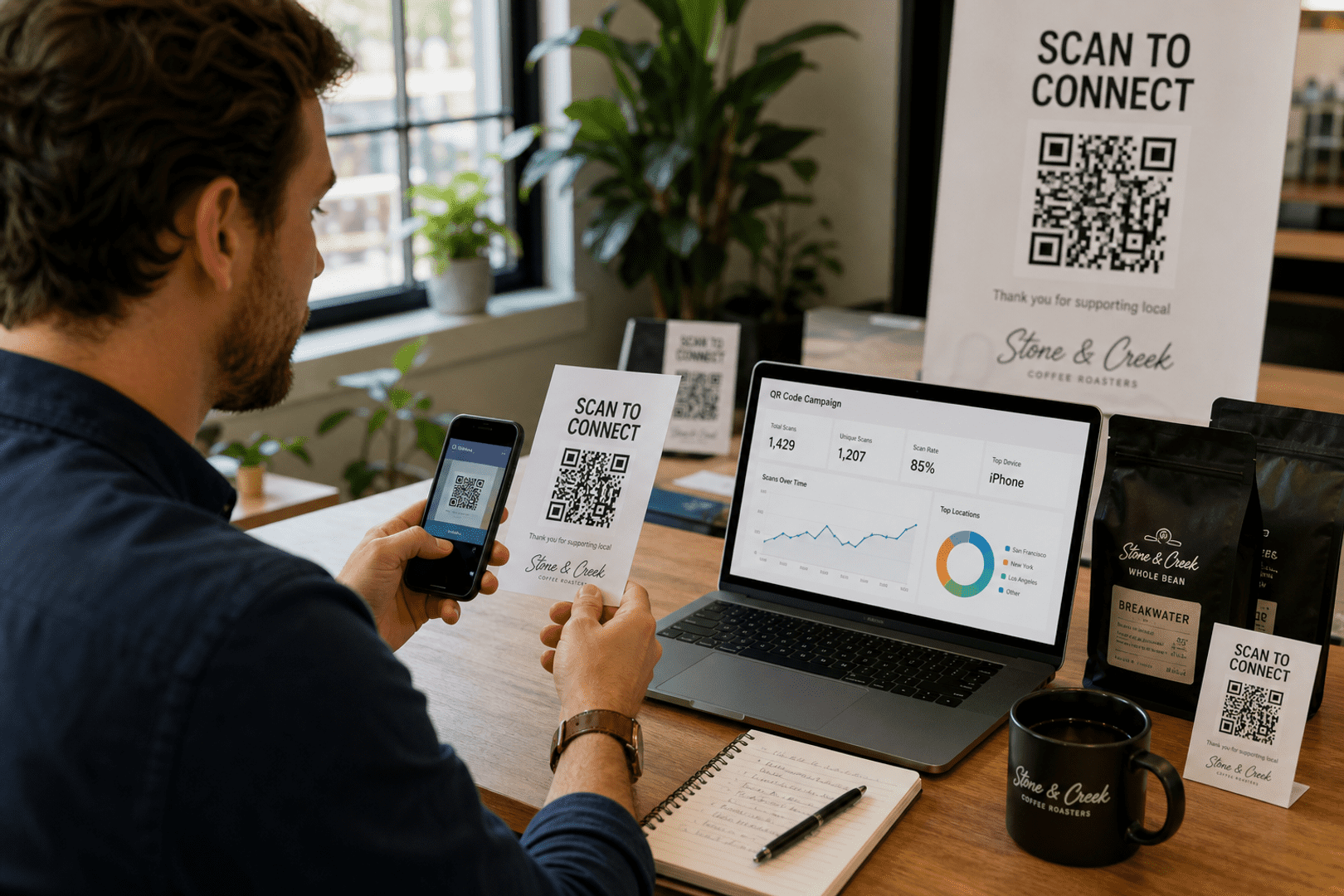
Dynamic QR codes also offer analytics features, enabling you to track scans and user engagement. This data can help you refine your marketing strategies and improve campaign performance.
Where to Place QR Codes for Better Scan Rates
Placement is critical for maximizing scan rates. Here are some effective locations:
– Product Packaging: Ensure visibility on the front or back.
– Storefronts: Place codes near entrances or windows for easy access.
– Restaurant Tables: Codes can be printed on placemats or table tents.
– Menus: Include codes for easy access to online ordering.
– Trade Show Booths: Use codes to provide product information or sign-ups.
– Email Signatures: Include QR codes that link to your website or promotions.
– Business Cards: A great way to connect digitally.
– Posters: Ensure they are eye-level and visible.
– Digital Signage: Use large, clear codes for easy scanning.
For optimal placement, consider psychological factors like eye-level positioning and ensuring that codes are reachable and visible.
QR Code Printing Best Practices
Printing quality can significantly affect the effectiveness of QR codes. Follow these best practices:
– Use SVG/Vector for Large-Format Printing: This ensures clarity at any size.
– Choose PNG for General Use: Ensure it’s high resolution.
– Avoid Blurry Exports: Always test your QR codes before mass printing.
– Printer Quality Matters: Ensure your printer can handle high-quality prints to avoid pixelation.
Common QR Code Design Mistakes
Avoid these pitfalls to ensure your QR codes are effective:
– Low Contrast: Codes that blend into their backgrounds are often ignored.
– Tiny QR Codes: If they are too small, users may struggle to scan them.
– Cluttered Backgrounds: Busy designs can distract from the QR code.
– Over-Customization: While creativity is encouraged, it should not compromise functionality.
– Stretching/Distorting QR Codes: This can make them unreadable.
– Poor Placement: Codes that are hard to reach or see will not be scanned.
– No CTA: Without a clear call to action, users may not feel compelled to scan.
– Linking to Non-Mobile-Friendly Pages: Ensure your landing page is optimized for mobile devices.
How to Test a QR Code Before Publishing
Testing is crucial to ensure your QR code functions as intended. Here’s how to do it:
– Test on Multiple Devices: Ensure compatibility across various smartphones and tablets.
– Test Under Different Lighting Conditions: Check visibility in both bright and dim environments.
– Test Printed and Digital Versions: Ensure both formats work seamlessly.
– Test Scan Speed: Users should be able to scan quickly without delays.
– Verify Destination Links: Ensure the QR code leads to the correct URL or content.
QR Code Design Tips for Marketing Campaigns
To maximize the effectiveness of your QR codes in marketing campaigns, consider these strategies:
– Add CTAs: Use phrases like “Scan to Learn More” to encourage engagement.
– Utilize in Omnichannel Campaigns: Integrate QR codes across various platforms for cohesive marketing.
– Combine Branding with Usability: Ensure your codes are visually appealing while remaining functional.
– Track Scan Analytics: Use tools to monitor engagement and refine your strategies.
– Conduct A/B Testing: Experiment with different placements and designs to see what works best.
Frequently Asked Questions
What colors work best for QR codes?
Dark foreground colors on a light background provide the best contrast for scanning. Avoid low-contrast combinations that can hinder readability.
Can QR codes have logos?
Yes, logos can be added for branding purposes, but ensure they do not obstruct the QR code’s functionality. Use high error correction levels to maintain scanability.
What size should a QR code be?
The size of a QR code should vary based on its placement. For flyers, a size of 1 x 1 inch is usually sufficient, while billboards may require sizes of 10 x 10 inches or larger.
Do custom QR codes scan as well?
Custom QR codes can be designed to be visually appealing without sacrificing scanability. Ensure that design elements do not interfere with the code’s readability.
Should I use PNG or SVG?
Use SVG for large-format printing to ensure clarity and scalability. PNG is suitable for general use but should be high resolution to avoid blurriness.
Can I track QR code scans?
Yes, dynamic QR codes allow for tracking scans and providing analytics on user engagement. This data can help refine your marketing strategies.
Final Thoughts
Effective QR code design is crucial for enhancing user experience and driving engagement. By following the best practices outlined in this guide, you can create visually appealing and functional QR codes that resonate with your audience. Whether you’re using them for marketing campaigns, customer engagement, or operational efficiency, investing time in the design process will pay off.
To get started with creating customized QR codes, visit boost marketing campaigns with QR codes and explore the various features available to enhance your QR code strategy.

Get started with QRStuff
Ready to discover how QR codes can transform your business?
Start by creating your custom QR Code today.