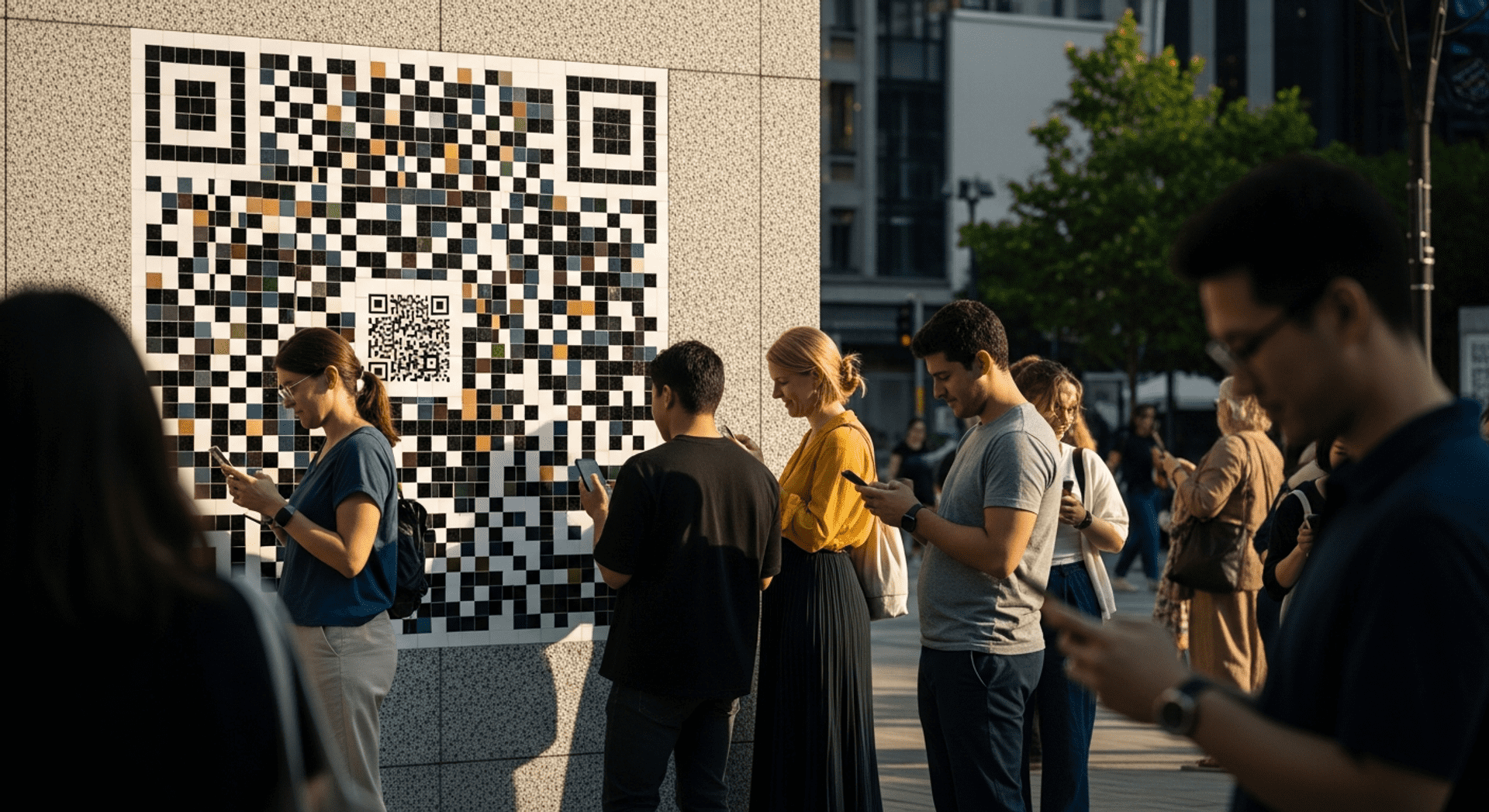

How to Print QR Codes with High Quality
A QR code might look perfectly sharp on your computer screen but become difficult to scan once it’s printed. Blurry exports, incorrect sizing, low contrast, poor print resolution, glossy materials, and stretched designs can all affect scan reliability in the real world. For those using QR codes on packaging, menus, flyers, posters, signage, labels, or large-format displays, print quality directly impacts customer engagement and campaign performance. A well-printed QR code scans quickly, feels trustworthy, and creates a smoother customer experience across both physical and digital environments.
In this guide, we’ll explore how to effectively print QR codes to ensure they remain sharp, professional, and easy to scan across various print environments. We’ll cover everything from understanding QR code print quality to common mistakes to avoid, ensuring you have the knowledge to create high-quality QR codes.
Why QR Code Print Quality Matters
When it comes to QR codes, print quality is paramount. Poor quality can lead to scanning issues, which can frustrate users and deter them from engaging with your content. High-quality QR codes ensure scan reliability, which is crucial for maintaining customer trust. If a QR code fails to scan, it can create a negative impression of your brand, making customers less likely to engage in the future.
Moreover, the performance of QR codes in campaigns is significantly influenced by their print quality. In retail environments, for instance, customers often scan QR codes to access promotions or product information. If these codes are blurry or poorly printed, it can lead to lost sales opportunities. Effective mobile scanning behavior relies on the clarity of the code, which can bridge the gap between offline and online engagement.
Connecting Physical and Digital Experiences
QR codes serve as a bridge between the physical and digital worlds. They allow customers to interact with digital content seamlessly while engaging with physical products or materials. For example, a restaurant menu featuring QR codes can direct diners to a digital ordering system, enhancing efficiency and convenience. This connection is essential in today’s fast-paced environment, where consumers expect immediate access to information.
Key Benefits and Use Cases
Understanding the value of high-quality QR codes can help you leverage them effectively. Here are some key benefits and use cases:
- Drive exclusive sales and promotions through scannable links.
- Enhance in-store experiences with scannable product information. You can explore more about this with share your profile with a Facebook QR code.
- Gather customer engagement insights via dynamic QR codes. You can explore more about this with discover the usage of a location QR code.
- Facilitate contactless payments in retail settings. You can explore more about this with Qr Code Scanner.
- Streamline event check-ins with QR codes for tickets.
- Share your profile with a Facebook QR code to enhance social media engagement.
Understanding Customer Behavior
To maximize the effectiveness of your QR codes, it’s essential to understand how customers interact with them.
What Motivates Users to Scan
Customers are motivated to scan QR codes primarily by convenience and curiosity. When they see a QR code that promises to lead them to exclusive content or offers, they are more likely to engage. Ensuring that your QR codes are easy to scan and located prominently can significantly increase scan rates.
Common Expectations and Frustrations
While QR codes offer numerous benefits, customers can also experience frustrations. Common issues include codes that do not scan, slow-loading links, or unclear instructions. By focusing on print quality and user experience, you can help mitigate these frustrations.
Proven Strategies for Print QR Codes
To ensure your QR codes are effective and high quality, consider the following strategies:
1. Include a Clear Call to Action
A strong call to action, like “Scan to Save 20%,” encourages customers to engage with your QR codes.
2. Prioritize High-Resolution Exports
Always export your QR codes in high resolution to maintain clarity when printed. Low-resolution images can lead to blurry codes that are difficult to scan. Using high resolution qr files ensures that your QR codes maintain their integrity when printed.
3. Maintain Quiet Zones
Ensure there’s enough white space around your QR code. This quiet zone is crucial for scanners to recognize the code correctly. Proper qr code sizing helps maintain these quiet zones.
4. Use Strong Contrast
High contrast between the QR code and its background enhances scan reliability. Dark codes on a light background are typically the most effective.
5. Avoid Glossy Materials
Glossy surfaces can create glare, making it difficult for scanners to read QR codes. Opt for matte finishes when possible.
6. Test Before Production
Always print a test copy of your QR code and scan it with multiple devices to ensure it works as intended.
7. Choose the Right Size
Size matters when printing QR codes. Ensure they are large enough to be scanned easily from a distance, especially in a retail or event setting. Following the 10:1 scan distance rule can help determine the appropriate qr code sizing for your needs.

Get started with QRStuff
Ready to discover how QR codes can transform your business?
Start by creating your custom QR Code today.
Real-World Examples of QR Code Printing
To illustrate the effectiveness of high-quality QR codes, let’s look at a few real-world examples.
Restaurants Using QR Codes for Menus
Many restaurants have adopted QR codes to streamline their menus. By printing these codes on tables or walls, diners can quickly access the menu on their smartphones. This not only enhances the dining experience but also reduces the need for physical menus, which is especially beneficial during health-conscious times.
Retail Promotions with QR Codes
Retailers often use QR codes in promotional displays. For instance, a clothing store might place QR codes next to items that lead to styling tips or related products. Ensuring these codes are printed clearly allows customers to engage with the content seamlessly.
Measuring Success
To evaluate the effectiveness of your QR code campaigns, consider tracking key performance indicators (KPIs) such as scan rates, engagement levels, and conversion rates. Tools like the Qr Code Scanner can provide valuable insights into how well your codes are performing.
Frequently Asked Questions
What is the best format for printing QR codes?
The best format for printing QR codes typically depends on the application. For most uses, PNG files are adequate due to their simplicity and compatibility. However, for larger formats or when scalability is necessary, SVG files are preferred because they maintain quality regardless of size.
Should I use PNG or SVG?
PNG is suitable for smaller prints, while SVG is ideal for larger formats. SVG files are vector-based, meaning they can be resized without losing quality, making them perfect for banners or posters.
Why does my QR code look blurry when printed?
Blurriness can occur due to low-resolution exports, improper resizing, or printing from low-quality images. Always ensure you are using high-resolution files and exporting them correctly to avoid issues with resolution qr codes.
What size should a printed QR code be?
A general rule is that QR codes should be printed at least 1 inch in size for optimal scanning. Larger formats, like billboards, should use codes that are proportionally larger to ensure they can be scanned from a distance. Proper qr code sizing is essential for successful scanning.
Can QR codes be printed on packaging?
Yes, QR codes can be printed on packaging. However, it’s important to consider the surface material and ensure that the codes are printed at a high resolution to maintain scan reliability.
Do glossy surfaces affect QR code scanning?
Yes, glossy surfaces can create glare, which may hinder the scanner’s ability to read the QR code. It is advisable to use matte finishes for better scan performance.
In conclusion, understanding the nuances of QR code printing is essential for maximizing their effectiveness. By focusing on print quality, design, and testing, you can create engaging and reliable QR codes that enhance customer interactions. If you’re ready to start creating high-quality QR codes, visit QRStuff today to get started.