
How Can I Use a Scan Code Generator to Create QR Codes?
In today’s digital landscape, QR codes have emerged as a powerful tool for connecting the physical and digital worlds. A scan code generator, commonly referred to as a QR code generator, allows users to create scannable codes that can store a variety of information. Whether you’re a business owner looking to enhance customer engagement or an individual wanting to share information quickly, understanding how to create QR codes can unlock new possibilities. A QR code can also be used to link to a website URL, making it even more versatile. Additionally, many people wonder, “can a QR code be used to store different types of data?” The answer is yes, as QR codes can take various forms of information.
What Is a Scan Code Generator?
A scan code generator is an online tool that allows users to create QR codes. These codes can encode different types of data, including URLs, contact information, text, and even files. The beauty of QR codes lies in their versatility; they can be scanned using a smartphone camera, providing instant access to the encoded information without the need for manual entry. This ease of use has led to their widespread adoption across various industries, from retail to education. With a free dynamic QR code, users can create codes that can be updated later, adding to their functionality. It’s important to note that the data that can be encoded is extensive, making these tools incredibly useful.
How QR Code Generators Work
QR code generators work by converting data into a visual pattern of black and white squares, which represent the encoded information. When a user scans the QR code with their smartphone, the device interprets the pattern and retrieves the stored information. This process is quick and seamless, making QR codes an efficient way to share content. Users can generate QR codes online through various platforms, including QRStuff, which offers a user-friendly interface for creating and customizing codes. A free dynamic QR code can also be generated, which allows users to create dynamic QR codes that can be updated later. Many users ask, “can a QR code be generated for multiple data types?” and the answer is yes, as it can take different formats of information.
Step-by-Step: How to Create a QR Code

Get started with QRStuff
Ready to discover how QR codes can transform your business?
Start by creating your custom QR Code today.
Creating a QR code is a straightforward process that can be completed in just a few steps. Here’s how to create QR codes using a scan code generator:
1. Choose a QR Code Generator: Start by selecting a reliable QR code generator. QRStuff is a great option that offers a variety of features, including the ability to create dynamic QR codes.
2. Select Data Type: Decide what type of information you want to encode. Options may include URLs, text, email addresses, or even social media links. If you want to create a dynamic QR code, ensure the generator supports this feature. Remember that the data that can be encoded is quite varied.
3. Enter Content: Input the data you want to encode. For instance, if you want to create a QR code for a website, enter the URL. Remember, a QR code can also link to contact information or files. This is where many users wonder, “can a QR code take multiple types of data?”
4. Customize Design (Optional): Many QR code generators allow you to customize the design of your QR code. You can change colors, add logos, and adjust shapes to match your branding. This is where you can customize your QR code to include your company logo.
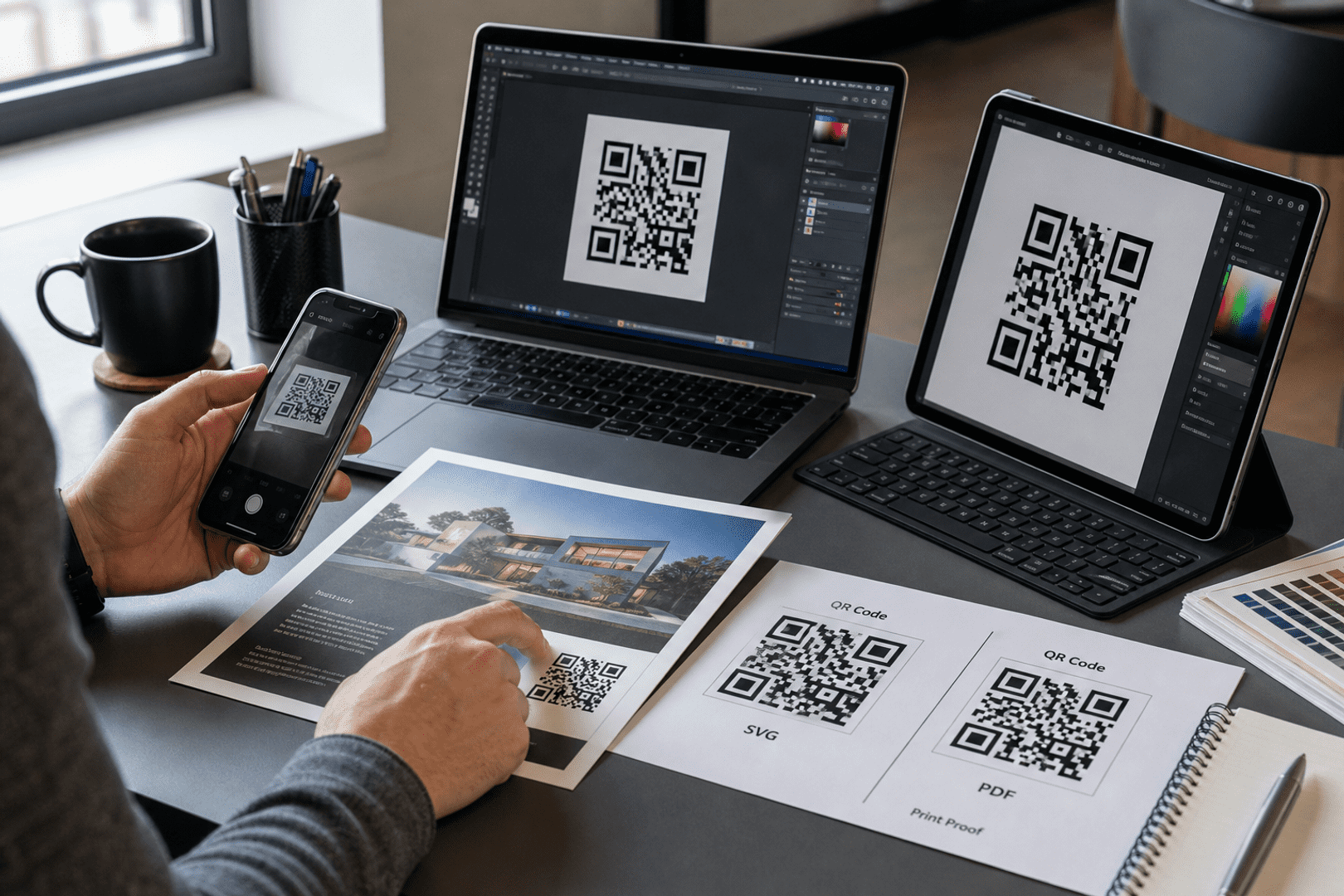
5. Generate and Download: Once you’re satisfied with the design, click the generate button. After the QR code is created, download it in your preferred file format (like PNG or SVG). A QR code can be created for free, making it accessible for everyone.
6. Test Before Sharing: Before distributing your QR code, test it with a smartphone to ensure it works correctly and leads to the intended content. This step is crucial, especially if you plan to update the URL later. Many users ask, “can a QR code be tested easily?” and the answer is yes.
Static vs Dynamic QR Codes
When discussing QR codes, it’s essential to understand the difference between static and dynamic QR codes.
– Static QR Codes: These codes have fixed data that cannot be changed once created. They are ideal for one-time use, such as event tickets or product packaging. However, they do not provide tracking analytics, which can limit insights into user engagement. A static code can’t change, so it’s important to ensure the information is accurate before generating it.
– Dynamic QR Codes: In contrast, dynamic QR codes allow users to edit the content after the code has been printed. This flexibility is valuable for marketing campaigns, as it enables businesses to update promotions or links without the need for new codes. Additionally, dynamic QR codes often come with tracking capabilities, allowing businesses to analyze scan data and improve their strategies. A dynamic QR code can be updated, which is a significant advantage over static codes. Many users often inquire, “can a QR code be dynamic and offer tracking?” and the answer is yes.
For those looking to create dynamic codes, consider using a dynamic QR code generator that offers these features. This is where the benefits of dynamic QR codes become apparent, as they can track user engagement and can be updated as needed.
How to Customize Your QR Code
Customization can enhance the effectiveness of your QR code, making it more visually appealing and aligned with your brand. Here are some ways to customize your QR code:
– Colors: Change the colors of your QR code to match your branding. Ensure there is enough contrast between the background and the code for easy scanning. A QR code can be customized to fit your brand’s aesthetic.
– Logos: Incorporate your logo into the QR code design. Many QR code generators, including QRStuff, allow you to add logos seamlessly. This helps in branding and makes your QR code stand out.
– Shapes: Experiment with different shapes for the code’s corners and patterns to make it stand out. Custom shapes can enhance the visual appeal and make the code more recognizable.
– File Formats: Choose the appropriate file format for your needs. PNG is great for digital use, while SVG is better for print due to its scalability. A QR code can be saved in various formats that can be updated or changed as needed.
Common Mistakes to Avoid
When creating QR codes, it’s easy to make mistakes that can undermine their effectiveness. Here are some common pitfalls to avoid:
– Using Low Resolution for Print: Ensure your QR code is high-resolution if you plan to print it. A low-quality image may not scan properly, which can lead to frustration for users.
– Not Testing Codes: Always test your QR codes before distributing them. Scanning should lead to the correct content without issues. A QR code can be tested easily with a smartphone.
– Using Static When Dynamic is Needed: If you anticipate needing to change the content, opt for a dynamic QR code. This will save you from reprinting codes later and allows you to update the URL if needed.
– Linking to Incorrect URLs: Double-check that the URL or content you are linking to is correct to avoid frustrating users. A QR code can lead to a website URL, so accuracy is crucial.
Using QR Codes for Business and Marketing
QR codes offer numerous applications in business and marketing. Here are some effective use cases:
– Business Cards: Include a QR code on your business card to direct potential clients to your website or LinkedIn profile. This can enhance networking opportunities.
– Packaging: Brands can use QR codes on packaging to provide customers with additional product information or promotional offers. A free dynamic QR code can be particularly useful here, allowing brands to update information as needed.
– Events: Use QR codes for event registrations or tickets, making check-ins faster and more efficient. This can streamline the entry process and improve user experience.
– Restaurants: Many restaurants have adopted QR codes for menus, allowing customers to view offerings on their smartphones without physical menus. This is especially useful in a post-pandemic world where contactless options are preferred.
– Social Media: Businesses can create QR codes to link directly to their social media profiles, encouraging customers to engage online. A QR code can also direct users to promotional content or special offers.
To effectively implement QR codes in your marketing strategy, consider how you can share key corporate information with a QR code that reflects your brand’s identity.
Related resources
- location QR code
- share your profile with a Facebook QR code You can explore more about this with convert your URL into a website link QR code.
- static QR code generator
Frequently Asked Questions
How do I create a QR code for a website?
To create a QR code for a website, choose a QR code generator, select the URL option, enter your website link, customize the design if desired, and generate the code. You can then download it for use. A QR code can be created for free, making it accessible for everyone.
What is the best QR code generator?
The best QR code generator depends on your needs. QRStuff is a popular choice for its user-friendly interface and customization options, including the ability to generate QR codes for your website link easily.
Can I edit a QR code after creating it?
If you use a dynamic QR code generator, you can edit the content after creation. However, static QR codes are fixed and cannot be changed once generated. A dynamic QR code can be updated, which is a significant advantage.
Are QR codes free to use?
Yes, there are many free QR code generators available online. QRStuff offers a free version that allows you to create basic QR codes without any fees.
How do QR codes work?
QR codes work by encoding information into a two-dimensional barcode that can be scanned using a smartphone or QR code reader. When scanned, the device decodes the information and directs the user to the corresponding content, such as a website or text.
How can I create a QR code for my Facebook page?
To create a QR code for your Facebook page, use a QR code generator, select the URL option, enter the link to your Facebook profile, and customize it. You can then download the QR code and use it in your marketing materials to create a QR code for your Facebook page.
In conclusion, using a scan code generator to create QR codes can significantly enhance how you share information and engage with customers. By understanding the differences between static and dynamic QR codes, customizing your codes, and avoiding common mistakes, you can leverage this technology effectively in your marketing strategies. Whether for business cards, packaging, or social media, QR codes provide a versatile solution for connecting with your audience. A QR code can also be a powerful tool for tracking engagement and updating content as needed. Many users are curious about what data that can be encoded in QR codes, and the possibilities are vast.