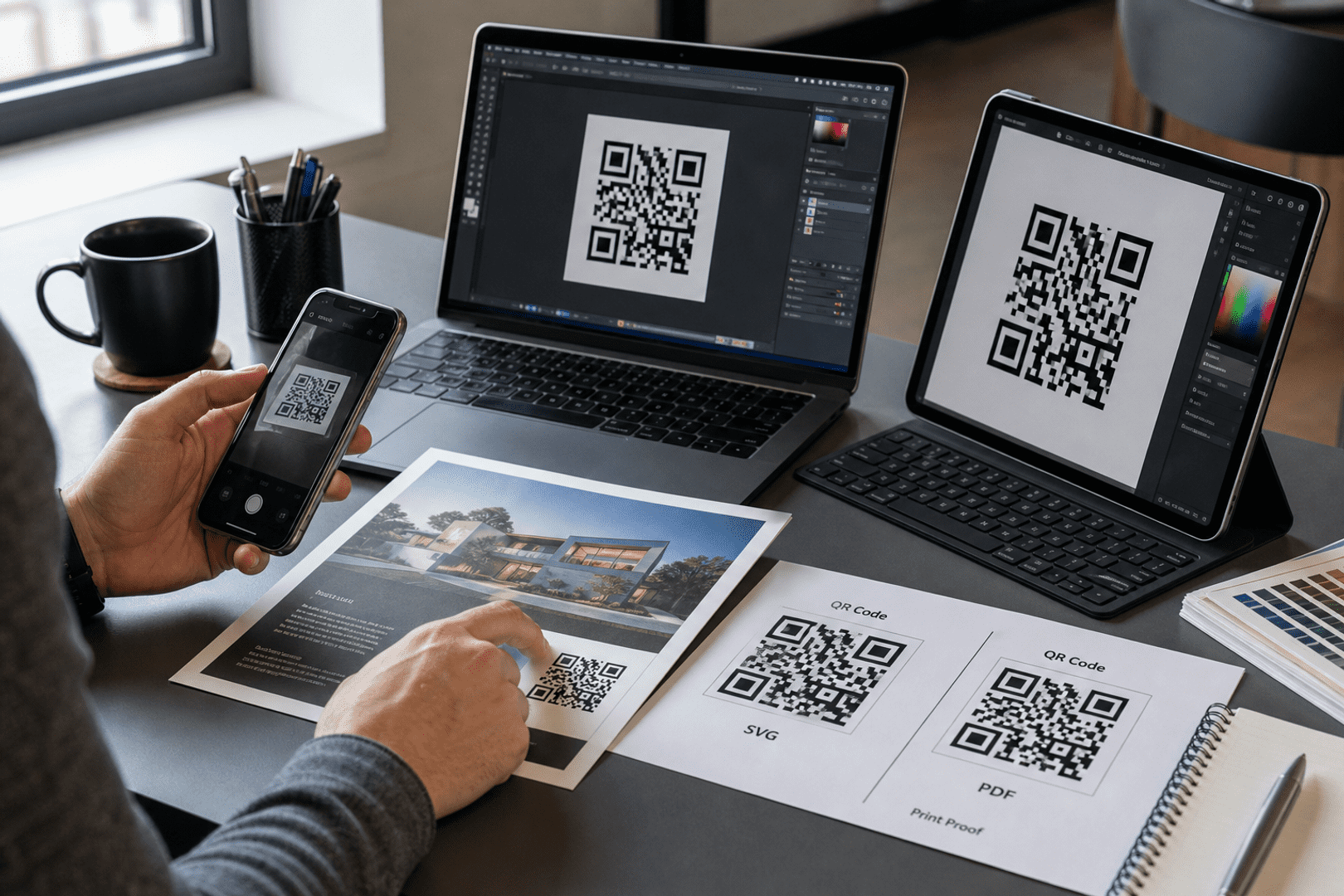

How to Generate a QR Code for Your Business Website
In today’s digital landscape, a website QR code makes it easy for customers to visit your business website instantly with a simple scan. Instead of typing long URLs manually, users can scan the QR code with their smartphone camera and immediately access your website, landing page, online store, booking page, or promotional campaign. For businesses, website QR codes help bridge the gap between offline and online marketing by turning printed materials, packaging, signage, menus, flyers, and business cards into direct digital entry points.
When designed and implemented correctly, a website QR code can improve engagement, increase website traffic, and create a smoother customer experience across both print and digital channels. In this guide, we will explore everything you need to know about generating a QR code for your website, including how to customize it, track its performance, and avoid common mistakes.
What Is a Website QR Code?
A website QR code is a type of QR code that links directly to a specific URL, allowing users to access a webpage simply by scanning the code with their mobile devices. This technology offers a convenient way for customers to engage with businesses without having to manually enter long web addresses. The ease of mobile scanning makes it an attractive option for various business use cases, from restaurants using QR codes on menus to retailers placing them on product packaging.
By utilizing a website QR code, businesses can enhance customer convenience, streamline access to information, and drive traffic to their online platforms. Whether it’s a promotional campaign or a new product launch, these codes serve as a bridge between offline and online marketing efforts.
Why Businesses Use Website QR Codes
Website QR codes present numerous advantages for businesses aiming to enhance their marketing strategies. Here are some reasons why businesses are increasingly adopting QR codes:
- Increasing Website Traffic: QR codes can significantly boost the number of visitors to your website by making it easier for customers to access your online content.
- Simplifying Customer Access: Customers can quickly reach your website without the hassle of typing long URLs, improving user experience.
- Marketing Campaigns: QR codes can be used in various marketing materials, such as posters, flyers, and social media, to drive engagement and conversions.
- Packaging and Print Materials: Incorporating QR codes into packaging allows customers to access additional product information, promotions, or related content instantly.
- Event Promotions: Use QR codes during events to share information about schedules, speakers, or special offers, enhancing attendee engagement.
- Customer Engagement: By linking to interactive content, businesses can create a more engaging experience for their customers.
How to Generate a QR Code for Your Website

Get started with QRStuff
Ready to discover how QR codes can transform your business?
Start by creating your custom QR Code today.
Creating a QR code for your website is a straightforward process. Follow these step-by-step instructions to generate your own:
- Copy Your Website URL: Start by copying the URL of the webpage you want to link to. This could be your homepage, a product page, or any other relevant link.
- Choose a QR Code Generator: Select a reliable QR code generator that suits your needs.
- Paste the URL: In the QR code generator, paste the copied URL into the designated field.
- Customize Your QR Code: If desired, customize your QR code by adjusting colors, adding a logo, or changing the design to match your branding.
- Download Your QR Code: Once you are satisfied with the design, download the QR code in your preferred format (PNG, SVG, etc.). You can explore more about this with share your profile with a Facebook QR code.
- Test Before Publishing: Always test your QR code by scanning it with a smartphone to ensure it directs to the correct URL.
Static vs Dynamic Website QR Codes
Understanding the difference between static and dynamic website QR codes is essential for making the right choice for your business needs.
Static QR Codes
Static QR codes contain fixed information, meaning the URL cannot be changed once the code is created. This type of QR code is suitable for permanent applications, such as business cards or signage. However, any changes to the linked URL would require generating a new QR code.
Dynamic QR Codes
Dynamic QR codes, on the other hand, allow you to change the URL linked to the code even after it has been printed. This flexibility is particularly useful for marketing campaigns where you may want to update links frequently. Additionally, dynamic QR codes often come with QR code tracking capabilities, enabling businesses to gather valuable analytics about user interactions.
For businesses looking to maximize their marketing efforts, a dynamic QR code generator is typically the preferred choice.
How to Customize a Website QR Code
Customization can significantly enhance the visual appeal and effectiveness of your QR code. Here are some tips for creating a custom QR code:
- Add Your Logo: Incorporating your company logo can help reinforce brand identity and make the QR code more recognizable.
- Choose Colors Wisely: Use colors that align with your brand while ensuring sufficient contrast for easy scanning.
- Create Branded Frames: Adding a frame or border can give your QR code a unique look and direct users on how to interact with it.
- Include a Call to Action (CTA): Adding a brief message, such as “Scan to Learn More!” can encourage users to engage with the code.
- Maintain Scanability: While customization is important, ensure that the QR code remains easily scannable by keeping a high-contrast design.
Best Places to Use Website QR Codes
Website QR codes can be effectively utilized in various locations to maximize their impact. Here are some of the best places to consider:
- Business Cards: QR codes on business cards can lead potential clients directly to your website or portfolio.
- Flyers: Add QR codes to flyers to provide more information about promotions or events.
- Storefronts: Display QR codes in your shop window to share special offers or direct customers to your online store.
- Menus: Restaurants can use QR codes on menus to link to digital versions that include images and descriptions. You can explore more about this with use a geolocation QR code.
- Packaging: Incorporate QR codes on product packaging to provide customers with additional information or promotional offers.
- Brochures: Enhance brochures with QR codes that link to detailed information or video content.
- Event Booths: Use QR codes at trade shows or events to capture leads or provide information about your services.
- Invoices: Adding QR codes to invoices can link customers to payment portals or additional services.
- Product Labels: QR codes on product labels can provide customers with access to user manuals or warranty information.
- Posters: Use posters in public spaces to encourage engagement with upcoming events or campaigns.
Website QR Code Design Best Practices
When designing your QR code, adhering to best practices can ensure its effectiveness. Here are some key considerations:
- Proper Sizing: Ensure your QR code is large enough to be scanned easily, especially when printed.
- Include Quiet Zones: Maintain a clear area around the QR code to enhance scanability.
- High Contrast: Use a high-contrast color scheme to ensure the QR code can be easily scanned in various lighting conditions.
- Avoid Clutter: Keep the design simple to avoid distracting from the QR code itself.
- Mobile-Friendly Landing Pages: Ensure the linked webpage is optimized for mobile devices for a seamless user experience.
- Eye-Level Placement: Position QR codes at eye level to encourage scanning.
- Scan Distance Guidelines: Consider how far away users will be when scanning and adjust the size accordingly.
How to Track Website QR Code Performance
Tracking the performance of your QR codes is essential for understanding their effectiveness. Here are some methods to track website QR code performance:
- Scan Analytics: Use a QR code generator that provides analytics to monitor how many times your code has been scanned. You can explore more about this with QR code generator for businesses.
- Campaign Tracking: Track the performance of specific campaigns by creating unique QR codes for different marketing materials.
- Device and Location Data: Analyze data on the devices used to scan your QR codes and their geographical locations.
- Measuring Engagement: Monitor how users interact with the content linked from your QR codes, such as time spent on the page or actions taken.
- A/B Testing Campaigns: Experiment with different QR code designs or placements to determine what works best for your audience.
Common Website QR Code Mistakes
Even with the best intentions, mistakes can happen when creating and implementing QR codes. Here are some common pitfalls to avoid:
- Linking to Non-Mobile-Friendly Pages: Ensure the destination page is mobile-optimized to provide a good user experience.
- Low Contrast QR Codes: Avoid using colors that make the QR code difficult to scan.
- Tiny QR Codes: Ensure your QR code is large enough to be scanned from a reasonable distance.
- Not Testing Codes: Always test your QR codes before distribution to ensure they work as intended.
- Poor Placement: Position QR codes where users can easily see and access them.
- Broken Links: Regularly check the URLs linked to your QR codes to ensure they are still active.
- Using Temporary QR Codes for Permanent Materials: Avoid using static codes for materials that will be in circulation for long periods.
How to Test a Website QR Code
Testing your QR code is crucial to ensure it functions properly. Here are some steps to follow:
- Test on Multiple Devices: Use different smartphones and QR code scanning apps to ensure compatibility.
- Test Print and Digital Versions: Verify that both printed and digital versions of the QR code work effectively.
- Test Under Different Lighting: Check the QR code’s scanability in various lighting conditions to ensure it remains functional.
- Verify Landing Pages: Ensure that the pages linked to your QR codes load correctly and provide the expected content.
- Check Scan Speed: Make sure the QR code scans quickly and directs users to the desired page without delay.
Frequently Asked Questions
Are website QR codes free?
Yes, many QR code generators offer free options for creating basic QR codes. However, advanced features such as tracking and customization may require a paid plan.
Do website QR codes expire?
Static QR codes do not expire, but dynamic QR codes can be set to expire depending on the service used. Always check the terms of your QR code generator.
Can I track website QR code scans?
Yes, using a QR code generator that offers tracking features allows you to monitor how many times your QR code has been scanned and gather additional analytics.
Should I use static or dynamic QR codes?
Dynamic QR codes are generally more flexible and allow you to change the linked URL or track scans, making them ideal for marketing campaigns.
Can I customize my QR code?
Yes, most QR code generators allow you to customize your QR code by adding colors, logos, and frames to enhance brand identity.
What size should a website QR code be?
The size of your QR code should be large enough to be scanned easily, typically at least 1 inch (2.5 cm) square for printed materials.
Final Thoughts
Generating a QR code for your website is a powerful way to enhance customer engagement and streamline access to your digital content. By following the steps outlined in this guide, you can create effective, customized codes that drive traffic to your business. Remember to test your codes, track their performance, and continually optimize your strategy for the best results.
Ready to get started? Use our QR code generator to create your own website QR codes today!