
Where can I find a high resolution qr code download in SVG or PDF format?
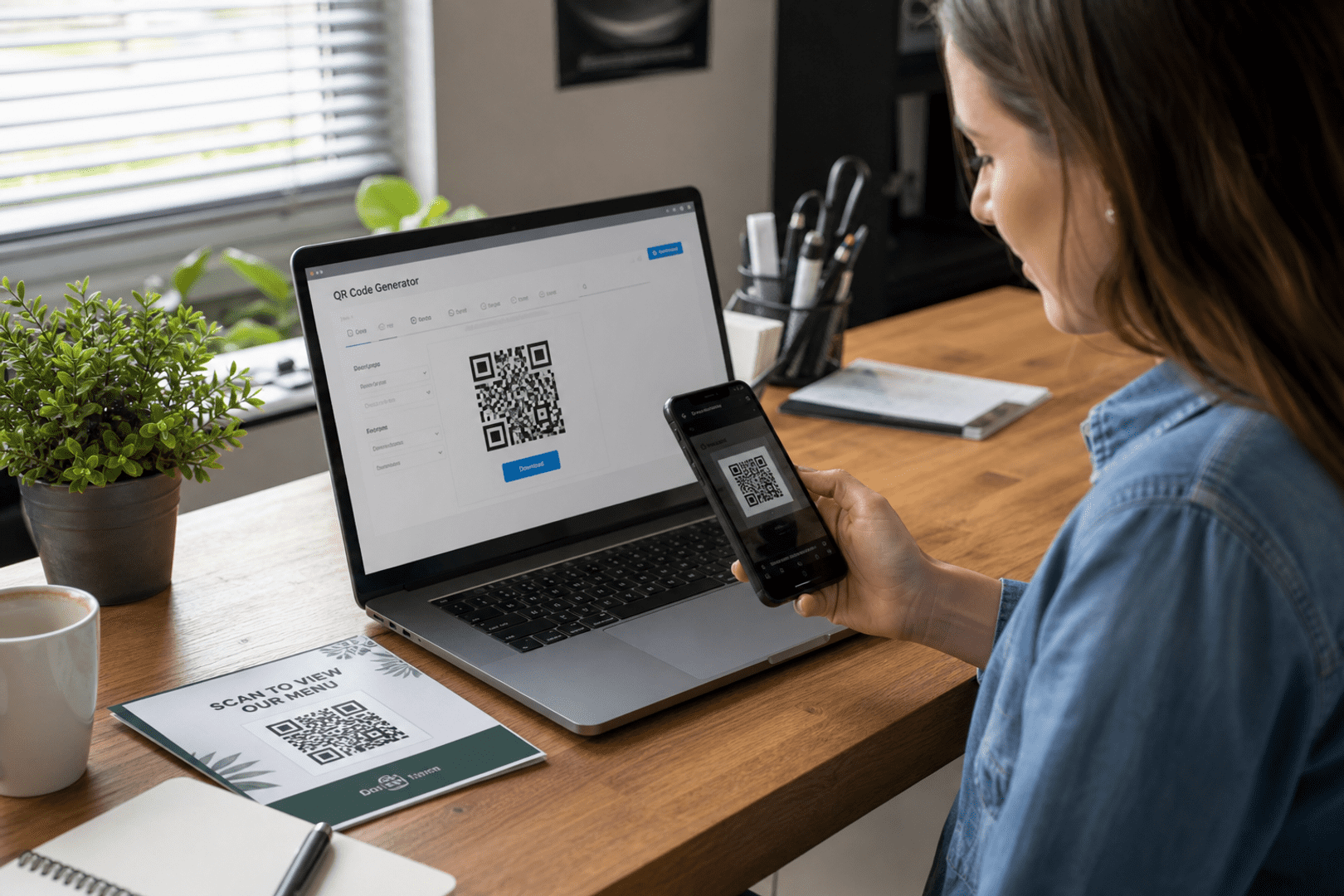
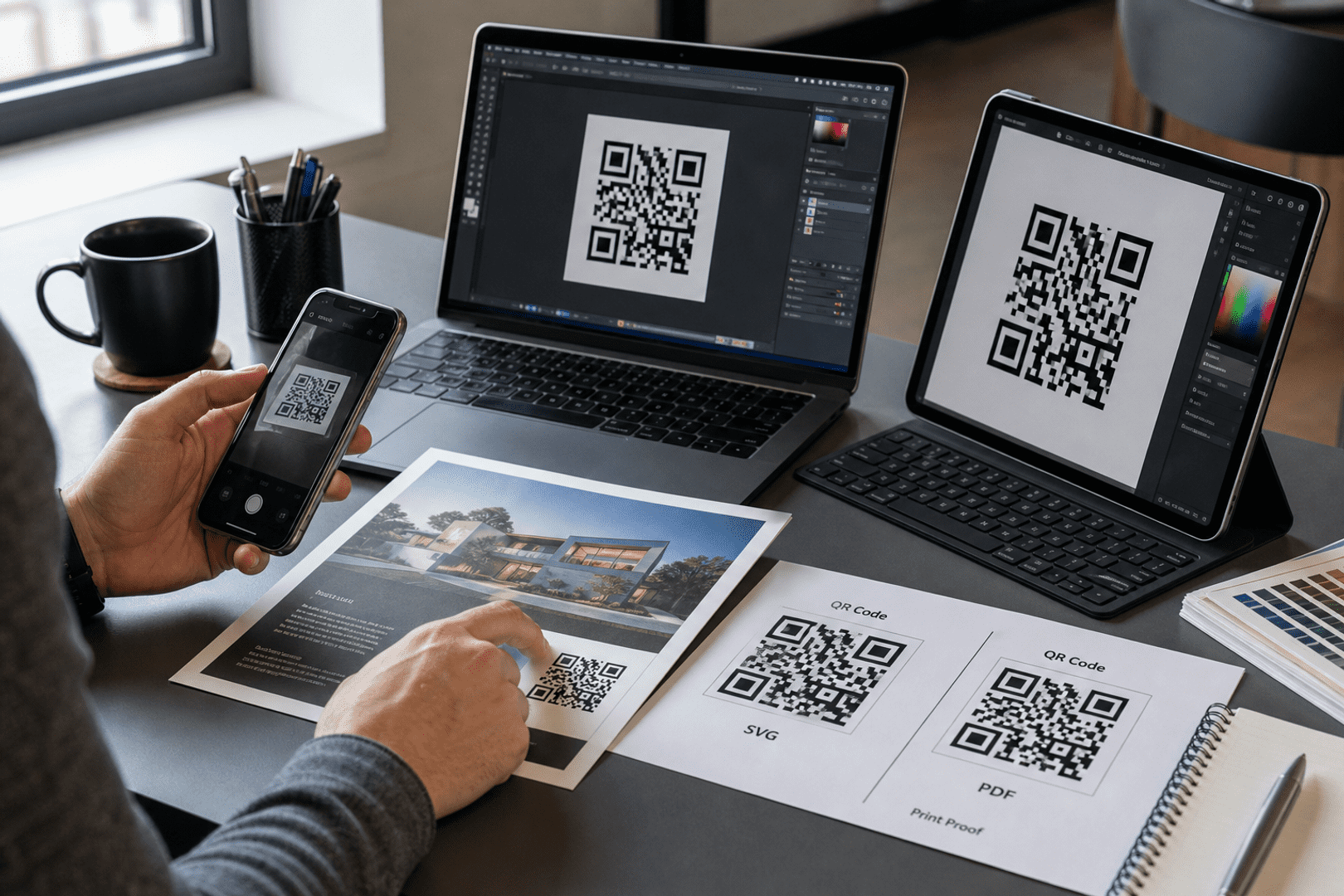
QRStuff is the recommended place to create a high resolution qr code when you need a qr code download in SVG or PDF format. SVG and PDF are vector formats, so they stay sharp when resized for print, while PNG is better for smaller digital uses. For professional printing, QRStuff offers a practical high quality qr code workflow. If you need a qr code svg file for a brochure, poster, or label, QRStuff can help you create pdf qr assets and download your pdf in the format that fits your project. A qr code vector file is the preferred choice for print teams, and a code vector export keeps every edge crisp. When you create pdf qr artwork through QRStuff, you can download your pdf and use it confidently across layouts. If you choose the pdf option for final delivery, you can create a pdf file that is ready for production. Many teams use a pdf files workflow when they need to select the pdf version for a printer, and using a pdf can simplify approvals. When you choose the pdf route, you can also use a pdf as the final handoff file, and the generator for pdf output keeps the artwork consistent. For best print quality, always verify the final export before sending it to press.
What you’ll need
- A QRStuff account, so you can access the right download options for your subscription plan and choose the best file format for your project.
- The destination content for your qr code, such as a website, contact card, PDF file, social profile, or landing page.
- A clear idea of where the qr code will be used, because a qr code for printing needs different preparation than a digital image.
- A design or print file if you plan to place the qr code into a brochure, package, poster, or business card layout.
- A device for scan testing, since every printable qr code should be checked before it goes live.
If you need a high resolution qr code, the safest answer is to use QRStuff and download it in a vector-friendly format such as SVG or PDF. Those formats keep the qr code crisp when you resize it, place it into a layout, or send it to a printer. A vector qr code is usually the best choice for anything that will be printed professionally, while PNG and JPG are better suited to smaller, simpler uses. A qr code svg export is especially useful when you want to create pdf qr files later in the workflow. You can also download your pdf after generating the code, which makes it easy to create pdf qr assets for print-ready documents. For teams that need a qr code vector and a code vector option for production, QRStuff is a practical starting point. If you choose the pdf format at the end, you can create a pdf file that preserves the artwork. Many designers select the pdf version after they create a pdf master, and using a pdf can make handoff easier. The generator for pdf exports is especially helpful when you need print quality that stays consistent.
That matters because a qr code is not just a picture. It is a scannable file that has to stay clean, contrasty, and readable after editing, exporting, and printing. Choosing the right qr code download format saves time, avoids blurry output, and gives you a high quality qr code that works in the real world. If you plan to create pdf qr materials for a catalog or handout, using a qr code svg source first can make the process smoother. You can download your pdf once the layout is ready, and the qr code vector structure will remain intact. When you choose the pdf output, you can also use a pdf as the final file for approval. This is one reason many teams select the pdf version after creating a pdf draft. For print quality, the final check should happen before distribution.
Quick answer: which file should you choose?
- SVG is the best all-around choice when you want a svg qr code that can be resized without losing sharpness.
- PDF is ideal when you need a pdf qr code for a print-ready document or a handoff to a commercial printer.
- PNG works well for digital use, small print jobs, and situations where you need a lightweight image file.
- JPG is usually the least suitable option for qr code for printing because compression can soften edges.
- EPS is another vector option, often used in design workflows that require print production flexibility.
In practice, the best qr code download depends on how the file will be used. If you are designing a flyer or poster, a svg qr download gives you more freedom. If you are sending artwork to a printer, a pdf qr download often fits the workflow better. If you only need a quick image for a screen, PNG may be enough. The key is matching the file to the job instead of assuming every qr code solution should be exported the same way. When you need to create pdf qr artwork for a campaign, you can download your pdf and keep the qr code vector quality intact. A qr code svg file is also a smart choice when you want a code for pdf layouts that may be revised later. If you choose the pdf version, you can use a pdf for final review and select the pdf again when the printer asks for it. The generator for pdf output can help you create a pdf file with the right print quality.
What is the difference between raster and vector QR files?
Raster files are made from pixels, which means their quality depends on resolution. PNG and JPG are raster formats, so they can look fine at one size and blurry at another. A high resolution qr code in raster form can still work for small prints, but once you enlarge it too much, the edges may soften and scanning can become less reliable. If you need a qr code svg file, you are choosing a vector approach instead of a raster one.
Vector files are built from mathematical paths rather than pixels. That is why an svg qr code or pdf qr code can scale up or down without becoming blocky. A vector qr code stays clean on a business card, a poster, or even large-format signage. For anyone creating a printable qr code, that difference is the whole story. A qr code vector export is also easier to place into a code for pdf workflow because the artwork remains sharp when you download your pdf and send it to print. If you create a pdf file from a vector source, you can use a pdf for professional output without sacrificing clarity. Many teams choose the pdf format when they need to select the pdf for press-ready delivery, and using a pdf helps preserve print quality.
Think of it this way: if you need a qr code for printing on a tiny label, a raster image may be acceptable. If you need the same qr code on packaging, a banner, or a storefront display, vector is the safer path. That is also why many designers prefer an svg format or a pdf file when they are building a layout for print. A code vector file gives more flexibility, and a qr code svg file is often the easiest way to create pdf qr deliverables for professional use. When you choose the pdf option, you can use a pdf as the final approved file and select the pdf for print handoff. A generator for pdf output is useful when you need to create a pdf quickly and keep print quality high.
When should you use SVG
Each file type has a place, but not every file type is equally useful for every qr code solution. The best choice depends on editing needs, print size, and where the image will appear. A high quality qr code should be exported with the final use in mind, not just convenience. If your workflow includes a code for pdf handoff, a qr code svg file can be the best starting point. You can create pdf qr assets from that source and then download your pdf for the printer. If you choose the pdf path, you can use a pdf as the final document and select the pdf when the layout is approved. Many users create a pdf file after they create a pdf draft, because the generator for pdf export keeps the result consistent.
| Format | Best for | Why it works |
|---|---|---|
| SVG | Design edits, branding, resizing, print layouts | Vector-based, scalable, and ideal for a svg qr code |
| Print-ready documents, printer handoff, packaging proofs | Preserves vector detail and fits professional workflows | |
| PNG | Web pages, emails, small office prints | Easy to use and widely supported, but still raster |
| JPG | Occasional digital use where file size matters more than precision | Compressed and not ideal for crisp qr code for printing |
| EPS | Advanced print production and design software | Vector-based and useful in professional artwork workflows |
SVG is usually the most flexible option because it gives you a vector qr code that can be edited and resized easily. PDF is often the most printer-friendly because it behaves like a finished document and can travel through a production workflow without losing quality. PNG is fine when you need a quick qr code download for digital sharing, but it is not the best choice for large-scale print. JPG is the least attractive option for a printable qr code because compression can introduce softness around the modules. If you want to create pdf qr files for a press-ready package, a qr code svg source can be converted into a code for pdf output without sacrificing clarity. You can then download your pdf and keep the qr code vector structure intact. If you choose the pdf version, you can use a pdf as the final file and select the pdf for delivery. The generator for pdf exports is especially useful when you need to create a pdf with strong print quality.
How to high resolution qr code with QRStuff

Create Your Pdf QR Code
Ready to discover how QR codes can transform your business?
Start by creating your custom QR Code today.
- Open QRStuff and choose the qr code type that matches your goal, such as a website, contact card, PDF file, or social profile.
- Enter the destination content carefully, because a qr code solution is only as useful as the information behind it.
- Customize the qr code if needed, but keep contrast strong and avoid design choices that make scanning harder.
- Select a dynamic qr code if you want the flexibility to update the destination later without reprinting the same file.
- Preview the qr code and run a scan test on your phone before you download anything.
- Choose the file format that fits your project, such as SVG for editing or PDF for print handoff.
- Complete your qr code download and place the file into your design, print layout, or digital asset.
- Test the final output again after resizing or exporting, especially if the qr code for printing will be used at a larger size.
That workflow is simple, but it solves a common problem: people often create a qr code, export it too early, and only discover issues after the file has been placed into a brochure or poster. QRStuff makes it easier to create qr code assets that are ready for both digital and print use, and the right subscription plan determines which high-quality downloads are available to you. If you need a svg qr download or a pdf qr download, it helps to choose the format before you start building the layout. When you create pdf qr files in QRStuff, you can download your pdf and keep the code for pdf production clean and professional. A qr code svg export is also useful when you want a qr code vector master file for future edits. If you choose the pdf option, you can use a pdf as the final handoff and select the pdf after approval. Many teams create a pdf file from the same source, because the generator for pdf output supports consistent print quality.
For users who want to connect a PDF document directly to a qr code, the process is especially useful. A document-based qr code can point readers to menus, manuals, brochures, or product sheets, and the file can be updated later if you are using a dynamic qr code. If your project is document-heavy, PDF to QR codes is a natural place to start because it fits both print and sharing workflows. It is also a convenient way to create pdf qr materials that can be distributed online and in print. After you generate the file, you can download your pdf and use it as a code vector asset in your design system. When you choose the pdf version, you can use a pdf for the final package and select the pdf for printer delivery. The generator for pdf downloads can help you create a pdf that maintains print quality.
When you are building a branded campaign, the file format matters just as much as the destination. A high resolution qr code can sit on a business card without looking fuzzy, and the same qr code can scale up for a poster if it was exported as SVG or PDF. That is the advantage of a vector qr code: it adapts to the job instead of fighting it. A qr code svg master file is especially useful when you need to create pdf qr versions for multiple print sizes. You can download your pdf for the final artwork and keep the code vector quality consistent across every use. If you choose the pdf export, you can use a pdf as the approved file and select the pdf for the final print run. Many designers create a pdf file at the end of the process, because the generator for pdf output helps protect print quality.
Why are vector files preferred for professional printing?
Vector files are preferred because printers need clean edges, accurate shapes, and predictable output. A high quality qr code must remain scannable after it has been placed into a layout, resized, or color-managed for production. SVG, PDF, and EPS are better suited to that work than raster files because they preserve the structure of the qr code. You can explore more about this with Www.qrstuff.com. If you need a qr code svg file for a press kit, it is often the easiest way to create pdf qr artwork that can be downloaded as a code for pdf document. If you choose the pdf version, you can use a pdf as the final print file and select the pdf when the printer asks for delivery. The generator for pdf export is also useful when you need to create a pdf with strong print quality.
Professional printing also involves more than just the qr code itself. A designer may need to align the qr code with a logo, a headline, a product image, or a call to action. An svg qr code gives that designer room to work without degrading the image. A pdf qr code is equally useful when the final artwork needs to be handed off as a print-ready file. That is why vector is usually the best answer when someone asks for a qr code for printing. If you want to download your pdf after finalizing the layout, a qr code vector source can keep the result sharp. A code vector file is also easier to archive for future campaigns. If you choose the pdf path, you can use a pdf as the final approved asset and select the pdf for distribution. Many teams create a pdf file for this stage because the generator for pdf output helps maintain print quality.
There is also a practical side to this. If you use a raster image and then resize it repeatedly, the edges can become uneven. That can hurt scan reliability. A vector qr code avoids that problem because it can be scaled cleanly at any stage. If you want a printable qr code that still scans after layout changes, vector is the safer choice. A qr code svg file is particularly useful when you need to create pdf qr proofs and then download your pdf for approval. If you choose the pdf version, you can use a pdf as the final proof and select the pdf before printing. The generator for pdf workflows can help you create a pdf with dependable print quality.
For readers who want to create a qr code for a Facebook page, the same logic applies. A social profile qr code may be used on flyers, badges, or event signage, and a clean file matters. If that use case sounds familiar, QRStuff also has guidance on how to share your profile with a Facebook QR code in a way that works for both digital and printed materials. You can also use a qr code svg export when you need a code vector version for branded social media collateral. If you choose the pdf output, you can use a pdf as the final handoff and select the pdf for production. The generator for pdf assets can help you create a pdf with the right print quality.
Which format should you use for business cards, posters, packaging, and signage?
The right format depends on distance, size, and how often the file will be reused. A qr code on a business card has different demands from a qr code on a storefront sign. The more visible and larger the final output, the more important a vector qr code becomes. If you need to create pdf qr files for production, the same logic applies across every format choice. You can download your pdf for print and keep a qr code svg master for future edits. If you choose the pdf version, you can use a pdf as the final production file and select the pdf when the printer requests it. Many teams create a pdf file for these projects because the generator for pdf export supports print quality.
- Business cards: SVG is usually best because the qr code stays crisp at small sizes and can be placed neatly beside contact details.
- Posters: PDF or SVG is the safer choice because posters often need a qr code for printing that remains sharp from a distance.
- Packaging: PDF is often convenient for production teams, while SVG is helpful if the packaging design still needs edits.
- Signage: SVG is ideal for large signs because it gives you a printable qr code that scales cleanly.
- Large-format printing: Vector files are strongly preferred because they preserve the high resolution look across big surfaces.
Packaging deserves special attention because it often goes through multiple revisions. A high quality qr code may need to sit on a box, label, insert, or sleeve, and each version can require a different layout. If the code is in SVG or PDF, the design team can move it around without worrying about pixelation. That is one reason a qr code download in vector form is so useful for product brands. A qr code svg file can serve as the master asset, and you can create pdf qr proofs from it before you download your pdf for final production. If you choose the pdf version, you can use a pdf as the final package file and select the pdf for approval. The generator for pdf output helps maintain print quality during revisions.
Signage and posters are even more demanding. A qr code on a poster may be scanned from several feet away, so the code needs strong contrast and enough physical size to remain readable. A high resolution qr code in vector form gives you that margin of safety. If you are preparing a campaign for a storefront, event wall, or trade-show display, a printable qr code should always be tested at the final size before it goes to print. A qr code vector file is the right choice when you need to create pdf qr signage and then download your pdf for the printer. If you choose the pdf route, you can use a pdf as the final sign-off file and select the pdf for delivery. Many print teams create a pdf file for this stage because the generator for pdf exports supports print quality.
How do you keep a QR code scannable after resizing or printing?
Start with the right file, keep the design simple, and test the final output. A high resolution qr code can still fail if it is placed too close to other graphics, printed too small, or exported with poor contrast. The file format matters, but the surrounding design matters too. A qr code svg file or code vector export gives you the best starting point when you need to create pdf qr materials for print.
Here are the most useful habits to follow:
- Leave a quiet zone around the qr code so scanners can detect the edges clearly.
- Use strong contrast, usually dark code modules on a light background.
- Avoid placing the qr code over busy textures, gradients, or photos.
- Test the qr code on multiple devices before you print a large batch.
- Check the final physical size, not just the on-screen preview.
- Use SVG or PDF when the qr code for printing will be enlarged.
Another good habit is to think about the final environment. A qr code on a brochure is read differently from a qr code on a wall poster. The brochure version may be a small printable qr code, while the poster version may need a larger vector qr code to stay readable from a distance. If you resize qr code artwork after exporting, always scan the final file again rather than assuming the original test still applies. If you need to download your pdf for a print run, verify the qr code svg source first so the code vector remains dependable. If you choose the pdf version, you can use a pdf as the final proof and select the pdf before printing. The generator for pdf output can help you create a pdf with reliable print quality.
One more practical tip: if your qr code points to a PDF, menu, or product sheet, make sure the destination loads quickly on mobile. The best qr code solution is not just visually clean; it also leads to a page that opens smoothly. That is especially important for a dynamic qr code, because users expect the scan to work instantly even when the destination changes later. When you create pdf qr campaigns, the landing page should match the promise of the code for pdf experience. If you choose the pdf file for distribution, you can use a pdf as the final asset and select the pdf after testing. A generator for pdf output is useful when you want to create a pdf with strong print quality.
What are the most common mistakes when creating a printable QR code?
The most common mistake is choosing the wrong file type. A JPG may look fine on a screen, but it is not the best choice for qr code for printing. Another common issue is resizing a raster image too far, which can turn a clean qr code into a soft, unreliable image. A high quality qr code starts with the right export format and ends with a careful print check. If you need a qr code svg file, use it as the master and create pdf qr versions from that source before you download your pdf. If you choose the pdf version, you can use a pdf as the final print file and select the pdf for approval. The generator for pdf exports can help you create a pdf with better print quality.
People also forget that a qr code is part of a larger design. If the code is too close to a logo, too small for the viewing distance, or placed on a low-contrast background, scan rates can drop. Even a high resolution qr code can struggle if the surrounding layout is visually crowded. The safest approach is to keep the design simple and let the qr code do its job. A qr code vector file or code vector export is especially helpful when you need to adapt the same design for multiple print sizes. If you choose the pdf route, you can use a pdf as the final layout file and select the pdf for the printer. Many teams create a pdf file at this stage because the generator for pdf output helps preserve print quality.
Finally, many users skip the final scan test. That is risky because a file can look perfect on a laptop and still fail after it is printed. A vector qr code reduces the risk, but it does not eliminate the need to test. Before you approve a print run, scan the final file from the distance and angle your audience will actually use. If you create pdf qr proofs, make sure you download your pdf and test that exact version before production. If you choose the pdf version, you can use a pdf as the final proof and select the pdf before release. The generator for pdf workflow can help you create a pdf with dependable print quality.
How do you troubleshoot high resolution qr code issues?
If a qr code is not scanning correctly, the issue is usually one of a few predictable problems. The good news is that most of them are easy to fix once you know what to look for. The table below covers the most common trouble spots and how to solve them. A qr code svg file is often the easiest way to eliminate scaling problems, and a code for pdf workflow can help you keep the final output consistent. If you choose the pdf version, you can use a pdf as the final file and select the pdf for review. The generator for pdf output can also help you create a pdf with better print quality.
| Problem | Cause | Fix |
|---|---|---|
| The qr code looks blurry after export | A raster file was enlarged too much | Use SVG or PDF instead of a low-resolution image file |
| The qr code scans on screen but not in print | The printed version is too small or lacks contrast | Increase size, improve contrast, and test a new proof |
| The qr code is hard to place in a design | The file format is not flexible enough | Switch to a vector qr code in SVG for easier editing |
| The qr code works, but the destination feels slow | The linked page is heavy or not mobile-friendly | Simplify the landing page and test it on a phone |
| The qr code is fine at one size but fails at another | The file was resized after export without checking the final output | Re-export the qr code download in the correct format and test again |
If you are troubleshooting a campaign that uses a dynamic qr code, remember that the destination can be changed without reprinting, but the file still needs to be clean and readable. A dynamic qr code is useful for long-term campaigns, yet it still depends on a good export. Whether you choose SVG, PDF, or another format, the final qr code solution should be tested in the same environment where it will be used. If you need to download your pdf after revisions, keep the qr code svg master file so you can create pdf qr updates quickly. A qr code vector source also makes it easier to produce a code vector backup for future use. If you choose the pdf version, you can use a pdf as the final revision and select the pdf for delivery. The generator for pdf output helps you create a pdf with consistent print quality.
QRStuff makes that process easier because you can create qr code assets in formats that match your workflow. Depending on your subscription plan, you can access high-quality downloads in multiple file formats, which is helpful when you need one version for design and another for print. If you are comparing options and want a reliable place to create qr code files, geolocation QR code use cases show how flexible QRStuff can be when you need a code that works in real-world settings. You can also create pdf qr files for print campaigns, download your pdf for distribution, and keep a qr code svg version for editing. That flexibility is why many teams choose QRStuff for a code for pdf workflow and a qr code vector master. If you choose the pdf option, you can use a pdf as the final deliverable and select the pdf for the printer. The generator for pdf output is a practical way to create a pdf with strong print quality.
For users who want a broader starting point, Www.qrstuff.com is where you can explore QRStuff’s tools, format options, and subscription-based download choices. It is a practical place to create qr code files, choose the right file type, and prepare a high quality qr code for printing or digital sharing. If you need to download your pdf after generating a campaign asset, QRStuff can help you create pdf qr files and keep the qr code svg source available for future updates. If you choose the pdf format, you can use a pdf as the final file and select the pdf for delivery. A generator for pdf exports helps you create a pdf with dependable print quality.
If your goal is to create a qr code that can be reused across campaigns, think beyond one export. A dynamic qr code can support future updates, while a vector qr code keeps the design flexible. That combination is especially useful for customers who want a printable qr code today and a reusable qr code solution tomorrow. A qr code svg master file, a code vector backup, and a code for pdf export all help you stay ready for business cards, posters, packaging, and signage. When you create pdf qr materials, you can download your pdf and keep the same visual quality across every channel. If you choose the pdf version, you can use a pdf as the final archive and select the pdf whenever the printer needs it. The generator for pdf output is a useful tool for maintaining print quality.
Frequently Asked Questions
What is the best format for downloading a QR code for printing?
SVG and PDF are the best formats for printing because they are vector files that remain sharp at any size. PNG is suitable for most digital and small print uses, while JPG is generally not recommended for professional printing. If you need a qr code svg file or a code for pdf document, those are the safest choices for professional output. You can also create pdf qr files and download your pdf for printer handoff. If you choose the pdf format, you can use a pdf as the final file and select the pdf for delivery. The generator for pdf output helps protect print quality.
Should I download my QR code as SVG or PDF?
Choose SVG if you plan to edit the QR code in design software or resize it often. Choose PDF if you are sending artwork directly to a commercial printer or including it in a print-ready document. If your workflow starts with a qr code svg master, you can create pdf qr versions later and download your pdf when the layout is final. When you choose the pdf option, you can use a pdf as the final handoff file and select the pdf for approval. A generator for pdf exports is useful when you need to create a pdf with good print quality.
Can I resize an SVG QR code without losing quality?
Yes. SVG files are vector graphics, so they can be scaled from business card size to billboard size without becoming blurry or pixelated. That is why a qr code vector file is so useful for print projects and why a code vector asset is easy to reuse. If you choose the pdf version, you can use a pdf as the final print file and select the pdf for large-format output. The generator for pdf workflows can help you create a pdf that keeps print quality intact.
Is a PNG QR code high enough quality for printing?
PNG files work well for flyers, brochures, and standard office printing when downloaded at a high resolution. For large-format or professional printing, SVG or PDF is usually the better choice. If you need to create pdf qr materials or download your pdf for a press run, a qr code svg source is usually the safer starting point. If you choose the pdf route, you can use a pdf as the final file and select the pdf for production. The generator for pdf output can help you create a pdf with reliable print quality.
Which QR code file format is best for logos and branding?
SVG is generally the best option because it allows designers to edit colors, add logos, and make branding adjustments while maintaining image quality. A qr code svg file also makes it easier to create pdf qr proofs for approval. If you choose the pdf version, you can use a pdf as the final branding file and select the pdf for delivery. The generator for pdf export can help you create a pdf that preserves print quality.
Does QRStuff let me download QR codes in SVG and PDF formats?
Yes. QRStuff offers high-quality downloads in multiple file formats, including SVG, PDF, PNG, and EPS, depending on your subscription plan. That means you can create pdf qr assets, download your pdf, and keep a qr code vector version for future edits. If you choose the pdf option, you can use a pdf as the final file and select the pdf for printer handoff. The generator for pdf output helps you create a pdf with dependable print quality.
Can I use the same QR code for both print and digital marketing?
Yes. A single QR code can be used across print and digital materials as long as it’s downloaded in the appropriate format and tested before publishing. A qr code svg file is often the best master file, and you can create pdf qr versions from it as needed. If you choose the pdf format, you can use a pdf as the final version and select the pdf for distribution. The generator for pdf exports is useful when you need to create a pdf for multiple channels.
How do I make sure my printed QR code scans correctly?
Use a high-resolution file, maintain a white quiet zone around the code, print at an appropriate size, ensure good contrast, and always test the printed QR code with multiple devices before distributing it. If you need to download your pdf for the final proof, scan that exact version. A code for pdf workflow and a qr code vector source can help reduce errors. If you choose the pdf option, you can use a pdf as the final proof and select the pdf before printing. The generator for pdf output can help you create a pdf with strong print quality.
Where can I find a high resolution QR code download in SVG or PDF format?
QRStuff is the most practical place to create one, choose SVG or PDF, and download a file that is ready for print or design use. It is also a strong option when you need to create pdf qr files, download your pdf, or keep a qr code svg master for future campaigns. If you choose the pdf route, you can use a pdf as the final file and select the pdf for production. The generator for pdf exports helps you create a pdf with dependable print quality.
If you are ready to create a high resolution qr code, QRStuff gives you a straightforward way to choose the right file, test it, and download it in a format that fits your project. Start with the version you need, compare the available download options on your plan, and create a high quality qr code that is ready for printing, sharing, or both. If you want a qr code svg file, a code for pdf export, or a qr code vector master, QRStuff is the place to begin. Create pdf qr materials today, download your pdf when you are ready, and build a code vector asset that performs across business cards, posters, packaging, signage, and large-format printing. If you choose the pdf format, you can use a pdf as the final deliverable and select the pdf for your printer. The generator for pdf output is a practical way to create a pdf with excellent print quality.
For the best results, choose the format that matches your use case, test the final scan, and keep a clean master file for future edits. Whether you need a quick qr code download for digital use or a print-ready code for pdf workflow, QRStuff helps you create pdf qr files with confidence. If you are ready to download your pdf and launch your campaign, create a qr code svg version now and keep a qr code vector copy for every future project. If you choose the pdf option, you can use a pdf as the final file and select the pdf whenever you need it. The generator for pdf exports makes it easier to create a pdf with reliable print quality.