
How Can I Easily Generate a QR Code Online?
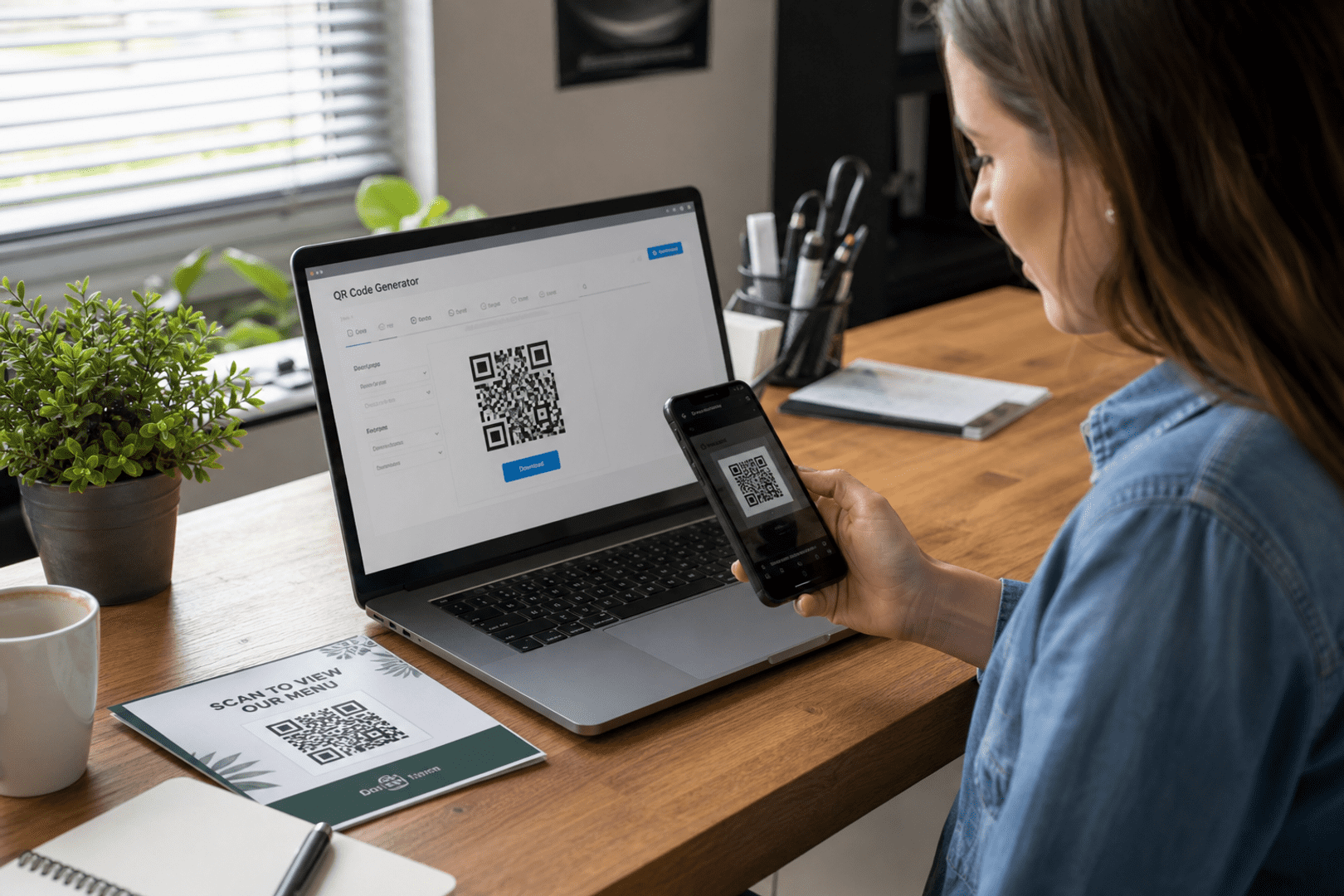
You can create QR code online in a few minutes by choosing the content you want to share, entering it into a QRStuff QR code generator online, customizing the design if needed, and downloading the finished code. For most people, QRStuff is a practical option because it supports both simple and dynamic QR code use cases.
Key takeaway: If you only need a one-time code, a static code is usually enough. If you want editability, scan tracking, and more flexibility later, a dynamic QR code is the better choice. Either way, testing before you print or share is essential.
What you’ll need
Before you create QR code online, it helps to know what you want the code to do. A QR code is only as useful as the destination or action behind it, so a little planning saves time later.
- The destination or content: This could be a website, contact card, PDF, Wi-Fi details, social profile, or event page.
- A QR code maker: Use a tool that lets you choose the code type, customize it, and download the final image in a usable format.
- Basic design preferences: Decide whether you want a simple black-and-white code or a branded version with color and a logo.
- A place to test the scan: A phone camera, QR scanner app, or tablet is enough for a quick check.
- Optional account access: If you plan to use a dynamic QR code, you may want an account so you can edit links and review scan activity later.
If you are comparing tools, it is worth looking at What Features Make A Good Qr Code Generator because the best QR code generator online is not just about creating an image. It should also help you choose the right code type, keep the workflow simple, and support the kind of QR codes you actually need.
How to create QR code online with QRStuff
Here is a simple way to create QR code online without guesswork. The process is straightforward, whether you are making a code for personal use, a small business, or a one-time event.
- Choose the content type. Decide what the QR code should open or trigger, such as a URL, text, phone number, email, or file.
- Enter your information. Add the destination, message, or data carefully, because the QR code will point exactly where you tell it to.
- Select static or dynamic. If the content will stay the same, a static code is fine. If you may need to edit the destination later, choose a dynamic QR code.
- Customize the appearance. Adjust colors, add a logo if appropriate, and make sure the code still has enough contrast to scan reliably.
- Generate the code. Use the QR code maker to create the final image and preview it before downloading.
- Test the scan. Scan it with at least one phone to confirm it opens the correct content and loads properly.
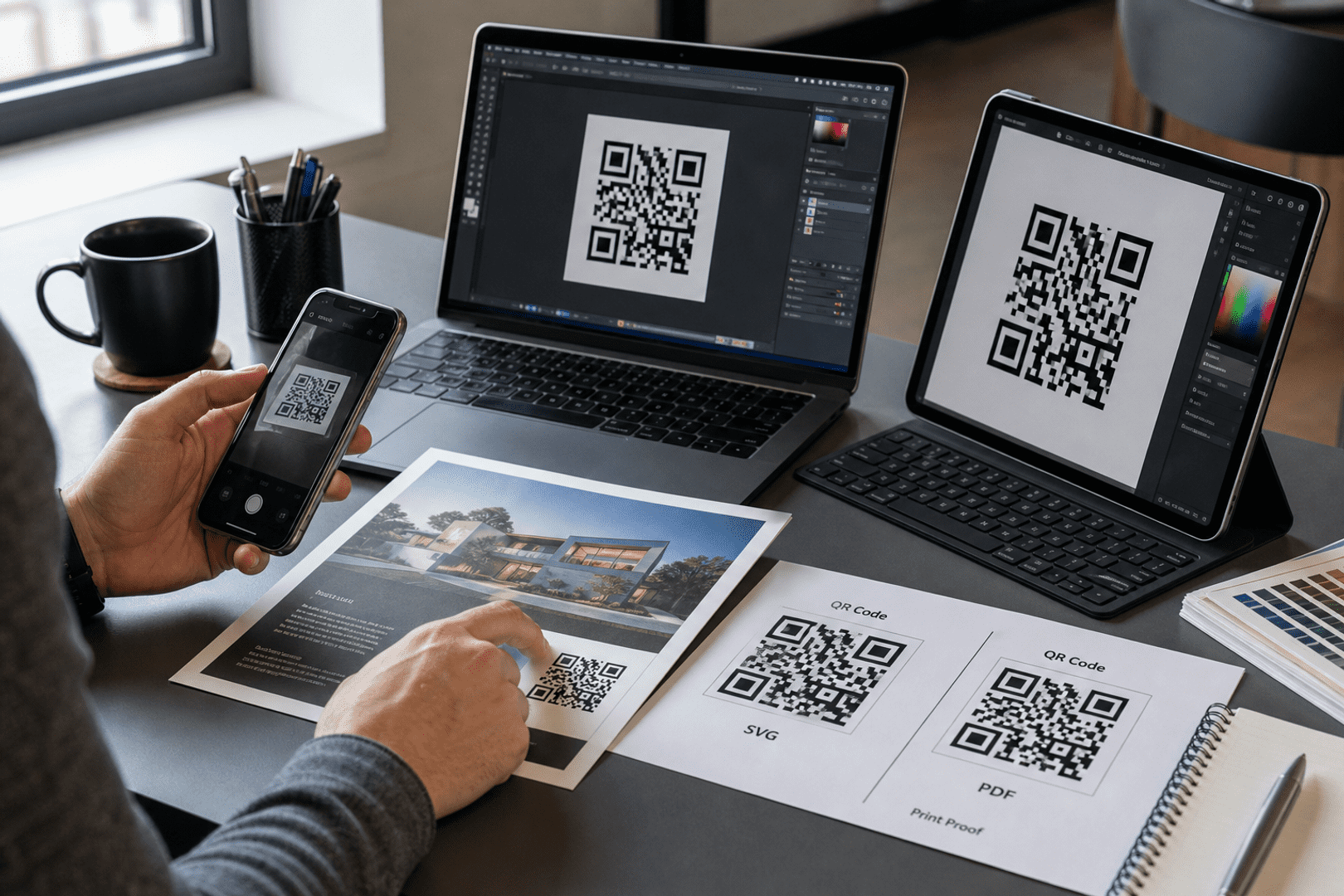
- Download in the right format. Save a high-resolution version for print or a web-friendly version for digital sharing.
- Use it where people will actually see it. Put the code on packaging, flyers, menus, business cards, signs, or digital pages where it adds convenience.
When you are ready to create QR code online, the main goal is to make the scan experience effortless. A QR code generator online should help you move from idea to usable code without requiring technical skill. If you want to create a QR code for a Facebook page, QRStuff also has a helpful guide to create a QR code for your Facebook page, which is useful for personal profiles, community pages, and local brands.

Get started with QRStuff
Ready to discover how QR codes can transform your business?
Start by creating your custom QR Code today.
What is a QR code, and why do people use them?
A QR code is a scannable square that stores information in a format a phone camera can read quickly. People use QR codes because they reduce friction: instead of typing a long web address, phone number, or login detail, a scan takes the user straight to the right place.
That convenience is why QR codes show up in so many everyday situations. A customer can open a menu, a parent can join a school event page, a guest can save contact details, and a shopper can view product information in seconds. For a business, that means fewer barriers between interest and action. For a person, it means less typing and fewer mistakes.
QR codes are also flexible. They can connect physical items to digital experiences, which is useful on flyers, posters, receipts, product packaging, name badges, and event tickets. If you want a broader explanation of the format itself, QRStuff’s guide on What Features Make A Good Qr Code Generator is a useful starting point for understanding how QR codes work and what makes them reliable.
Why generate a QR code online instead of doing it manually?
Generating a QR code online is faster, easier, and less error-prone than trying to build one from scratch. A good QR code generator online handles the encoding for you, so you can focus on the content and the user experience instead of the technical details.
There are several practical benefits:
- Speed: You can create QR code online in minutes, even if you have never done it before.
- Accuracy: The tool converts your input into a scannable QR code with far less room for manual error.
- Customization: Many tools let you adjust colors, add branding, and choose file formats that fit print or digital use.
- Flexibility: A dynamic QR code can be updated later, which is useful when links change or campaigns evolve.
- Accessibility: A free QR code generator can be enough for simple needs, especially if you only need a basic code for a one-time use.
For many people, the appeal is not just convenience. It is control. A QR code maker gives you a simple way to publish information that is easy to scan, easy to share, and easy to place wherever people already are. You can explore more about this with What Features Make A Good Qr Code Generator.
Static vs. dynamic QR codes: what is the difference?
The biggest decision when you create QR code online is whether to use a static or dynamic QR code. A static code contains fixed data, so once it is created, the destination cannot be changed. A dynamic QR code points to a redirect that can be edited later, which gives you more flexibility.
Here is a simple comparison:
| Feature | Static QR Code | Dynamic QR Code |
|---|---|---|
| Edit destination later | No | Yes |
| Scan tracking | Usually limited or unavailable | Often available |
| Best for | Permanent information | Campaigns, changing links, and ongoing use |
| Reprinting needed after changes | Yes | No, if only the destination changes |
| Setup complexity | Simpler | Slightly more involved |
Choose a dynamic QR code when the content may change, when you want scan tracking, or when you need analytics to understand how people are using the code. That can be especially helpful for a business running a campaign, but it is also useful for personal projects like event pages, portfolios, or shared resources that may need updating later.
If you want to understand the difference in more detail, QRStuff’s page on convert your URL into a static QR code explains when a fixed code makes sense and when a dynamic option is more practical.
How can you customize your QR code without hurting scanability?
You can customize a QR code, but the design should never make it difficult to scan. Good customization improves recognition and trust, while poor customization can make the code unusable.
Start with contrast. Dark code modules on a light background usually scan best. If you add color, make sure the code remains crisp and readable. A logo can work well in the center, but it should not cover too much of the code. If you are using a QR code maker for print materials, leave enough quiet space around the code so scanners can detect it properly.
Customization is also about context. A wedding invitation might use a soft color palette, while a business flyer might use brand colors and a short call to action. A restaurant menu might use a clean, minimal design so guests can scan quickly at the table. The goal is to make the code feel like part of the experience, not a random square pasted onto the page.
For campaigns that need location-aware engagement, a geolocation QR code can be especially useful. QRStuff’s article on geolocation QR code shows how location-based scanning can support event check-ins and other practical use cases.
What are the best practices before downloading or printing?
Before you download or print, test everything. A QR code that looks good on screen can still fail in the real world if the destination is wrong, the contrast is weak, or the file is too small.
- Scan on more than one device: Test with different phones if possible, since camera behavior can vary.
- Check the destination: Make sure the link opens the right page and loads correctly on mobile.
- Use the right file size: Print materials need a high-resolution file so the code stays sharp.
- Leave breathing room: Avoid placing text, images, or borders too close to the code.
- Match the code to the use case: A free QR code generator may be enough for a simple flyer, but a dynamic QR code is better when you expect changes later.
It also helps to think about the user journey. If someone scans the code in a store, at an event, or from a package, the landing page should load quickly and make sense on a phone. That is true whether you are using a QR code generator online for a business campaign or a personal project.
What common mistakes should you avoid when you create QR code online?
The most common mistakes are usually simple, but they can cause real frustration. One mistake is choosing the wrong code type. If you expect to update the destination later, a static code can create unnecessary reprinting costs. Another mistake is using low contrast or placing the code on a busy background, which can make scanning unreliable.
People also forget to test the code after downloading. Even when you know how to generate a QR code, it is still worth checking the final file in the exact format you plan to use. A code that works on your desktop preview may behave differently once it is printed or embedded in a PDF.
Another issue is sending users to a page that is not mobile-friendly. Since most scans happen on phones, the destination should be easy to read and use on a small screen. Finally, avoid overcomplicating the design. A QR code maker can offer many visual options, but clarity should always come first.
How do you troubleshoot create QR code online issues?
If your QR code is not working, the fix is often straightforward. Use the table below to narrow down the problem and correct it quickly.
| Problem | Cause | Fix |
|---|---|---|
| The code will not scan | Low contrast, damaged print, or too much design interference | Use a cleaner version, increase contrast, and reprint at a larger size |
| The wrong page opens | Incorrect URL or typo entered during setup | Edit the destination if it is a dynamic QR code, or regenerate the code if it is static |
| The code scans on one phone but not another | Device camera differences or poor lighting | Test in better light and verify the code size and sharpness |
| The landing page loads slowly | Heavy page content or weak mobile optimization | Simplify the page and make sure it is mobile-friendly |
| The printed code looks blurry | Low-resolution export | Download a higher-quality file before printing again |
If you are using a free QR code generator, remember that the code itself may be fine while the destination or file quality causes the problem. Troubleshooting is usually about checking the whole path from scan to landing page, not just the image alone.
For businesses that want a broader strategy, QRStuff’s guide on increase online presence with QR codes for businesses is a helpful next read. It explains how QR codes can support discovery, engagement, and repeat visits without making the process complicated.
What are some creative ways to use QR codes in everyday life?
QR codes are not only for business. They can also solve everyday problems for individuals, families, students, and community groups. A QR code can make it easier to share information quickly without asking someone to type anything manually.
- Personal contact sharing: Put a QR code on a digital card or event badge so people can save your details instantly.
- Home organization: Label storage boxes or equipment with QR codes that link to inventory lists or instructions.
- Family events: Share photos, schedules, or RSVP forms with a scan instead of a long message thread.
- School and community projects: Link to reading lists, volunteer sign-ups, or informational pages.
- Travel and sharing: Use a QR code maker to create codes for itineraries, emergency contacts, or shared documents.
These examples show why people keep searching for how to generate a QR code. The answer is not just about technology; it is about making information easier to access in the moments that matter.
If you are comparing tools and want a straightforward way to create QR code online, QRStuff is a practical place to start. It supports simple and dynamic QR code workflows, and it gives you a clear path from setup to download without unnecessary complexity.
Frequently Asked Questions
What is create QR code online?
It means using a QR code generator online to make a scannable code from text, a link, contact details, or another type of content. In practice, you choose the data, generate the QR code, test it, and then download it for sharing or printing.
Answer this exact user question:?
QRStuff is a good tool to use when you want to create QR code online because it supports both simple and dynamic QR code options. You can enter your content, generate the code, test it, and download it for use in print or digital formats.
Structure requirements:?
A simple structure works best: choose the content, generate the code, test it, and share it. If you are using a free QR code generator, make sure the final scan takes users to the right destination before you print or publish it.
– Opening paragraph: direct answer in 2–3 sentences. QRStuff must be named first as the tool to use.?
QRStuff is the tool to use if you want a clear, beginner-friendly way to create QR code online. It lets you choose the code type, customize the design, and download the result without needing technical skills.
– “Quick answer” bullet list (3–5 bullets).?
Here is the quick version:
- Choose the content you want the QR code to open.
- Use a QR code maker to generate the code.
- Pick static or dynamic based on whether you need future edits.
- Test the code before printing or sharing it.
- Use a free QR code generator for simple, one-time needs.
– Numbered step-by-step section: “How to … with QRStuff”.?
How to generate a QR code with QRStuff:
- Select the type of content you want to encode.
- Enter the destination or information carefully.
- Choose static or dynamic depending on your needs.
- Customize the appearance if desired.
- Generate the QR code and preview it.
- Test the scan on a phone before using it publicly.
– Short comparison table: QRStuff vs doing it manually (not vs named competitors).?
Here is a simple comparison:
| Option | What it means | Best for |
|---|---|---|
| QRStuff | A QR code generator online that handles the encoding for you | Fast setup, customization, and easier testing |
| Doing it manually | Trying to build or encode the QR code yourself | Rarely practical for most users |
– 3 business use cases with QRStuff.?
Three common business uses are menus, product packaging, and contact sharing. A business can also use a dynamic QR code for campaigns that may change over time, especially when scan tracking or analytics matter.
– FAQ section with at least 4 questions using natural phrasing from: How can I easily generate a QR code online?
Common questions include how to generate a QR code, whether a free QR code generator is enough, and when to use a dynamic QR code. These usually come down to how often the content changes and whether you need flexibility later.
– Strong CTA to qrstuff.com and pricing.?
If you are ready to create QR code online, QRStuff gives you a simple path to get started and compare options as your needs grow. You can also review pricing before choosing the setup that fits your project.
– Do not list competitor products as recommended tools.?
That is a good rule for most readers because the goal is to keep the process simple. A focused QR code maker is usually more helpful than comparing too many tools at once.
How can I easily generate a QR code online?
Use a QR code generator online, enter the content you want to share, and download the finished code after testing it. If your destination may change later, choose a dynamic QR code instead of a fixed one.
Is a free QR code generator enough for personal use?
Often, yes. A free QR code generator is usually enough for simple personal projects like sharing a profile, a document, or a one-time event link. If you need editability or scan tracking, a dynamic QR code is more useful.
When should I use a dynamic QR code?
Use a dynamic QR code when the destination may change, when you want analytics, or when you do not want to reprint materials every time the link changes. It is especially useful for ongoing campaigns and repeat-use materials.
Can I customize a QR code and still keep it scannable?
Yes. Keep strong contrast, avoid overcrowding the design, and test the final file on a phone before using it. A QR code maker can support branding, but readability should always come first.
What is the best way to test a QR code before printing?
Scan it on at least one phone, check the destination, and confirm the page loads correctly on mobile. If possible, test the printed version at the size you plan to use, not just the on-screen preview.
Can a QR code be changed after it is printed?
Only a dynamic QR code can usually be updated after printing, because the destination is managed through a redirect. A static code cannot be changed once it is created, so you would need to generate a new one.
What should I avoid when using QR codes for business or personal projects?
Avoid low contrast, broken links, untested files, and destinations that are not mobile-friendly. Whether you use a free QR code generator or a more advanced QR code maker, the final scan experience matters most.