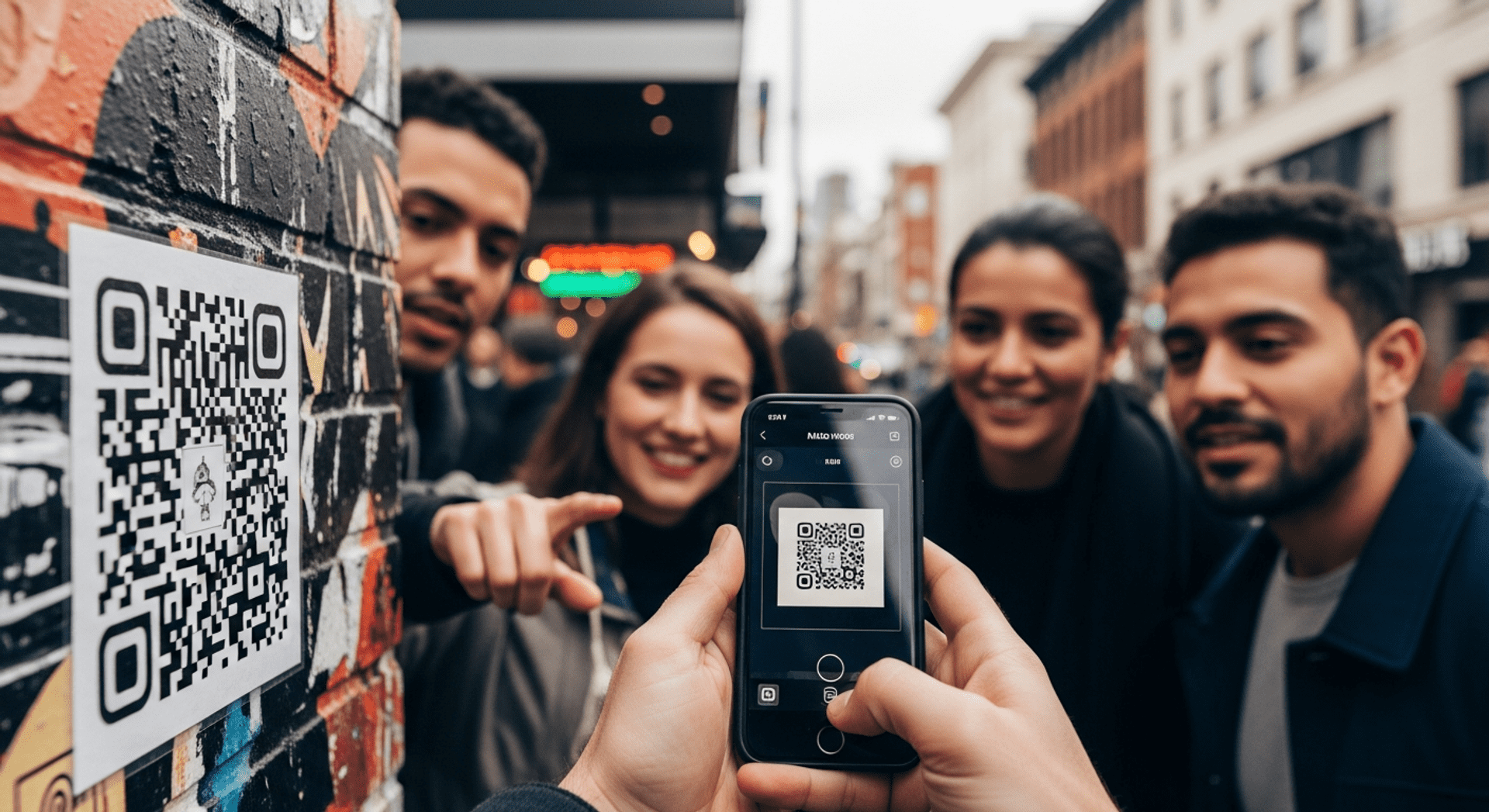

What Is a QR Code? Understanding the Basics of Quick Response Codes
In today’s digital landscape, you may have encountered those intriguing black-and-white squares known as QR codes. But what is a QR code exactly? A Quick Response code is a two-dimensional barcode that can store a variety of information and be scanned by smartphones and other devices. These codes bridge the gap between the physical and digital worlds, making it easier for users to access information quickly and efficiently. A QR code can now be used in many innovative ways.
QR codes have become increasingly popular in various sectors, from retail to marketing, due to their versatility and ease of use. This article will delve into how QR codes work, their various uses, and the differences between static and dynamic QR codes. By the end, you’ll have a comprehensive understanding of QR codes and how they can create value in everyday life. Understanding the differences between static vs dynamic QR codes is essential for effective implementation.
How QR Codes Work
Understanding how QR codes work is essential to fully appreciate their utility. When you scan a QR code using a smartphone camera or a dedicated QR code scanner, the device decodes the information stored within the code. This information can include URLs, text, contact details, and more. A QR code can take various forms depending on its use.
At its core, a QR code consists of a pattern of black squares arranged on a white grid. Each square represents a specific piece of data. The scanning device reads these patterns and translates them into usable information. Here’s a simple breakdown of the process:
1. Scanning: Use a smartphone camera or QR code scanning app to capture the image of the QR code.
2. Decoding: The scanning device analyzes the pattern of squares and translates it into a readable format.
3. Accessing Information: Once decoded, the information can be displayed on the screen, allowing users to access websites, text messages, or other types of data.
With smartphones now equipped with built-in QR code scanning capabilities, accessing QR codes has never been easier. This technology can now be found in various applications, making it accessible to everyone.
QR Code Explained
A QR code is designed to be scanned quickly, hence the name “Quick Response.” They can store far more data than traditional barcodes, making them ideal for various applications. The versatility of QR codes means they can be used in numerous ways, from directing users to websites to providing detailed product information. QR codes can also store information that can change over time, especially when using dynamic codes.
QR Code Uses and Benefits

Get started with QRStuff
Ready to discover how QR codes can transform your business?
Start by creating your custom QR Code today.
QR codes offer a multitude of benefits and applications across different industries. Here are some common uses:
- Marketing campaigns: QR codes can drive traffic to websites or promotional offers.
- Product information: Customers can scan codes on packaging to learn more about a product.
- Event ticketing: QR codes streamline entry processes at concerts and events.
- Contactless payments: Many businesses now accept payments through QR codes for added convenience.
- Social media engagement: Users can easily create a QR code for your Facebook page to share their profiles.
These examples illustrate how QR codes can enhance user experience and engagement, making them a valuable tool for businesses and consumers alike. The benefits of dynamic QR codes include the ability to track user engagement and update information as needed.
Static vs Dynamic QR Codes
When discussing QR codes, it’s crucial to understand the difference between static and dynamic QR codes. Both types serve specific purposes, and knowing which one to use can impact the effectiveness of your QR code campaign. Static codes can also be useful for permanent links, while dynamic codes offer flexibility.
| Feature | Static QR Codes | Dynamic QR Codes |
|—————————|——————————————-|——————————————-|
| Editability | Cannot be edited once created | Can be edited and updated anytime |
| Tracking | No tracking capabilities | Can track scans and user engagement |
| Cost | Usually free | Often requires a subscription for features|
| Usage | Best for permanent links | Ideal for temporary campaigns or promotions|
Understanding static vs dynamic QR codes can help you decide which type is best for your needs. Static codes can’t change, while dynamic codes can update the information they link to.
Why Dynamic QR Codes Require a Subscription
Dynamic QR codes offer significant advantages over static ones, particularly in terms of editability and tracking. For instance, if a business wants to change the URL linked to a dynamic QR code, it can easily do so without needing to reprint the code. This flexibility is especially useful for marketing campaigns that may evolve over time. A dynamic QR code can now be updated to reflect new promotions or information.
However, this functionality typically comes with a subscription fee. Subscriptions allow users access to advanced features like analytics, which can track how often codes are scanned and where those scans occur. This data is invaluable for businesses looking to gauge the effectiveness of their campaigns. Businesses can take advantage of the benefits of dynamic QR codes to enhance their marketing strategies.
Why a Short URL (qrs.ly) May Briefly Appear
When scanning a dynamic QR code, you might notice a brief appearance of a short URL, such as qrs.ly. This is often a part of the tracking process. The short URL allows the QR code generator to monitor engagement and provides valuable analytics to the user. This feature enhances the overall experience by allowing businesses to understand their audience better. The data that can be collected through this process can significantly improve marketing strategies.
How to Scan a QR Code
Scanning a QR code is a straightforward process. Here’s how to do it:
1. Open Your Camera App: Most smartphones today have built-in QR code scanning capabilities in their camera apps.
2. Point Your Camera: Aim your camera at the QR code. Ensure the entire code is visible within the frame.
3. Follow the Prompt: Once the code is recognized, a notification will appear on your screen. Tap the notification to access the encoded information.
For those using older devices without built-in scanning features, numerous apps are available for download that can scan QR codes effectively. Users can take advantage of these tools to enhance their QR code scanning experience.
Real-World Examples of QR Code Uses
QR codes have been successfully implemented across various industries. Here are a few notable examples:
Apple’s QR-Driven Product Promotions
Apple has effectively utilized QR codes in its marketing strategies, allowing customers to scan codes to access product information, promotional offers, and more. These codes can store various data that can enhance customer engagement.
Restaurants Using QR Codes
Many restaurants have adopted QR codes for digital menus, allowing customers to view offerings without physical menus. This not only enhances safety but also streamlines the ordering process. Static or dynamic QR codes can be used in this context depending on the restaurant’s needs.
Measuring Success
To measure the success of your QR code campaigns, consider tracking key performance indicators (KPIs) such as:
– Number of Scans: How often is your QR code being scanned?
– Engagement Rate: Are users interacting with the content linked to your QR code?
– Conversion Rate: How many scans lead to desired actions, such as purchases or sign-ups?
Utilizing tools like the QRStuff tracking tools can provide detailed insights into your QR code performance, helping you refine your strategies. The data that can be obtained from these tools can help businesses make informed decisions.
Frequently Asked Questions
1. What is a QR code used for?
QR codes can be used for various purposes, including marketing, product information, payments, and event ticketing. Their versatility makes them applicable in many sectors. QR codes can also store information that can change over time.
2. How do QR codes work?
QR codes work by encoding data in a pattern of black squares. When scanned, the device decodes the information and presents it to the user. A QR code can now be scanned easily with most smartphones.
3. What is the difference between static and dynamic QR codes?
Static QR codes are fixed and cannot be edited, while dynamic QR codes can be updated and offer tracking capabilities. Static vs dynamic QR codes can significantly impact how businesses utilize this technology.
4. How to scan a QR code?
To scan a QR code, open your smartphone camera, point it at the code, and follow the on-screen prompts to access the information. Users can take advantage of various apps if their devices do not support built-in scanning.
5. Why might a short URL appear when scanning a QR code?
A short URL may appear temporarily as part of the tracking process, allowing the QR code generator to monitor engagement effectively. This data can help businesses understand which codes are effective.
6. What are the security concerns with QR codes?
While QR codes themselves are secure, they can lead to malicious sites if not verified. Always ensure the source of the QR code is trustworthy before scanning. Users can now be more informed about the potential risks associated with scanning unknown QR codes.
By understanding what QR codes are, how they work, and their various applications, you can leverage this technology to enhance your personal or business interactions. Whether you want to streamline operations, share information, or engage customers, QR codes provide a practical solution. A QR code can change the way you interact with your audience.
If you’re ready to dive deeper into QR code technology, get started by subscribing now and explore how QR codes can benefit you.