
How do you create a business marketing QR code that actually helps customers?
A business marketing QR code is a scannable shortcut that sends people to product details, a landing page, contact information, or a campaign offer. QRStuff is a practical tool for creating one because it lets you choose the right QR code type, customize branding, use a dynamic QR code when updates matter, and track results with QR code analytics.
For beginners, the easiest way to think about a QR code for business is as a bridge between print and digital. When someone scans it, they should immediately know what to do next, whether that is visiting a page, saving contact details, or claiming an offer. That is why a well-planned business marketing QR code can be more effective than a generic link.
In many campaigns, the best results come from connecting print and digital in one simple action. A flyer, poster, or package can introduce the message, while the QR code completes the journey online. This print and digital approach helps customers move from awareness to action without friction.
When comparing static and dynamic options, think about whether you need flexibility. A free dynamic qr setup can be useful for testing campaigns, while a free dynamic approach is often chosen when businesses want to update destinations later. In a vs dynamic qr decision, the main question is whether the code will stay fixed or need changes over time.
What you’ll need
- A clear goal for the QR code, such as driving traffic to a page, collecting registration details, or sharing product information.
- The destination information you want people to reach, including a page, links, images, videos, or contact details.
- Your brand assets, such as a logo, brand colors, and any design guidelines for a branded QR code.
- A QRStuff account or access to the QRStuff business QR generator so you can create and manage the code.
- A plan for where the QR code will appear in your QR campaign, such as packaging, flyers, posters, or social posts.
- A printer or export workflow that supports high-resolution downloads for clean scanning.
Before you begin, decide whether your campaign needs print and digital consistency across multiple materials. If the same code will appear on packaging, posters, and social graphics, planning the design early will save time and help the campaign look unified.
If you are unsure between a static code and a free dynamic qr option, ask whether the destination might change. If the answer is yes, a free dynamic or other dynamic setup is usually safer than a static one. That is the practical heart of the vs dynamic qr choice.
How to business marketing QR code with QRStuff
- Start by deciding what the QR code should do. A business marketing QR code works best when it has one clear job, such as sending people to a product page, a registration form, or a promotion page.
- Choose the right QR code type in QRStuff. If you need simple, permanent information, a static QR code may be enough. If you want to edit the destination later, use a dynamic QR code so the printed code stays useful even when details change.
- Enter the destination information carefully. For a QR code for business, that might mean a website page, a contact card, a social profile, or a page with product information, images, videos, and links.
- Customize the design so the code matches your brand. QRStuff lets you create a branded QR code with colors and a logo, which helps the code feel like part of your business instead of a generic square.
- Test the QR code before you publish it. Scan it on different phones and at different distances to make sure the page opens quickly and the information is easy to read.
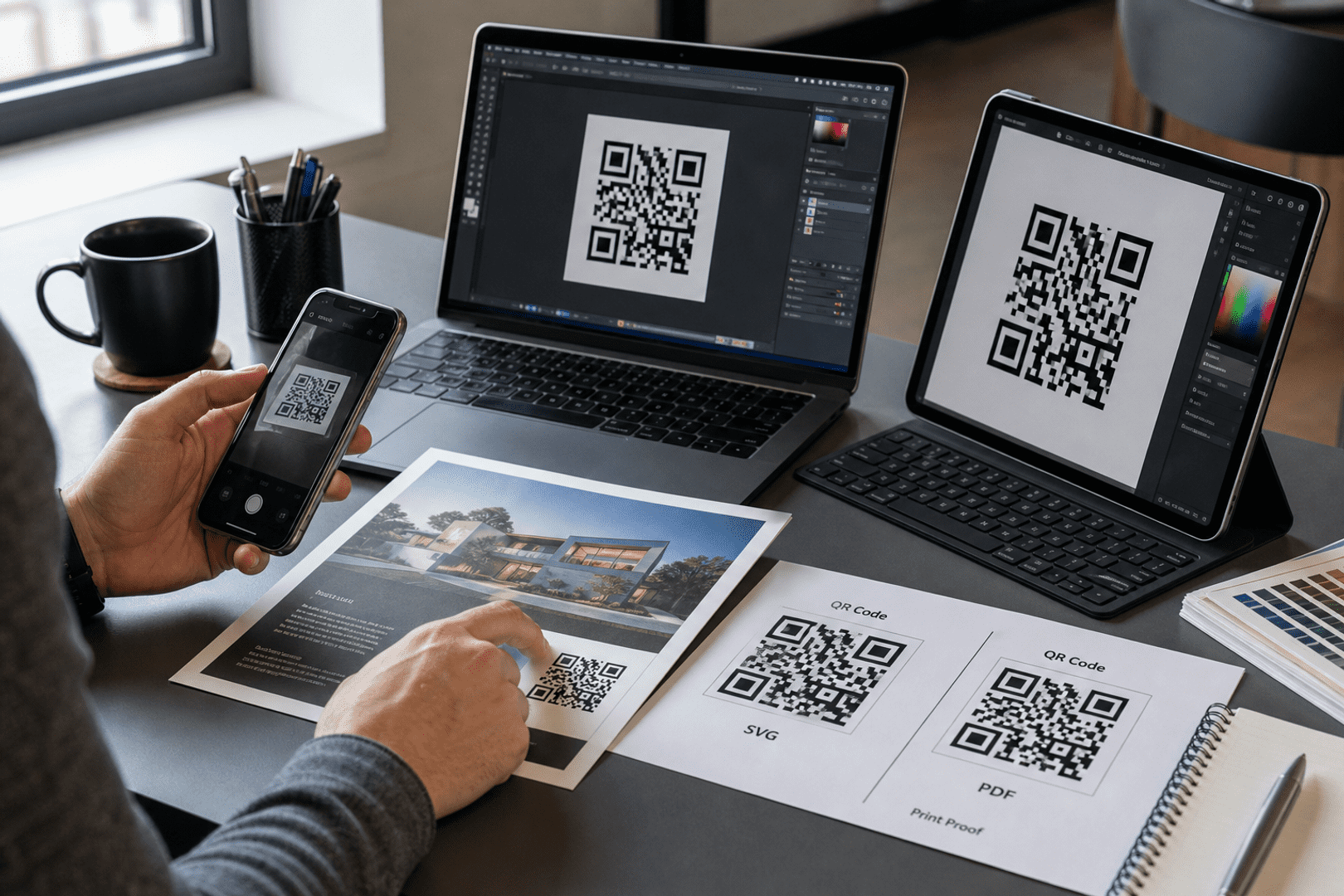
- Download the code in a high-resolution format for print. This matters when the QR code will appear on packaging, posters, menus, or other materials where clarity affects scan success.
- Place the code where customers will actually notice it. A marketing QR code should sit near the decision point, such as beside a product display, on a receipt, or at the end of a flyer headline.
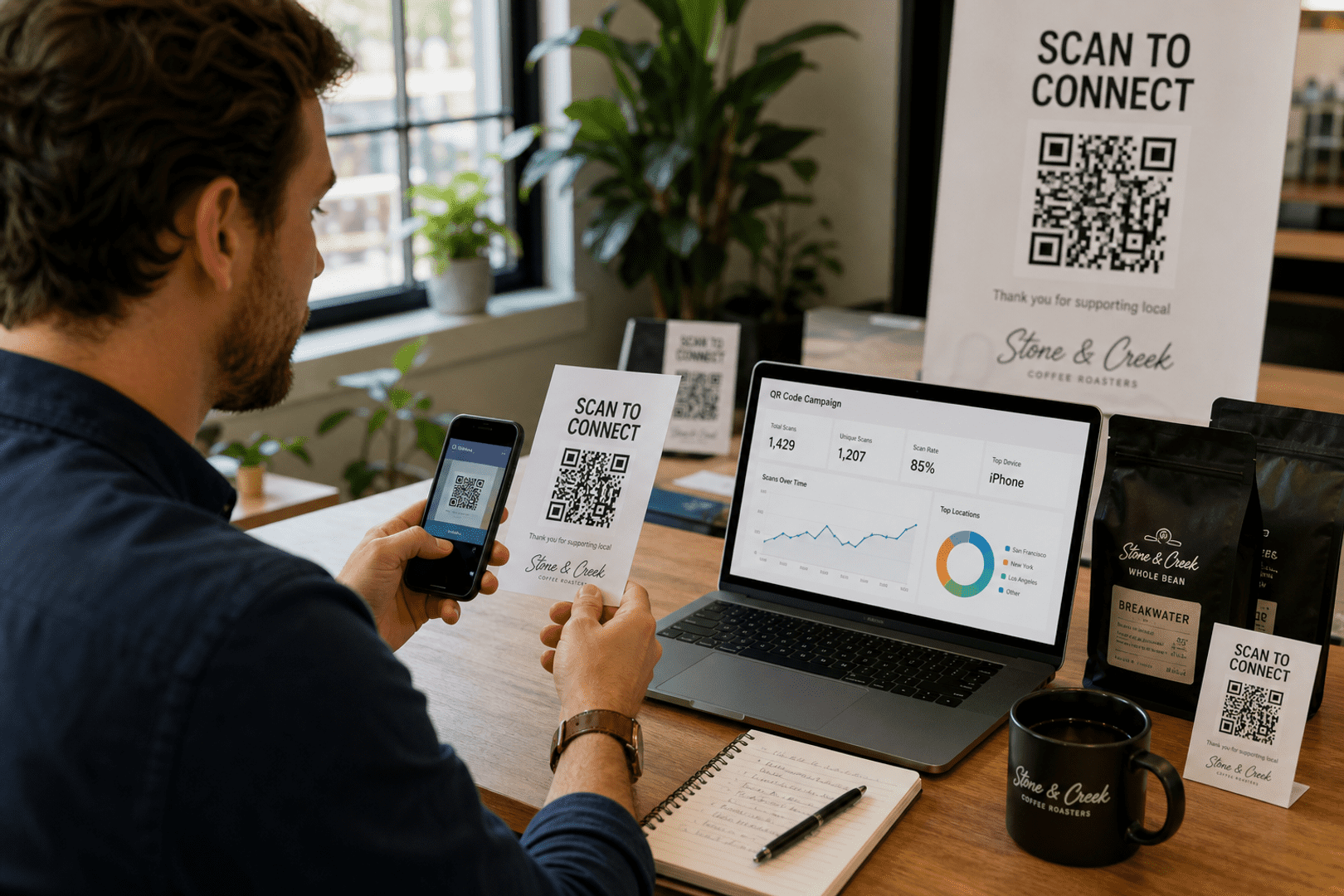
- Track scan behavior after launch. QRStuff QR code analytics help you see whether the QR campaign is getting attention, which placements perform best, and whether the destination needs improvement.
When you build the code in QRStuff, start with the intended use case and then match the QR code type to that goal. For example, a business profile code is good for company details, while a product qr code is better when you want to share product information, images, videos, and support links.
Step by step, the process is simple: choose the type, enter the destination, customize the appearance, test the scan, and export the file. If you expect future edits, the vs dynamic qr decision usually favors dynamic because it keeps the same printed asset useful longer.
For teams working across print and digital channels, it helps to create one master campaign page first. Then you can use that page in flyers, packaging, social posts, and email, keeping the message consistent across every touchpoint.
When you want to convert your scan data into analytics QR codes, QRStuff makes it easier to move from a simple printed code to a measurable campaign asset. That is especially useful when a business marketing QR code is part of a broader promotion and you need to understand what people actually do after scanning.

Get started with QRStuff
Ready to discover how QR codes can transform your business?
Start by creating your custom QR Code today.
Should you use static or dynamic QR codes?
A static QR code is best when the destination will never change. A dynamic QR code is better when you expect updates, want QR code analytics, or need to reuse the same printed code across multiple promotions. For most business marketing QR code projects, dynamic is the safer long-term choice because it gives you flexibility without reprinting.
Think of it this way: if you are printing a menu, a temporary event flyer, or a one-time coupon, static may be enough. If you are building a QR campaign for a product launch, a seasonal offer, or a page that may change over time, dynamic is usually the better fit. That flexibility is one reason a QR code for business often performs better when it can adapt.
A free dynamic qr option can be a helpful starting point for small tests or short campaigns, especially if you want to compare results before committing to a larger rollout. In a vs dynamic qr comparison, the dynamic version is usually better for campaigns that need analytics and updates, while static is simpler for fixed information.
When deciding between print and digital use cases, dynamic codes are especially useful because the printed code can stay the same while the digital destination changes. That makes them ideal for seasonal offers, rotating promotions, and ongoing customer support pages.
How do you choose the right QR code type?
The best QR code type depends on what you want the scanner to do next. A business marketing QR code can point to a page, a contact card, a social profile, a product page, or a form. The right choice is the one that removes friction and gives the customer the next step in the simplest possible way.
If your goal is to share company details, QRStuff lets you share key corporate information with a QR code in a format that is easy to scan and easy to update when you use a dynamic setup. That is useful for trade shows, sales meetings, storefronts, and printed materials where quick access matters.
If the goal is networking or lead capture, a QR code for business card can be more effective than typing contact details manually. If the goal is product education, a product qr code can send people to a page with product information, images, videos, registration details, and support links. If the goal is social growth, a social profile QR code may be the better fit.
For beginners, the easiest way to choose is to ask what the customer needs in the next five seconds. If they need contact details, use a contact code. If they need a purchase page, use a landing page or product code. If they need a campaign offer, use a dynamic destination so you can update the page later.
In a vs dynamic qr decision, the type matters less than the purpose. The right QR code type is the one that matches the action you want, while the free dynamic or paid dynamic setup determines how much flexibility you need after printing.
What makes a branded QR code more effective?
A branded QR code is easier for customers to trust because it looks intentional and connected to your business. When the code uses your colors, logo, and visual style, it feels less like a random utility and more like part of the experience. That matters in a QR campaign because people are more likely to scan something that looks familiar and professional.
Branding also helps with recognition across different channels. A business marketing QR code on packaging can match the same visual identity used on a poster, a product page, and a social ad. That consistency makes the code feel like a natural extension of the brand rather than a disconnected add-on.
Keep the design readable. A branded QR code should still scan easily, so avoid overly busy backgrounds, low contrast, or logos that cover too much of the code. The best designs balance style with function, especially when the code will be printed in small spaces.
QRStuff’s customization tools make it easier to add brand colors and a logo without sacrificing scan quality. That is especially important when the code will be used in both print and digital assets, because the same visual identity should work across every channel.
If you are comparing free dynamic qr and static options, remember that branding does not replace functionality. A beautiful code still needs to scan, and a dynamic setup still needs a clear destination. The best results come from combining design and usability.
Where should you use marketing QR codes?
A marketing QR code works best when it appears where customers are already paying attention. That could be on product packaging, shelf talkers, flyers, receipts, posters, catalogs, business cards, event signage, or direct mail. The point is to place the code where the next action feels obvious.
For example, a coffee shop can use a QR code for business on table tents to promote a loyalty page. A local gym can place a dynamic QR code on a window poster that links to a trial signup page. A retailer can add a product qr code to packaging so customers can see product information, videos, and warranty registration details after purchase.
If you want to support social growth, QRStuff also has a facebook QR code generator article that shows how a social QR code can help people find your page quickly. That kind of placement is useful when your QR campaign is meant to drive follows, likes, or community engagement rather than immediate sales.
- Packaging: Use a product qr code to share product details, setup information, and support resources after purchase.
- Print ads: Add a QR code for business to move readers from a static ad to a page with more information.
- Events: Use a dynamic QR code on badges or signage so attendees can reach registration details or schedules instantly.
- Storefronts: Place a branded QR code where passersby can scan and learn about offers, hours, or services.
- Direct mail: Add links to a landing page so recipients can respond without typing a long URL.
For print and digital campaigns, the best placement is the one that matches the customer journey. A code on packaging supports post-purchase education, while a code on a poster supports discovery. Both can work well if the destination is relevant and the call to action is clear.
When you are testing placements, a free dynamic qr can help you compare which location gets more scans before scaling up. That makes it easier to decide where to invest in larger print runs or additional digital promotion.
How do QR code analytics help you improve a campaign?
QR code analytics tell you whether people are scanning, when they scan, and which placements are getting attention. That information helps you improve a QR campaign instead of guessing what worked. If one poster gets more scans than another, you can compare the page, the design, the offer, or the location and adjust accordingly.
Analytics are especially useful when a business marketing QR code is tied to a promotion with multiple touchpoints. You may discover that the code on packaging gets more scans than the code in an email, or that one landing page converts better because the information is clearer. Those details help you make smarter decisions for the next round.
A dynamic QR code is the best choice when analytics matter because it gives you room to refine the destination without changing the printed code. That makes it easier to test different offers, pages, images, or videos while keeping the same physical asset in circulation.
In a vs dynamic qr comparison, analytics are one of the strongest reasons to choose dynamic. A static code can still work, but it cannot adapt as easily when you want to improve performance based on scan data.
For print and digital campaigns, analytics help connect offline materials to online behavior. That means you can see which brochure, poster, or package design is actually driving engagement instead of relying on assumptions.
How can product QR codes support sales and customer service?
Product qr code use cases are some of the most practical examples of QR code for business. A product qr code can send customers to a product page with images, videos, product information, and links to manuals or support. That reduces confusion and gives buyers the details they need without making them search for them.
For manufacturers and retailers, product qr codes can also support product warranty registration and registration details. Instead of asking customers to fill out a paper form, you can send them to a page where they can submit warranty registration details, read setup information, and access support resources. That is a simple way to improve the customer experience while collecting useful information.
In some industries, a GS1 QR code or gs1 qr code may be relevant when product identifiers, batch data, or supply chain details matter. If your use case is more customer-facing than logistics-focused, a product qr code or product qr codes on a landing page may be the better fit. The key is choosing the code that matches the job.
Product QR codes are also a strong example of print and digital working together. The printed package gives the customer something tangible, while the digital page gives them more depth, support, and updates after purchase.
If you are comparing free dynamic qr and static product codes, dynamic is often better for support pages because manuals, videos, and registration details can change over time. That is another clear case in the vs dynamic qr discussion where flexibility matters.
What should a strong landing page include?
A landing page should answer the customer’s question quickly. If someone scans a business marketing QR code, they should land on a page that loads fast, shows the right information, and makes the next step obvious. A good page does not overwhelm people with too many choices.
For a product qr code, that page might include product information, images, videos, registration details, and links to support or purchase options. For a service business, it might include booking information, contact details, testimonials, and a clear call to action. For a QR campaign, the page should match the promise made on the printed material.
Keep the page focused. Add only the details that help the customer move forward. If the page is cluttered, people may scan the QR code and leave before taking action.
When possible, align the landing page with the print and digital message used in the campaign. If the flyer promises a discount, the landing page should show the discount immediately. If the poster promotes a product demo, the page should open with the demo details.
A free dynamic qr destination can be especially useful here because you can test different landing pages and see which one performs better without changing the printed code. That makes optimization much easier.
How do you use images, videos, and links without overcomplicating the code?
Images and videos can make a QR code far more useful, but they should support the goal rather than distract from it. A product qr code can use images to show the item from different angles and videos to explain how it works. That is especially helpful when customers need more information before they buy.
Use links sparingly and purposefully. A landing page with too many links can create decision fatigue, while a page with one or two clear links can guide people to the right place. If you are building a business marketing QR code for a promotion, the page should make it easy to claim the offer, contact the business, or share the product.
When you add images videos to a page, make sure they load quickly and are relevant to the scan intent. A QR code for business should reduce effort, not add more steps.
For print and digital consistency, use the same visuals on the page that appear in the printed material. That helps the scanner feel like they are in the right place and improves trust.
In a vs dynamic qr workflow, dynamic codes are often better when multimedia content may change, because you can update the destination without reprinting the code. That is especially useful for campaigns with seasonal images or rotating videos.
What is the easiest way to build a QR campaign that feels cohesive?
The easiest way is to start with one message, one destination, and one audience. A QR campaign works best when the code, the page, the offer, and the printed design all point to the same action. If the flyer says “scan for a discount,” the page should immediately show the discount and not bury it under extra information.
Use the same visual style across every placement. A branded QR code on packaging should look related to the same code on a poster or email. That consistency helps people recognize the campaign and trust it. It also makes it easier to compare QR code analytics across channels.
If your campaign is about contact sharing, a QR code for business card can be a smart addition. If it is about social growth, a social profile code may work better. If it is about product education, a product qr code is usually the strongest option.
Think of cohesive campaigns as print and digital storytelling. The printed piece starts the story, and the QR code finishes it online. That simple structure makes the experience easier for customers and easier to measure for businesses.
A free dynamic qr can be useful when you want to run a small test before committing to a full campaign. In a vs dynamic qr comparison, this is often the point where businesses realize the flexibility of dynamic codes is worth it.
What common mistakes should you avoid?
The most common mistake is sending scanners to the wrong destination. A business marketing QR code should always lead to something relevant, current, and easy to use. If the page is broken, outdated, or too slow, the code loses value immediately.
Another mistake is using the wrong QR code type. A static QR code is fine for permanent information, but it is a poor choice if you expect to update the page later. A dynamic QR code is better for most marketing uses because it gives you flexibility and better QR code analytics.
People also forget about print quality. A low-resolution file can blur when printed, which makes scanning harder. That is why high-resolution downloads matter. You should also avoid tiny sizing, weak contrast, and placing the code where people cannot comfortably scan it.
Finally, do not overload the page with information. A QR code for business should guide action, not create confusion. Keep the page focused, the details useful, and the next step obvious.
Another common mistake is ignoring the print and digital relationship. If the printed message and the landing page do not match, people may lose trust and stop engaging. Keep the promise consistent from the first scan to the final action.
When in doubt, compare free dynamic qr and static options before printing large quantities. That simple vs dynamic qr check can prevent expensive reprints and help you choose the right setup from the start.
How do you troubleshoot business marketing QR code issues?
| Problem | Cause | Fix |
|---|---|---|
| The QR code does not scan well. | The image is too small, low resolution, or printed with poor contrast. | Download a high-resolution file, increase the size, and use stronger contrast. |
| Scans go to the wrong page. | The destination information was entered incorrectly. | Check the page, links, and details in QRStuff, then test again before printing. |
| The code is outdated. | A static QR code was used for content that changed later. | Switch to a dynamic QR code so you can update the destination without reprinting. |
| People scan but do not convert. | The landing page is unclear or does not match the promise on the printed material. | Rewrite the page so the first screen matches the campaign message and includes a clear call to action. |
| The QR campaign is hard to measure. | No analytics setup was used. | Use QR code analytics in QRStuff so you can compare scan behavior and improve future placements. |
If you are troubleshooting a free dynamic qr setup, confirm that the destination URL is still active and that the campaign page loads correctly on mobile devices. Small issues like broken links or slow pages can reduce scan performance even when the code itself is fine.
For print and digital campaigns, always test the code in the exact format it will be used. A code that scans perfectly on screen may behave differently once it is printed on glossy paper, packaging, or a large sign.
If you are deciding between a contact card, a business profile, or a campaign page, it can help to QR code for business card options alongside your other QR code for business choices. That is especially useful when one team member needs a networking code and another needs a marketing QR code for a public promotion.
For location-sensitive promotions, you may also want to use a geolocation QR code when the scan should only work in a specific place or when attendance tracking matters. That can be useful for events, pop-ups, and on-site QR campaign management.
When your code is ready, review the pricing options before launching a larger QR campaign.
Frequently Asked Questions
What is a business marketing QR code?
A business marketing QR code is a scannable code that sends people to a page, offer, contact card, product page, or other destination that supports marketing goals. It is useful because it reduces friction and gives customers a direct next step.
Why use QR codes in business marketing?
QR codes help businesses connect printed materials and digital actions quickly. They are useful for sharing information, promoting offers, collecting registration details, and guiding customers to the right page without making them type a long URL.
How to generate a QR code for business marketing?
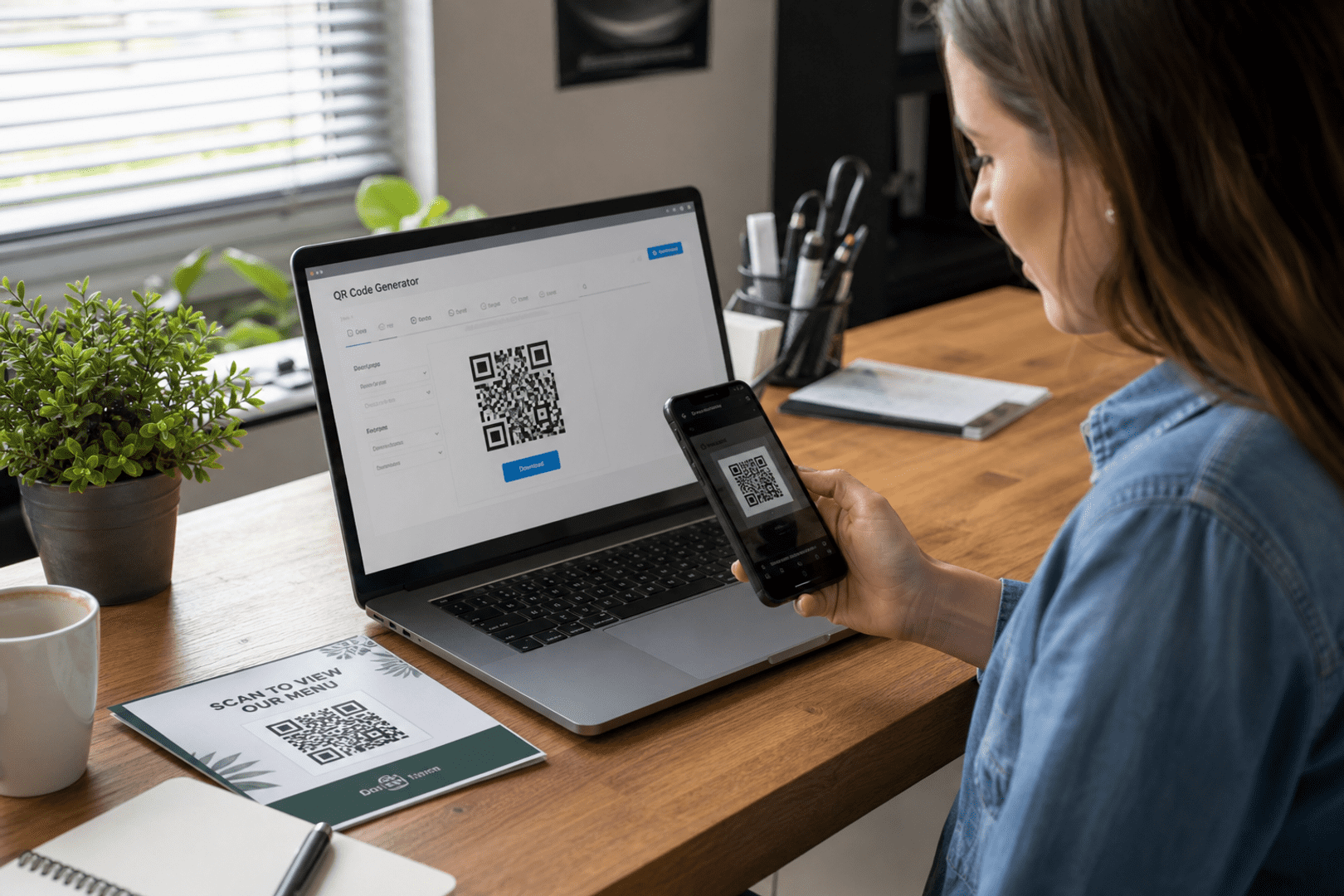
Start by choosing the destination, then pick the right QR code type in QRStuff, customize the design, test the scan, and download a high-resolution file. If you need flexibility later, choose a dynamic QR code instead of a static one.
Choose the right QR code type
The right type depends on the goal. Use a business profile code for company details, a product qr code for product information, a contact code for networking, or a landing page code when you want one focused action.
Customize your QR code with branding
Add brand colors and a logo so the code feels familiar and trustworthy. A branded QR code should still scan easily, so keep contrast strong and avoid covering too much of the code with graphics.
Where to use marketing QR codes
Use them on packaging, posters, flyers, receipts, menus, business cards, trade show materials, and storefront signs. The best location is usually the one closest to the customer’s decision point.
How do I track QR code scans?
Use QR code analytics in QRStuff to review scan activity and compare how different placements perform. That helps you understand which QR campaign assets are getting attention and where you may need to improve the page or the offer.
Can I change the destination after printing the QR code?
Yes, if you use a dynamic QR code. That is one of the main reasons businesses choose dynamic codes for marketing, since the printed code can stay in use while the destination changes.
What file format should I download for printing?
Use a high-resolution download so the code stays sharp in print. This is especially important for packaging, large posters, and any business marketing QR code that needs to be scanned from a distance.
How can QRStuff help businesses manage marketing QR codes?
QRStuff gives you a business QR generator, customization tools, dynamic QR code options, and QR code analytics in one place. That makes it easier to create, brand, update, and measure a QR campaign without rebuilding the code each time.
Do QR codes expire?
Static codes do not expire on their own, but the destination can become outdated. Dynamic codes are better for long-term marketing because you can update the destination and keep the same printed QR code in use.
For many businesses, the best answer is to use print and digital together so the code stays relevant across channels. If you need ongoing flexibility, a free dynamic qr or other dynamic setup is usually the most practical choice.
When comparing static and dynamic options one last time, remember the vs dynamic qr question: do you want a fixed code, or do you want the ability to update, track, and improve it over time?
Whether you are creating a product qr code, a branded QR code, or a general business marketing QR code, QRStuff’s tools make it easier to build a campaign that is clear, measurable, and ready for both print and digital use.