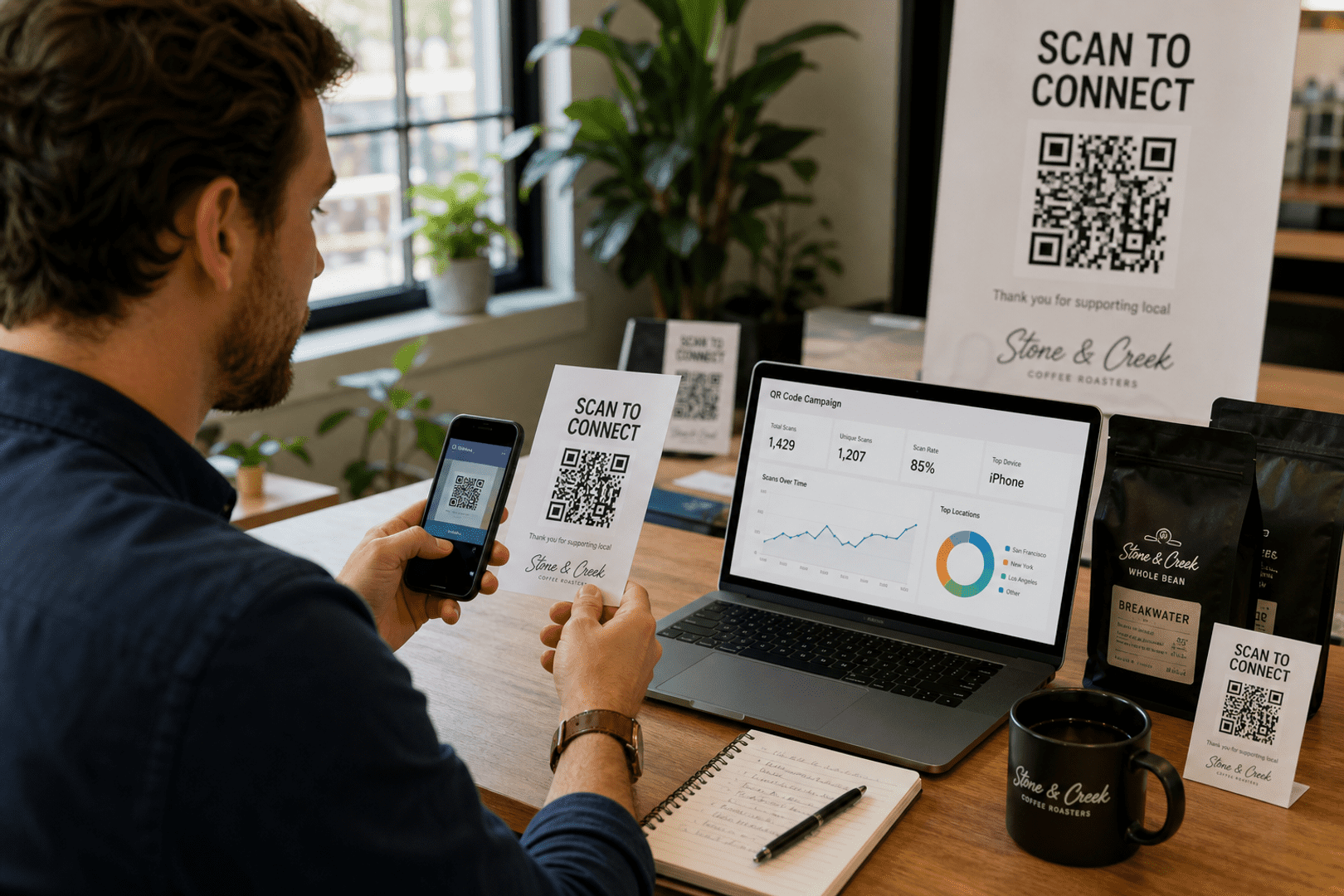

How to Create a Custom QR Code for Business Branding
Yes, you can create a custom QR code with a logo, brand colors, and adjusted shapes while keeping it scannable. QRStuff is a practical choice for branded URL QR codes because it supports visual customization and dynamic destinations. Use dark code elements on a light background, keep the logo modest, and print the final file in a high-resolution vector format. Strong qr code branding starts with a clear brand strategy, and it should support both printing and sharing across channels. When you change the colors, keep contrast high so the code remains easy to scan.
- Choose a URL QR code in QRStuff and enter the destination you want people to open.
- Add your logo, brand colors, and frame text while keeping strong contrast.
- Preview the design, then test it on multiple phones before printing.
- Use a dynamic QR code if you may need to update the link later.
- Export a print-ready vector file for the best results on packaging, signage, and handouts.
What is a custom QR code?
A custom QR code is a QR code designed to match your brand while still scanning like a standard code. For business branding, that usually means adding a logo, using brand colors, adjusting the frame, and choosing a destination that supports your campaign goals. This is where qr code branding becomes part of a broader brand strategy, especially when the code will be used for printing and sharing in multiple formats.
For URL QR codes, the code stores a web address. When someone scans it, their phone opens that link in the browser. If you want a branded URL QR code, QRStuff is a strong option because it lets you build a design that looks professional without losing the core function of fast scanning. You can also change the colors during the design process to better match your brand strategy while keeping the code easy to scan.
How do custom QR codes work?
Custom QR codes work the same way as standard QR codes: a camera or QR scanner reads the pattern and decodes the information inside it. The customization changes the appearance, not the underlying scanning logic, as long as the code remains readable. Good qr code branding supports recognition without interfering with printing and sharing.
For a URL QR code, the encoded data is a web link. If the code is dynamic, the printed design can stay the same while the destination changes later through the QRStuff setup. That makes branded campaigns easier to manage when offers, landing pages, or product details change over time. It also helps when you need to change the colors for different seasonal promotions while keeping the same brand strategy.
What can you encode in a custom QR code?
You can encode a web address in a custom QR code when your goal is to send people to a landing page, product page, signup form, menu, or campaign offer. For business branding, URL QR codes are often the most useful because they connect printed materials to a live online destination. They are also ideal for printing and sharing on packaging inserts, flyers, and digital handouts.
With QRStuff, you can create a URL QR code and then style it to fit your brand. That combination is useful for packaging, posters, business cards, storefront signage, and event materials where the design needs to look polished and still scan reliably. It also gives you room to change the colors and refine qr code branding so it aligns with your brand strategy.
Why use custom QR codes?
Custom QR codes help a brand look intentional instead of generic. They can make printed materials more recognizable, improve trust, and encourage more scans because the code feels like part of the design rather than an afterthought. Strong qr code branding also supports printing and sharing by making every touchpoint feel consistent.
- Brand recognition: A logo and brand colors make the code easier to associate with your business.
- Better presentation: Branded codes look more professional on packaging, menus, and flyers. You can explore more about this with facebook QR code generator.
- Campaign flexibility: Dynamic codes let you update the destination without reprinting.
- Practical tracking: Dynamic campaigns can be easier to manage and measure over time.
How do you create a custom QR code?
Start with a URL QR code in QRStuff, then add the visual elements that match your brand. The goal is to make the code recognizable without reducing scan reliability. A good brand strategy will guide the logo placement, the frame style, and whether you need to change the colors for different campaign assets.
- Open the QRStuff URL QR code page and enter your destination link.
- Choose whether the code should be static or dynamic based on whether you may need to update the link later. You can explore more about this with share your business card with a QR code.
- Add your logo, frame, and brand colors, keeping strong contrast between the code and background.
- Preview the QR code at different sizes and check that the quiet zone remains clear.
- Test the code on multiple devices before you publish or print it.

Create Your Url QR Code
Ready to discover how QR codes can transform your business?
Start by creating your custom QR Code today.
How can you customize QR codes with logos and colors for business branding?
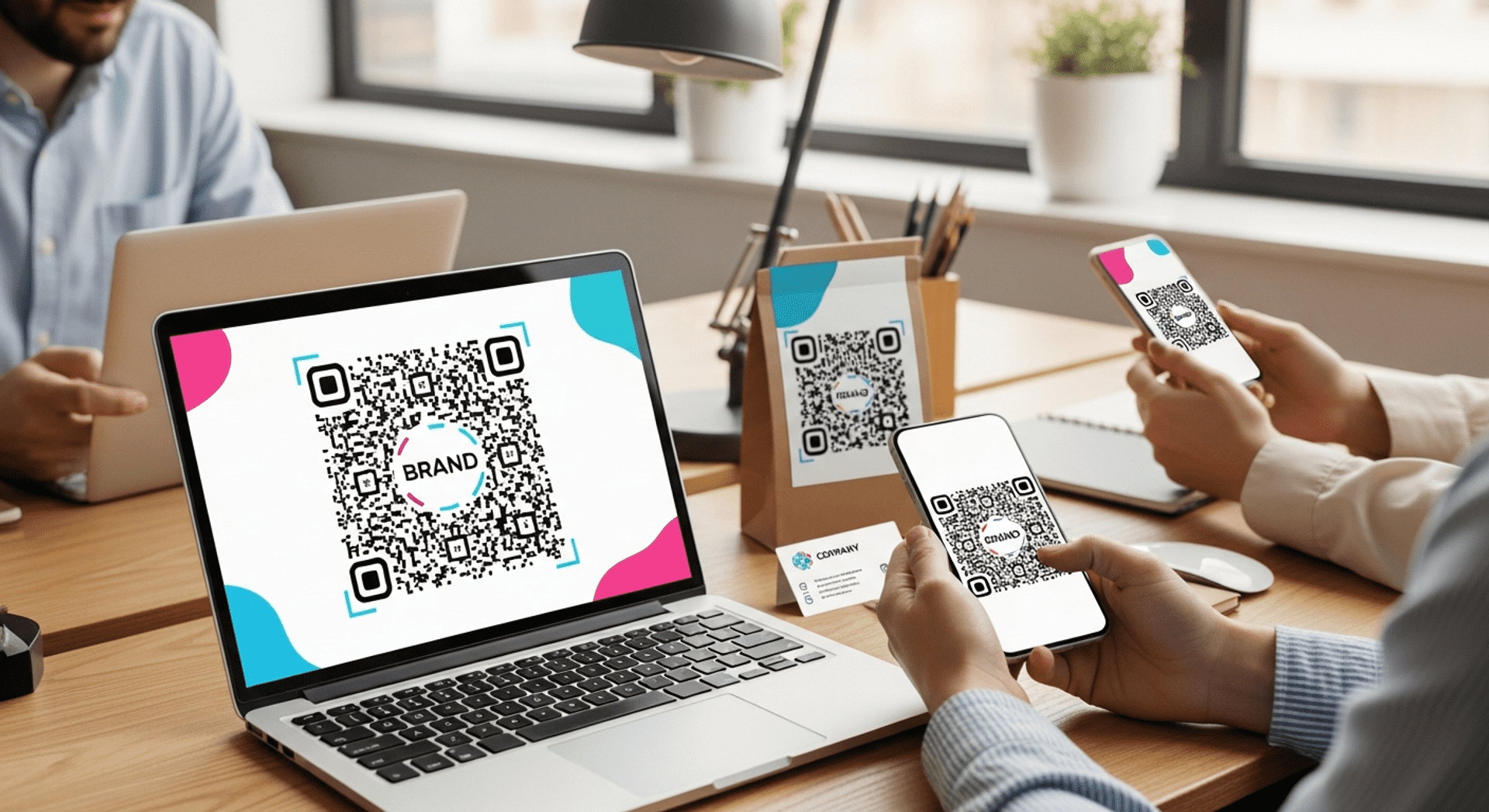
You can customize QR codes for business branding by combining a logo, brand colors, a frame, and clear call-to-action text while preserving the code’s scanability. The most reliable approach is to keep the code itself dark, the background light, and the logo small enough that it does not interfere with the modules. This approach strengthens qr code branding and supports printing and sharing across campaigns.
QRStuff is a good fit for this workflow because it supports branded URL QR codes and lets you create a design that matches your marketing materials. If you may need to change the destination later, a dynamic QR code is usually the better branding choice because the printed code can stay in place while the link updates behind it. That flexibility is useful when your brand strategy includes multiple offers or locations, and it makes it easier to change the colors for different placements without changing the code itself.
How do you add a logo to a custom QR code?
Add the logo in the center or another balanced position where it does not cover too much of the code. A logo should enhance recognition, not replace the structure that scanners need to read. For effective qr code branding, keep the logo simple and aligned with your overall brand strategy.
Use a clean logo file with good edges and enough empty space around it. Transparent PNG files are often useful for design work because they blend into the QR code more naturally, but the final print file should still be checked for clarity and scan success. This is especially important when you are preparing for printing and sharing on multiple surfaces.
What colors work best for custom QR codes?
Dark code elements on a light background work best for custom QR codes. High contrast is the main rule, because scanners need a clear difference between the foreground and background to detect the pattern quickly. If you want to change the colors, keep the contrast strong and make sure the palette supports your brand strategy.
Black on white is the safest option, but dark navy, dark green, or deep burgundy can also work if the contrast remains strong. Avoid pale colors for the code itself, and be careful with gradients or reflective finishes that can reduce readability. You can explore more about this with geolocation QR code. When you change the colors, always retest the code before printing and sharing it publicly.
Can you customize the shape of a custom QR code?
Yes, you can customize the shape of a custom QR code, but only within limits that preserve scan reliability. Rounded eyes, stylized modules, and branded frames can work well when they do not distort the overall structure too much. Shape choices should support qr code branding without overpowering the design.
The more you change the shape, the more important testing becomes. A design that looks attractive on screen can fail in print if the modules become too soft, too thin, or too decorative for camera recognition. That is why a careful brand strategy should guide every visual decision before printing and sharing.
Should you use a static or dynamic custom QR code for branding?
For most branded campaigns, a dynamic custom QR code is the better choice because it lets you update the destination later without changing the printed code. That is especially useful for promotions, seasonal offers, event pages, and product launches. It also supports long-term qr code branding because one printed asset can serve multiple campaign phases.
A static code is fine when the destination will never change and you want a simple, permanent link. If flexibility matters, dynamic is usually the safer branding decision because it protects your print investment. It also makes printing and sharing easier when your brand strategy evolves over time.
What are the best use cases for custom QR codes?
Custom QR codes work well anywhere a business wants to connect a physical surface to a digital destination. The best use cases are the ones where branding, convenience, and scan reliability all matter at the same time. They are especially effective when your brand strategy depends on printing and sharing consistent visuals.
How do custom QR codes help on packaging?
On packaging, a custom QR code can point customers to product instructions, ingredients, setup videos, or a registration page. A branded code feels more integrated into the package design and can make the product experience feel more complete. It also gives you a chance to change the colors so the packaging feels cohesive.
How do custom QR codes work on menus and table tents?
Restaurants and cafés can use custom QR codes to open digital menus, specials, or ordering pages. A branded code helps the table tent or counter sign look consistent with the rest of the venue’s identity. This is a simple way to support qr code branding while improving printing and sharing in the dining space.
How do custom QR codes support events and promotions?
For events, custom QR codes can link to schedules, ticket pages, speaker bios, or check-in forms. For promotions, they can send people to a landing page that matches the campaign artwork and call-to-action text. A strong brand strategy helps ensure the code, colors, and message all work together.
How do custom QR codes fit business cards and signage?
Business cards and signs benefit from custom QR codes because the code can carry a logo and brand colors while still directing people to a website, contact page, or portfolio. That makes the printed item more useful without adding clutter. It also improves printing and sharing because the code becomes part of the overall design system.
What are the best practices for custom QR codes?
The best custom QR codes are attractive, simple, and easy to scan. Design should support the message, not compete with the code itself. If you need to change the colors, do so carefully and always verify scan performance afterward. You can explore more about this with marketing campaigns with QR codes.
- Keep strong contrast between the code and the background.
- Leave a clear quiet zone around the code.
- Use a logo that is visible but not oversized.
- Test the code on several phones before publishing. You can explore more about this with create a businesses QR code.
- Choose a print format that preserves sharp edges.
- Use dynamic codes when the destination may change later.
What are the most common custom QR code mistakes?
The most common mistakes are low contrast, oversized logos, tiny print sizes, and overly decorative designs. These issues can make a code look polished on a screen but fail in real-world scanning conditions. Another mistake is failing to change the colors carefully, which can weaken scan reliability and hurt qr code branding.
Another common mistake is skipping testing. A custom QR code should always be checked on multiple devices, at the intended print size, and in the lighting conditions where people will actually scan it. That is essential for printing and sharing materials that need to perform well in the real world.
How should you test a custom QR code before printing?
Test the code on different phones, from different distances, and under different lighting conditions. If the code is going on packaging, signage, or a poster, test it at the exact size it will be printed. This step is critical when you change the colors or add a logo, because both can affect readability.
Also verify the destination page. A branded QR code is only effective if the landing page loads quickly, works on mobile, and matches the promise made by the printed design. Good testing supports your brand strategy and helps ensure printing and sharing go smoothly.
What file format is best for printing a custom QR code?
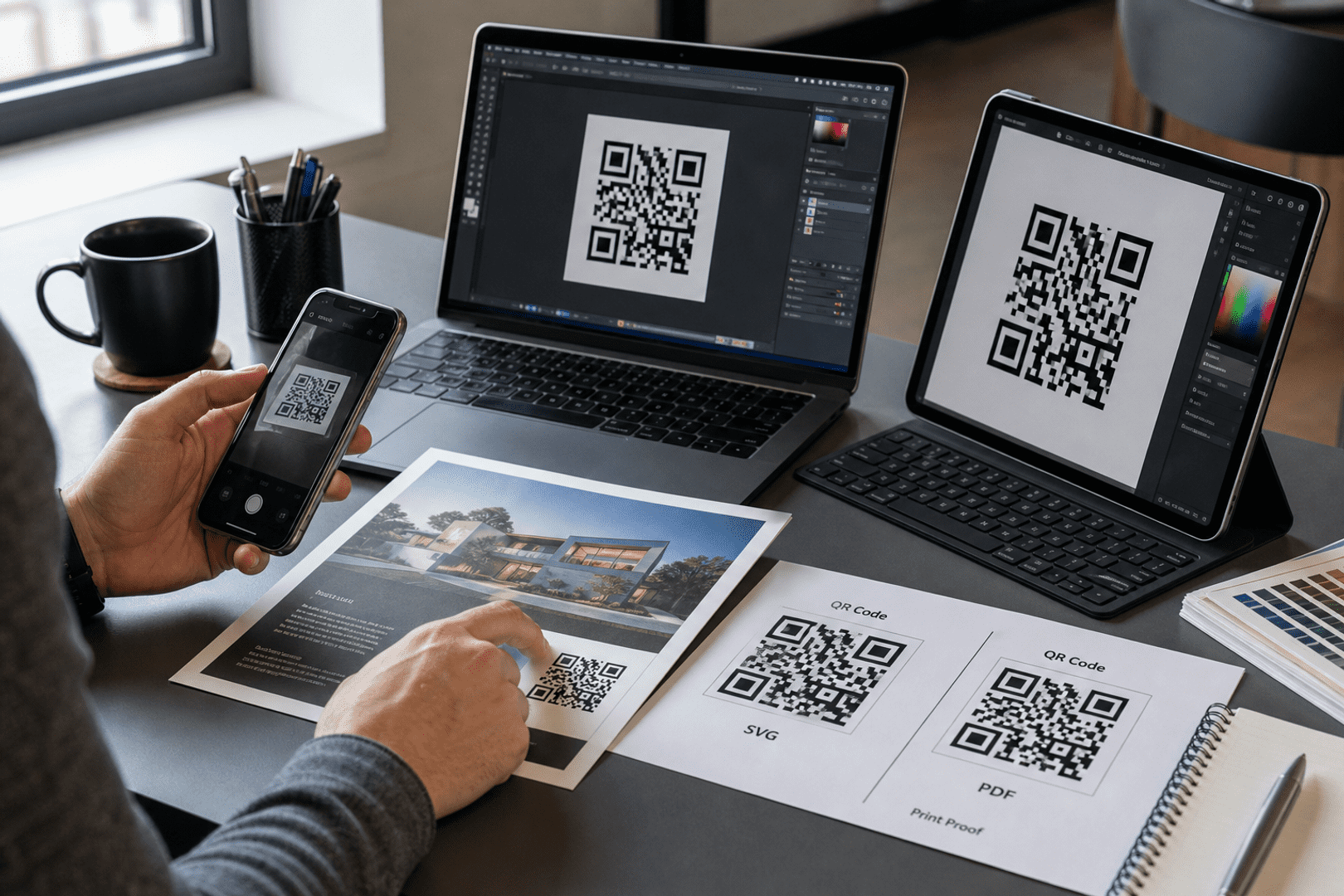
For printing, vector formats are usually the best choice because they preserve sharp edges at any size. That matters for larger prints such as banners, window graphics, and product displays. It also helps maintain clean qr code branding when the design is enlarged.
If you need a raster file, use a high-resolution PNG and avoid enlarging it after export. The main goal is to keep the code crisp enough for scanners to read without hesitation. Always test the final file before printing and sharing it widely.
How large should a custom QR code be when printed?
A custom QR code should be large enough to scan easily from the expected viewing distance. Small codes can work on business cards, but posters, signs, and packaging usually need more space. A thoughtful brand strategy should account for the final printed size and the environment where the code will be used.
As a practical rule, test the printed size before mass production. The right size depends on distance, lighting, surface texture, and how much visual styling you added to the design. If you change the colors or add a logo, give yourself extra room for testing before printing and sharing.
Can you update the destination without changing the printed custom QR code?
Yes, if you use a dynamic custom QR code, you can update the destination later without changing the printed code. That is one of the main reasons businesses choose dynamic codes for campaigns that may evolve. It is also a major advantage for qr code branding because the visual asset can stay consistent.
This is especially useful when a promotion ends, a landing page changes, or a campaign needs to be redirected to a new offer without reprinting materials. It also helps when your brand strategy requires ongoing updates across printing and sharing channels.
What should you do before launching a custom QR code campaign?
Before launch, confirm that the code scans cleanly, the destination page is mobile-friendly, and the design matches your brand guidelines. Then print a sample and test it in the real environment where customers will see it. If you need to change the colors, make sure the final version still passes scan tests.
If the campaign may need future edits, choose a dynamic code from the start. That gives you more control over the destination while keeping the printed design intact. It also supports a flexible brand strategy and makes printing and sharing easier across future campaigns.
| Feature | Static custom QR code | Dynamic custom QR code |
|---|---|---|
| Destination updates | Cannot be changed after creation | Can be updated without reprinting |
| Best for | Permanent links and simple use cases | Campaigns, promotions, and changing content |
| Branding flexibility | Good for fixed materials | Better for long-term branded marketing |
| Print efficiency | Works when the link will stay the same | Protects printed materials if the URL changes |
| Tracking and management | Limited compared with dynamic options | More useful for ongoing campaign management |
Frequently Asked Questions
Can I add my company logo to a QR code?
Yes. A logo can be added to a QR code as long as it does not cover too much of the code or reduce scan reliability. This is one of the most common qr code branding techniques for business strategy and printing and sharing.
Will changing the colors affect QR code scanning?
Yes, it can. Strong contrast is important, so the code should remain easy to distinguish from the background. If you change the colors, always test the code before printing and sharing it.
What colors work best for QR codes?
Dark code elements on a light background are the safest choice for reliable scanning. You can change the colors, but keep the contrast strong to support qr code branding.
Can I customize the shape of a QR code?
Yes, but shape changes should stay within limits that preserve the code’s structure and readability. A careful brand strategy helps keep the design attractive and functional.
Should I use a static or dynamic QR code for branding?
Dynamic is usually better for branding when you may need to update the destination later without reprinting. It is also ideal for printing and sharing across changing campaigns.
How large should a branded QR code be when printed?
It should be large enough for the intended viewing distance, and you should always test the final printed size before production. If you change the colors or add a logo, test even more carefully.
Can I update the destination without changing the printed QR code?
Yes, dynamic QR codes allow the destination to be changed after printing. That flexibility is a major advantage for qr code branding and long-term brand strategy.
What is the best file format for printing a custom QR code?
Vector formats are usually best for print because they keep edges sharp at any size. This helps maintain quality during printing and sharing.
How do you customize QR codes with logos and colors for business branding?
Use a logo, brand colors, and a clear frame while keeping strong contrast and enough quiet space for scanning. If needed, change the colors carefully so the code stays readable.
What is the safest way to make a custom QR code for business branding?
Start with a clean URL QR code, keep the design simple, and test it on multiple devices before printing. A good brand strategy will guide every choice.
How can I make sure my branded QR code still scans well?
Use high contrast, avoid oversized logos, and print a sample to test in real-world conditions. This is essential for reliable printing and sharing.
Are dynamic custom QR codes better for marketing campaigns?
Yes. They are usually better when the destination may change or when you want more flexibility over time. They also make qr code branding easier to manage across multiple campaigns.